Customer Ratings & Reviews
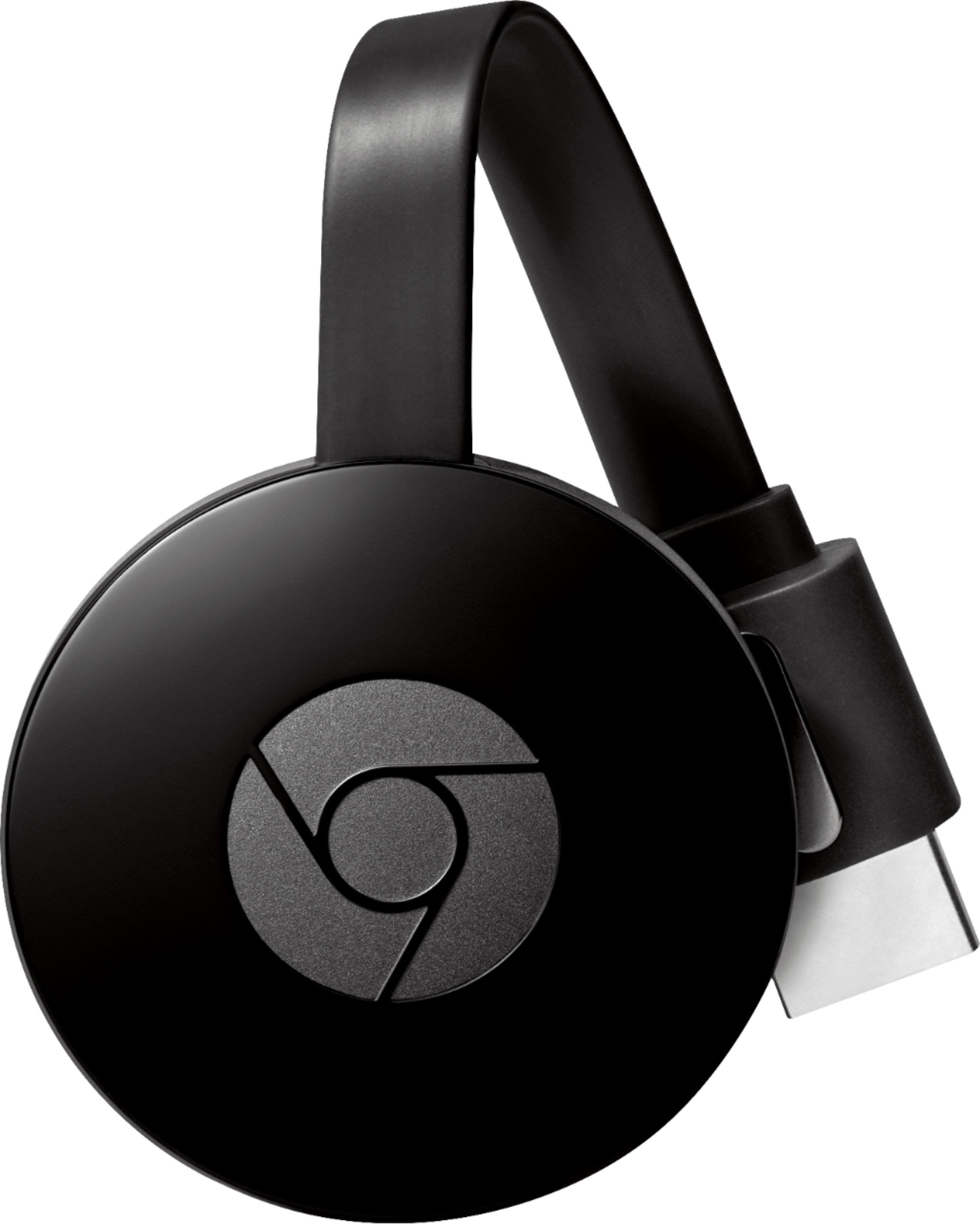
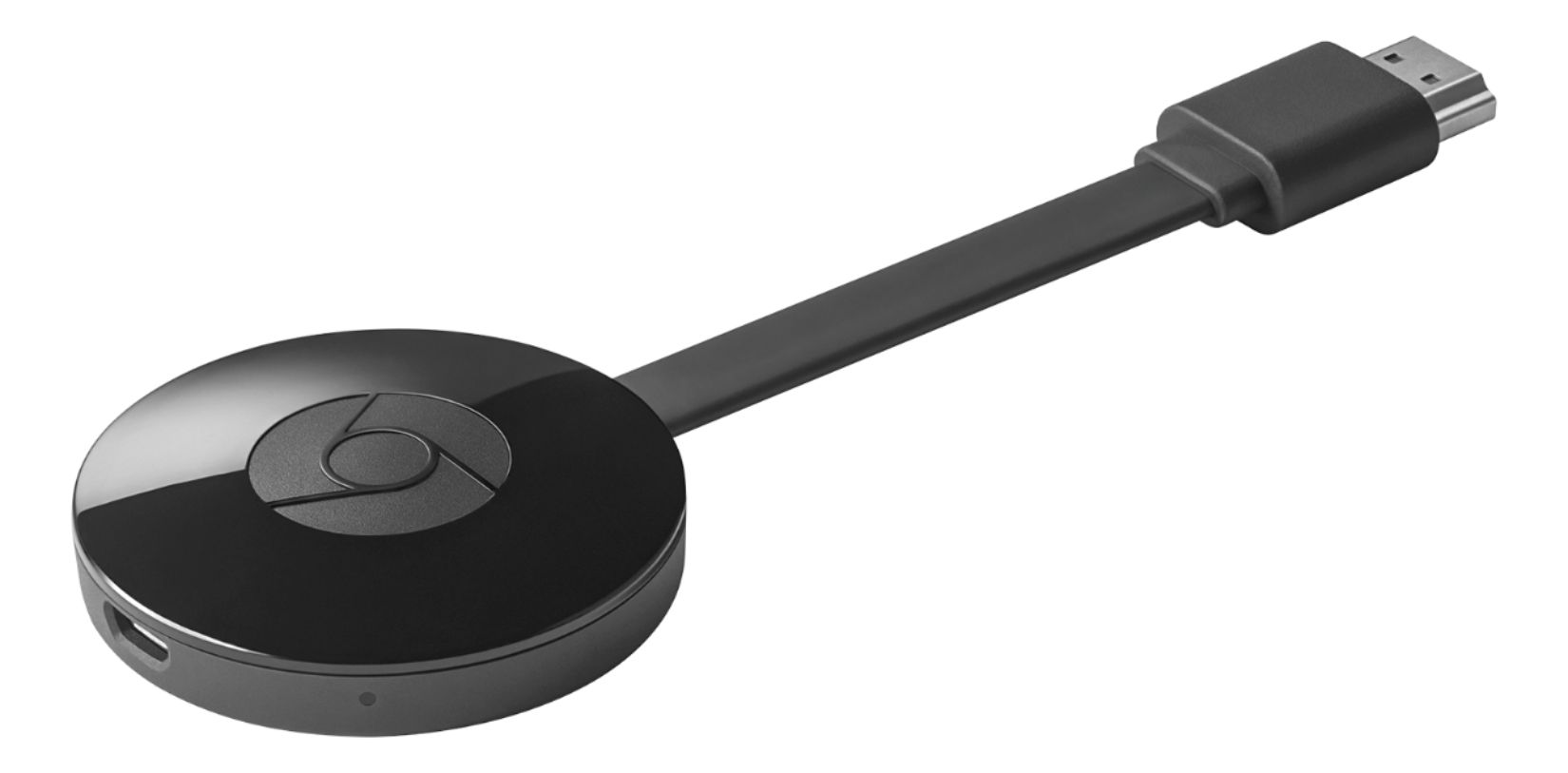
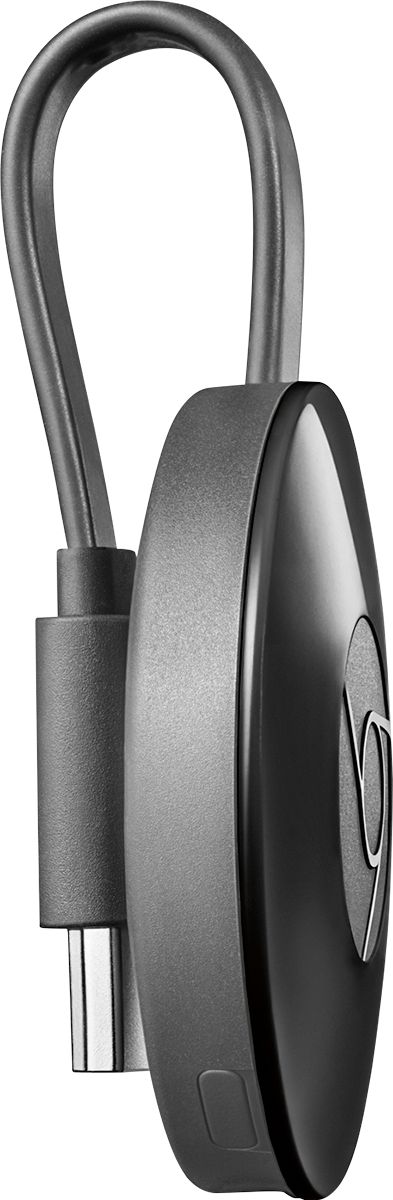


- Model:
- NC2-6A5
- |
- SKU:
- 4397400
Customer reviews
Rating 4.6 out of 5 stars with 23301 reviews
(23,301 customer reviews)Rating by feature
- Value4.5
Rating 4.5 out of 5 stars
- Quality4.6
Rating 4.6 out of 5 stars
- Ease of Use4.5
Rating 4.5 out of 5 stars
Customers are saying
Customers highly value the Chromecast's ease of use, streaming capabilities, and affordability. Many appreciate its compatibility with various devices and the improved performance it offers. While some users experienced connectivity problems and the lack of a remote control was noted, positive feedback on setup and picture quality was also prevalent.
This summary was generated by AI based on customer reviews.
- Pros mentioned:Ease of use, Performance
Rated 5 out of 5 stars
Great TV accessory
||Posted .This reviewer received promo considerations or sweepstakes entry for writing a review.I originally used a Google Chromecast so that I could cast videos and streaming services like Hulu and Netflix from my phone to my TV. This second generation device is even faster than the first version. Love the convenience and it's very easy to set up.
I would recommend this to a friend - Pros mentioned:Ease of use, Price
Rated 5 out of 5 stars
Chromecast is almost required for TVs today
||Posted .This reviewer received promo considerations or sweepstakes entry for writing a review.A large portion of streamable content can connect to Chromecast and that's a big reason to get it. Incredibly convenient when you want to show something on your Android to everyone, like pictures you just took. Its easy to use and relatively affordable.
I would recommend this to a friend - Pros mentioned:Ease of use
Rated 5 out of 5 stars
Exactly what I had hoped for
||Posted .This reviewer received promo considerations or sweepstakes entry for writing a review.I love this device. I had the original chromecast as well, so when it came time to get another streaming device for the living room tv the choice was simple. Spend the $35 on this and make your TV a smart TV. Once you learn how it works, you will be using it every day.
I would recommend this to a friend - Pros mentioned:Ease of use, Price
Rated 5 out of 5 stars
Another Great Chromecast
||Posted .This reviewer received promo considerations or sweepstakes entry for writing a review.I had the original Chromecast and decided to pick up 2 of the new ones to put on other TVs. It may not be as robust as the Fire or Apple TVs of the world, but the ease of use and price point is unbeatable. It works perfectly with my Chromebook and other Android devices.
I would recommend this to a friend - Pros mentioned:Streaming
Rated 4 out of 5 stars
Makes Streaming Content from Phone Super Easy
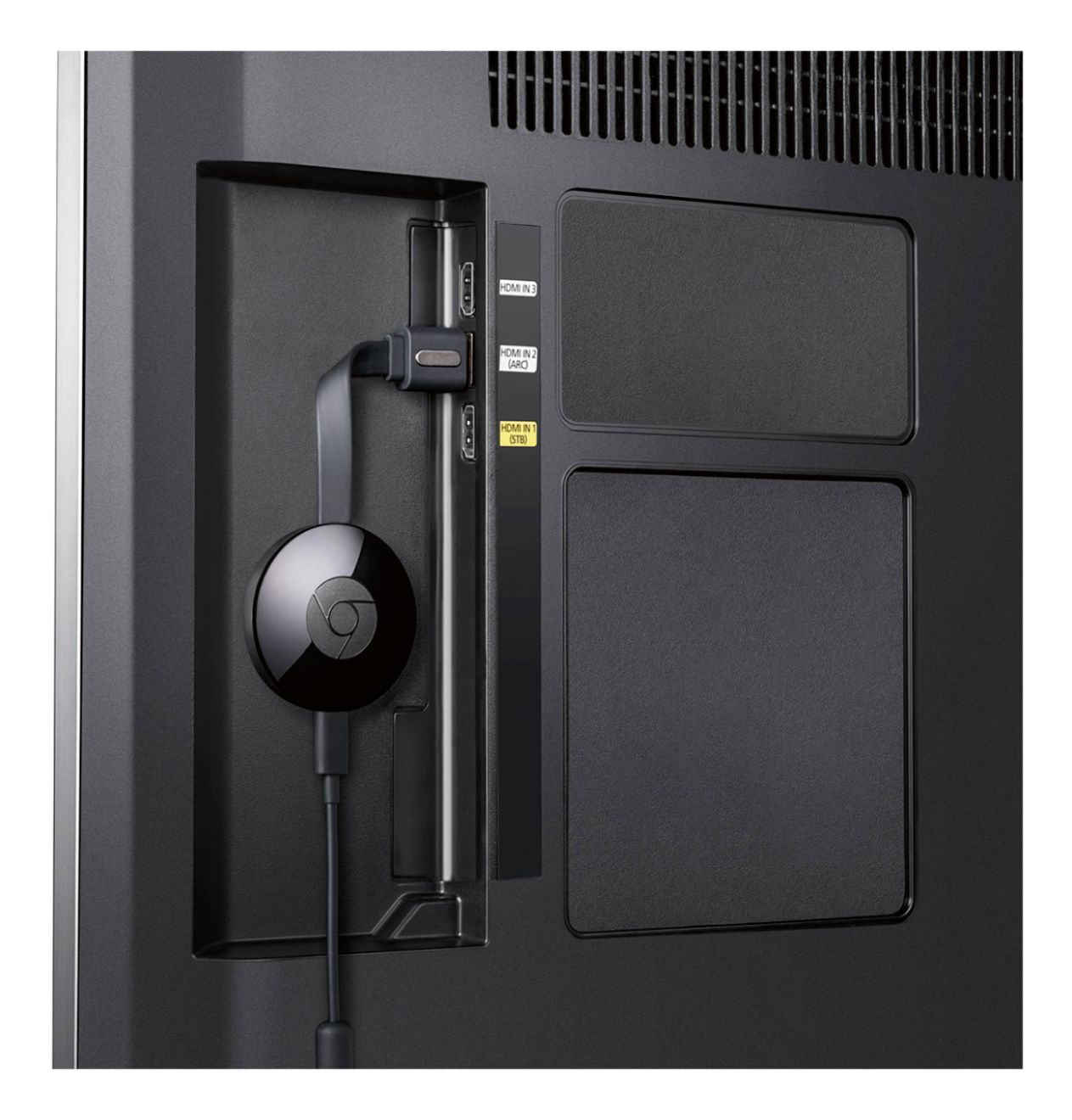
||Posted .This reviewer received promo considerations or sweepstakes entry for writing a review.I wanted a really easy way to stream content from my phone to my TV (MotoGP video pass and YouTube videos specifically). The Chromecast makes it very easy. I plugged the unit into the HDMI input on my TV and plugged its USB tail into the USB input on my TV. (The device is pretty light, but I used a zip tie through opening on my TV to help support it just so I didn't put any stress on the HDMI or USB ports. I'm withholding one star because the USB tail is so short. It only just reached my USB port; any farther and I would have had to get a USB extension cable.) The device walks you through set up and it's very easy, just a few steps. Download the Chromecast app from the Play store, enter a code, connect to your Wifi network, choose a security setting and you're up and running. When I open the YouTube app on my phone, a little icon appears in the player to "cast" it to the TV, and it just a few seconds the video plays on my TV instead of my phone. Sometimes it takes a few moments to get the full HD version of a video streaming but usually it's pretty quick. The Chromecast app has some additional Chromecast-compatible apps that you can use. I haven't explored them, since I really just wanted to do two things. Streaming MotoGP video pass: (Skip this section if you're not interested in this.) The MotoGP app on Android doesn't support Chromecast natively; however, there is a simple workaround. Just go to the MotoGP site in the Chrome browser and login to your MotoGP account. Select a video and tap to play. A "cast" icon will appear on the video player container. Tap the cast icon and the video will be sent to the Chromecast unit and will play on your TV. Hooray! I find that live video streams are little more difficult to get an uninterrupted 1080p version (sometimes the video pauses for a few seconds then resume, sometimes the quality downgrades in order to keep playing). I don't experience this nearly as much with the non-live video streams. So, I think it may be on MotoGP servers' end. I'm really happy with the easy set up and use of the Chromecast. I have a Roku on my primary TV, but couldn't justify the cost of another one for a second TV and for such a limited purpose. The Chromecast offers such great value; however. And it's so easy to use and works really well that I think I'm actually going to buy one for my primary TV, as well. (The YouTube channel on Roku is unreliable, not playing HD when HD is available, and only supports one account, and a few other issues. Plus, then I can watch MotoGP on my main TV, too!) I would 100% recommend to a friend. I think these would make great gifts, too--provided your gift recipient has an Android device.
I would recommend this to a friend - Pros mentioned:Compatibility
Rated 4 out of 5 stars
Great Little Device
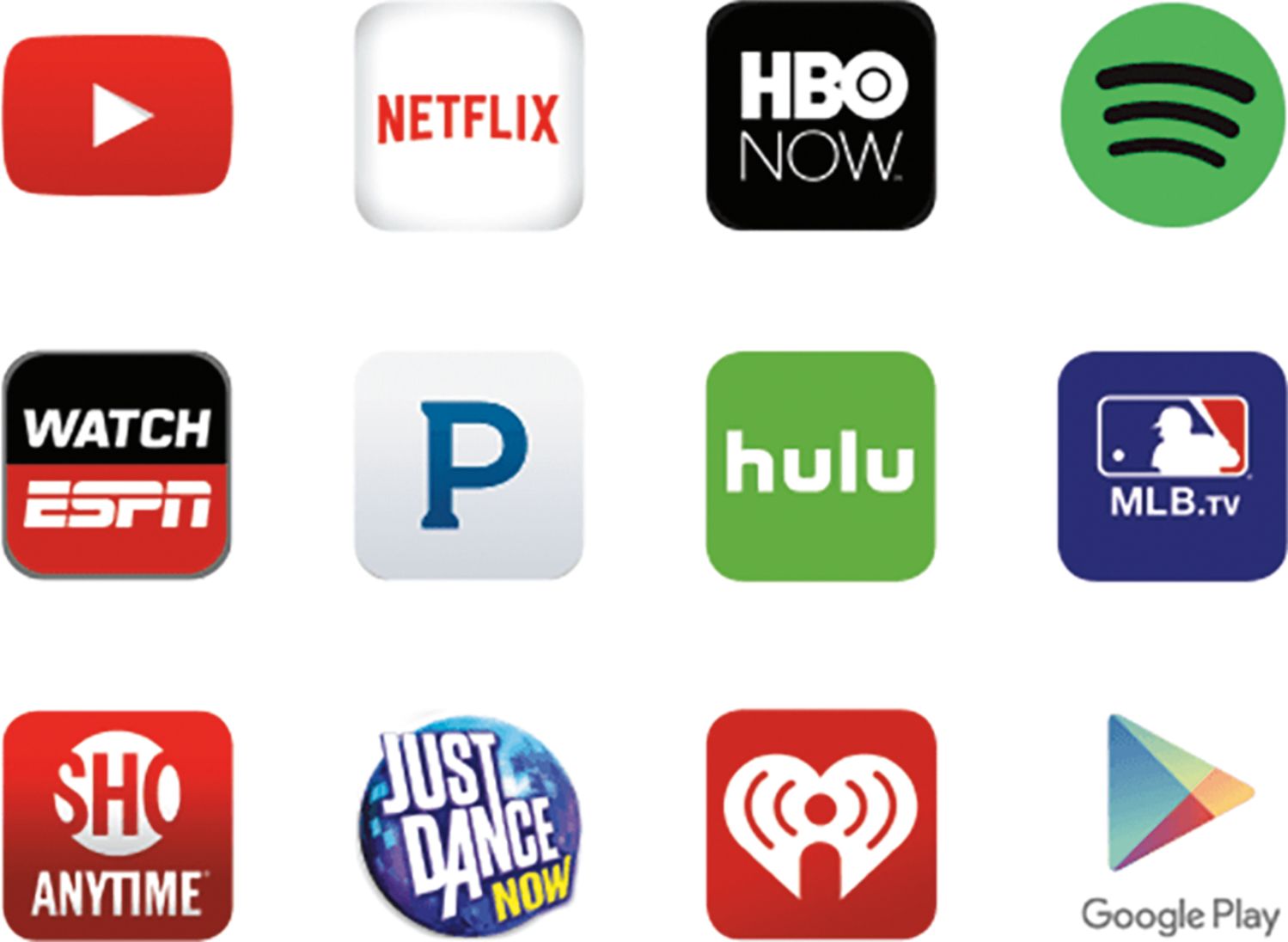
||Posted .This reviewer received promo considerations or sweepstakes entry for writing a review.Bought this since I don't want cable, found and connected to my wifi, and my iPhone and Android phone and tablet, I like the way it casts from my devices and be controlled by the device I am using. Hulu, Crackle, Netflixs, youTube and more.. with out costing extra.
I would recommend this to a friend - Pros mentioned:Ease of use, Streaming
Rated 5 out of 5 stars
So easy and useful
||Posted .This reviewer received promo considerations or sweepstakes entry for writing a review.I connected my Chromecast to an Onkyo AVR and using my smartphone, was up and running within minutes. It integrates so well with the Onkyo Remote app, by the way. Screen mirroring is fun and handy. Watching YouTube is a breeze. I highly recommend this product.
I would recommend this to a friend - Pros mentioned:Ease of use
Rated 5 out of 5 stars
Easy setup, Easy to use
||Posted .This reviewer received promo considerations or sweepstakes entry for writing a review.I wanted a device that would display the Internet on my Television that didn't have all the restrictions I see with some competing devices out there. Chromecast is just that device for me. Basically it displays (casts) everything my Tablet or Smartphone has displayed on its screen. Not only does it cast (displays) the Internet shows I was wanting but its casts everything, picture taken, InstaGram, YouTube! I am very happy with my chromecast, if it broke today, I would run out and buy another one for tonight!
I would recommend this to a friend - Pros mentioned:Ease of use, Performance
Rated 5 out of 5 stars
Not just for music
||Posted .This reviewer received promo considerations or sweepstakes entry for writing a review.We bought a Chromecast in order to turn our non smart TV into a quasi smart TV and it works excellent. We watch Netflix, Hulu, Amazon Prime, YouTube and many other apps off of our phone right on our tv. The set up was quick and easy as well.
I would recommend this to a friend - Pros mentioned:Compatibility, Performance
Rated 5 out of 5 stars
Lag fixed from previous Chromecast!
||Posted .This reviewer received promo considerations or sweepstakes entry for writing a review.Very happy with performance! Previous Chromecast version had a lag/stutter every now and then, but this version has significantly upgraded performance. Am very happy with product. Very convenient to display videos from my android smartphone.
I would recommend this to a friend - Pros mentioned:Ease of use
Rated 5 out of 5 stars
Why haven't you bought this yet?
||Posted .This reviewer received promo considerations or sweepstakes entry for writing a review.This is my 4th one.. I have one on all three TV's at home and now this one was for my office TV so that we can show clients videos on products from You Tube... Also, it's fun to have Google Home start playing Netflix and such on your TV..;)
I would recommend this to a friend - Pros mentioned:Ease of use, Price
Rated 5 out of 5 stars
BEST DEVICE EVER!
||Posted .This reviewer received promo considerations or sweepstakes entry for writing a review.The chromecast lets me stream all my content from my phone laptop or tablet effortlessly. The chromecast is probably the easiest device i have ever used to stream media. It also is not too expensive.
I would recommend this to a friend - Pros mentioned:Ease of use, Price
Rated 5 out of 5 stars
Just get one....
||Posted .This reviewer received promo considerations or sweepstakes entry for writing a review.This is a great product. You're going to want to stream something from you computer or smart phone at some point...movies, YouTube, or just your computer screen. And this is so inexpensive I don't see why you wouldn't want to have one. Highly recommended!
I would recommend this to a friend - Pros mentioned:Ease of use, Streaming
Rated 5 out of 5 stars
Google Chrome Cast
||Posted .This reviewer received promo considerations or sweepstakes entry for writing a review.The product is working great. Easy to install. I use it to watch you tube TV. it works fine no buffering.I think it was a good price for what I use it for. I have had it about a month now.So over all i gave it a 5. I have had no problems.
I would recommend this to a friend - Pros mentioned:Ease of use
Rated 5 out of 5 stars
Simple streaming I choose you!
||Posted .This reviewer received promo considerations or sweepstakes entry for writing a review.Okay, all kidding aside.. This thing is awesome. Works perfectly right out the box, a few updates and you're all set up. Works with everything that might work with Chrome, maybe. Seriously consider this guy for your holidays. Flawless. Comes with everything you need to make it work, and tucks away so you don't have to look at it. I'm even going to include the six easy steps on how to use it! Step 1) Open box. Step 2) Toss instructions because you don't need those.. Step 3) Plug into TV haphazardly. Step 4) Turn on TV and source it to the Chromecast. Step 5) Open your phone/tablet/laptop and find a cast button. Step 6) Enjoy yourself. There you go! Now all you need to do is buy one. P.S.: My only complaint is the Chromecast app interface.. You really can't do anything. You literally download it to use it for the first time, and after that.. Nothing. Zero point in having it.
I would recommend this to a friend - Pros mentioned:Ease of use
Rated 5 out of 5 stars
Great addition to a TV
||Posted .This reviewer received promo considerations or sweepstakes entry for writing a review.Casting on the TV is really easy. Setup wasn't too bad. I use the USB connector on the TV to pwr the Chromecast. No problem so far. I was gonna buy it from eBay but then found out many sellers were selling knockoffs that don't work well.
I would recommend this to a friend - Pros mentioned:Compatibility, Ease of use
Rated 5 out of 5 stars
great mirroring for the price point
||Posted .This reviewer received promo considerations or sweepstakes entry for writing a review.It's best highlight is that you only need a Google browser to use it. So you don't need the newest laptop, phone, tablet or smart tv to get wireless streaming or mirroring of the content you want from any device you want and it also works with weak wifi.
I would recommend this to a friend - Pros mentioned:Compatibility, Ease of use
Rated 5 out of 5 stars
A Great add-on for your TV!!
||Posted .This reviewer received promo considerations or sweepstakes entry for writing a review.This Chrome Cast work seamlessly with Google (Android devices, Youtube, Google play music) and other APPs like Reuters TV, PlayerXtreme! Very easy to use, high fidelity & beautiful screen savers. A Great add-on for your TV experience!!
I would recommend this to a friend - Pros mentioned:Streaming
Rated 5 out of 5 stars
Great Gift Idea
||Posted .This reviewer received promo considerations or sweepstakes entry for writing a review.Everyone in my family got these and the kids love them ! Anything to keep them away from all the video games , this gives them so much more to do, and they are now watching themselves on the tv as well through there phones.... a lot in a little package
I would recommend this to a friend - Pros mentioned:Ease of use, Streaming
Rated 5 out of 5 stars
Love being able to cast to my TV from my tablet
||Posted .This reviewer received promo considerations or sweepstakes entry for writing a review.I purchased this item to cast from my tablet, laptop or desktop to my TV. Set up was easy and worked immediately with all my platforms. I liked it so well I bought another for a different TV. Its so simple my husband can even use it.
I would recommend this to a friend