Customer Ratings & Reviews


- Model:
- NC2-6A5
- |
- SKU:
- 4397400
Customer reviews
Rating 4.6 out of 5 stars with 23301 reviews
(23,301 customer reviews)Rating by feature
- Value4.5
Rating 4.5 out of 5 stars
- Quality4.6
Rating 4.6 out of 5 stars
- Ease of Use4.5
Rating 4.5 out of 5 stars
Customers are saying
Customers highly value the Chromecast's ease of use, streaming capabilities, and affordability. Many appreciate its compatibility with various devices and the improved performance it offers. While some users experienced connectivity problems and the lack of a remote control was noted, positive feedback on setup and picture quality was also prevalent.
This summary was generated by AI based on customer reviews.
- Pros mentioned:Streaming
Rated 1 out of 5 stars
Streams great BUT USES WIFI DATA
||Posted .This reviewer received promo considerations or sweepstakes entry for writing a review.I have the 1st Chromecast, great for streaming or casting from phone or tablet. I upgraded with 2 of these new Chromecast. Simple installation and same great casting and streaming. BUT, it displays beautiful pictures idle. If it's plugged in its downloading these pictures. TV off? IT DOESNT CARE. IF CHROMECAST HAS THE POWER PLUG IN ITS DOWNLOADING THOSE PICTURES. TO THE TUNE OF ALMOST 10gb a month! And with Comcast at their 300gb limit- oh, not a limit, they charge $10 per 50gb over 300gb. Anyway, you can not turn off that downloading except to unplug the power. It doesn't get power from the HDMI port. And because I have 2 new and one old I've been wasting my limited data and just found out about this waste. So does it work? Absolutely and fine. Unplug the power so you aren't wasting data. And Comcast limit, I wrote BBB and FCC - it means nothing so watch how you waste your data and I don't need the pictures, but they are pretty. Ed
No, I would not recommend this to a friend - Pros mentioned:Compatibility, Ease of use
Rated 5 out of 5 stars
Perfect for cord cutters
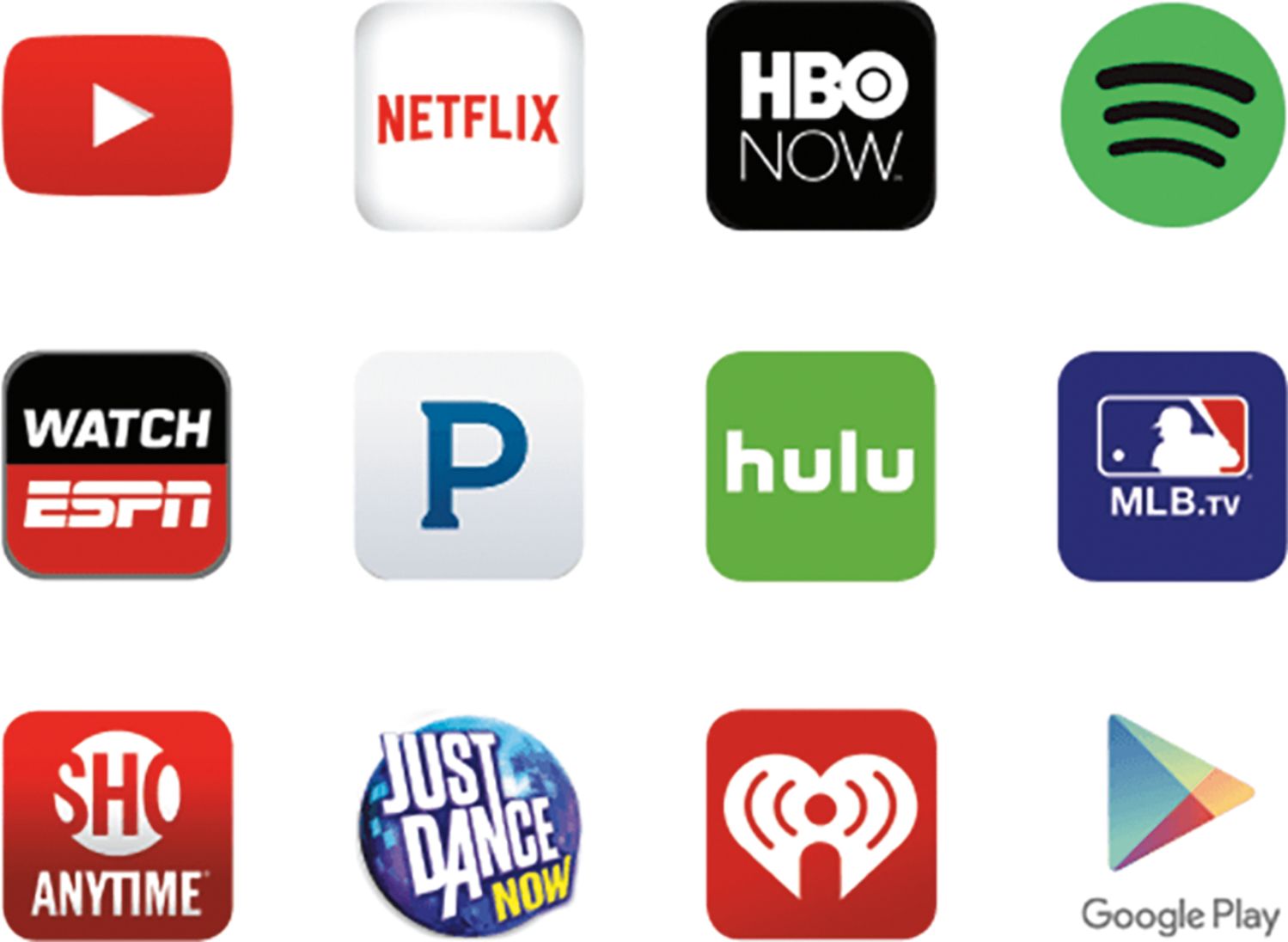
||Posted .This reviewer received promo considerations or sweepstakes entry for writing a review.Recommended to me by someone else but I love it!! No more watching shows on your phone. Super easy to set up. Compatible with most streaming apps. Nice screensavers when not in use. Even casts photos and music from google play app. All around an excellent device.
I would recommend this to a friend - Pros mentioned:Performance, Price
Rated 5 out of 5 stars
The affordable streaming device got better
||Posted .This reviewer received promo considerations or sweepstakes entry for writing a review.The affordable streaming device got better , improves previous generation and same price
I would recommend this to a friend - Pros mentioned:Ease of use
Rated 5 out of 5 stars
Chrome cast
||Posted .This reviewer received promo considerations or sweepstakes entry for writing a review.Works great.. Had the old model and broke it.. Set up is very easy and very easy to use
I would recommend this to a friend - Pros mentioned:Ease of use
Rated 5 out of 5 stars
Good product
||Posted .This reviewer received promo considerations or sweepstakes entry for writing a review.Use it everyday with screen mirroring for my phone. Love the speed and ease of install.
I would recommend this to a friend - Pros mentioned:Ease of use
Rated 4 out of 5 stars
Nice Cheap Addition
||Posted .This reviewer received promo considerations or sweepstakes entry for writing a review.I bought a pair of these at the black Friday price. They are pretty nifty little gadgets. Integrating it into your home network is simple. You download an app, select the device, and add your password to your router. Boom your done. Once its set up you just click the little "share" icon in any usable app and away you go. The only reason I knocked it down to 4 stars was that sometimes it fails to work appropriately with Netflix. It is worth noting that this unit requires power via a normal wall outlet.
I would recommend this to a friend - Pros mentioned:Streaming
Rated 5 out of 5 stars
good deal
||Posted .This reviewer received promo considerations or sweepstakes entry for writing a review.Does all that it promises. I find the Chromecast 2015 useful not only to watch a variety of programs/images/apps from my device, but also to use as a means for in-house presentations. No longer do I have to lug my laptop, cords, etc. I just copy the program to my smartphone or tablet a viola! cast it to the screen. In between sessions, if I want, let the beautiful photos Chromecast provides inspire.
I would recommend this to a friend - Pros mentioned:StreamingCons mentioned:Connectivity
Rated 5 out of 5 stars
Great device
||Posted .This reviewer received promo considerations or sweepstakes entry for writing a review.Great device Google. A little wonky on connection but once established great streaming.
I would recommend this to a friend Rated 5 out of 5 stars
I love Chromcast
||Posted .This reviewer received promo considerations or sweepstakes entry for writing a review.This is the fourth I bought google Chromecast. It is very easy to connect to my tv everywhere in my house ( in the kitchen, living room and exercise room) I don’t miss anything minute of my channels which I love when move around in my house. The only thing I do that use my cellphone ( just download the apps on your phone) open the channel and connect your chromcast and enjoy.
I would recommend this to a friend- Pros mentioned:Ease of use
Rated 5 out of 5 stars
Great product
||Posted .This reviewer received promo considerations or sweepstakes entry for writing a review.Very easy to pair and start using. Works with any TV that has an HDMI port.
I would recommend this to a friend - Pros mentioned:Performance
Rated 5 out of 5 stars
True smart
||Posted .This reviewer received promo considerations or sweepstakes entry for writing a review.Work better than the previous version, il totally love.. My old tv now it's a smart tv
I would recommend this to a friend Rated 5 out of 5 stars
Better than the original Chromecast
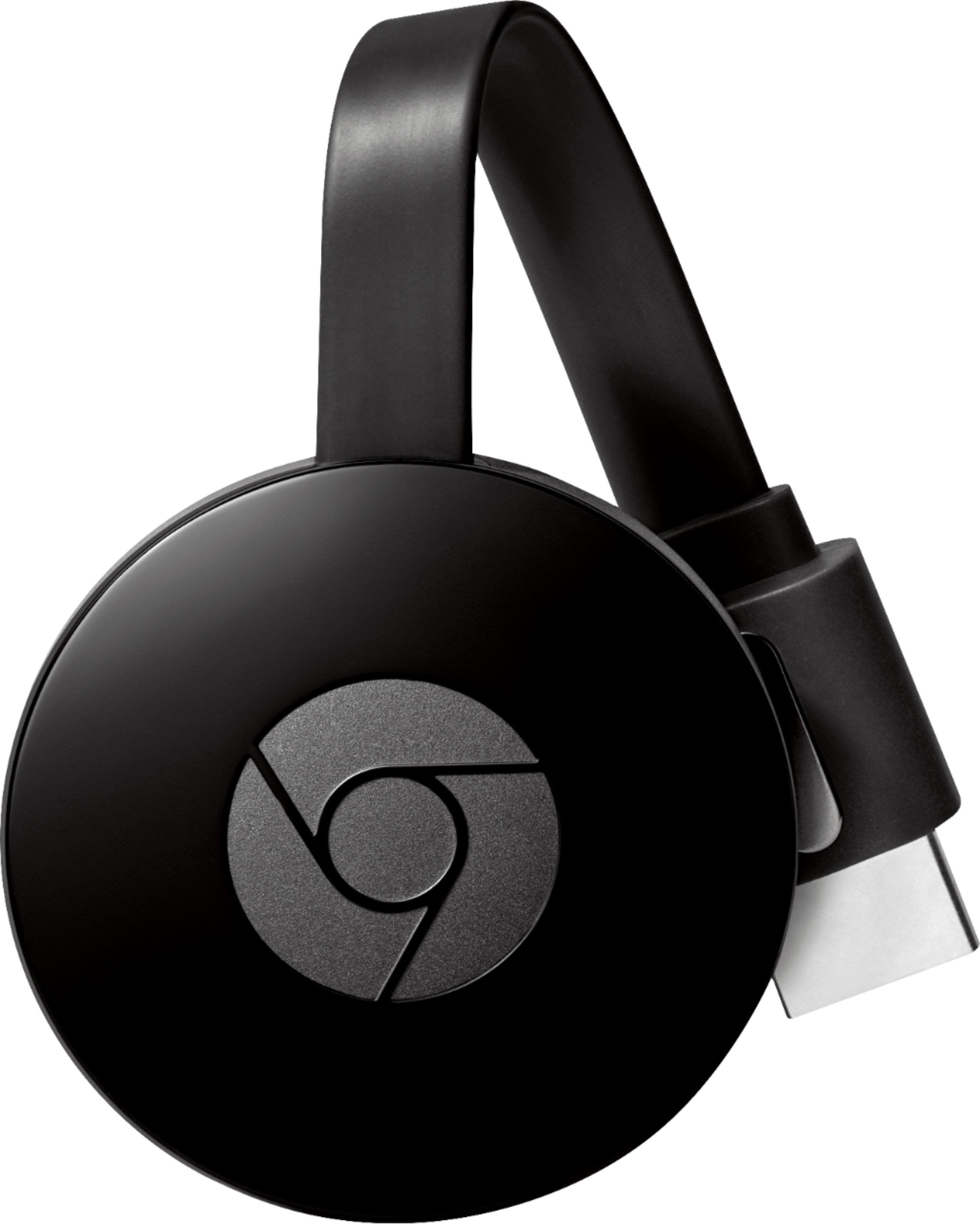
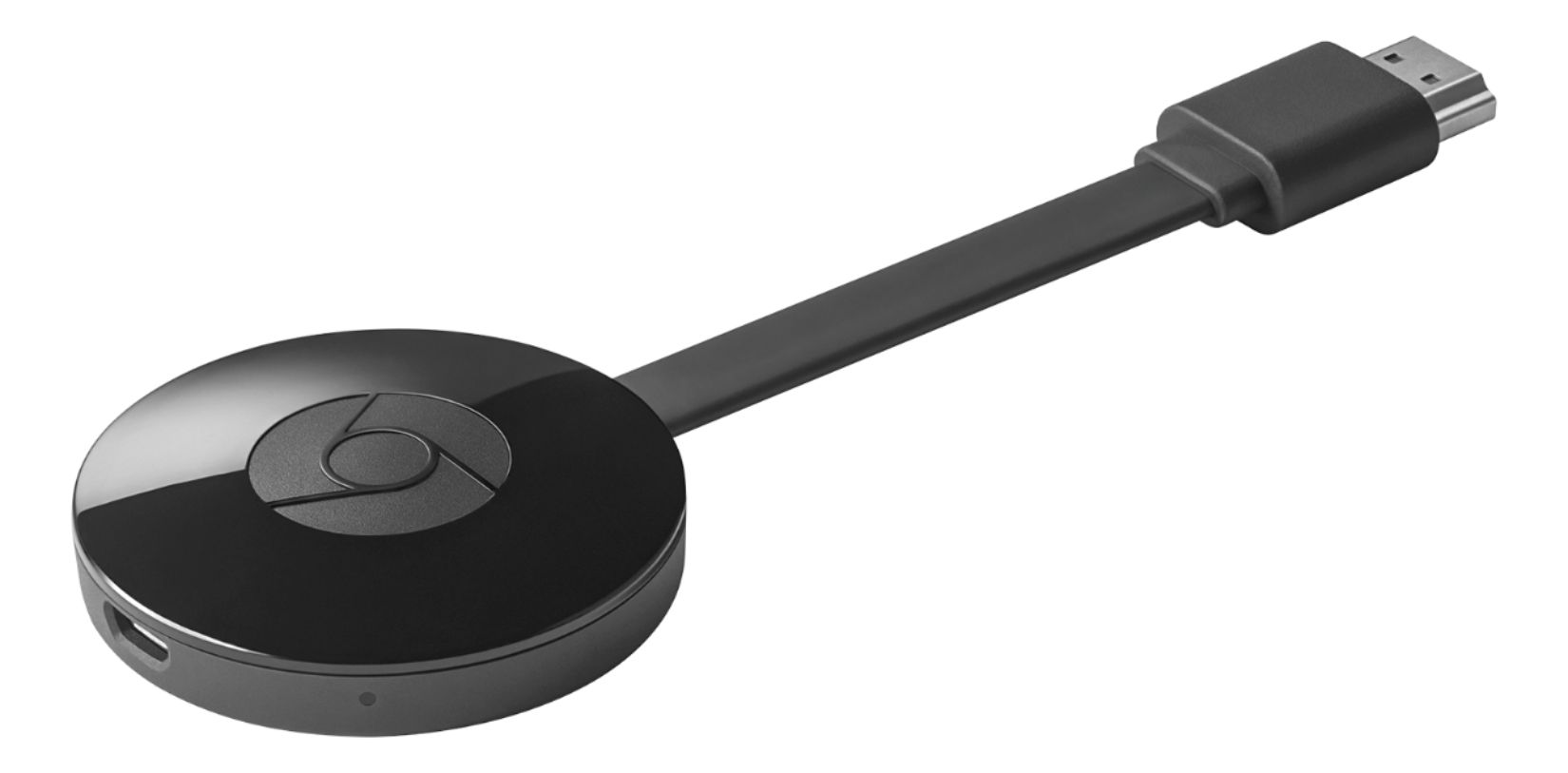
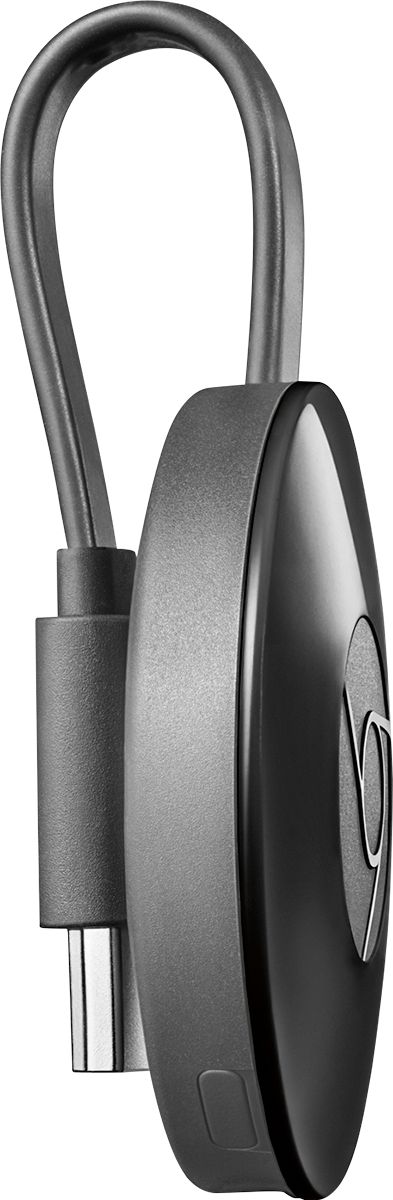
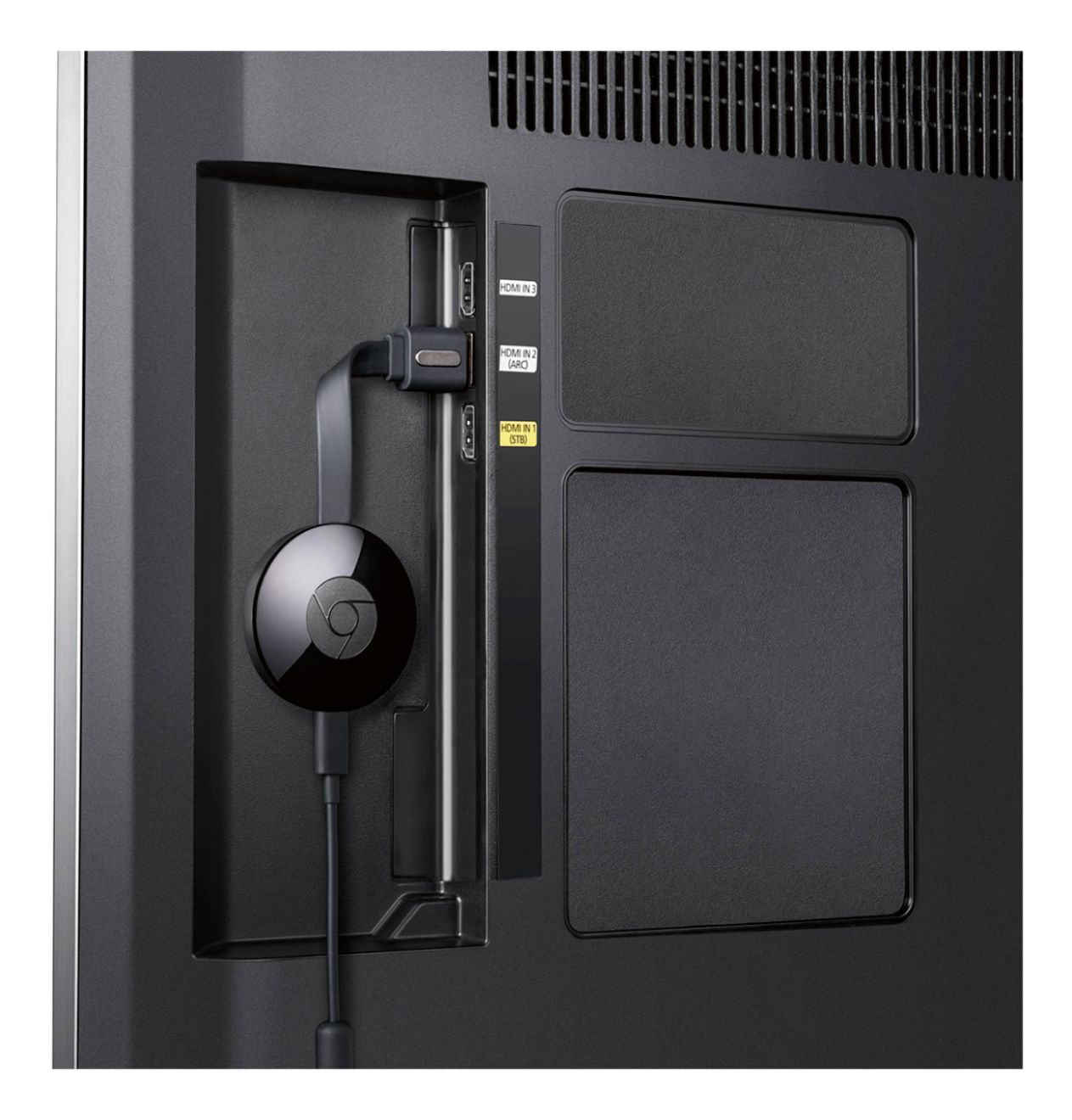
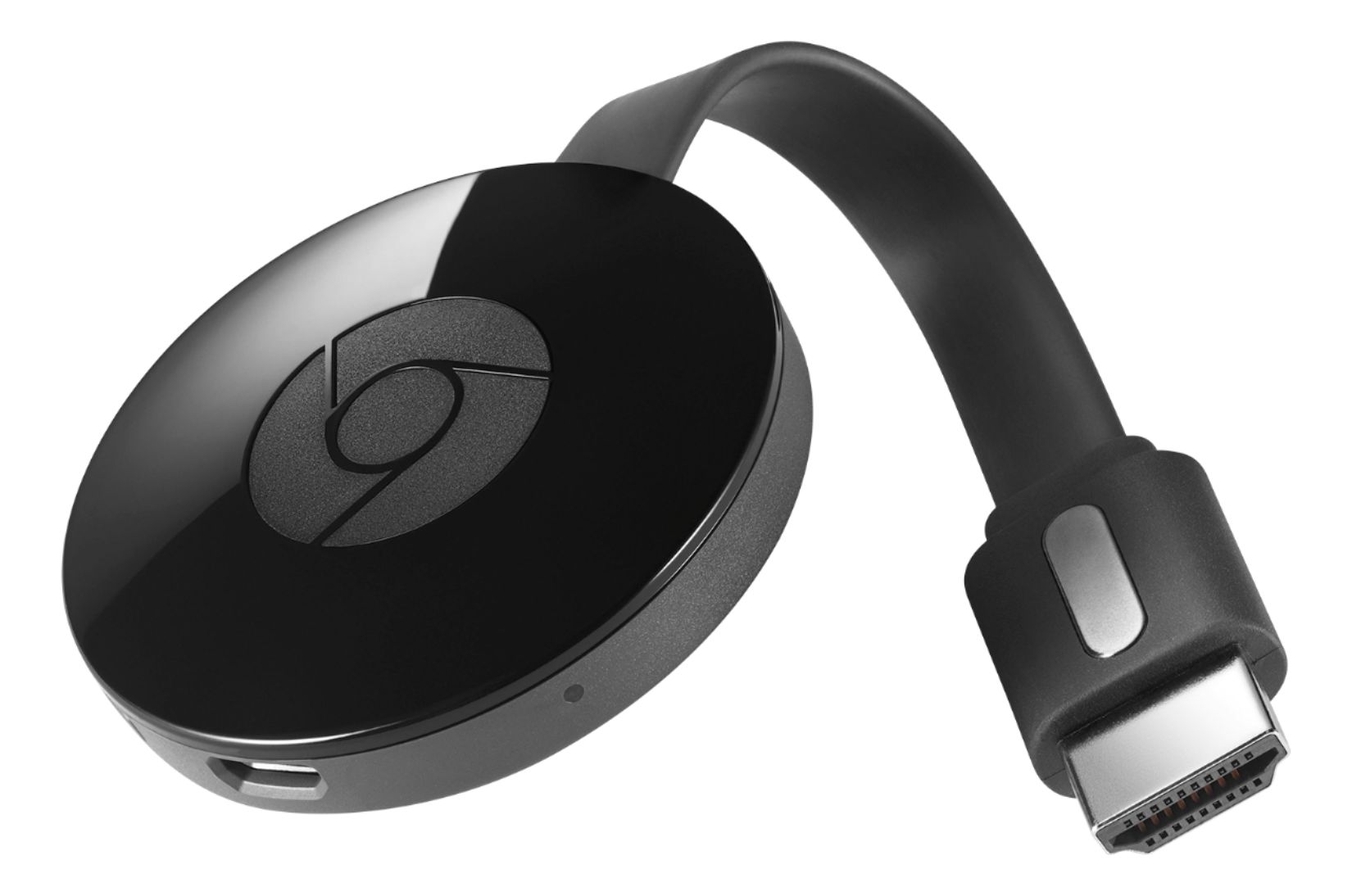
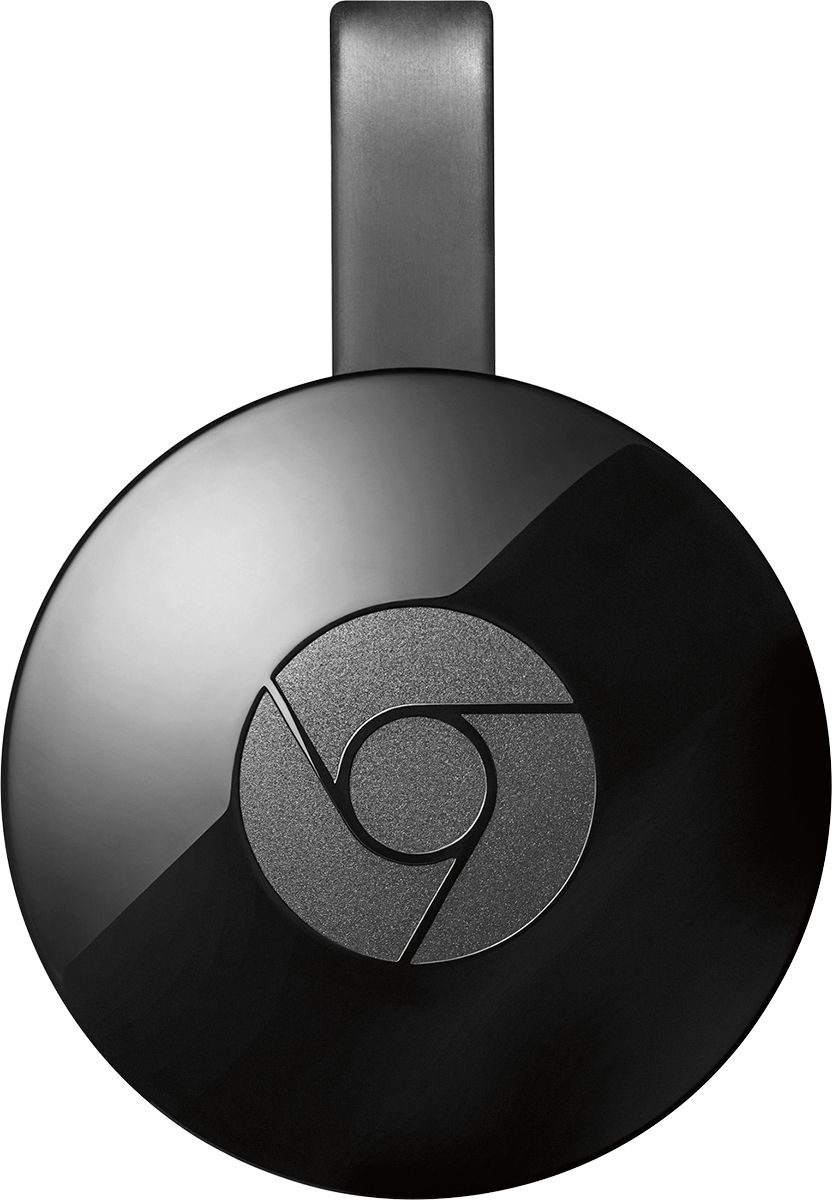
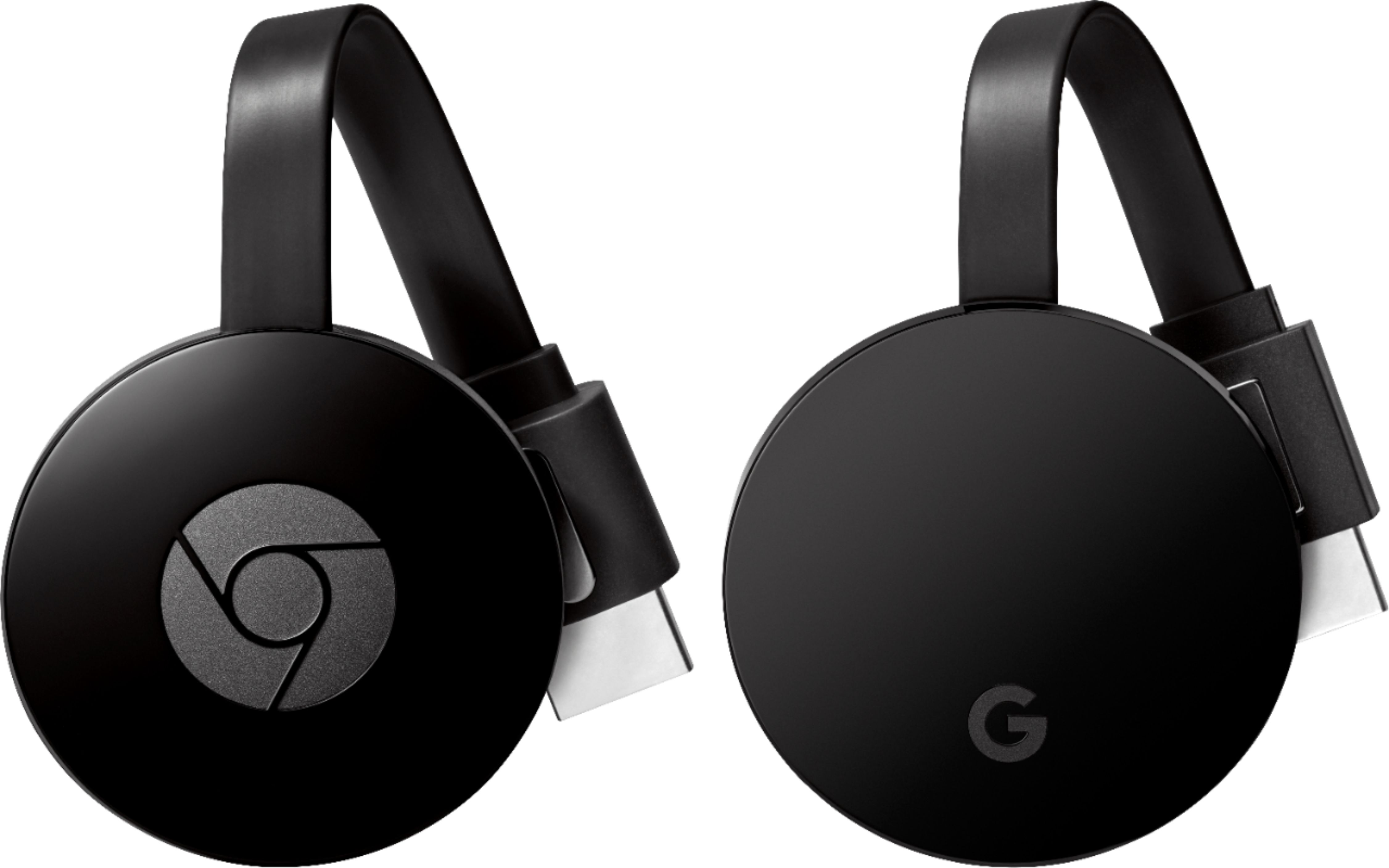
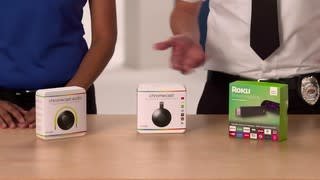
||Posted .This reviewer received promo considerations or sweepstakes entry for writing a review.It is a chromecast, you pick up a video or music from chrome on your laptop or from a compatible app in your phone and it is casted (streamed) directly to the device. It works just like the older version (and that is a good thing), but it also has a couple of differences: - The HDMI connetor is separated from the main device through a flat and flexible "cable" that has a magnet on it. So, when you connect to your computer the main device is not pulling down the HDMI connector but instead it couples neatly to the back of the HDMI connector through the magnet. This is a major improvement as my last one was a single piece of plastic with an HDMI connector, and its own weight pulled down the connector until it finally broke. By making it more flexible it looks like it will last considerably more. Other than this, it looks to be about the same. I cannot really perceive any differences. Now if you would like to compare it with other alternatives like the Amazon firestick, apple TV, or even ROKU, just take into account this question: Do you want to turn your TV into a smart TV with its own apps, or do you want to improve the connectivity of your devices and the TV? If you would like a smart TV consider the Firestick, Apple TV or Roku. If you would like connected devices take the Chromecast. Eitherway I'm sure you'll be happy.
I would recommend this to a friend- Pros mentioned:StreamingCons mentioned:Connectivity
Rated 4 out of 5 stars
Better than v1
||Posted .This reviewer received promo considerations or sweepstakes entry for writing a review.I loved the first generation Chromecast but regularly had issues connecting to it and streaming. This one seems better so far.
I would recommend this to a friend Rated 4 out of 5 stars
Falls a little short of expectation
||Posted .This reviewer received promo considerations or sweepstakes entry for writing a review.Could be operator error, but this item seems to have a mind of it's owns deciding when and what it will let you view. And it isn't always consistent. Sometimes you can cast whatever you want from your phone, tablet or computer. Again, could be me because AppleTV acts the same way. But the price is so low you have to at least try it.
I would recommend this to a friendRated 5 out of 5 stars
Excellent
||Posted .This reviewer received promo considerations or sweepstakes entry for writing a review.This is a great streaming service if you have an Android device. All you have to do is connect the Chromecast to the HDMI port, which is as easy as it sounds, and then just stream from your Android device to your television. There is no fear of bloatware or anything because you control that from your Android device. Why spent more on any other device if this little guy can easily get the job done?
I would recommend this to a friend- Pros mentioned:Ease of use
Rated 5 out of 5 stars
Fantastic product
||Posted .This reviewer received promo considerations or sweepstakes entry for writing a review.Got a phone, tablet, or computer? Want to stream any audio or video from any of those devices to your TV? Get a Chromecast now! Take it out of the box, plug it into an HDMI port, connect to your wifi, install Chromecast app, and done. Great for parties or any other situation where you want to show off your media. I have one in my living room and one in my bedroom. Super convenient and easy to use.
I would recommend this to a friend - Pros mentioned:Price
Rated 5 out of 5 stars
Super smooth!
||Posted .This reviewer received promo considerations or sweepstakes entry for writing a review.I have a roku and love it. I bought this for another TV in the living room. I have to say, I'm sad I did not buy it before. It's a cheap 35 bucks and you can stream all the big services. Also, when my buddies come over its nice they can cast with Android and iOS.
I would recommend this to a friend Rated 5 out of 5 stars
Google Chromecast always has something to watch
||Posted .This reviewer received promo considerations or sweepstakes entry for writing a review.The Google – Chromecast device is a perfect device for mirroring what is on your android phone or android tablet to your TV, through its HDMI port. Once I plugged it in to my TV’s HDMI port, it immediately began the setup process. The setup process was child’s play with no misunderstood actions. In a minute, I was up and running. I used my Google Pixel phone to access apps and control their playing through the Chromecast. All I had to do is tap the upper right corner of the screen where the casting symbol is and the screen on my phone went directly to my TV screen. It was that easy. I can see myself casting many apps to my TV now. After registering my device, I was sent an email that lists thousands of apps with casting features for use with the Google – Chromecast device. Something entertaining can always be found to watch with the Google – Chromecast device.
I would recommend this to a friend- Pros mentioned:Compatibility, Ease of use
Rated 5 out of 5 stars
Great Product
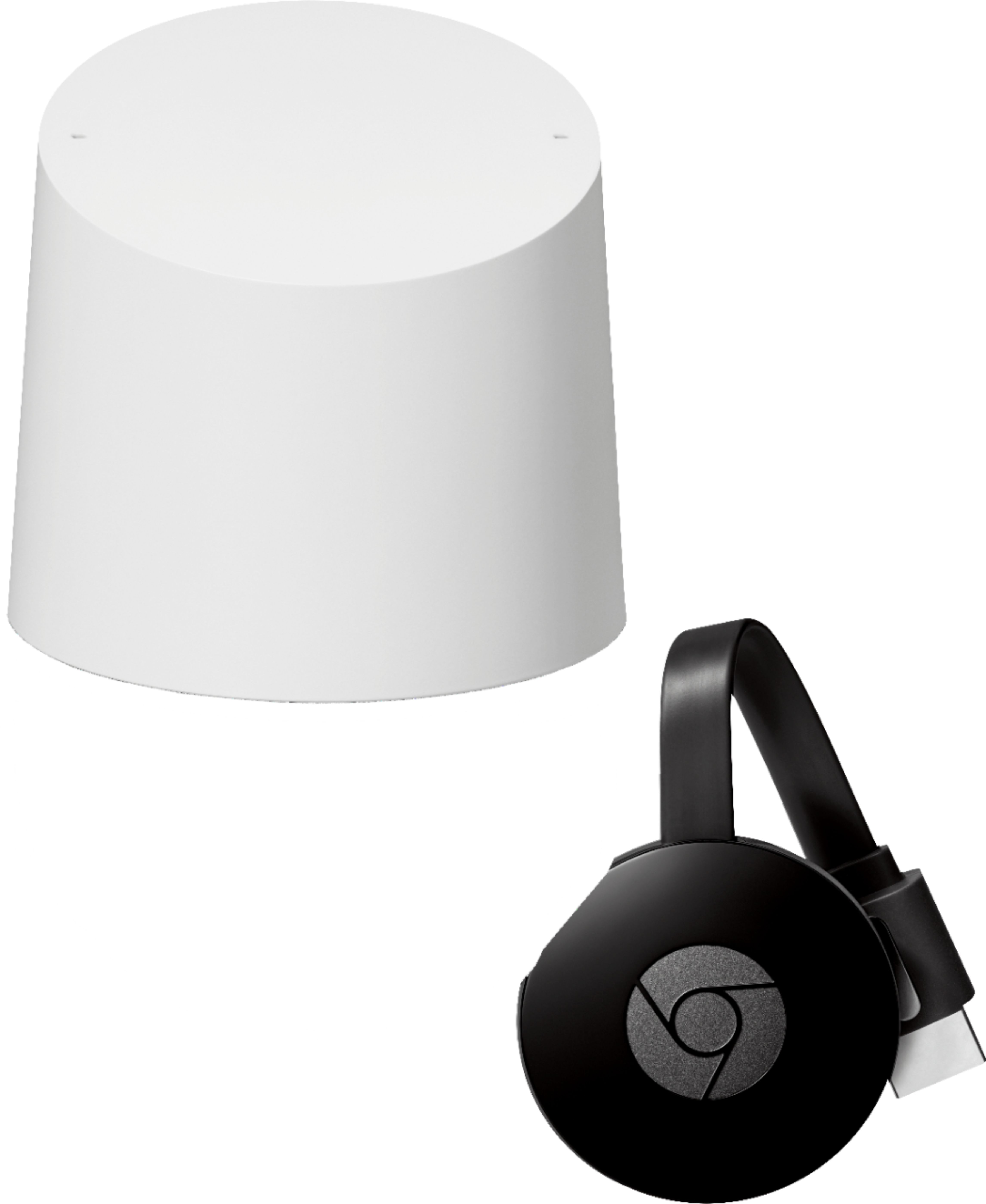
||Posted .This reviewer received promo considerations or sweepstakes entry for writing a review.Chromecast is great and very easy to setup. Works great with Google Home.
I would recommend this to a friend Rated 5 out of 5 stars
cord cutting solution!
||Posted .This reviewer received promo considerations or sweepstakes entry for writing a review.we stopped cable 2 years ago and was plugging in our laptop via hdmi cord for netflix, you tube, cbs app...For the price chromecast is the best solution. It basically gives my tv internet capabilities. You can "cast" anything from your phone or computer to your tv without wires. Plug in the cromecast into the hdmi imput and plug in to a power source and your ready to go
I would recommend this to a friend