Customer Ratings & Reviews
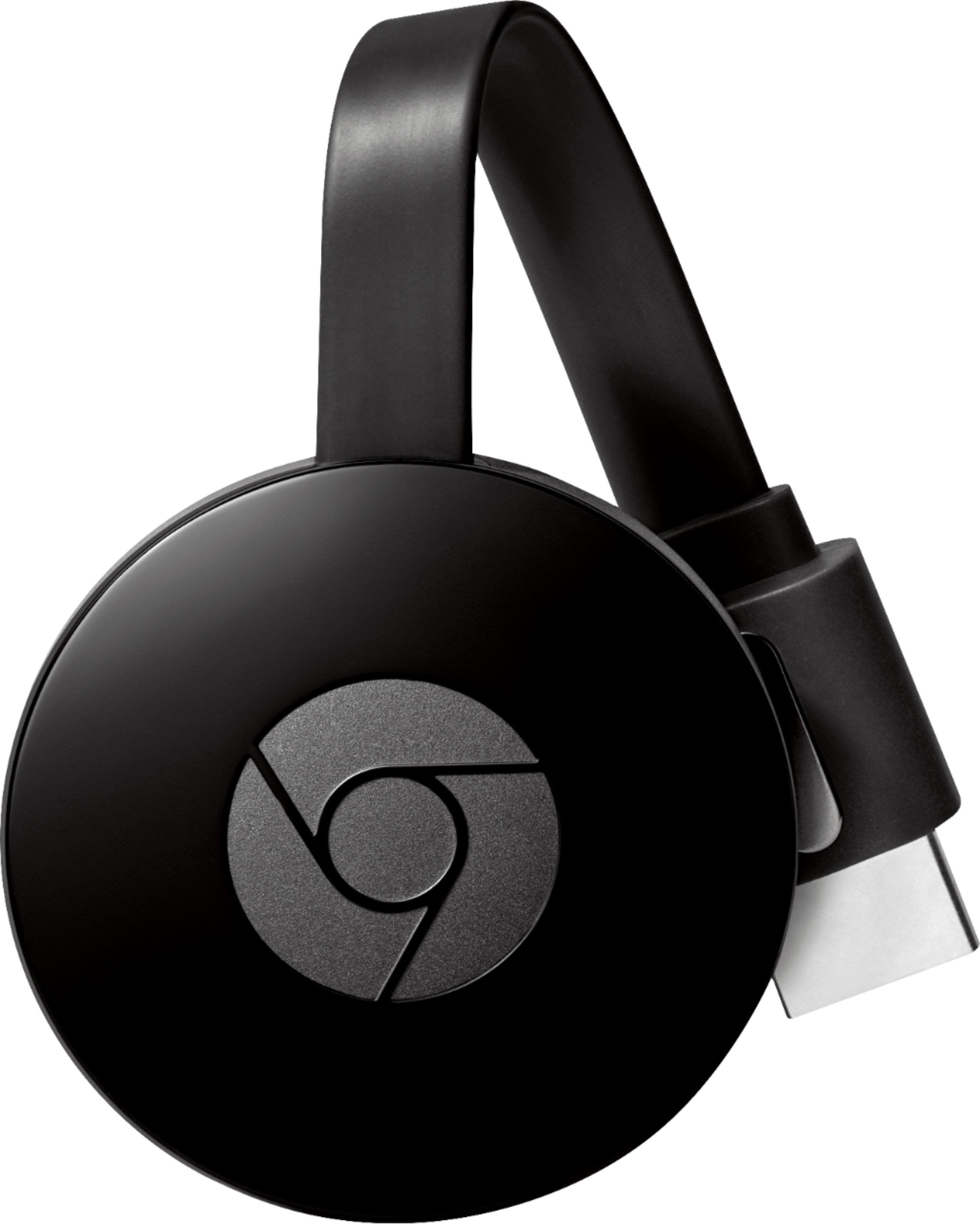
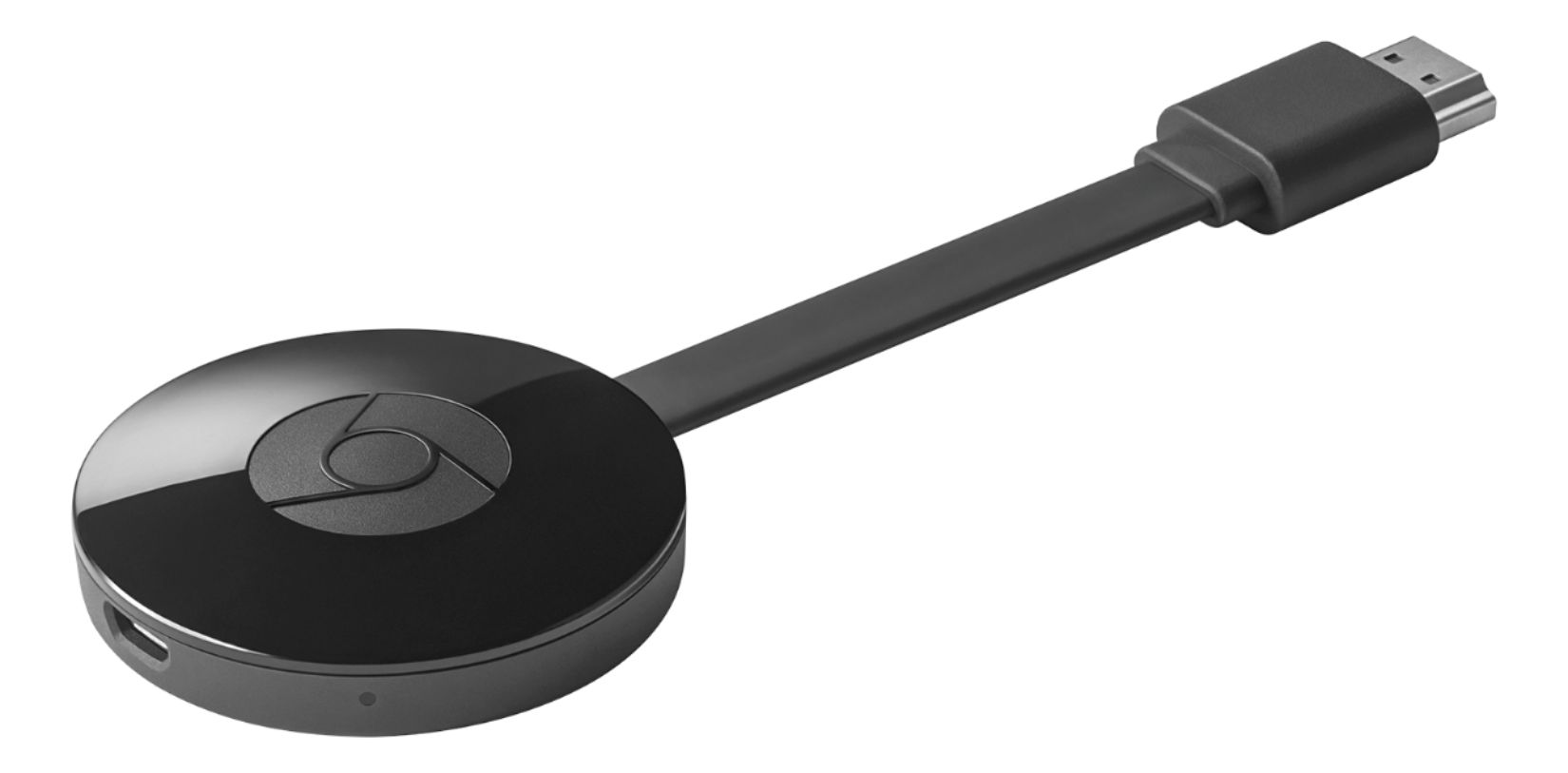
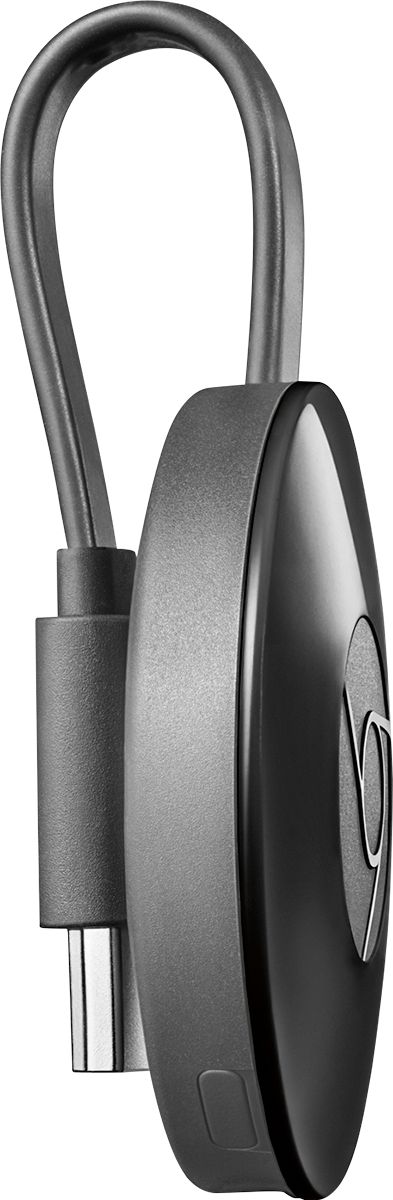


- Model:
- NC2-6A5
- |
- SKU:
- 4397400
Customer reviews
Rating 4.6 out of 5 stars with 23301 reviews
(23,301 customer reviews)Rating by feature
- Value4.5
Rating 4.5 out of 5 stars
- Quality4.6
Rating 4.6 out of 5 stars
- Ease of Use4.5
Rating 4.5 out of 5 stars
Customers are saying
Customers highly value the Chromecast's ease of use, streaming capabilities, and affordability. Many appreciate its compatibility with various devices and the improved performance it offers. While some users experienced connectivity problems and the lack of a remote control was noted, positive feedback on setup and picture quality was also prevalent.
This summary was generated by AI based on customer reviews.
Rated 5 out of 5 stars
Awesome little gadget
||Posted .This reviewer received promo considerations or sweepstakes entry for writing a review.Love it very useful streaming and everything that its meant for
I would recommend this to a friend- Pros mentioned:Ease of use
Rated 3 out of 5 stars
Great smart tv make yourself
||Posted .This reviewer received promo considerations or sweepstakes entry for writing a review.Easy to navigate lots of video.and movies and picture.
I would recommend this to a friend Rated 4 out of 5 stars
great product
||Posted .This reviewer received promo considerations or sweepstakes entry for writing a review.I am so happy with this chrome cast it does what it supposed to do
I would recommend this to a friendRated 4 out of 5 stars
it works as intended and I love the flexibility
||Posted .This reviewer received promo considerations or sweepstakes entry for writing a review.I can stream my movies and videos and I just love it.
I would recommend this to a friendRated 1 out of 5 stars
Malfunction product
||Posted .This reviewer received promo considerations or sweepstakes entry for writing a review.Not working properly. Can’t cast. Very disappointed.
No, I would not recommend this to a friend- Pros mentioned:Compatibility, Price
Rated 5 out of 5 stars
Chromecast rocks
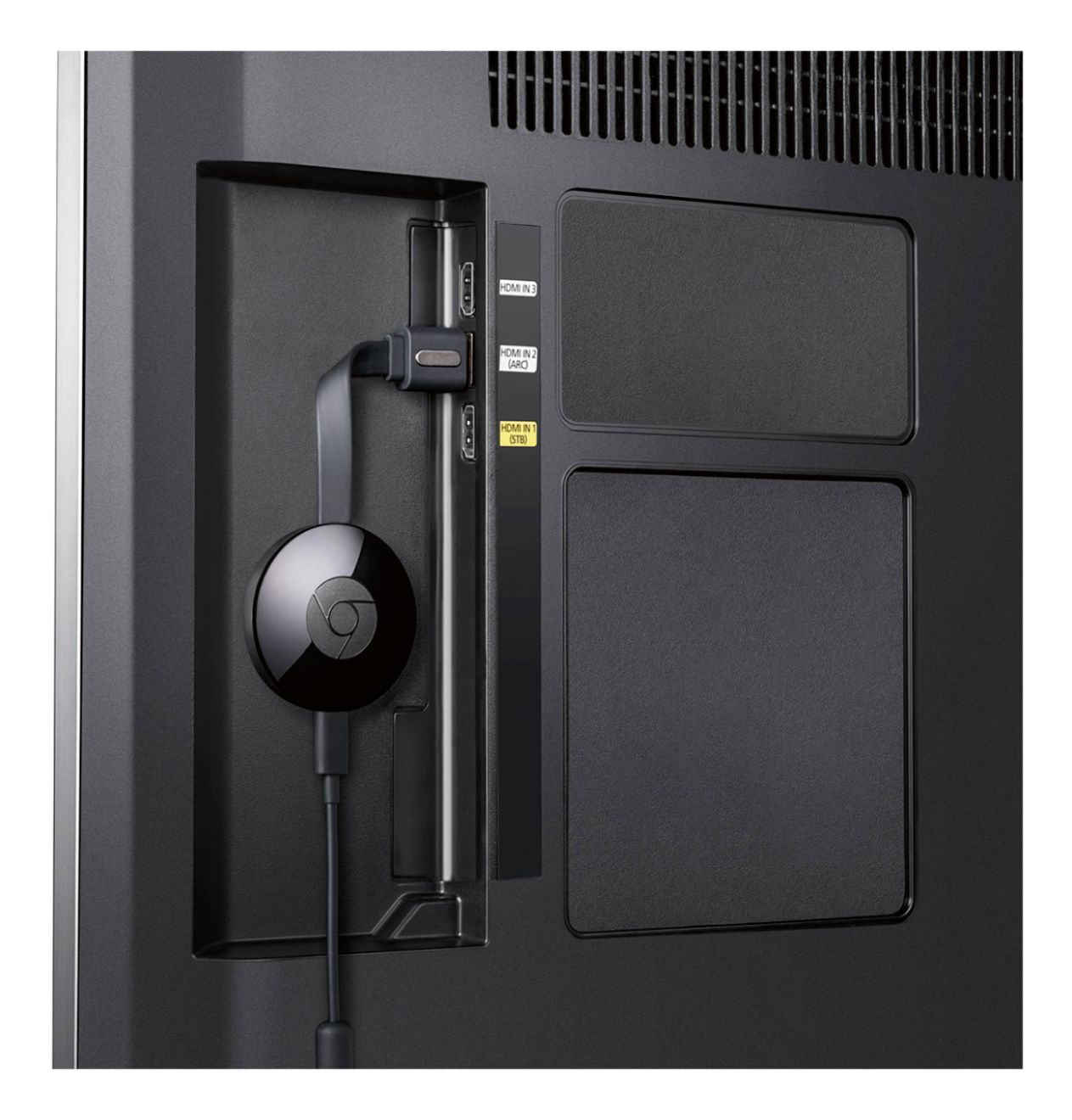
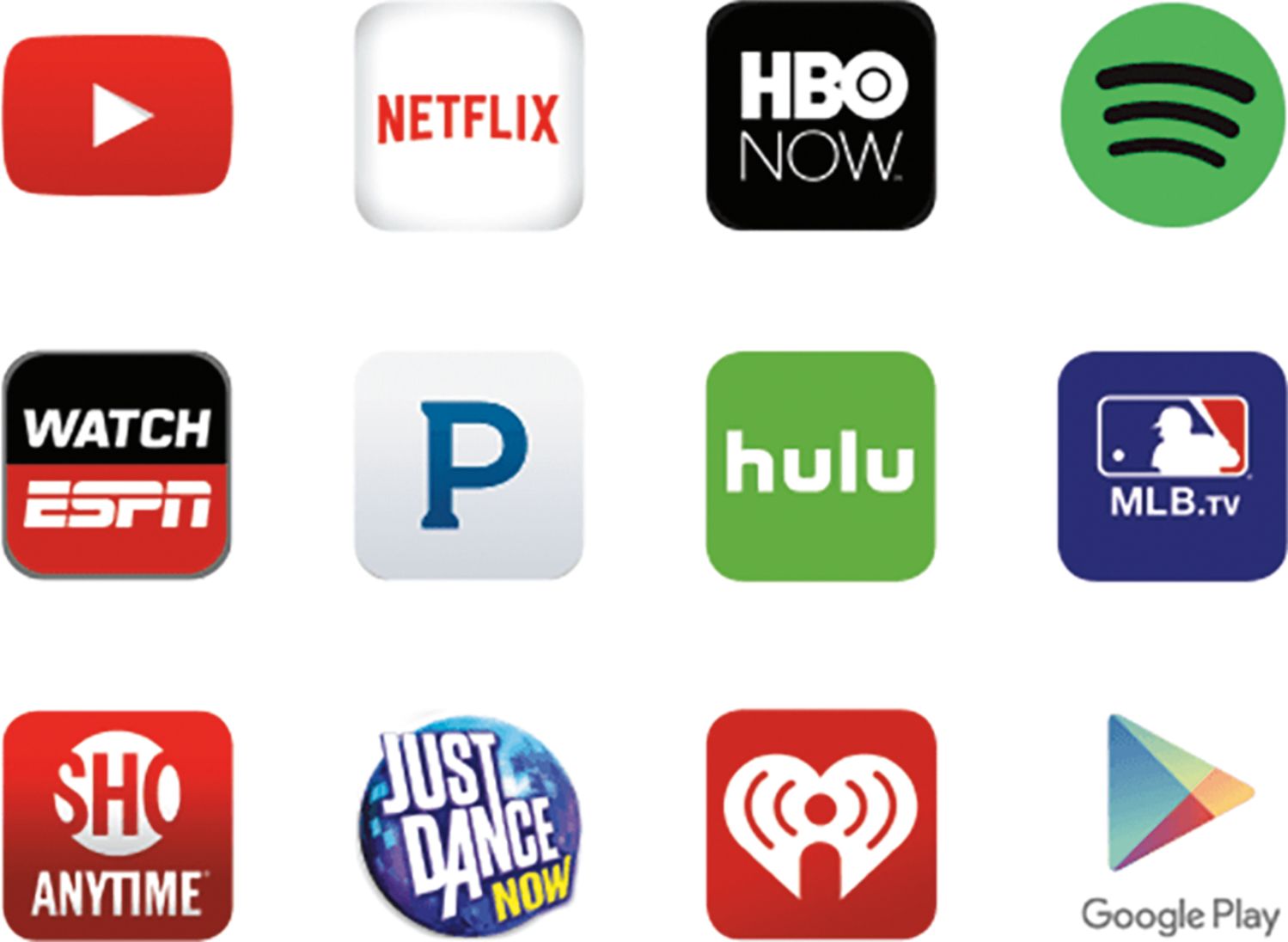
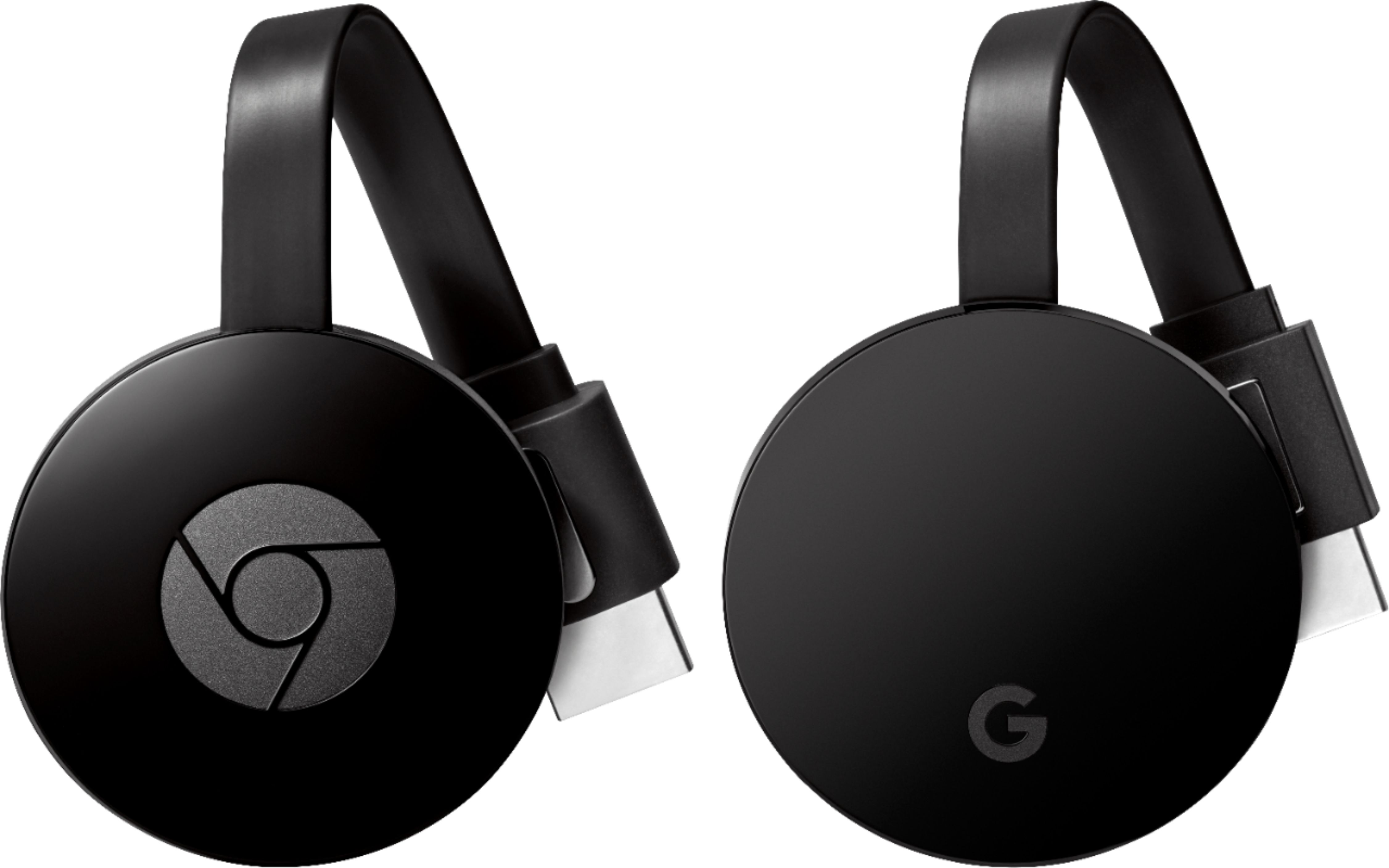
||Posted .This reviewer received promo considerations or sweepstakes entry for writing a review.Why can't all gadgets be like this? A breeze to set up, effortless to use, great price/value ratio, lots of different uses, and bonus offers from Google. It couldn't be easier to set up. It took a minute to pop it into my television's hdmi (for connectivity) and USB (for power) ports. I registered the device online and that's it. Now my family's three phones, two ipads, and three computers all connect easily and without fuss to the television. It works well with Windows, MacOS, iOS, and especially Android operating systems. We stream video from PBS Kids, watch HD movies on Google Play, mirror the screens from our laptops, watch slide shows, watch home movies we shared on Youtube, play music through our home theater, etc. Google sweetened the deal with Google play credits, free movies, discounted music, free trials of other services. On top of it all, it turns your television into a work of art by displaying amazing photographs from around the world. This purchase is a no-brainer.
I would recommend this to a friend - Pros mentioned:Ease of use, PriceCons mentioned:Remote control
Rated 5 out of 5 stars
One of the best devices made to date...
||Posted .This reviewer received promo considerations or sweepstakes entry for writing a review.This is probably my 6th chromcast, have 4 in my house and 2 in my girlfriends. Easily one of the best products ever made simply because of its simplicity and price. Makes any TV a smart TV. My 65 in samsung is a smart tv but the remote and tv are laggy so installed chromecast even thought TV is "smart". My grandpartnts, parents just about anyone can learn to use it within 10 minuets. Supports everything (besides amazon prime video cause they got salty and trying to sell more fire sticks LOL but can just cast phone screen and play amazon prime video on phone and then got amazon prime video). Can set facebook or any pictures as wallpaper. Can play music. Just great device.
I would recommend this to a friend - Pros mentioned:Ease of use, Streaming
Rated 4 out of 5 stars
Worth every penny
||Posted .This reviewer received promo considerations or sweepstakes entry for writing a review.I wanted a really easy way to stream content from my phone to my TV (MotoGP video pass and YouTube videos specifically). The Chromecast makes it very easy. I plugged the unit into the HDMI input on my TV and plugged its USB tail into the USB input on my TV. (The device is pretty light, but I used a zip tie through opening on my TV to help support it just so I didn't put any stress on the HDMI or USB ports. I'm withholding one star because the USB tail is so short. It only just reached my USB port; any farther and I would have had to get a USB extension cable.) The device walks you through set up and it's very easy, just a few steps. Download the Chromecast app from the Play store, enter a code, connect to your Wifi network, choose a security setting and you're up and running. When I open the YouTube app on my phone, a little icon appears in the player to "cast" it to the TV, and it just a few seconds the video plays on my TV instead of my phone. Sometimes it takes a few moments to get the full HD version of a video streaming but usually it's pretty quick. The Chromecast app has some additional Chromecast-compatible apps that you can use. I haven't explored them, since I really just wanted to do two things. Streaming MotoGP video pass: (Skip this section if you're not interested in this.) The MotoGP app on Android doesn't support Chromecast natively; however, there is a simple workaround. Just go to the MotoGP site in the Chrome browser and login to your MotoGP account. Select a video and tap to play. A "cast" icon will appear on the video player container. Tap the cast icon and the video will be sent to the Chromecast unit and will play on your TV. Hooray! I find that live video streams are little more difficult to get an uninterrupted 1080p version (sometimes the video pauses for a few seconds then resume, sometimes the quality downgrades in order to keep playing). I don't experience this nearly as much with the non-live video streams. So, I think it may be on MotoGP servers' end. I'm really happy with the easy set up and use of the Chromecast. I have a Roku on my primary TV, but couldn't justify the cost of another one for a second TV and for such a limited purpose. The Chromecast offers such great value; however. And it's so easy to use and works really well that I think I'm actually going to buy one for my primary TV, as well. (The YouTube channel on Roku is unreliable, not playing HD when HD is available, and only supports one account, and a few other issues. Plus, then I can watch MotoGP on my main TV, too!) I would 100% recommend to a friend. I think these would make great gifts, too--provided your gift recipient has an Android device.
I would recommend this to a friend - Pros mentioned:Ease of use, StreamingCons mentioned:Connectivity
Rated 5 out of 5 stars
Very easy to use; some mild annoyances
||Posted .This reviewer received promo considerations or sweepstakes entry for writing a review.Setting up the Chromecast is extremely easy to do (just plug it in to the TV and power, connect via your phone/tablet/computer, and then it'll do a short update). The Chromecast is very easy to use and works perfectly with high resolution videos streaming. The phone/tablet just acts as a remote so you're not wasting a ton of battery watching videos. You can also cast your phone/tablet/computer screen to your TV although there is latency in doing so which depends on your device and WiFi connection. I've noticed that sometimes my phone will disconnect from the Chromecast if I use other apps for a while or have the phone off for an extended period of time though, but it's easy to reconnect. Also, there are no options for adjusting the resolution of YouTube videos and you will likely need to turn overscan off in your TV's video settings if you don't want the image to get cut off on the sides (my TV unfortunately does not have this option but my mother's did). In addition, the audio comes only from the TV, so you can't use headphones unless they're plugged into the TV. There is an app for streaming from your phone to your TV that does allow for headphones, but it only works for videos you have saved onto the phone/tablet/computer, you must manually adjust for the latency, and it does cause considerable battery drain. Overall, I'm very happy with the purchase despite these small annoyances.
I would recommend this to a friend - Pros mentioned:PerformanceCons mentioned:Connectivity
Rated 5 out of 5 stars
Great streaming
||Posted .This reviewer received promo considerations or sweepstakes entry for writing a review.We have bought a new TV and needed another one of the screenbeam devices and I decided to try out this mini version. It is cheaper, smaller, and works even better than the pro version probably because of the latest firmware. I have never updated the firmware on the pro version since I bought it over a year ago; but it still works better than the in-built widi receiver of my newest LG 5k smart TV. The only thing is that my old TV I bought in 2005 does not have the HDMI slot on the front or side, so I had to use the HDMI extender provided to expose the receiver for better connectivity with my phone (Samsung Note Edge).I watched 2 hour long video on the first try and it has never dropped the signal or delayed the audio. The connecting takes about 5 seconds. If you have PC's, Android devices and TV with a HDMI slot, this is now a MUST-HAVE item. I am buying one more for my sister.
I would recommend this to a friend - Cons mentioned:Lag
Rated 3 out of 5 stars
Works, but bare minimum. Good for price
||Posted .This reviewer received promo considerations or sweepstakes entry for writing a review.Breaks my heart to say I didn't get what I expected, but its still a good deal. There are online videos saying it casts your laptop screen and chrome browsers etc.mine doesn't and I replaced my device the first time it didn't work. Pros: -Tiny little device, cheap -casts anything flawlessly from phone. -fast, no heating problem -your TV's play and pause buttons work with the chromecast. -one thing I was concerned about when I was buying was whether I need to waste my phone's battery while casting stuff. I thought that videos need to play on the phone and will be duplicated on the screen, but if anyone else is concerned about the same thing, it's not that way. Unfortunately the pros end here. Cons: -it sucks at casting entire browser, non app videos or vlc player or the desktop screen from your laptop. Mind you, it still casts apps preinstalled in the chromecast device like Netflix, comedy central, YouTube etc from my laptop very well. But if I want to cast anything other than that, like entire browser or say a video from dailymotion .com, or my laptop screen or vlc player, it just won't. I tried doing a warranty replacement and it still sucls the same. I tried different settings and brought it closer to my WiFi router, used a wall outlet, without good result. I don't know if it's so because of poor WiFi receiver but it works great from my phone, just sucks from my laptop. I'm amazed the the difference in performance when casting regular site non preinstalled app browser videos from my phone and laptop. -minor flaw: The HDMI cable is not removable, and it's really small, so you can't move it away from the TV. I don't know if it causes interference, but it could be possible. -you need to install apps in your phone for stuff that's already installed in your chromecast like Netflix and comedy central etc. They should have designed it such that we could use the apps in chrome cast directly through the phone without having to install them in our phones. -minor flaw: 1-1.5 seconds lag, but I'm assuming it's not avoidable. Doesn't matter for watching stuff. Overall, it's a good device, and more or less satisfied. Maybe I set too high expectations from this. But it's doing only half of what was advertised.
I would recommend this to a friend - Pros mentioned:Price
Rated 5 out of 5 stars
Very Cool
||Posted .This reviewer received promo considerations or sweepstakes entry for writing a review.I'm enjoying using the Chromecast. I have 4 TVs on one wall in my office. I could pay the cable company $6 per month ($72 per year) for a separate cable box for each TV or I can buy 4 Google Chromecasts for $35.99 each (the same as 6 month for the cable box) and use my Spectrum account to cast whatever I want from my laptop or iPhone. It's much better doing it this way. I still have access to every cable channel that I would have with cable box but with less clutter. The Google Chromecast hides neatly behind the screen on each TV. Set it was pretty easy but I had to do it from my iPhone because it wouldn't seem to work from the laptop. I set it up from the iPhone it was relatively painless and easy and now I'm able to go on the laptop and cast from there as well. I've mostly used it for YouTube and online videos so far. I am now capable of watching for different sporting events or four different movies or whatever. I can choose to have a few of my security cameras on one or on multiple TVs while still watching the motocross races, football game and golf tournament at the same time. Each of my 4 flat screens also has picture in picture too. If the need presents itself, I can watch 8 different things at once. If there's 4 people that each want to watch something different, it's completely doable and I can still enjoy their company while still providing their entertainment of choice. My internet stopped working once since I've installed them. It was irritating not to be able to use them but that's not Googles problem. That was a Spectrum problem. My entire home is a smart home so when the hit-n-miss Charter Spectrum internet stops working, I loose the ability to turn lights on and off, open blinds, use ANYTHING that plugs into the electricity in my home. When the WiFi was back up, the Chromecast all re-synced just like my smart hubs did. It required nothing from me. Why did I wait until now? FYI: there is really no sense in wasting your money on the newer version of the Chromecast even with the 4D TV the human eye cannot see the difference that it's providing in picture the cheaper $30-$35 Chromecast works perfectly fine.The only time that the newer version is a benefit to you is if you need to plug it directly into ethernet instead of running it on Wi-Fi.
I would recommend this to a friend - Pros mentioned:Price, StreamingCons mentioned:Remote control
Rated 5 out of 5 stars
Great, cheap streaming device
||Posted .This reviewer received promo considerations or sweepstakes entry for writing a review.Great streaming device - small price tag. We got a month trial of SlingTV with our Chomecast purchase and are really enjoying it more than we thought we would. We liked it so much we bought a 2nd one. This is the future of television. We can watch programming wherever we are at over the internet. This is really the future of television. I believe the options are finally going to become more and more a la carte. My only complaint with the Chromecast is that you use your phone as a remote and it is rather clunky but not something that is a deal breaker.
I would recommend this to a friend - Pros mentioned:Compatibility, Ease of use, Performance
Rated 4 out of 5 stars
Easy Install
||Posted .This reviewer received promo considerations or sweepstakes entry for writing a review.From opening package to viewing was 10 minutes. Device has performed as expected since installation. Easy to view your phone, tablet or laptop on your TV with excellent results.
I would recommend this to a friend - Pros mentioned:Ease of use
Rated 5 out of 5 stars
Finally I Can Cast Showbox!
Posted .This reviewer received promo considerations or sweepstakes entry for writing a review.So I've been having the worst time trying to find a app to mirror my screen and actually be worth looking at...Mobizen was the last one I tried and I just lost my mind! Im a college student so paying monthly subscriptions no matter how cheap is another bill. So after constantly seeing Chromcast pop up in suggested apps I came here to see what people had to say. I thought since I had a smart TV this would be a waste...OMG it's a God send! Audio is perfect comes through my sound bar and surround system just fine, shows great, easy to use! If you are constantly fooling around with apps...STOP! Get this and you will be happy you did! Also I have a Galaxy S5 my Galaxy Tab E would not work with my Chromecast.
I would recommend this to a friend - Pros mentioned:Ease of use, Streaming
Rated 5 out of 5 stars
Easy way to watch your shows!
||Posted .This reviewer received promo considerations or sweepstakes entry for writing a review.For years I was accustomed to the tablet tv life. You see, I'm pretty monetarily conscious and tablets have all these wonderful apps where I can watch a show from their dedicated app or website if I missed it the day before. Then I bought the chromecast. At first I dabbled with it, seeing that I could stream Netflix or Spotify onto it with ease as they have dedicated chromecast apps. And then one day I discovered the true potential. You see, my TV isn't what they in the biz call "smart." I own a dumb TV and it does me proud. But the chromecast shot new life into it through my laptop. My laptop, not nearly as cool as my iPad and a quarter as flashy, runs Google Chrome. Chrome has a chromecast extension (AKA browser app) that lets you cast exactly everything on your screen or window. That's right folks, every single thing you can stream on the interwebs right there on your big screen, regardless of your TV's intellect! Suddenly I could stream off any website I chose. The revelation allowed me to cut cable out of my life, saving over 100 dollars a month, just like that. Well, canceling cable is a tale in and of itself but I digress. The chromecast has allowed me a digital freedom that no apple tv, roku or sling tv could ever allow. As I'm sure you can tell by now, I love my Chromecast; and if you get one, I know you'll love yours too.
I would recommend this to a friend - Pros mentioned:Price, StreamingCons mentioned:Remote control
Rated 4 out of 5 stars
Great for the price
||Posted .This reviewer received promo considerations or sweepstakes entry for writing a review.This product is good if you are testing the water with streaming devices. You can stream pretty much anything but it all comes from your phone. So every action you do you have to pick up your phone and browse what you want then stream it. Some people prefer a separate remote instead of always picking up the phone. You can use this with Google home to stream to your tv, but you have to know exactly what you want to do because there isn't a browsing menu on Chromecast. The price on this is great where you can pick up multiples for the home.
I would recommend this to a friend - Pros mentioned:Ease of useCons mentioned:Remote control
Rated 5 out of 5 stars
A really cool product
||Posted .This reviewer received promo considerations or sweepstakes entry for writing a review.I purchased this product after visiting a family friend and was impressed by its capability. Very easy to setup and upload. The only downside for ME is using my phone as a remote(it does not have a remote). You can use it with any android and Apple device. It's small so you can travel with it and use it as long as you have internet access. It's an awesome streaming device to have. Would definitely recommend you to invest in one.
I would recommend this to a friend - Pros mentioned:Compatibility, Ease of useCons mentioned:Remote control
Rated 4 out of 5 stars
It's a Chromecast do I really need to say more
||Posted .This reviewer received promo considerations or sweepstakes entry for writing a review.This device has been around for years and has proven itself in the casting Arena as your go-to guy for sending stuff to your display easily, quickly and with beautiful picture quality. When Google added the assistant to the mix with all of its additional capabilities it made then device an even stronger contender in the smart casting category. I love the ease of use, the ability to cast from any device be it a PC, Android phone or iPhone. I don't believe there is an easier way to get your stuff from your device to your television than with the ubiquitous Chromecast. That said it does have its downsides there really are no built in apps and it doesn't support a direct remote control like the Amazon Fire devices or Roku Etc. So if you're looking for that sort of interface you will need to purchase one of the aforementioned devices the beauty of it is that most televisions have multiple HDMI ports so you can run many smart and casting devices to one television to get the best of many different worlds. Keep in mind if you have a 4K TV and want to stream 4K content you will need to move up to the Chromecast Ultra which costs more and provides the higher resolutions.
I would recommend this to a friend - Pros mentioned:Compatibility, Ease of use, Streaming
Rated 5 out of 5 stars
Great Compatibilty
||Posted .This reviewer received promo considerations or sweepstakes entry for writing a review.I use this with my Samsung TV. Amazing hardware and huge compatabilty list. I can pretty much cast anything and any app through my phone and laptop to my TV. The video and audio quality remains intact. The installation and setup is very easy and once setup, casting is pretty straight forward. Dont need to be a techie to be able to use it. Everyone at my house uses it with ease.
I would recommend this to a friend