Customer Ratings & Reviews
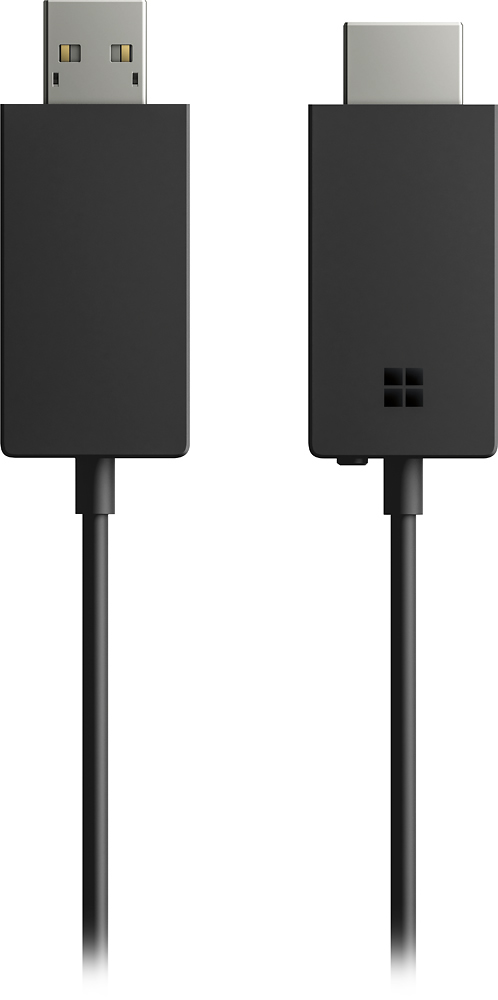
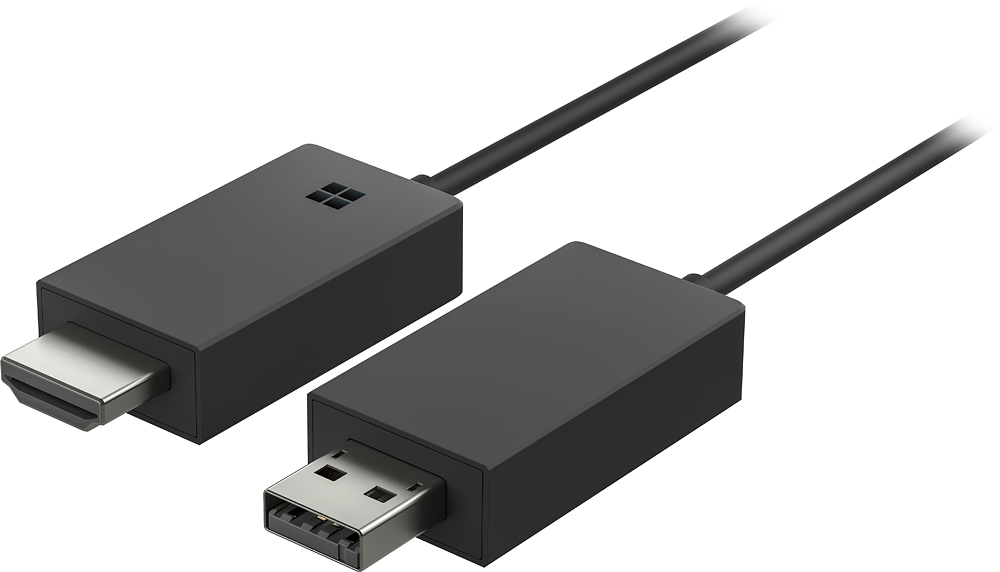
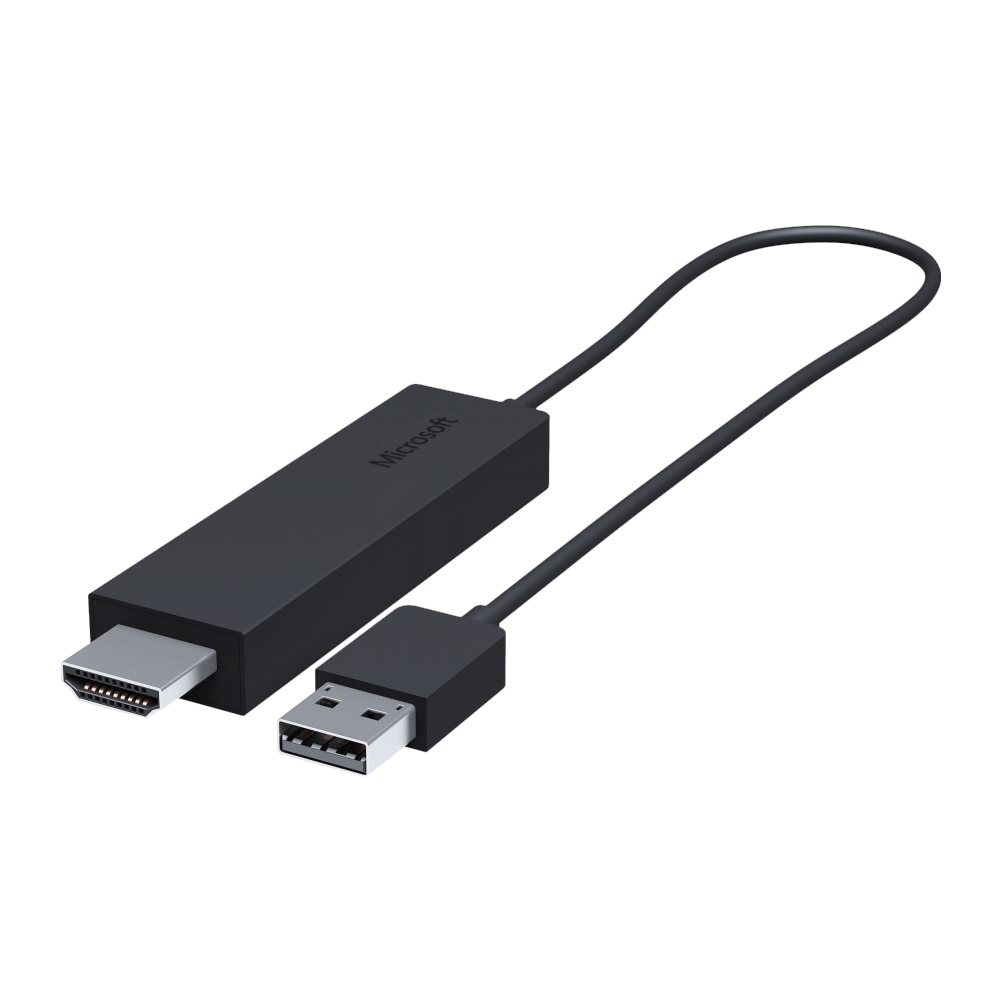
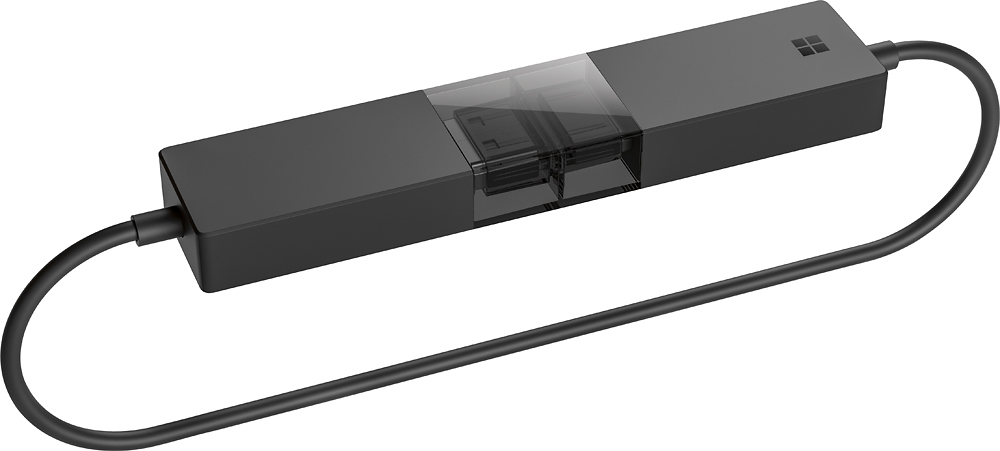
- Model:
- P3Q-00001
- SKU:
- 4974200
Rating by feature
- Value
Rating 4.3 out of 5 stars
- Quality
Rating 4.6 out of 5 stars
- Ease of Use
Rating 4.6 out of 5 stars
Customers are saying
Customers recognize the Wireless Display Adapter V2 receiver for its user-friendly design, wireless connectivity, and compatibility with Windows 10. Users appreciate the easy setup process and the ability to mirror content from their laptops to TVs. However, some users have concerns about occasional lag, the price of the product, overheating issues, and limited resolution.
This summary was generated by AI based on customer reviews.
- Pros mentioned:Ease of use
Wireless Display Adapter
||Posted .This reviewer received promo considerations or sweepstakes entry for writing a review.I use this in my classroom with my school issued Surface Pro. I love how easy it is to setup and use. Make sure you download the Wireless Display app from the Windows Store; that is where all the settings, preferences, and updates are for the adapter. I use the Surface and this to act as a whiteboard/smartboard in my classroom so I am not tied to one spot. Also, something that surprised me with this, is it does transmit sound also so the sound will come from the projector.
I would recommend this to a friendBrand response from MicrosoftOutreachTeam
Posted .Hi there,
Thanks for leaving such a thoughtful review for us! We loved seeing how you are utilizing the Wireless Display Adapter in your classroom. We're proud to offer customers like you tools that empower you to achieve more. We're thrilled to hear that this has been a great fit!
Kind regards,
Jessica
Microsoft Customer Care
- Cons mentioned:Lag
Excellent device, works flawlessly
||Posted . Owned for 2 months when reviewed.This reviewer received promo considerations or sweepstakes entry for writing a review.I love these things. I've installed several of them in conference rooms and they work flawlessly. Just plug them in, set the TV or monitor to the correct input and follow the on-screen instructions. Every modern Windows 10 computer can connect wirelessly to it with minimal lag. Yes, there is some lag and using it for video conferencing isn't the best because of that, but for all other uses it's great.
I would recommend this to a friend Great way to share your Surface on a larger screen
||Posted .This reviewer received promo considerations or sweepstakes entry for writing a review.The Surface Book is great but when I want to share things with anyone it gets cramped so this allows me to put it on my 50" smart TV so all can see in comfort.
I would recommend this to a friend- Cons mentioned:Connection
A little buggy
||Posted .This reviewer received promo considerations or sweepstakes entry for writing a review.It works most of the time on PC's that were originally built with Windows 8 and above. Tried some Windows 10 PC's that were originally built with W7 and some don't connect at all saying it doesn't have Miracast or connects and drops all the time. It's still usable on the new Windows 10 factory built PC's though. Will try the other one from Actiontec for comparison.
I would recommend this to a friendBrand response from MicrosoftOutreachTeam
Posted .Hi there,
We want to make sure that you have the best experience with your Wireless Display Adapter, and would suggest getting the most out of your device by keeping the firmware up-to-date.
Please refer to this link on how to make sure your device is up-to-date: https://www.microsoft.com/accessories/en-us/products/adapters/wireless-display-adapter-2/p3q-00001#techspecs-connect.
Kindly,
Victoria
Surface Customer Care
- Pros mentioned:Ease of useCons mentioned:Lag
Works great with my Surface Pro
||Posted .This reviewer received promo considerations or sweepstakes entry for writing a review.I bought this to display photos on my TV with my Surface Pro. Works great with very little lag. Easy to setup and easy to use.
I would recommend this to a friend Works Great for Instruction
||Posted .This reviewer received promo considerations or sweepstakes entry for writing a review.I used this unit a week ago to conduct a workshop in Albany. I attached the HDMI to the projector and used my Anker battery pack to provide the necessary USB power (the projector's USB port would not adequately power this adapter). I was then able to take full advantage of the Microsoft Surface Book 2's touchscreen, Windows Ink, and detachable screen to demonstrate an application via the Web while roaming the instruction area, untethered to the podium.
I would recommend this to a friendBrand response from MicrosoftOutreachTeam
Posted .Hi there,
Thanks for sharing your experience externally powering the Adapter with a USB power source. This is helpful to the community! We appreciate you taking time out to explain your workflow. We are happy to hear we could offer the flexible tools you needed to conduct your workshop unteathered.
Take care,
Amanda
Microsoft Customer Care
- Cons mentioned:Heat
Works as expected
||Posted .This reviewer received promo considerations or sweepstakes entry for writing a review.I've installed in multiple locations. All worked as expected. The only issue I had was when I didn't have an HDMI port available. This will be used by multiple people connecting with a Microsoft Surface, either 3 Pro or 4 Pro. Will be used for presentations, nothing like gaming. I've purchased 5 so far. Very pleased it is fulfilling the intended purpose. Only downside is that the unit does get warm. Haven't had one long enough to know if there is any long term downside to this.
I would recommend this to a friend - Pros mentioned:Compatibility, Performance
Works as advertized.
||Posted .This reviewer received promo considerations or sweepstakes entry for writing a review.Purchased item for use with Surface Book and it works great, just as advertized.
I would recommend this to a friend - Pros mentioned:Ease of use, Performance
Perfect little gadget
||Posted .This reviewer received promo considerations or sweepstakes entry for writing a review.This was easy to install and works perfectly if you're trying to play something from your phone but watch it on the TV
I would recommend this to a friend - Cons mentioned:Lag
Does the job.
||Posted .This reviewer received promo considerations or sweepstakes entry for writing a review.I bought this to use with my Surface Pro 4 and my TV and it works rather smoothly. There is a little bit of a lag and it only does 1080p with a refresh rate of 30, but this isn't a problem if you're doing basic tasks. So far, I've been satisfied with the results, and it's been a solid product. This would be great for presentations, meetings, work, etc.
I would recommend this to a friend - Pros mentioned:PerformanceCons mentioned:Lag
No noticeable delay when working with documents
||Posted .This reviewer received promo considerations or sweepstakes entry for writing a review.No noticeable delay when working with documents, much better than Chromecast.
I would recommend this to a friend - Cons mentioned:Lag
Cool idea, but has a lag
||Posted .This reviewer received promo considerations or sweepstakes entry for writing a review.The idea of wirelessly connecting to a display device which can project to a different screen is a great, innovative idea. However, I have noticed that there is just a half a second lag in anything I do on my surface pro 4, to when it registers and moves on the other screen. It takes a minute to get used to, but it is something that you can get used to.
I would recommend this to a friend think of this as a wireless HDMI adapter
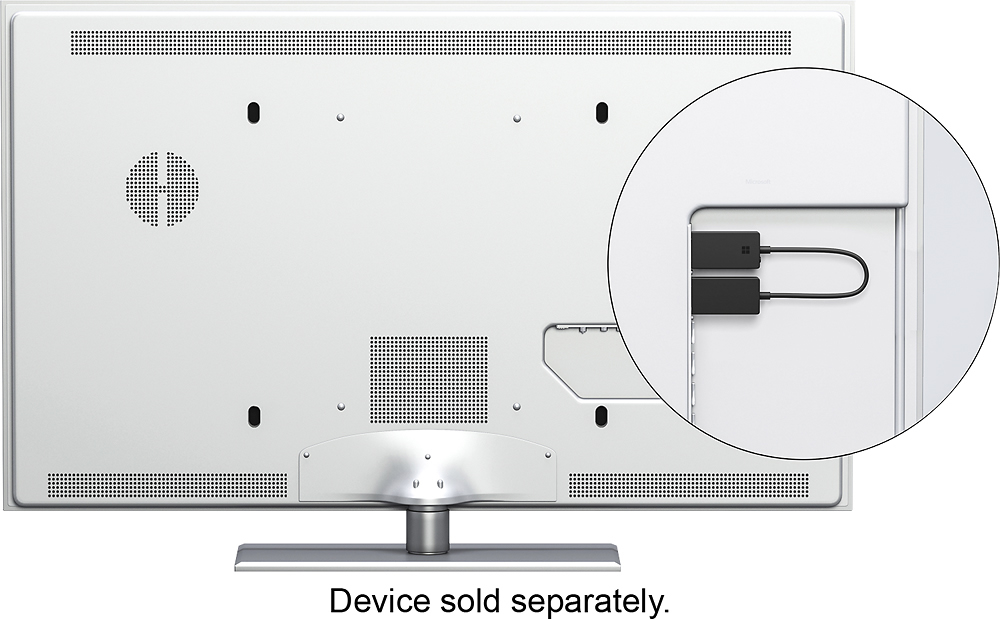
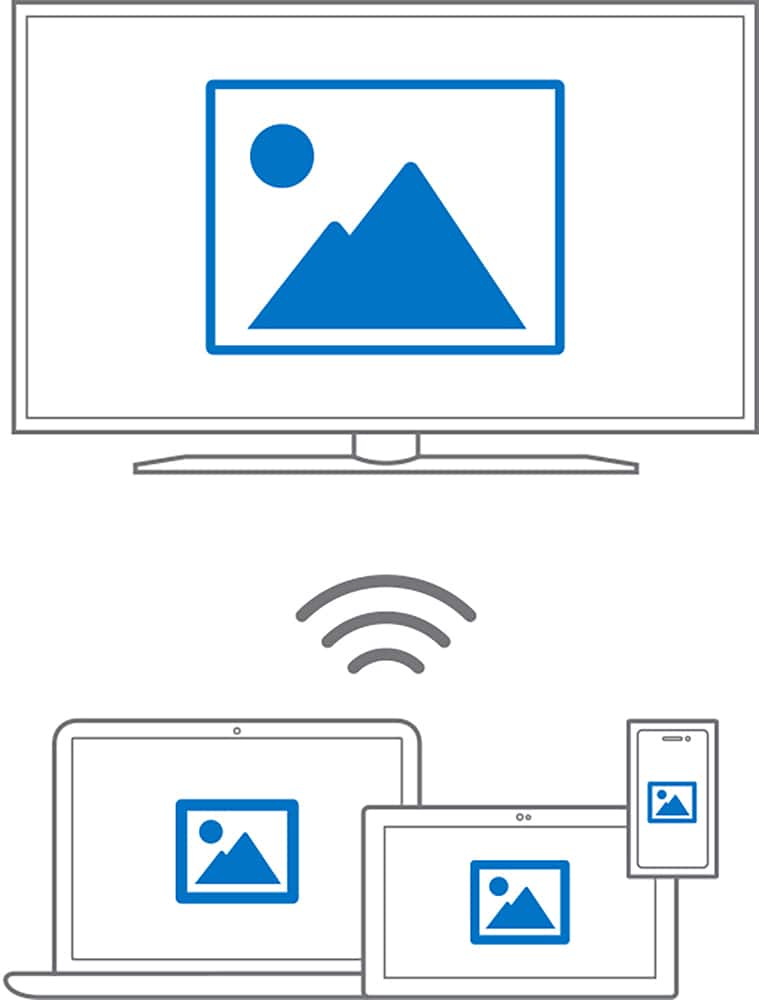
||Posted . Owned for 1 month when reviewed.This reviewer received promo considerations or sweepstakes entry for writing a review.This adapter plugs in to the back of my TV and uses Miracast to display my Windows 10 tablet screen on a larger 1080p TV. Miracast is supported on most newer Windows tablets and PCs with Windows 10. Android phones and tablets are more hit and miss. I can cast a couple of my Android phones and tablets but not most of them. That is a problem with the Android support not the Microsoft Wireless Display Adapter. I found the adapter so handy that I bought a second for my mother. That allows me to show her photos and stuff on her big screen TV at family gatherings instead of my tiny tablet display. Not having an HDMI cable to trip over is especially handy if there are little kids running around.
I would recommend this to a friendBrand response from MicrosoftOutreachTeam
Posted .Hi there,
Thanks for sharing your experience with the Wireless Display Adapter with the community! We're thrilled to hear you loved your adapter so much that you decided to get one for your mother! We're glad her new adapter has made sharing photos with your family a breeze, and we hope you continue to enjoy!
Cheers,
Heather
Microsoft Customer Care
- Pros mentioned:Ease of use
Well worth having if you have an HDMI support TV
||Posted .This reviewer received promo considerations or sweepstakes entry for writing a review.Not only can I view my photos and videos on my large screen tv, I am able to do full presentation mode for PowerPoint with ease. Either duplicating my screen (to use tv as my monitor) or extending my desktop this device is great to give your older big screens the Miracast capability. This works with my tablet as well as my phone with no issues. Easy to install and portable enough to have for an on the spot presentation or movie. Supports video and sound.
I would recommend this to a friend - Pros mentioned:Ease of use, Performance
Works great and easy to install.
||Posted . Owned for 3 weeks when reviewed.This reviewer received promo considerations or sweepstakes entry for writing a review.Easy to install. Works great. Allows us to view our Surface computers on our Sony TV.
I would recommend this to a friend - Pros mentioned:Ease of use, Wireless
Works Perfectly
||Posted .This reviewer received promo considerations or sweepstakes entry for writing a review.Needed to wirelessly display my hp laptop to a tv screen for a presentation. Worked perfect!
I would recommend this to a friend - Pros mentioned:Ease of use
It Just Worked
||Posted .This reviewer received promo considerations or sweepstakes entry for writing a review.I bought this to wireless project a computer for Skype and GoToMeeting in a conference room. While you do have to have a more recent computer that runs Windows 10 (needs Miracast capability), to make this work, when you have the right euqipment, it just works. Your monitor/TV needs to have both a USB port (for power) and a spare HDMI port in close proximity. Other than that, you don't need extra downloads or more wires. This is one gadget I'm keeping.
I would recommend this to a friend - Cons mentioned:Lag
Display Adapter Version 2.0
||Posted .This reviewer received promo considerations or sweepstakes entry for writing a review.I had the first version of this and it was good, but felt that it could be improved upon. First of all, the signal with the new version is much better and never drops compared to the old one, which would randomly drop even with the source within a few feet of the adapter. Second, the motion on the mirrored or extended screen is faster than the previous version. This adapter is used weekly to also show movies and the latency is hardly noticeable.
I would recommend this to a friend Works
||Posted .This reviewer received promo considerations or sweepstakes entry for writing a review.I bought this to run a display from 40 ft away, it works like a champ without any delay. The screen size is cropped around the outer edges, but aside from that its a great device.
I would recommend this to a friendMust have with the Surface Pro series!
||Posted .This reviewer received promo considerations or sweepstakes entry for writing a review.My LG TV screen share was not compatible with my Microsoft tablet, and I wanted to extend my screen to work on some projects with multiple people around for convenient viewing. The only concern I have was with the set up; I didn't realize for a while that my third party antivirus was blocking the protocol to connect. Now works great!
I would recommend this to a friend