Customer Ratings & Reviews
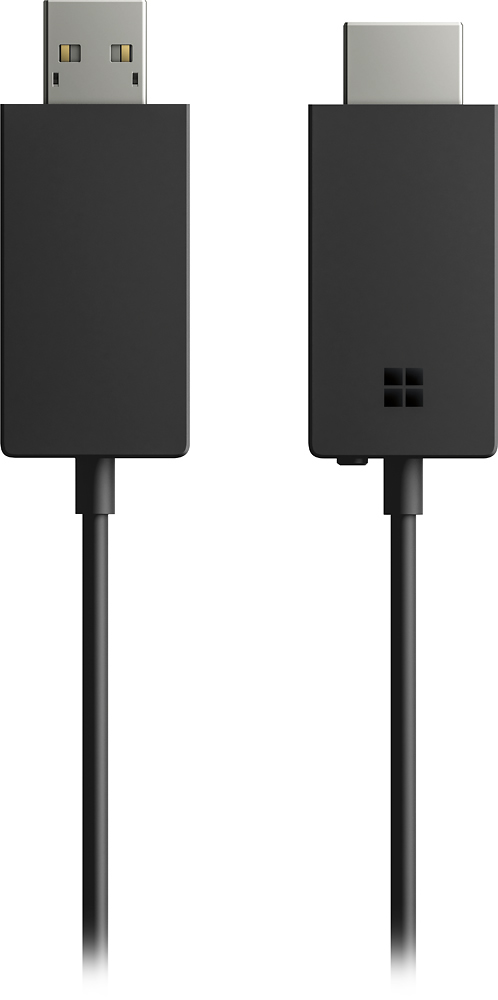
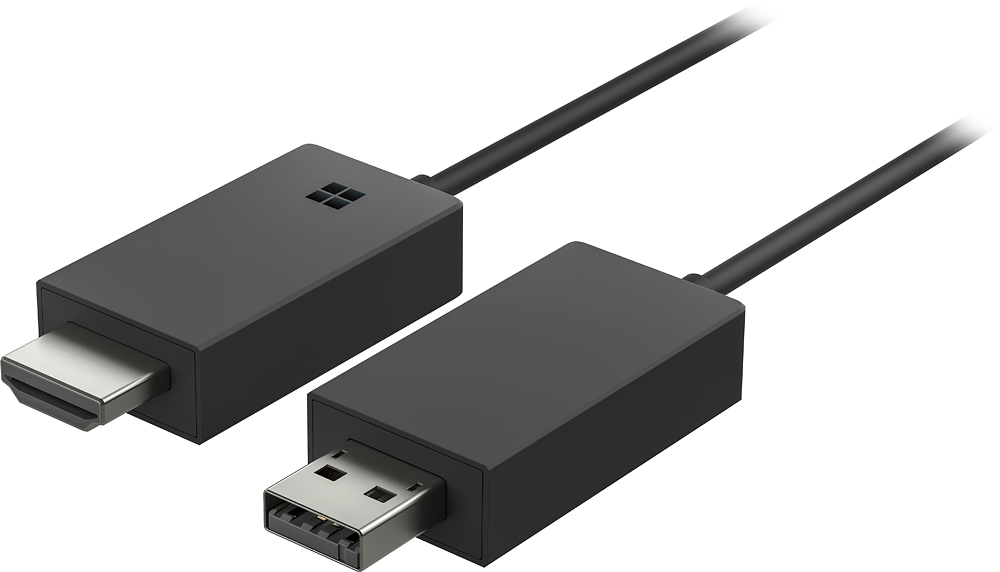
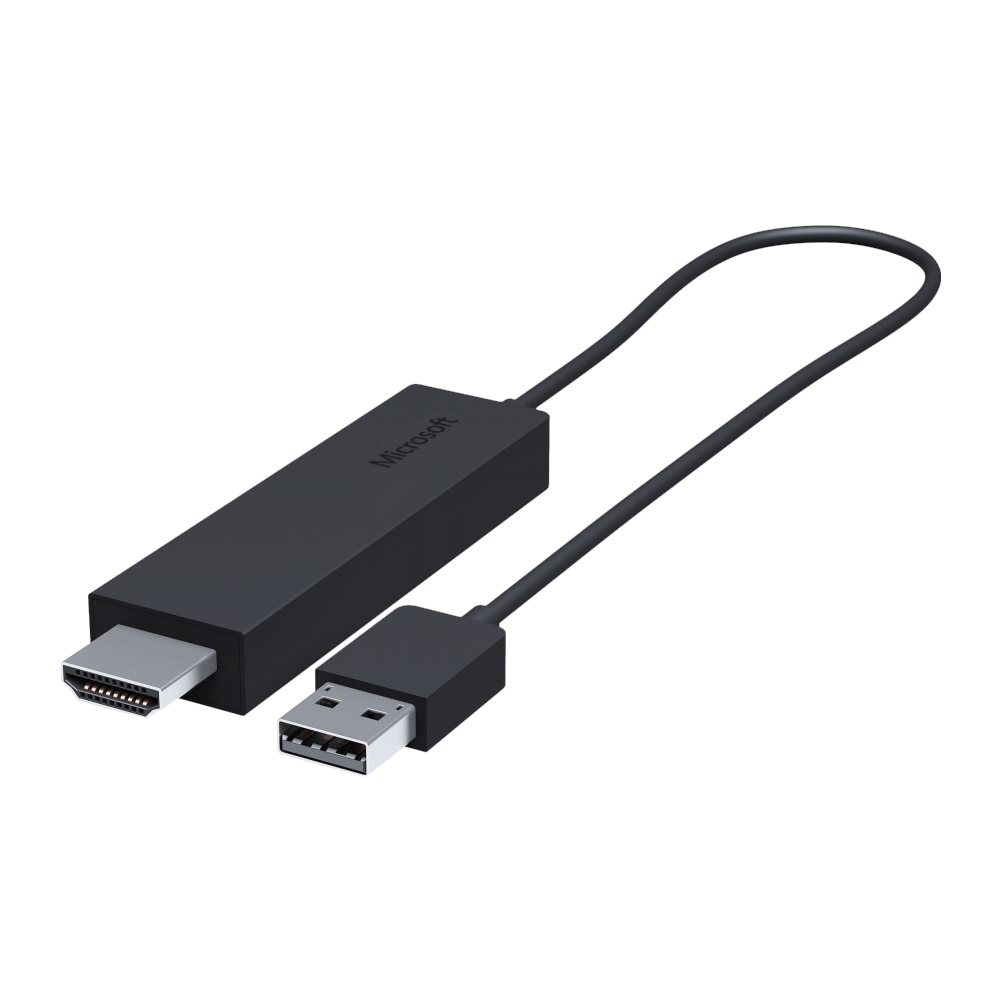
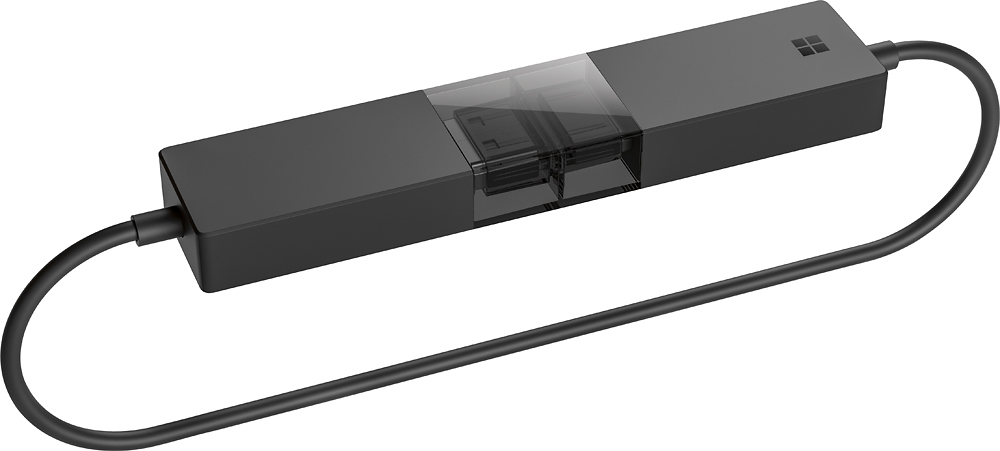
- Model:
- P3Q-00001
- SKU:
- 4974200
Rating by feature
- Value
Rating 4.3 out of 5 stars
- Quality
Rating 4.6 out of 5 stars
- Ease of Use
Rating 4.6 out of 5 stars
Customers are saying
Customers recognize the Wireless Display Adapter V2 receiver for its user-friendly design, wireless connectivity, and compatibility with Windows 10. Users appreciate the easy setup process and the ability to mirror content from their laptops to TVs. However, some users have concerns about occasional lag, the price of the product, overheating issues, and limited resolution.
This summary was generated by AI based on customer reviews.
- Pros mentioned:Ease of use
Happy Teacher
||Posted . Owned for 1 month when reviewed.This reviewer received promo considerations or sweepstakes entry for writing a review.I purchased this for my classroom so I can use my laptop without an HDMI cord. It works great! So many other teachers saw what I was using and also went to purchase one. It's great. I haven't used it at home, but I understand works great for that too! Great product, must have for teachers.
I would recommend this to a friend - Pros mentioned:Ease of use
Great for general streaming
||Posted .This reviewer received promo considerations or sweepstakes entry for writing a review.When I first set it up I couldn’t get it to connect. I unplugged it from the tv and waiting 10 seconds. When I plugged it back in it connected perfect. It will not successfully instal the new firmware. I will keep trying. For general use it’s great! Just set up issues and firmware issues...
I would recommend this to a friendBrand response from MicrosoftOutreachTeam
Posted .Hi Greg,
We'd like to look into the firmware issues you've been having, and see if our team can offer you a solution to get your Wireless Display Adapter working the way it should be. Please contact us at PCAccessories@microsoft.com, and we can help you out.
Kindly,
Victoria
Microsoft Customer Care
- Pros mentioned:Ease of use, Picture quality
Works
||Posted . Owned for 3 weeks when reviewed.This reviewer received promo considerations or sweepstakes entry for writing a review.Works great for connecting a SURFACE tablet to a flat screen TV.
I would recommend this to a friend - Pros mentioned:Ease of use, Performance
Works great, save money
||Posted .This reviewer received promo considerations or sweepstakes entry for writing a review.Simple, effective, inexpensive. Works better than a $2000 click share.
I would recommend this to a friend - Cons mentioned:Lag
Adequate but has lag
||Posted .This reviewer received promo considerations or sweepstakes entry for writing a review.While the device works as intended there are occasional lag issues.
No, I would not recommend this to a friendBrand response from MicrosoftOutreachTeam
Posted .Hi there,
We're sorry to hear that you're running into this issue. We'd recommend troubleshooting your Wirless Display Adapter here: https://support.microsoft.com/en-us/help/4023497/surface-troubleshoot-using-the-microsoft-wireless-display-adapter-with?os=windows-10&=undefined.
Thanks,
Victoria
Microsoft Customer Care
- Pros mentioned:Wireless
Better than the V1, more stylish too!
||Posted .This reviewer received promo considerations or sweepstakes entry for writing a review.I have the V1 of this product, and I was pleased with the new design. The two plugins (HDMI and USB) are now more equally sized, and don't look as strange plugged into a projector on a conference table as the old version did. Additionally, it seemed to stay connected much better than the original version did. I've been using for about a month now, and have been very pleased with its performance.
I would recommend this to a friend - Pros mentioned:Ease of use
Adds Convenience
||Posted .This reviewer received promo considerations or sweepstakes entry for writing a review.Cable does exactly what it says. Had a few issues with getting it to work consistently with Norton Security Suite. The portability and Windows integration is great. The cable is a little thinner than a standard HDMI cable which gives me concerns if it will last if it is moved from device to device.
I would recommend this to a friend - Pros mentioned:Ease of use
Great way to connect nearly all devices to a TV!
||Posted .This reviewer received promo considerations or sweepstakes entry for writing a review.The MS Display Adapter works simply and easily and connects nearly all electronic devices seamlessly, without cumbersome wires, to a TV or monitor. I was surprised how quickly I could establish a connection and how clear the display picture was. I've used it for presentations on a variety of equipment and it works great. At $50 this is a valuable tool for your electronic gadget bag.
I would recommend this to a friend works great
||Posted .This reviewer received promo considerations or sweepstakes entry for writing a review.works as advertised - my PC to the TV. Some problem setting it up, but once done, no problems.
I would recommend this to a friend- Pros mentioned:Ease of use, Picture quality
easy to use
||Posted .This reviewer received promo considerations or sweepstakes entry for writing a review.great to show screen from laptop, good picture quality and easy to configure
I would recommend this to a friend - Pros mentioned:Ease of use
simple and easy
||Posted .This reviewer received promo considerations or sweepstakes entry for writing a review.Just plug and with one button and your set. No extra apps or soft ware to download. Took less than a minute. Would gave it a 5 star but its fussy sometimes when scrolling. Would not recommend for gaming or movies with action scenes. Use on my 32' Insignia pair with a Samsun Galaxy tab 4 7.0
I would recommend this to a friend - Pros mentioned:Ease of use
This is a great wireless receiver
||Posted . Owned for 10 months when reviewed.This reviewer received promo considerations or sweepstakes entry for writing a review.This device has been use twice for emergency situations when the local video system did not work. I was able to use my Surface Pro and hook up my wireless receiver to display the items needed saving the day. I have also used it for business and this is a great device not having to worry about wires or distance. Highly recommend it.
I would recommend this to a friendBrand response from MicrosoftOutreachTeam
Posted .Hi there,
Thanks for the stellar review! We're delighted to hear that the Wireless Display Adapter was able to step in an save the day! We genuinely appreciate you recommending the Wireless Display Adapter to the community, and we hope you continue to enjoy.
Cheers,
Heather
Microsoft Customer Care
- Cons mentioned:Connection
Cannot find Device Issues
||Posted .This reviewer received promo considerations or sweepstakes entry for writing a review.I am a Hi-Techie who spent 2-3 hrs trying to get this to work with my Sony Smart TV and a Toshiba Laptop running Win10. It never worked. The TV HDMI Port showed this product working but the WiFi enabled Toshiba located just 6 ft away never saw it as a device to connect to.
No, I would not recommend this to a friend The BIG deal: It casts ANY Win 10 monitor page!
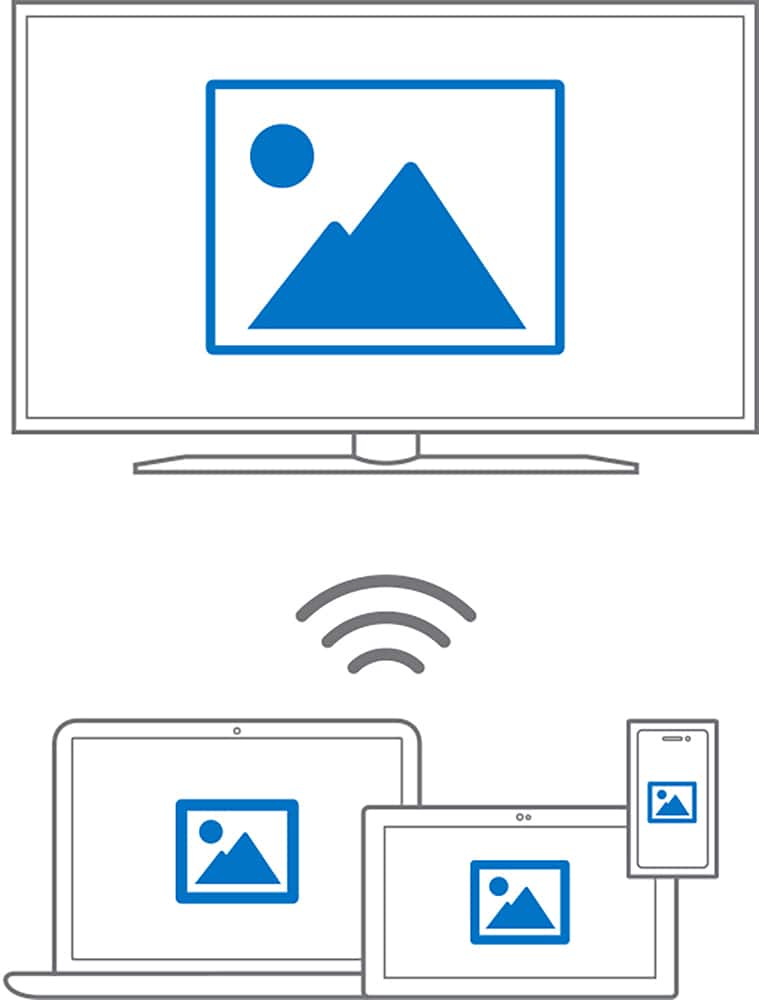
||Posted .This reviewer received promo considerations or sweepstakes entry for writing a review.Not just the browser (say any browser) ... but the entire window(s) from any source... exactly as one sees it on the PC/Laptop monitor. Use the MSFT Win 10 "connect" option ... nothing else required, the cable (HDMI) and its power source (USB) are simply hooked to the TV... and presto. (Hint: ads will post different prices for V1 vs V2.) TH
I would recommend this to a friendBrand response from MicrosoftOutreachTeam
Posted .Hi Terry,
Thanks for raving about us to the community! We're excited that your experience with the Wireless Display Adapter has been one to talk about! With this unique tool, casting your display is easy and hassle free with its wireless design. We appreciate the awesome shout-out!
Kind regards,
Jessica
Microsoft Customer Care
- Pros mentioned:Ease of use
Works Great!!
||Posted . Owned for 1 month when reviewed.This reviewer received promo considerations or sweepstakes entry for writing a review.Needed a way to stream from my Galaxy S10+ phone to an older TV without having to be connected to Wi-Fi. This device was recommended to me by a Best Buy employee, and it has worked great. Easy to connect to and works just like the screen mirroring application on newer TVs.
I would recommend this to a friend - Pros mentioned:Ease of use
Not smart
||Posted . Owned for 1 year when reviewed.This reviewer received promo considerations or sweepstakes entry for writing a review.This was great. It allowed me to watch my computer on my tv. It's small enough that you can travel with it and easy to hook up. If you have a smart tv's it's not required.
I would recommend this to a friend - Pros mentioned:Compatibility, Ease of use
Easy install
||Posted .This reviewer received promo considerations or sweepstakes entry for writing a review.Easy installing for windows 10 , nice option for surface
No, I would not recommend this to a friend - Pros mentioned:Ease of use
Finally Rid of All The Wires
||Posted .This reviewer received promo considerations or sweepstakes entry for writing a review.Life is way to short to "Settle!" Get the most out of LIFE and enjoy the freedom that this technology offers. This little gadget allows you to stream your favorite movies and media seamlessly to as big as you have! Whether it's for your own personal enjoyment of business presentations, it's a BIG HIT!!! Incredibly easy to set up... Just plug it in and ENJOY!!!
I would recommend this to a friend - Pros mentioned:Picture quality
It’s okay
||Posted .This reviewer received promo considerations or sweepstakes entry for writing a review.Picture quality is good however audio is out of sync
No, I would not recommend this to a friendBrand response from MicrosoftOutreachTeam
Posted .Hi there,
We're sorry to hear that you have been experiencing spotty audio with your Wireless Display Adapter! We would like to help you out with troubleshooting what may be going on, and get this working correctly for you. Please reach out to us at PCAccessories@microsoft.com, and we can help you out.
Kindly,
Victoria
Microsoft Customer Care
- Pros mentioned:Ease of use
Easy to use - no setup
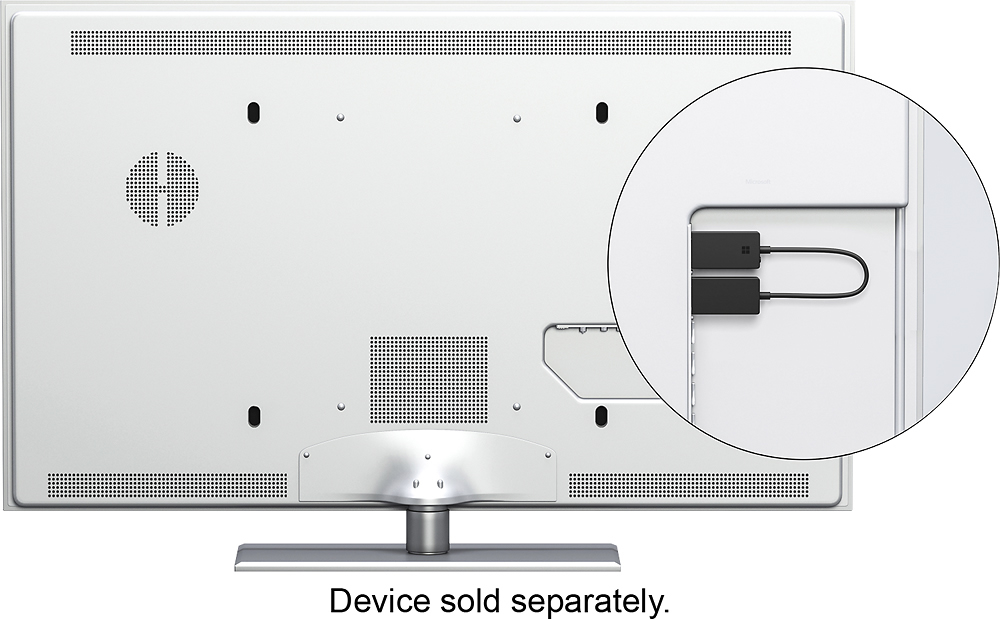
||Posted .This reviewer received promo considerations or sweepstakes entry for writing a review.I bought this to be able to use a smart tv as a second laptop monitor. I took it out of the box, plugged it in and it worked! Now I can work wirelessly on my tv on my boat. Only concern (and its not a problem) - is that my tv forces this unit to stick out about 3 inches off the back of the tv - keeping the tv a bit off the wall.
I would recommend this to a friendBrand response from MicrosoftOutreachTeam
Posted .Hi there,
Thanks for sharing how you like to use the Wireless Display Adapter with the community. We're glad this has helped you stay in-the-flow from wherever you are! We hope you continue to enjoy.
Cheers,
Jessica
Microsoft Customer Care
Tell us how PC Accessories simplifies your life. Share a review with the community.