Customer Ratings & Reviews
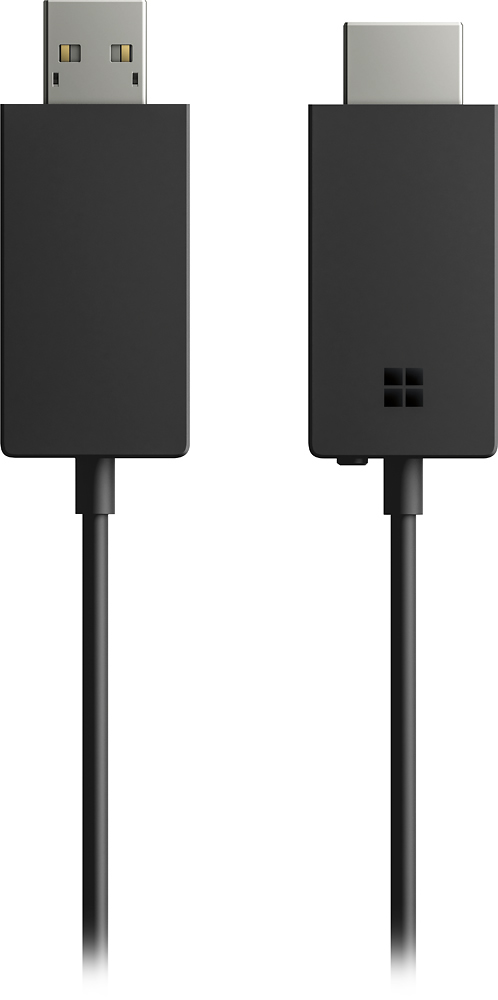
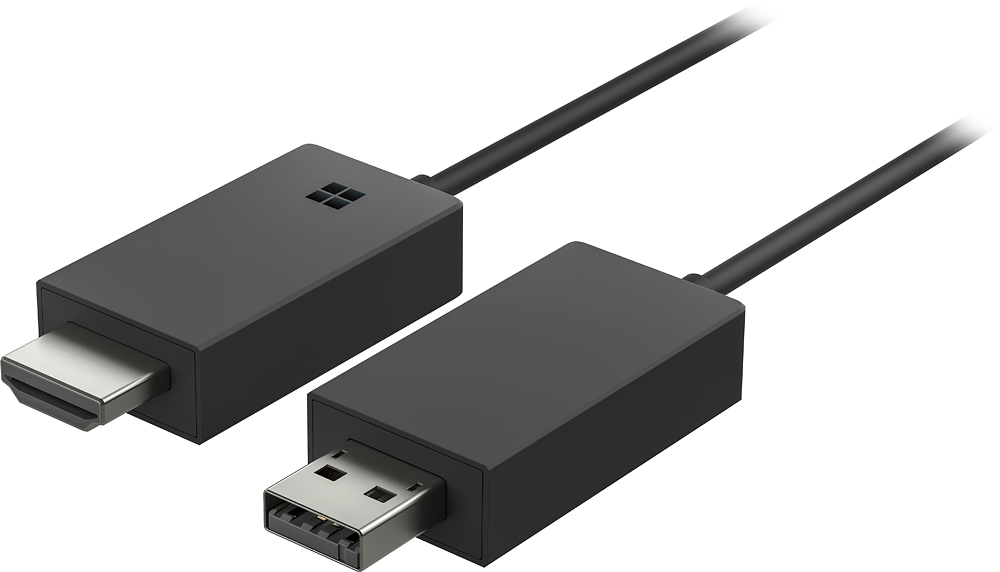
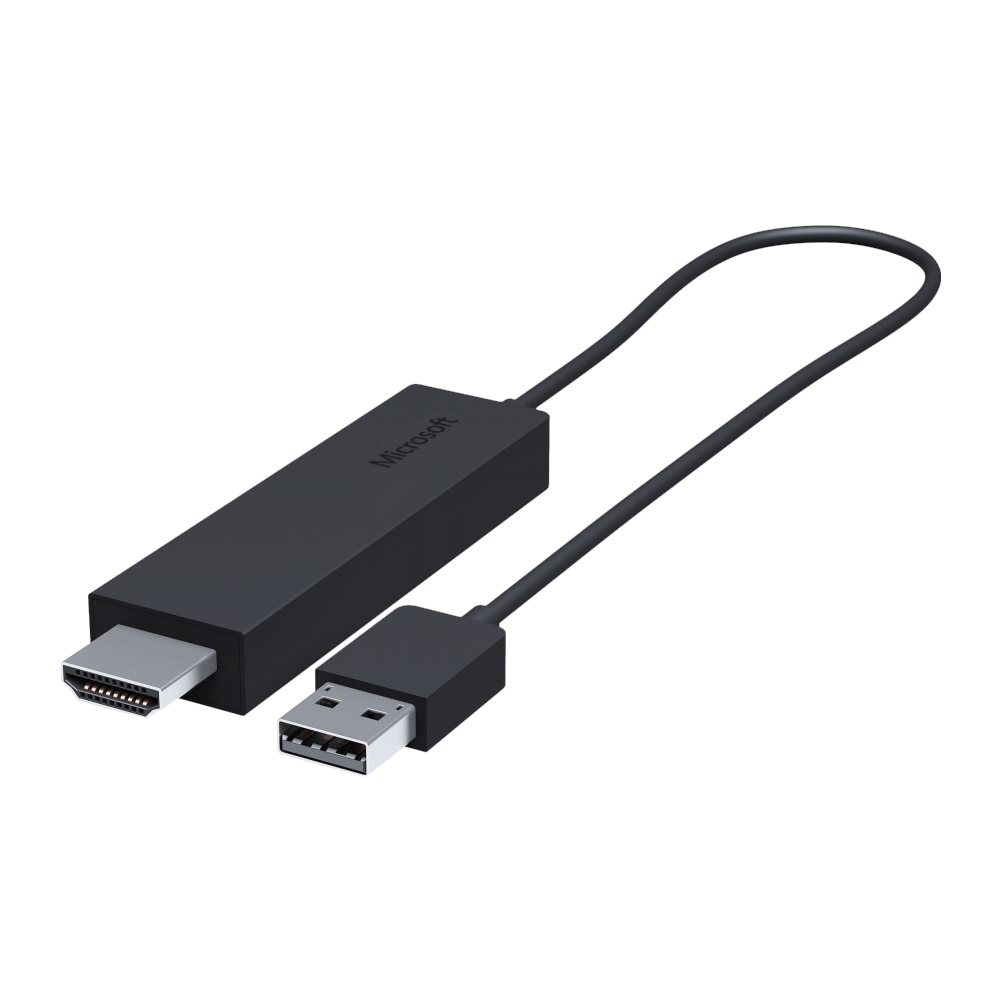
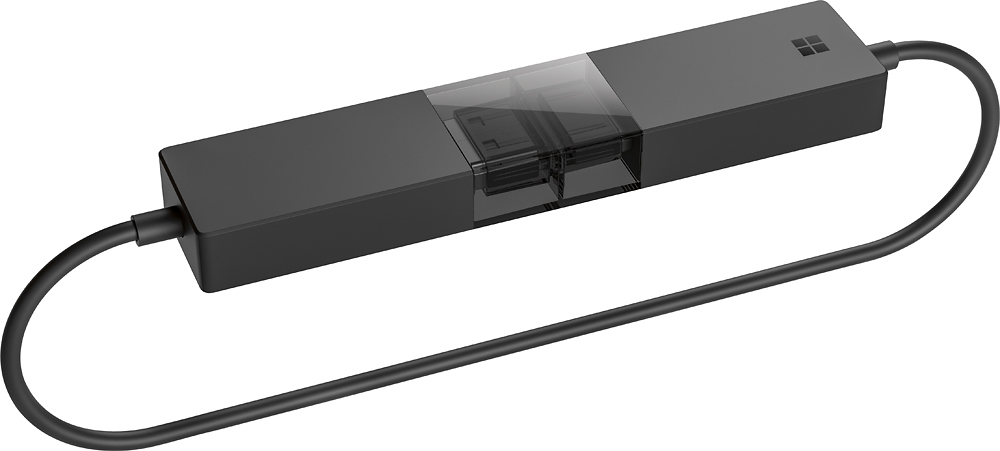
- Model:
- P3Q-00001
- SKU:
- 4974200
Rating by feature
- Value
Rating 4.3 out of 5 stars
- Quality
Rating 4.6 out of 5 stars
- Ease of Use
Rating 4.6 out of 5 stars
Customers are saying
Customers recognize the Wireless Display Adapter V2 receiver for its user-friendly design, wireless connectivity, and compatibility with Windows 10. Users appreciate the easy setup process and the ability to mirror content from their laptops to TVs. However, some users have concerns about occasional lag, the price of the product, overheating issues, and limited resolution.
This summary was generated by AI based on customer reviews.
- Cons mentioned:Connection, Heat
Not for presentations
||Posted .This reviewer received promo considerations or sweepstakes entry for writing a review.Was told it would be perfect for streaming. But with my surface book I had issues doing a presentation with video and sound. My surface would heat up and connection would freeze. But for simple PowerPoint no issues .
I would recommend this to a friend - Pros mentioned:Ease of use
set up was simple
||Posted .This reviewer received promo considerations or sweepstakes entry for writing a review.setting up the device was very simple, however there is often video and audio are slightly out of synch when duplicating display. Maybe that is due to other variables like network speed. So for watching movies, i will NOT use it, however for reviewing a photo album or plotting a family hiking trip with Goolge Earth with the family it is very nice!
I would recommend this to a friend Great Functionality
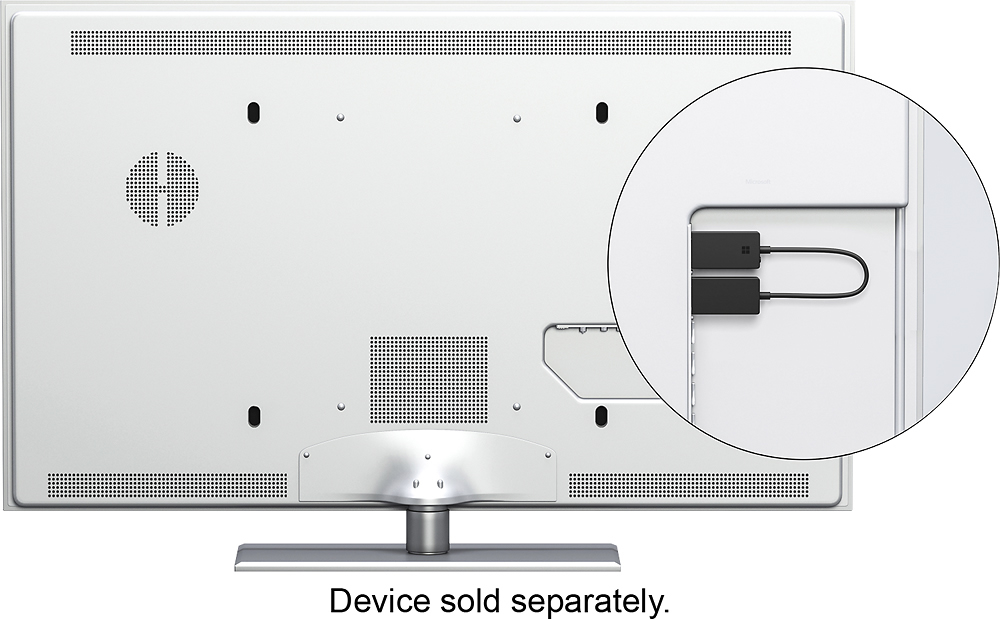
||Posted .This reviewer received promo considerations or sweepstakes entry for writing a review.Allows me to cast the screen from my Surface Pro 4 to my TV. Easy setup. Just connect one end to an HDMI jack for video signal and the other end to a USB port on the TV (for power) and it's ready to go. Allows me to watch Hulu and Amazon Prime Video without built-in TV apps. I can watch anything on my TV that I can display on my Surface. Very AWESOME!
I would recommend this to a friend- Pros mentioned:Ease of use
Makes it simple
||Posted .This reviewer received promo considerations or sweepstakes entry for writing a review.I wasn't sure how to make a connection but the sales consultant showed the adapter to me and this made everything easy. A simple hookup an I was up and running. My laptop was displayed on my TV and accomplished exactly what I wanted.
I would recommend this to a friend - Pros mentioned:Compatibility
Wireless HD video and surround sound
||Posted .This reviewer received promo considerations or sweepstakes entry for writing a review.I had a HDMI cable from my old computer to my home theater, but with new gear it wasn't possible. So I limped along with small screen and inferior sound. I began to research wireless solutions, and found Windows 10 makes this possible. The trademark is "Miracast". That the device is marketed by Microsoft sold me, and I was completely delighted.
I would recommend this to a friend - Pros mentioned:Picture quality
Great Investment
||Posted .This reviewer received promo considerations or sweepstakes entry for writing a review.My husband had a ton of movies saved on his laptop and phone that we were only able to watch on those devices. This adapter gave us the ability to watch those movies clearly on our tv from both. This is one of the best purchases we’ve made at Best Buy.
I would recommend this to a friendBrand response from MicrosoftOutreachTeam
Posted .Hi Alex,
Thank you for sharing your experience with us! We'er' glad to hear that you and your husband have gotten a ton of use out of your Wireless Display Adapter, and appreciate you taking the time to leave a review.
Kindly,
Victoria
Microsoft Customer Care
- Pros mentioned:Ease of use
Works fine
||Posted .This reviewer received promo considerations or sweepstakes entry for writing a review.Easy to use and set up. Not complicated. 10 characters left.
I would recommend this to a friend - Pros mentioned:Ease of useCons mentioned:Lag
Great Product
||Posted .This reviewer received promo considerations or sweepstakes entry for writing a review.Easy to setup, no lag, smooth running. Will be buying more
I would recommend this to a friend HDMI Wireless Projector
||Posted .This reviewer received promo considerations or sweepstakes entry for writing a review.Comes in handy when you wish to project your computer screen to the TV (HDMI) without the need to run an HDMI cable to it. Make sure the computer comes with Windows 10 installed.. I had issues connecting when I tried to use on any computer that came with Windows 8 upgraded to Win10 computers. Definitely a good buy and at a good price.
I would recommend this to a friendGood Adapter, but old technology
||Posted .This reviewer received promo considerations or sweepstakes entry for writing a review.This is a great device for older non WiDi displays as it can mirror your devices to these older tvs without a problem. The issue is that most TV's now come with that technology built in and theses so many other devices at a lower price point that do the same. Still a neat device though and user friendly.
I would recommend this to a friend- Pros mentioned:Compatibility
Very good adapter
||Posted .This reviewer received promo considerations or sweepstakes entry for writing a review.I got a samsung s7 cell every place I look on the internet they said that the cell would not work with the Microsoft - Wireless Display Adapter V2 receiver but i got the app called mirror screen from the play store and it worked like a charm I would recondmend this product had no issues very good best I spent lately....
I would recommend this to a friendBrand response from MicrosoftOutreachTeam
Posted .Hi there,
We appreciate you taking the time to leave a review! We're glad you were able to get the Wireless Display Adapter to work with your device, and hope you continue to enjoy the ease of use.
Kindly,
Victoria
Microsoft Customer Care
- Cons mentioned:Instructions
Works Perfectly
||Posted .This reviewer received promo considerations or sweepstakes entry for writing a review.Does exactly what it is supposed to do. Instructions aren't very good. If you want to use it with android devices (Samsung Galaxy S7) then you have to find and install an additional app. I used 'Miracast Display Finder.' I think the Roku stick will do the same thing. I recommend checking that out as well before you make your decision.
I would recommend this to a friend - Cons mentioned:Lag
Great wifi projection adapter
||Posted .This reviewer received promo considerations or sweepstakes entry for writing a review.WiDi / Miracast adapter works as expected. There are times where I have to tell my Windows 10 tablet to connect twice before it actually connects, but that may be my tablet. The lag is minimal at most and works well for streaming from a Windows 10 client.
I would recommend this to a friend works perfectly
||Posted .This reviewer received promo considerations or sweepstakes entry for writing a review.Works perfectly but had to return it because I don't see the value when having a smart tv (sales person suggested to buy)
No, I would not recommend this to a friend- Pros mentioned:Compatibility
Great for displaying on TVs with Surface Pros
||Posted .This reviewer received promo considerations or sweepstakes entry for writing a review.I purchased four of these for displaying content from various Microsoft Surface Pros. The dongle works great with Surface Pros 4, but Surface Pros 3 seem to struggle with it. The ones that I notice that struggled to connect were running Windows 8.1 for the OS. Once we upgraded them to Windows 10 they started to become more stable.
I would recommend this to a friend - Pros mentioned:Ease of use
Reliable, quality Microsoft product. Not for MAC
||Posted . Owned for 5 months when reviewed.This reviewer received promo considerations or sweepstakes entry for writing a review.I am a technology pro. This is a great product to enable any TV with HDMI to become an monitor extension. I've used in conference rooms and at home. Quick, easy setup, easy to share your display quickly. RELIABLE. WINDOWS OS ONLY. MAC is not supported.
I would recommend this to a friend - Pros mentioned:Ease of use
Fantastic! Wireless Display!
||Posted .This reviewer received promo considerations or sweepstakes entry for writing a review.Microsoft WiFi Display adapter is everything it said it would be. Easy to install. Easy to use. Great fast connection! Makes using an extra monitor with my Windows 10 laptop even easier with no cables or wires to fuss with!
I would recommend this to a friend - Pros mentioned:Wireless
Good wireless solution connecting a old monitor
||Posted .This reviewer received promo considerations or sweepstakes entry for writing a review.The LCD monitor I am using currently is relatively old but is still serviceable, unfortunately the cables going to my new tablet do not work adequately and the monitor does not have DNLA, as a result I have used this wireless Display Adapter and it works
I would recommend this to a friend - Pros mentioned:Ease of use, Picture quality
Easy to use
||Posted .This reviewer received promo considerations or sweepstakes entry for writing a review.Love how easy it was to use, nice speed, great picture
I would recommend this to a friend - Cons mentioned:Connection
Good Idea but not reliable
||Posted .This reviewer received promo considerations or sweepstakes entry for writing a review.I thought this would work for my classroom. I wanted to connect my surface pro to my projector because my smart board doesn’t work. I could never get it to connect. Seems like an awesome idea like chrome cast kind of.
I would recommend this to a friendBrand response from MicrosoftOutreachTeam
Posted .Hi there,
Thanks for reaching out! We're sorry to hear you're having some difficulties with your Wireless Display Adapter. To assist, we'd like you to try some of these troubleshooting tips here: https://support.microsoft.com/en-us/help/4034899.
We sincerely hope this helps!
Best,
Heather
Microsoft Customer Care