Customer Ratings & Reviews
- Model:
- P3Q-00001
- SKU:
- 4974200
Rating by feature
- Value
Rating 4.3 out of 5 stars
- Quality
Rating 4.6 out of 5 stars
- Ease of Use
Rating 4.6 out of 5 stars
Customers are saying
Customers recognize the Wireless Display Adapter V2 receiver for its user-friendly design, wireless connectivity, and compatibility with Windows 10. Users appreciate the easy setup process and the ability to mirror content from their laptops to TVs. However, some users have concerns about occasional lag, the price of the product, overheating issues, and limited resolution.
This summary was generated by AI based on customer reviews.
- Pros mentioned:Compatibility
Good add-on for surface pro 4
||Posted .This reviewer received promo considerations or sweepstakes entry for writing a review.If you own a surface pro 4 or surface book, get this if you want to cast your screen to tv
I would recommend this to a friend - Pros mentioned:Ease of use
very convenient and easy to install
||Posted .This reviewer received promo considerations or sweepstakes entry for writing a review.Just love the adapter, will highly recommend, so easy to install just plug and play. can use very easy with my smart TV
I would recommend this to a friendBrand response from MicrosoftOutreachTeam
Posted .Hi Phil,
Thanks for sharing with the community about how easy it is to use the Microsoft Wireless Display Adapter. We're thrilled to share technology like this with our customers to make day-to-day tasks more efficient. It's great to hear we've hit the mark!
Cheers,
Jessica
Microsoft Customer Care
Tell us how PC Accessories simplifies your life. Share a review with the community.
Awesome
||Posted .This reviewer received promo considerations or sweepstakes entry for writing a review.Hdmi free can have my laptop whereever in the room and connects to.my tv, no complaints
I would recommend this to a friendWorks great with the Surface Pro
||Posted .This reviewer received promo considerations or sweepstakes entry for writing a review.If you’re looking to extend your display then this could be a solution. I bought it to extend my Surface Pro to my desktop monitor. It does need a USB connection for power so either have the extension cable handy or ensure your monitor has an available port built in. The only complaint (albeit minor) is that the monitor will register this as the active device and switch to it if nothing else is available, requiring a manual switch back to the desktop if it went to sleep mode.
I would recommend this to a friendBrand response from MicrosoftOutreachTeam
Posted .Hi there,
Thanks for sharing your insights with the community! We're delighted you're loving the convenience the Wireless Display has to offer to your Surface Pro device. We hope you continue to enjoy our new setup!
Cheers,
Jessica
Microsoft Customer Care
- Cons mentioned:Heat
Works surprisingly well
||Posted .This reviewer received promo considerations or sweepstakes entry for writing a review.Gets a little hot for my taste, but this thing does work. Not sure why there's a lot of bad reviews around the web
I would recommend this to a friend - Pros mentioned:Wireless
nice to have
||Posted . Owned for 3 weeks when reviewed.This reviewer received promo considerations or sweepstakes entry for writing a review.good for apple and android tablets and other pc's. use on any smart tv, light to travel if you go to a hotel
I would recommend this to a friend - Pros mentioned:Wireless
Wireless display works perfect
||Posted .This reviewer received promo considerations or sweepstakes entry for writing a review.We had been looking for a solution to wirelessly display training presentations to a wall mounted tv. This item met that need perfectly.
I would recommend this to a friend - Cons mentioned:Connection
Great idea - some problems
||Posted .This reviewer received promo considerations or sweepstakes entry for writing a review.It works great with my Surface Pro, but we are having problems connecting a Surface Go and two other laptops. For the Surface Pro everything is great - but if we can't get it to work with other systems that is a problem. We have followed Microsoft support recommendations, but as of yet have had no luck...
I would recommend this to a friendBrand response from MicrosoftOutreachTeam
Posted .Hi there,
We're sorry to hear you're having difficulty with connecting some of your devices to the Wireless Display Adapter. Usually if it is working on one device, and not another, it usually means your Windows 10 device (like the Surface Go) requires an update. Make sure your devices are all in sync with the most current update, and this usually resolves any connection issues. Run the Surface Diagnostic Toolkit to search for updates, and resolve anything else with your device here: https://support.microsoft.com/en-us/help/4037239/surface-fix-common-surface-problems-using-surface-diagnostic-toolkit.
For your other two laptops, please check to be sure that they are compatible with the Wireless Display Adapter. The Wireless Display Adapter was designed to run optimally with Windows 10 devices. Full functionality is not available with non HDCP devices. If a device was originally pre-installed with a prior version of Windows (Windows 8, Win7, Vista or XP), please contact the OEM (original equipment manufacturer) to confirm if it is Miracast enabled.
We hope this helps! If you should encounter any questions, please don't hesitate to reach out to our support team here: https://support.microsoft.com/en-us/contactus/.
We're always happy to help you get your devices up and running!
Kind regards,
Jessica
Microsoft Customer Care
- Pros mentioned:Picture quality
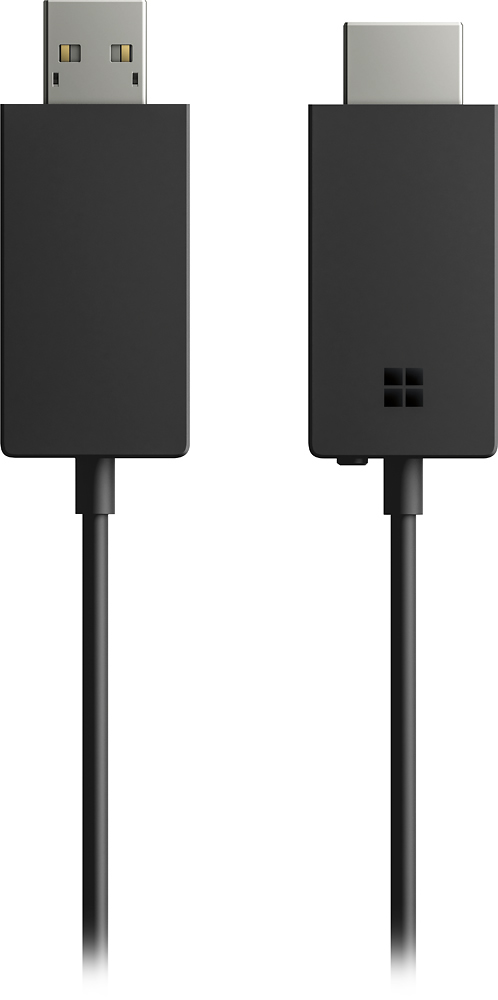
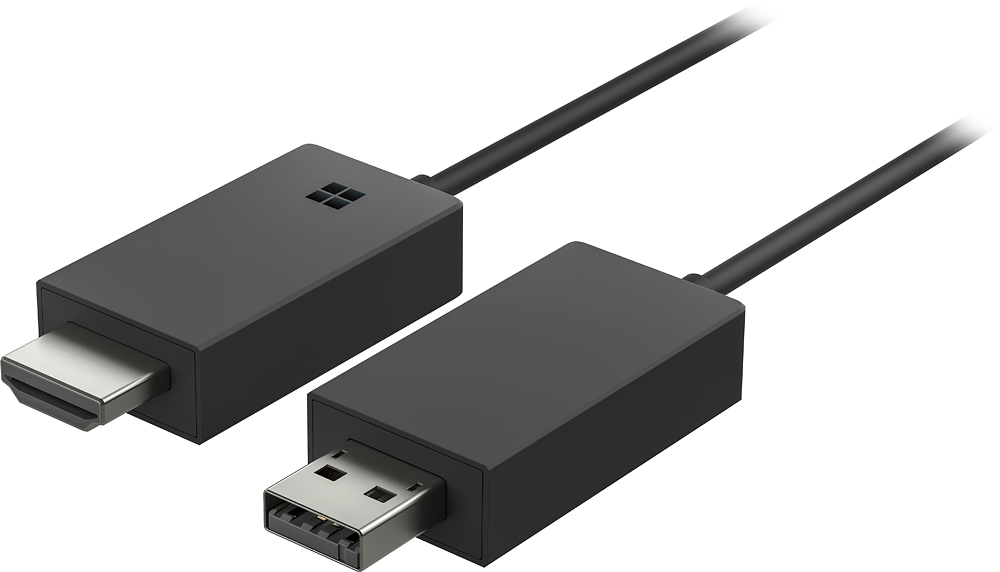
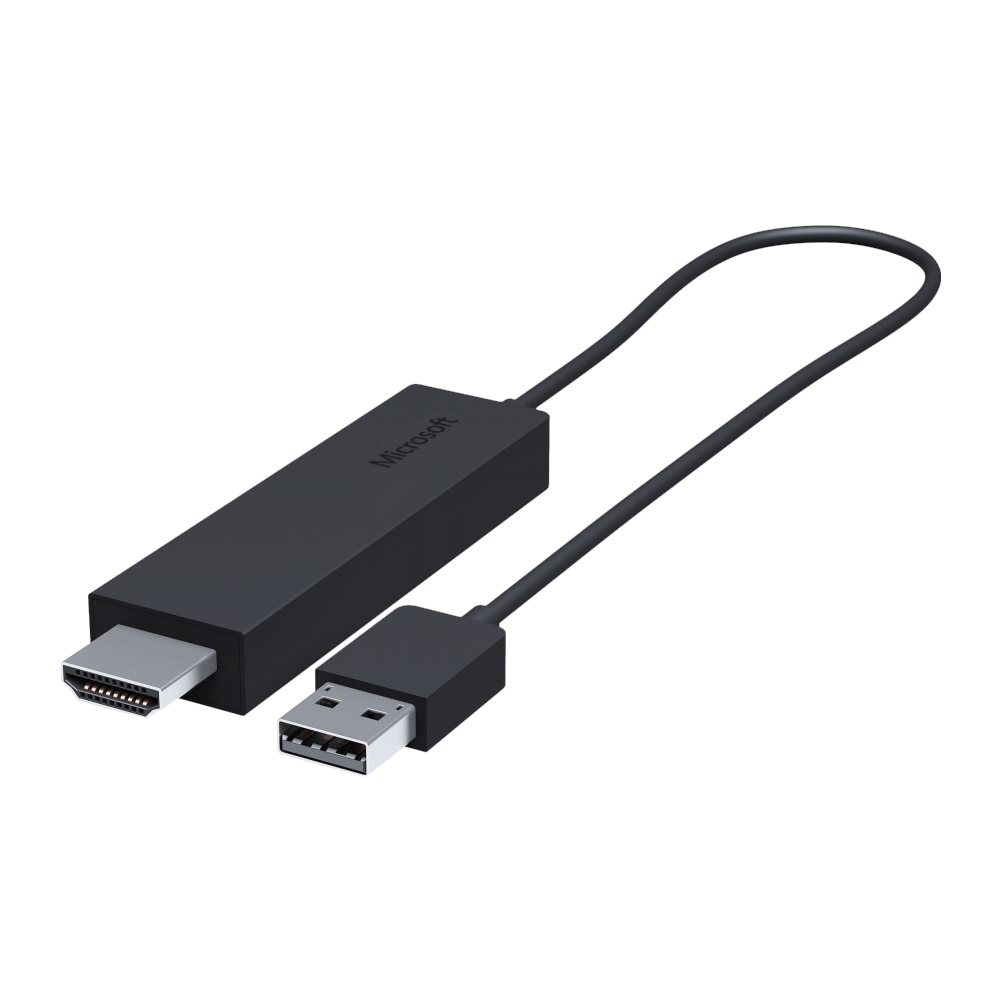
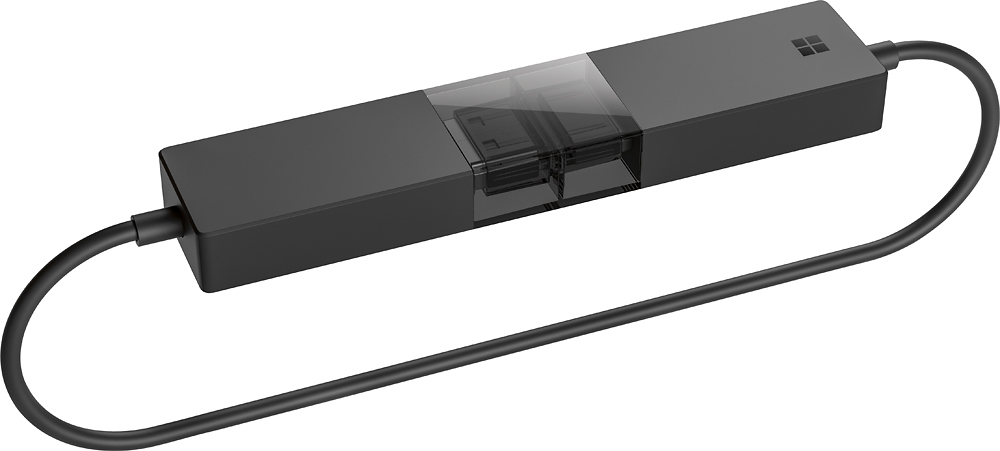
Microsoft wireless display adapter v2 reciever
||Posted . Owned for 1 month when reviewed.This reviewer received promo considerations or sweepstakes entry for writing a review.Wireless display adapter v2 receiver with dark titanium shows 1080p picture as described
I would recommend this to a friend - Pros mentioned:Ease of use
Easy Wireless display
||Posted . Owned for 3 weeks when reviewed.This reviewer received promo considerations or sweepstakes entry for writing a review.A simple yet amazing little device to get exactly what you need for presentations in the work environment.
I would recommend this to a friend - Pros mentioned:Ease of use
Exactly what I was needing
||Posted .This reviewer received promo considerations or sweepstakes entry for writing a review.Works great every time. Tried several others with no success. I use my lg g4 to mirror and watch movies on several different televisions.
I would recommend this to a friend - Pros mentioned:Ease of use
Excellent Device
||Posted .This reviewer received promo considerations or sweepstakes entry for writing a review.This is an excellent device for mirroring to any kind of android or Microsoft tablet or phone!!
I would recommend this to a friend Worked great
||Posted . Owned for more than 2 years when reviewed.This reviewer received promo considerations or sweepstakes entry for writing a review.This worked great in the camper where I didn't have cell service or wifi. Screen mirrored my phone directly to the tv, unlike the Chromecast which needs an internet signal to work. Unfortunately doesn't work with Pixel phones. After 2 years though, it started to have pixelated video and became hard to watch anything. It was great while it lasted.
I would recommend this to a friend- Pros mentioned:Ease of use
Great addition
||Posted .This reviewer received promo considerations or sweepstakes entry for writing a review.Works like a charm. Plug it and its good to go. Looking at Pics from my Surface and watchin Netflix on the TV is a piece of cake.
I would recommend this to a friend GREAT ADAPTER
||Posted .This reviewer received promo considerations or sweepstakes entry for writing a review.DID EXACTLY WHAT IT SAID AND WORKS GREAT....LUV IT TOOK TWO SECONDS TO PLUG IN AND MAYBE MINUTE TO GET COMPUTOR SET UP TO VIEW IT ON TVS
I would recommend this to a friend- Pros mentioned:Compatibility
Great for the right users
||Posted .This reviewer received promo considerations or sweepstakes entry for writing a review.this is a great product for any Microsoft Windows users that have a laptop\tablet.
I would recommend this to a friend - Pros mentioned:Compatibility
Very Easy To Use!
||Posted . Owned for 1 month when reviewed.This reviewer received promo considerations or sweepstakes entry for writing a review.Great adapter for Microsoft products! Use it for my laptop, surface pro, ipad, and more!
I would recommend this to a friend - Pros mentioned:Ease of use
Did exactly what I needed
||Posted .This reviewer received promo considerations or sweepstakes entry for writing a review.I wanted to watch a live stream of my daughters soccer game from my laptop to my large screen tv. This was easy to setup and use!!
I would recommend this to a friend - Pros mentioned:Compatibility
Perfect for screen sharing
||Posted . Owned for more than 2 years when reviewed.This reviewer received promo considerations or sweepstakes entry for writing a review.I’ve owned this 2 years and never had an issue with it. Perfect for screen sharing any windows device.
I would recommend this to a friend - Pros mentioned:Performance
Thanks
||Posted . Owned for 3 weeks when reviewed.This reviewer received promo considerations or sweepstakes entry for writing a review.Works real good. I like it . This is good for presentations and it was on sale.. thanks!
I would recommend this to a friend