Customer Ratings & Reviews
- Model:
- P3Q-00001
- SKU:
- 4974200
Rating by feature
- Value
Rating 4.3 out of 5 stars
- Quality
Rating 4.6 out of 5 stars
- Ease of Use
Rating 4.6 out of 5 stars
Customers are saying
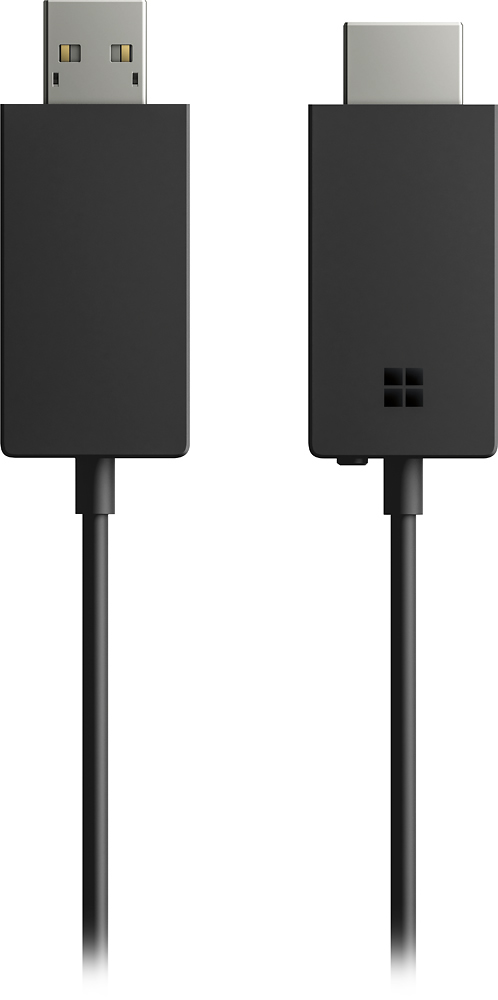
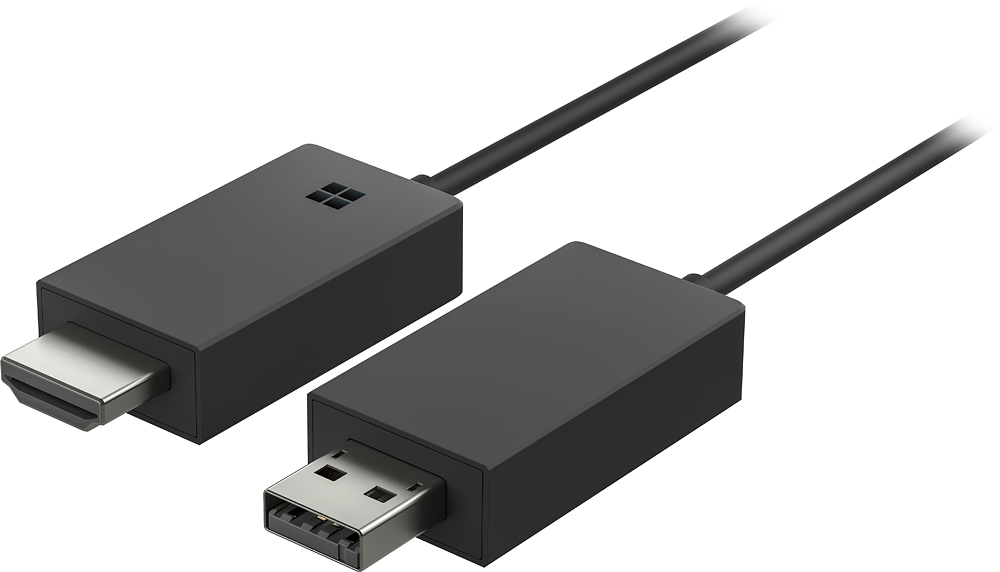
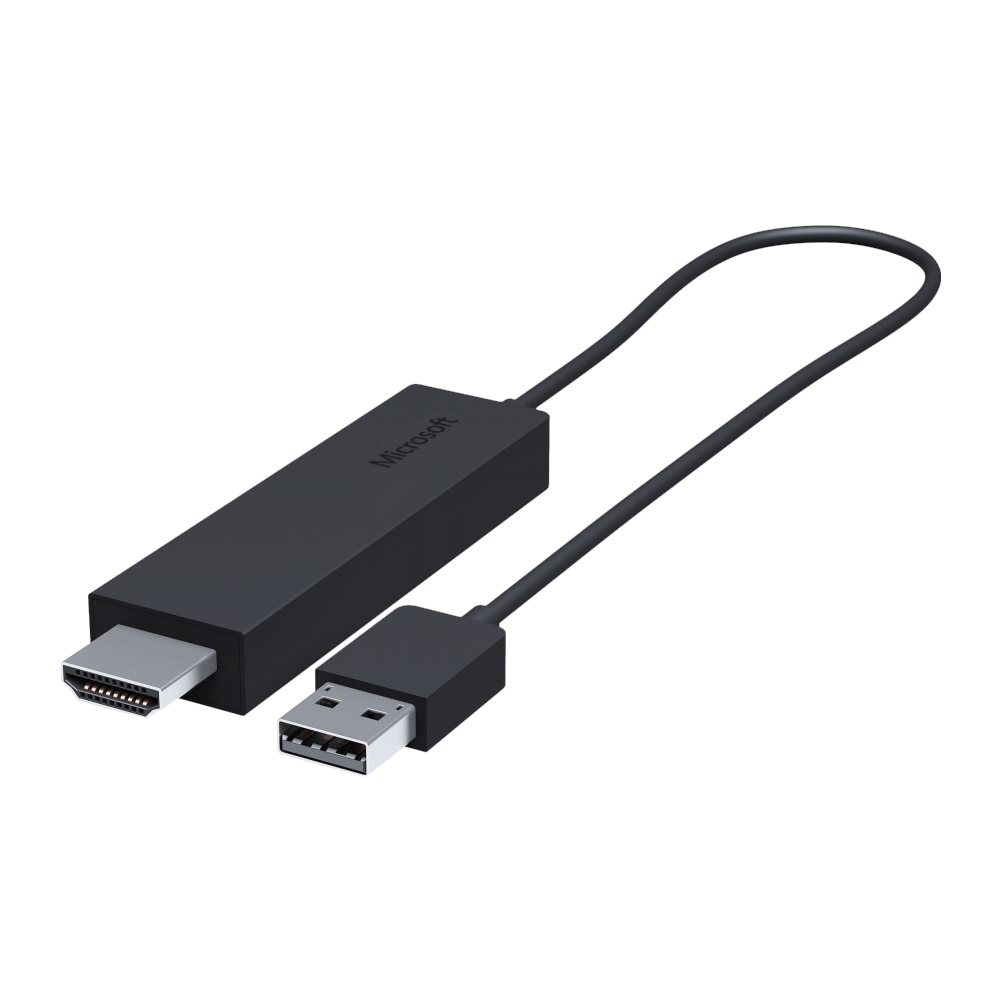
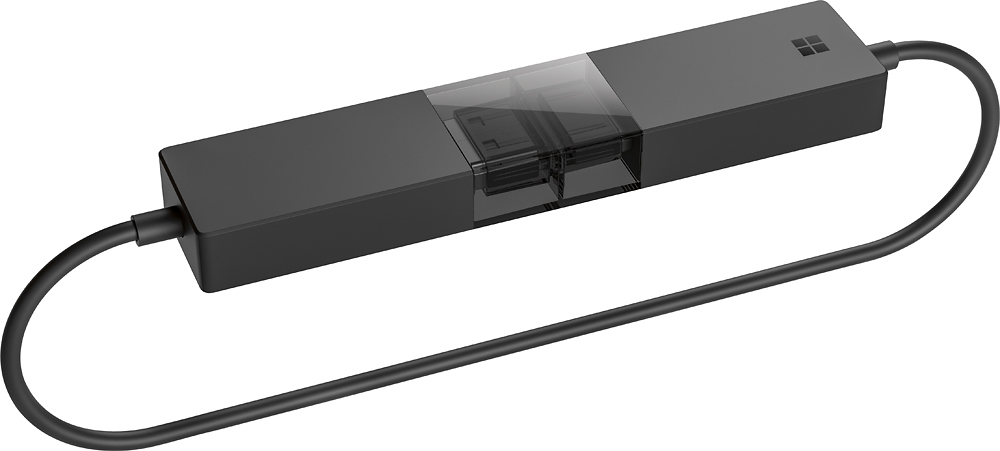
Customers recognize the Wireless Display Adapter V2 receiver for its user-friendly design, wireless connectivity, and compatibility with Windows 10. Users appreciate the easy setup process and the ability to mirror content from their laptops to TVs. However, some users have concerns about occasional lag, the price of the product, overheating issues, and limited resolution.
This summary was generated by AI based on customer reviews.
- Pros mentioned:Ease of useCons mentioned:Heat, Lag
works very well
||Posted .This reviewer received promo considerations or sweepstakes entry for writing a review.It was easy to hook up and streams movies awesome power point program worked very good no delay only thing that concerned me was it gets a little warm
I would recommend this to a friend - Pros mentioned:Compatibility, Ease of use
Better than Chromecast for Privacy
||Posted . Owned for 1 month when reviewed.This reviewer received promo considerations or sweepstakes entry for writing a review.This was purchased to replace one of my Google Chromecast devices (I am looking to replace all 3 of them due to changes in the the setup process which I view as EXTREMELY invasive of my privacy.) I am happy to report the privacy concerns are not present in the Microsoft Display Adapter. In addition, this device is easier to setup & seems to work better with the Windows computers in our house (as of this post I have not attempted to use it with my Mac.) The person at the Best Buy store was EXCELLENT & I will look for him in future visits to the store.
I would recommend this to a friend - Pros mentioned:Compatibility
No trouble at all
||Posted .This reviewer received promo considerations or sweepstakes entry for writing a review.It couldn't be simpler: Plug it in to your TV, set the input on the TV to this device, and follow the on-screen instructions. It works best with Windows 8 and Windows 10 computers - I have no idea if it'll work with a Mac (I suspect there's an app that can be installed to make it work, though).
I would recommend this to a friendBrand response from MicrosoftOutreachTeam
Posted .Hello,
Wow, we want to thank you for leaving a review on your experience with the Wireless Display Adapter! We're glad that it fits your needs, and appreciate you filling us in on your time so far.
Kindly,
Victoria
Microsoft Customer Care
- Pros mentioned:Ease of use
Works a alot better than expected.
||Posted . Owned for 2 months when reviewed.This reviewer received promo considerations or sweepstakes entry for writing a review.This was a great addition to our multi office floor who is using these adapters. We previously had some stuff from IO Gear only to find out they didnt pair well in a multiple set environment. These are pretty simple to use. If you are plugged in on LAN you just need to turn on wifi but dont connect to the wifi network so it works as ad hoc. It'll also post a code on the tv or whatever you have it plugged into just to avoid any sharing thats not really supposed to be shared. easy to use, and fast to setup. These have been reliable so far.
I would recommend this to a friend - Pros mentioned:Ease of use
Awesome Product
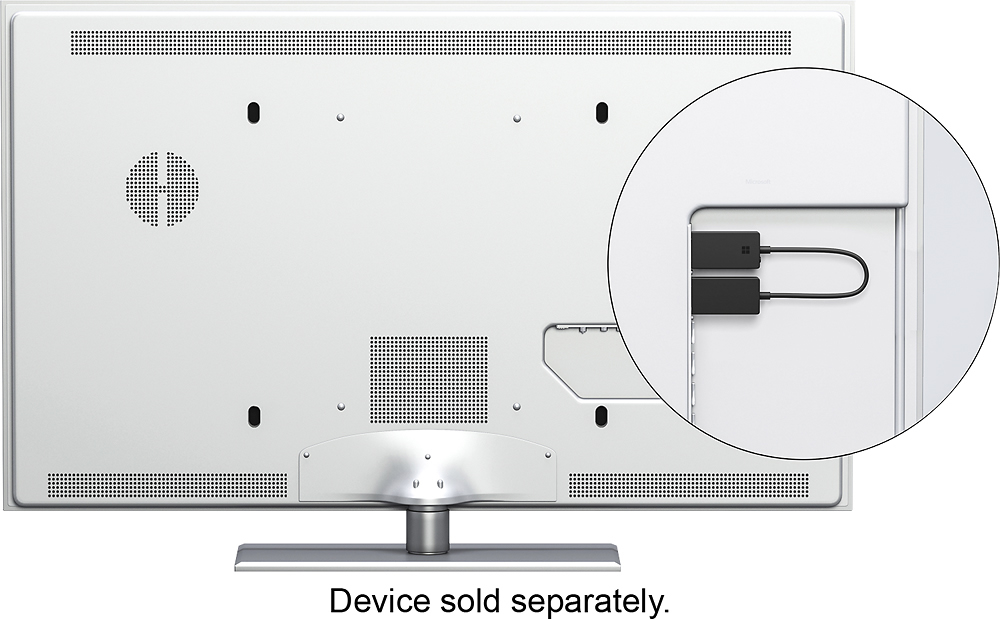
||Posted .This reviewer received promo considerations or sweepstakes entry for writing a review.This allows you to easily send a wireless signal from your laptop (Windows 10 works best) to a TV, Projector, or anything that has both an HDMI plug AND a USB plug. Windows 10 allows you to easily connect and either mirror your computer screen or extend the desktop. Reminder - your display MUST have both HDMI in AND a USB port. The USB gives power to the adapter. I guess the other option is to have an in-wall USB plug, like what you would get with your phone or something and then plug that into the wall. I use this for school and have it connected to my projector so I can walk around the classroom with my laptop and still have everything viewable on the projector screen.
I would recommend this to a friend - Cons mentioned:Lag
A Miracast Adapter that works
||Posted .This reviewer received promo considerations or sweepstakes entry for writing a review.Finally! I've been trying to crack the enigma of Miracast for years, seemingly, only to be frustrated by lousy hardware and incompatible standards. I tried the first generation Microsoft Wireless Adapter paired with an Asus ZenTab which, it turns out, had a lousy Miracast antenna. So that didn't work well (flakey laggy picture and sound). Next, I tried a Lenovo Yoga Tab 2 with a first generation Amazon Fire TV Box ... the Amazon Fire Box has a terrible Miracast antenna in it, so no dice. At that point, I gave up, but I was close! The trick is, you have to have a good Miracast transmitter - i.e. a phone or tablet - AND a good Miracast receiver. THIS is the ONLY decent Miracast receiver on the market. Paired it to a Droid Mini phone - which, after much research, turns out to be a solid Android Miracast device - and also with an Acer Aspire Switch 10 2 in 1 Windows tablet pc. The second generation Microsoft Wireless Adapter works flawlessly- it's hard to tell the difference between how this works and an hdmi cable. Very little lag, everything is synced. Beautiful. Sit on your couch and swipe away... free of wires. You can broadcast anything on your phone or tablet to the tv with this device. Perfection.
I would recommend this to a friend - Pros mentioned:Ease of useCons mentioned:Connection
The PC can finally go wireless!
||Posted .This reviewer received promo considerations or sweepstakes entry for writing a review.I use this for presentations at work with a Dell Venue 7140 tablet or my HP x360. Both have worked well even at surprising distances. The biggest perk for me is being able to continue working in bed or wherever and projecting to the secondary display as an alternate screen. This ups productivity while retaining mobility. The second advantage is not requiring wifi access. It does lose connection occasionally or need to be reset, but I found this more common in my HP x360, a simple reset resolves the issue.
I would recommend this to a friend - Pros mentioned:WirelessCons mentioned:Lag
Works ok....
||Posted .This reviewer received promo considerations or sweepstakes entry for writing a review.Purchased to use with Surface Pro 4 to present power points on monitors and digital projectors. Works pretty well but I have lost connection and had to reconnect a few times..I also found you can't let surface idle into sleep mode or you definitely have to reconnect. Not a big deal to reconnect if needed.. I love using it so far and I recommend it to anyone who wants to project wireless. Very slight lag from your screen to monitor but not an issue..Love the versatility
I would recommend this to a friend - Pros mentioned:Ease of use, Picture quality
Great wireless connection to a projector
||Posted .This reviewer received promo considerations or sweepstakes entry for writing a review.This device has been an asset to our business because it allows wireless connection to the projectors we use. Good quality picture and is user friendly (as long as you use windows 8 or 10). I would like to see it be user friendly with windows 7 because some of our computers are still running the older operating system at this time. It would also be nice if it came with a wall plug so you can use 120v power if needed instead of having to get a USB adapter.
I would recommend this to a friend - Pros mentioned:Picture qualityCons mentioned:Price
Great option - for any level user
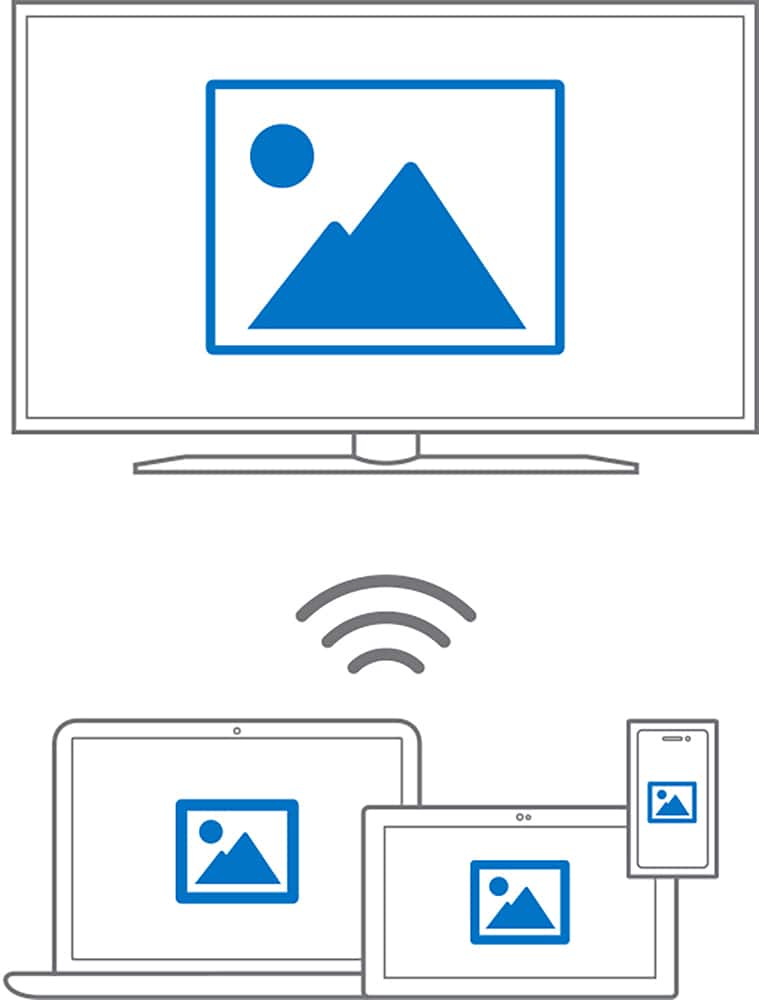
||Posted .This reviewer received promo considerations or sweepstakes entry for writing a review.Adapter allows the user to connect their Android cell phone to a basic TV with ease through simple "mirroring". Just need an HDMI and USB connection. I used this to connect to a projector in my classroom. However I did have to use a USB power adapter (an extra one of my phone power plug adapter). And an extension cord. Able to project pictures, video and apps exactly as seen on phone without connecting to WiFi - price is the only negative.
I would recommend this to a friend - Cons mentioned:Connection, Lag
Good Miracast Device for Both Windows and Android
||Posted .This reviewer received promo considerations or sweepstakes entry for writing a review.First, it came w/ the latest firmware. It's a good Miracast device for both Windows and Android devices. Good as it sometimes randomly drops connection and wouldn't reconnect. I have to either unplug the USB connection or turn off and on the TV. When it connects, no lagging for both viewing pictures, watch video (including streaming Youtube and Netflx), or browse the web. I hope Microsft will improve it by updating the firmware in future.
I would recommend this to a friend - Pros mentioned:Ease of use
Easy setup
||Posted .This reviewer received promo considerations or sweepstakes entry for writing a review.If you want something that is definitely plug and play this is absolutely it. Plugged the one end into the HDMI port and the other into the USB port, setup the computer for mirroring and it was instantly there. So easy a caveman can do it
I would recommend this to a friend Must have accessory for Surface devices
||Posted .This reviewer received promo considerations or sweepstakes entry for writing a review.I use my surface book for work which means PowerPoint presentations, hotel use, etc. Being able to go into a conference room and create a connection to a projector or TV without a long HDMI cable is awesome. Hotel internet is notoriously poor so being able to pop this into a hotel TV and mirror or extend my screen for downloaded content viewing is ideal. One caveat is that sometimes I have to try pairing to the dongle twice as the first time doesn't always take. I haven't had to try more than twice and the latency is very low meaning minimal to no delay between what my laptop is doing vs. what shows up on the wireless display. Very much recommended.
I would recommend this to a friend- Pros mentioned:Ease of use, Picture quality
Very cinvenient, easy connectivity, works well
||Posted .This reviewer received promo considerations or sweepstakes entry for writing a review.For the money, if you have a Windows machine and need to connect for presentations often, the device is marvelous. Connects easily, just as advertised. The only drawback is picture quality. It is good, but generally not great. If it is a conference room setting, it is more than adequate. If you are presenting to a larger audience, the picture quality may well become a problem.
I would recommend this to a friendBrand response from MicrosoftOutreachTeam
Posted .Hi there,
Thanks for taking the time to reach out! While we're glad you've been able to easily connect your Wireless Display Adapter to your device, we're sorry to hear you've been having some video quality issues and we'd love to try and help. If you haven't already, we highly recommend checking out this resource on troubleshooting your Wireless Display Adapter here: https://support.microsoft.com/en-us/help/4034899.
We sincerely hope that helps!
Kindly,
Heather
Microsoft Customer Care
- Pros mentioned:Ease of use
Good alternative to mhl or other streaming devices
||Posted .This reviewer received promo considerations or sweepstakes entry for writing a review.I purchased this product mainly to mirror my phone screen to my tv. My samsung galaxy s7 no longer supports mhl technology, and I do not own a samsung tv. My only other options were devices such as chromecast but i find these options quite limiting in that they require internet access to work AT ALL. This little gadget creates a direct wifi connection to my phone. It is super portable and I take it to all my friend's places to stream music, movies, and of course Youtube videos on any tv they may have through my unlimited 4G LTE data plan. Its super convenient though I found that I had to download an app on the google playstore in order for it to work on my GS7 called wifi-display (free). The setup is easy and faster than chrome cast, roku, and fire stck. The best thing about this device is the freedom to use it anywhere, on any tv, through any phone that can download the app mentioned above and works from a longer distance than mhl since it is wireless. And if i need to get up from the couch to grab a beer i don't have to pause what im watching since i can also view it on my cell screen while i do so and i can use either headphones on my tv or the tv speakers for audio.
I would recommend this to a friend - Pros mentioned:Compatibility
Best Wi-Fi Direct Dongle
||Posted .This reviewer received promo considerations or sweepstakes entry for writing a review.Have bought five so far for work. Doesn't stream video well, but very reliable even in conference settings and works with every Windows machine I've tried it with.
I would recommend this to a friend - Cons mentioned:Price
Pricey, but works gret
||Posted .This reviewer received promo considerations or sweepstakes entry for writing a review.We can thank Microsoft for the lofty price, but it works as intended. You'd think something such as a display adapter might be in the 10-20 range, but...
I would recommend this to a friend - Pros mentioned:WirelessCons mentioned:Lag
Great for personal or business use
||Posted . Owned for 3 weeks when reviewed.This reviewer received promo considerations or sweepstakes entry for writing a review.I love how it it is wireless. It turned my surface pro into a desktop and having the screen extend option allows me to use both screens independently. 4/5 stars because it’s still intermittently laggy. Don’t forget to get the app to update the device. It helps with lag and other connection issues.
I would recommend this to a friend - Pros mentioned:Compatibility
A must for multiple monitors
||Posted .This reviewer received promo considerations or sweepstakes entry for writing a review.I discovered that an active adapter like this is necessary for each monitor if you are adding two or more monitors to a surface book with the surface dock. It would probably apply to similar installations.
I would recommend this to a friend - Pros mentioned:Ease of use
more expensive than chromecast but does more
||Posted .This reviewer received promo considerations or sweepstakes entry for writing a review.I have a Chromecast which is a great cheap way to cast most things. But for times when you really need to mirror your screen, this is great!
I would recommend this to a friend