Customer Ratings & Reviews
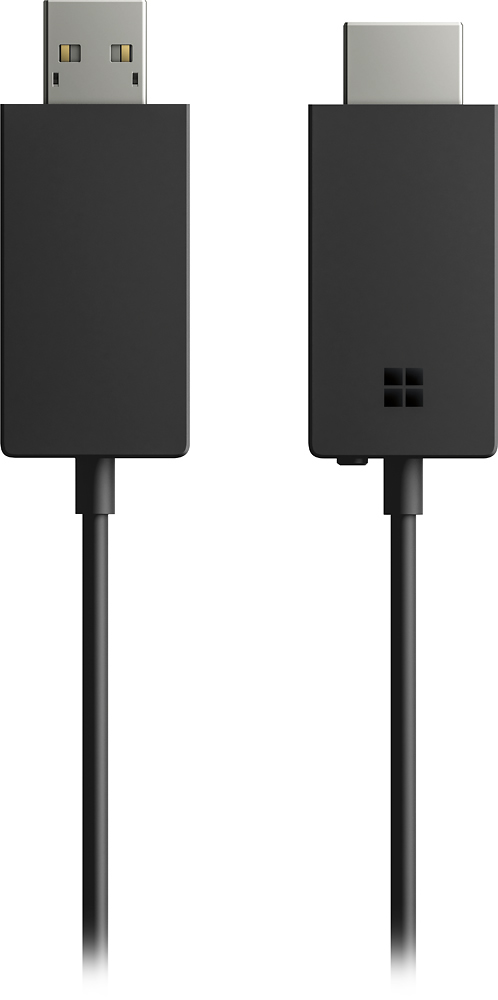
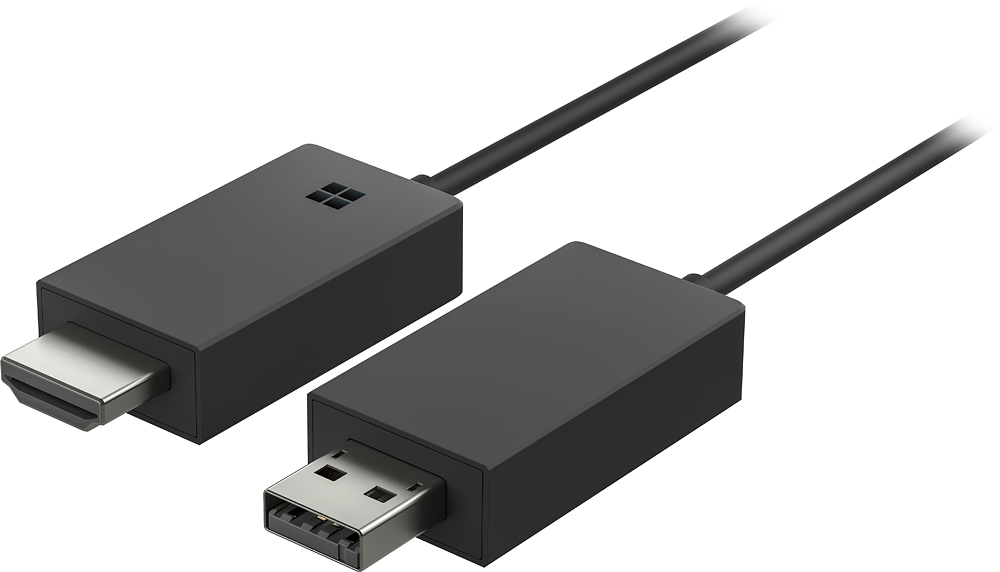
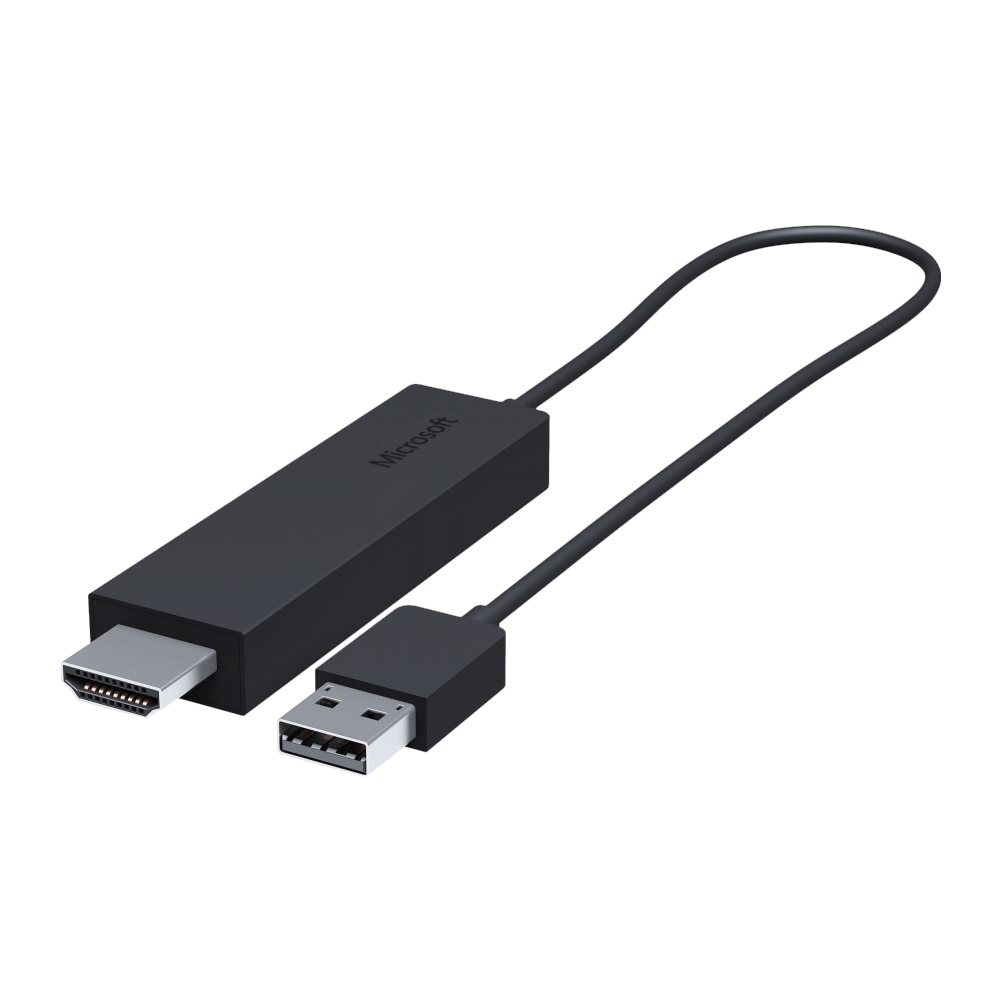
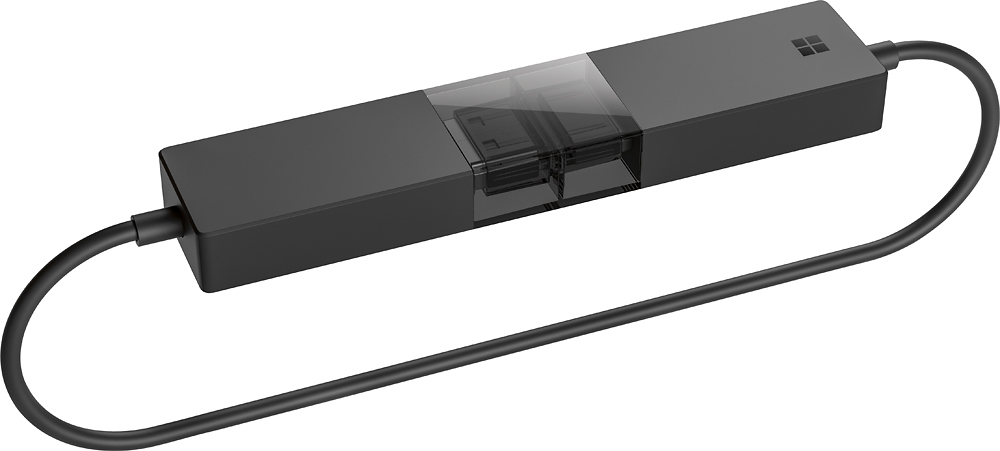
- Model:
- P3Q-00001
- SKU:
- 4974200
Rating by feature
- Value
Rating 4.3 out of 5 stars
- Quality
Rating 4.6 out of 5 stars
- Ease of Use
Rating 4.6 out of 5 stars
Customers are saying
Customers recognize the Wireless Display Adapter V2 receiver for its user-friendly design, wireless connectivity, and compatibility with Windows 10. Users appreciate the easy setup process and the ability to mirror content from their laptops to TVs. However, some users have concerns about occasional lag, the price of the product, overheating issues, and limited resolution.
This summary was generated by AI based on customer reviews.
- Pros mentioned:Ease of use
Amazingly convenient!
||Posted . Owned for 10 months when reviewed.This reviewer received promo considerations or sweepstakes entry for writing a review.Love this. Can plug my surface into anyone's TV (work or personal) and share!
I would recommend this to a friend - Cons mentioned:Connection
Some connectivity issues
||Posted .This reviewer received promo considerations or sweepstakes entry for writing a review.I think this piece of technology is very cool. However, I still think it has a long way to go before it becomes a mature piece of technology because I do have connectivity issues at least a couple times every time I use it. This gets very annoying especially when you're presenting a presentation.
I would recommend this to a friend Love It
||Posted .This reviewer received promo considerations or sweepstakes entry for writing a review.Works great and easy to setup. May require slight screen adjustment for proper screen viewing, but very easy to do.
I would recommend this to a friend- Cons mentioned:Instructions
Works as advertised
||Posted .This reviewer received promo considerations or sweepstakes entry for writing a review.Unpackaged, figured I didn't need the extension. The instructions are straight forward but very small print
I would recommend this to a friend - Pros mentioned:Wireless
used to link computer to TV
||Posted .This reviewer received promo considerations or sweepstakes entry for writing a review.originally thought new TV would do job. learned I needed this product.
I would recommend this to a friend - Pros mentioned:Ease of use
great bluetooth connector
||Posted .This reviewer received promo considerations or sweepstakes entry for writing a review.Microsoft - Wireless Display Adapter V2 receiver - Dark-Titanium So easy to use and works like a champ!
I would recommend this to a friend - Pros mentioned:Compatibility
Works perfectly with my Surface
||Posted . Owned for 1 week when reviewed.This reviewer received promo considerations or sweepstakes entry for writing a review.The display adapter works exactly as advertised. Works really well with my Surface.
I would recommend this to a friend - Pros mentioned:Wireless
Excellent product
||Posted . Owned for 6 months when reviewed.This reviewer received promo considerations or sweepstakes entry for writing a review.It works great with my television and laptop. I love it because its wireless.
I would recommend this to a friendBrand response from MicrosoftOutreachTeam
Posted .Hi there,
We appreciate your review. We're glad to hear that your Microsoft Wireless Display Adapter is working well for you.
Have a great one,
Nelson
Microsoft Customer Care
- Pros mentioned:Ease of use
Microsoft - Wireless Display Adapter V2 receiver -
||Posted .This reviewer received promo considerations or sweepstakes entry for writing a review.Very easy to use. I travel with my wireless display adapters every where I go. It's as easy as plug and play.
I would recommend this to a friend Good Product
||Posted .This reviewer received promo considerations or sweepstakes entry for writing a review.The product works well after spending hours and frustrating efforts trying to get it to work. Directions were nonexistent and the Microsoft Expert was no help either. I was ready to return the product when I ask a floor worker who looked to be all of 14 how to set it up and he was able to show me in less than a minute. I told him he should be the Microsoft Expert!
I would recommend this to a friend- Pros mentioned:Ease of use
Works flawlessly with Laptops.
||Posted . Owned for 1 month when reviewed.This reviewer received promo considerations or sweepstakes entry for writing a review.Quick to set up and easy to use. Used it to display a PowerPoint presentation a TV.
I would recommend this to a friendBrand response from MicrosoftOutreachTeam
Posted .Hi Peter,
We're glad to hear your Wireless Display Adapter was easy to set up and use right away with your TV! We appreciate you taking the time to share your experience with the community and we hope you continue to enjoy!
Cheers,
Heather
Microsoft Customer Care
Great for presenting
||Posted .This reviewer received promo considerations or sweepstakes entry for writing a review.Works as expected, but need to have both HDMI and USB (for power) for it to work. Otherwise need power brick for USB.
I would recommend this to a friend- Pros mentioned:Compatibility
Flawless wireless computer connection to display
||Posted .This reviewer received promo considerations or sweepstakes entry for writing a review.If you're looking to sync your Windows computer to an external monitor or television, this product works wonderfully.
I would recommend this to a friend Must Have for a Microsoft Surface
||Posted . Owned for more than 2 years when reviewed.This reviewer received promo considerations or sweepstakes entry for writing a review.If you use the Microsoft Surface to project to a TV for presentations, etc. this is a must. I use a TV as an extra monitor and so I use this everyday. I also take it with me when I travel to connect to other TV's. The TV will need a HDMI and USB ports, but then it works great. And the range is excellent too.
I would recommend this to a friendBrand response from MicrosoftOutreachTeam
Posted .Hi there,
We appreciate your review. We're glad to hear you've been impressed with the ability to connect your device to a monitor for presentations with the Wireless Display Adapter.
Have a great one,
Heather
Microsoft Customer Care
- Pros mentioned:Wireless
Works great on older TVs
||Posted . Owned for 9 months when reviewed.This reviewer received promo considerations or sweepstakes entry for writing a review.This cable works great on an older TV that’s unable to display wirelessly!
I would recommend this to a friend - Pros mentioned:Compatibility
Great way to project Windows laptop to TV
||Posted .This reviewer received promo considerations or sweepstakes entry for writing a review.This works great at projecting Windows 10 laptop to a TV. Got one for home and one for work.
I would recommend this to a friend - Pros mentioned:Wireless
great wireless solution
||Posted . Owned for 3 weeks when reviewed.This reviewer received promo considerations or sweepstakes entry for writing a review.This is a great wireless solution for small conference rooms without having to run cabling
I would recommend this to a friendBrand response from MicrosoftOutreachTeam
Posted .Hey there,
Thanks for the review! We're delighted to hear that the Wireless Display Adapter has helped assist with the cable situation in your conference rooms! If you're using multiple Wireless Display Adapters in multiple rooms you can rename each adapter so that you can easily locate which room you're in on your device. You can learn more about how to change the name of your Wireless Display Adapter, as well as other functions, by following this link here: https://support.microsoft.com/en-us/help/4023498/surface-using-the-microsoft-wireless-display-adapter-with-surface.
Cheers,
Heather
Microsoft Customer Care
- Pros mentioned:Picture quality
Great
||Posted . Owned for 2 months when reviewed.This reviewer received promo considerations or sweepstakes entry for writing a review.Works good once you get picked up. It’s good for watching your computer on the tv
I would recommend this to a friend - Pros mentioned:Ease of use
Great presentation method for airdisplay for pc
||Posted .This reviewer received promo considerations or sweepstakes entry for writing a review.This has given the functionality to our lcd screens that our Apple TV has provided for the Mac users on campus.
I would recommend this to a friend - Pros mentioned:Ease of use
Easy to set up but redundant
||Posted .This reviewer received promo considerations or sweepstakes entry for writing a review.If you have a newer TV chances are you don't need this. Most have the ability to cast right to the device natively (and easier) but this is nice for an older TV or if you have an off brand that didn't have the ability to cast to screen. Easy to use and set up though if you do in fact need it.
No, I would not recommend this to a friend