Customer Ratings & Reviews
- Model:
- P3Q-00001
- SKU:
- 4974200
Rating by feature
- Value
Rating 4.3 out of 5 stars
- Quality
Rating 4.6 out of 5 stars
- Ease of Use
Rating 4.6 out of 5 stars
Customers are saying
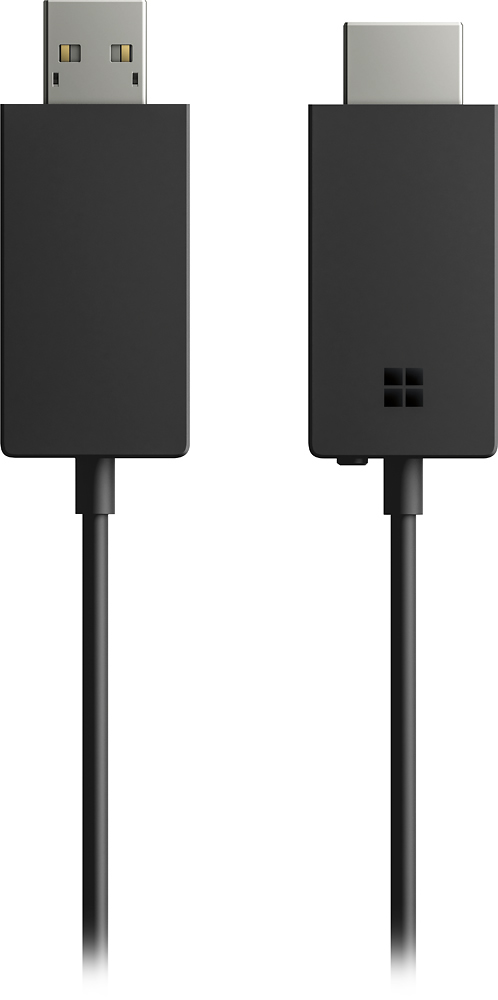
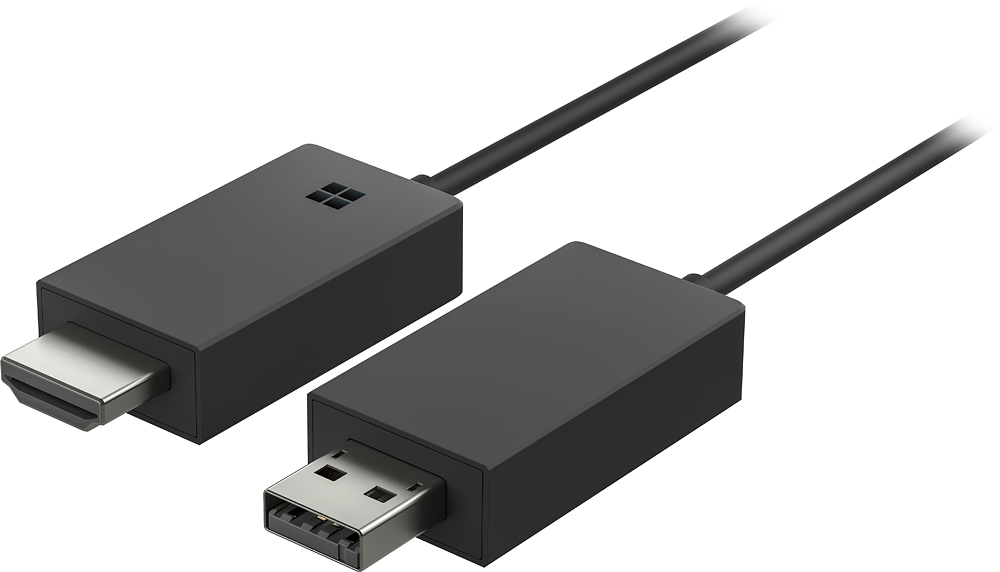
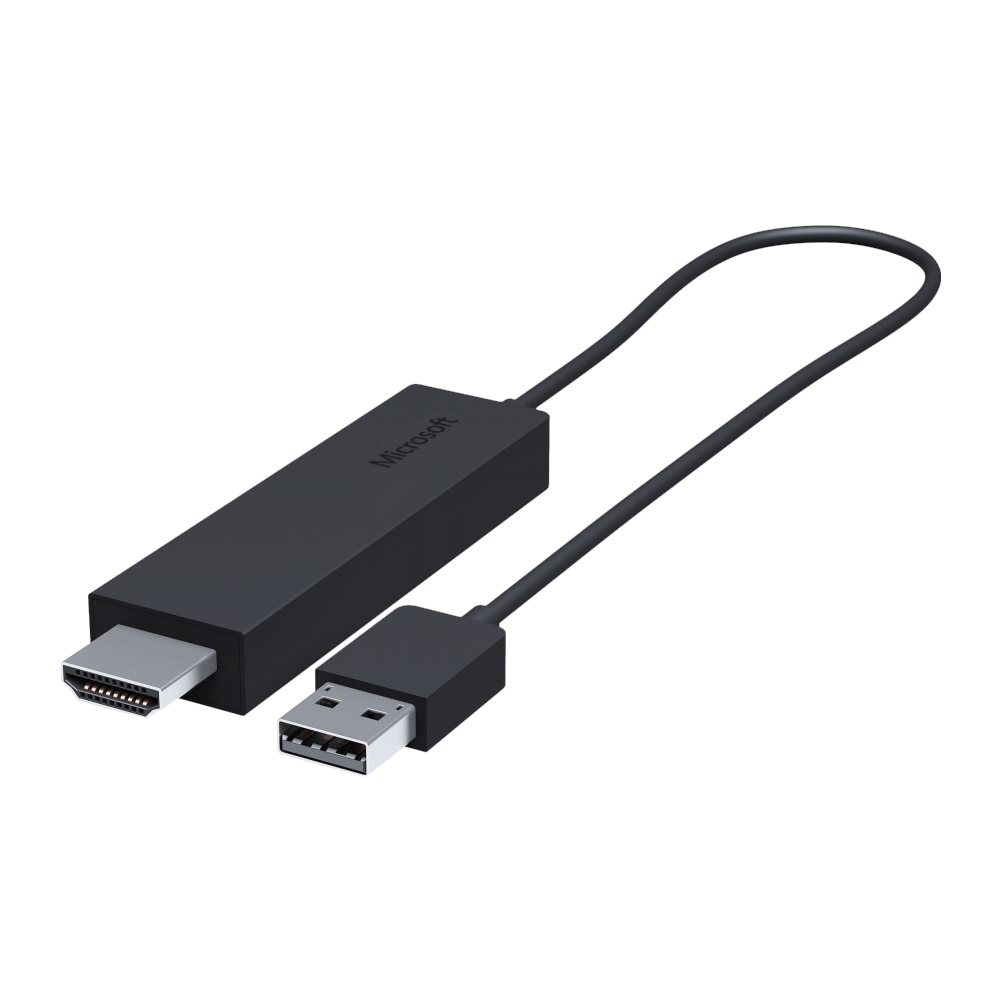
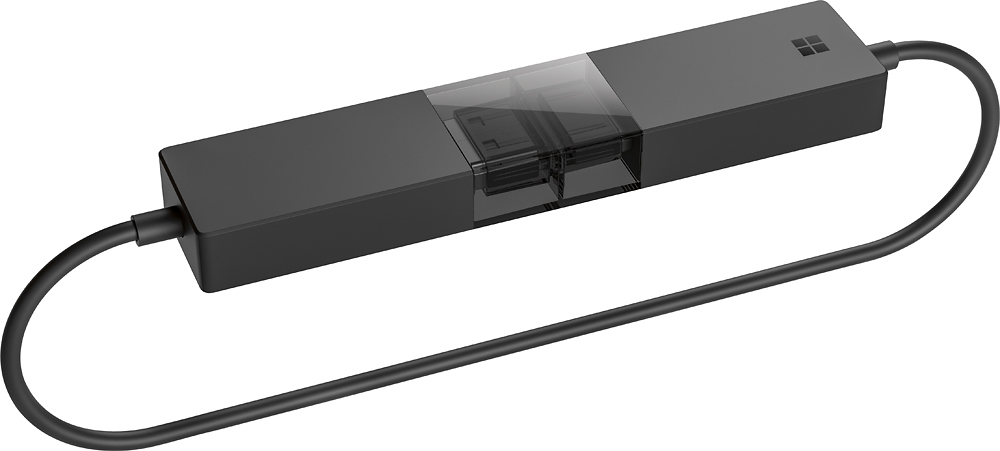
Customers recognize the Wireless Display Adapter V2 receiver for its user-friendly design, wireless connectivity, and compatibility with Windows 10. Users appreciate the easy setup process and the ability to mirror content from their laptops to TVs. However, some users have concerns about occasional lag, the price of the product, overheating issues, and limited resolution.
This summary was generated by AI based on customer reviews.
Very convenient for connecting to projectors
||Posted .This reviewer received promo considerations or sweepstakes entry for writing a review.I conduct business presentations in a wide variety of locations using my clients' projectors. This device is extremely convenient in that it allows me to connect to projectors remotely and circumvent the idiosyncrasies of my clients' various audio visual platforms. I highly recommend this device.
I would recommend this to a friendAwesome idea for the surface pro
||Posted .This reviewer received promo considerations or sweepstakes entry for writing a review.Because the surface pro 4 did not come with a HDMI port, I purchased this item. I am now able to do work from home, view photos or watch movies that previously I could only on my devices, or tethered into the tv. This item uses Bluetooth and has yet to show any delays between the two devices being used.
I would recommend this to a friendWorks, if you only want to mirror
||Posted .This reviewer received promo considerations or sweepstakes entry for writing a review.I purchased this not knowing my smart tv had this built in. BUT... I travel for work and this comes in handy to watch movies, etc. in the hotel while traveling or if your tv doesn't support mirroring. If this is all you want then get it, but you get more features from a $30 Roku or chrome cast
I would recommend this to a friend- Pros mentioned:Wireless
Can't get to work
||Posted .This reviewer received promo considerations or sweepstakes entry for writing a review.My plan was to attach my Surface Pro 4 to a flat screen TV I used for my laptop as a monitor. The intention is to use monitor wirelessly. I haven't been able to get it to work
No, I would not recommend this to a friend Miracast reciever
||Posted .This reviewer received promo considerations or sweepstakes entry for writing a review.Pretty much any Windows laptop that shipped with Windows 8 has Miracast tech inside of it, which means you can connect wirelessly (audio/video) to the MS Wireless display adapter. Incredibly useful for conference rooms.
I would recommend this to a friendEasy to Use!
||Posted . Owned for 1 month when reviewed.This reviewer received promo considerations or sweepstakes entry for writing a review.im using this on a TV and its easy to install and use. It eliminates the mouse lag that happens when I attempt to connect directly to the tv wireless with my laptop. Nice fix!
I would recommend this to a friendEasy to use
||Posted .This reviewer received promo considerations or sweepstakes entry for writing a review.Easy set up. Only down side is I have an older TV I wanted to use it for and it doesn't have a USB so I had to improvise and find another powers source. Everything else is a snap. Connection to computer is a breeze.
I would recommend this to a friendMirrored from smartphone to tv
||Posted .This reviewer received promo considerations or sweepstakes entry for writing a review.It worked for what I wanted it to do. But my computer said it would not support software. So I used on my smartphone and mirrored image onto my TV. I would like note these wires became hot when plugged into tvs hdmi port.
I would recommend this to a friendWirelessly connect anywhere
||Posted .This reviewer received promo considerations or sweepstakes entry for writing a review.I take this device everywhere I travel. As long as I have a TV where I'm having a meeting or in my hotel room I am connected. Great to present in a conference or plug in at the hotel and enjoy my own digital content. Great for my Android phone, tablet and any windows laptop or tablet.
I would recommend this to a friendWorks great
||Posted .This reviewer received promo considerations or sweepstakes entry for writing a review.Easily paired with my Surface Pro 3. There was a slight lag in the audio that corrected itself over a minute or so. I think this will be a boon for my travels where I will be able to use my device on the hotel TVs.
I would recommend this to a friendNice redisign of the connectors
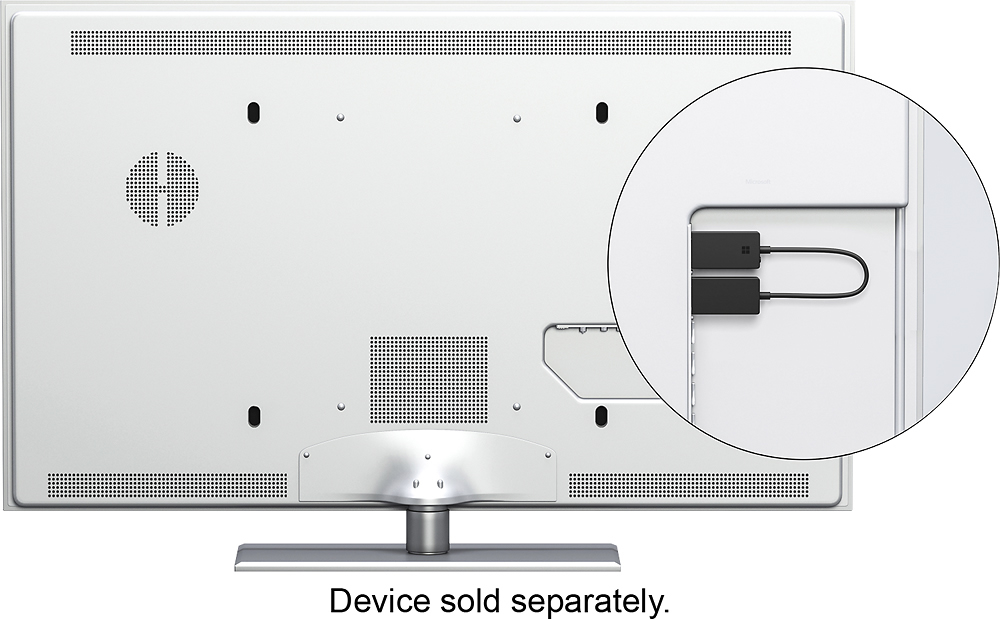
||Posted .This reviewer received promo considerations or sweepstakes entry for writing a review.I really like the redesign of the HDMI connectors, it allows for a much easier connection to TV ports than the original unit which had a larger receiver unit and in some cases didn't allow enough clearance to enter some HDMI ports. The smaller receiver can plug into any port with no problem.
I would recommend this to a friend- Pros mentioned:Wireless
Lots of firmware stuff
||Posted .This reviewer received promo considerations or sweepstakes entry for writing a review.Every time I try to update the firmware it disconnects and tells me to reconnect and than disconnects again. When I’m not updating it does work well though
I would recommend this to a friendBrand response from MicrosoftOutreachTeam
Posted .Hi there,
We're sorry to hear that you've been having difficulties with trying to update the firmware on your Wireless Display Adapter! We'd like for our team to look into this more for you and get you a fix, so you can use your device without issues. Please reach out to them at PCAccessories@microsoft.com, with your individual reference number, 1801234720225, and our team can help you out.
Kindly,
Victoria
Microsoft Customer Care
Good wireless adapter
||Posted .This reviewer received promo considerations or sweepstakes entry for writing a review.This device does a very good job of connecting your WiDi capable laptops to your non Smart Television. Sometimes it does not connect on the first try but rarely have I been unable to connect it all.
I would recommend this to a friendBrand response from MicrosoftOutreachTeam
Posted .Hi Sean,
Thanks for sharing your experience. We appreciate you going into detail! To be sure your wireless adapter is behaving as expected, like if you run into the connectivity issue you described, see this guide to try and identify the issue: https://support.microsoft.com/en-us/help/4034899/accessories-display-adapter-troubleshooting-wireless-display-adapters.
Hope this helps!
Best,
Amanda
Microsoft Customer Care
Purchased for wireless Dex functionality
||Posted . Owned for 3 months when reviewed.This reviewer received promo considerations or sweepstakes entry for writing a review.I purchased this to use Samsung Dex wirelessly since I do not have a applicable Smart TV. It has been used on my LG TV (which has a powered USB port and my HP monitor (using a power adapter) and it always works.
I would recommend this to a friendGets the job done.
||Posted . Owned for 1 month when reviewed.This reviewer received promo considerations or sweepstakes entry for writing a review.Works perfectly fine for me. No issues updating firmware. Easy to change background picture. Option to change the name displayed on the TV is good feature.
I would recommend this to a friendEasy Setup
||Posted .This reviewer received promo considerations or sweepstakes entry for writing a review.I am always cautious with wireless products, anticipating issues making connections. Overall, I am satisfied with this product, except I can notice a slight lag on mouse response on extended screen. I will give it a 4-star for this reason; otherwise I would have given it a 5-star.
I would recommend this to a friendOk
||Posted .This reviewer received promo considerations or sweepstakes entry for writing a review.Convenient but sometimes it doesn’t detect it and u gotta switch source and go back to it to work. Sometimes you gotta disconnect it and put it back on to work. I still recommend it.
I would recommend this to a friendBrand response from MicrosoftOutreachTeam
Posted .Hi there,
Thanks for taking the time to share your experience with the Microsoft Wireless Display Adapter. We're glad this has enhanced the way you cast displays so far. We'd love to chime in and offer you some easy troubleshooting tips to help your device run smoothly. Check them out here: https://support.microsoft.com/en-us/help/15053/windows-8-project-wireless-screen-miracast.
Kindly,
Jessica
Microsoft Customer Care
Tell us how PC Accessories simplifies your life. Share a review with the community.
Good for businesses
||Posted .This reviewer received promo considerations or sweepstakes entry for writing a review.I use this for sharing the screen of my surface with the tv at my job and it works well for looking at PowerPoints and Excel spreadsheets. Might be a bit slow for video casting.
I would recommend this to a friendToo blurry for my tv
||Posted .This reviewer received promo considerations or sweepstakes entry for writing a review.I would guess a 4k tv is required for this to really work well at least if you want to read text. I bought a smart tv about 3 years ago and with this I wish I had held out for a 4k tv now. So it might be great with the right tv and therefore I am giving it a high rating.
I would recommend this to a friendLove it!
||Posted .This reviewer received promo considerations or sweepstakes entry for writing a review.It is awesome for using it as a second screen for Powerpoints and Office presentations. But as far as for using the "second screen" for videos, it can get choppy. But does not happen all time.
I would recommend this to a friend