Customer Ratings & Reviews
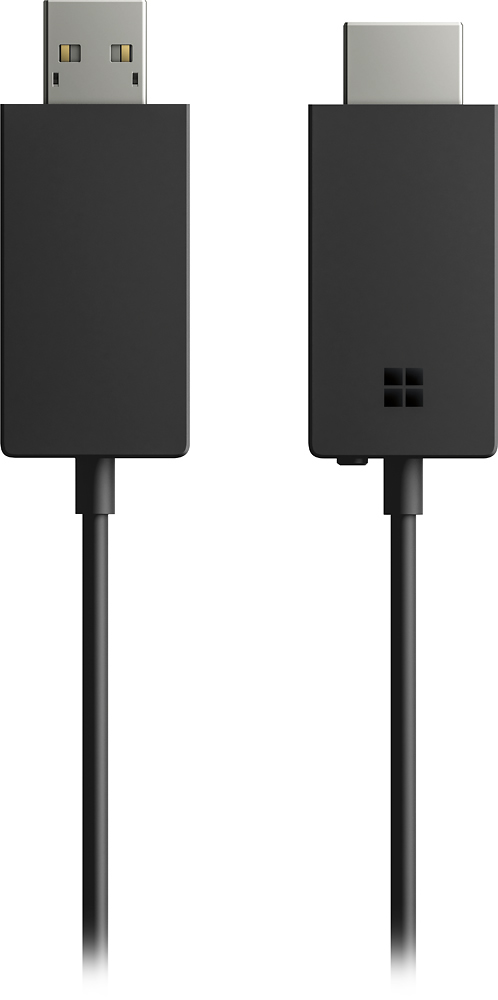
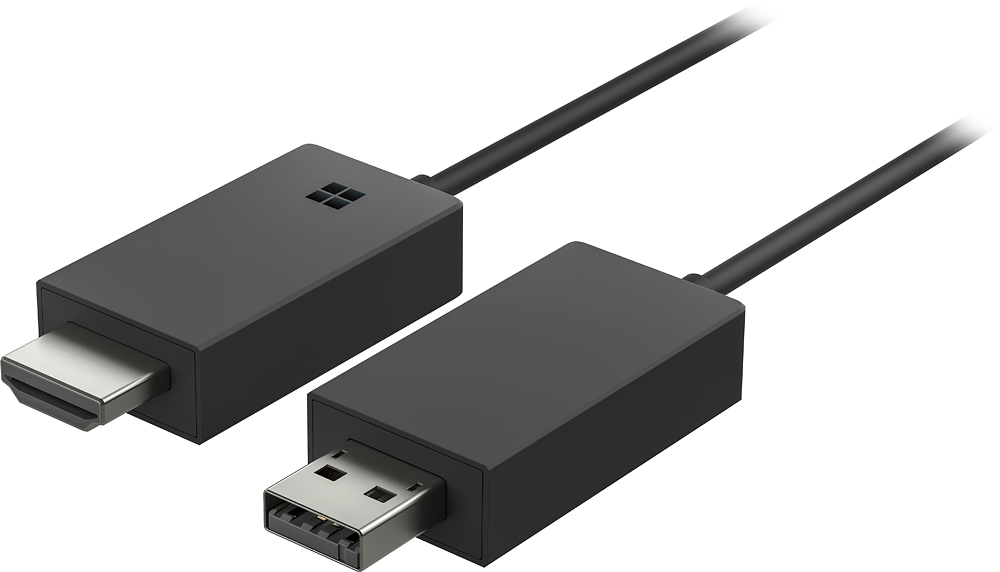
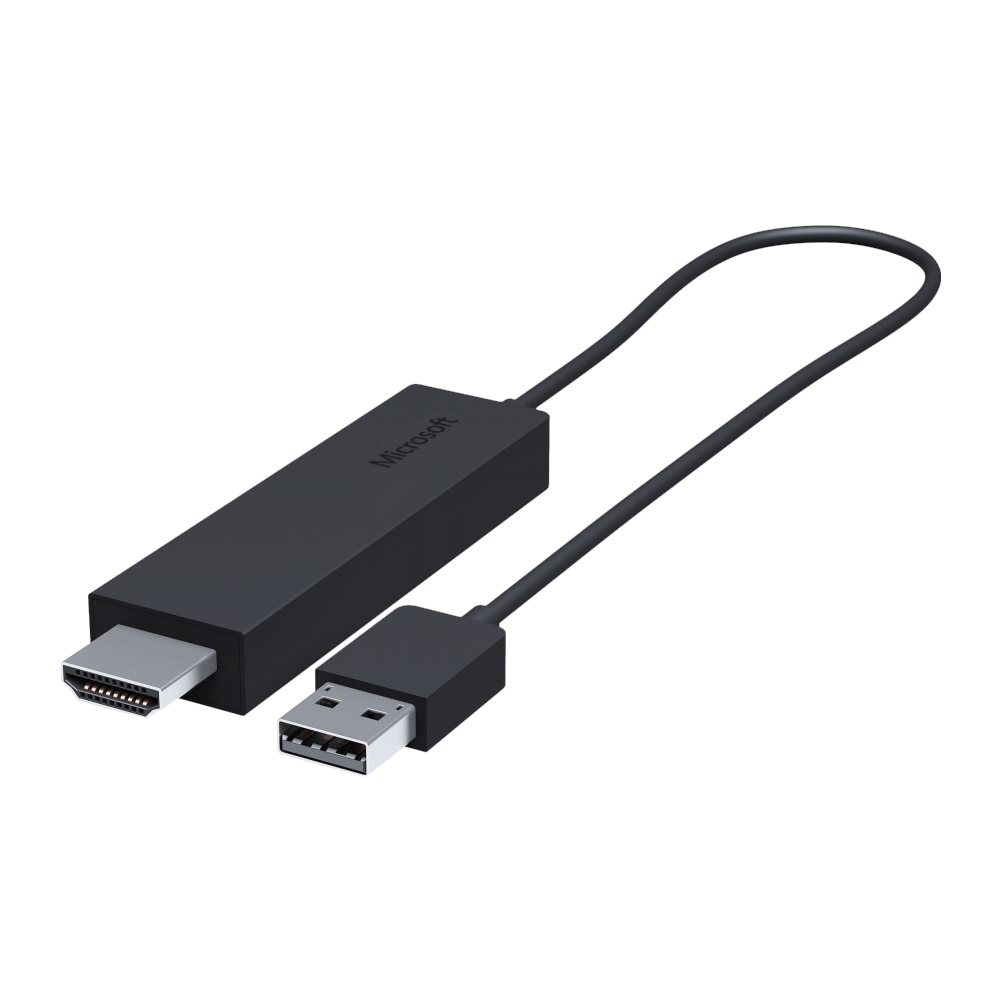
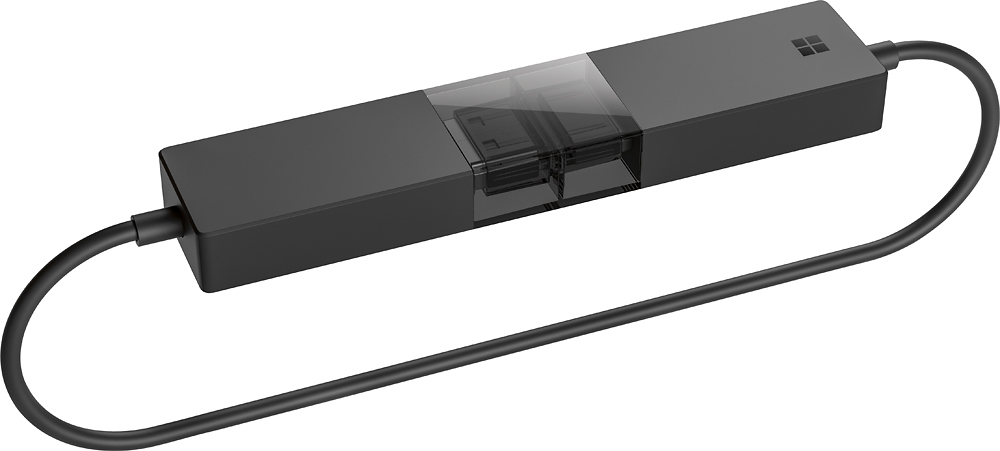
- Model:
- P3Q-00001
- SKU:
- 4974200
Rating by feature
- Value
Rating 4.3 out of 5 stars
- Quality
Rating 4.6 out of 5 stars
- Ease of Use
Rating 4.6 out of 5 stars
Customers are saying
Customers recognize the Wireless Display Adapter V2 receiver for its user-friendly design, wireless connectivity, and compatibility with Windows 10. Users appreciate the easy setup process and the ability to mirror content from their laptops to TVs. However, some users have concerns about occasional lag, the price of the product, overheating issues, and limited resolution.
This summary was generated by AI based on customer reviews.
Maybe slow for online streaming
||Posted .This reviewer received promo considerations or sweepstakes entry for writing a review.We used this device to watch Netflix using our laptop on our TV. The online streaming was a bit slow on the TV compared to when watching on the laptop. Otherwise, the connection is fine.
I would recommend this to a friend- Cons mentioned:Connection
Connection drops too frequently
||Posted .This reviewer received promo considerations or sweepstakes entry for writing a review.Connection between my Samsung tablet and Ssmsung TV dropped 3 times during a 1 hour show. When starting up a couple clips the sound didn't come through.
No, I would not recommend this to a friend Good, but not for gaming
||Posted .This reviewer received promo considerations or sweepstakes entry for writing a review.This is a great piece to share your pc videos and movies on your television without running cables across the room or in a different room. Only thing it is questionable is pushing gaming video.
I would recommend this to a friendSolid Performer
||Posted .This reviewer received promo considerations or sweepstakes entry for writing a review.I have several of these at our office and they all work well. We are connecting numerous Microsoft Surfaces and Windows 10 laptops to these and overall I don't hear any complaints. So much more reliable than Chromecast for displays.
I would recommend this to a friendBrand response from MicrosoftOutreachTeam
Posted .Hi there,
We're delighted to hear you're loving the Microsoft Wireless Display Adapter for your favorite Windows 10 devices. We love hearing about all the ways this handy tool helps people like you accomplish more during your day. Thanks for the great shout-out!
Cheers,
Jessica
Microsoft Customer Care
Tell us how PC Accessories simplifies your life. Share a review with the community.
Puchased to case phone screen to TV
||Posted .This reviewer received promo considerations or sweepstakes entry for writing a review.Samsung G7 phone works for direct screen cast with no additional internet connection. LG stylo 2 did not work. Moto G6 did not work. Have not tried Sony or Windows phone.
I would recommend this to a friendBrand response from MicrosoftOutreachTeam
Posted .Hi there,
Thanks for your feedback. We designed the Wireless Display Adapter with Windows 10 devices in mind, however, for a full list of compatible devices, click here: https://support.microsoft.com/en-us/help/4052254.
We hope this helps!
Cheers,
Jessica
Microsoft Customer Care
This I should just what we had been looking for
||Posted .This reviewer received promo considerations or sweepstakes entry for writing a review.I work for a small startup and we were looking for a cost effective and fail proof way to set up our conference space. Just a television and this little device and we are able to easily project a screen mirror from any of our laptops. Highly recommend.
I would recommend this to a friendBroadcast to the big screen
||Posted . Owned for 1 month when reviewed.This reviewer received promo considerations or sweepstakes entry for writing a review.Purchased to cast laptops easily to the conference room tv big screen monitor. Some tvs have the capability Easily transported with you for presentation on other tvs that may not have screen share.
I would recommend this to a friendEasy wireless display on your TV
||Posted . Owned for 2 months when reviewed.This reviewer received promo considerations or sweepstakes entry for writing a review.For our purposes, we set these up on larger TVs that don’t include wireless display capabilities. This does NOT allow for casting of Apple devices.
I would recommend this to a friend- Cons mentioned:Lag
Meh
||Posted .This reviewer received promo considerations or sweepstakes entry for writing a review.Had trouble getting it to work initially, but finally got it working by changing the wifi router to use a static channel (the display adapter essentially creates a private wifi network and it and the home wifi were interfering with each other). It worked decently for a bit, albeit with a bit of lag. Unfortunately after awhile it started randomly restarting itself. And then... it started restarting itself every time I tried to connect to it.
No, I would not recommend this to a friend Excellent purchase
||Posted . Owned for 3 weeks when reviewed.This reviewer received promo considerations or sweepstakes entry for writing a review.We're able to logon to the smart tv from all devices around the home..this saved us over $900 ..was going to purchase gaming monitor but got the wiresless adapter instead amazingly the best purchase we've made !!
I would recommend this to a friendA must for a Microsoft surface
||Posted .This reviewer received promo considerations or sweepstakes entry for writing a review.I have had mixed results jumping from TV to TV. But it is worth the money to be able to broadcast something for presentation without the cable. Something to always keep in your computer bag.
I would recommend this to a friendMy Third One
||Posted .This reviewer received promo considerations or sweepstakes entry for writing a review.I now have these installed permanently on three TV sets in our home and motorhome. They do the job to get images from my laptop to the nearest TV set. Great item for photographers.
I would recommend this to a friendBetter Than a Wire
||Posted .This reviewer received promo considerations or sweepstakes entry for writing a review.I am very impressed with how well this little adapter works. I simply plugged it into my TV, and my laptop found it and connected to it. It displays as well, if not better than a wire, and it being wireless makes for a much cleaner way to share my screen.
I would recommend this to a friendIt works
||Posted .This reviewer received promo considerations or sweepstakes entry for writing a review.So happy I can view my laptop through my tv now. I can show pictures, view church from online to the tv. This is exactly what I wanted to do & thanks to the Best Buy employee for showing me the options when I discussed with him what I wanted to do.
I would recommend this to a friend- Cons mentioned:Heat
Not very reliable
||Posted .This reviewer received promo considerations or sweepstakes entry for writing a review.Every now and again my laptop wouldn't connect so I would unplug the unit from the tv, wait, plug it back in and then connect. The last time however after four attempts and waiting a longer while I just gave up and used a cable. I haven't used it since. Oh and every time I did unplug the unit it seemed very warm, as in not good kind of warm. I gave it two stars because when it worked it was nice and worked well
No, I would not recommend this to a friendBrand response from MicrosoftOutreachTeam
Posted .Hello,
Thanks for providing us with some valuable insights. It's important to us that we get your device working properly. Usually users who are experiencing connectivity issues need to run updates for their device which you can try by following the steps on our support page here:
https://www.microsoft.com/accessories/en-us/products/adapters/wireless-display-adapter-2/p3q-00001#techspecs-connect.
If you should find yourself still experiencing connectivity problems, or an unusual amount of heating, we recommend contacting support here:
https://support.microsoft.com/en-us/contactus/.
We would love to hear an update after you run some updates on your device.
Kind regards,
Jessica
Microsoft Customer Care
Works as it should.
||Posted .This reviewer received promo considerations or sweepstakes entry for writing a review.Hooked it up to my samsung TV and it works like a charm. The only drawback is having other technology catch up so that you find HDMI and a USB on the same unit as it needs both to operate.
I would recommend this to a friendit works great
||Posted .This reviewer received promo considerations or sweepstakes entry for writing a review.WE had the original one but it finally went bad. We purchased the V2 and can tell no difference in picture or sound quality. Maybe it should be disconnected when in use. Our first one ran 24/7 until it died. It does what it is supposed to do!
I would recommend this to a friendGreat for displaying on tv
||Posted . Owned for 3 weeks when reviewed.This reviewer received promo considerations or sweepstakes entry for writing a review.Saved my day for displaying on a TV a power point presentation and video to an audience. Works great with android and computers with wireless connection. Just be aware is not compatible with apple devices.
I would recommend this to a friendWorks Great
||Posted .This reviewer received promo considerations or sweepstakes entry for writing a review.I have three of these in my work place, two are connect to conference room displays and the third is used by a traveling employee doing presentations and demonstrations. The V2 is much shorter than the V1 so you don't need as much space to plug it in.
I would recommend this to a friendDoes exactly what it supposed to do
||Posted .This reviewer received promo considerations or sweepstakes entry for writing a review.I bought this for my uncle so he could stream videos from his Microsoft Surface to his tv and it works wonders. There is a small delay in video from the tv to laptop but it's not noticeable if you don't look at the laptop and the audio works great!
I would recommend this to a friend