Customer Ratings & Reviews
- Model:
- P3Q-00001
- SKU:
- 4974200
Rating by feature
- Value
Rating 4.3 out of 5 stars
- Quality
Rating 4.6 out of 5 stars
- Ease of Use
Rating 4.6 out of 5 stars
Customers are saying
Customers recognize the Wireless Display Adapter V2 receiver for its user-friendly design, wireless connectivity, and compatibility with Windows 10. Users appreciate the easy setup process and the ability to mirror content from their laptops to TVs. However, some users have concerns about occasional lag, the price of the product, overheating issues, and limited resolution.
This summary was generated by AI based on customer reviews.
- Pros mentioned:Ease of use
Great for small office
||Posted .This reviewer received promo considerations or sweepstakes entry for writing a review.Picked this up to send content to a lobby TV at an office, easy to setup.
I would recommend this to a friend - Pros mentioned:Ease of use
Great connection to hdmi
||Posted .This reviewer received promo considerations or sweepstakes entry for writing a review.The surface pro 4 connects to the tv really easy to use and works great
I would recommend this to a friend Easy to get your presentation on big screen
||Posted .This reviewer received promo considerations or sweepstakes entry for writing a review.When we needed to put a presentation on an 80 HDTV and not put out a lot of buck, we found this worked better than anything else we could find. As long as the HDTV or projector has both a USB and HDMI port, you can get your presentation where you need to project it. We used it with a LED projector and screen to present an oral history project in a small rural church which didn't have any technology available. No wires needed between our Surface Pro and the projector since the Bluetooth was fast and flawless. Just download the software from the Windows Store via the net, install, hook up the adapter to the projector or HDTV, look for the adapter in Bluetooth and go.
I would recommend this to a friend- Pros mentioned:Ease of use, Wireless
Works
||Posted .This reviewer received promo considerations or sweepstakes entry for writing a review.It works. Connects. Easy. I use it a lot to stream/beam movies from my SURFACE Pro 4 to watch movies on big tv screen and dont lose connection or get interupted. Will be travelling next week and plan to use it at hotel for business presentations.
I would recommend this to a friend - Cons mentioned:Connection
Love the wireless connectivity
||Posted .This reviewer received promo considerations or sweepstakes entry for writing a review.It was easy to set up and get it working - loved using it for presentations and for sales meetings. One issue is some times i lose the connectivity but it connected back up pretty easy
I would recommend this to a friend - Pros mentioned:Compatibility
Fine for Business
||Posted .This reviewer received promo considerations or sweepstakes entry for writing a review.This works fine for business projecting. It also works at home. However, you are more likely to use a ROKU at home on your main TV which has the same capabilities. Newer TVs are getting this connectivity built in as well.
No, I would not recommend this to a friendBrand response from MicrosoftOutreachTeam
Posted .Hello,
We're sorry to hear that the Wireless Display Adapter has fallen short of both your, and our expectations for our device. We appreciate the feedback you've given us here, and will pass it along to our team.
Kindly,
Victoria
Microsoft Customer Care
- Pros mentioned:Compatibility
Great for tv
||Posted .This reviewer received promo considerations or sweepstakes entry for writing a review.It works great with samsung galaxy 8. Everything looks great on tv.
I would recommend this to a friend - Pros mentioned:Wireless
Works great!
||Posted .This reviewer received promo considerations or sweepstakes entry for writing a review.Love it works great!! just what I need to link my tv to my network
I would recommend this to a friend - Pros mentioned:Picture quality
Great for people with bad eyes
||Posted . Owned for 1 month when reviewed.This reviewer received promo considerations or sweepstakes entry for writing a review.The older I got the harder is was to work on a lap top screen all day. Now I can use this connector along with my blue tooth keyboard and mouse to work on my Surface connected to my 65 inch TV. I love sitting in my Lazy Boy working on my computer. This was actually my 3rd purchase of this item. I have one for my home TV, one that I carry in my purse and one that is in my projector briefcase. It's small and I could use one to take everywhere, but I decided it was cheap enough to not have to worry about leaving it behind when I am traveling for business. Also, my new smart TV can actually connect to my Surface computer, but the picture is much better with this device.
I would recommend this to a friend - Pros mentioned:Picture quality
Another Gadget to connect your coputer to your TV
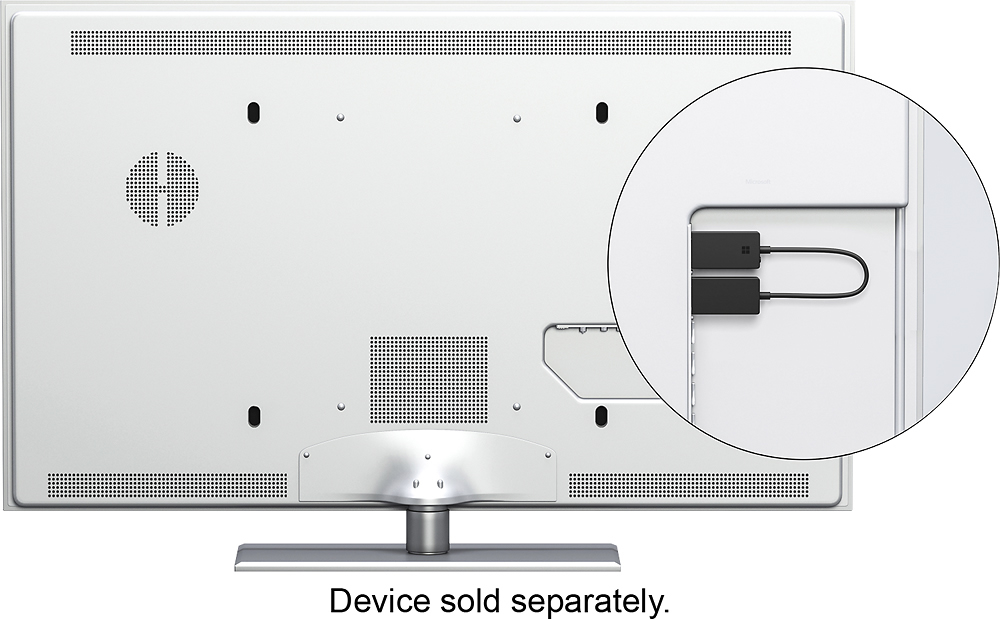
||Posted .This reviewer received promo considerations or sweepstakes entry for writing a review.It is easy to setup and connect - just plug the USB and HDMI from the Wireless Display Adapter into your HDTV or monitor, It allows easy resize of your screen to remove overscan.
I would recommend this to a friend - Pros mentioned:Ease of use, Performance
Flawless so far
||Posted . Owned for 1 year when reviewed.This reviewer received promo considerations or sweepstakes entry for writing a review.Works really well for our needs. Very easy to use. Have not had any hiccups, and works just as if you were hardwired into the projector. Highly recommend if you have a Surface device.
I would recommend this to a friend - Pros mentioned:Ease of use
Works great
||Posted .This reviewer received promo considerations or sweepstakes entry for writing a review.Mirrors screen effortlessly with windows 10. Plug it in and go
I would recommend this to a friend - Pros mentioned:PerformanceCons mentioned:Heat
good for short videos
||Posted .This reviewer received promo considerations or sweepstakes entry for writing a review.I found it works great for about 45 minutes, then then it gets stuck and my computer gets hot and it seems to get stuck. For short videos I would highly recommend it!
I would recommend this to a friend - Pros mentioned:Ease of use
Great
||Posted .This reviewer received promo considerations or sweepstakes entry for writing a review.Works perfect, simple and easy to set up and use. No problems.
I would recommend this to a friend - Pros mentioned:PerformanceCons mentioned:Lag
Microsoft WiDi adapter V2 is great
||Posted .This reviewer received promo considerations or sweepstakes entry for writing a review.I've used several WiDi host devices and this is by far one of the best. It's small, works good and is one of the faster WiDi devices. I've used it with very little lag when sending audio out analog jack and video out WiDi to this device.
I would recommend this to a friend - Pros mentioned:Ease of use
Just too easy..
||Posted .This reviewer received promo considerations or sweepstakes entry for writing a review.If you have windows 10 set up is as easy as turn on your hair dryer. How easy? Here is a quick step. 1. Plug the adapter to back of the TV's HDMI another end into USB - USB is basically needed for the power up. 2. Go to your window 10 laptop or Desktop, click on "notification" icon on lower right hand side. 3. Invoke "connect" tile. 4. choose the "Microsoft wireless display adapter" 5. invoke "connect" That's all...... absolutely no need to install any software or play around dreadful wifi...
I would recommend this to a friendBrand response from MicrosoftOutreachTeam
Posted .Hello,
Thanks for taking some time out of your day to review the Wireless Display Adapter! Sounds like the ease of use has been a major plus for you, and it's great to hear that you're enjoying it so far.
Kindly,
Victoria
Microsoft Customer Care
- Pros mentioned:Picture quality
Wireless display adopter for TV viewing of laptop
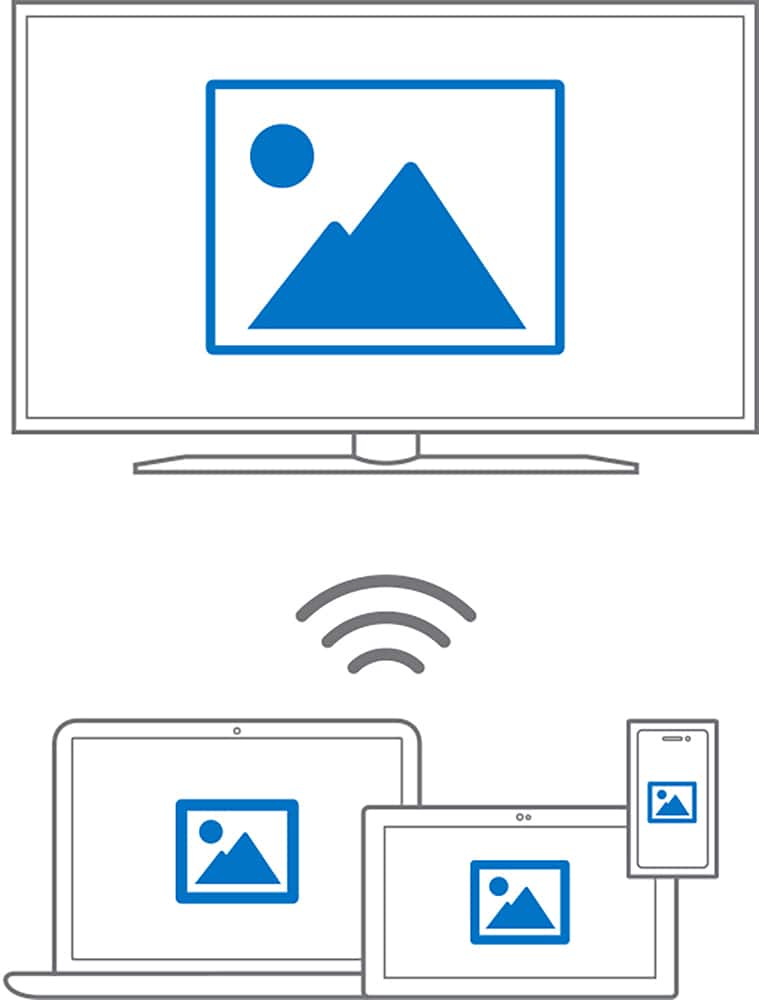
||Posted .This reviewer received promo considerations or sweepstakes entry for writing a review.The wireless display adopter V2 P3Q-00001 is easy to set up and provides a terrific picture on flat screen TV's. It wirelessly puts what ever your watching or looking at on your laptop or tower computer on your flat screen TV.
I would recommend this to a friend - Pros mentioned:Compatibility, Ease of use
Connect to nearly any TV
||Posted .This reviewer received promo considerations or sweepstakes entry for writing a review.Travel a lot for work doing presentations in conference rooms. Easily connect to any monitor or TV in the conference room. Saves the effort of connecting to an old computer projector. Works great!
I would recommend this to a friendBrand response from MicrosoftOutreachTeam
Posted .Hi Paul,
We're thrilled that your Wireless Display Adapter is becoming a great travel companion! Our team wanted to build a product that could help display your hard work with ease, and we're delighted to hear its been a success. We hope you continue to enjoy!
Cheers,
Heather
Microsoft Customer Care
AirPlay Mirroring + for Windows
||Posted .This reviewer received promo considerations or sweepstakes entry for writing a review.Like Apple stuff (of which I have many devices) this does have some requirements to work. My wife's HP convertible laptop/tablet, my HP PC (with wifi NIC enabled) all work with this device. Both audio and video come through though you may have to play with your audio output settings a little to get it to work. Where it exceeds Appletv is that you can use the tv you plug this into as a second or third monitor instead of just mirroring. It also requires a USB power slot so make sure you have one available. It's not 100% idiot proof like Mac stuff, but much closer than old school Microsoft.
I would recommend this to a friend- Pros mentioned:Wireless
Perfect!
||Posted .This reviewer received promo considerations or sweepstakes entry for writing a review.Works great to display our laptops to the projector!
I would recommend this to a friend