Customer Ratings & Reviews
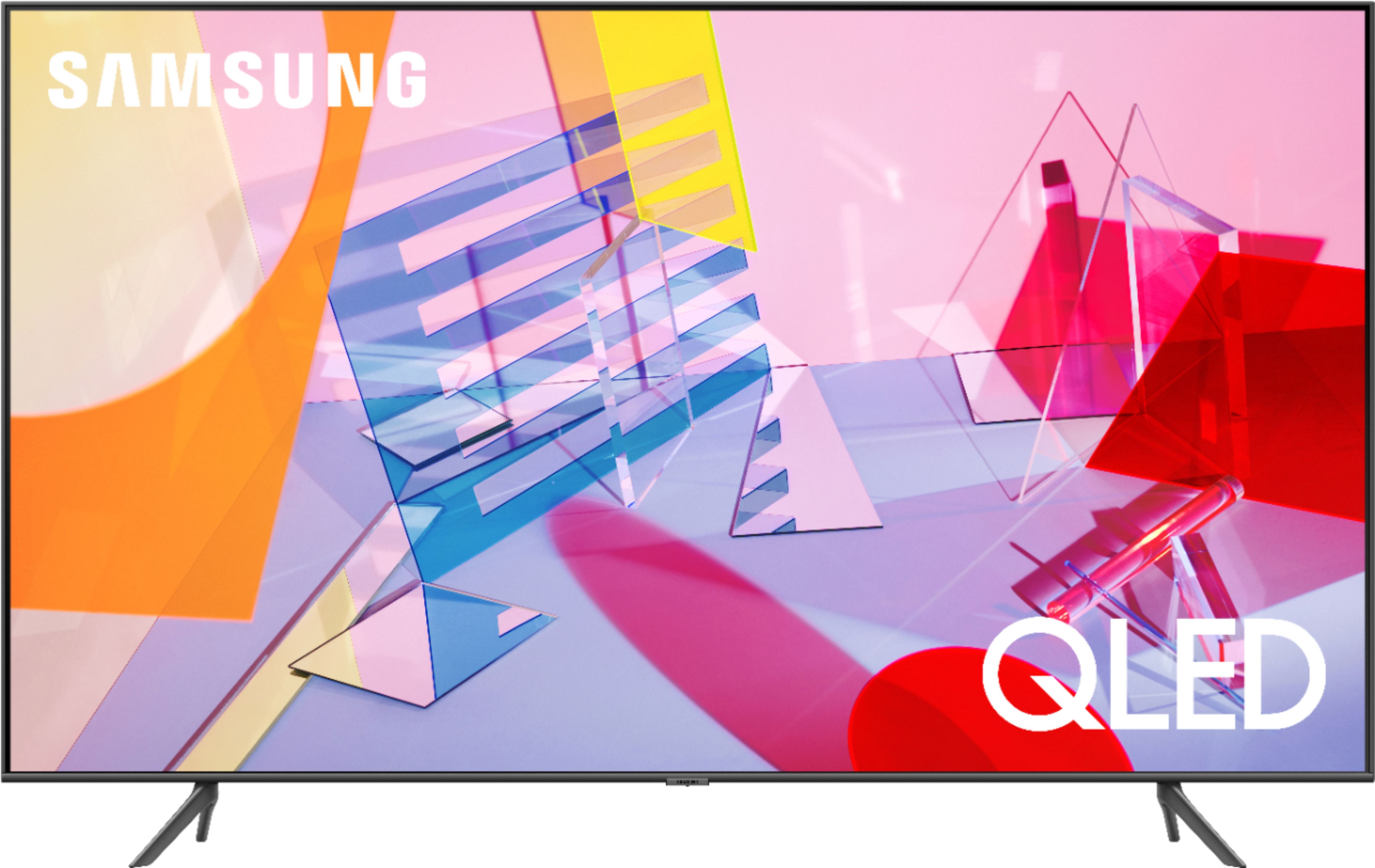
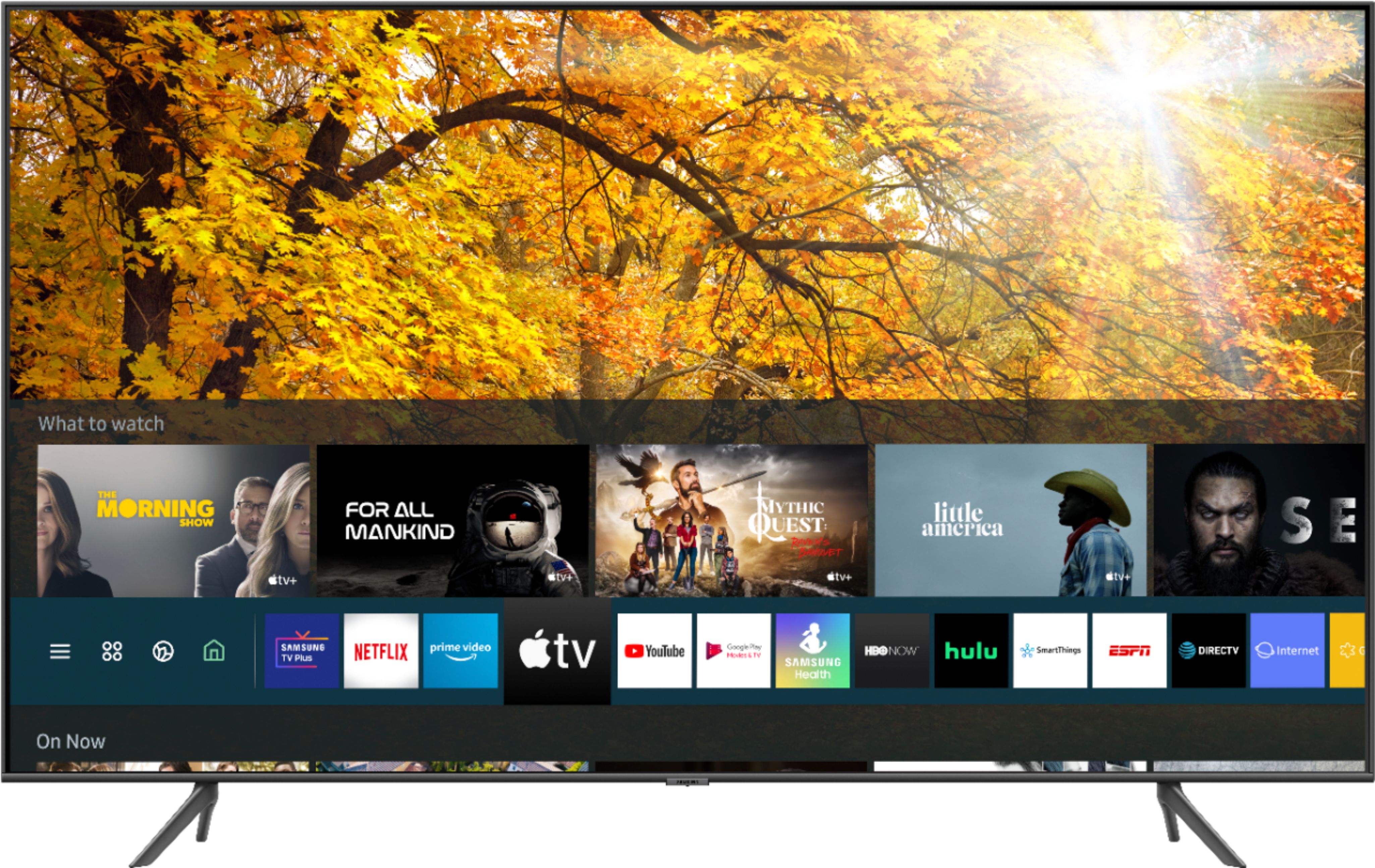
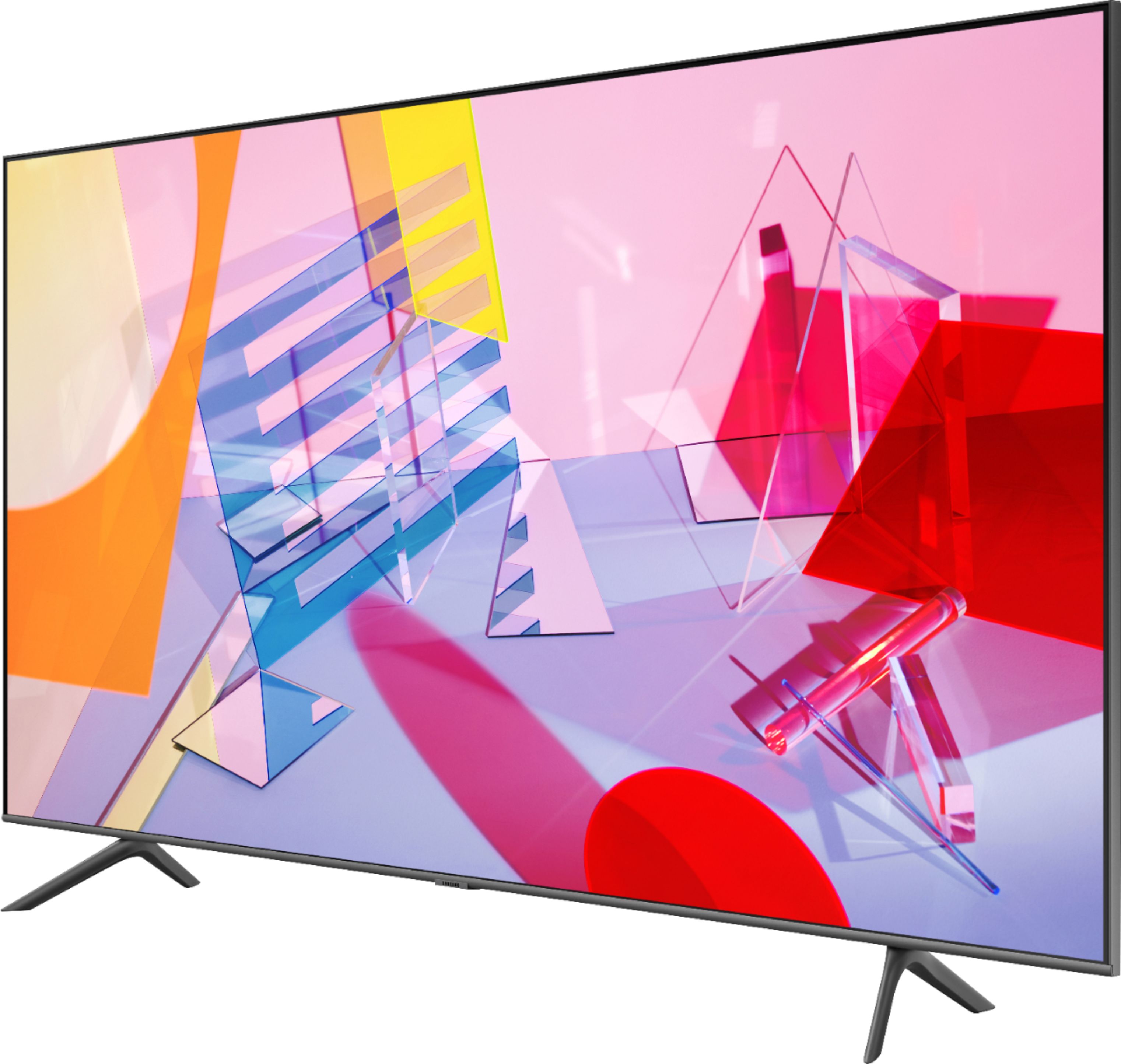

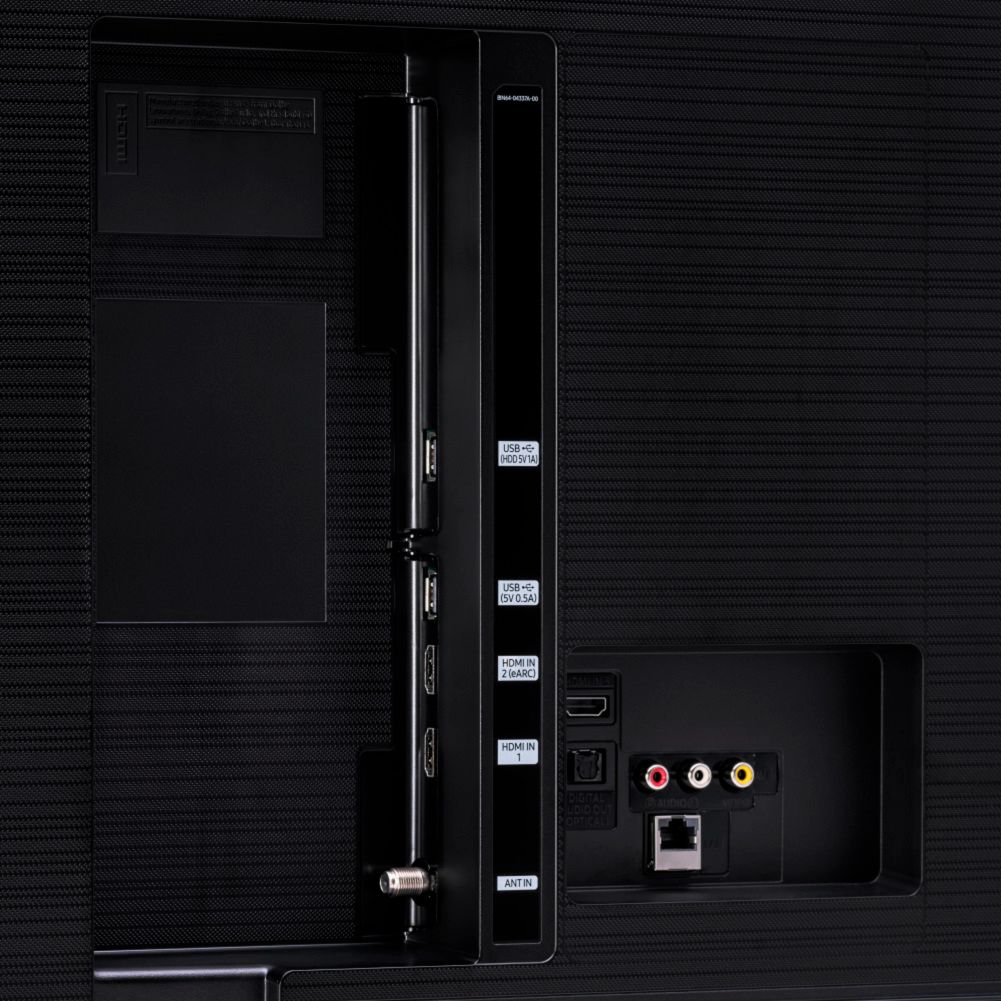
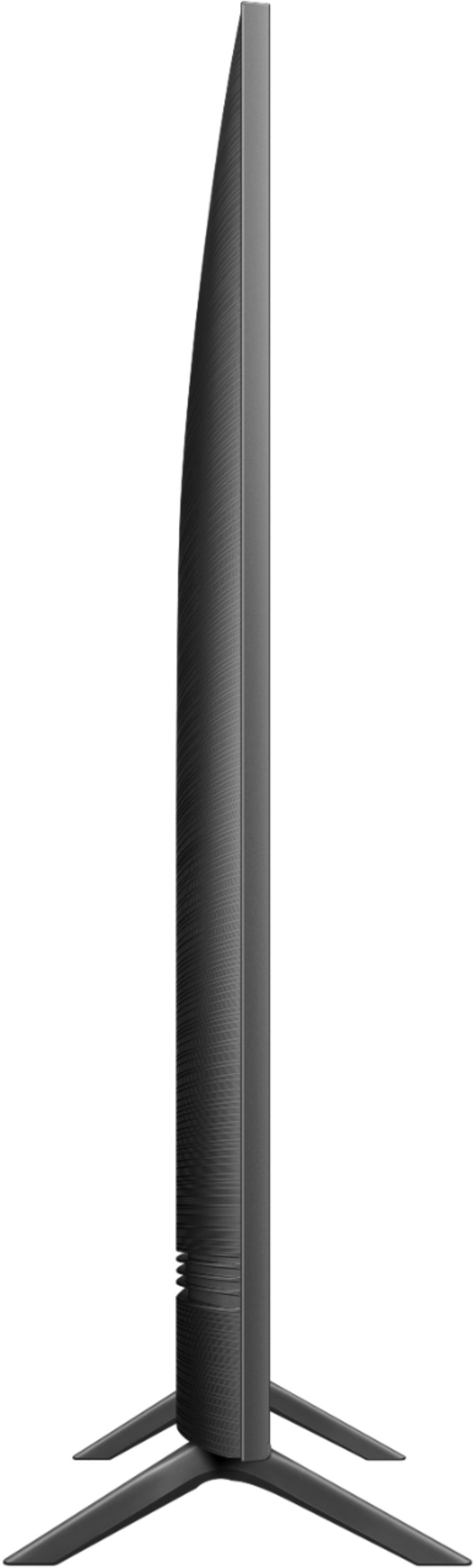
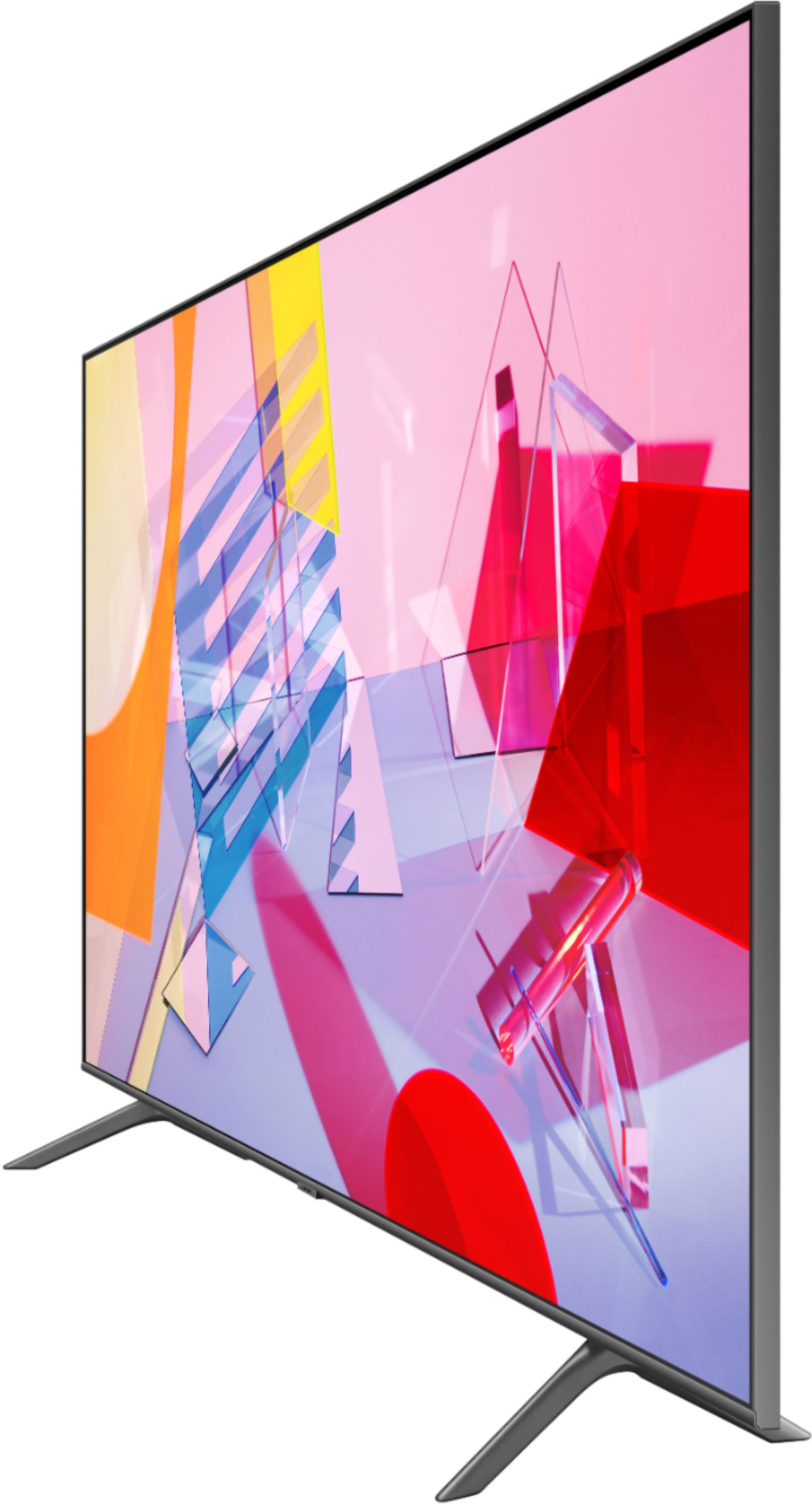

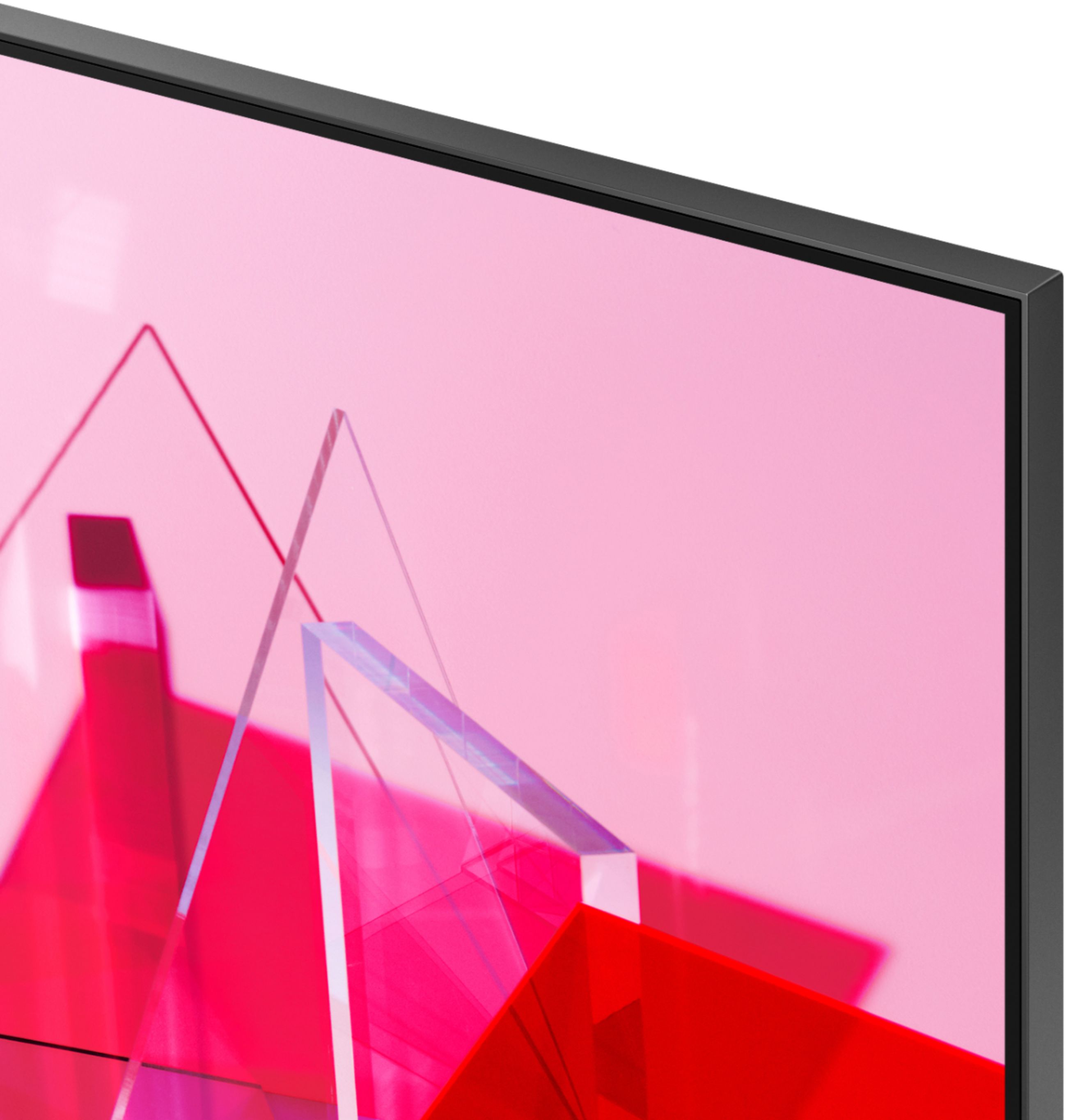
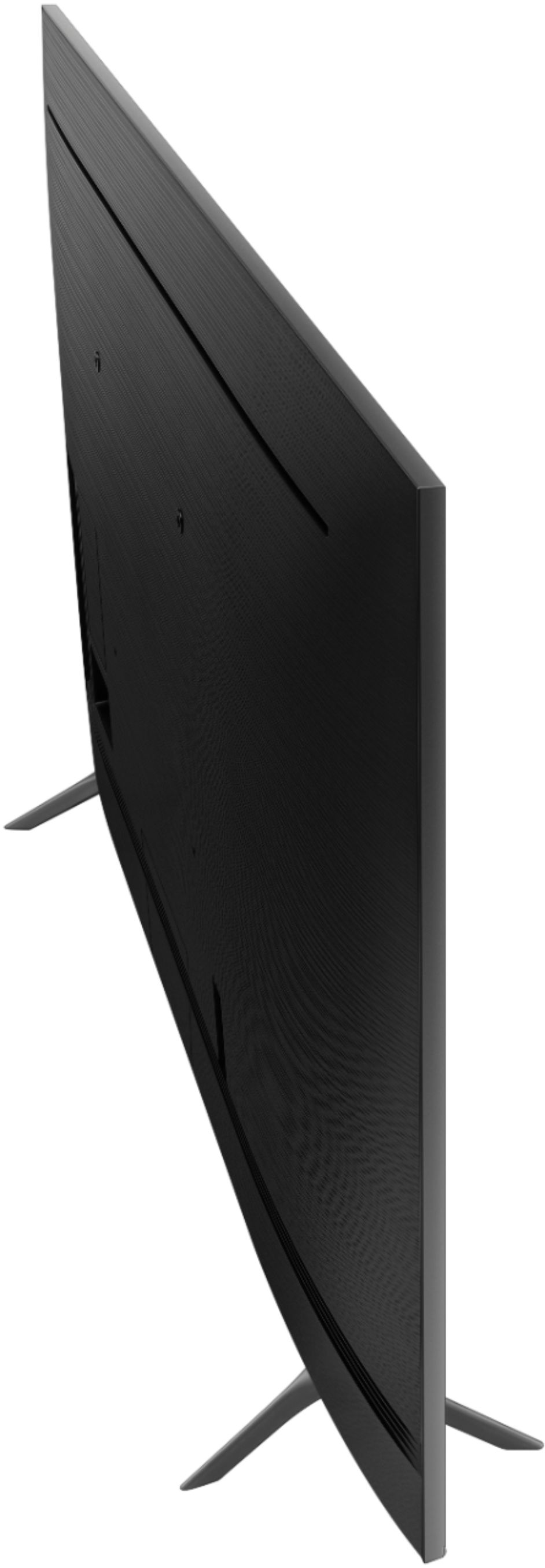
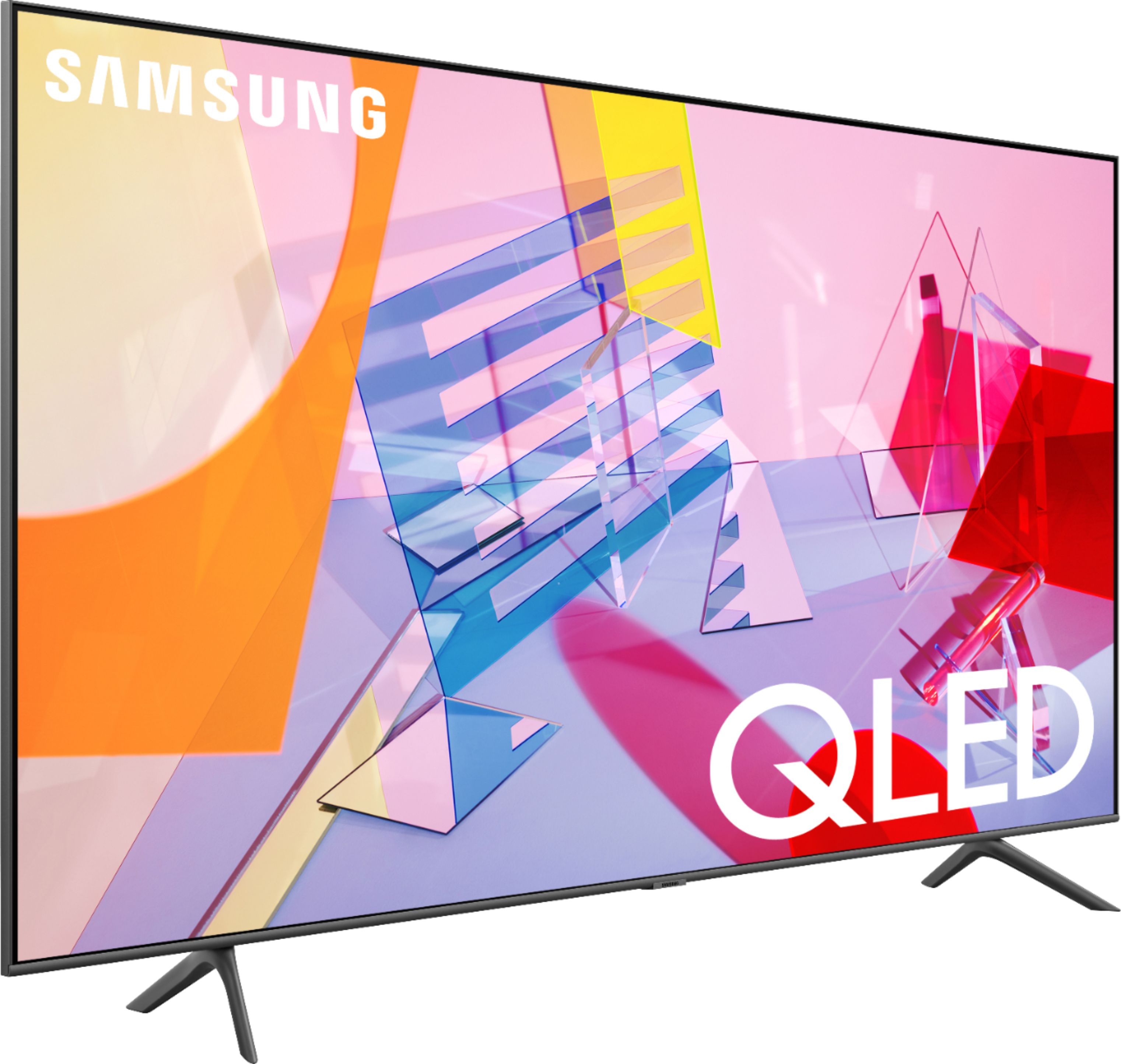
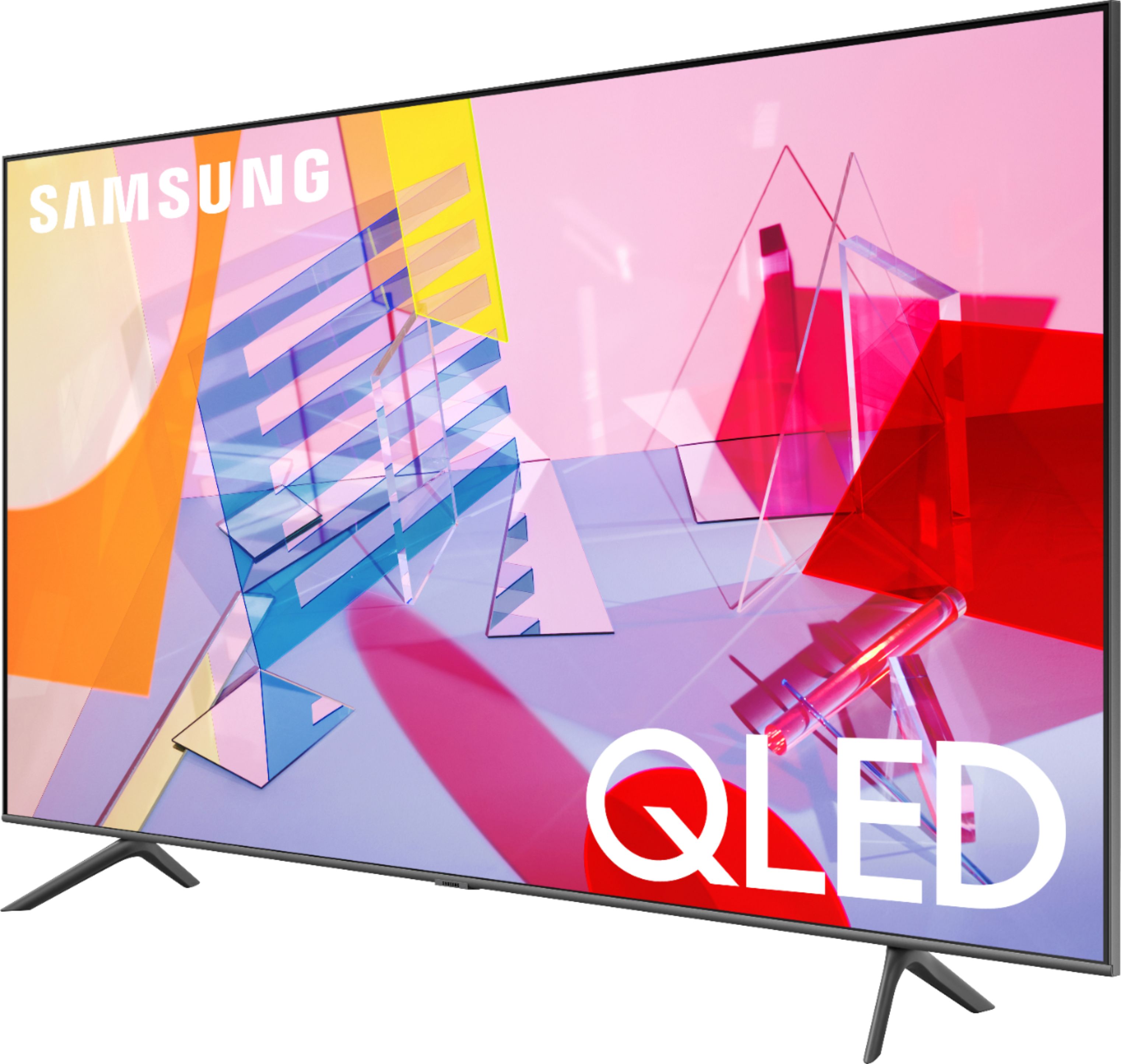
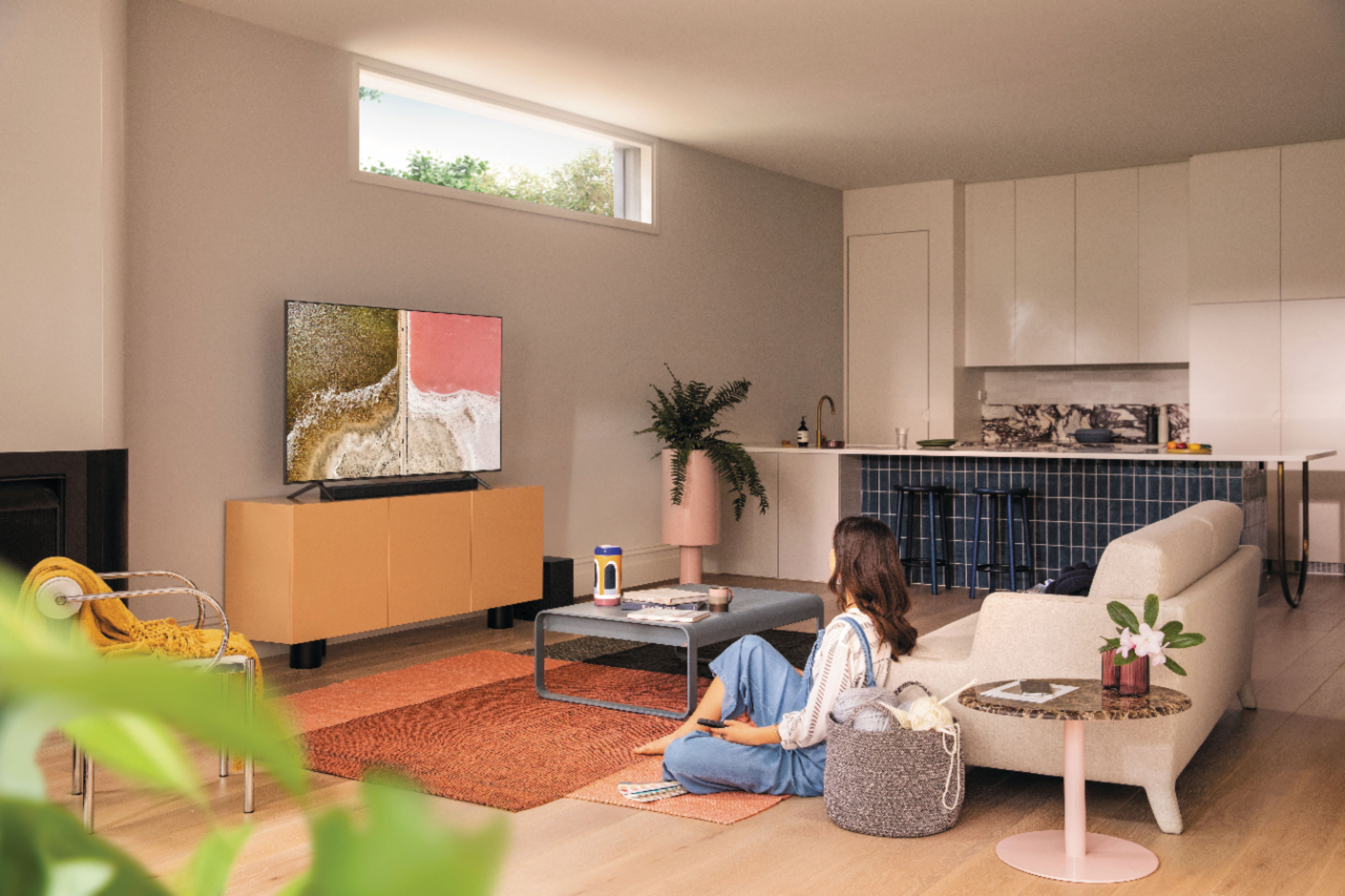
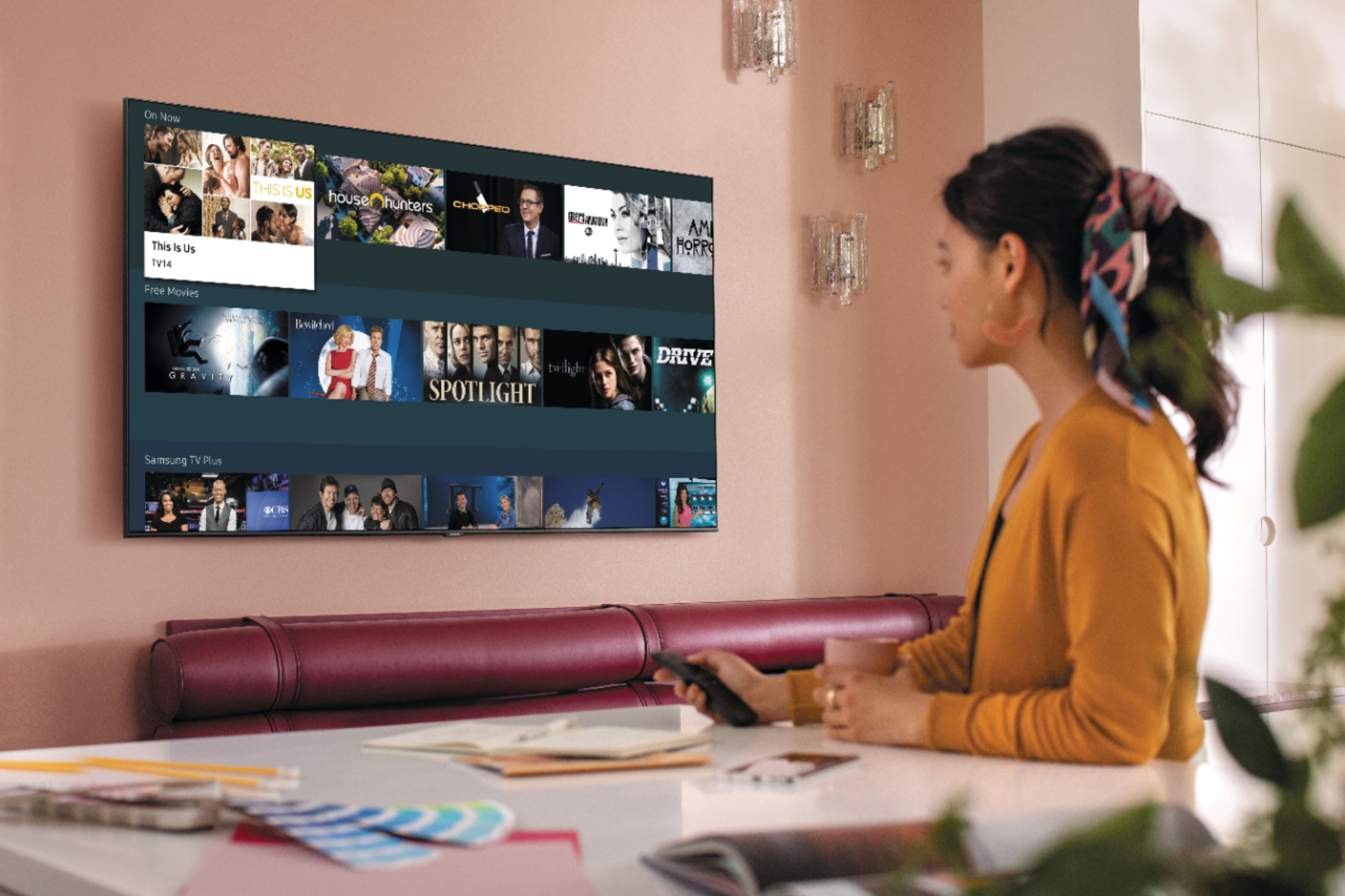








- Model:
- QN55Q60TAFXZA
- SKU:
- 6401755
Rating by feature
- Picture Quality
Rating 4.8 out of 5 stars
- Sound Quality
Rating 4.6 out of 5 stars
- Brightness
Rating 4.8 out of 5 stars
Customers are saying
Customers recognize the 55" Class Q60T Series QLED 4K UHD Smart Tizen TV for its exceptional picture quality, vibrant colors, and reasonable price. Many users appreciate the easy setup process and find the TV to be a great value for the cost. However, some customers have expressed concerns about the remote control, connectivity issues, and the 60Hz refresh rate, which can result in motion blur.
This summary was generated by AI based on customer reviews.
- Pros mentioned:Picture qualityCons mentioned:Remote control
Samsung 55" Q60T TV
||Posted . Owned for 3 weeks when reviewed.This reviewer received promo considerations or sweepstakes entry for writing a review.No problems with the TV. It is working great and the curbside service was quick and easy. I really like the wi-fi apps and having all my streaming services on my TV instead of a separate box. I will only buy Samsung TV's. This is my third. I can see the difference from my older 43" series 7 TV when watching sports. The remote is different but it just takes some additional to get familiar with it.
I would recommend this to a friend - Pros mentioned:Ease of use, Picture quality
5x5
||Posted . Owned for 3 weeks when reviewed.This reviewer received promo considerations or sweepstakes entry for writing a review.Very easy setup, i mounted it to a360° ceiling mount. Also mounted a rocket fish sound bar bracket to the tv for a Samsung soundbar/sub woofer. Internet and home security integration improvements and upgrades from the 2019 model are impressive to say the least. The upgrade is picture from the crystal led to the QLED is night and day. Just make sure you have enough distance between yourself and the tv. When you get too close, the picture becomes impossible to focus on clearly. Almost as if it's en motion and 3d fighting against each other. I have found at least 15ft minimum is necessary and 20ft-30ft is ideal.
I would recommend this to a friend - Pros mentioned:Picture qualityCons mentioned:Remote control
Great TV for price point
||Posted . Owned for 1 month when reviewed.This reviewer received promo considerations or sweepstakes entry for writing a review.I upgraded from an 8 year old LED 1080P Samsung. The picture and color contrast on this TV is excellent for the price point. It detects what is connected to your inputs and allows you to control them through the TV remote. My Amazon fire stick controls great however there is delay with the Dish network receiver. I have not had any issues with streaming via the APPS besides having to clear the cache for Amazon Prime by holding down on the power button on the remote for 20 seconds when powering on the TV.
I would recommend this to a friend - Pros mentioned:Picture quality, Price
Great Tv Great Price
||Posted . Owned for 1 week when reviewed.This reviewer received promo considerations or sweepstakes entry for writing a review.Absolutely love this tv!! All my TVs in my house are Samsung QLED and it has the most amazing picture yet! We purchased this tv because we just needed a tv for our bedroom nothing to fancy and for a great price!! The picture quality is okay on this specific tv we purchased since this is a little older model of the Samsung QLED but it was has 4K built in so definitely worth the price!
I would recommend this to a friend - Pros mentioned:Picture quality
Samsung tv
||Posted . Owned for 1 month when reviewed.This reviewer received promo considerations or sweepstakes entry for writing a review.The Samsung tv was easier then I thought to set up, as I am using it only via WiFi. It arrives preloaded with apps that I needed to connect into Hulu, Netflix, etc. you do have to set up the voice remote but onscreen directions are easy to follow, it also allows you to have a separate Blu-ray player and use the Samsung remote to work it. Picture is crisp and clear and I’ve had no issues
I would recommend this to a friend - Pros mentioned:Picture quality
Samsung - 55" Class Q60T QLED 4K TV review
||Posted . Owned for 3 weeks when reviewed.This reviewer received promo considerations or sweepstakes entry for writing a review.I was looking forward to an upgrade when my previous Samsung died. I couldn't believe how this this model is compared the one I had. Setup was too easy. I watched You Tube videos and read the manual and never needed any of that info. The TV set up itself, self-integrated with my cable remote and sound bar. The picture is good but does not perform well with lighting on. I also have an issue with the NFL on Fox as it constantly freezes which is very frustrating. I was told by my cable tech that this is an inherent problem with 4K TV's with some broadcasts so I guess cable has not caught up with the technology.
I would recommend this to a friend - Pros mentioned:Ease of use, Picture quality
Simple Operation and Plenty of Options
||Posted .This reviewer received promo considerations or sweepstakes entry for writing a review.This is my first smart TV and I am very pleased with its performance and the option it gives me. The picture and sound are excellent. I found it easy to navigate from the first day. I was very pleased with the pre loaded subscriptions, particularly Netflix and Prime Video. Prime Video provided access to even more subscriptions. As an added plus, Samsung TV has its one TV stations including ABC and CBS News. It also included TV shows and movies for free and rent.
I would recommend this to a friend - Pros mentioned:Picture quality
Great Nest Camera, Mohu ARC antenae & Samsung TV
||Posted . Owned for 1 month when reviewed.This reviewer received promo considerations or sweepstakes entry for writing a review.We purchased a Nest Camera, Nest Thermostat, Samsung TV, Mohu ARC OTA TV antenae, sound bar and surge protector. Not only did the blue shirts give us excellent sales and service, they bundled the items so we received a great price. The Nest Camera, Nest Thermostat and Mohu OTA TV antenae all work as advertised. The Nest camera took only five minutes to set up, connecting it to our WiFi. The Nest Thermostat was professionally installed and now we received a rebate from our electric utility provider. We decided not to install cable TV and purchased the Mohu OTA ARC antenae and it works like the specifications state. It took a minute to install, simply attach the coax cable of the antenae to the TV and to the Mohu ARC, scan the TV channels and it works. Finally, the sound bar plugs in with a wireless woofer, power plug for both the sound bar and woofer and then plug in the optical cable from the sound bar to the TV and it works. The TV works as advertised. BestBuy delivered it, they took it out of the box so I could set it up. I highly recommend Best Buy for entertainment and technical products they sold us. Thanks!
No, I would not recommend this to a friend - Pros mentioned:Picture quality, Price
Great TV
||Posted .This reviewer received promo considerations or sweepstakes entry for writing a review.Great price, excellent product, and easy to install. This TV installed itself. Told me on the screen if I put in the correct cables to the correct ports. Even a non techy like me was able to installed. Great picture.
I would recommend this to a friend - Pros mentioned:Picture qualityCons mentioned:Remote control
Not as great as I thought it would be.
||Posted . Owned for 1 month when reviewed.This reviewer received promo considerations or sweepstakes entry for writing a review.1st, the picture is very good in HD. Others, it's OK but upscaling not what I was led to believe (not Best Buy's fault). Smart remote setup is pretty smart. It has all of our devices so far. But to use the remote with them requires constantly changing menus & scrolling. Only 18 buttons on remote and no keypad. Very uncool. So our other remotes are at hand when you just want to push 1 button and it's done. Maybe different IR freq. or weak transmitter but have difficulty using with cable box. Oh yeah, voice command is interesting but learn the words! Mainly used with cable box (HDMI cable), and we lose sound quite often. Turn off cable box, restart seems to fix but annoying. This never happened with our old Samsung (same setup). OTA tuner is quite good, auto scanning and finding all channels I know of. I would like to see a printed manual that I could read through while trying out features. Instead I have an e-manual that I must exit before playing around. Only 1 HDMI port supports ARC, and woe to you if you've already used it for something else. Unplug and setup again. It's not labeled for your inconvenience.
No, I would not recommend this to a friendBrand response from Samsung
Posted .averagejoe,
Thank you for purchasing and reviewing this Samsung Q60T QLED Smart TV. Your user feedback is very important to us and will be shared with our TV product team.
Please do reach out to us should you have any questions, concerns, or need assistance.
You can contact Samsung TV Support toll-free at 1-800-SAMSUNG (ask for TVs).
Or by LiveChat or email. Please copy-paste this link into your browser: http://www.samsung.com/us/support/contact
We are likewise reachable by Facebook Messenger: https://www.facebook.com/samsungsupport
Or find us on Twitter: https://twitter.com/SamsungSupport
To optimize your product experience, we encourage you to register your new Samsung TV at: https://www.samsung.com/us/support/register/
The registration helps you gain access to easy warranty support, convenient opt-in to special promos and offers, faster troubleshooting and service, and quick notification of system updates.
Again, thank you for taking the time to share your thoughts. Your invaluable feedback helps us continuously deliver better products and services.
-Samsung Ambassador
- Pros mentioned:Picture quality
Great TV! Perfect match of value to price
||Posted . Owned for 3 weeks when reviewed.This reviewer received promo considerations or sweepstakes entry for writing a review.I purchased this to mount on a wall in our kitchen. We have a brightly lite room. There is a large sliding glass door in the near wall of the TV that has a lot of sunlight. With all that light the TV display looks great with clear and crisp colors. The setup is easy and the new Samsung Smart interface is straight forward and intuitive. I am really happy with this purchase and am considering buying another one to replace an older TV in one of our bedrooms.
I would recommend this to a friend - Pros mentioned:Picture qualityCons mentioned:Remote control
Fabulous TV for the Price
||Posted . Owned for 1 month when reviewed.This reviewer received promo considerations or sweepstakes entry for writing a review.This Samsung is a really good choice for the average TV watcher. The picture is clear, sound is adequate and the price was reasonable. The remote is a bit tricky to maneuver, featuring a button inside a circle mechanism. Fits easily on a 48 inch stand. Very easy to set up. An overall great value.
I would recommend this to a friend - Pros mentioned:Picture quality
Great picture!
||Posted . Owned for 1 month when reviewed.This reviewer received promo considerations or sweepstakes entry for writing a review.We purchased the Samsung Q60T as a replacement of our current television. The picture of this TV is awesome. Set up is pretty easy, and the remote is straightforward. Excellent TV for the price with no issues so far!
I would recommend this to a friend - Pros mentioned:Picture qualityCons mentioned:Remote control
Clunky interface, bad screen quality
||Posted . Owned for less than 1 week when reviewed.This reviewer received promo considerations or sweepstakes entry for writing a review.Honestly, I had some high expectations for the jump from UHD to QLED and im pretty overall disappointed. It's incredibly hard to watch movies and TV shows on this, as it either suffers too much from the Soap Opera Effect, or everything looks extremely blurry and/or grainy. There are some setting you can adjust to address these, but it's hard to find the right balance, and needs to be switched depending on what I'm watching. The remote is also extremely frustrating, i like the idea of it being simplified but i won't touch most of the dedicated buttons that are included and a lack of a dedicated settings button really making changing the picture settings extremely frustrating. I really like Samsung products, but man do i regret moving from my UHD 4k to this model QLED. Still looks really nice when playing video games, so that's a positive, I guess.
No, I would not recommend this to a friendBrand response from Samsung
Posted .Jake,
Than you for your review of this Samsung Q60T QLED Smart TV.
We value your feedback about the picture settings and will share it with our internal teams.
You can try the following steps to eliminate the soap opera effect.
Navigate to Settings > Picture > Expert Settings.
Navigate to and Select Picture Clarity Settings
The default setting is Auto. This means the feature automatically turns on and off based on the type of program being watched.
Change the setting to either Off or Custom.
If you select Custom, three additional options are available for further customization to your viewing preference.
-Blur Reduction: Use the directional keys on the remote to adjust the Blur setting.
-Judder Reduction: Use the directional keys on the remote to adjust the Judder setting.
-LED Clear Motion: This option allows you to configure the LED backlight to sharpen fast-moving images. Select to turn On or Off.
Should you ever need further assistance with other setting adjustments, please contact Samsung Customer Support via any of the following options:
1) Phone: 1-800-SAMSUNG (ask for TVs), available 8AM – 12AM EST 7 days a week
2) LiveChat: https://www.samsung.com/us/support/#contact_us_for_support
3) Facebook Messenger: https://www.facebook.com/samsungsupport
4) Twitter: https://twitter.com/SamsungSupport
5) The Samsung Members Community is also a great resource for getting help from Samsung moderators and customers: https://us.community.samsung.com
If you have not already done so, we invite you to register your new Samsung product at: https://www.samsung.com/us/account/signin/?redirect=https%3A%2F%2Fwww.samsung.com%2Fus%2Fsupport%2Fregister%2F
Registering your product gives you access to easy warranty support, convenient opt-in to special promos and offers, faster troubleshooting and service, and quick notification of system updates.
-Samsung Ambassador
- Pros mentioned:Picture quality
Awesome 65 inch samsunk tv
||Posted . Owned for 11 months when reviewed.This reviewer received promo considerations or sweepstakes entry for writing a review.Awesome tv great pictire and sound quality Smart features are great
I would recommend this to a friend - Pros mentioned:Color, Picture quality
Samsung Qled Q60T
||Posted . Owned for 3 weeks when reviewed.This reviewer received promo considerations or sweepstakes entry for writing a review.I've had several led 4k tvs over the past few years, all good tvs. This is my first Qled and so far I'm very happy with it. Picture quality is very good . I also have a Samsung RU 8000 which is a very good tv and picture is very good but the Qled has a better picture, colors pop out more and blacks are better. For being an edge lit tv overall it's worth getting one for the price tag.
I would recommend this to a friend - Pros mentioned:Color, Smart tv
great TV and great quality
||Posted . Owned for 2 months when reviewed.This reviewer received promo considerations or sweepstakes entry for writing a review.laat TV i boight for myself was a plasma Insignia and i was duebfornan upgrade with 4k and wider range of color. I use itnfor gaming and typical streaming usages. It adds on alot of features to enhance the experience of a smart TV. It was worth ever dollar spent and will last me years to come. All my appliances in the house are samsung and holds up to their standards and quality
I would recommend this to a friend - Pros mentioned:Ease of use, Picture quality
Easy to use
||Posted . Owned for 1 month when reviewed.This reviewer received promo considerations or sweepstakes entry for writing a review.Great picture, easy install. Looks great on the wall very thin profile.
I would recommend this to a friend - Pros mentioned:Picture quality
Excellent QLED value and picture quality
||Posted . Owned for 1 month when reviewed.This reviewer received promo considerations or sweepstakes entry for writing a review.Investigated all options across the spectrum, needed to strike a balance on cost and picture quality, as this was for a family member who had limited budget. Large open room with lots of windows and sunshine. Out of the box, simple set-up and amazing picture! Picture quality exceeded expectations and great image quality and color. I would highly recommend!
I would recommend this to a friend - Pros mentioned:Color, Smart tv
A GREAT TV for our needs
||Posted . Owned for 3 weeks when reviewed.This reviewer received promo considerations or sweepstakes entry for writing a review.When we started looking for a new TV, we had no idea how far they have come over the years. Hook up was very easy, and the color is amazing. The smart TV feature is new to us, but has been a very good experience for us. We have had very good luck with this purchase to date, and pray it will serve us well over the years ahead. Would highly recommend
No, I would not recommend this to a friend