Customer Ratings & Reviews
- Model:
- SNH-C6417BN
- SKU:
- 5833302
to a friend
Customers are saying
Customers are satisfied with the SmartCam HD Plus's excellent picture quality and ease of setup. Many also appreciate its effective night vision and motion detection capabilities, which provide reliable alerts. A small number of users expressed a desire for a battery backup option. Overall, the positive feedback on image clarity and user-friendliness outweighs the concerns about power requirements.
This summary was generated by AI based on customer reviews.
So so
||Posted .This reviewer received promo considerations or sweepstakes entry for writing a review.Took a while to sinc with WiFi. Worked pretty good for a few weeks Lost connection and was never able to reconnect. To finicky for ordinary non techie folk.
No, I would not recommend this to a friend- Pros mentioned:Camera quality, Night vision
Good camera - more than I needed
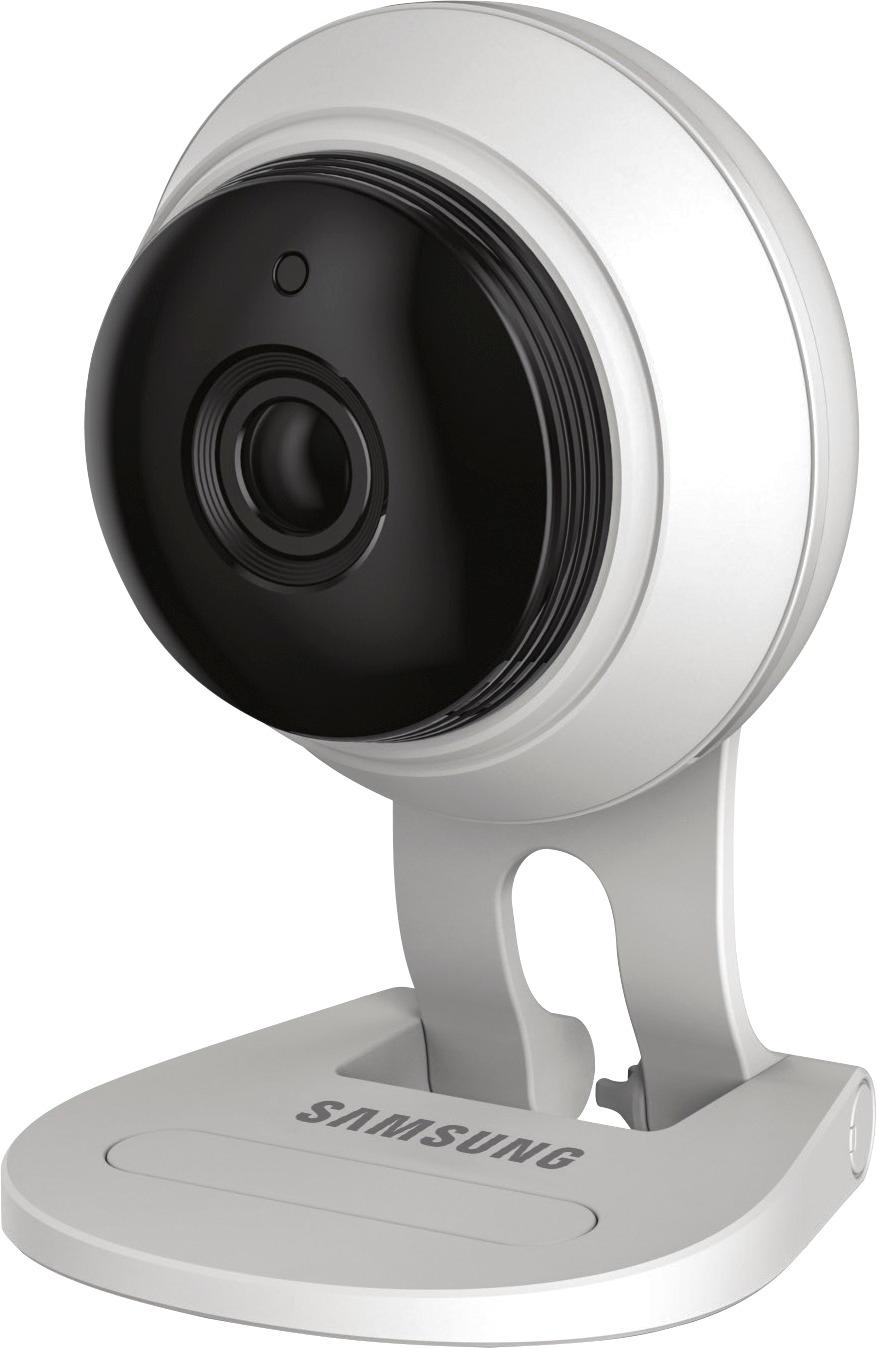
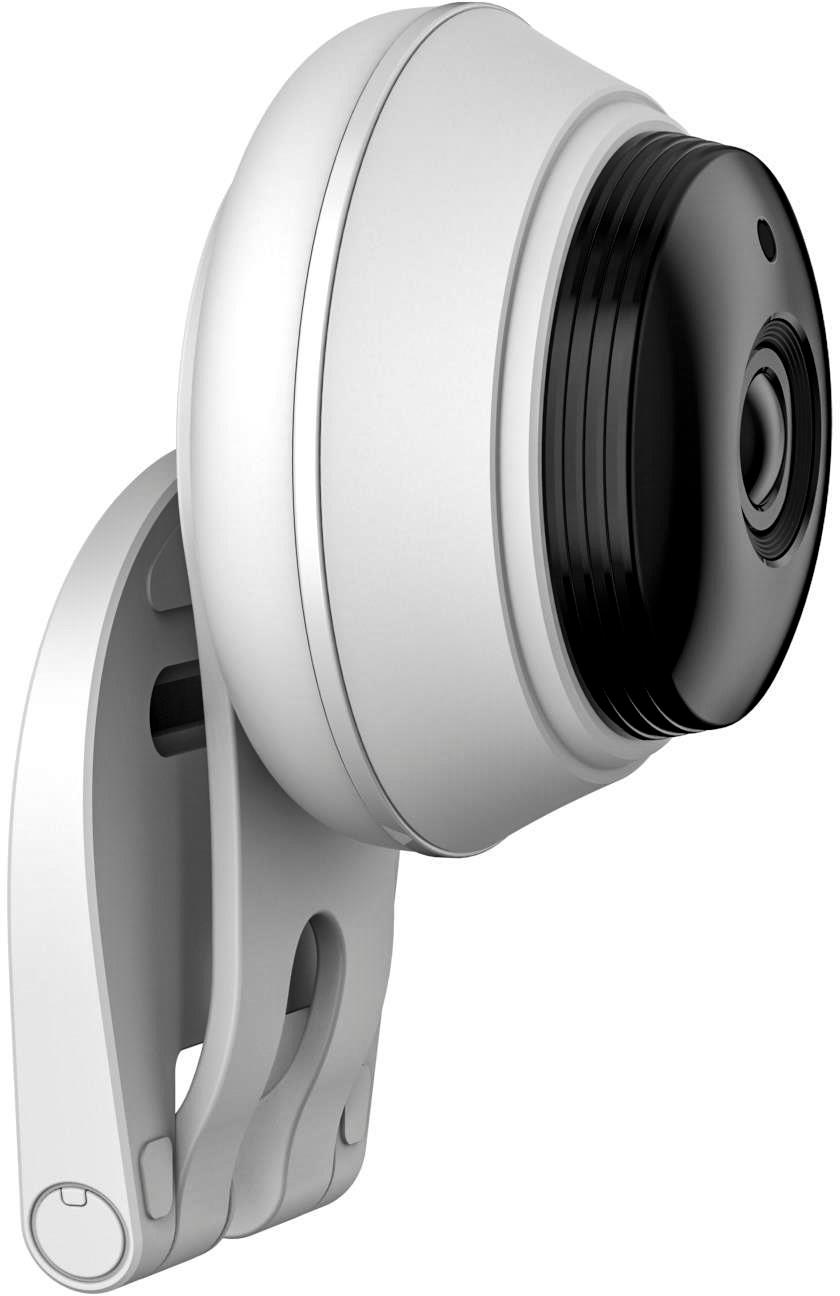
Posted .This reviewer received promo considerations or sweepstakes entry for writing a review.I have a SmartThings hub with a fair amount of monitoring solutions installed but wanted a camera to use for verification of a home security issue. Requirements : live stream, reasonable quality, good night vision, very short lag. I tested this out against a pair of D-link 8000LHs, which gets you two cameras for the same price, but you lose the ability to talk back, and you drop from 1080p to 720p. Ultimately I decided to return this and keep the D-link for the following reasons: Pros - Excellent video quality when your internet upload speed is good enough to stream 1080p - Excellent night vision, lit up at least 30ft well enough to make out objects - Interfaced with SmartThings app so you can view video within the app, but you lose talk back functionality, etc - Very short lag time, less than a second. Everything is through the cloud so it doesn't matter if you're on the network or not Cons - Not very un-obtrusive. Large and visible camera and not very stealthy Neutrals - Don't think I saw a way to turn off the lights on the front - Not very cheap
I would recommend this to a friend Camera has issues
||Posted .This reviewer received promo considerations or sweepstakes entry for writing a review.I bought a group recommended by Smarththings, this camera was made by Wisenet and their customer support sucks - bad attitudes, lack of info - I had major problems getting camera to work and was almost going to take a hammer to it - Smarthings no longer recommends this camera or Wisenet who they now own :(
No, I would not recommend this to a friendAwful Quaiity
||Posted .This reviewer received promo considerations or sweepstakes entry for writing a review.This is the worse Samsung product ever made. Quality of picture and sound are terrible. I was extremely disappointed.
No, I would not recommend this to a friend- Pros mentioned:Camera quality
Setup Issues - Serves My Needs Though
Posted .This reviewer received promo considerations or sweepstakes entry for writing a review.Connecting and setup/registration wasn't as easy as I thought. Downloaded and installed the APP on my Samsung phone. Created an account. Went through the process but needed to go into account online with my laptop PC to input product's serial number for registration. After that, then it connected. I used Windows Explorer (or use Safari on Mac) since there is a plugin required for the browser (website prompts this for download) The APP has some nice features. I like that I can install a MICRO SD card for saving video. I can also save video directly on my phone or grab video clips and save them on my phone, bypassing having to pay for any cloud service. Picture is clear. There are resolution options. Again, after getting it connected and setup/registered, works fine. I like that I can view with either my laptop or my phone/app. Possible to connect more cameras over time. I think the max is 5 samsung cameras. Video has very slight lag but that's not a concern and understandable. Has a really cool feature to sound an alarm manually, police siren or a barking dog! Can't honestly compare this to anything else on the market.
I would recommend this to a friend - Pros mentioned:Camera quality
Decent BASIC camera
Posted .This reviewer received promo considerations or sweepstakes entry for writing a review.It's an ok camera if you only want to use the app. Samsung for some reason locked down their camera's in a recent firmware update and now you can't tie these camera's into things like Synology surveillance station. The quality is decent but nothing to brag about, and for some reason it only supports 2.4Ghz wifi...Not sure why it doesn't support 5Ghz in today's world but yeah. Will be probably returning the 2 I bought since I was hoping for something a little more open and something that supports 5Ghz since I refuse to run 2.4Ghz on my network anymore.
No, I would not recommend this to a friend Hardware - meh. Software suuuuuuucks
Posted .This reviewer received promo considerations or sweepstakes entry for writing a review.I purchased this camera and had problems with it. Initial setup to connect it to my home wifi network was easy using the iphone app. It even started sending me the notifications of motion detection. I tried to set up PC component so I could monitor via web browser. Chrome and Firefox are not allowed. ONLY IE. After installing the plugin for IE, and connecting to the camera, it told me I needed to update firmware. I did. Then I went back to the iphone app, and THAT told me I needed to use the NEW app since I updated the firmware. So I installed the NEW app. After that, it would not generate any events (sound or motion detection) even though it did when I first set it up, and I hadn't made any changes except firmware that was required by IE browser. It appeared that it removed some software selections to only record "events" (instead of constant recording). The Samsung website for this item only has FAQs as support - no forums, chat, email or phone number to call. I worked on this for 2 or 3 hours, gave up and took it back. I bought a competitor's product and had it up and running within an hour or so. I've liked other Samsung products, but this one was a dud.
No, I would not recommend this to a friend- Cons mentioned:Battery life
Burned out
Posted .This reviewer received promo considerations or sweepstakes entry for writing a review.I purchased 4 of these. They run hot, and after a few months 1 burned out. The app runs pretty clunky a lot. If a cammera is unplugged for a few hours you almost always inevitably have to factory reset it, sometimes multiple times and delete it from the app and reset it up. Just a pain in the rear!!!!
No, I would not recommend this to a friend Not so easy to set up
Posted .This reviewer received promo considerations or sweepstakes entry for writing a review.This camera is and was very frustrating to try and set up. The smart phone app is GARBAGE, requiring it to be set up numerous times and drops the WiFi signal, (not the router because everything else works). Should have read the other reviews more carefully.
No, I would not recommend this to a friendAwful Image Quality
Posted .This reviewer received promo considerations or sweepstakes entry for writing a review.Don't be fooled, this camera does NOT consistently display in 1080p no matter what you do to it. After changing all of the settings on this camera, adjusting everything I could find, I am still see a washed out stream and receiving equally terrible captures. I believe the ONLY way to achieve FHD (1080p) video is through an SD Card, any captures (video or still) are in such low resolution, there's no point in even using those features. Screen captures while streaming are captured at "900p" (1600x900), which is decidedly not 1080p. To me that indicates that the video stream is also in 1600x900. That said, 900p isn't that far off from 1080p, so why the image still looks awful is likely a result of excessive compression. Don't bother zooming, either, the pixelation that occurs is instant, and renders the image unusable. The software is also terrible, the app appears to have been designed for an iPhone 3GS. The only pro here is that it was able to connect to my wifi network and I didn't have to fight with it. But that pro is overshadowed by that fact that it will only connect to 2Ghz wifi networks.
No, I would not recommend this to a friendBrand response from MsSamsung
Posted .Hello Zer0latency, I understand your frustration with this security camera. For further assistance, please contact Samsung Customer Support via one of the following options:
1. Facebook Messenger: http://m.me/samsungsupport
2. Twitter: https://twitter.com/messages/compose?recipient_id=18768513
3. LiveChat or Email: https://www.samsung.com/us/support/#contact_us_for_support
4. Toll-free calling: 1-800-SAMSUNG
^Michelle
Not useful for live monitoring
Posted .This reviewer received promo considerations or sweepstakes entry for writing a review.Monitoring only good for quick checks, but camera times out after a few minutes and it takes forever to log back on. If it would stay on I would give it 5 stars.
No, I would not recommend this to a friend