Customer Ratings & Reviews
- Model:
- SL-M2070FW
- SKU:
- 3920307
to a friend
Customers are saying
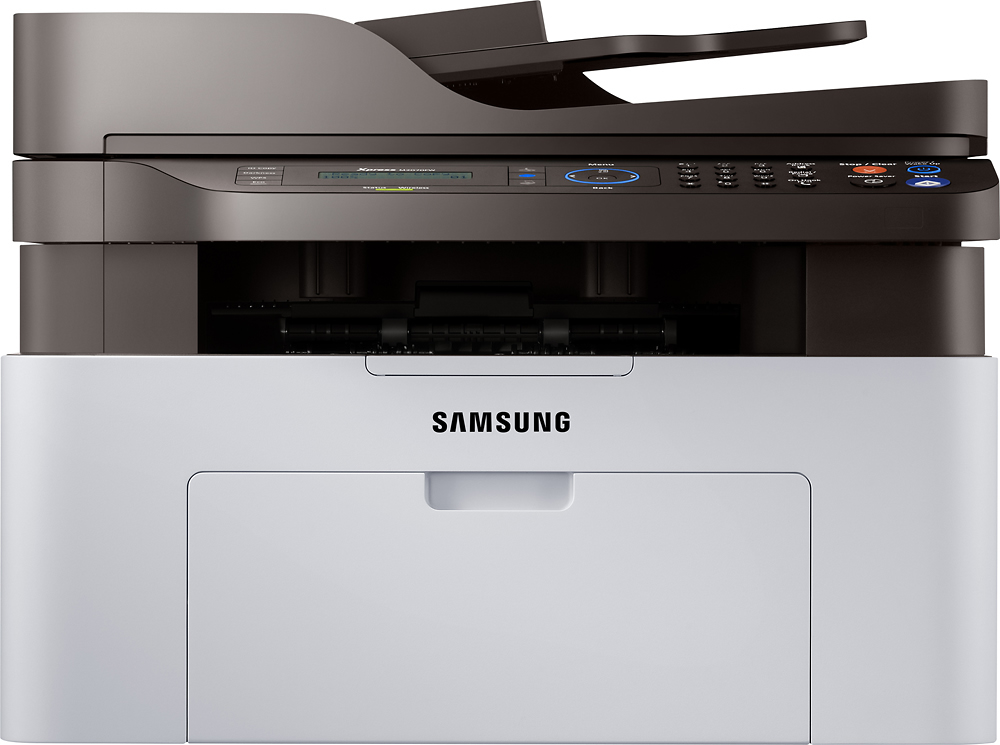
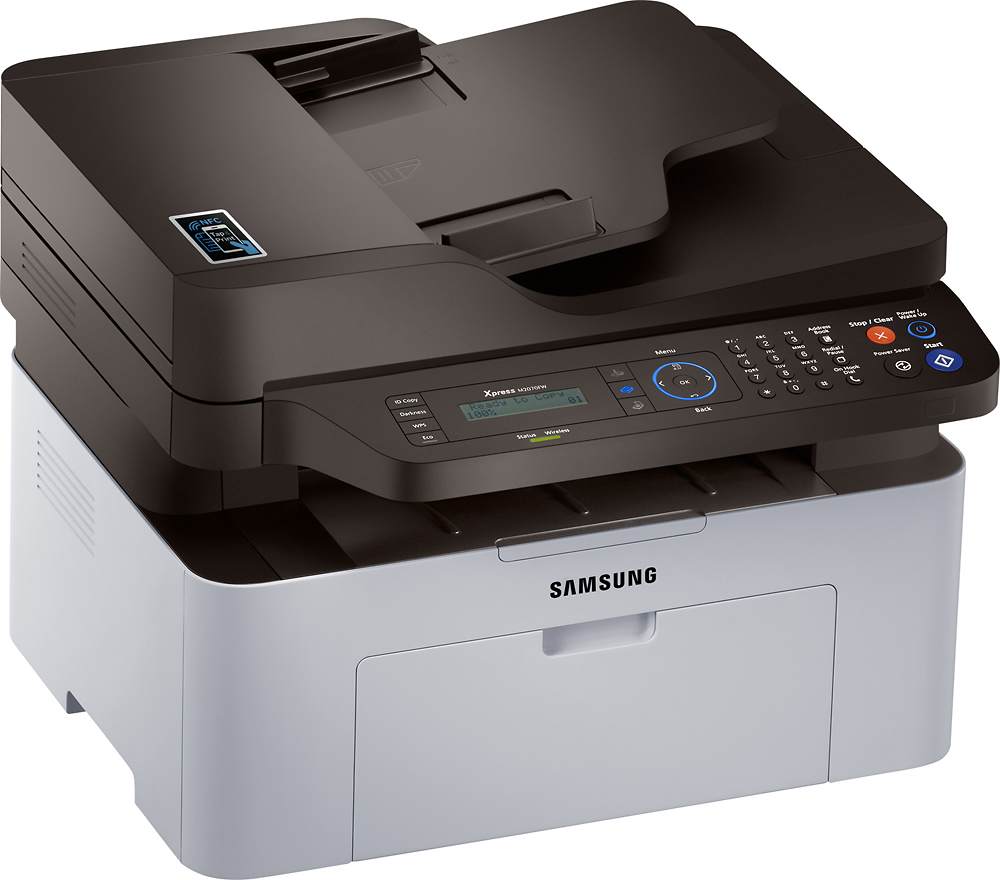
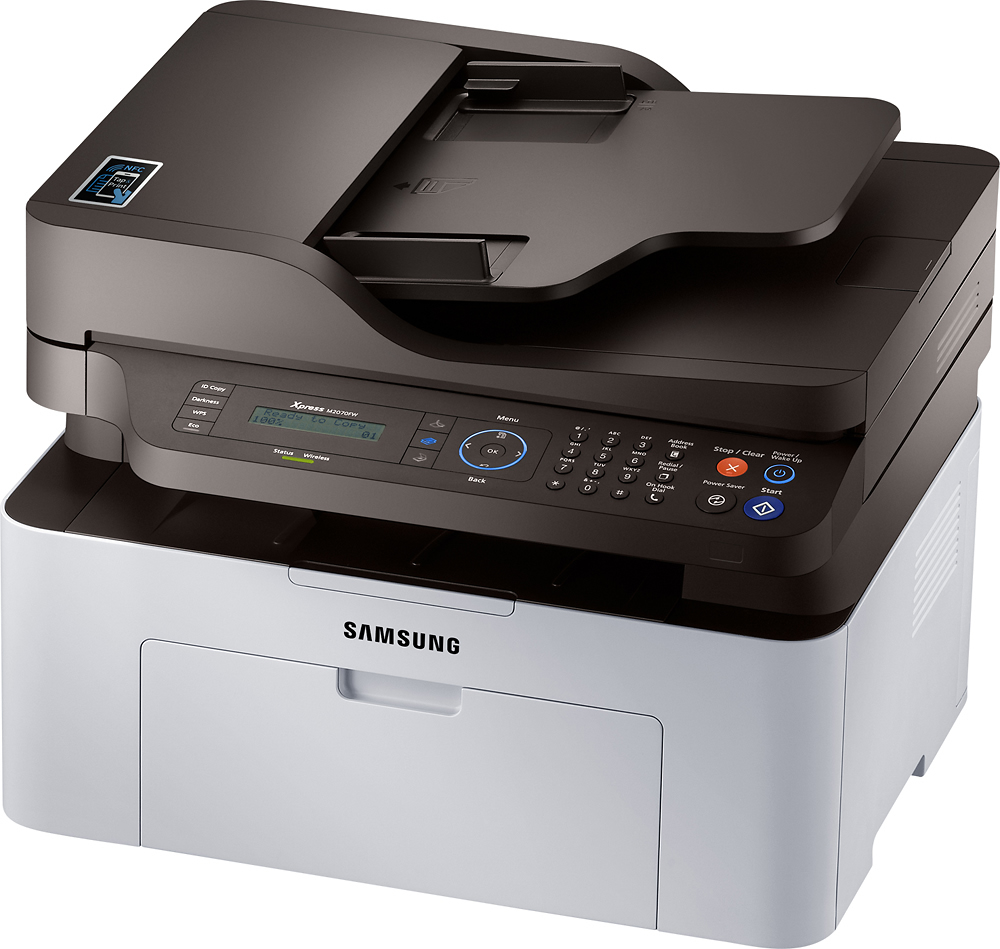
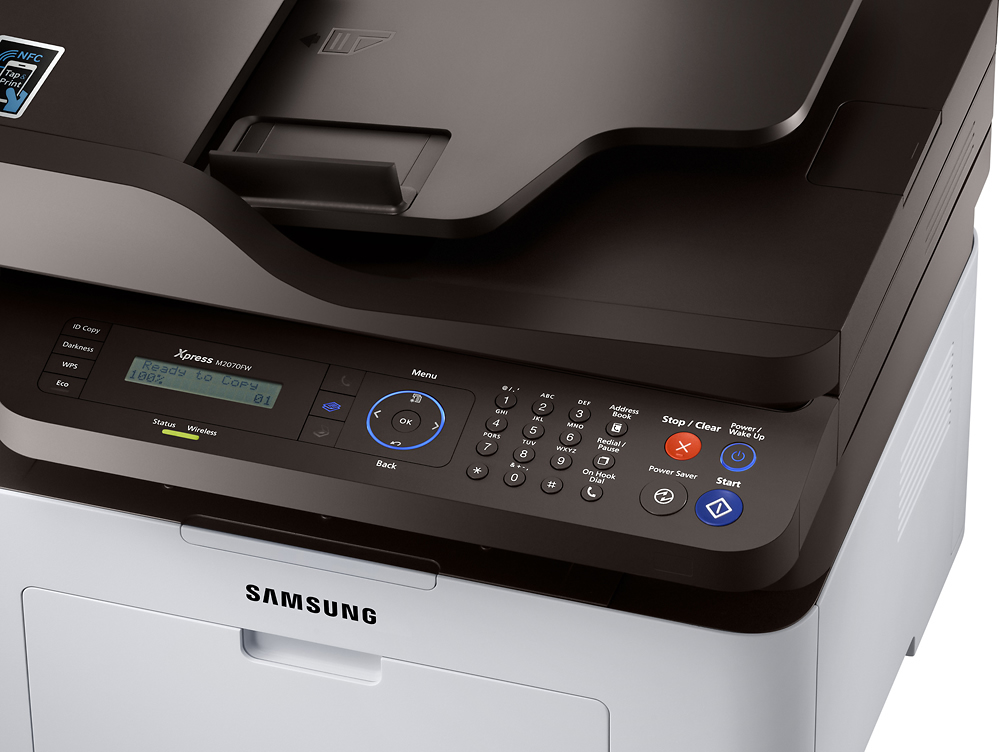
Customers commend the Xpress M2070FW Wireless Black-and-White All-In-One Laser Printer for its excellent print quality, ease of use, and affordability. Many found setup straightforward and printing fast and reliable. While some experienced challenges with WiFi connectivity, the majority praised the printer's quiet operation. Overall, the positive feedback on print quality and ease of use outweighs the negative comments regarding WiFi.
This summary was generated by AI based on customer reviews.
Just a basic printer
||Posted .This reviewer received promo considerations or sweepstakes entry for writing a review.Great product, seems to be a necessity nowadays anyway thus it was a no-brainer purchase.
No, I would not recommend this to a friendGood for the price.
||Posted .This reviewer received promo considerations or sweepstakes entry for writing a review.Too slow to initialize. Too slow for printing. Very ugly looking machine.
I would recommend this to a friendBrand response from MrSamsung
Posted .Anasinflorence,
Thank you for purchasing the Samsung Xpress M2070FW. I am sorry to hear that you are experiencing difficulties with your printer.
Samsung products are engineered to the highest standards of performance and quality and we back your Samsung with a 1-year limited manufacturer's warranty, if purchased brand-new from an authorized dealer. Please allow us the chance to diagnose and treat your product issue.
To better assist you with step-by-step troubleshooting or begin warranty service, please contact Samsung Customer Support toll-free at 1-800-SAMSUNG and a representative will gladly help you.
You can also contact Samsung via LiveChat or email. Please copy-paste this link into your browser: http://www.samsung.com/us/support/contact
Samsung is committed to providing the best possible product experience, quality, and value, and we are always here to help with any of your questions or concerns.
~Samsung Solutions
Great printer
||Posted . Owned for 7 months when reviewed.This reviewer received promo considerations or sweepstakes entry for writing a review.This printer is great for my home office. Especially a wireless function is wonderful!
I would recommend this to a friendDoes Necessary Basic Needs
||Posted .This reviewer received promo considerations or sweepstakes entry for writing a review.Fulfills Necessary needs. The product was delivered to my Home in a Timely manner.
I would recommend this to a friendEXCELLENT!!!
||Posted .This reviewer received promo considerations or sweepstakes entry for writing a review.Samsung has always given us great results!!! Love it!!! Highly Recommend it!!!
I would recommend this to a friendGREAT PRINTER
||Posted .This reviewer received promo considerations or sweepstakes entry for writing a review.WORKS GREAT, DOESN'T PRINT VERY DARK ON FORMS BUT.
I would recommend this to a friendExcellent Printer / Scanner
||Posted .This reviewer received promo considerations or sweepstakes entry for writing a review.Great printer scanner for the price and small foot print.
I would recommend this to a friendGood printer
||Posted .This reviewer received promo considerations or sweepstakes entry for writing a review.I recently purchased the printer and am very happy with it.
I would recommend this to a friendAwe...
||Posted .This reviewer received promo considerations or sweepstakes entry for writing a review.Wonderful........................good...............
I would recommend this to a friend- Cons mentioned:Wifi
Useless
||Posted .This reviewer received promo considerations or sweepstakes entry for writing a review.After wasting time trying for an hour to get it connected to WiFi, I called the customer service in India. Another 45 Min. and absolutely nothing. Could not get it connected to wifi. Back of the car and returned it to bestbuy.
No, I would not recommend this to a friend Just......okay
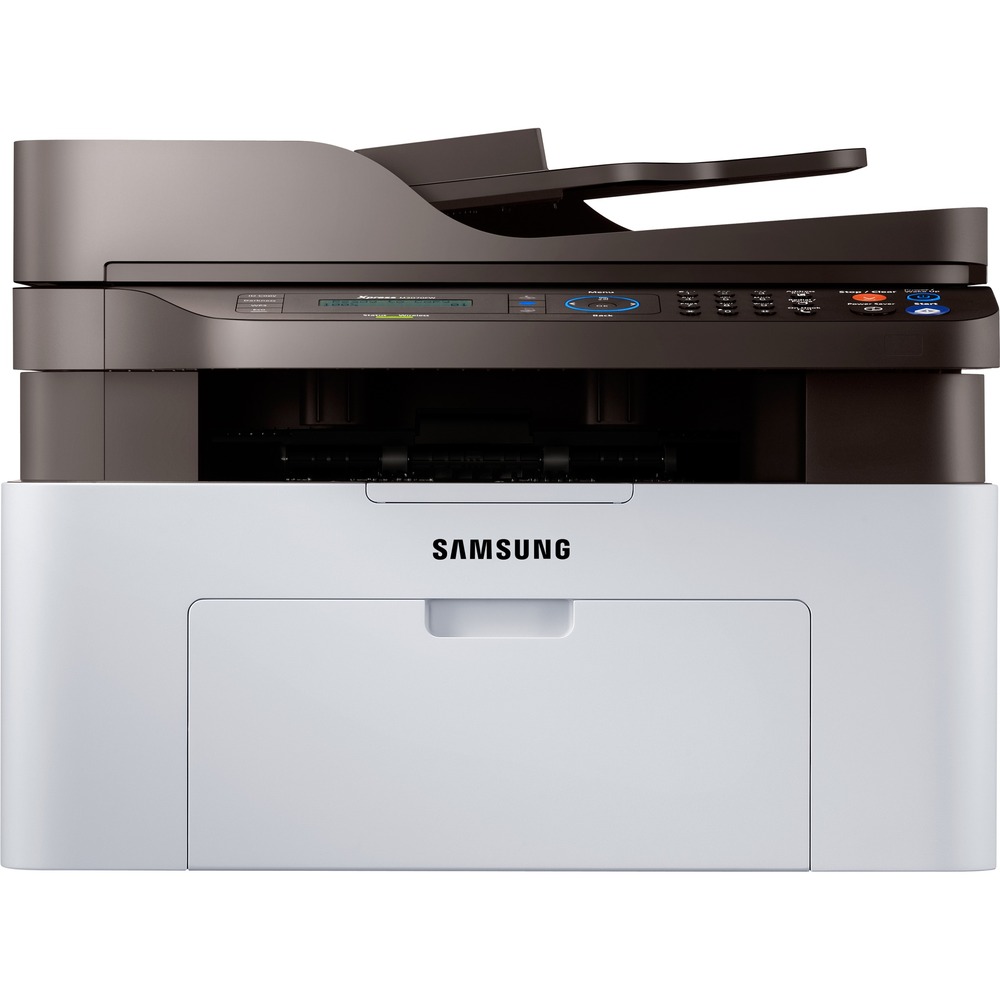
||Posted .This reviewer received promo considerations or sweepstakes entry for writing a review.The printer was not very easy to set up wirelessly on my Mac. My biggest complaint is that it doesn't have a paper drawer. The paper just hangs out the front of the printer.
No, I would not recommend this to a friendBrand response from MrSamsung
Posted .tico123,
Thank you for purchasing the Samsung Xpress M2070FW. I am sorry to hear that you are experiencing difficulties with your printer.
To better assist you with step-by-step troubleshooting, please contact Samsung Customer Support toll-free at 1-800-SAMSUNG and a representative will gladly help you.
You can also contact Samsung via LiveChat or email. Please copy-paste this link into your browser: http://www.samsung.com/us/support/contact
Samsung is committed to providing the best possible product experience, quality, and value, and we are always here to help with any of your questions or concerns.
~Samsung Solutions
OK but poor documentation
||Posted .This reviewer received promo considerations or sweepstakes entry for writing a review.If you just want to print on one side or copy/scan one sheet its fine. If you want to do other things like scan or copy multiples, instructions are hard to find
No, I would not recommend this to a friendDifficult to set up wireless connection
||Posted .This reviewer received promo considerations or sweepstakes entry for writing a review.I don't know whether the printer wireless feature was faulty. My husband spent about 3 hours trying to set up the wireless connection. We followed the instruction manual but we could not set it up. You would think the printer allows special character like an exclamation mark "!" but it did not allow it.
No, I would not recommend this to a friend- Pros mentioned:Noise level, Print quality
Silent printer with a good quality
Posted .This reviewer received promo considerations or sweepstakes entry for writing a review.I have at home a MacBook and a PC. I choose this model especially due the wireless connection. To install was quite complicated but at the end it works perfectly among both computers. It is very quiet and the quality of the output is perfect for my needs, basically letters and some invoices from the internet. I do recommend it! Great deal.
I would recommend this to a friend Love this Printer
Posted .This reviewer received promo considerations or sweepstakes entry for writing a review.Bought this for a specific project, but it has turned into a great printer that I use every day. No problems with it, I love it! Would recommend for others.
I would recommend this to a friendGood budget MFC with some limitations
Posted .This reviewer received promo considerations or sweepstakes entry for writing a review.The overall built of the printer is good. Because of the price point, they have eliminated the paper tray. Paper sticks out 4" at bottom. Some people may be bothered by the aesthetics. One thing needs improvement is the quick start guide. The whole thing is one legal/A4 size paper. The icons/pictures are so small I struggled to figure out how to access the toner cartridge. Definitely should have bigger pictures. I only set up for USB use and cannot comment on the wireless features.
I would recommend this to a friend