Customer Ratings & Reviews



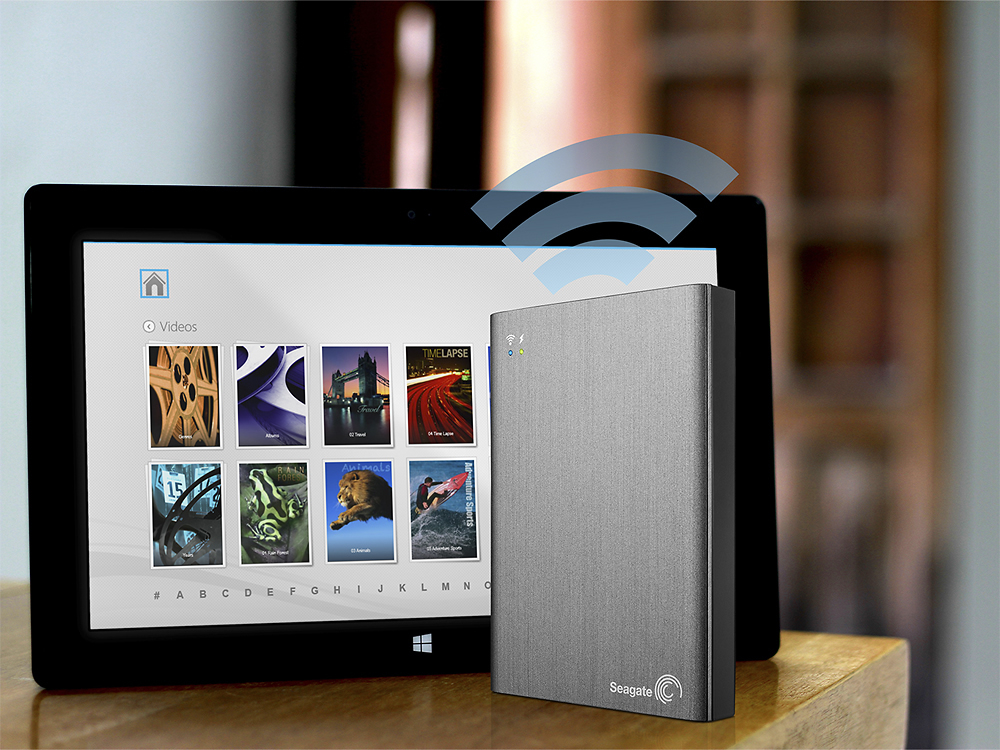

- Model:
- STCK1000100
- |
- SKU:
- 7420065
Customer reviews
Rating 4 out of 5 stars with 358 reviews
(358 customer reviews)Rating by feature
- Ease of Use3.7
Rating 3.7 out of 5 stars
Customers are saying
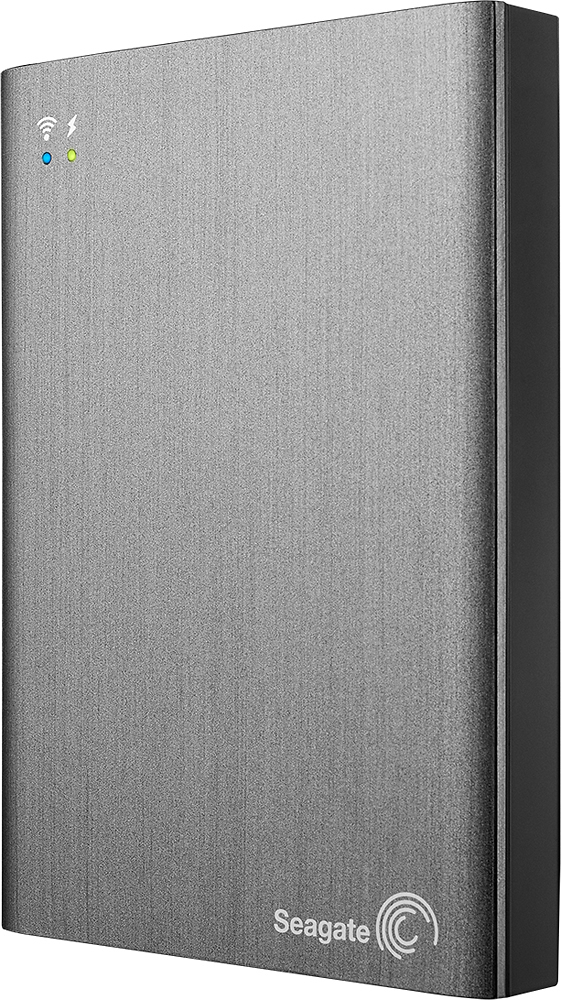
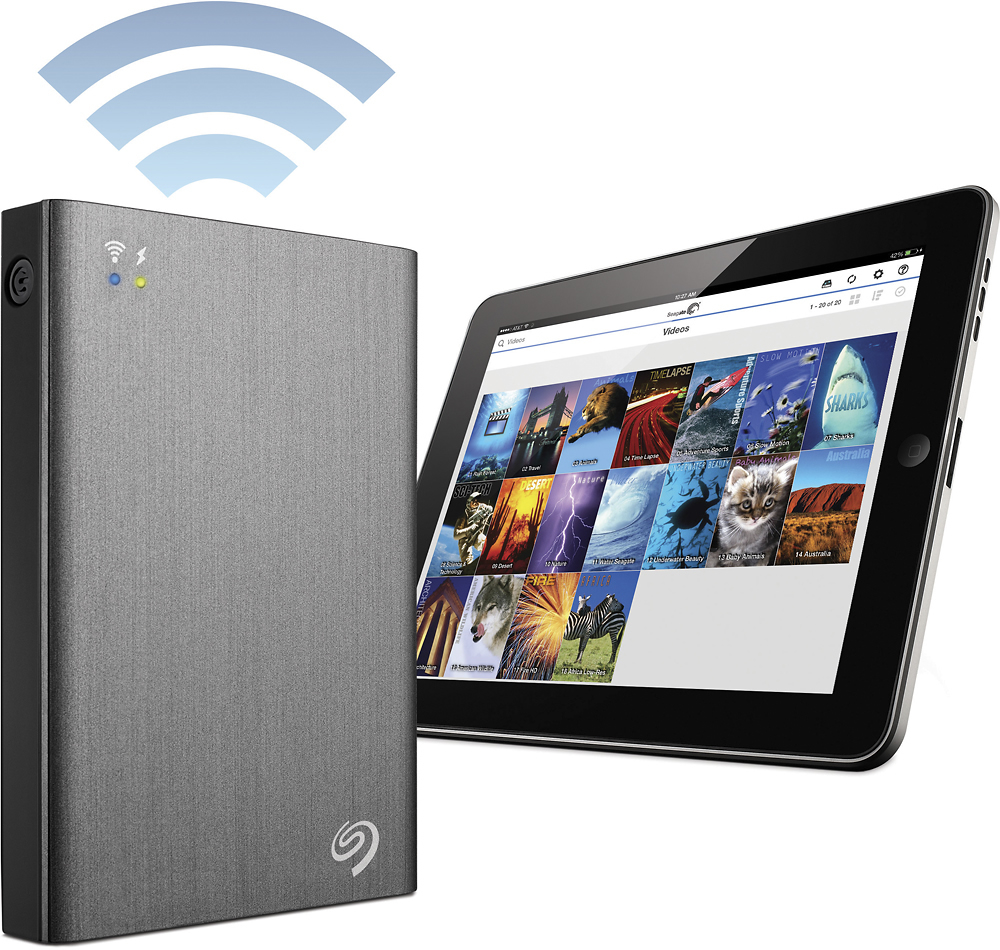
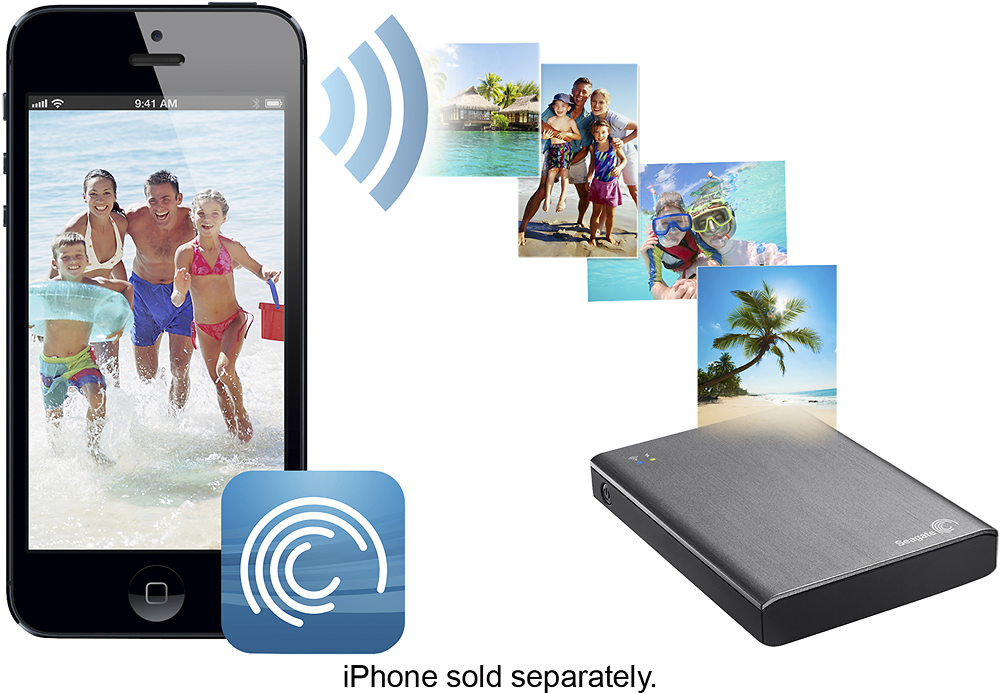
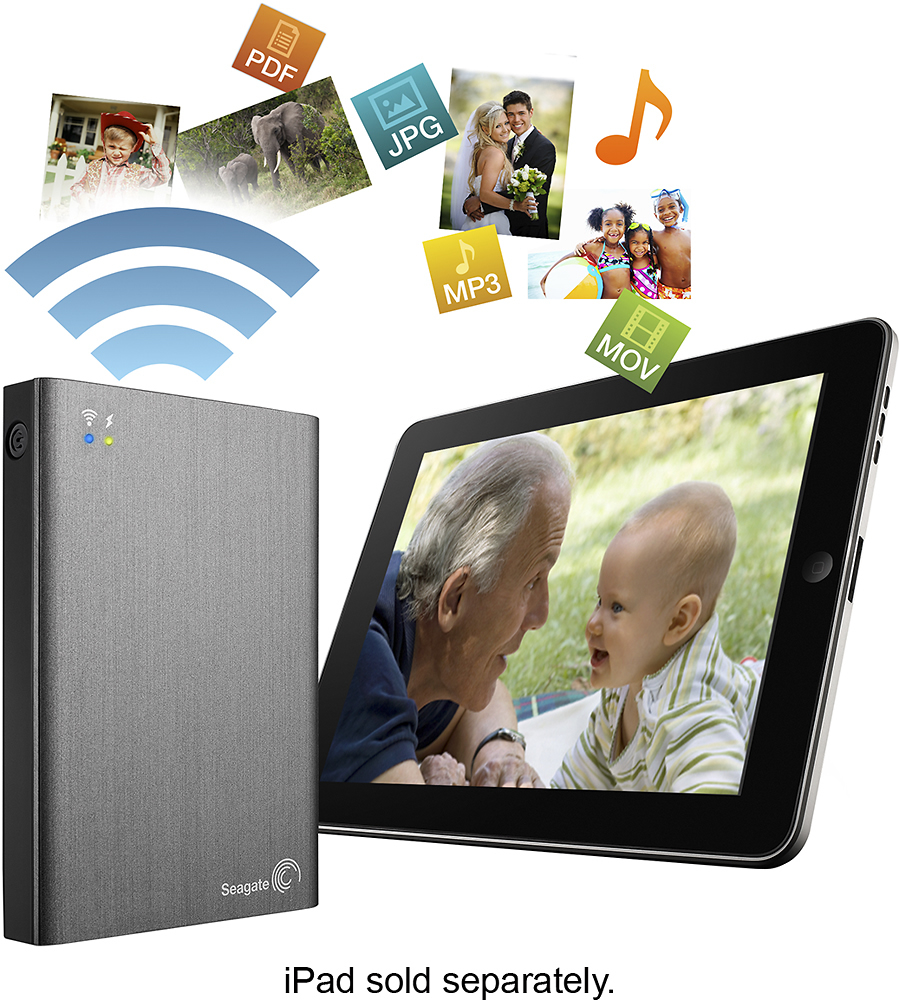
Customers have good things to say about the Wireless Plus 1TB Portable Hard Drive's storage capacity, portability, and ease of use. They appreciate its long battery life and find it great for streaming movies and music on trips. While some customers found the setup process frustrating and had issues with the app, others mentioned compatibility issues, particularly with Mac devices.
This summary was generated by AI based on customer reviews.
Rated 1 out of 5 stars
DID NOT WORK WITH MAC 10.5.8 AS ADVERTIZED & SOLD
||Posted .This reviewer received promo considerations or sweepstakes entry for writing a review.INCOMPATIBLE WITH MAC 10.5.8 EVEN THOUGH IT HAD BEEN ADVERTIZED AS SUCH. IT TOOK HOURS OF MY TIME TO DISCOVER THIS. WHILE SOME SEAGATE FOLKS WERE HELPFUL IN THE END THE LAST GUY WAS RUDE! IT CANNOT CONNECT WIRELESSLY TO MAC; EVEN WITH 10.6 AND ABOVE OR AN IPAD, YOU CAN ONLY MOVE PICTURES AND MUSIC NOTHING ELSE CAN BE MOVED DOWNLOADED ONCE UPLOADED. NO ONE TELLS YOU THAT OR MAYBE THEY DON'T KNOW THIS. THIS IS AN APPLE PROHIBITION NOT A PC ONE. YOU CAN MOVE ANYTHING IN EITHER DIRECTION. YOU CAN NUSE WITH ANDROID DEVICES. APPLE NEEDS TO FIX THIS!
No, I would not recommend this to a friendRated 2 out of 5 stars
Still needs some work
||Posted .This reviewer received promo considerations or sweepstakes entry for writing a review.It just didn't do the one thing I needed it to do, which was to transfer files to the hard drive from my Mac. I called support and they couldn't help either. I returned the hard drive.
No, I would not recommend this to a friendRated 2 out of 5 stars
I couldn't get it to work
||Posted .This reviewer received promo considerations or sweepstakes entry for writing a review.I tried to use this portable hard drive but ultimately failed. I had to update and install and drag links and still couldn't get it to appear on my desktop
No, I would not recommend this to a friendRated 1 out of 5 stars
I have yet, to copy a file from my iPad
||Posted .This reviewer received promo considerations or sweepstakes entry for writing a review.The user (GUI) interface is an Easter egg hunt, I have yet to copy or move a file from the iPad to the portable hard drive. You can access, and read data files on the Seagate Wireless Plus, so I know the data flows from the device to the iPad, but not the other way around.
No, I would not recommend this to a friendRated 1 out of 5 stars
Backed up once, now it won't turn off.
||Posted .This reviewer received promo considerations or sweepstakes entry for writing a review.I purchased this after two other-brand backup drives cratered after a year each. I chose Seagate to go for reliability and the WiFi so I could back up during travel. I successfully backed up with USB once, but then the drive would not turn off. I will be taking it back to my store for another drive.
No, I would not recommend this to a friendRated 1 out of 5 stars
used 4 times and broke
||Posted .This reviewer received promo considerations or sweepstakes entry for writing a review.I have had it about 15 months so no return or warranty. I feel a hard drive should last more than 15 months. Especially since I only used it 4 times. What a waist of money and I lost all info stored on it
No, I would not recommend this to a friendRated 1 out of 5 stars
Useless. Not a good backup device.
||Posted .This reviewer received promo considerations or sweepstakes entry for writing a review.Not useful as a backup device. It is supposed to stream pictures, videos, and music. Could not get any of these to play on compatible devices, iPhone, iPad, or Mac.
No, I would not recommend this to a friendRated 1 out of 5 stars
Not ready for prime time
||Posted .This reviewer received promo considerations or sweepstakes entry for writing a review.wireless doesn't work well, drops link works MUCH better when connected with cable
No, I would not recommend this to a friendRated 1 out of 5 stars
Difficult to set up
||Posted .This reviewer received promo considerations or sweepstakes entry for writing a review.I have no idea how to use this thing, according to manual it should be easy- it's not. I hate it so far
No, I would not recommend this to a friendRated 1 out of 5 stars
Connectivity
||Posted .This reviewer received promo considerations or sweepstakes entry for writing a review.I've had difficulty getting the wireless access to work with my iPhone and ipad
No, I would not recommend this to a friendRated 1 out of 5 stars
Don't trust it
||Posted .This reviewer received promo considerations or sweepstakes entry for writing a review.Very slow wireless, trouble transferring files when plugged in with USB cord,
No, I would not recommend this to a friendRated 1 out of 5 stars
Didn't work in wireless mode for Mac
||Posted .This reviewer received promo considerations or sweepstakes entry for writing a review.When putting it into wireless mode it cleared the memory. Didn't work natively with Mac
No, I would not recommend this to a friendRated 1 out of 5 stars
No instructions & not intuitive
||Posted .This reviewer received promo considerations or sweepstakes entry for writing a review.Sucks! Wish I never bought it because I can't get the stupid thing to work.
No, I would not recommend this to a friendRated 1 out of 5 stars
bad
||Posted .This reviewer received promo considerations or sweepstakes entry for writing a review.This did not work for me. I would not recommend this
No, I would not recommend this to a friend- Pros mentioned:Storage, Wireless
Rated 5 out of 5 stars
Works great
Posted .This reviewer received promo considerations or sweepstakes entry for writing a review.I recently purchased this as a way to extend the storage of my MacBook Air. I have bene purchasing TV Shows from iTunes and it was filling my macbooks limited storage. I wanted a way to take those TV Shows with me and play them from the iPad without cables when I am in a hotel room. This fit the requirements perfectly. There are lots of great Videos and a great FAQ on Seagate's website. The device can act like a DLNA player (standard Video Broadcasting protocol for digital devices) or show up as a mapped network drive! It also works great when connected via USB. Seagate did a great job of offering plenty of options. One note on using this with iTunes. If you want to be wireless with it all the time, read the FAQ's on "how to transfer files wirelessly from a mac" and it will show you how to mount it as a CIFS share. Otherwise, use it as a USB drive on your computer and wirelessly for your iPad/iPhone. iTunes will not recognize your media if you move your data to it when connecting via USB, then want to stream wirelessly to your desktop. Either way is fine with the iPad.
I would recommend this to a friend - Pros mentioned:Battery life, Storage
Rated 5 out of 5 stars
Great Portable Access with Limits Understood
Posted .This reviewer received promo considerations or sweepstakes entry for writing a review.My ipad is always full. I wanted a way to store multiple movies, files, documents and have access on my ipad. This does it wirelessly with its own build in WiFi connection and also allows access my home wireless internet network at the same time. There are however limitations. Wifi is not bad. Due to apples closed mobile framework, I could not send files from an Ipad / Ipod app back to the seagate drive. I believe this is due to apples closed app system and the NTSF file format on the wifi drive? It will however read and write from a Mac or PC. Perhaps non-Apple or Jailbroken mobile products can read / write. 1. You can see and access anything on the drive on any device however Seagate Wireless Plus does not decompress. To open or use your data you have to have the app or program necessary to read it. 2. This is not an Internet hotspot, it is a local data storage hotspot, however it does have passthrough technology that allows access to a local wifi networks that are not locked at the same time. (The previous Generation "Satellite" could not do this) **the drive comes with 2 USB Cables. 1 is for direct wired data transfer and charging (this is a bigger cable when plugged in disables wifi). The second is a power USB which only charges and allows transmitting and receiving data via its wifi & allowing its passthrough technology as it powers and charges.** 3. The built in battery or usb power charge makes this a portable access to data, movies and 1 terabyte of storage a thing of beauty. If you have multiple mobile devices, 2 kids and a wife who desire to access 3 different movies at the same time, on the road, this is it. 4. If you desire a portable workstation that saves documents from Apple mobile products, you will be disappointed as the apps locks visibility to content access outside of app (I can't blame seagate for this, perhaps other non apple tablets can save directly to the drive)... Apple & Window computers will recognize and save, however I can only get the apple mobile devices to read, stream and download from the drive. As long as you just want access, this works for everything. If you want to write to the device from everything you may be limited.
I would recommend this to a friend - Pros mentioned:Storage
Rated 5 out of 5 stars
Great solution to expand tablet portable storage.
Posted .This reviewer received promo considerations or sweepstakes entry for writing a review.Constrained by my Kindle Fire HD's 16GB of storage, I was at first frustrated by the lack of SD card or external USB storage solutions. I bought the 128GB Kingston Digital Wi-Drive but sent it back when the Seagate Wireless Plus was announced at CES just 2 days later. The Seagate's 1TB of storage for only $50 more than the Kingston was a no brainer. Since I got it I've been ripping my SD DVDs; I now have over 200 movies on the Seagate and have 630GB of storage remaining. Copying the ripped 1.5GB MP4 files to the wireless plus takes 2-3 minutes over USB 2.0, the Seagate then indexes each which takes awhile. Contrary to what another reviewer stated, the Wireless Plus is NOT unsecured. It is password protected WPA. In operation, the Seagate app occassionaly freezes when first opening, causing me to have to reboot the Kindle. Seagate recommended turning off streaming/download function until needed. Movies stream smoothly. No artifacting noticed (movies ripped at Kindle's resolution). The Wireless plus is small, light, and will have most of my 900+ movies at hand when I'm away from home.
I would recommend this to a friend - Pros mentioned:StorageCons mentioned:App
Rated 5 out of 5 stars
Perfect Companion for iOS Devices
Posted .This reviewer received promo considerations or sweepstakes entry for writing a review.Bought this because we do a lot of traveling and road trips. Never enough storage on our iPads/iPods/iPhones. This product allows us to copy out iTunes movie library (including those HD purchased from iTunes) and up to three people can connect and watch what they want. Note: the app in the App Store is getting a lot of negative complaints, but that is due to people ignoring the warning the app gives once they updated to iOS 7. You need to update the firmware by connecting the drive via USB to your Mac/PC. Worked flawlessly for me. Tested with 1 original iPad (iOS 5), 1 third gen iPad (iOS 7), 2 iPod touch (5th gen, iOS 7), and iPhone 4S and an iPhone 5 (all iOS 7). No issues.
I would recommend this to a friend - Pros mentioned:Ease of use, Storage
Rated 5 out of 5 stars
Great portable file server
Posted .This reviewer received promo considerations or sweepstakes entry for writing a review.This does exactly what it is supposed to do. Like anything new, configuration is sometimes tricky. This was fairly simple to setup, as I use it to stream music, documents, and photos to my ipad and iphone. Broadcasts right out of the box on a 172.25.0.x network. If you want this to work on a windows laptop, make sure you do not have a static ip set and login through browser.Overall, if you are looking to add 1tb of storage to a tablet or phone this is the cheapest way to go.
I would recommend this to a friend - Pros mentioned:Ease of use
Rated 5 out of 5 stars
Excellent
Posted .This reviewer received promo considerations or sweepstakes entry for writing a review.I bought this because I didn't want to carry my laptop through the airport. The set up was easy, but I thought it was a little weird that I had to download something in order for it to work with my Mac. Once I did that everything worked flawlessly on my iPad mini. I was even able to set up a password so the wifi wasn't open which is awesome. Worth every penny.
I would recommend this to a friend