24 Inch For Dual Monitors
-
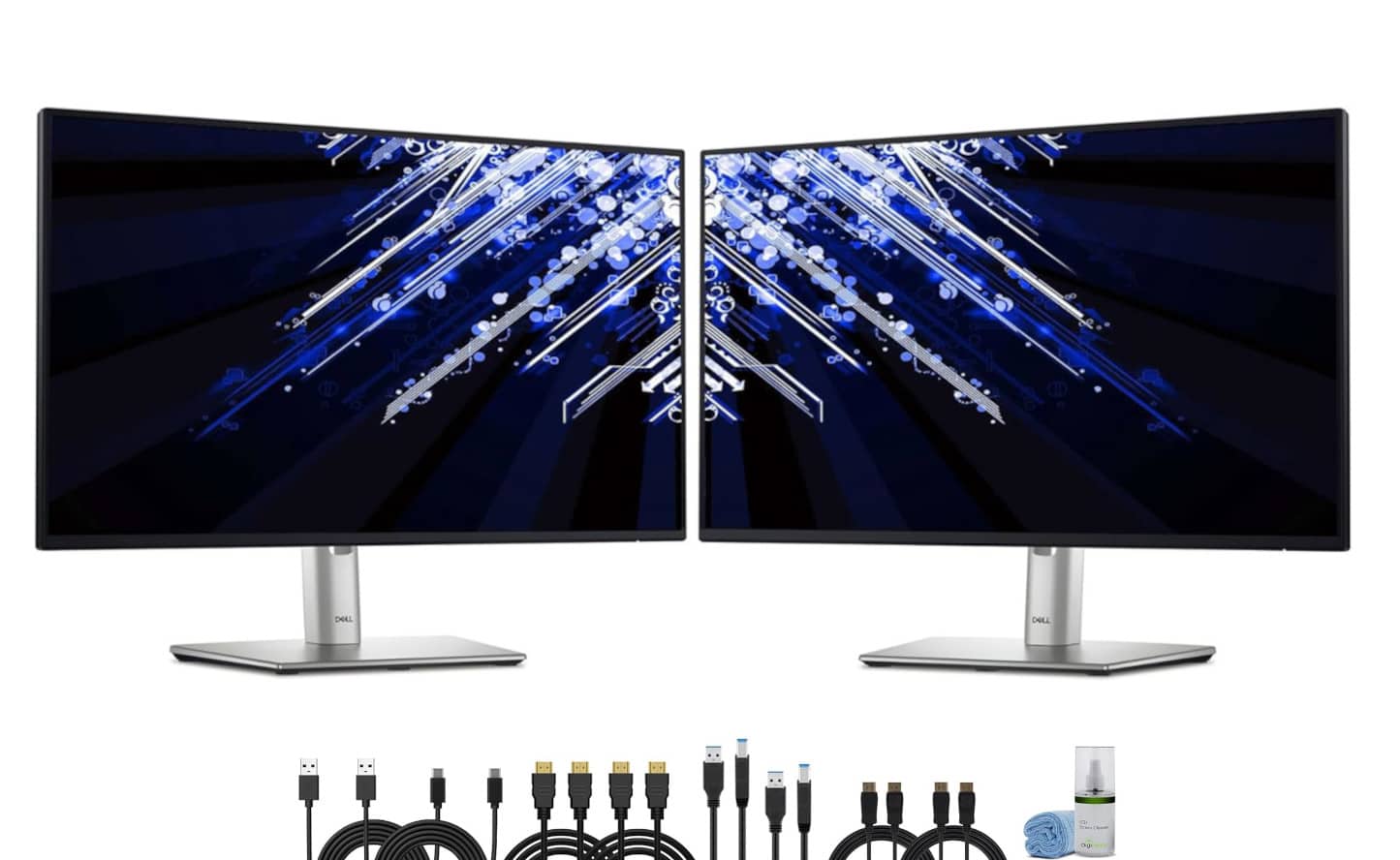
Bundle - 2 x Dell P2425H 24" Full HD, (1920 x 1080) Display, 16:9 IPS, LED, 100Hz Monitor - Black
SKU: J7QPQZRY7RSee all All MonitorsProduct Description
A dual-monitor bundle featuring 24" Full HD IPS displays with 100Hz refresh rate and ergonomic stands.Your price for this item is $434.95Save $20The previous price was $454.95 -
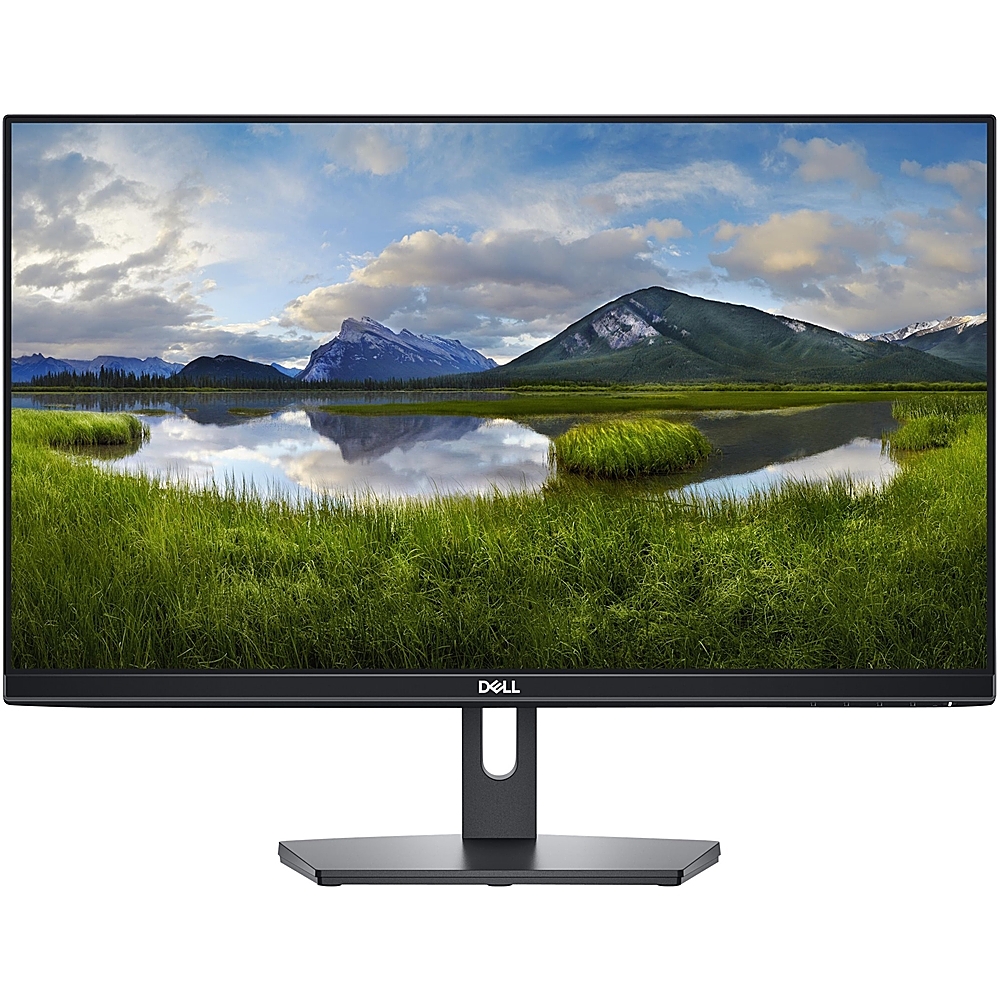
Dell - 24" IPS LED FHD 60Hz 5ms Monitor (HDMI, VGA) - Black
SKU: J3K4L9KRW9I love it! Thank you!
See all All MonitorsProduct Description
A black IPS LED monitor offering Full HD clarity, wide 178° viewing angles, and HDMI/VGA connectivity.Your price for this item is $149.99 -
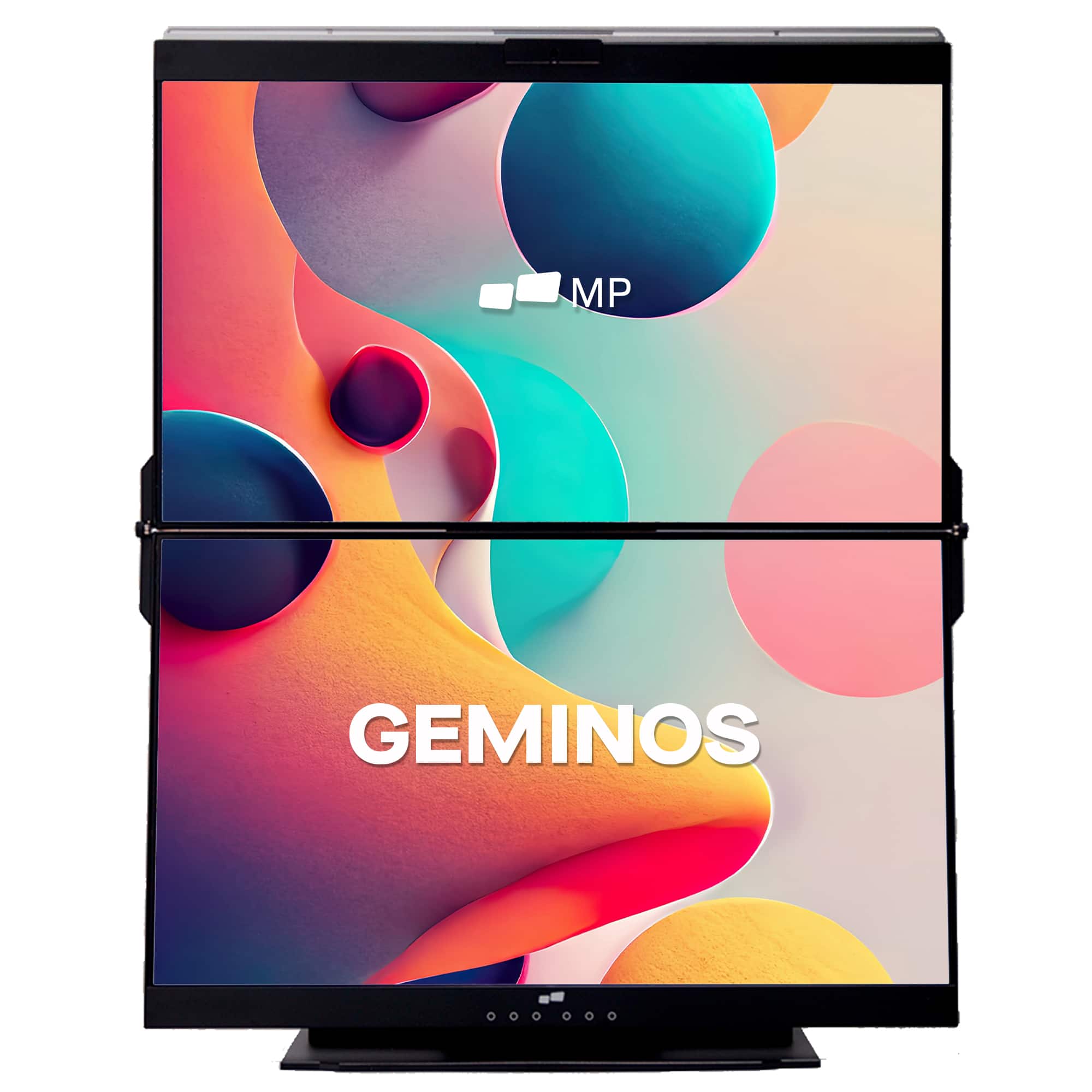
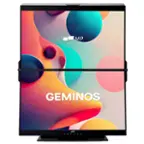
Mobile Pixels - Geminos X 1440p 24-In. Dual-Screen Desktop Monitor - Black
SKU: J3R8Q2TQ7HGreat product....Great monitor , poor cables...I really like the monitor itself and how great the screen looks.
See all Portable MonitorsProduct Description
A black dual-screen desktop monitor with 24-inch 1440p IPS displays, touch-enabled bottom screen, and built-in webcam.Your price for this item is $769.99Save $130The previous price was $899.99 -
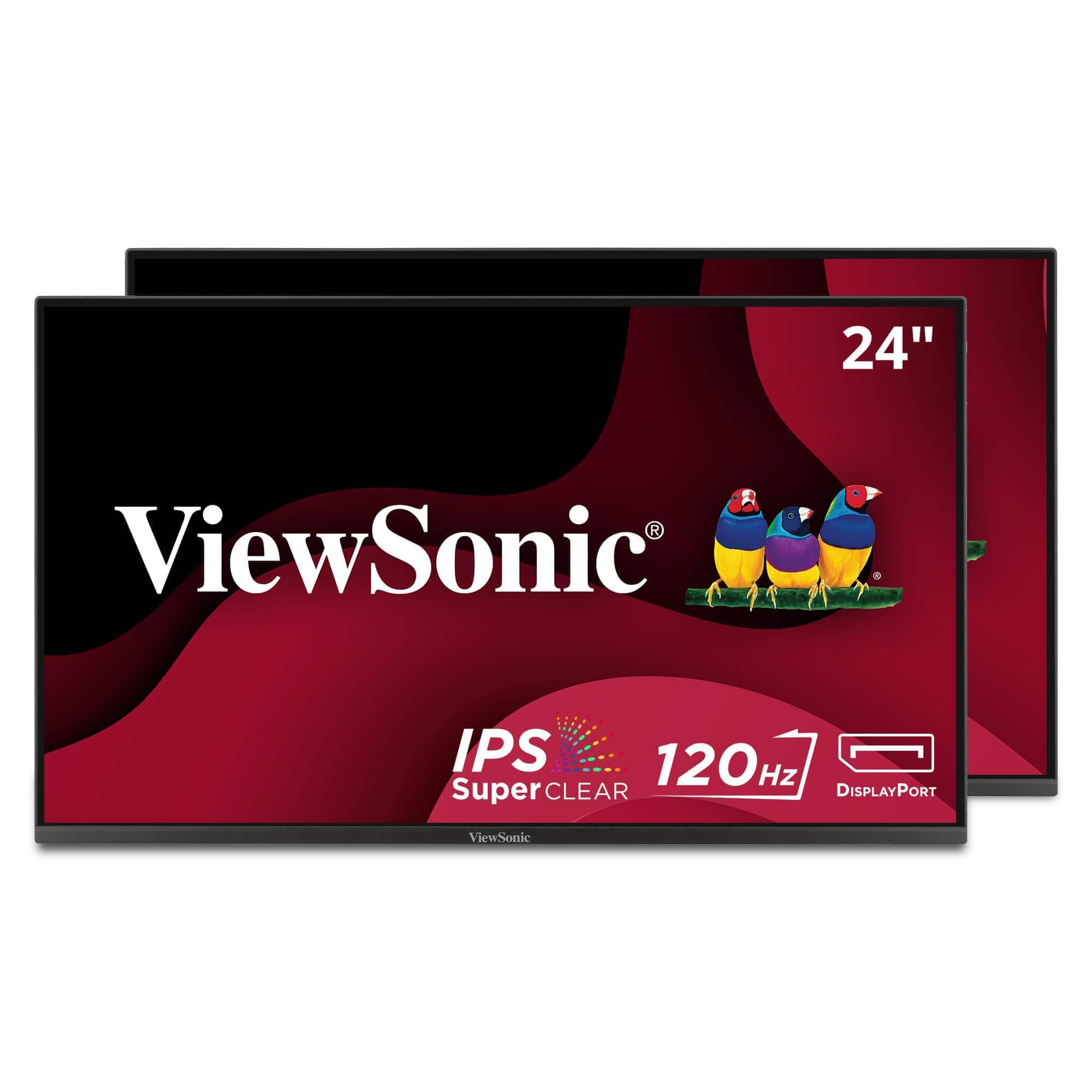
ViewSonic - VA2456A-MHD_H2 Dual Monitor Pack Head-Only 1080p IPS Frameless Monitors with 120Hz, VESA Mountable, HDMI, DP - Black
SKU: J37H88V5P2See all All MonitorsProduct Description
A dual pack of black frameless IPS monitors with 1080p resolution, 120Hz refresh rate, and VESA mount compatibility.Your price for this item is $214.99 -
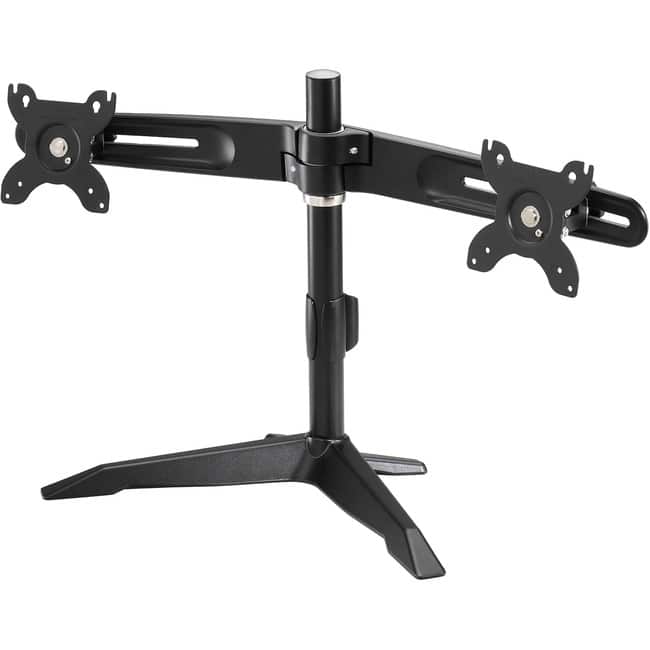
Amer Networks - Amer Mounts Stand Based Dual Monitor Mount for two 15"-24" LCD/LED Flat Panel Screens - Supports up to 26.5lb monitors - Black
SKU: JX86225P73See all Monitor Mounts, Stands & RisersProduct Description
A sturdy black dual-monitor desktop mount supporting VESA-compatible screens weighing up to 26.5 pounds each.Your price for this item is $116.26 -
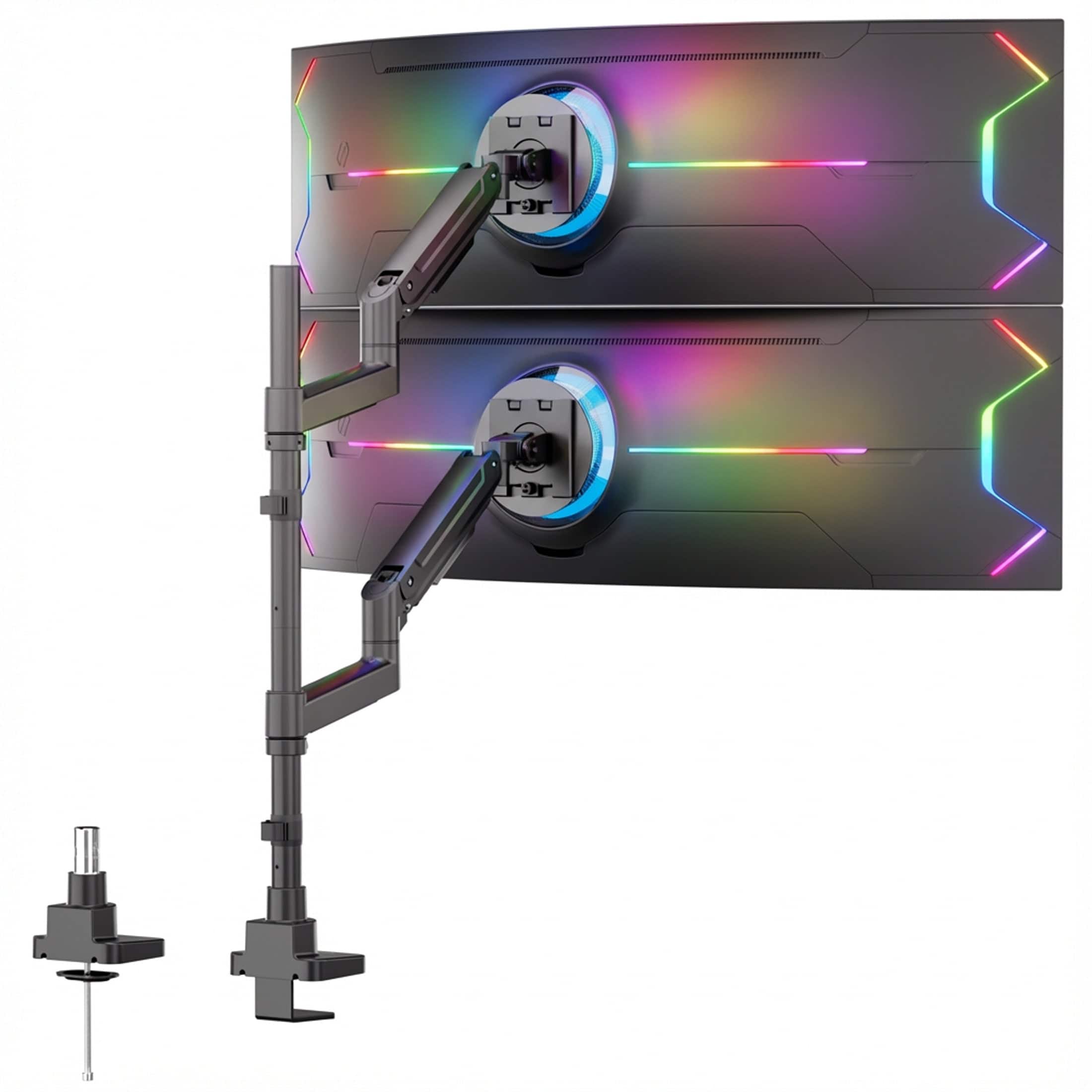
Mount-It! - Heavy-Duty Dual Stacking Monitor Mount for 24-49 Inch Ultrawide Screens, 44 lb Capacity - Black
SKU: J3GWP4QGJ2Love it.
See all Monitor Mounts, Stands & RisersProduct Description
A heavy-duty black steel and aluminum mount supporting two ultrawide monitors with full-motion ergonomic adjustment.Your price for this item is $179.99 -
ViewSonic - VG2456 24" IPS LED FHD Monitor (DisplayPort, HDMI, USB) - Black
SKU: J37H88FY43See all All MonitorsProduct Description
A black IPS LED monitor featuring 1080p resolution, USB-C connectivity, ergonomic adjustments, and integrated speakers.Your price for this item is $259.99 -
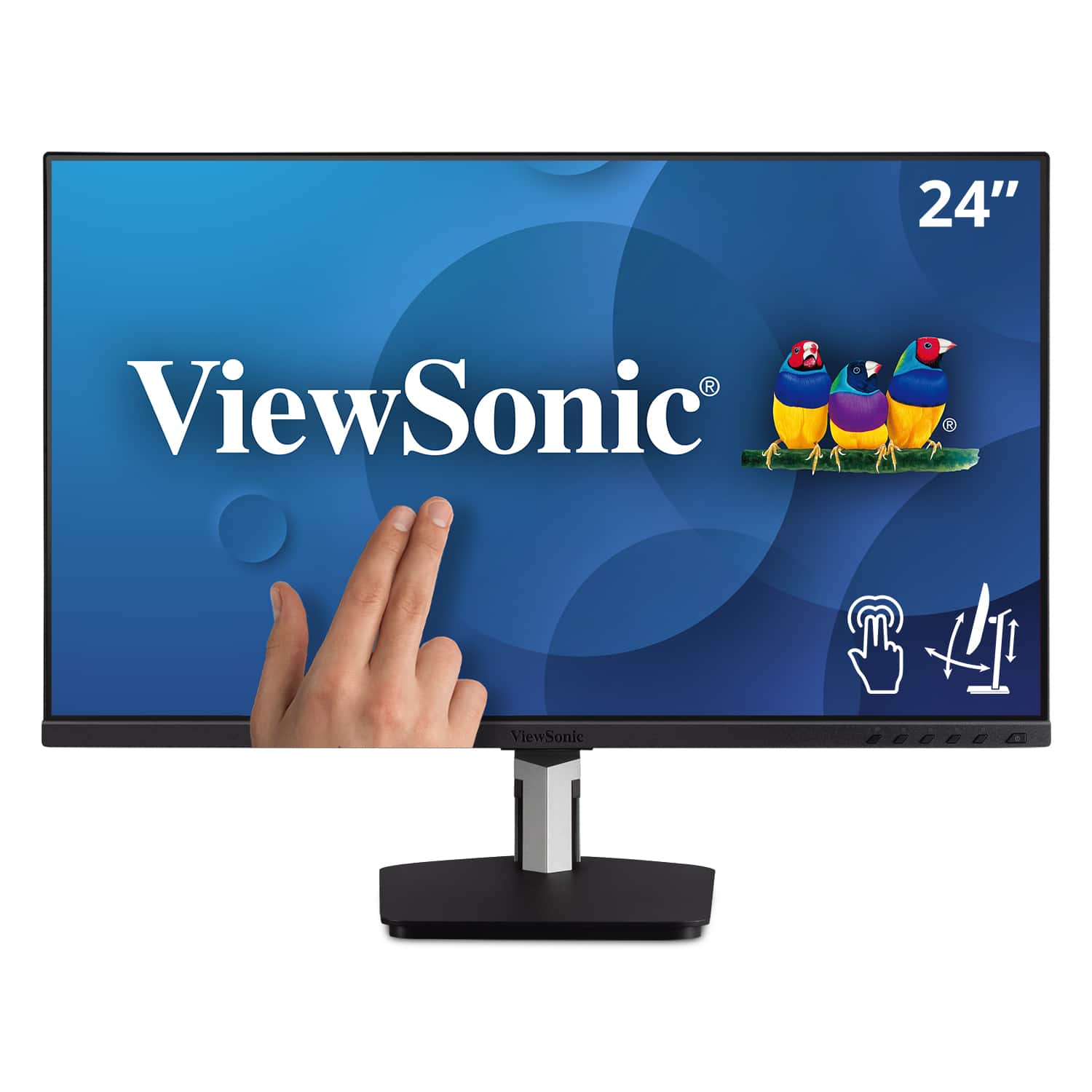
ViewSonic - TD2455 24" IPS LED FHD Touch Screen Monitor (DisplayPort, HDMI, USB) - Black
SKU: J37H88FGFPSee all All MonitorsProduct Description
A black IPS LED monitor with 10-point touchscreen, ergonomic dual-hinge, and versatile connectivity options.Your price for this item is $399.99 -
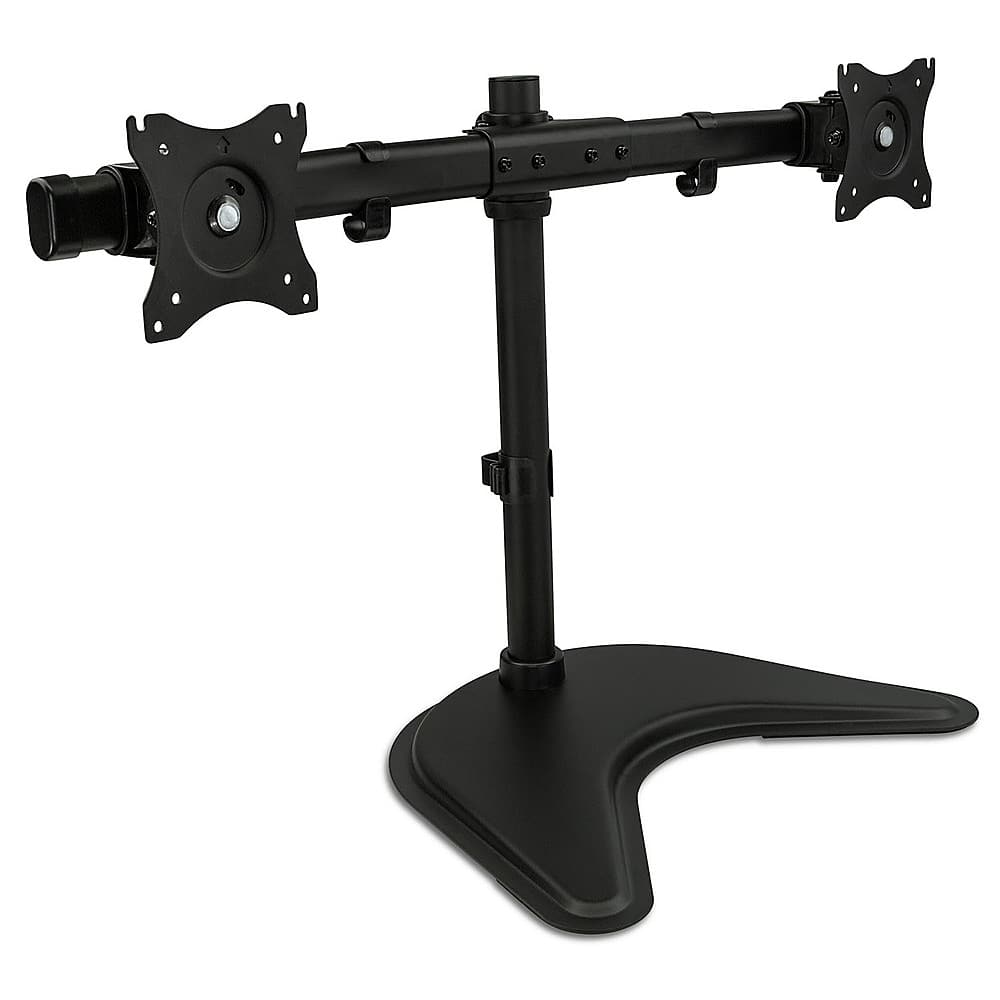
Mount-It! - Dual Monitor Desk Stand - Black
SKU: J3Y7FWWGQ6Thank you for making a great product at a reasonable price!!
See all Monitor Mounts, Stands & RisersProduct Description
A black dual monitor desk stand with adjustable arms for optimal viewing and VESA compatibility.Your price for this item is $74.99 -
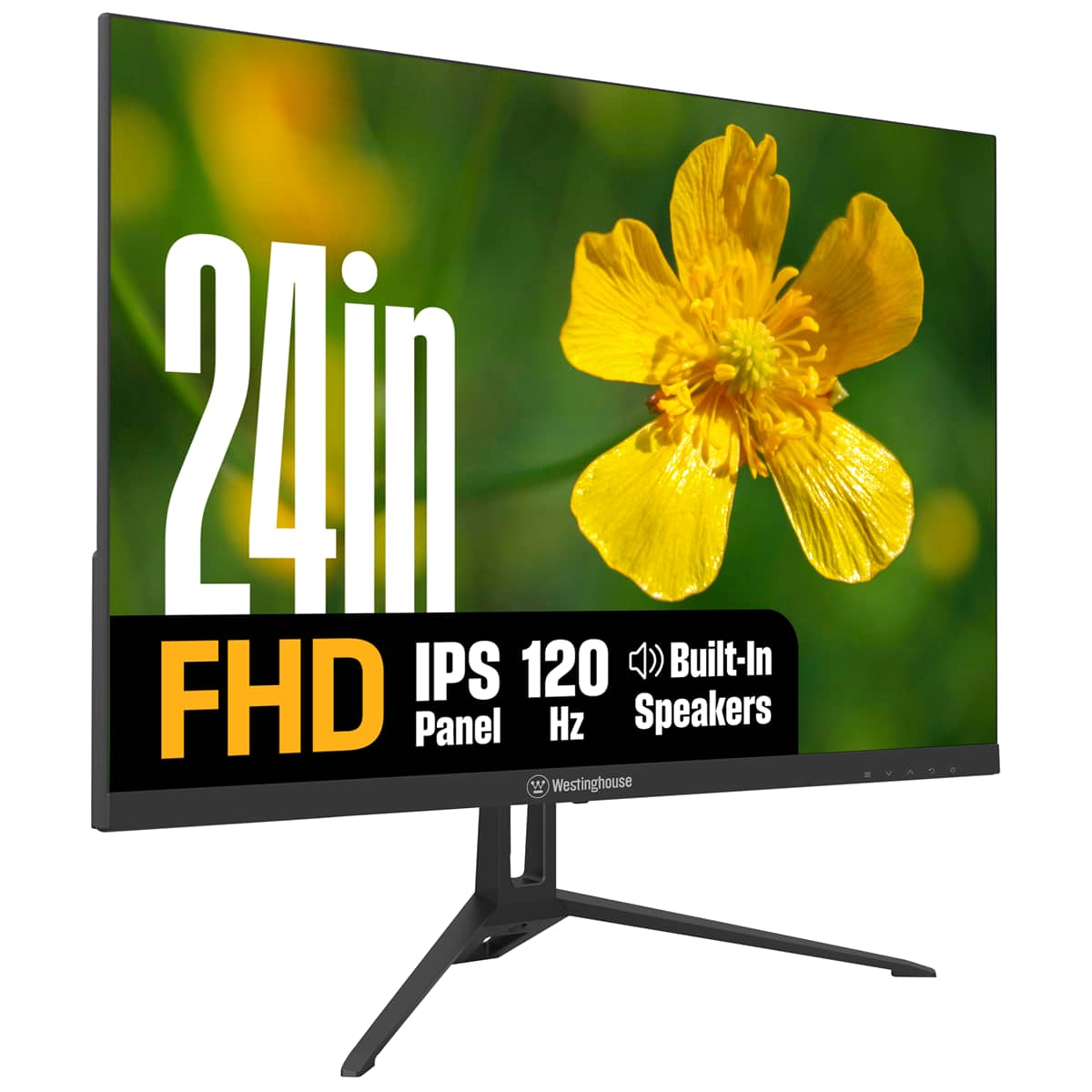
Westinghouse - 24" home office monitor - Black
SKU: J3LL89CRCCSee all All MonitorsProduct Description
A black IPS monitor with 1080p resolution, 120Hz refresh rate, built-in speakers, and eye comfort features.Your price for this item is $99.99Save $20The previous price was $119.99

Best Sellers







Related Pages




FAQ
When choosing 24-inch monitors for a dual setup, consider features like thin bezels for a seamless view, adjustable stands for ergonomic positioning, IPS panels for better color accuracy, and multiple connectivity options such as HDMI and DisplayPort.
Yes, you can use different brands for your dual monitor setup as long as both monitors support the connections available on your computer. However, for the most consistent appearance and performance, many users prefer matching models.
Some 24-inch monitors are optimized for gaming, featuring high refresh rates, low response times, and adaptive sync technologies. These monitors work well in dual setups, making them ideal for immersive gaming and multitasking.
To connect two 24-inch monitors, ensure your computer’s graphics card has two compatible video outputs, such as HDMI, DisplayPort, or VGA. Connect each monitor to the computer, then configure the display settings in your operating system to extend or duplicate your desktop.
Using two 24-inch monitors can significantly enhance productivity by providing more screen real estate for multitasking, reducing the need to constantly switch between windows, and enabling a more organized workflow for tasks like editing, designing, or data analysis.