Best Laptop Podcasting
-
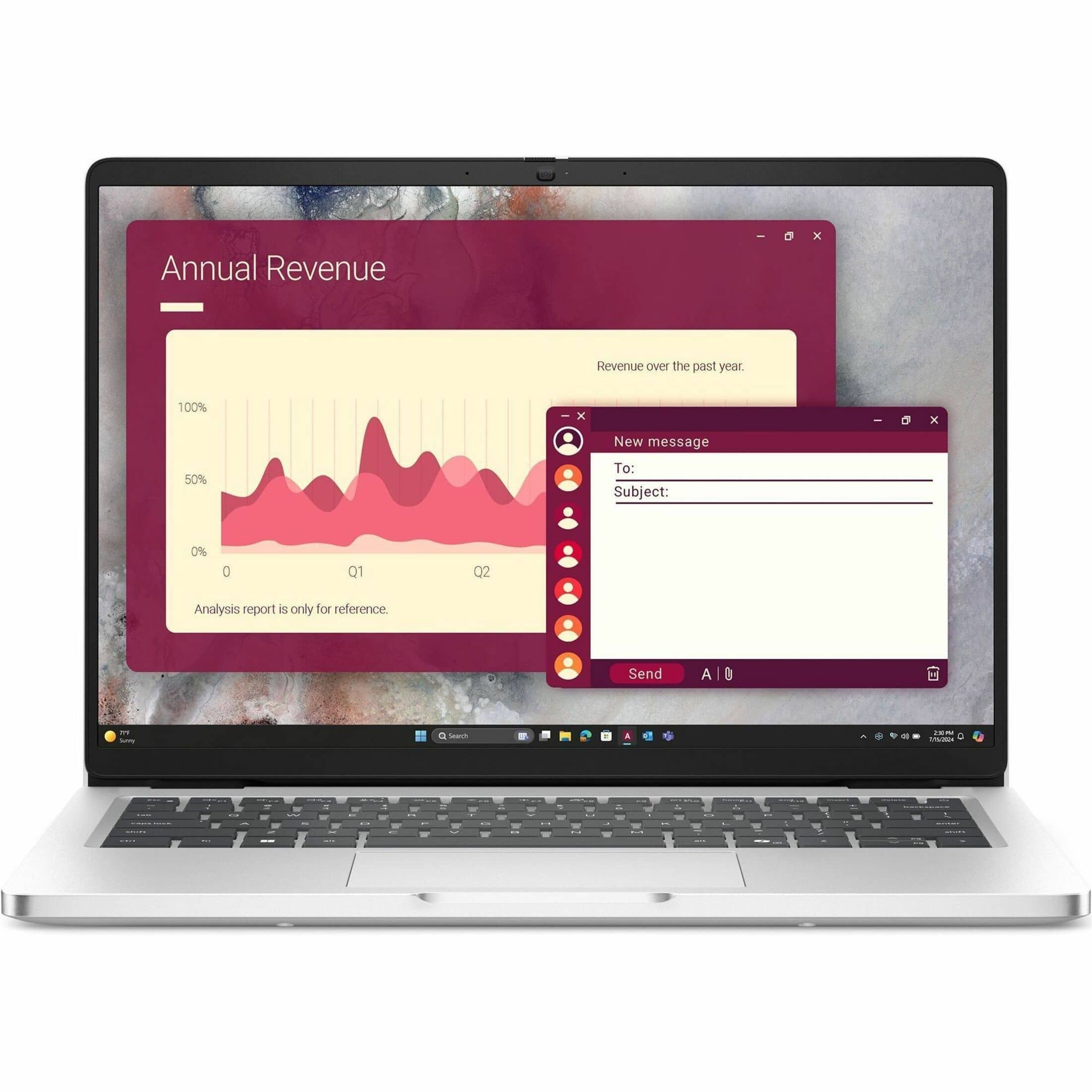
Dell - Pro 14 14" IPS LCD 1920 x 1200 (Full HD Plus) Laptop - Intel Core 7 with 16GB Memory - 256 GB SSD - Magnetite, Other
SKU: J3K4L63L5FSee all All LaptopsProduct Description
A sleek magnetite laptop featuring Intel Core 7, 16GB RAM, 256GB SSD, and Windows 11 Pro.Your price for this item is $1,099.99 -
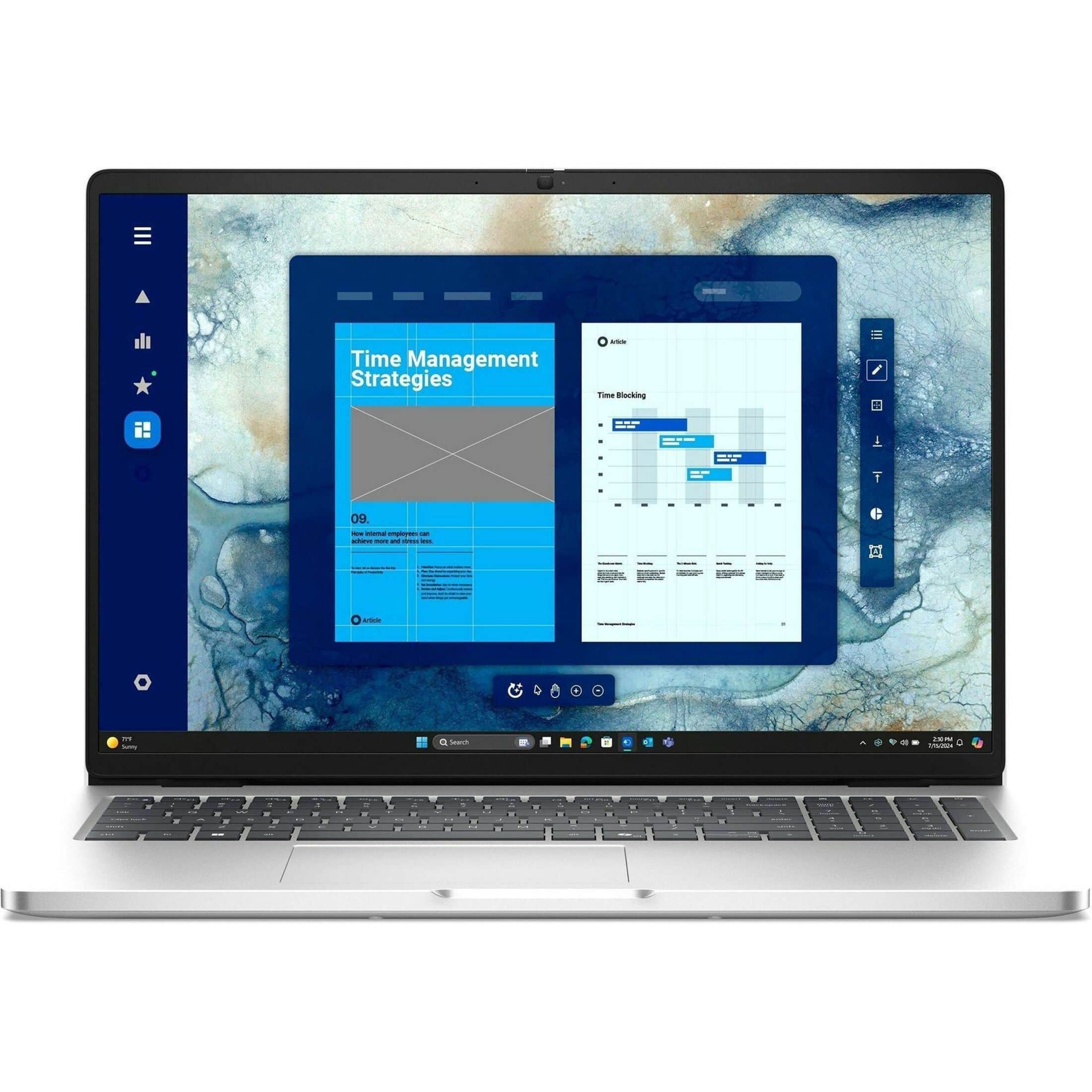
Dell - Pro 16 16" IPS LCD 1920 x 1200 (Full HD Plus) Laptop - Intel Core 7 with 16GB Memory - 512 GB SSD - Magnetite, Other
SKU: J3K4L63LGHI love my new laptop. Works great and was desperately needed....Also, love no interest time to complete payoff on my card.
See all All LaptopsProduct Description
A sleek magnetite laptop featuring Intel Core 7, 16GB memory, 512GB SSD, and AI-powered productivity.Your price for this item is $1,918.99Save $171The previous price was $2,089.99 -
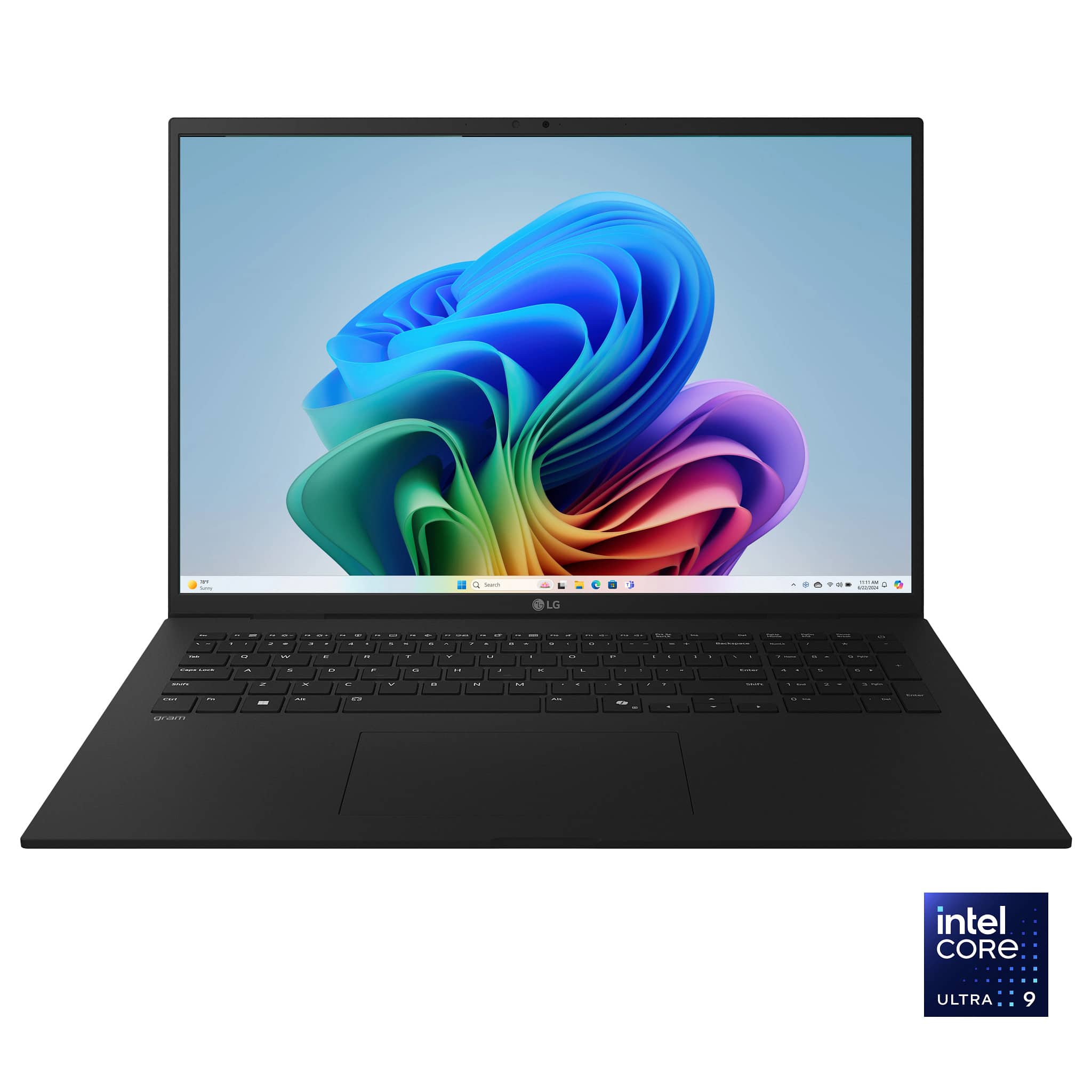
LG - gram 17" Touch Screen Laptop - Copilot+ PC - Intel Core Ultra 9 Series 2 with 32GB Memory - 1TB SSD - Obsidian Black
SKU: JJ8VPZW8XQI absolutely love this laptop. It's great.
See all Windows LaptopsProduct Description
An ultra-light black laptop featuring a 17" anti-glare touch display, Intel Core Ultra 9, and 32GB memory.Your price for this item is $1,889.00Save $10The previous price was $1,899.00
Best Sellers




Related Pages








FAQ
When choosing a laptop for podcasting, look for a fast processor, ample RAM (at least 8GB), a high-quality microphone input or USB ports for audio interfaces, and reliable storage space for large audio files. A quiet fan and good battery life can also enhance your recording experience.
Both Mac and Windows laptops can work great for podcasting. The best choice depends on your preferred recording software and workflow. Macs are popular for their stability and compatibility with creative software, while Windows laptops often offer more customization and a wider range of hardware options.
Chromebooks can handle basic podcasting tasks using web-based recording and editing tools, but they may not support all professional audio software. For more advanced editing or multi-track recording, consider a Mac or Windows laptop.
Look for laptops with multiple USB ports to connect microphones, audio interfaces, or external storage. An audio jack for monitoring with headphones and an SD card slot for quick file transfers can also be useful.
A dedicated graphics card is not essential for podcasting, as audio recording and editing rely more on the processor and RAM. However, if you plan to edit video podcasts or add visual effects, a laptop with a dedicated GPU can be beneficial.