Thanksgiving 24-Hour Flash SaleOne day. Online only. Ends today.Shop now

Skip to contentGo to Product Search
Main Content
Skip to contentGo to Product Search

Thanksgiving 24-Hour Flash SaleOne day. Online only. Ends today.Shop now

Main Content

Top Rated Laptop Microphone

The best laptop microphone for your setup depends on whether you’re making video calls, recording, or streaming. Compare external microphones by connection type, operating system compatibility, and pickup pattern—how they capture sound from different directions. Consider desk space and microphone placement to find an option that fits how you work or record.

What to look for in a laptop microphone

The best laptop microphone for your setup depends on how you plan to use it, where you record and which connections your laptop supports.

1. Connection and Compatibility

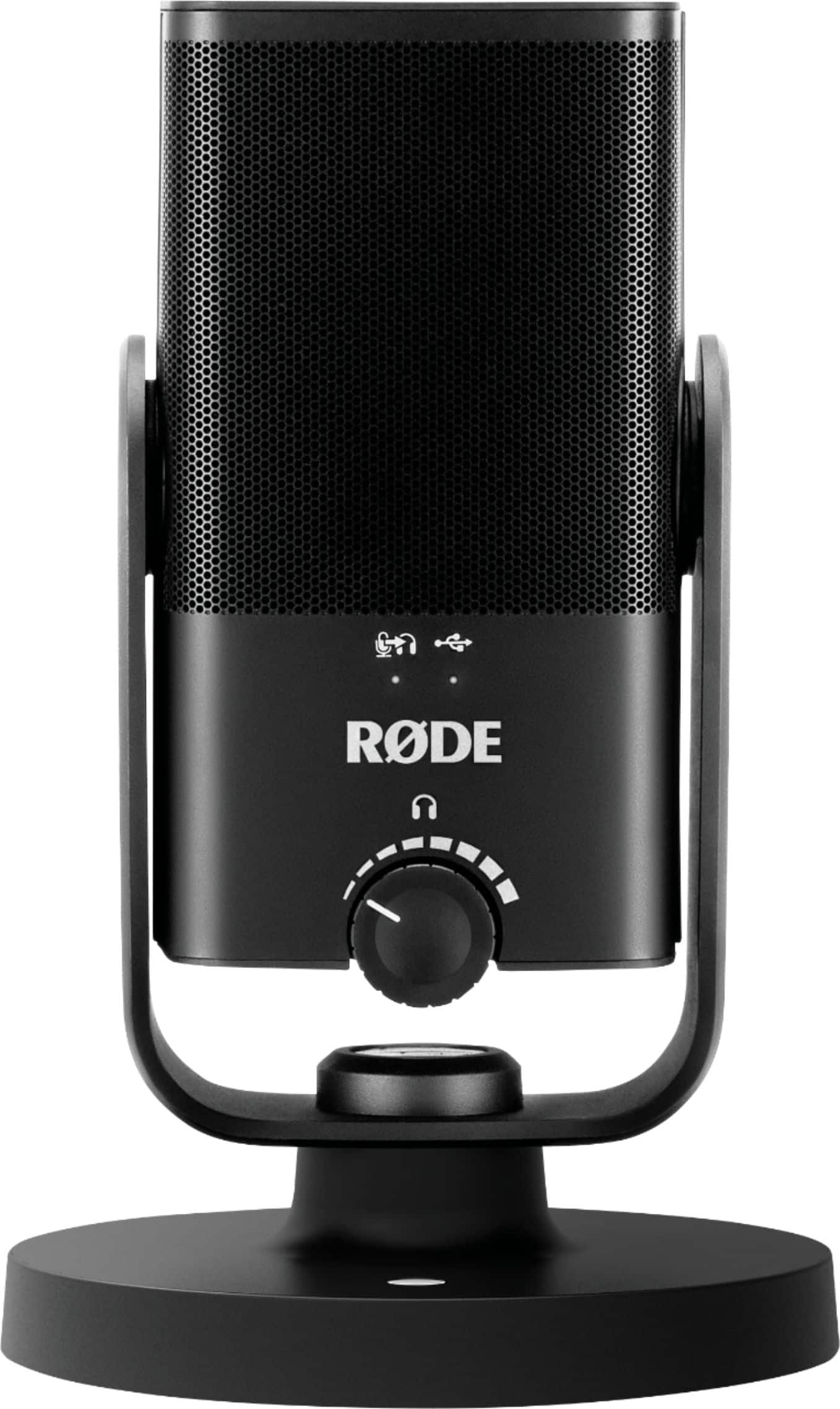
Check that the microphone works with your laptop’s operating system and available ports, such as USB-A or USB-C. USB microphones can offer a straightforward setup, while XLR microphones require a compatible audio interface to connect to your laptop.

2. Pickup Pattern

A cardioid pickup pattern focuses on sound in front of the microphone, making it useful for solo calls, streaming and voice recording. An omnidirectional pattern captures sound from all directions, which can suit group conversations but may also pick up more room noise.

3. Sound Quality and Room Noise

Consider how clearly the microphone captures speech and how much background sound your space produces. Proper microphone placement and a quieter room can improve results, while a pop filter can help soften bursts of air from speech.

4. Controls and Placement

A mute button and adjustable input gain can make it easier to manage audio during meetings or recordings. If you need to hear yourself without a distracting delay, look for a headphone jack with direct monitoring, and consider whether a desktop stand or compatible boom arm fits your workspace.

  1. 1

    About this product

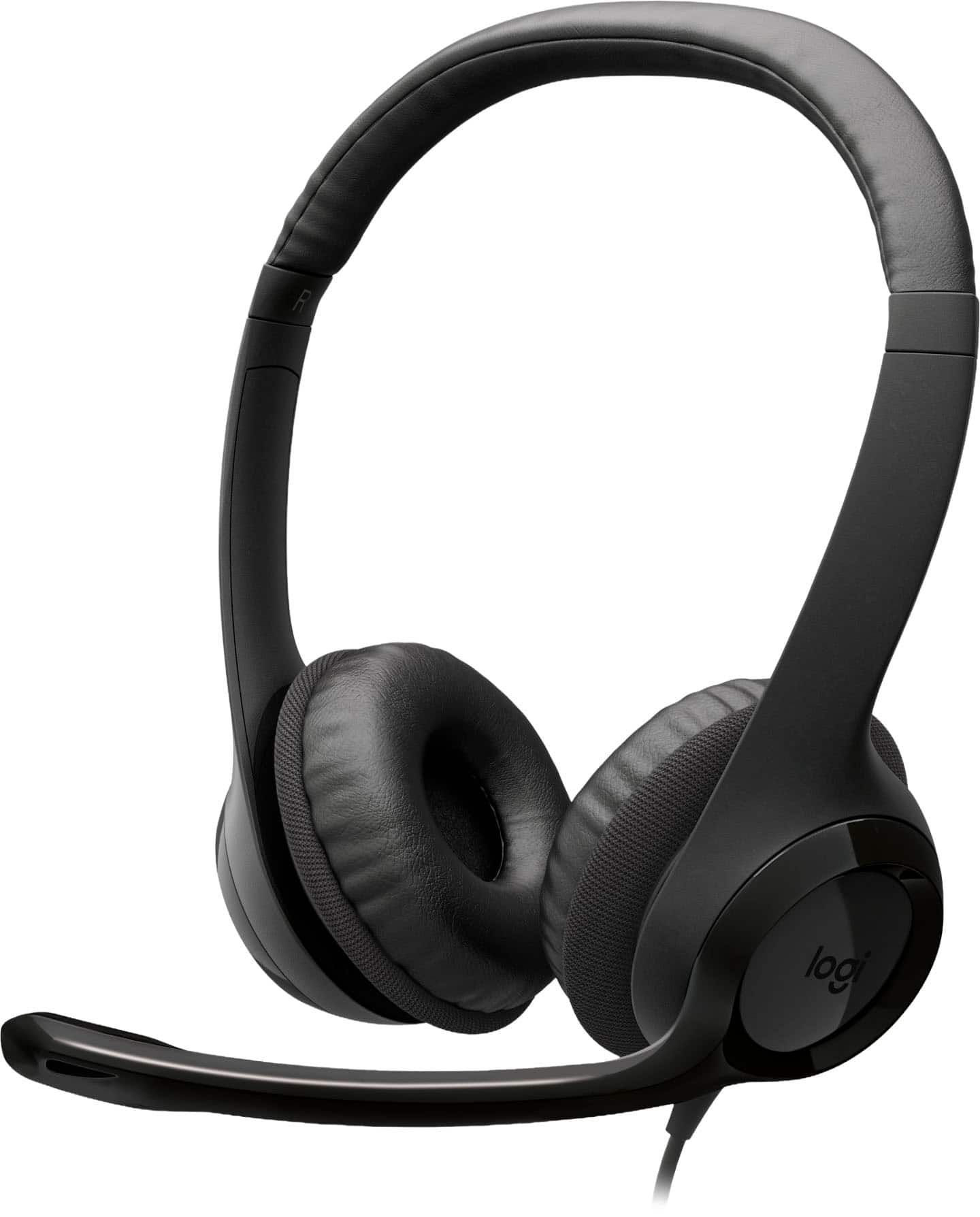
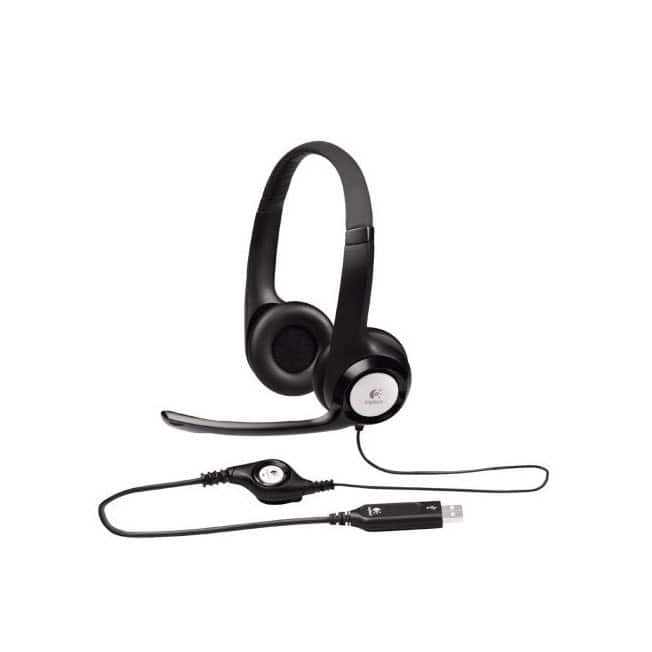
    A black wired on-ear headset with USB-C, noise-canceling microphone, and convenient inline controls.

    A black wired on-ear headset with USB-C, noise-canceling microphone, and convenient inline controls.

    What customers like

    • Great value for price
    • Clear sound quality
    • Reliable USB-C connection
    • Effective noise-canceling microphone
    • Comfortable fit
    (32)
    $20.99
    SAVE $4.00
    Your price for this item is $20.99
  2. 2

    About this product

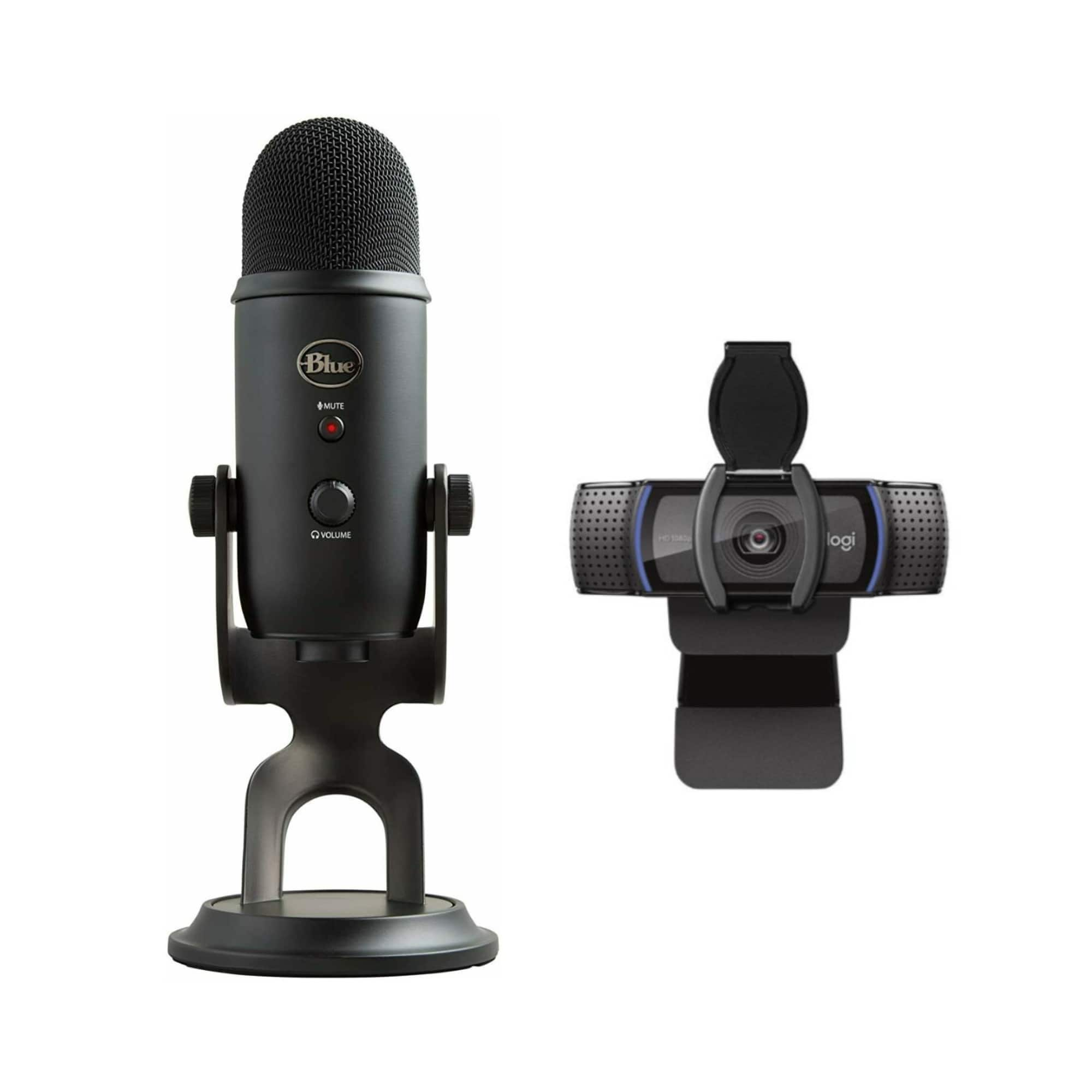
    A USB microphone and HD webcam bundle with condenser capsules, gain control, mute, and plug-and-play connectivity.

    A USB microphone and HD webcam bundle with condenser capsules, gain control, mute, and plug-and-play connectivity.

    (0)
    $199.99 Your price for this item is $199.99
  3. 3

    About this product

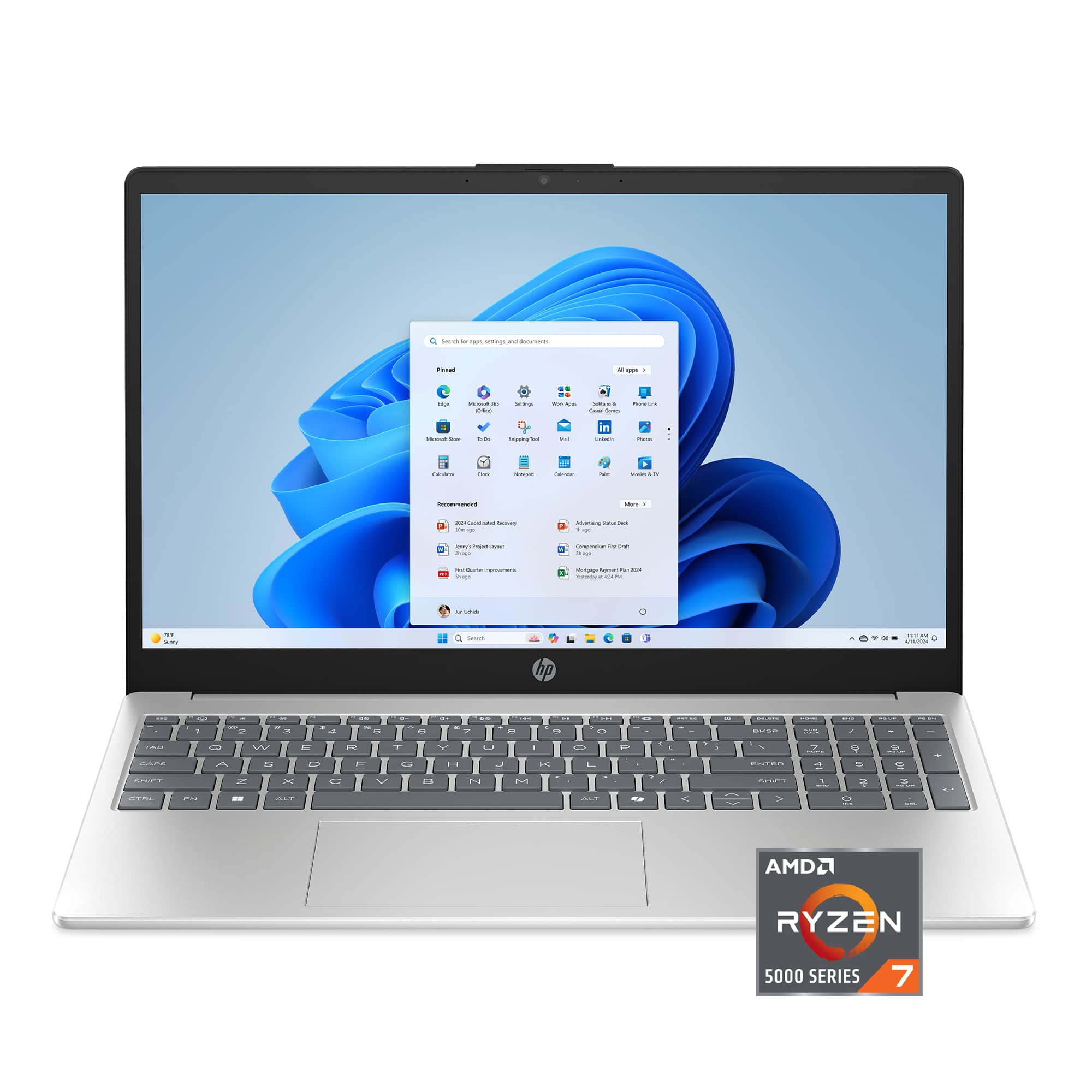
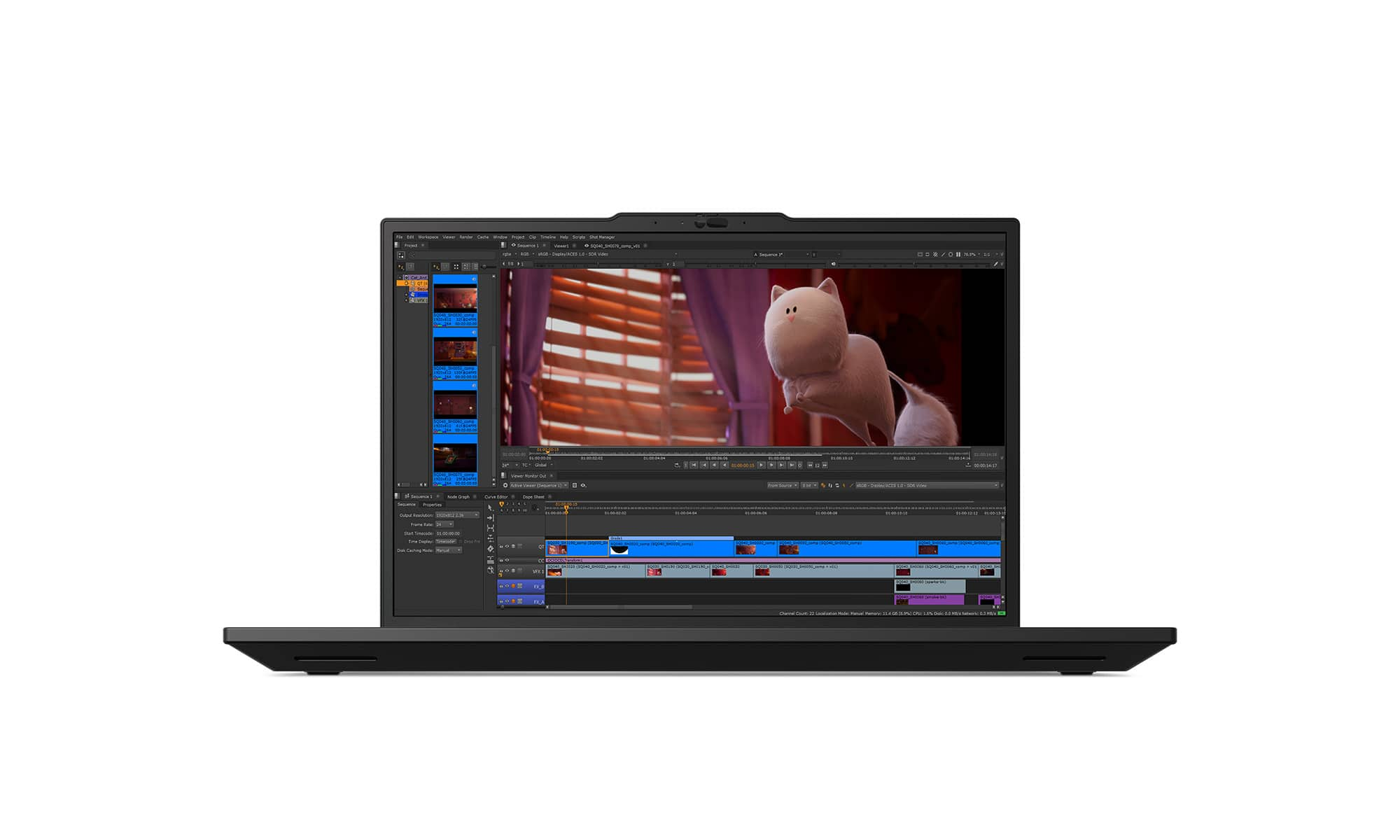
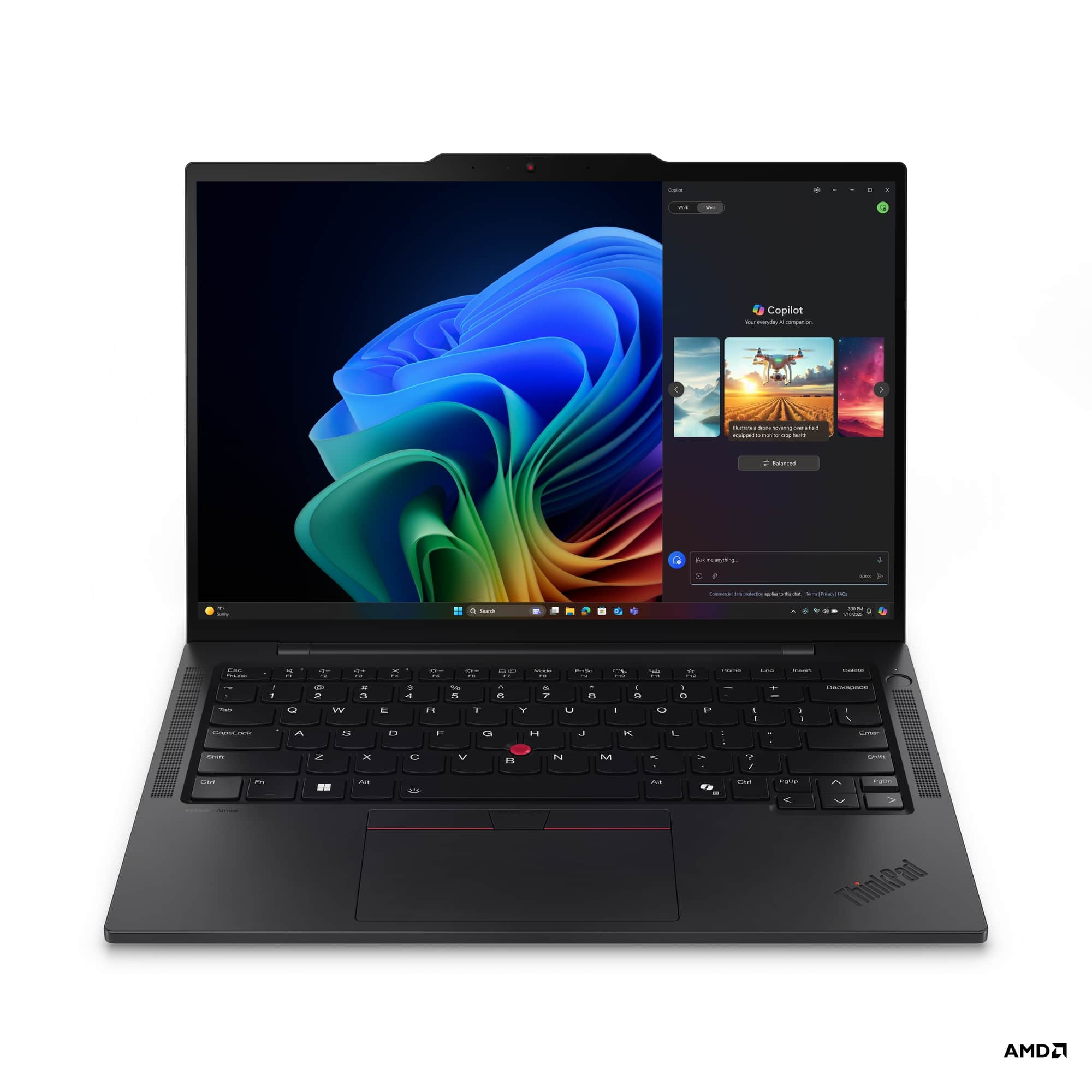
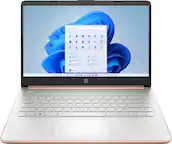
    A sleek natural silver laptop with AMD Ryzen 7, 16GB memory, 1TB SSD, and Full HD display.

    A sleek natural silver laptop with AMD Ryzen 7, 16GB memory, 1TB SSD, and Full HD display.

    What customers like

    • Good price
    • Compact size
    • Strong performance
    (188)
    $849.00 Your price for this item is $849.00
  4. 4

    About this product

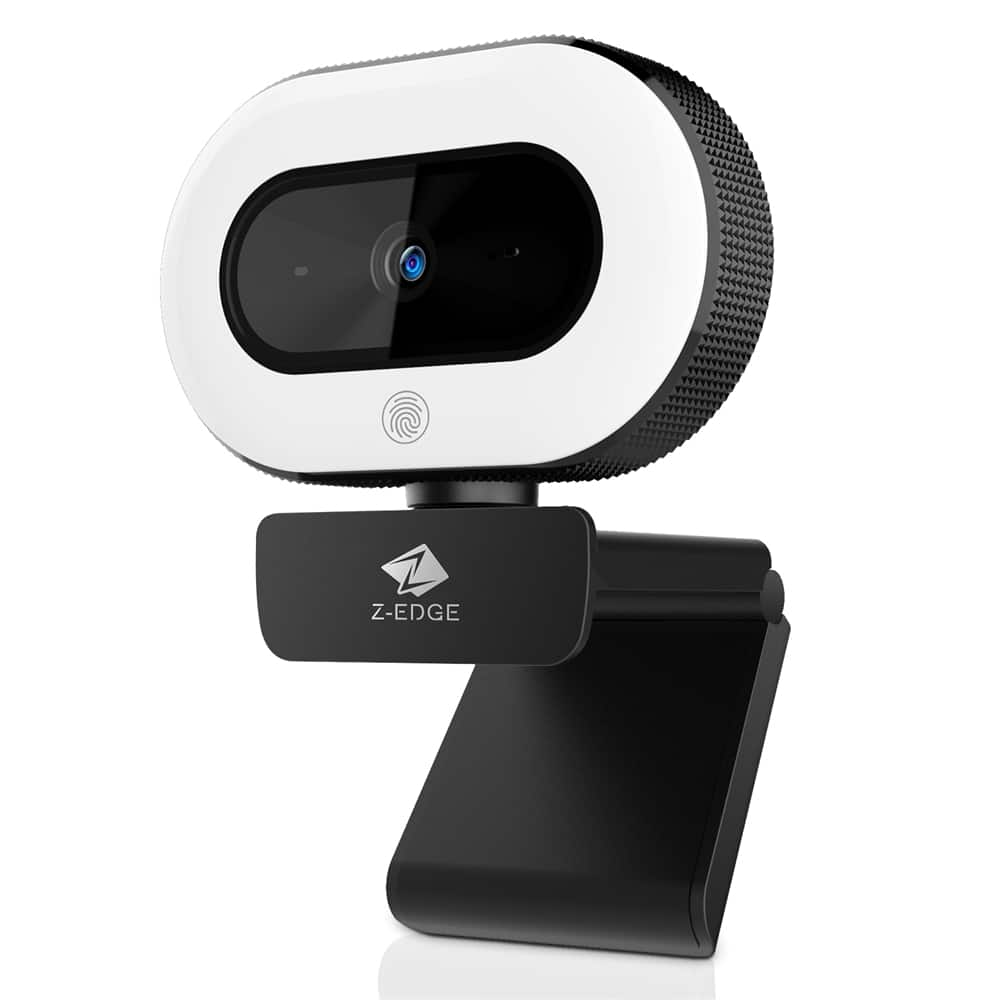
    A black 2K webcam with auto-focus, built-in ring light, and omnidirectional microphone for clear streaming.

    A black 2K webcam with auto-focus, built-in ring light, and omnidirectional microphone for clear streaming.

    (5)
    $24.99
    SAVE $15.00
    Your price for this item is $24.99
  5. 5

    About this product

    A durable black workstation laptop with Intel Ultra 7, NVIDIA RTX PRO500, 32GB RAM, and advanced security features.

    A durable black workstation laptop with Intel Ultra 7, NVIDIA RTX PRO500, 32GB RAM, and advanced security features.

    (1)
    $2,459.99
    SAVE $710.00
    Your price for this item is $2,459.99
  6. 6

    About this product

    A sleek black laptop featuring an AMD Ryzen AI 7 PRO, 16GB RAM, 512GB SSD, and Windows 11 Pro.

    A sleek black laptop featuring an AMD Ryzen AI 7 PRO, 16GB RAM, 512GB SSD, and Windows 11 Pro.

    (1)
    $1,299.00
    SAVE $490.99
    Your price for this item is $1,299.00
  7. 7

    About this product

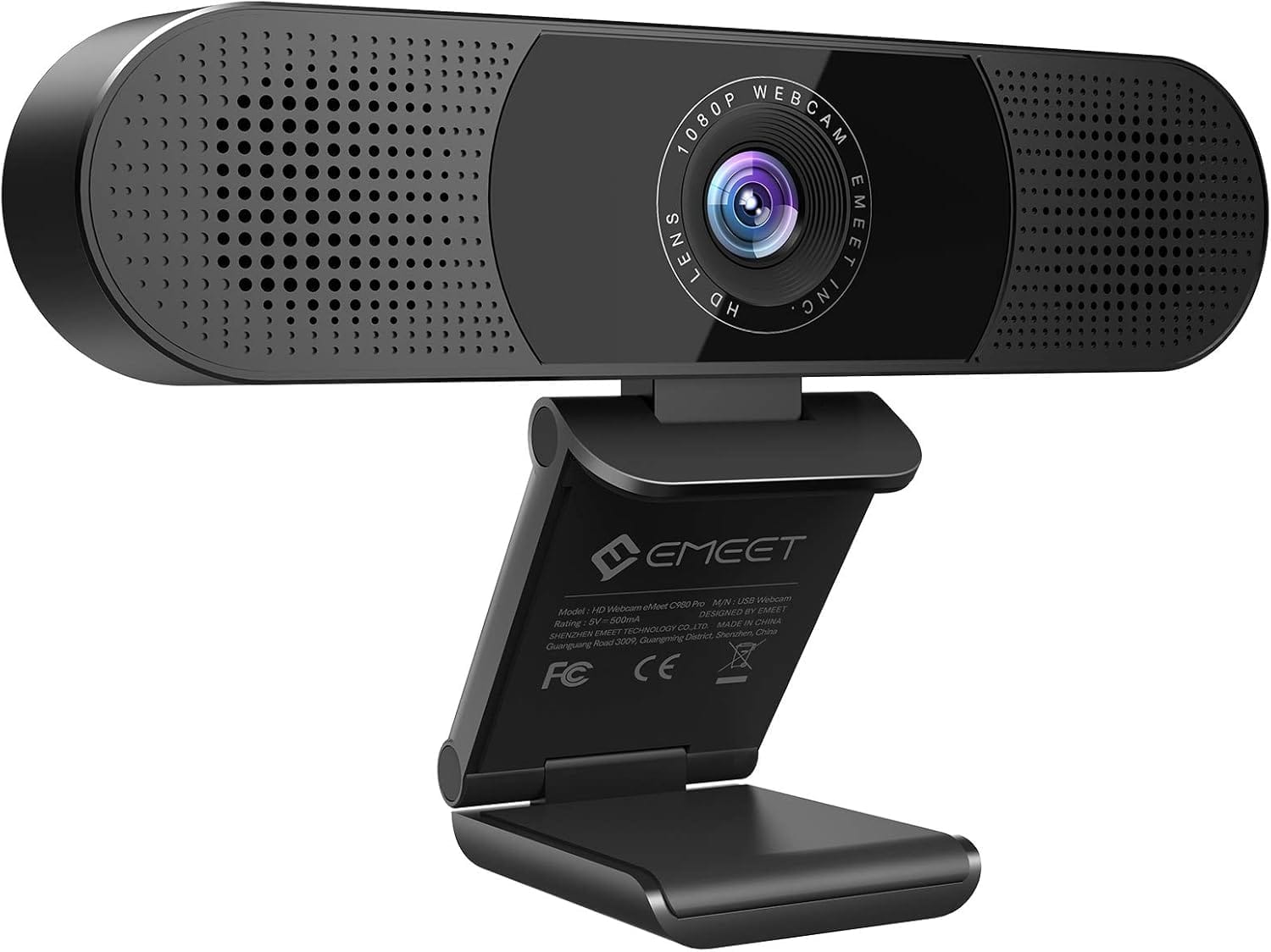
    A 1080p webcam with four noise-cancelling microphones, two speakers, auto low-light correction, and privacy cover.

    A 1080p webcam with four noise-cancelling microphones, two speakers, auto low-light correction, and privacy cover.

    (0)
    $79.99 Your price for this item is $79.99
  8. 8

    About this product

    A black wired on-ear headset featuring a USB connection and noise-cancelling microphone for clear audio.

    A black wired on-ear headset featuring a USB connection and noise-cancelling microphone for clear audio.

    (0)
    $30.72
    SAVE $0.02
    Your price for this item is $30.72
  9. 9

    About this product

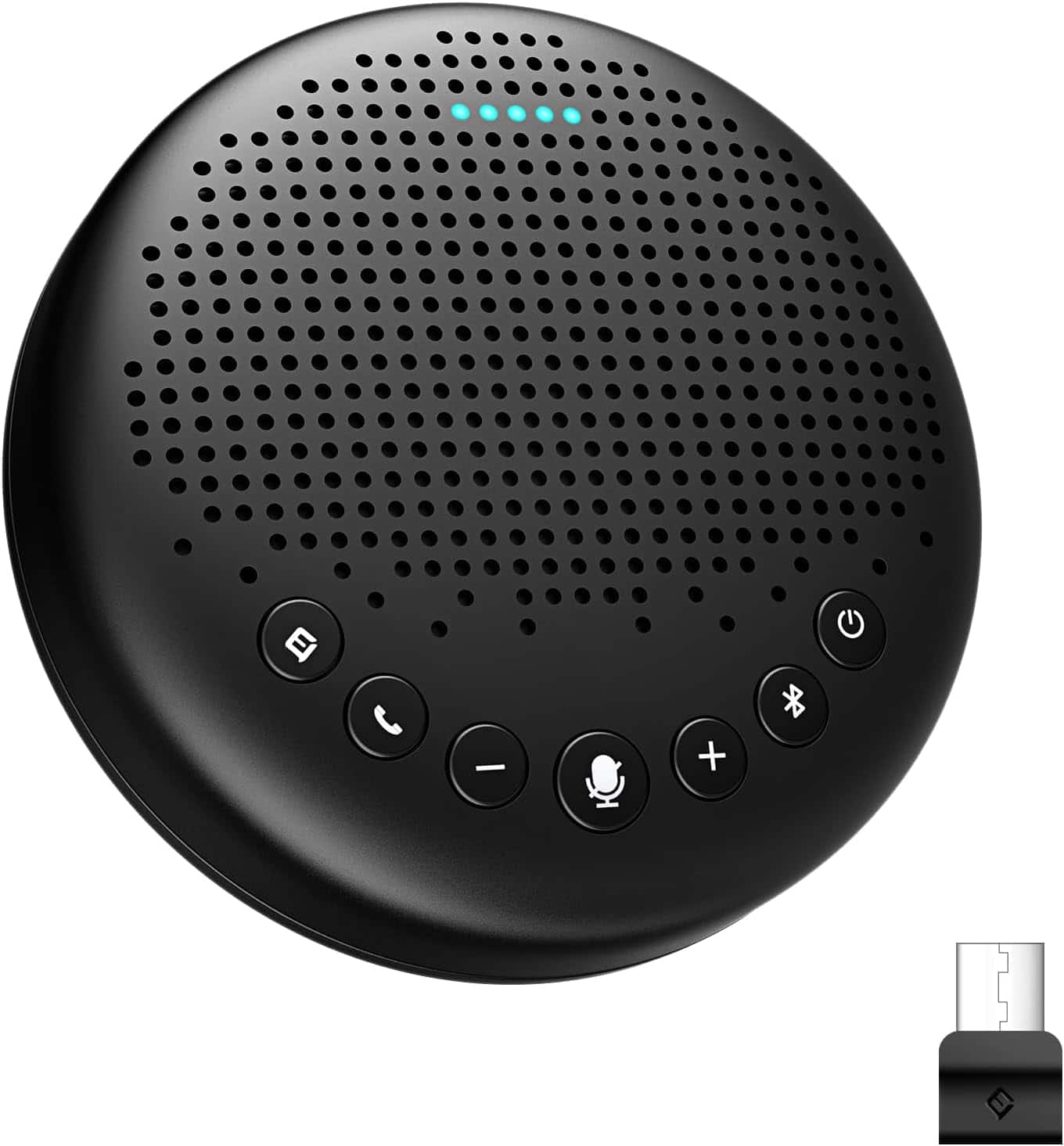
    A black Bluetooth conference speakerphone offering 360° voice pickup, noise reduction, mute, and indicator features.

    A black Bluetooth conference speakerphone offering 360° voice pickup, noise reduction, mute, and indicator features.

    (0)
    $69.99 Your price for this item is $69.99
  10. 10

    About this product

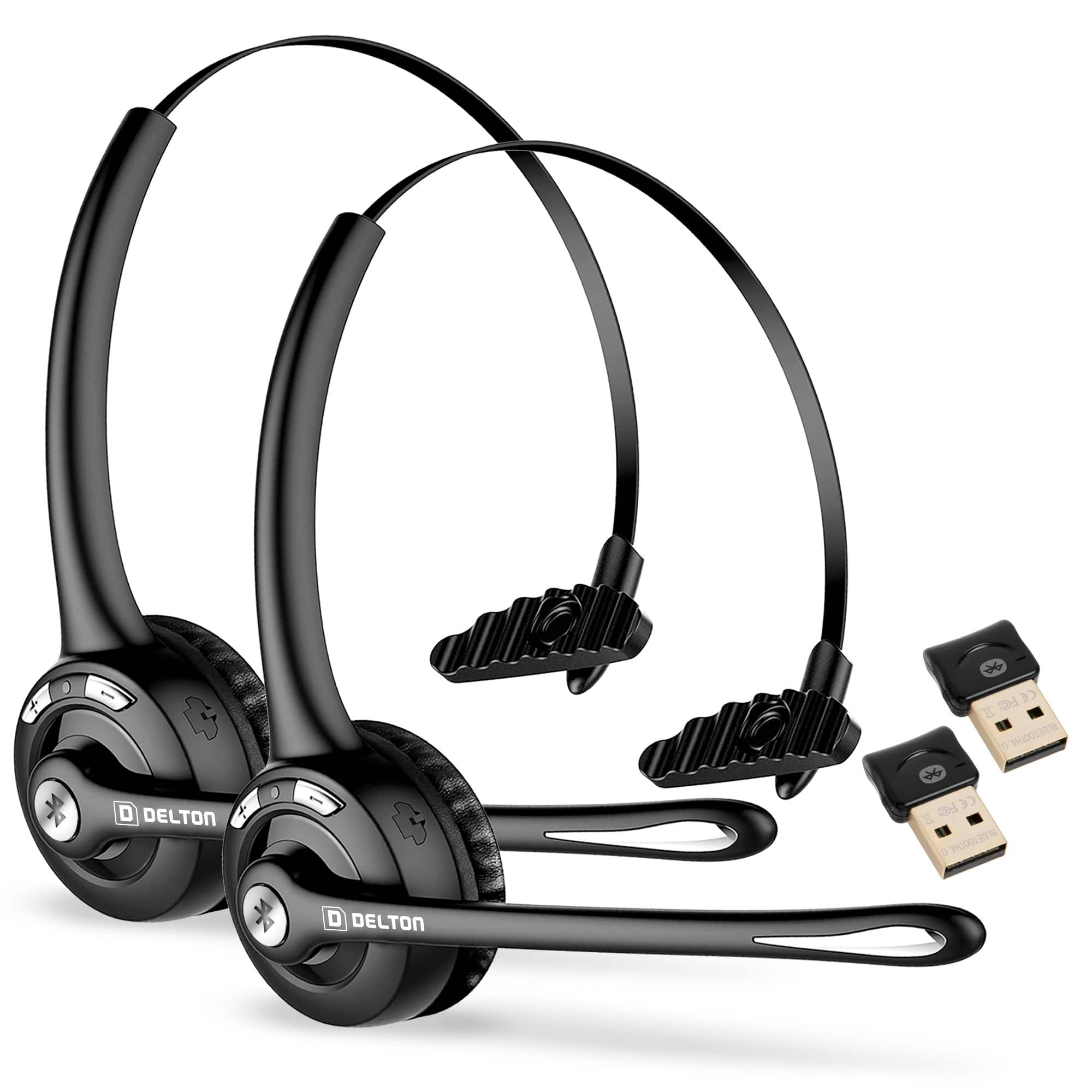
    A wireless black headset 2-pack featuring noise cancellation, Bluetooth 5.0, and 18-hour talk time.

    A wireless black headset 2-pack featuring noise cancellation, Bluetooth 5.0, and 18-hour talk time.

    (0)
    $64.99 Your price for this item is $64.99

Top Rated Laptop Microphone

A top-rated laptop microphone brings voices into focus for video meetings, online classes, game chat, podcasts, and recorded presentations. An external microphone can offer more flexible placement than a laptop’s built-in microphone, allowing the screen to stay at a comfortable viewing angle while the microphone sits closer to the speaker. That separation is useful when a laptop rests on a raised stand or runs a fan during demanding tasks. The best fit depends on the voice, the room, and the intended use rather than a single specification. A compact desktop microphone suits a shared work surface, while a microphone on an adjustable arm can move into position for recording and swing aside afterward. Clip-on microphones offer another approach, keeping the microphone near the speaker’s mouth during demonstrations or presentations. Pickup pattern matters, too. A cardioid microphone emphasizes sound from the front and reduces sensitivity to sound from the rear, making it a common choice for one person speaking at a desk. An omnidirectional microphone picks up sound from all directions, which can be useful for capturing several people but may also capture more room noise. Neither pattern makes a room silent: keyboard taps, nearby conversations, and sound reflecting off bare walls can still enter a recording. Condenser microphones often capture subtle vocal detail, while many dynamic microphones work well for close-up speech. The microphone’s design, distance from the speaker, and gain setting matter more than a simple assumption that one type always sounds better. In an everyday home office, a microphone positioned near the voice with moderate gain may produce clearer results than one sitting across the desk with its input level turned high. Natural speech reproduction, controlled background noise, and consistent volume are meaningful qualities for both a quick team call and a carefully recorded narration.

Laptop microphone connections range from straightforward USB setups to configurations built around separate audio equipment. USB microphones combine the microphone and digital audio connection in one device, making them convenient for desks that also hold a monitor, keyboard, and charging cables. USB-C and USB-A describe connector shapes, so compatibility depends on the microphone, its included cable, and the laptop’s ports—not just whether a plug physically fits. A data-capable cable is necessary for USB audio, and some setups require an adapter or hub. Operating system support and compatibility with conferencing, recording, and streaming software also deserve attention, particularly when advanced controls depend on a companion app. Many USB microphones support basic operation without additional software, but individual features vary. An XLR microphone generally requires an audio interface to connect to a laptop, adding equipment while allowing more flexibility in a recording setup. For meetings and spoken-word recordings, dependable connections and clean input levels are usually more noticeable than unusually high recording specifications. Controls within easy reach can make a difference throughout the day. A physical mute button with a visible status light provides a useful reference during calls, although its behavior may differ from the mute control inside an app. A gain dial adjusts the microphone’s input sensitivity; a headphone volume control changes listening volume instead. On compatible models, a headphone output with direct monitoring lets the speaker hear the microphone signal without the distracting delay that can occur when monitoring through software. Fit includes the workspace as well as the connection. A low desktop stand may leave a microphone too far below the mouth, while a taller stand or boom arm can bring it closer without blocking the screen. Cable length, stand footprint, and clearance around a laptop’s ports all affect how comfortably the setup works. For presentations that involve standing or moving away from the desk, Top Rated Wireless Microphones offer another category to consider, with receiver connections and laptop compatibility remaining important details.

Construction and everyday handling help determine how well a laptop microphone fits a routine over time. Metal housings and grilles can withstand regular handling, while lightweight plastic designs can be easier to carry between a home office, classroom, and shared workspace. Material alone does not establish durability; secure connectors, stable stand joints, and a well-balanced base also matter. A weighted base can help keep a desktop microphone upright, and an isolation mount may reduce vibrations traveling through the desk from typing or accidental bumps. Pop filters and foam windscreens can soften bursts of air from consonants, though they serve a different purpose from reducing room echo or electronic noise. For clip-on microphones, a secure clip and thoughtful cable routing help limit movement and clothing rustle. Small details become noticeable during repeated use: a stiff hinge that holds its angle, a cable that reaches without pulling, and controls that remain easy to identify during a call. Care is generally straightforward, with the manufacturer’s cleaning directions taking priority. A soft, dry cloth is suitable for many exterior surfaces, while moisture and cleaning sprays should stay away from the capsule, connectors, and grille openings. Removable windscreens may have separate care requirements and should be fully dry before reattachment. A protective pouch or case can keep loose accessories from pressing against a microphone in a backpack, and loosely coiled cables place less strain on connectors than tight bends. These practical qualities also make external microphones thoughtful gifts for students attending virtual classes, relatives who enjoy recording family stories, or creators developing a podcast or video channel. Matching the connection and mounting style to the recipient’s laptop and workspace is more useful than choosing by appearance alone. For shoppers comparing top-rated laptop microphones, reviews describing similar rooms, speaking distances, and applications provide valuable context. A microphone that delivers clear, comfortable communication in the space where it will actually be used is a stronger match than one selected solely for an impressive feature list.

FAQs