Cameras With In-Camera Editing
-
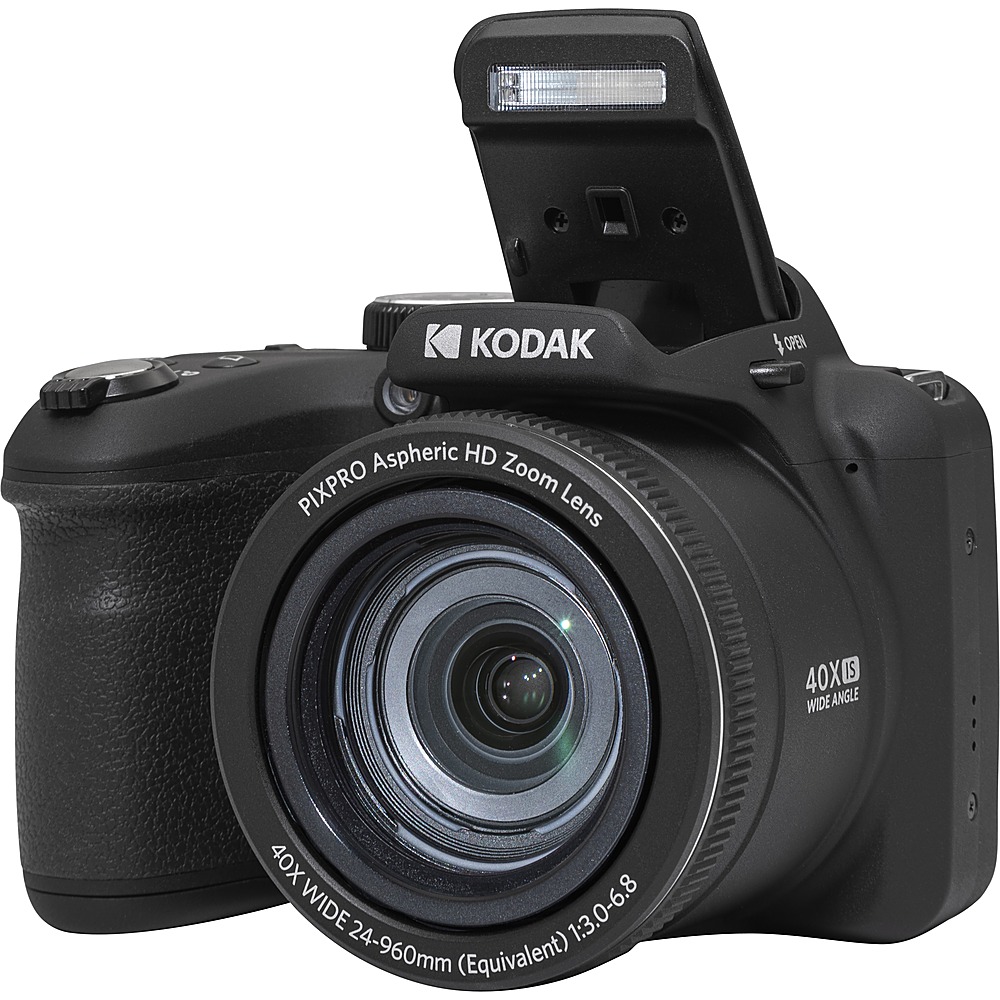
Kodak - PIXPRO AZ405 20.7 Megapixel Compact Camera - Black
SKU: J3YLGK75QXSee all Point & Shoot CamerasProduct Description
A black compact camera featuring 20.7MP resolution, 40x optical zoom, and optical image stabilization.Your price for this item is $219.99Save $29The previous price was $249.00 -
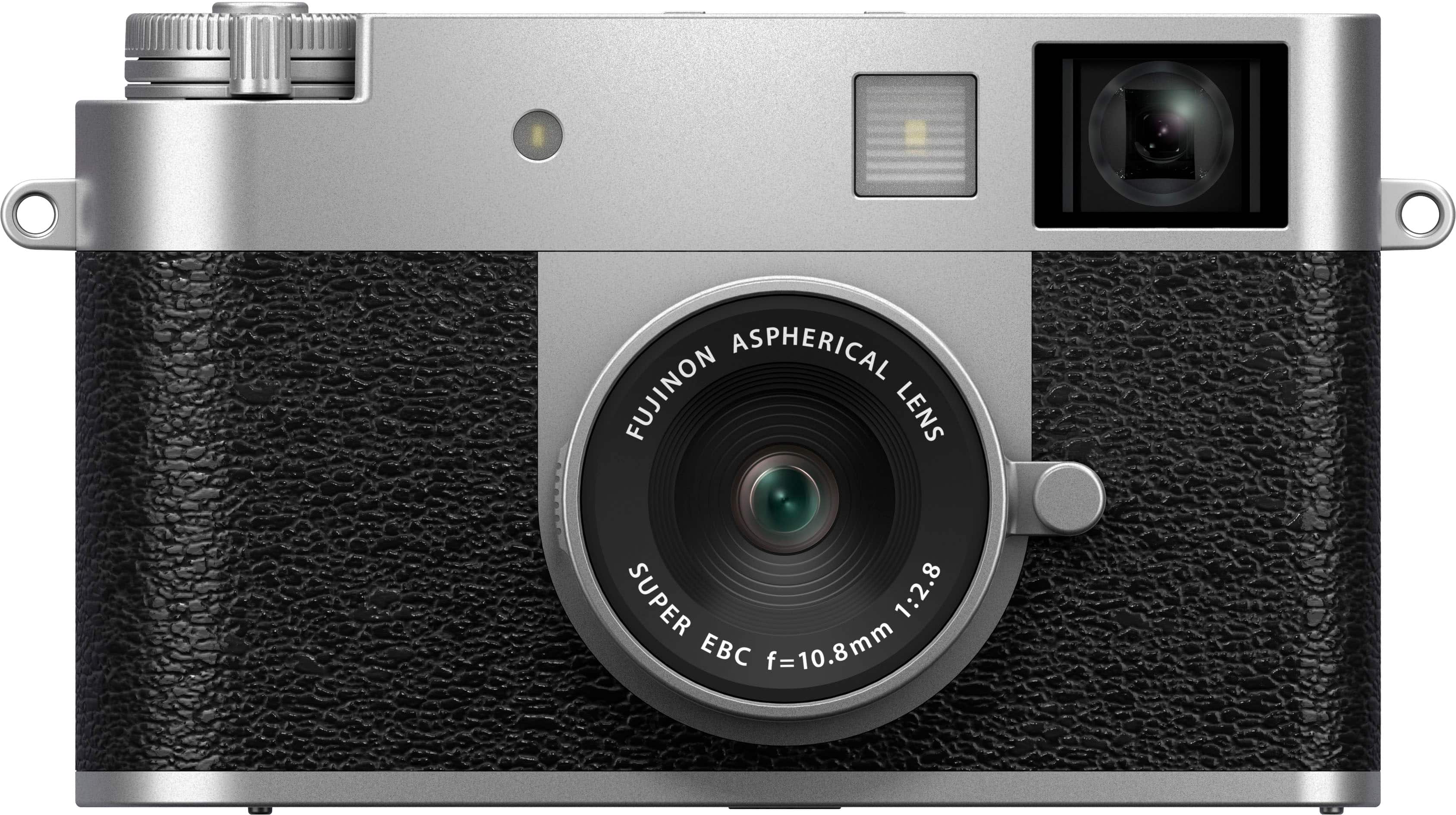
Fujifilm - X half Premium Compact Camera - Silver
SKU: J7929VCQXTSee all Point & Shoot CamerasProduct Description
A compact silver digital camera with 17MP CMOS sensor, Full HD video, and creative analog-inspired film modes.Your price for this item is $449.99Save $200The previous price was $649.99 -
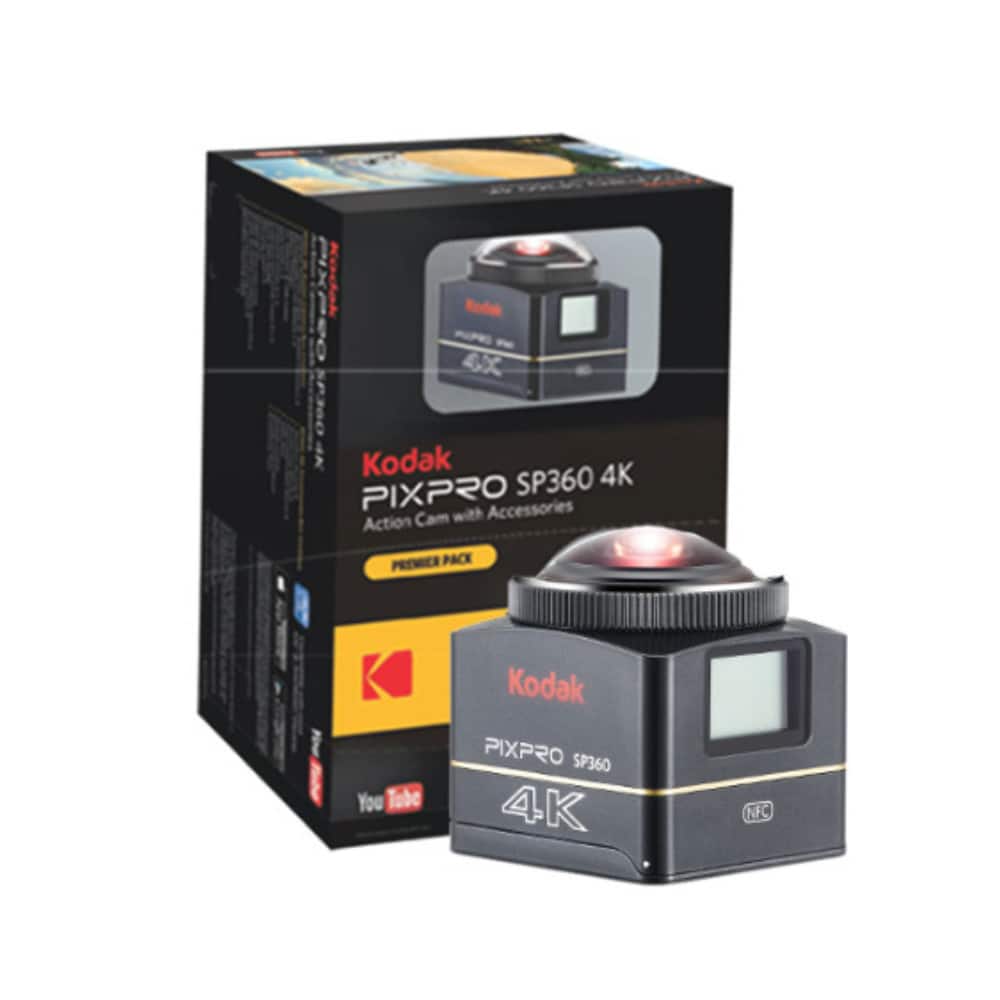
Kodak - PIXPRO SP360 4K - VR CAMERA Premier Pack
SKU: J3YLGK7ZX8See all 360 Degree CamerasProduct Description
A compact black 4K VR camera with 61MP CMOS sensor, Bluetooth, and rechargeable battery for immersive 360° capture.Your price for this item is $59.99 -
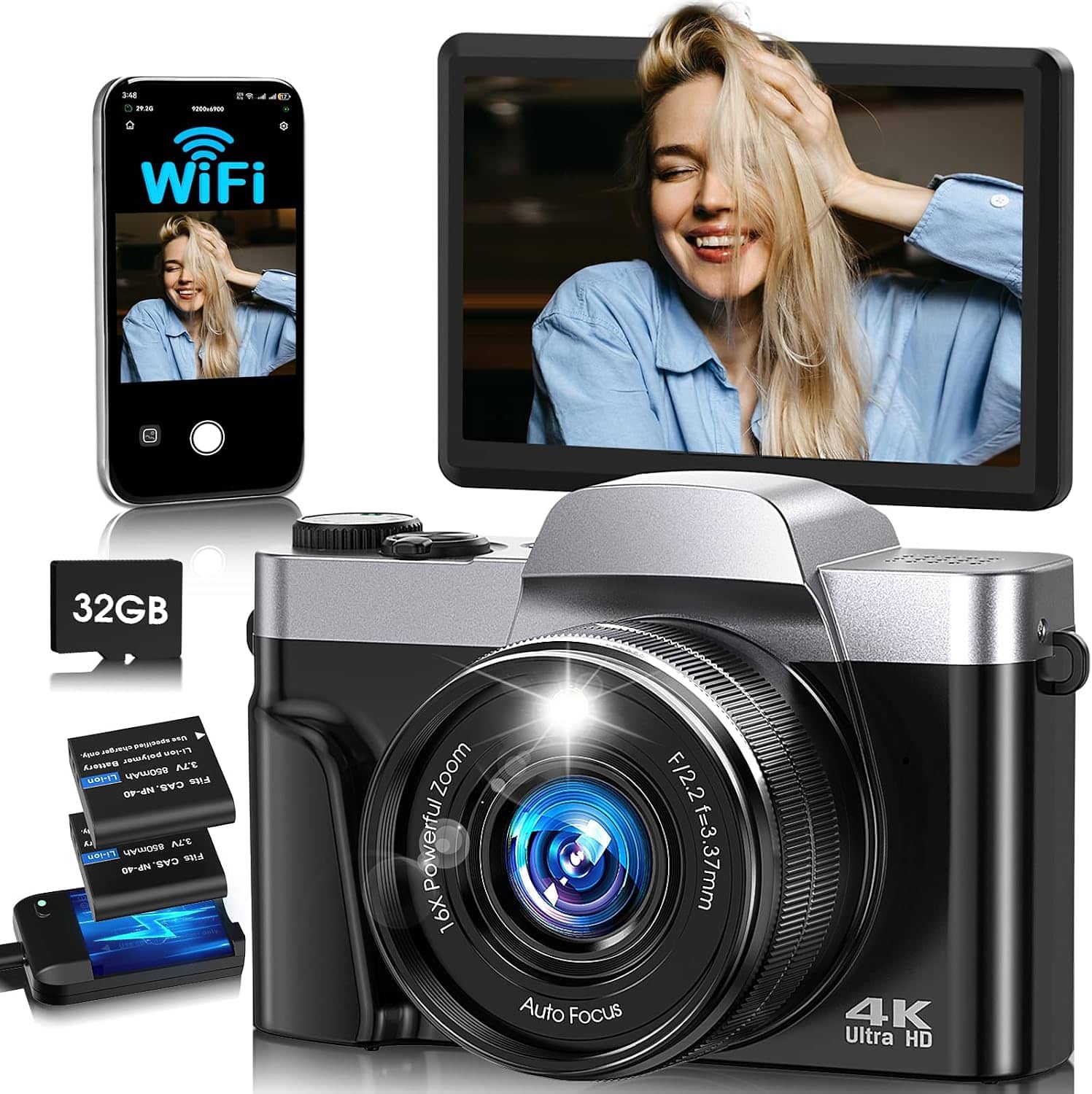
CAMKORY - 4K Selfie-Ready Digital Camera | 180° Flip Screen| WiFi | Autofocus | Portable Travel Camera
SKU: J33ZPHPWK2See all Point & Shoot CamerasProduct Description
A 4K digital camera with a 180° flip screen, WiFi autofocus, optical stabilization, and rechargeable battery.Your price for this item is $59.99Save $30The previous price was $89.99 -
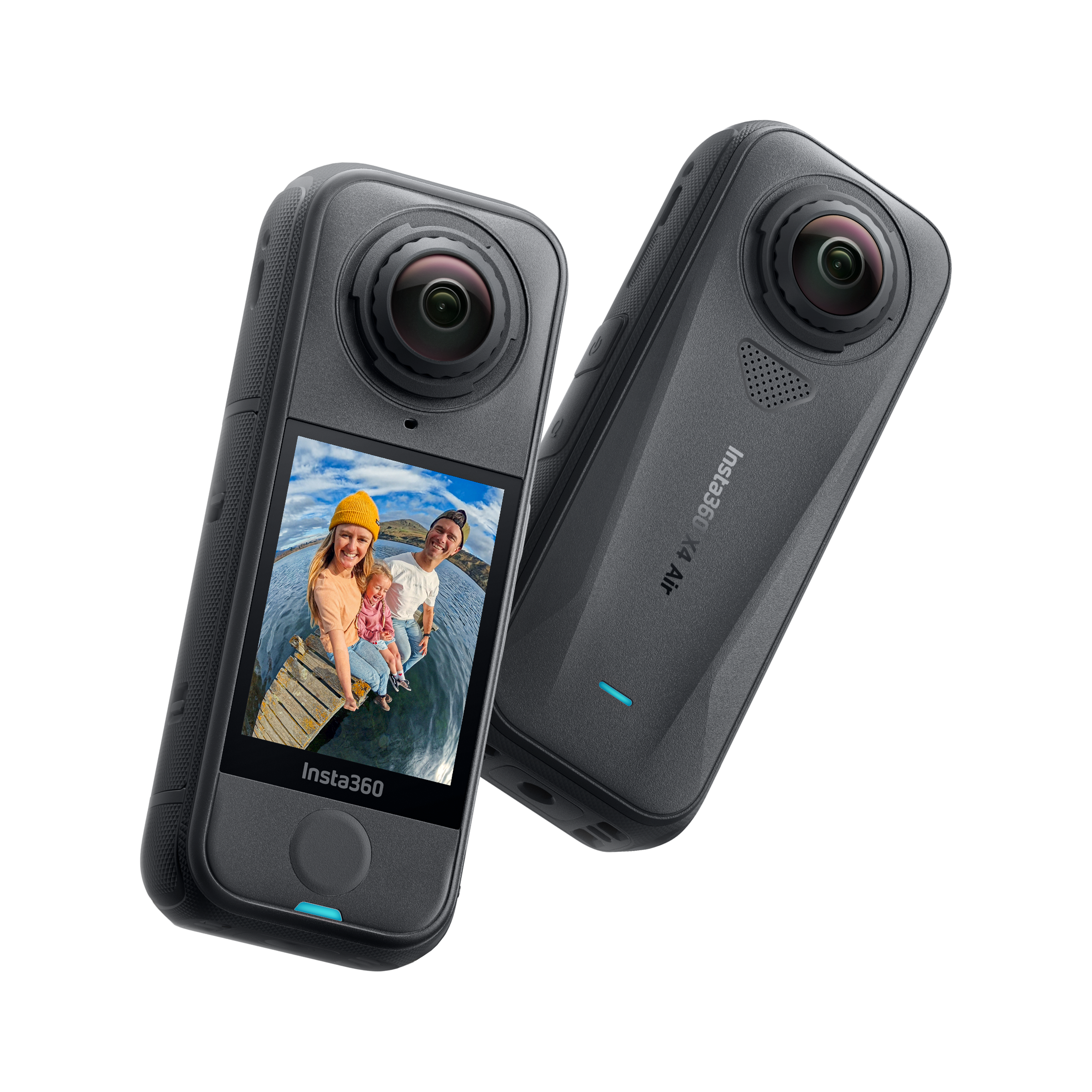
Insta360 - X4 Air - Black
SKU: J39VLT42PWSee all 360 Degree CamerasProduct Description
A lightweight black 8K 360-degree camera featuring image stabilization, night recording, and a touchscreen display.Your price for this item is $350.06Save $81The previous price was $431.99 -
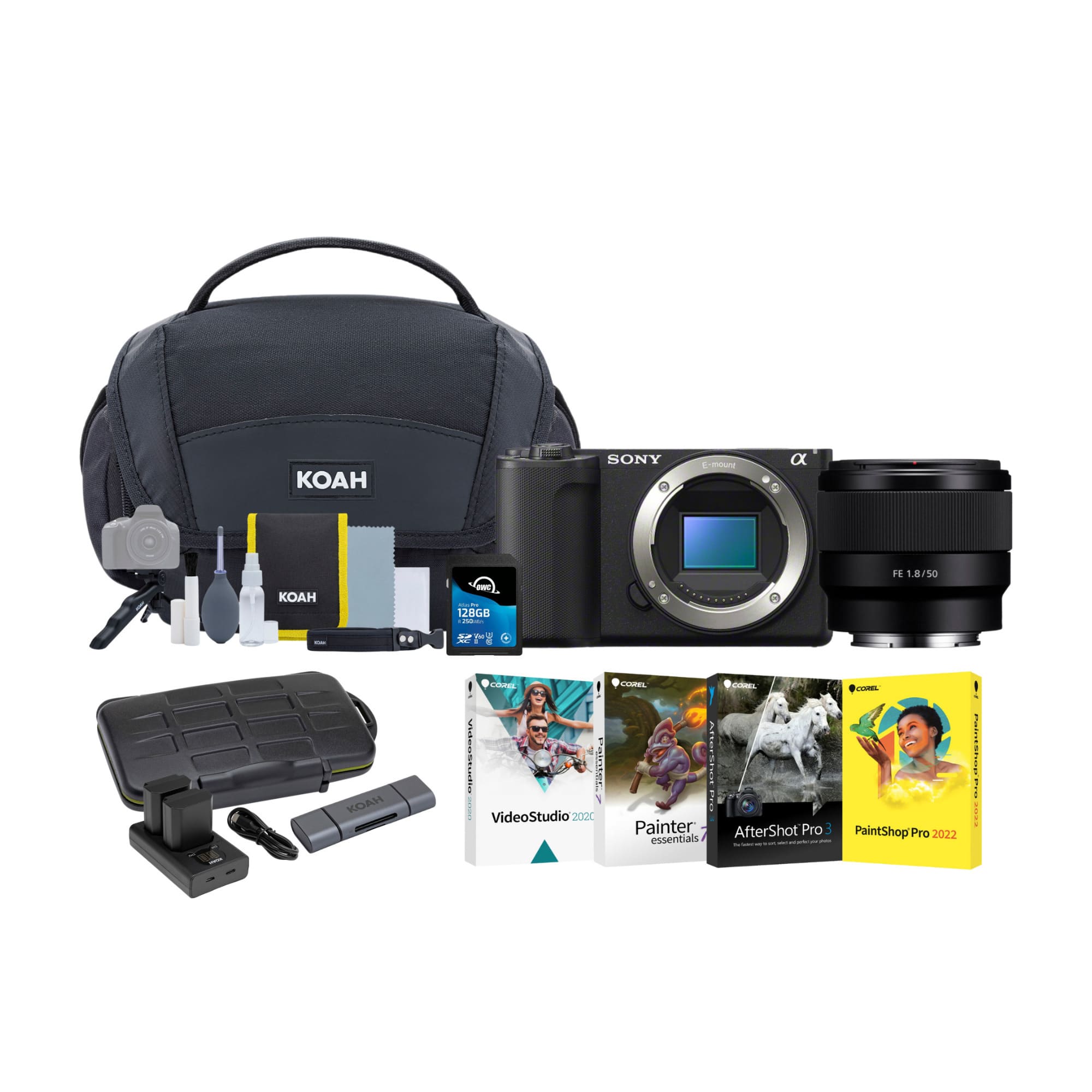
Sony - ZV-E10 II Mirrorless Camera with 50mm f/1.8 Lens Bundle - Black
SKU: JJG2FXGZ3CSee all Mirrorless CamerasProduct Description
A black mirrorless camera bundle featuring a 26MP APS-C sensor, 50mm f/1.8 lens, and editing software.Your price for this item is $1,498.00 -
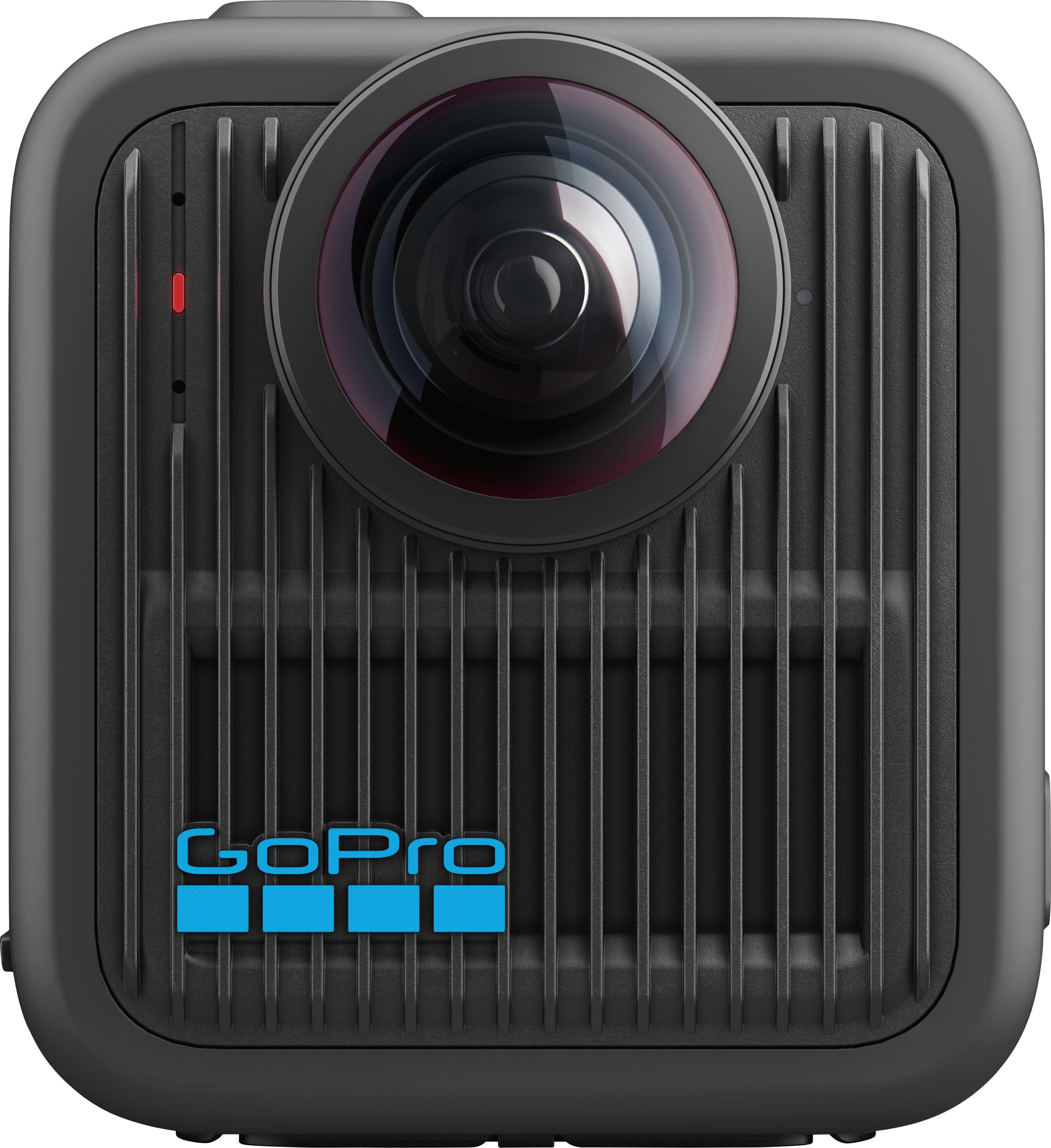
GoPro - MAX2 360 Action Camera - Black
SKU: J3GW35FPTTSee all 360 Degree CamerasProduct Description
A rugged black action camera capturing immersive 8K 360° video with Bluetooth, slow motion, and replaceable lenses.Your price for this item is $299.99Save $71The previous price was $371.49 -
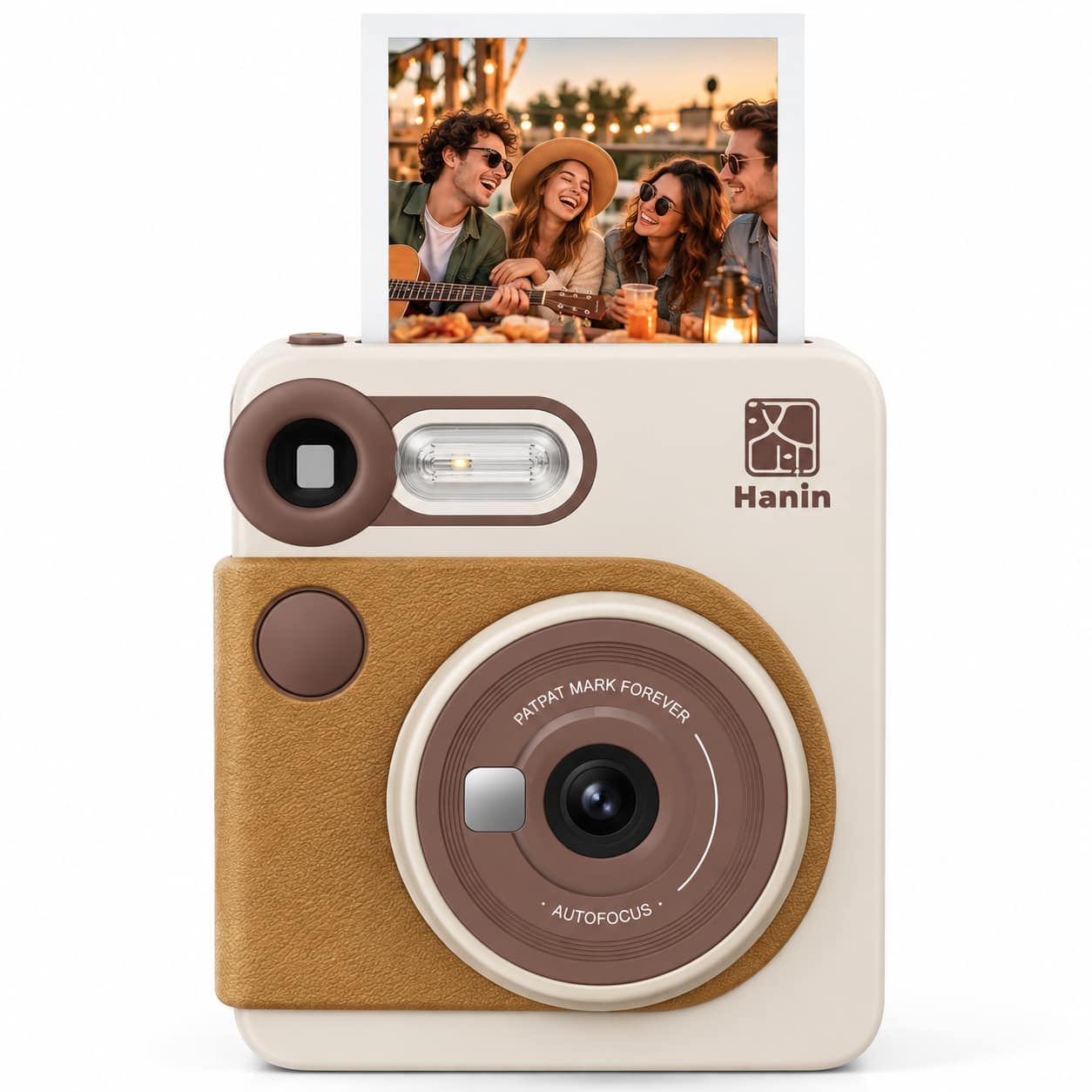
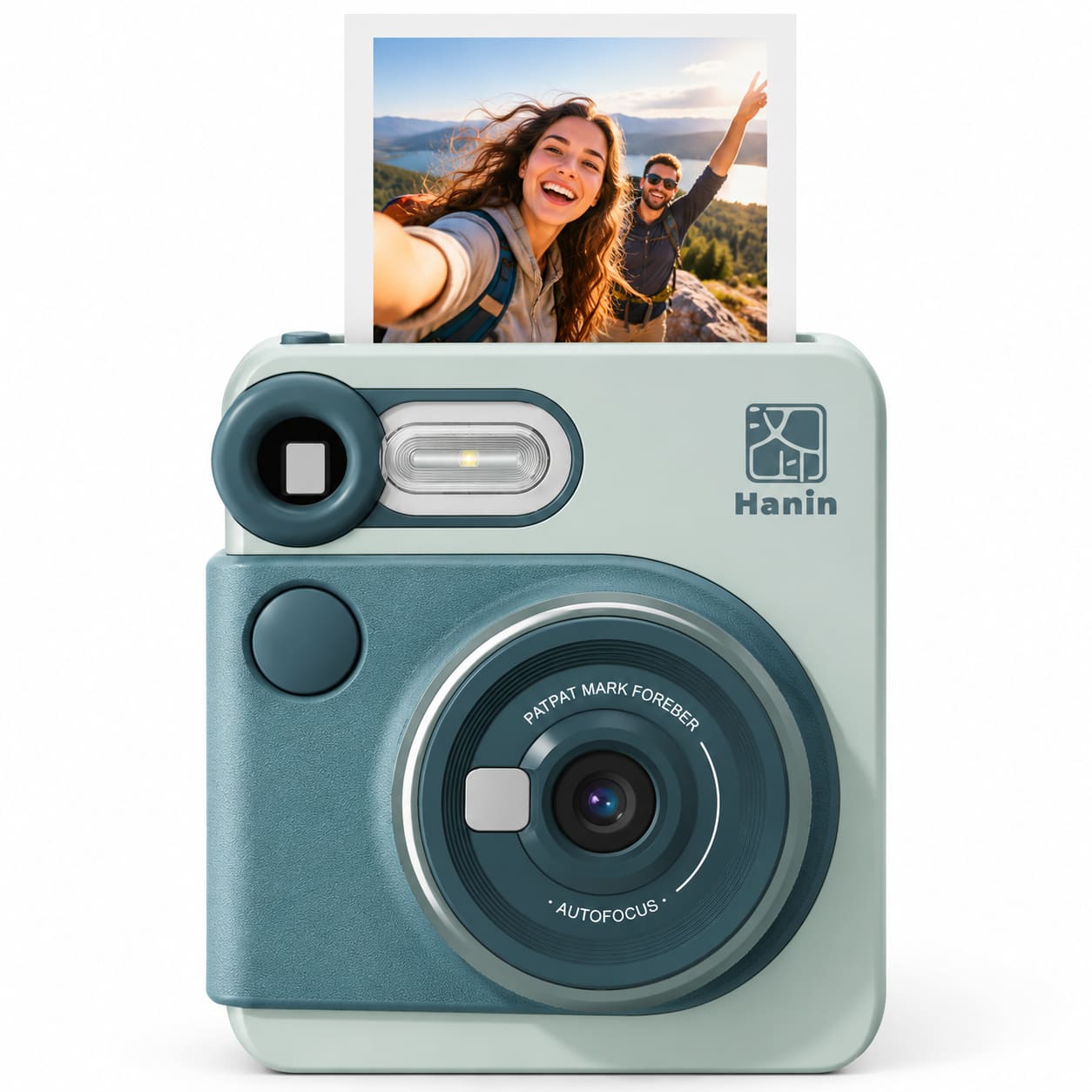
Hanin - M6 Pro 2-in-1 Retro Instant Camera – Includes 10 Photo Sheets + Refill Pack (20 Sheets & 2 Ribbons)
SKU: J3R85VQ9SKSee all Instant Print CamerasProduct Description
A portable instant camera with 300 dpi dye-sublimation printing, autofocus, touchscreen preview, Bluetooth, and LED flash.Your price for this item is $139.99 -
Hanin - M6 Pro 2-in-1 Retro Instant Camera – Includes 10 Photo Sheets + Refill Pack (20 Sheets & 2 Ribbons)
SKU: J3R85VQ99JSee all Instant Print CamerasProduct Description
A retro instant camera with 300 dpi dye-sublimation printing, autofocus, touchscreen preview, Bluetooth, and Type-C charging.Your price for this item is $139.99 -
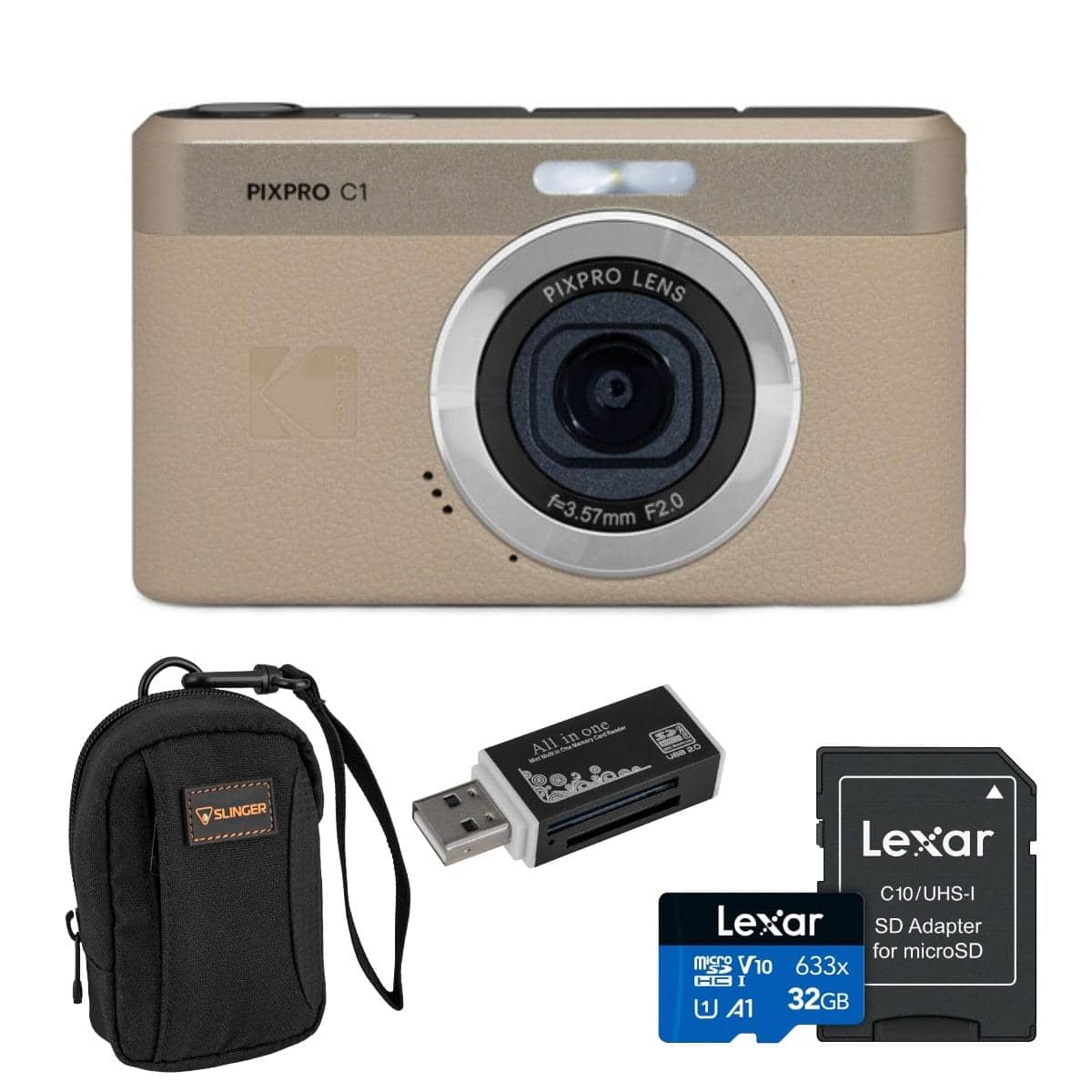
Bundle - Kodak - PIXPRO C1 Friendly Zoom 13MP Full HD Digital Camera
SKU: JJ89LHR9VQSee all Point & Shoot CamerasProduct Description
A 13MP CMOS camera with Full HD video, fixed-focus F2.0 lens, tilt LCD, and rechargeable battery.Your price for this item is $131.96
Best Sellers


Related Pages



FAQ
In-camera editing refers to the ability to make adjustments and enhancements to your photos or videos directly on the camera itself, without needing a computer or external software. Features may include cropping, applying filters, adjusting brightness or contrast, and retouching images right after capture.
Common in-camera editing features include red-eye removal, cropping, resizing, applying color filters, adjusting exposure, straightening images, and sometimes even combining multiple shots for creative effects like panoramas or HDR.
Many cameras allow you to save edited images as new files, so your original photo remains unchanged. However, the ability to undo edits depends on the camera model and the specific editing feature used. It's always a good idea to check your camera's manual for details.
In-camera editing features are great for quick adjustments and sharing-ready images, but professionals may still prefer advanced editing on a computer for more control. However, for on-the-go edits or social media sharing, these features can be very useful for both enthusiasts and professionals.
When you use in-camera editing, most cameras give you the option to save the edited version as a separate file, preserving the original image quality. If you overwrite the original, some quality loss may occur depending on the edits applied, so it's best to save a new copy when possible.