Ink Cartridges For Canon Mx922
-
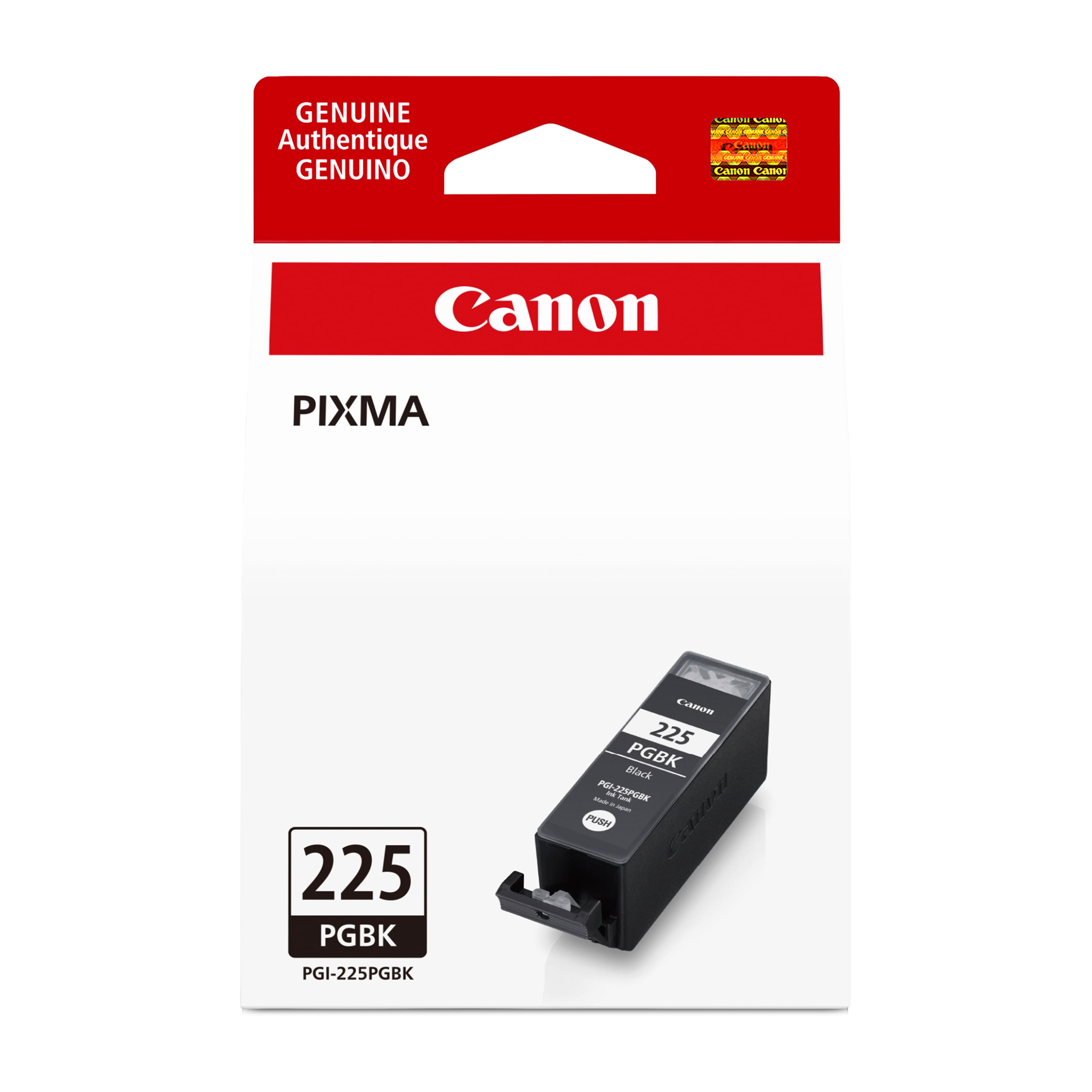
Canon - 225 Ink Cartridge - Black
SKU: J7C86PVFZ9See all Printer InkProduct Description
A single black inkjet cartridge compatible with select PIXMA printers for crisp, high-quality prints.Your price for this item is $23.95Save $3The previous price was $27.52 -
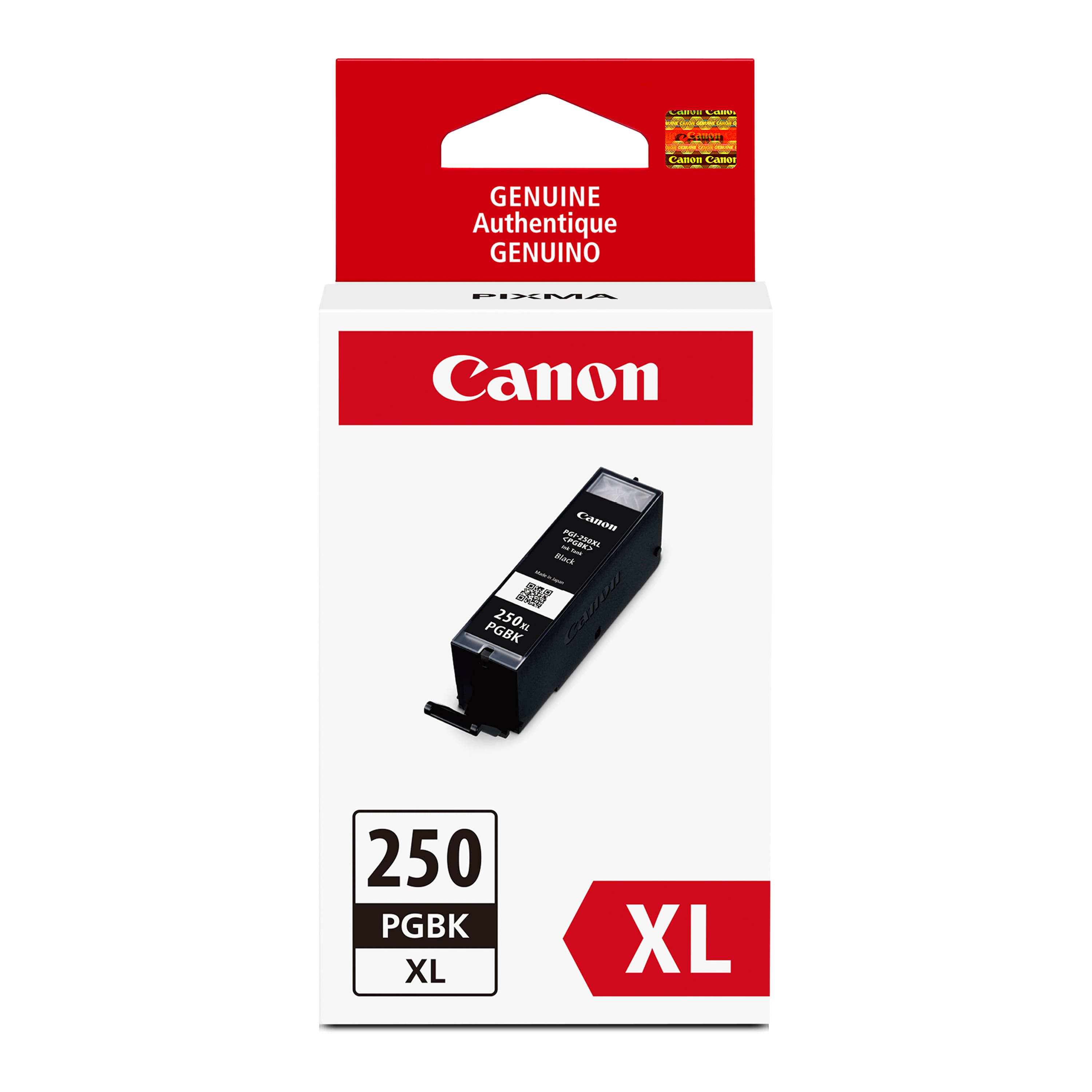
Canon - PGI-250XL High-Yield Ink Cartridge - Black
SKU: J7C86SJT2WSee all Printer InkProduct Description
A high-yield black ink cartridge that delivers rich, long-lasting prints for compatible Canon PIXMA printers.Your price for this item is $30.00 -
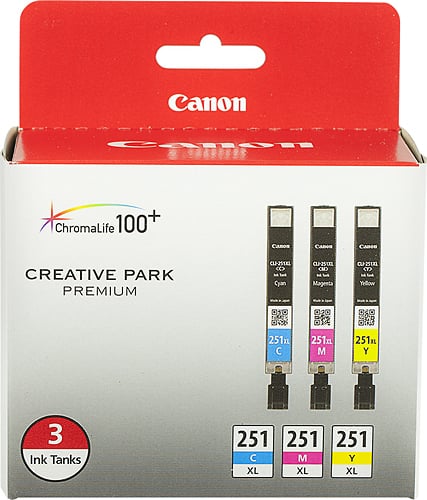
Canon - 251 XL 3-Pack High-Yield Ink Cartridges - Cyan/Magenta/Yellow
SKU: JXL8X25LWZSee all Printer InkProduct Description
A high-yield ink cartridge 3-pack with fast-drying, vivid cyan, magenta, and yellow ChromaLife100+ technology.Your price for this item is $68.00 -
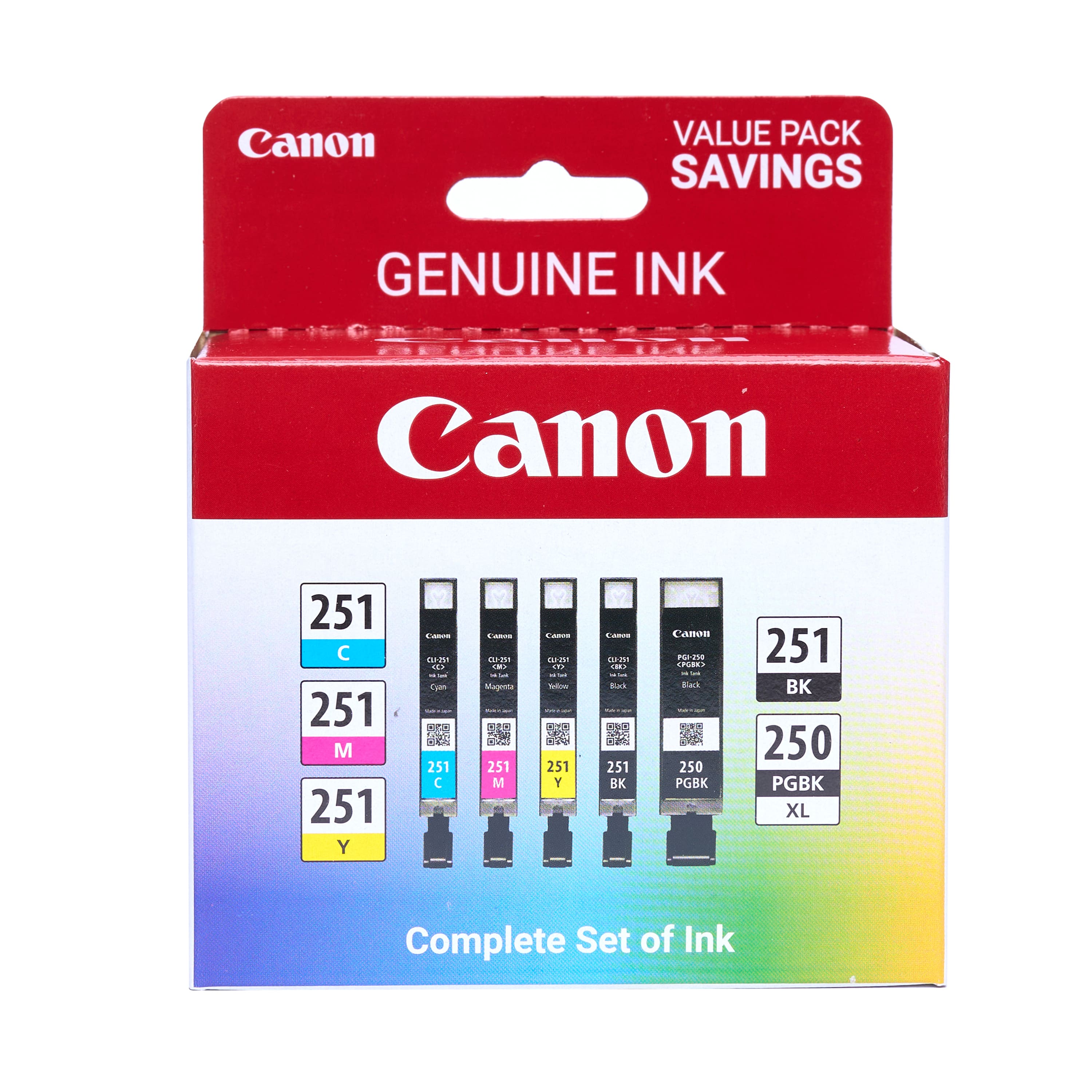
Canon - 250 XL/CLI-251 5-Pack Special Edition Ink Cartridges - Black/Cyan/Magenta/Yellow
SKU: JXL8X25YFJGreat Ink Cartridges...We love the Black inks the best! Great color, too!...Great ink...Love the ink it worked great I will buy it again from Best Buy
See all Printer InkProduct Description
A five-pack of black, cyan, magenta, and yellow ink cartridges for vibrant, high-quality printing.Your price for this item is $88.00 -
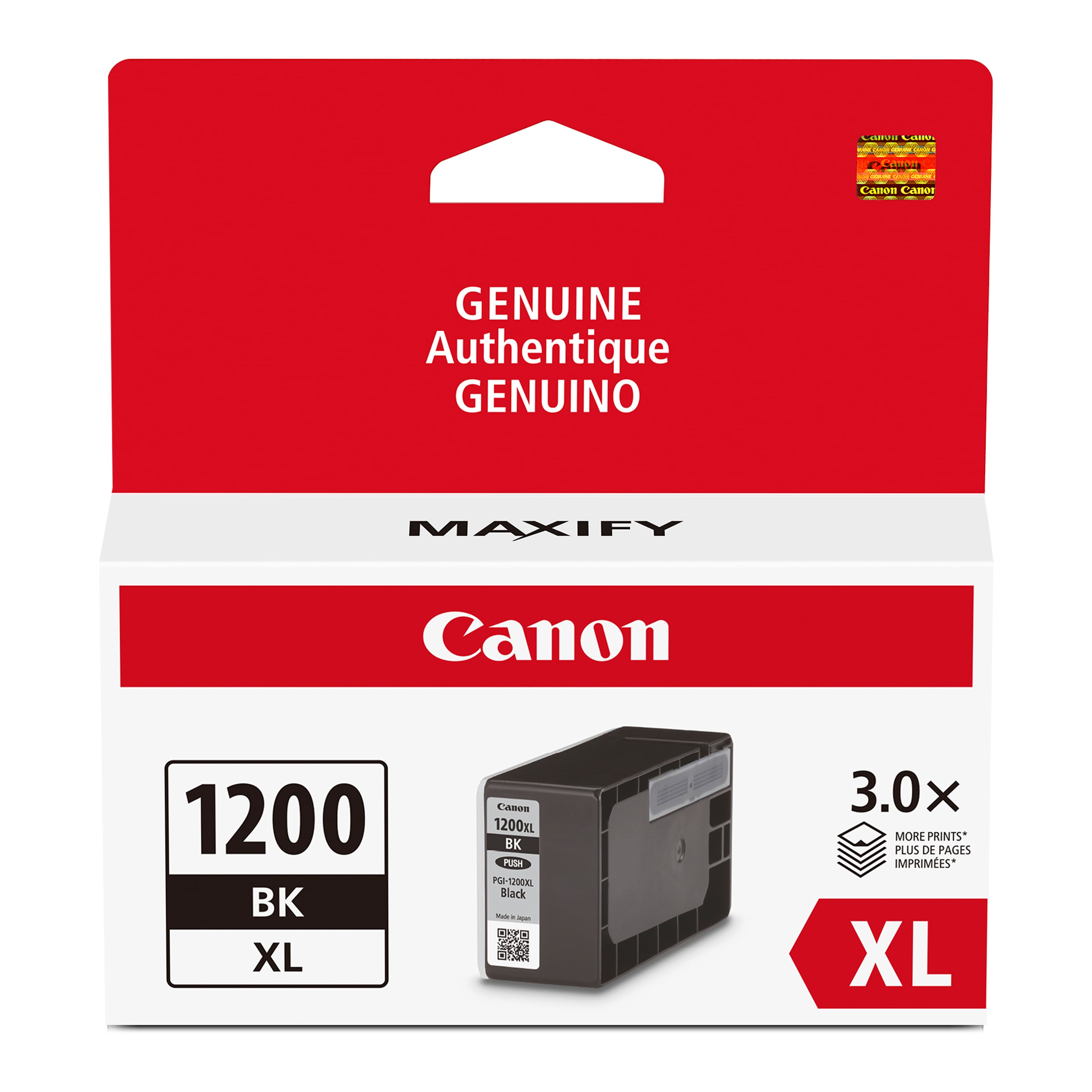
Canon - PGI-1200 XL High-Yield Ink Cartridge - Black
SKU: J7C86SG3Z6great ink and price would love to buy all the maxify colors except that best buy docent always stock...Such a great buy! I love that we have the option to buy an XL cartridge!...& it's cheaper at Best...
See all Printer InkProduct Description
A high-yield black ink cartridge with pigment-based ink for smudge-resistant, professional-quality documents.Your price for this item is $34.99Save $15The previous price was $49.99 -
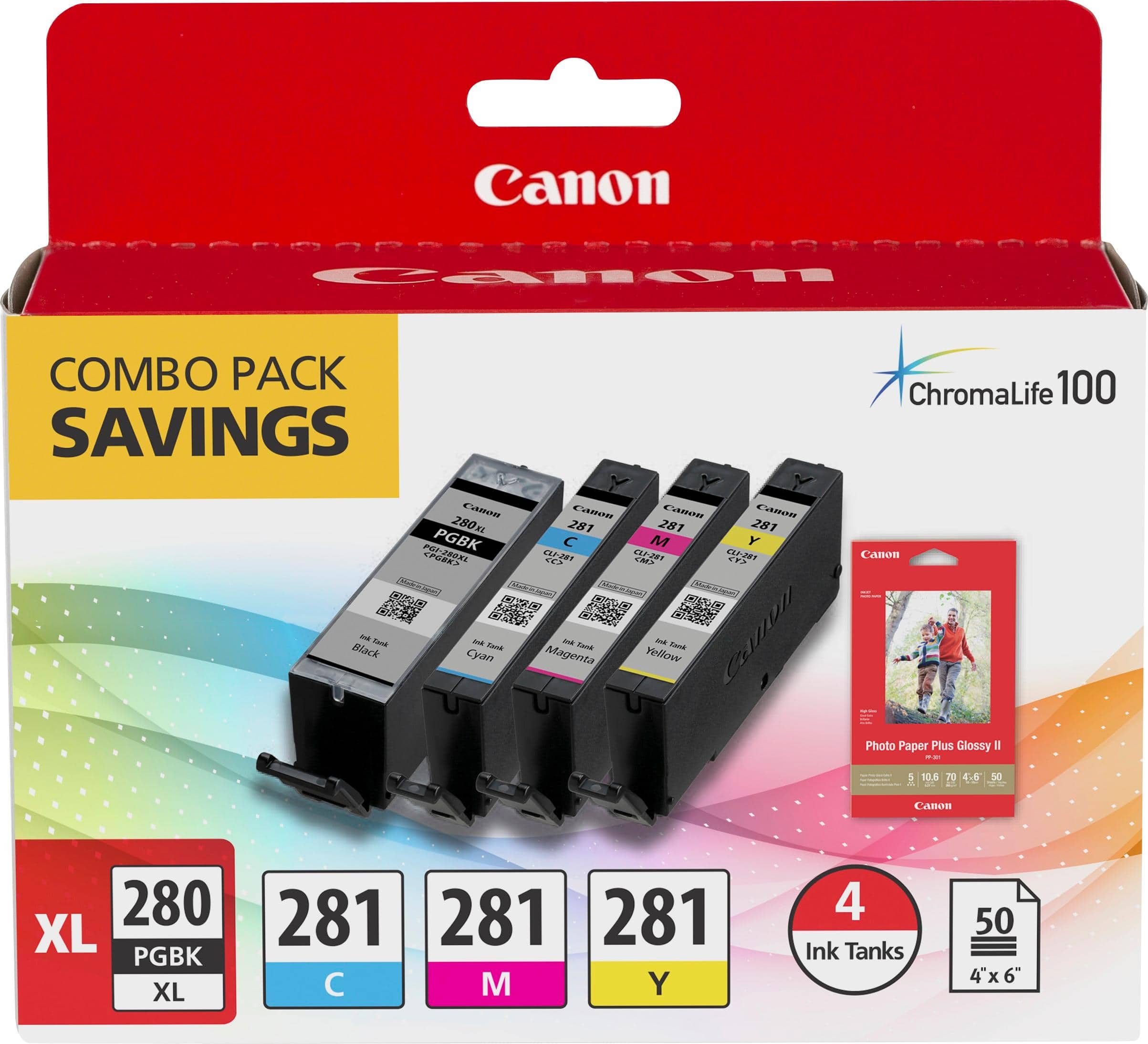
Canon - PGI-280 XL/CLI-281 4-Pack High-Yield - Pigment Black, Standard Capacity - Cyan, Magenta, Yellow Cartridges + Photo Paper - Black/Cyan/Magenta/Yellow
SKU: JXL8XXJ2ZCSee all Printer InkProduct Description
A four-pack of high-yield black, cyan, magenta, and yellow cartridges with bonus photo paper.Your price for this item is $75.00Save $0The previous price was $75.99 -
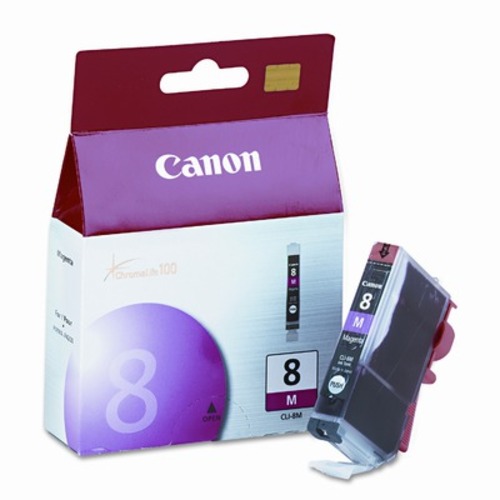
Canon - 8M Ink Cartridge - Purple
SKU: J7C86PZ8K7See all Printer InkProduct Description
A magenta ink cartridge with FINE technology for vivid, long-lasting prints in compatible PIXMA printers.Your price for this item is $26.09
Best Sellers

Related Pages


FAQ
The Canon MX922 printer is compatible with Canon PGI-250 (black) and CLI-251 (cyan, magenta, yellow, and black) ink cartridges. Make sure to choose cartridges labeled as compatible with the MX922 model for optimal performance.
To replace ink cartridges in your Canon MX922, open the printer cover, wait for the cartridge holder to stop moving, press the tab on the old cartridge to release it, and then insert the new cartridge until it clicks into place. Close the cover to complete the process.
Yes, you can use remanufactured or third-party ink cartridges with the Canon MX922. However, for best print quality and reliability, it's recommended to use genuine Canon ink cartridges.
You can check the ink levels on your Canon MX922 by using the printer’s display menu. Navigate to the 'Setup' or 'Maintenance' section and select 'Ink Level Information' to view the current status of each cartridge.
If your Canon MX922 displays a low ink warning after installing a new cartridge, ensure the cartridge is properly seated and compatible with the printer. Sometimes, resetting the printer or cleaning the cartridge contacts can resolve the issue.