Skip to contentGo to Product Search
Main Content

Portable Monitors For XBOX Series X

Looking for a portable monitor for Xbox Series X? Browse compact displays for a gaming setup that’s easier to move between rooms or take on the road. Compare screen size, resolution, refresh rate, and HDMI connectivity, and check each monitor’s supported display modes to make sure it can deliver the gaming experience you want from your console.

Read More
Results
Main Results
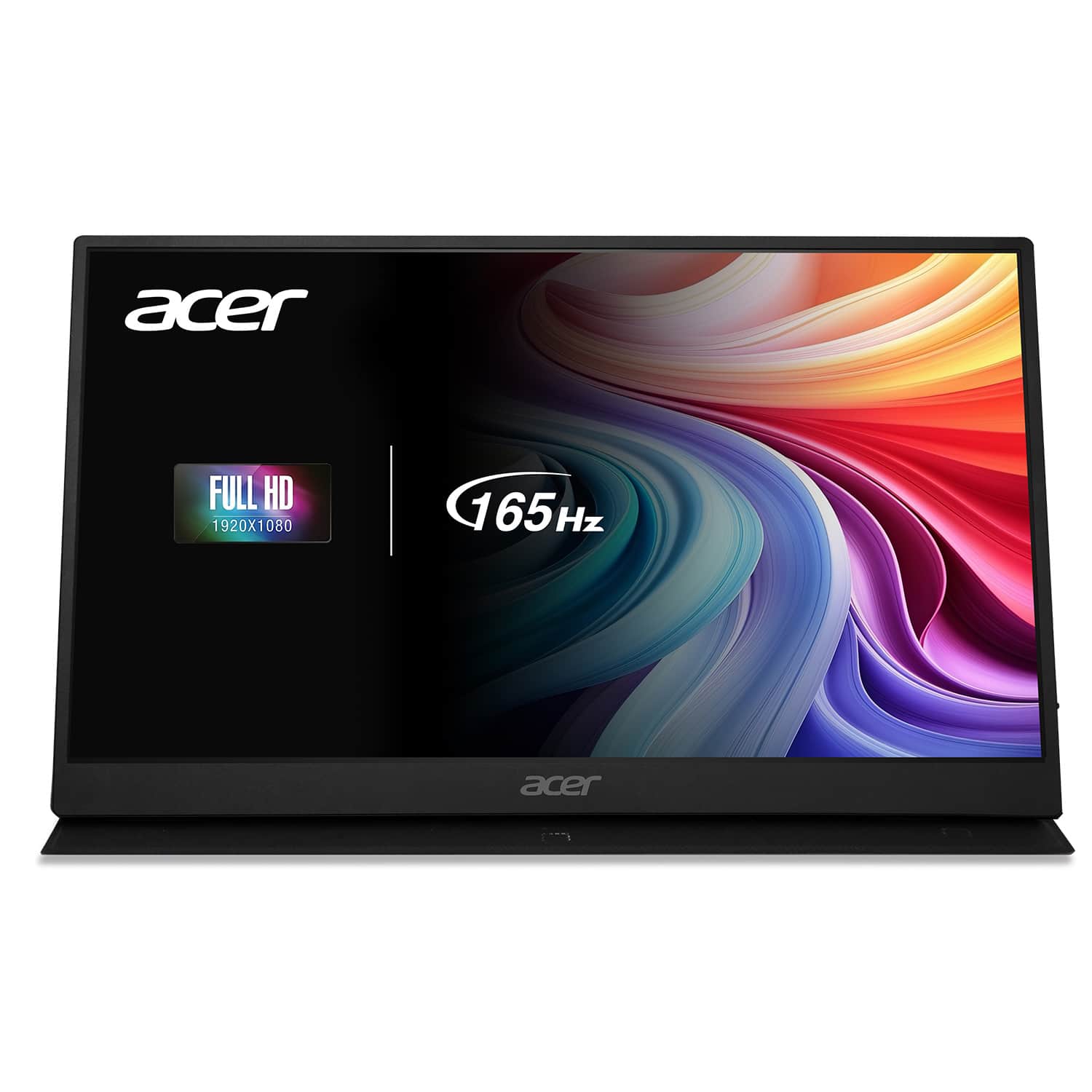
  1. Acer - Nitro 15.6" LCD FHD 165Hz FreeSync IPS Portable Gaming Monitor (USB Type-C, Mini HDMI & Audio Out) - Black

    SKU: JJ8V8HXR3T

    Great for bringing with me when I work offshore

    Product Description

    A portable black IPS gaming monitor with 15.6" FHD display, 165Hz refresh rate, and FreeSync support.
    See all All Monitors
    Your price for this item is $119.99
    Save $40
    The previous price was $159.99
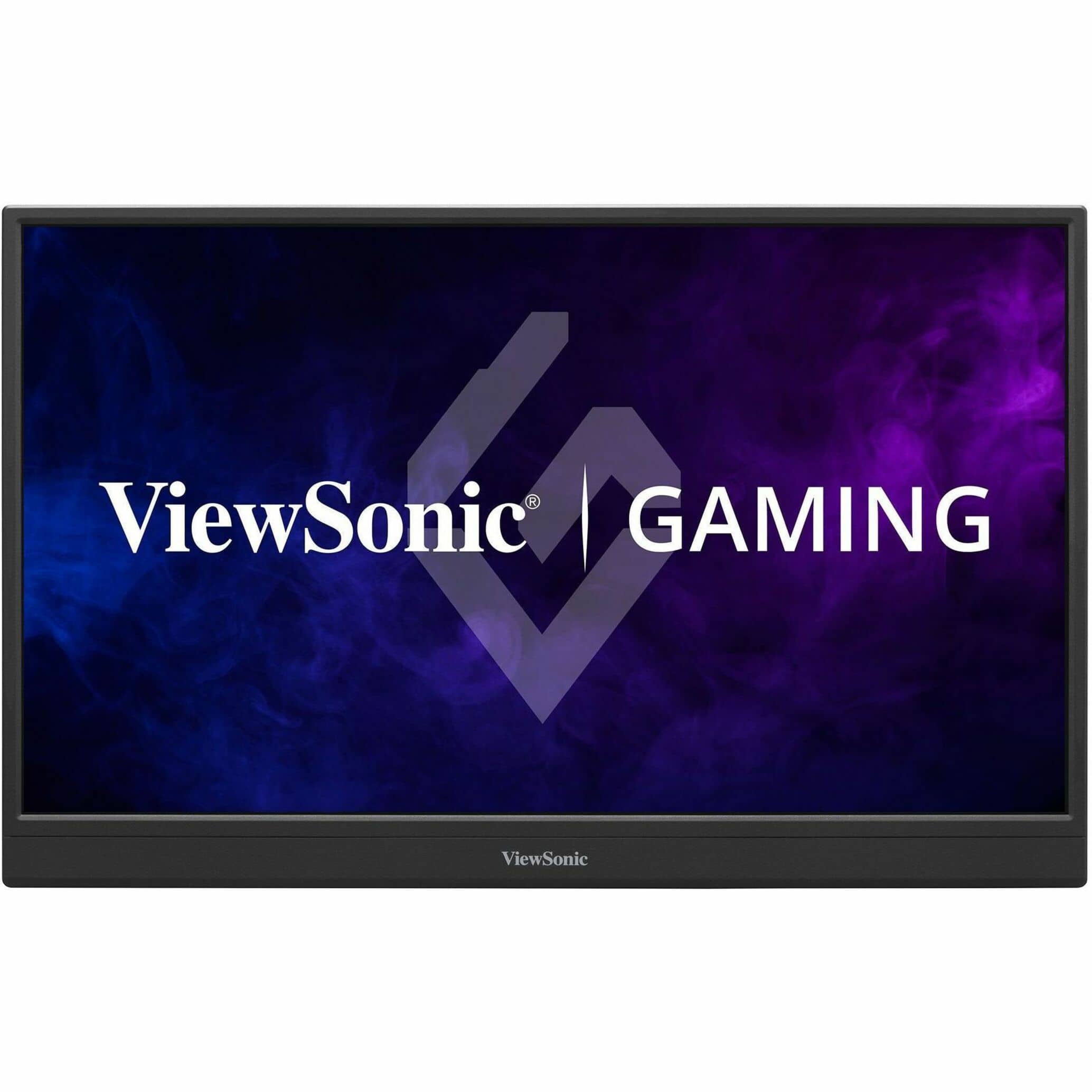
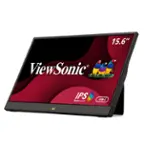
  2. ViewSonic - VX1654 16" IPS LCD FHD Portable Gaming Monitor (USB-C, Mini HDMI) - Black

    SKU: J37H88V5X7

    Product Description

    A portable black IPS gaming monitor with 144Hz refresh rate, FHD resolution, USB-C, and mini HDMI connectivity.
    See all Portable Monitors
    Your price for this item is $169.99
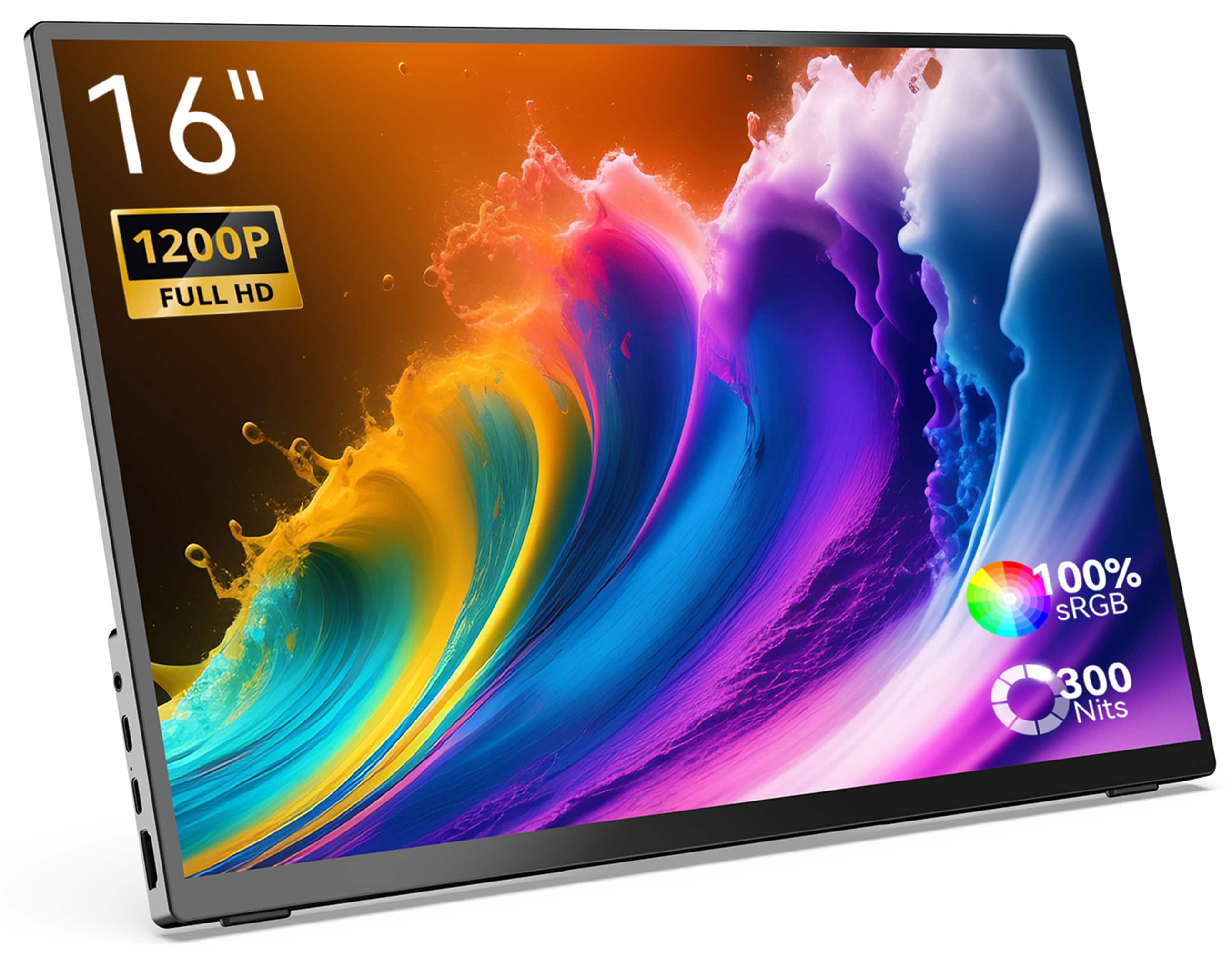
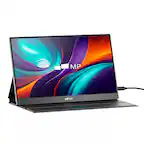
  3. MINIX - 16" Portable Monitor, 1200P FHD IPS Screen, 100% sRGB, HDMI, Laptop Monitor Compatible with PC, Mac, Phone, Xbox, Switch - SF16T (Touch Edition)

    SKU: CGCLX97G5V

    Best on the go touch screen...Great product for windows computer, I recommend this to everyone

    Product Description

    A lightweight aluminum portable monitor with 16" 1200P FHD IPS touch screen and 100% sRGB color.
    See all Portable Monitors
    Your price for this item is $199.99
    Save $200
    The previous price was $399.99

Portable monitors for Xbox Series X can help you create a compact gaming setup in a dorm room, bedroom, hotel room, or shared living space without relying on a full-size TV. To find the best portable gaming monitor for your setup, start with screen size, resolution, and HDMI connectivity. A 1080p portable monitor can deliver a sharp picture on a smaller screen, while a 1440p or 4K portable monitor offers additional detail for games that support higher-resolution output. For smoother motion in compatible games, look for a display that explicitly supports a 120Hz refresh rate over HDMI at your preferred resolution. A monitor advertised as 144Hz or 165Hz does not automatically support every Xbox display mode, so check its supported HDMI timings and console compatibility rather than relying on its maximum refresh rate alone. Xbox Series X supports up to 4K at 120Hz, but reaching that combination requires a compatible display with sufficient HDMI 2.1 bandwidth, an appropriate HDMI cable, and a game that offers the relevant performance mode. Variable refresh rate, or VRR, can also help reduce screen tearing on compatible portable monitors, while low input lag helps keep on-screen actions responsive to controller commands. Beyond resolution and refresh rate, the right portable monitor for Xbox Series X should fit the way you plan to play and travel. Compare screen brightness, viewing angles, glare control, and stand adjustability to find a display that remains comfortable to use in different spaces. HDR support can enhance compatible games, but the visible improvement depends on the panel’s brightness, contrast, and color performance; an HDR label alone does not guarantee a dramatic upgrade. For connectivity, remember that Xbox Series X sends video through HDMI, not USB-C, so choose a portable display with a compatible HDMI input and the correct cable for its full-size or mini HDMI connector. Many USB-C portable monitors use USB-C for power, video, or both, but you should verify the monitor’s power requirements and plan for a suitable power adapter unless the manufacturer confirms another supported power source. Built-in speakers can simplify a travel gaming setup, while a headset connected to the Xbox controller offers a convenient alternative for private listening. A protective case, stable kickstand, and accessible ports add everyday convenience, especially if you frequently pack and reconnect your equipment. Keep in mind that a portable screen makes your display easier to move, but the Xbox Series X console still needs its own AC power connection.

FAQ

Yes, a portable monitor with a compatible HDMI input can display video from an Xbox Series X. Depending on the monitor’s input, you may need an HDMI-to-HDMI or HDMI-to-mini-HDMI cable. A USB-C-only monitor generally cannot connect directly because the console outputs video through HDMI, not USB-C.

Look for support for a 120Hz refresh rate over HDMI, low input lag, and variable refresh rate (VRR) compatibility with Xbox. HDR support is another feature to consider, though HDR presentation varies by display. Check HDMI-specific capabilities, since some monitors offer certain features only through other inputs.

Open Settings on your Xbox Series X, then go to General > TV & display options to select a supported resolution and refresh rate. The available options depend on the monitor, its HDMI input, and the cable. A monitor advertised for 144Hz or higher does not necessarily support the console’s 120Hz output over HDMI.

HDMI carries both video and audio, so a portable monitor with built-in speakers can play console sound. If the monitor has a headphone output, you can use it with compatible headphones or powered speakers. You can also connect a wired headset to the Xbox controller’s 3.5mm headset jack.

Most portable monitors need a separate power connection because HDMI does not provide their operating power. Depending on the monitor, power may come from a USB connection, an external adapter, or a built-in battery. Do not assume the console’s USB ports can supply enough power; check the monitor’s power requirements.