Gaming Monitor For Xbox Series S
-
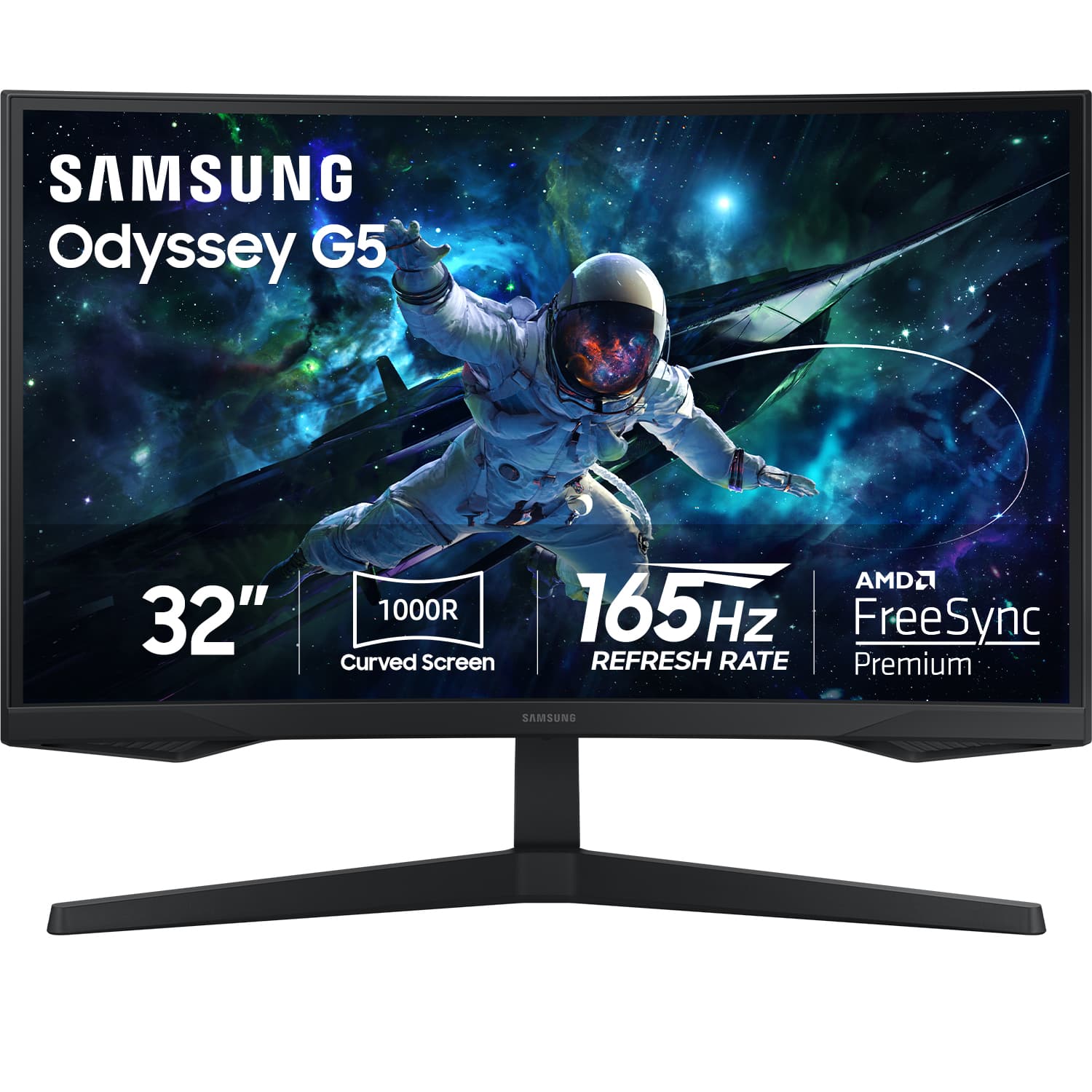
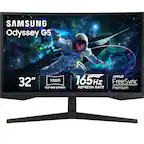
Samsung - 32" Odyssey 1000R Curved QHD 165Hz 1ms AMD FreeSync Gaming Monitor (DP, HDMI) - Black
SKU: J3ZYG2QH6JThis is the best monitor, it is the number one of my monitors i bought before....Great Monitor...I love it. No regrets or problems with it all! Samsung products are top tier!!
See all Curved Gaming MonitorsProduct Description
A curved black gaming monitor with QHD resolution, 165Hz refresh rate, 1ms response, and AMD FreeSync.Your price for this item is $249.99Save $100The previous price was $349.99 -
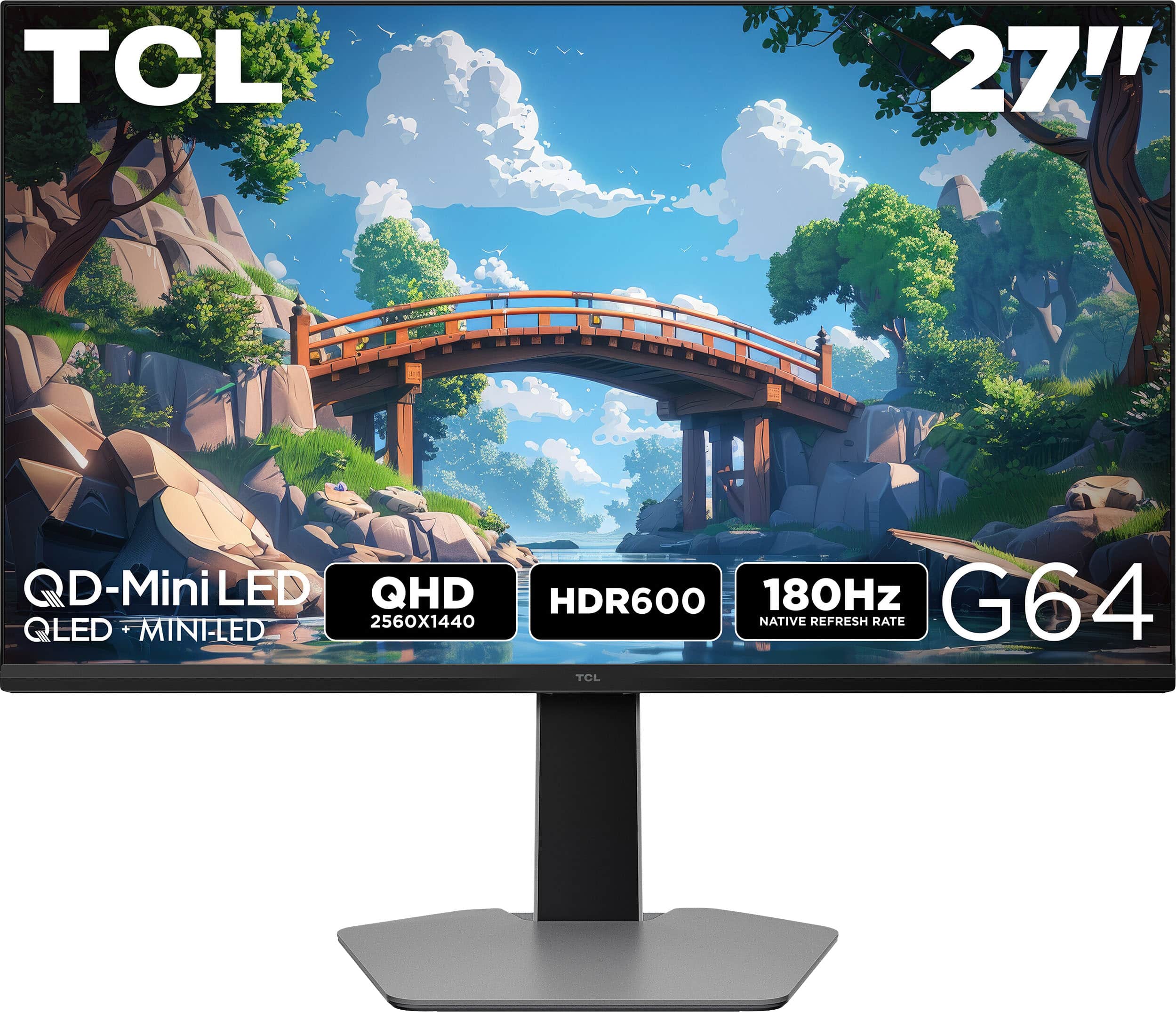
TCL - G64 27" QD Mini LED QHD 180Hz 1ms AMD FreeSync Premium Gaming Monitor with HDR600 (DisplayPort, HDMI) - Black and Gray
SKU: J36QYTQKXWGreat Monitor! Great color and adjustable stand!...The height adjustable stand is great! I love the screen and the colors are very bright....I love playing COD on it because the blacks level contrast...
See all Gaming MonitorsProduct Description
A black and gray QD-Mini LED gaming monitor with QHD resolution, 180Hz refresh rate, and HDR support.Your price for this item is $299.99Save $100The previous price was $399.99 -
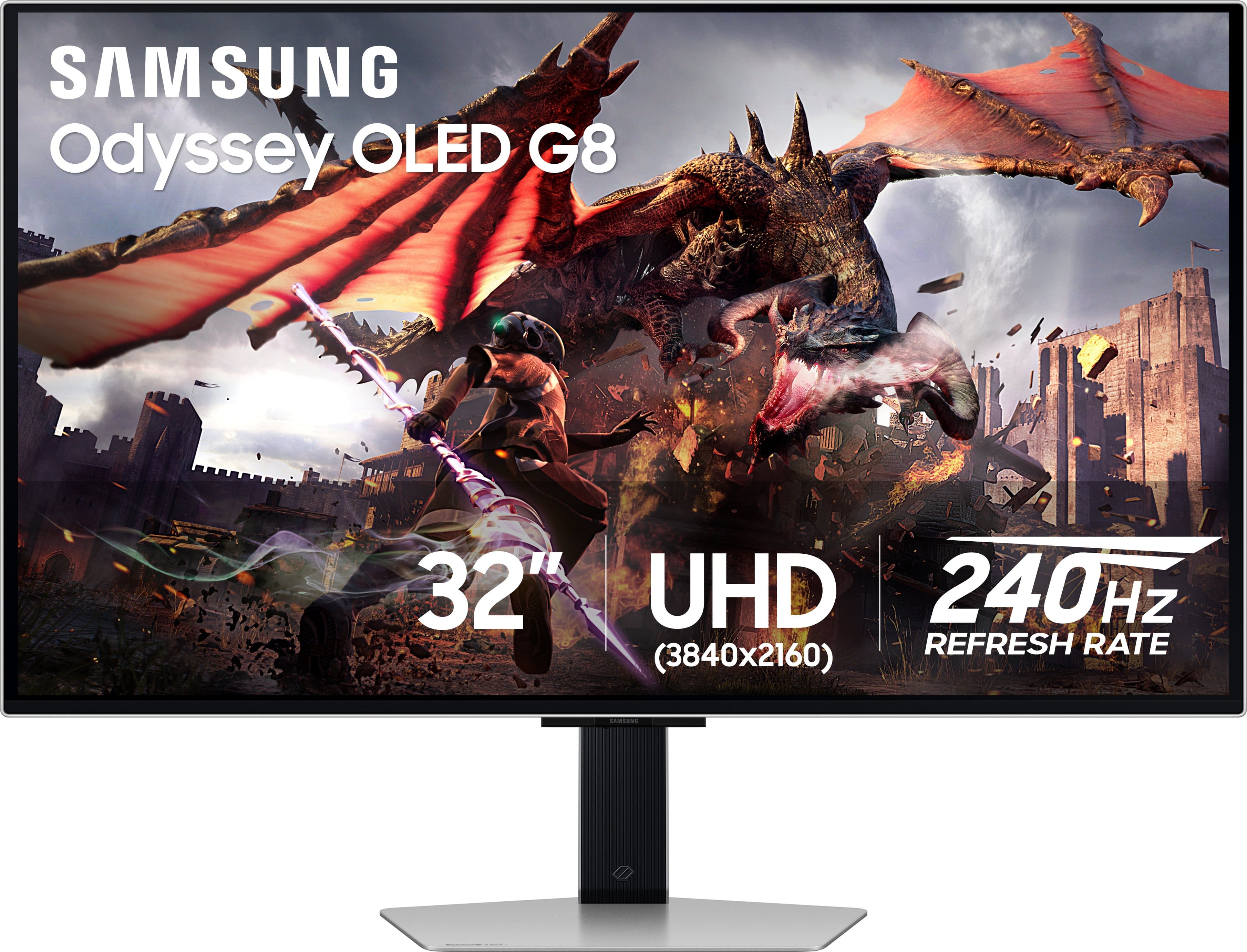
Samsung - 32" Odyssey OLED G8 (G80SD) 4K UHD 240Hz 0.03ms Smart Gaming Monitor with HDR - Silver
SKU: J3ZYG2TXQ5Great monitor fast great color love that its smart. love how thin the screen is...Gorgeous monitor I literally love it so much my best purchase...Best monitor
See all Gaming MonitorsProduct Description
A silver OLED gaming monitor featuring 4K UHD, 240Hz refresh rate, HDR10+, and ultra-fast 0.03ms response.Your price for this item is $899.99Save $400The previous price was $1,299.99 -
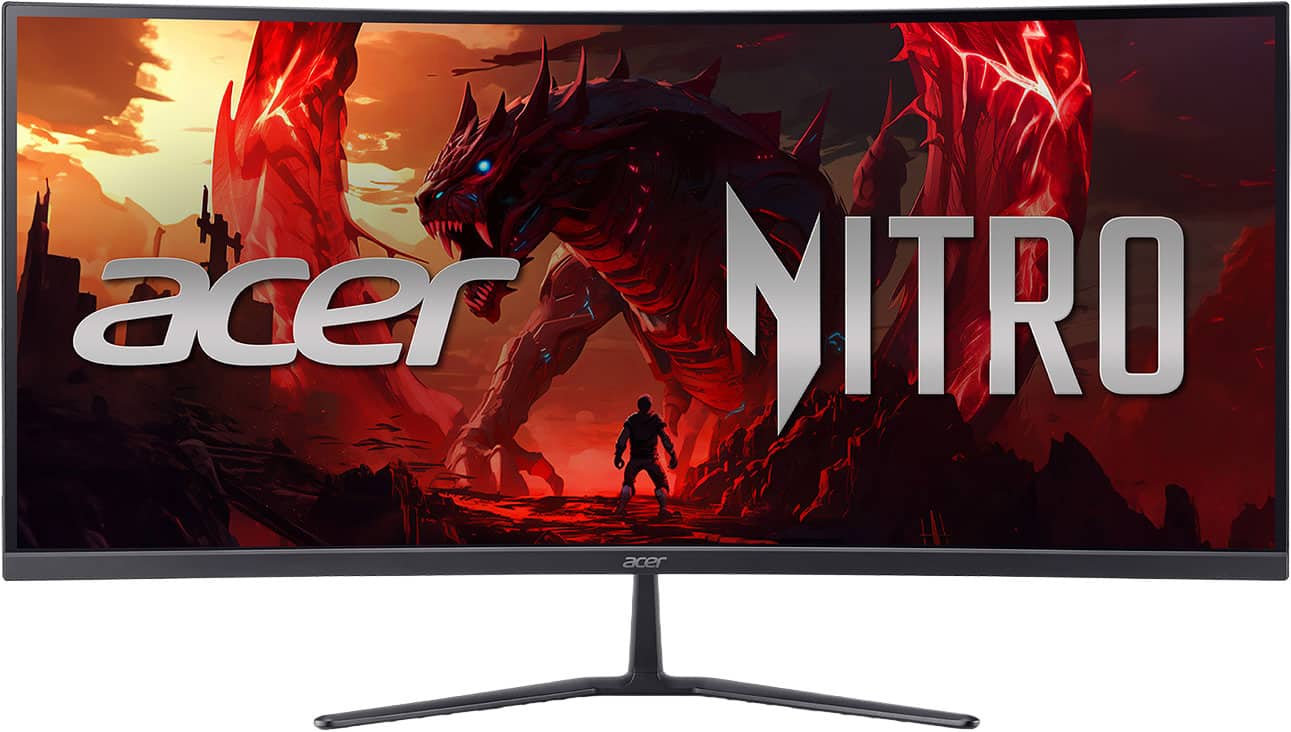
Acer - Nitro ED340CUR Gaming 34” 1500R 21:9 Curved QHD 120Hz 1ms FreeSync Premium Gaming Monitor with HDR10 (DisplayPort, HDMI) - Black
SKU: JJ8V8HG6K3See all Curved Gaming MonitorsProduct Description
A black curved ultrawide gaming monitor with QHD resolution, 120Hz refresh rate, 1ms response, and HDR10.Your price for this item is $269.99 -
Samsung - 32" Odyssey G7 (G70D) 4K UHD IPS AMD FreeSync Premium Pro and G-Sync Compatible Smart Gaming Monitor with HDR400 - Black
SKU: J3ZYG2ZQS2Love this...The best decision I have made in monitor purchasing....Love this monitor, my grandson was blown away by it.
See all Gaming MonitorsProduct Description
A black IPS gaming monitor featuring 4K UHD resolution, 144Hz refresh rate, HDR400, and smart TV apps.Your price for this item is $599.99Save $200The previous price was $799.99 -
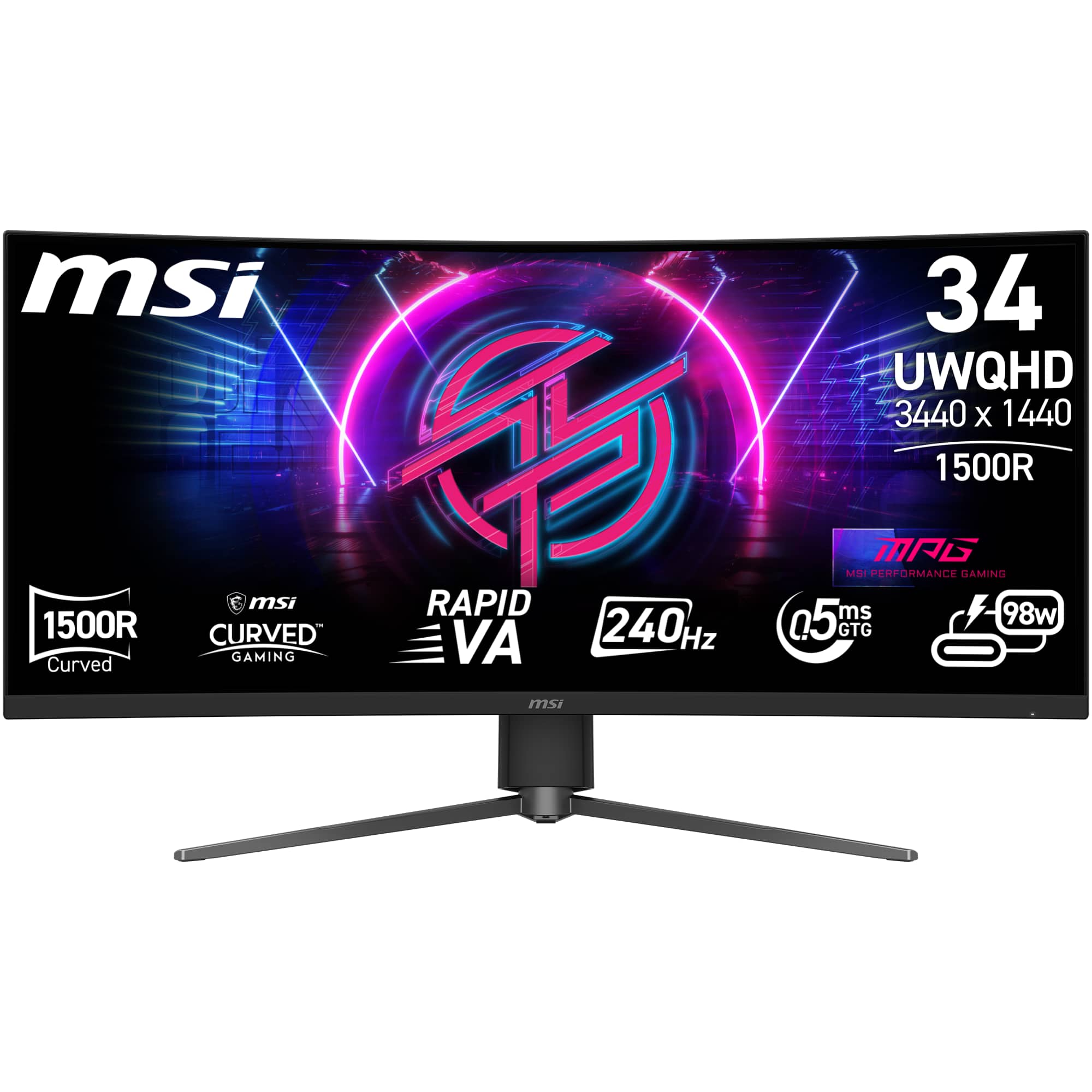
MSI - MPG 346CQRF X24 34" UWQHD Curved Rapid VA 240Hz 0.5ms Gaming Monitor with Adaptive Sync and HDR 400 (HDMI, DisplayPort) - Black
SKU: J3P7TXQ7V4Best Monitor!!...I have two in total and love how they work!...Great quality picture and size combo. Best value for price.
See all Curved Gaming MonitorsProduct Description
A curved ultrawide black gaming monitor with 240Hz refresh rate, 0.5ms response, and HDR400 support.Your price for this item is $329.99Save $50The previous price was $379.99 -
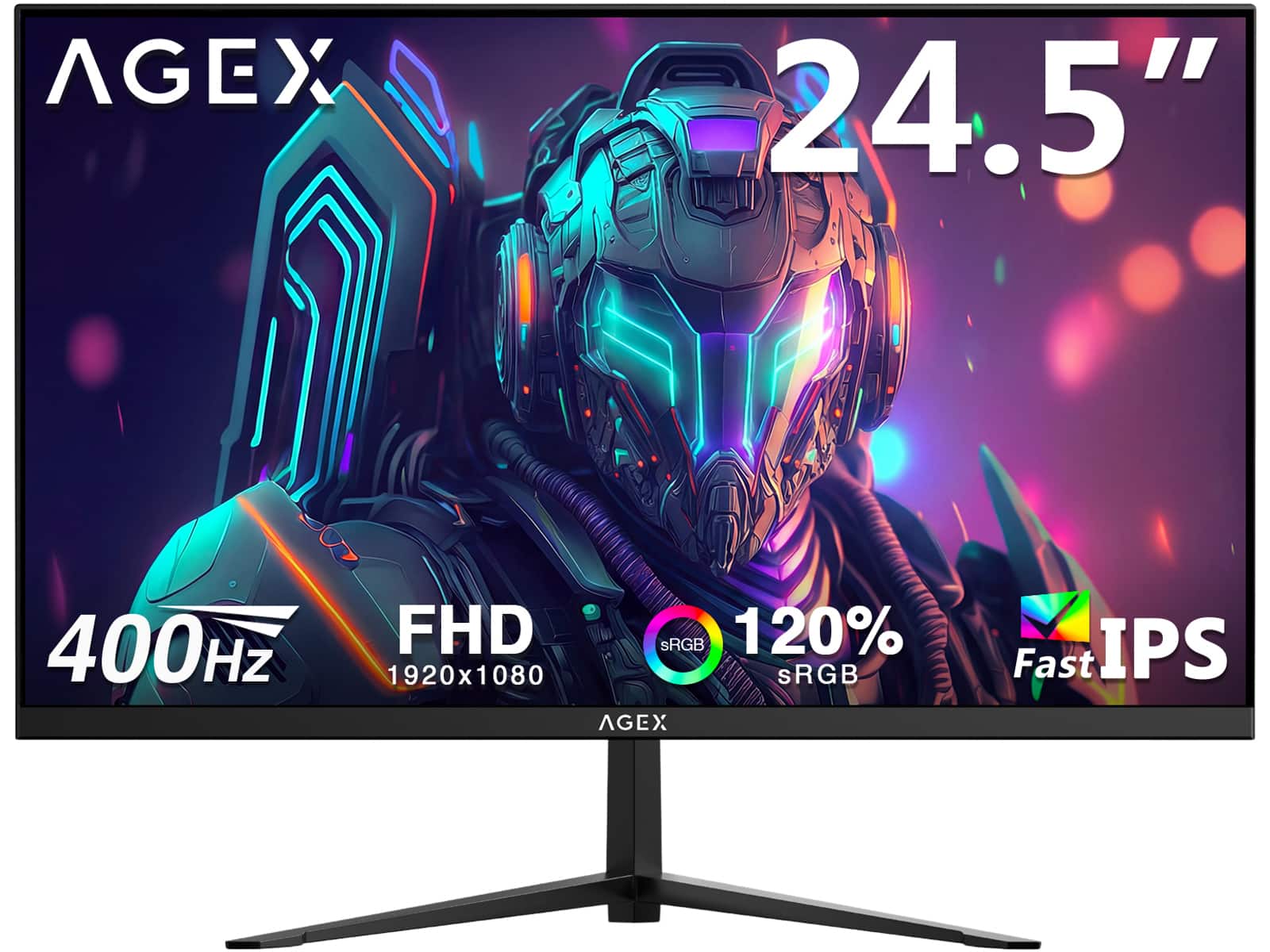
AGEX - AG25S 24.5" FHD 1920 x 1080 400Hz 1ms Fast IPS Gaming Monitor,120% sRGB, 2 x HDMI 2.0 + 1 x DP 1.4 - Black
SKU: J3LH5H8KYFSee all Gaming MonitorsProduct Description
A fast IPS gaming monitor in black with 400Hz refresh rate, 1ms response, and 120% sRGB color.Your price for this item is $199.99 -
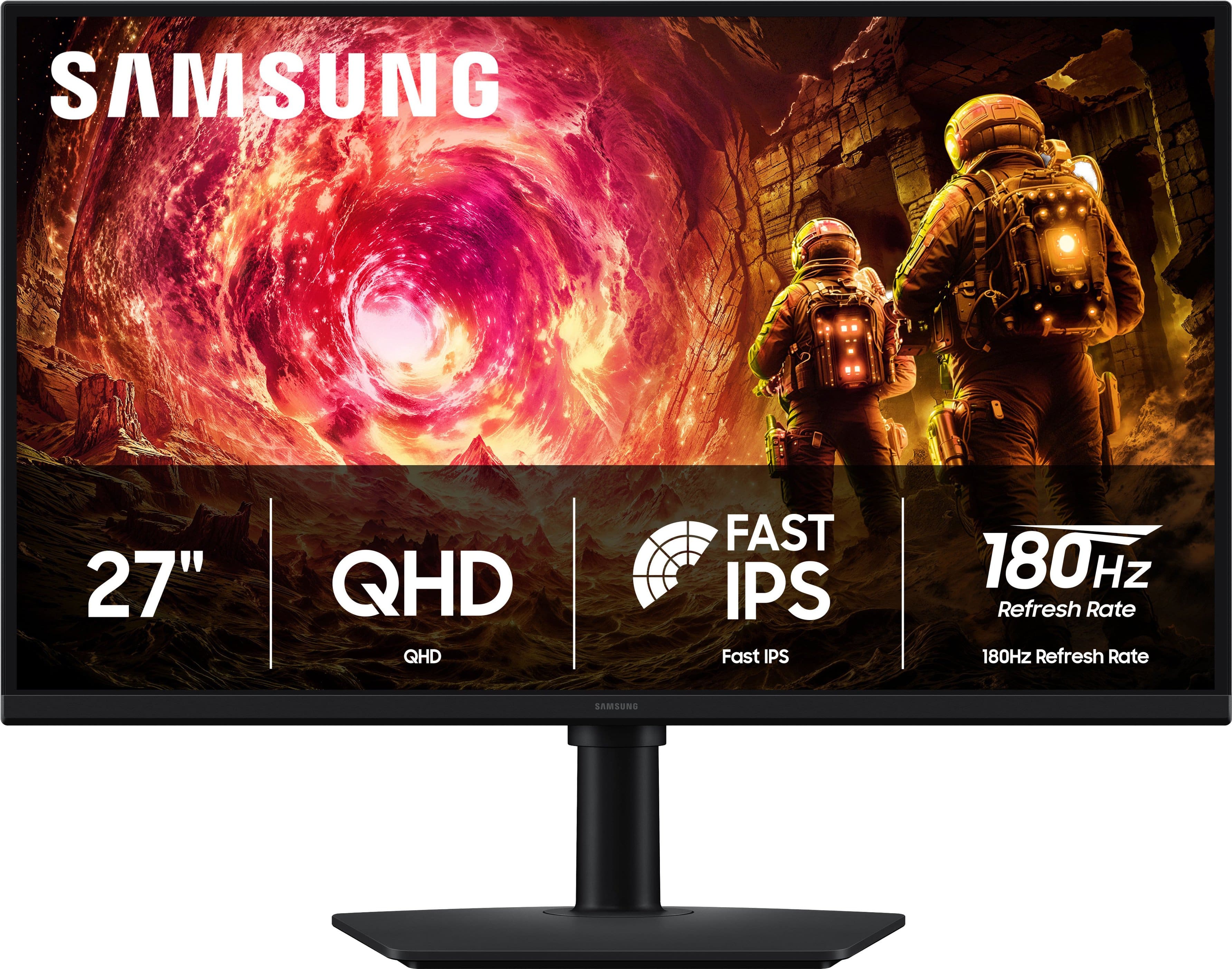
Samsung - 27" Odyssey G5 (G50F) QHD Fast IPS 180Hz 1ms G-Sync & FreeSync Compatible Gaming Monitor (DisplayPort, HDMI) - Black
SKU: JJGRF363TTGood screen nice and big clear easy to see and the people at Best Buy were great...great product and customer service...What an upgrade from my old monitor, picture is clean and crisp, had great time...
See all Gaming MonitorsProduct Description
A fast IPS QHD gaming monitor in black with 180Hz refresh rate, 1ms response, and HDR10 support.Your price for this item is $279.99 -
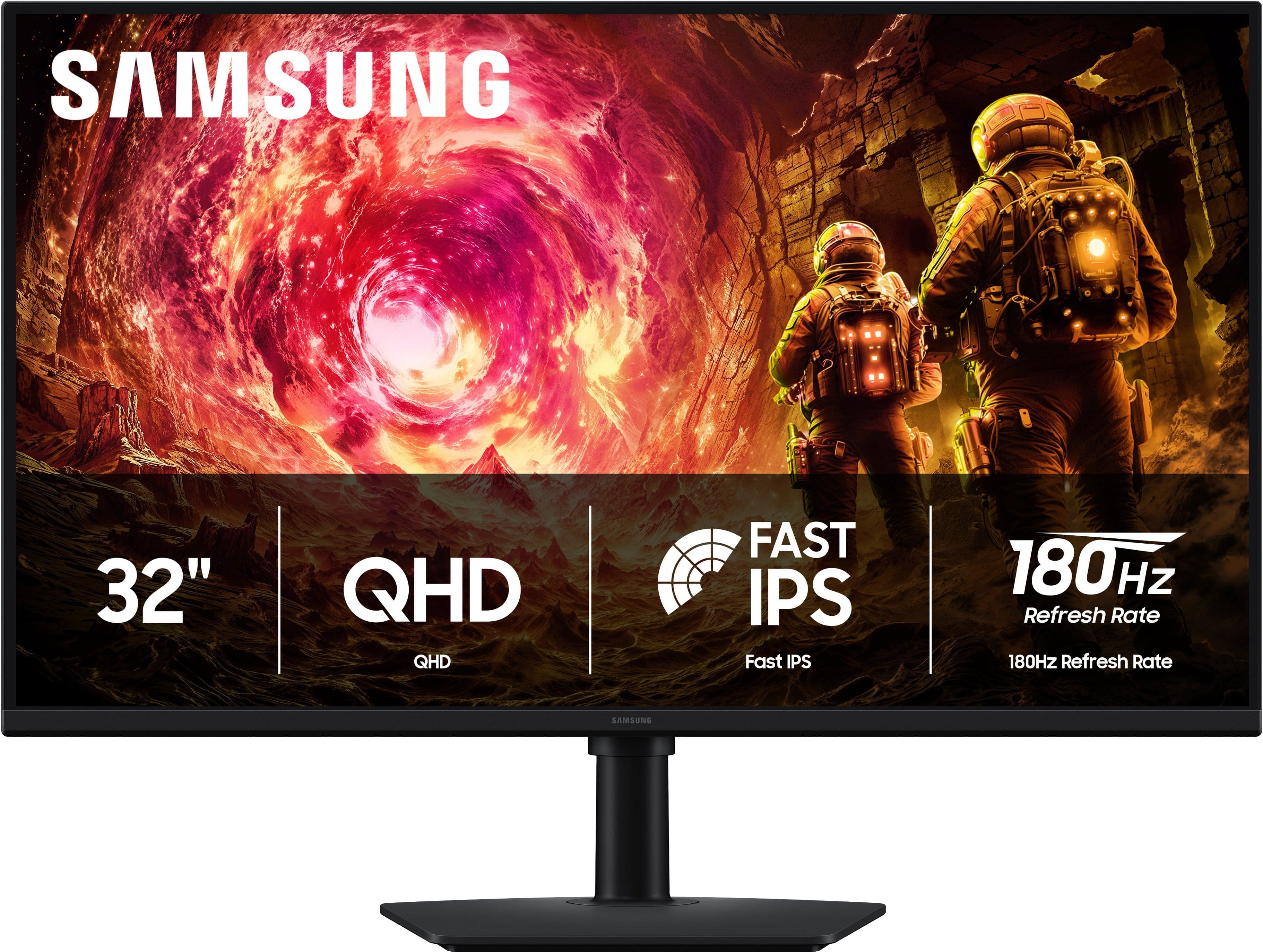
Samsung - 32" Odyssey G5 (G50F) QHD Fast IPS 180Hz 1ms G-Sync & FreeSync Compatible Gaming Monitor (DisplayPort, HDMI) - Black
SKU: JJGRF363Q8Great monitor!...Really great monitor! Build quality is solid....Screen is great and haven’t noticed any visual issues. I love it for work and gaming....Best Buy...Overall it’s a solid budget gaming monitor...
See all Gaming MonitorsProduct Description
A black QHD gaming monitor with 180Hz refresh rate, 1ms response, HDR10, and G-Sync/FreeSync support.Your price for this item is $219.99Save $130The previous price was $349.99 -
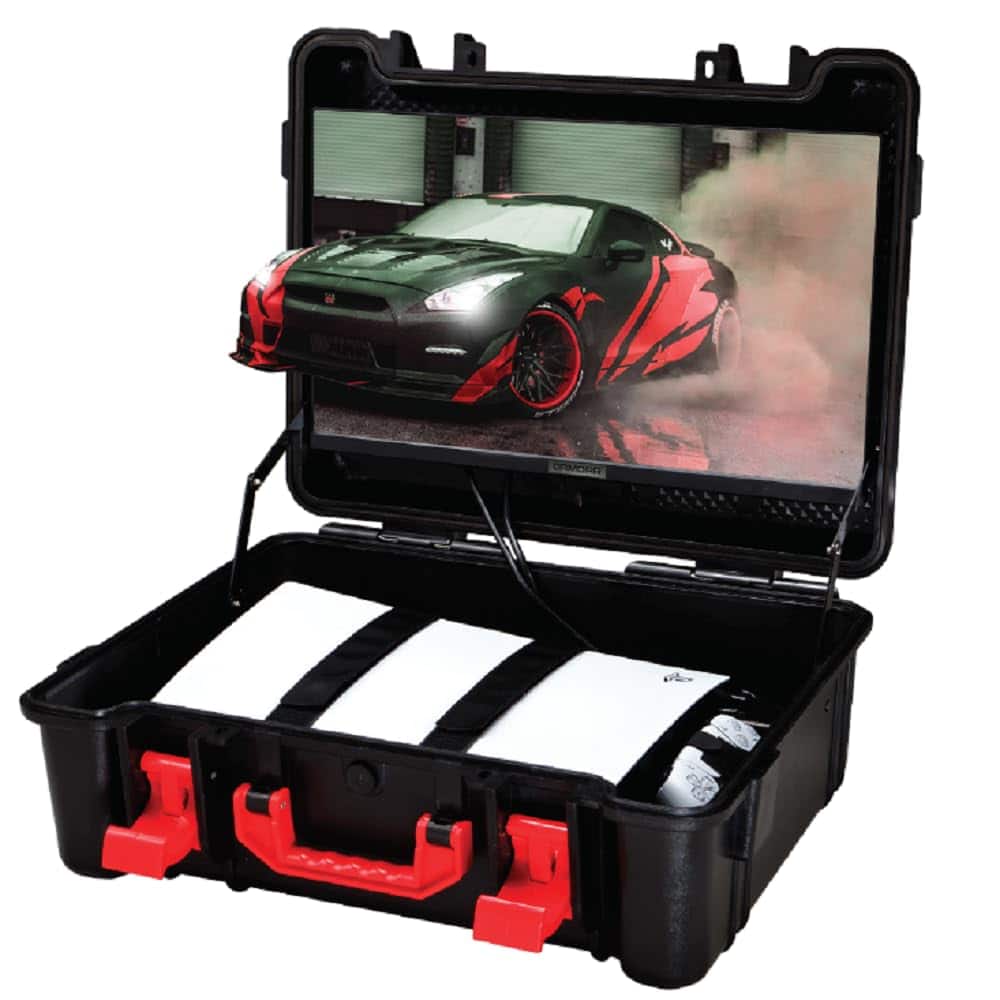
ARMORR - Gamersbox Portable Travel Case with 21.5” Monitor - Gaming Freedom, Plug & Play for PlayStation 4|5, Xbox S|X|One, PC - Black
SKU: CLXCKFT7CGSee all Video Game AccessoriesProduct Description
A black plastic portable travel case with a 21.5” FHD IPS monitor, compatible with major gaming consoles.Your price for this item is $349.99Save $50The previous price was $399.99

Best Sellers






Related Pages


FAQ
When choosing a gaming monitor for Xbox Series S, look for features like HDMI 2.1 compatibility, low input lag, fast refresh rates (ideally 120Hz), and support for variable refresh rate (VRR) technology to ensure smooth and responsive gameplay.
Yes, the Xbox Series S supports 1440p resolution, making it a great fit for monitors with a 2560 x 1440 (QHD) display. This allows for sharper visuals and a more immersive gaming experience compared to standard Full HD monitors.
HDR (High Dynamic Range) enhances color and contrast, providing more vivid and lifelike visuals. If you want to enjoy games with richer colors and deeper blacks, consider a gaming monitor that supports HDR10 for your Xbox Series S.
Xbox Series S supports AMD FreeSync technology, which helps eliminate screen tearing and stuttering. Look for monitors with FreeSync compatibility for the best experience. G-SYNC monitors may also work if they are FreeSync compatible, but it's best to check the monitor's specifications.
To connect your Xbox Series S to a gaming monitor, use a high-quality HDMI cable and plug it into the HDMI port on both the console and the monitor. Make sure your monitor is set to the correct input source, and adjust the Xbox's display settings for optimal performance.