Quiet Desktop Fans For Home Office
Quiet desktop fans for home office use can help create a comfortable, focused workspace. Designed to deliver a gentle breeze without disrupting your workflow, these fans help maintain a pleasant environment throughout your workday. Whether you’re tackling important projects or attending virtual meetings, a quiet desktop fan can help keep you cool and comfortable. Explore a range of options to find the ideal addition to your home office setup.
Read More-
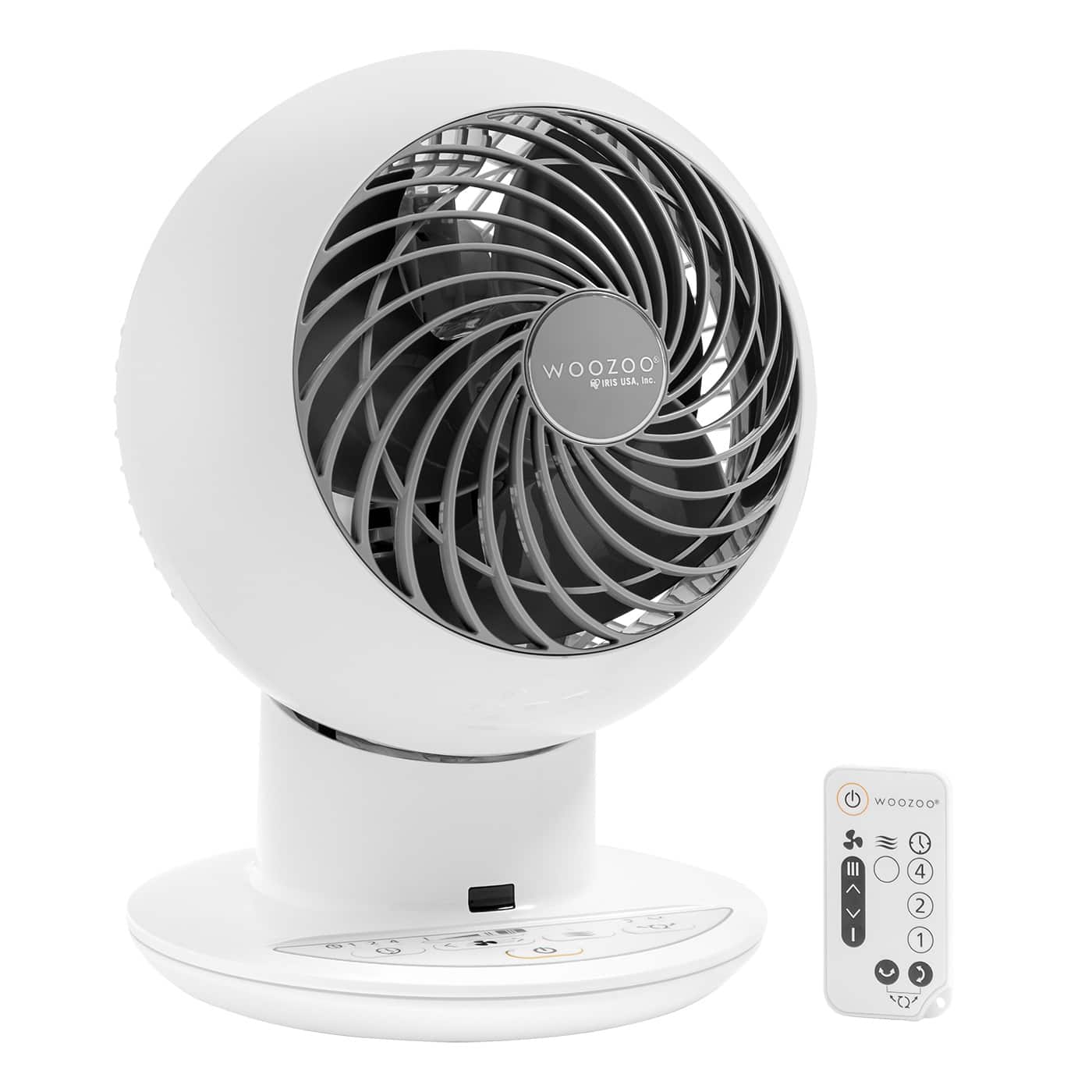
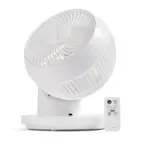
WOOZOO - Compact Globe Oscillating Fan w/ Remote - 5 Speed - White
SKU: JXV4393FWLGreat fan!...The best fan I have purchased! Love it....Once I read the reviews prior to purchasing I knew right away this was going to be a great purchase....Great fan...Love this fan!! Small but blows...
See all Desk FansProduct Description
A compact white oscillating fan with five speeds, remote control, timer, and ultra-quiet operation.$59.99 Your price for this item is $59.99 -
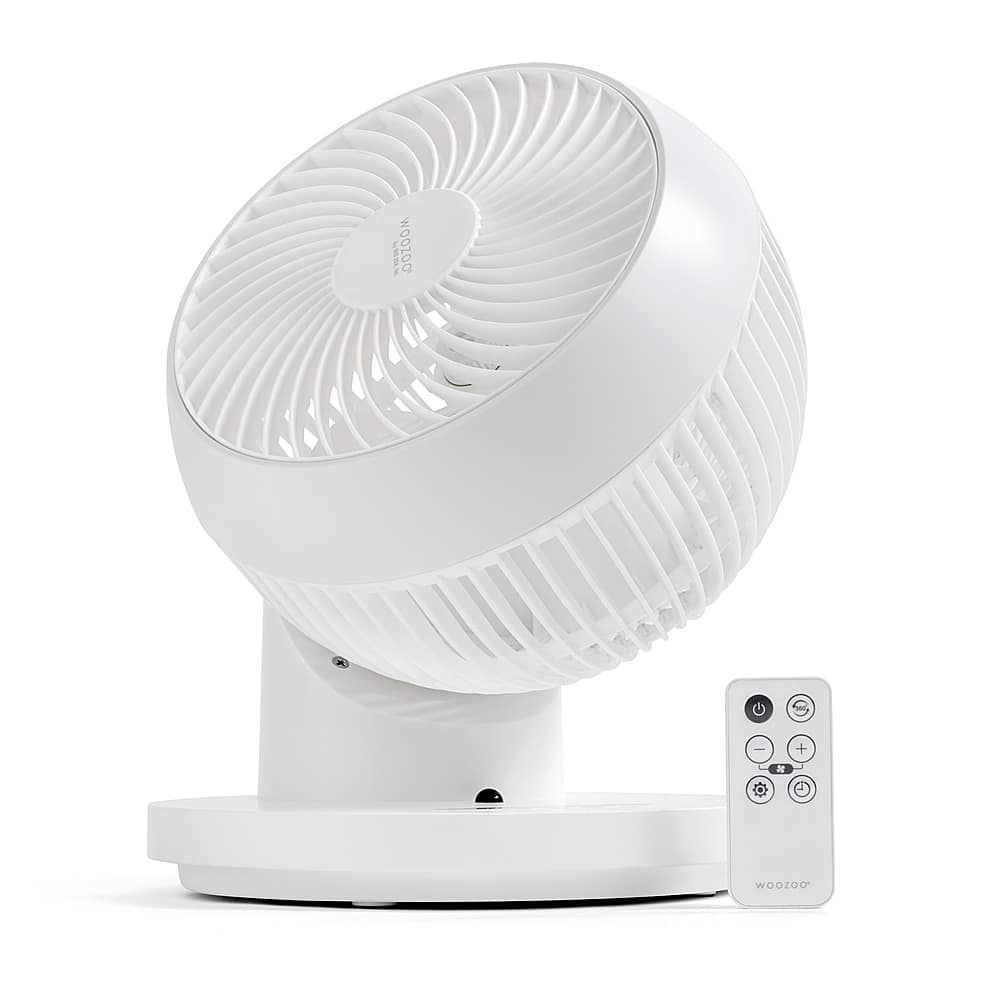
IRIS USA WOOZOO Fan with Remote, 360° Oscillating Fan, Desk Fan - White
SKU: JXV4398CYGSuch a great and versatile fan. Didn’t require any setup and it’s so easy to use....I love the various speeds it has. It’s great to keep near a workstation or a small room....Love the compact design....
See all Desk FansProduct Description
A white 360° oscillating desk fan with remote control, timer, and three adjustable airflow modes.$49.99 Your price for this item is $49.99 -
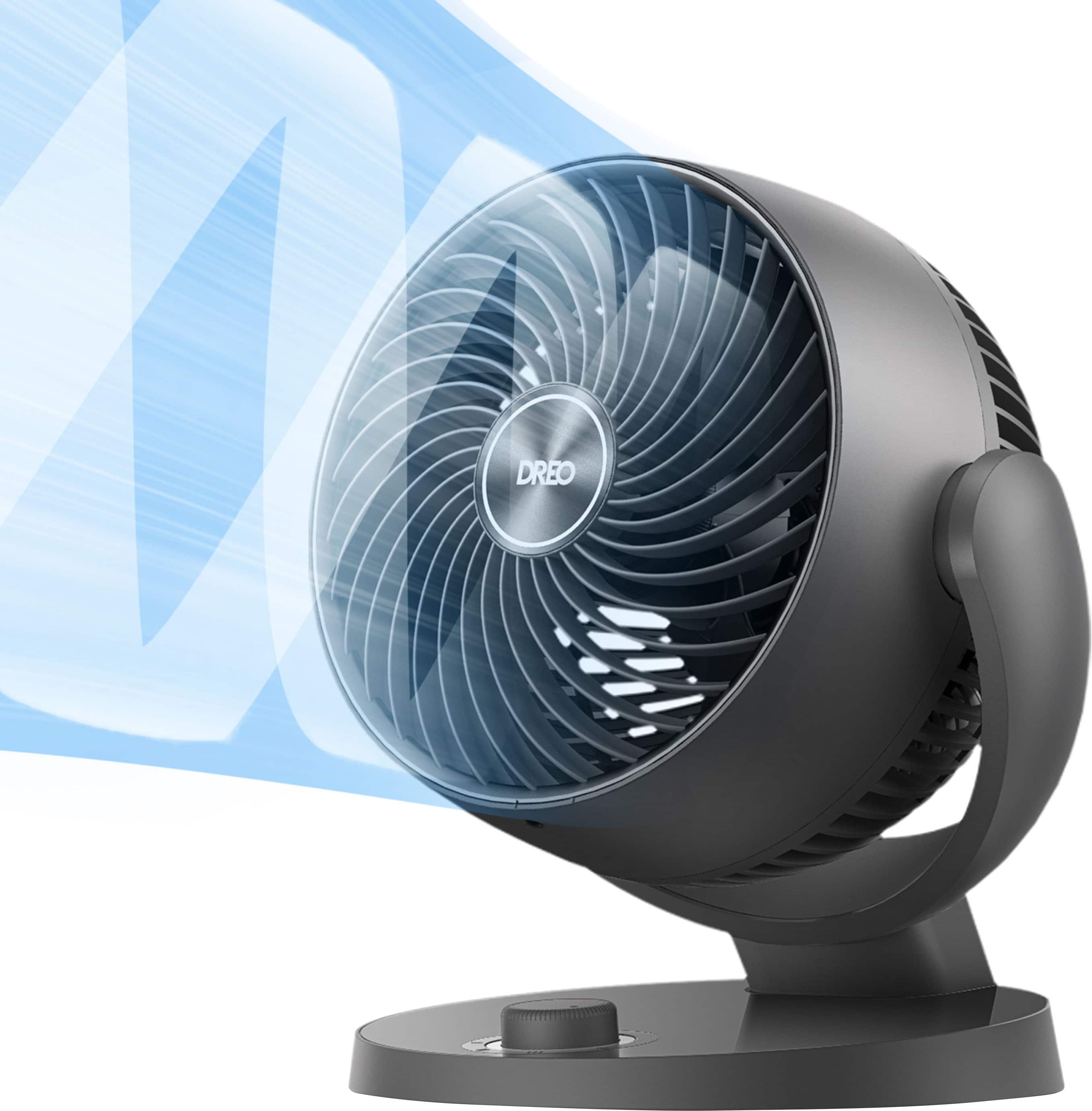
DREO - 70ft Powerful Airflow, 28db Quiet Table Air Circulator Fans for Whole Room, 120° Adjustable Tilt, 3 Speeds, CF409 - Gray
SKU: J3R84W8QSGGreat fan i love it i would definitely buy it again....Great fan...Very quiet operation and looks great. This is the best fan I have ever owned.
See all Desk FansProduct Description
A quiet grey table fan with 70ft airflow, 120° adjustable tilt, and three energy-saving speed settings.$44.99 Your price for this item is $44.99 -
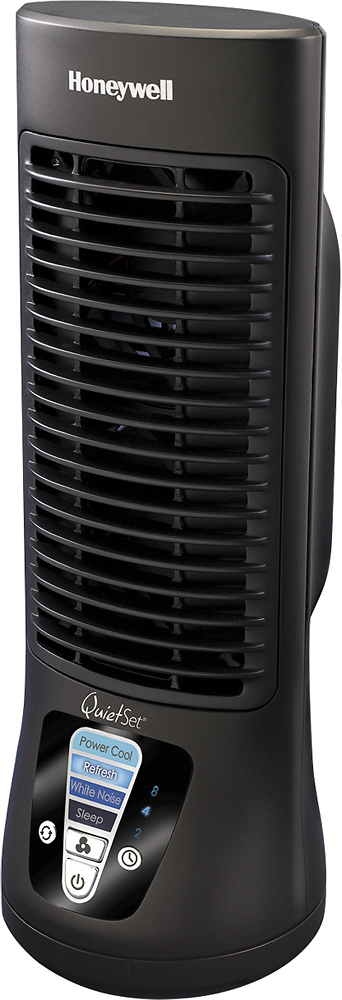
Honeywell Home - QuietSet 13" Personal Fan - Black
SKU: J7Q3QQR2YGI love the minimal branding and modern design....Great tabletop fan
See all Desk FansProduct Description
A compact black oscillating fan with four quiet speeds, ideal for desktops or bedside tables.$36.16 Your price for this item is $36.16Save $20Was $56.24The previous price was $56.24 -
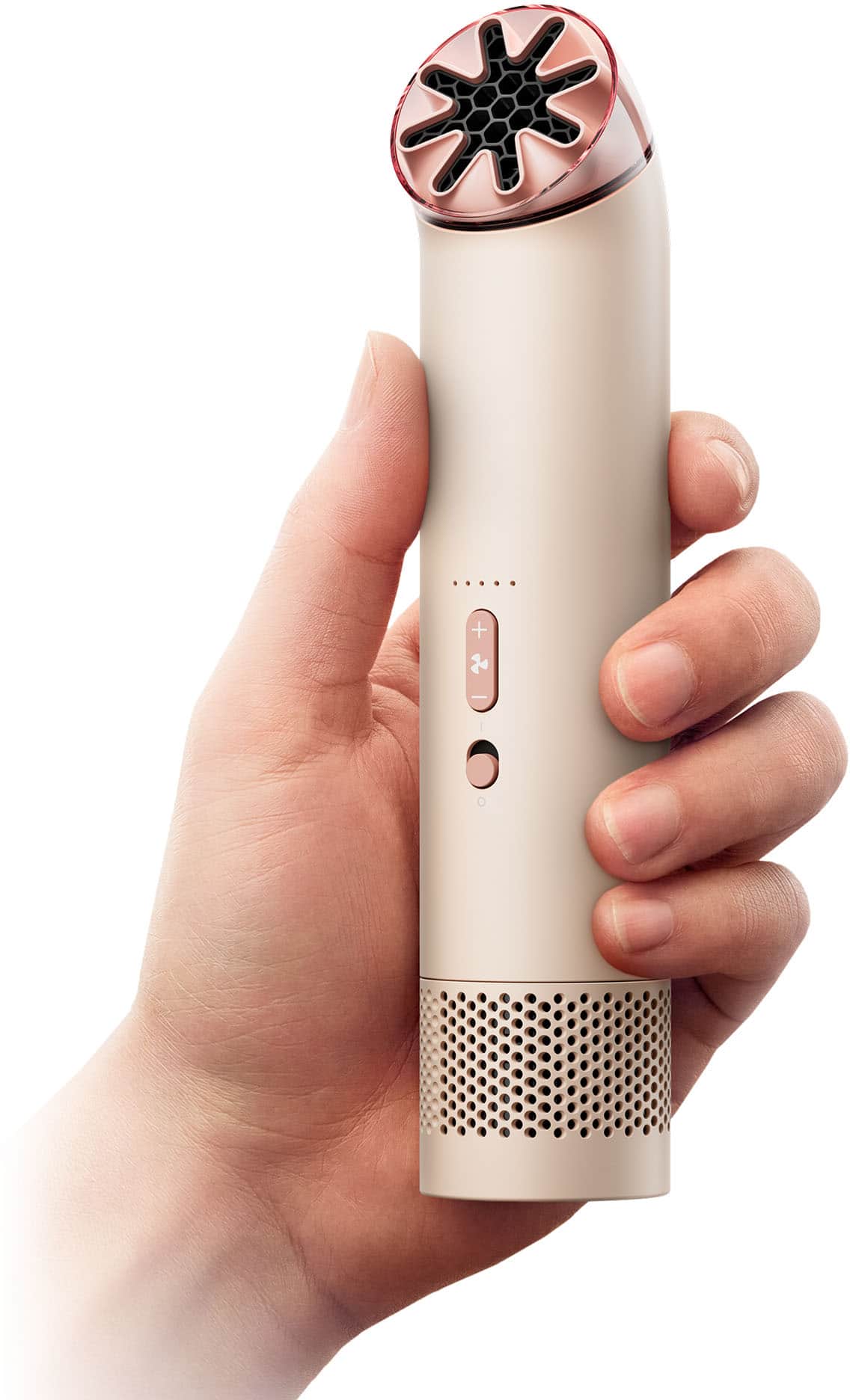
Dyson - HushJet Mini Cool Fan w/ Accessories - Stone / Blush
SKU: J3ZCSY2F4TThe Dyson fan is probably one of the best on the market as of right now. Great for the lake...Love my new fan great for outdoor events when hot....Definitely a must get to keep cool love it awesome
See all Desk FansProduct Description
A compact, rechargeable fan in stone and blush that offers quiet, powerful cooling with six speed settings.$99.99 Your price for this item is $99.99 -
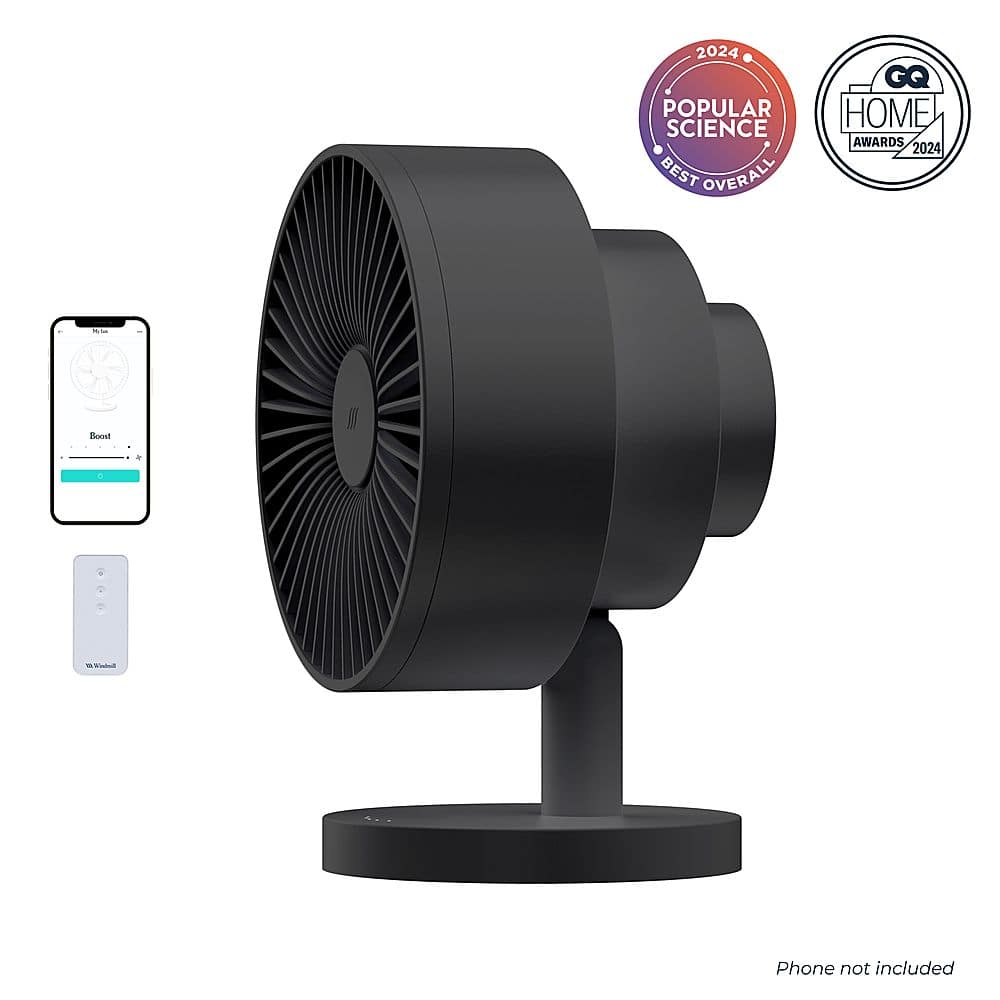
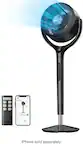
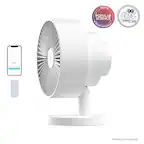
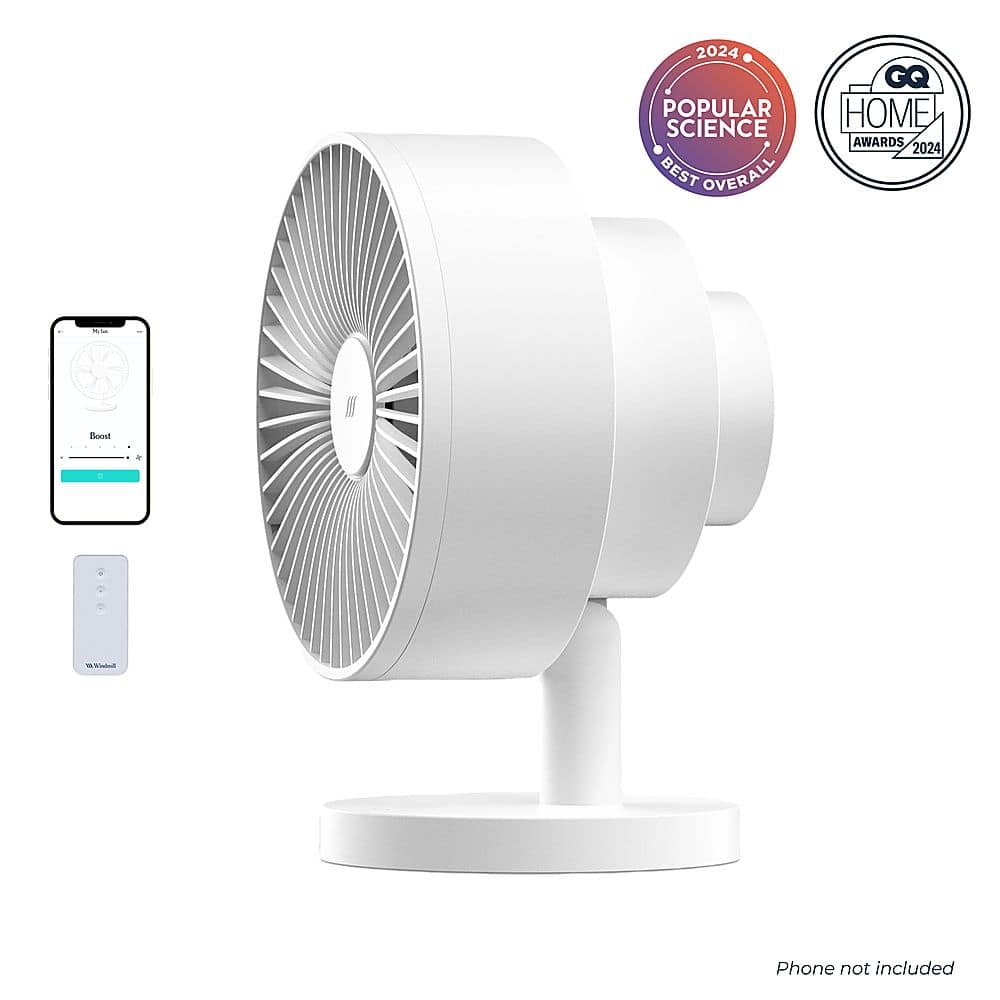
Windmill - Smart Whisper-Quiet Air Circulator and Fan with 5 speeds and Remote - White
SKU: J3Q5RG4SGXWe love the fan. It circulates air great. Very satisfied with our Windmill products....LOVE this fan. Modern and so quiet. Best of all, easy to keep clean!...LOVE this fan. Modern and
See all Desk FansProduct Description
A whisper-quiet white air circulator and fan with five speeds, adjustable tilt, timer, and remote control.$59.99 Your price for this item is $59.99Save $20Was $79.99The previous price was $79.99 -
Windmill - Smart Whisper-Quiet Air Circulator and Fan with 5 speeds and Remote - Black
SKU: J3Q5RG4SLTTHE BEST!!...i love my fan!!...it keeps my entire living room cool, and it amazes me how quiet it is, even on the highest mode. i love...the range of settings, and the fact that it has a remote and pairable...
See all Desk FansProduct Description
A smart, ultra-quiet black air circulator with five speeds, adjustable tilt, timer, and remote control.$59.99 Your price for this item is $59.99Save $20Was $79.99The previous price was $79.99 -
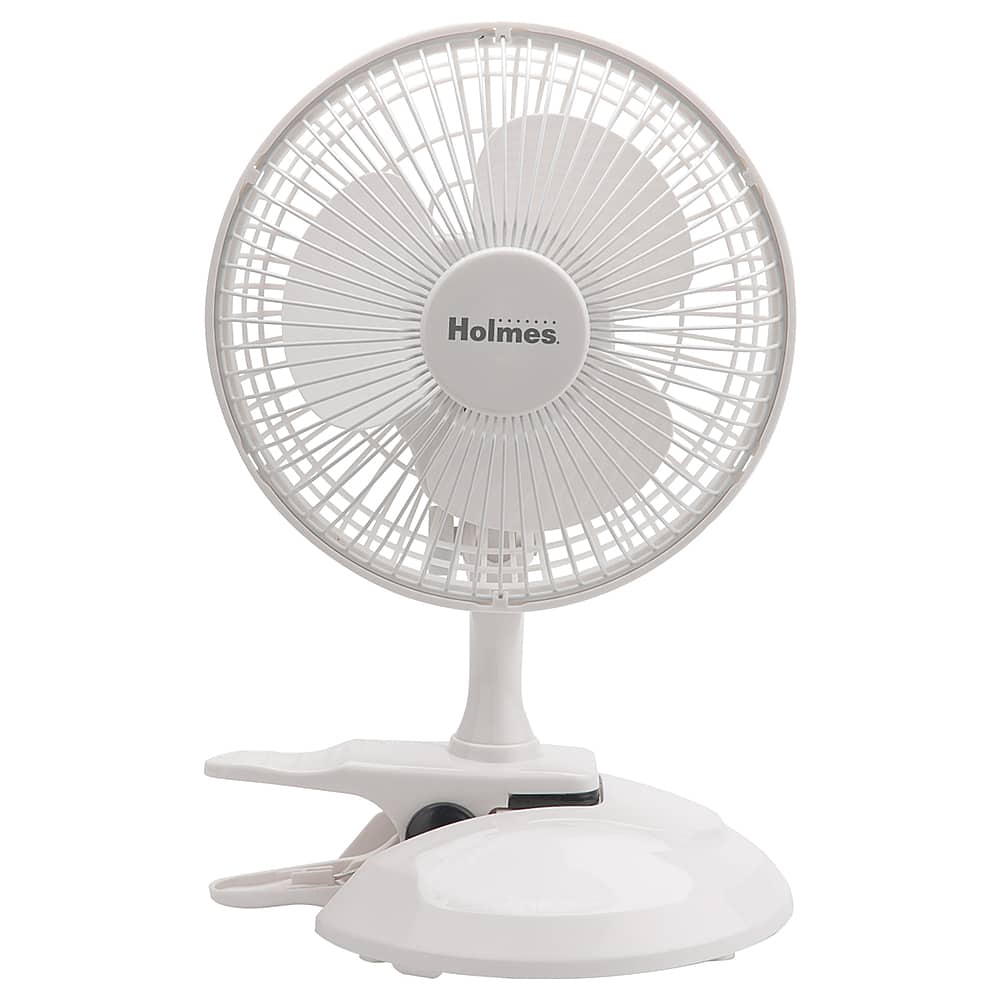
Holmes - 6 in. Convertible Desk & Clip Fan - White
SKU: J7L78WWZCKSee all Desk FansProduct Description
A versatile white plug-in fan with adjustable tilt, two speeds, and convertible desk or clip-on design.$36.99 Your price for this item is $36.99 -
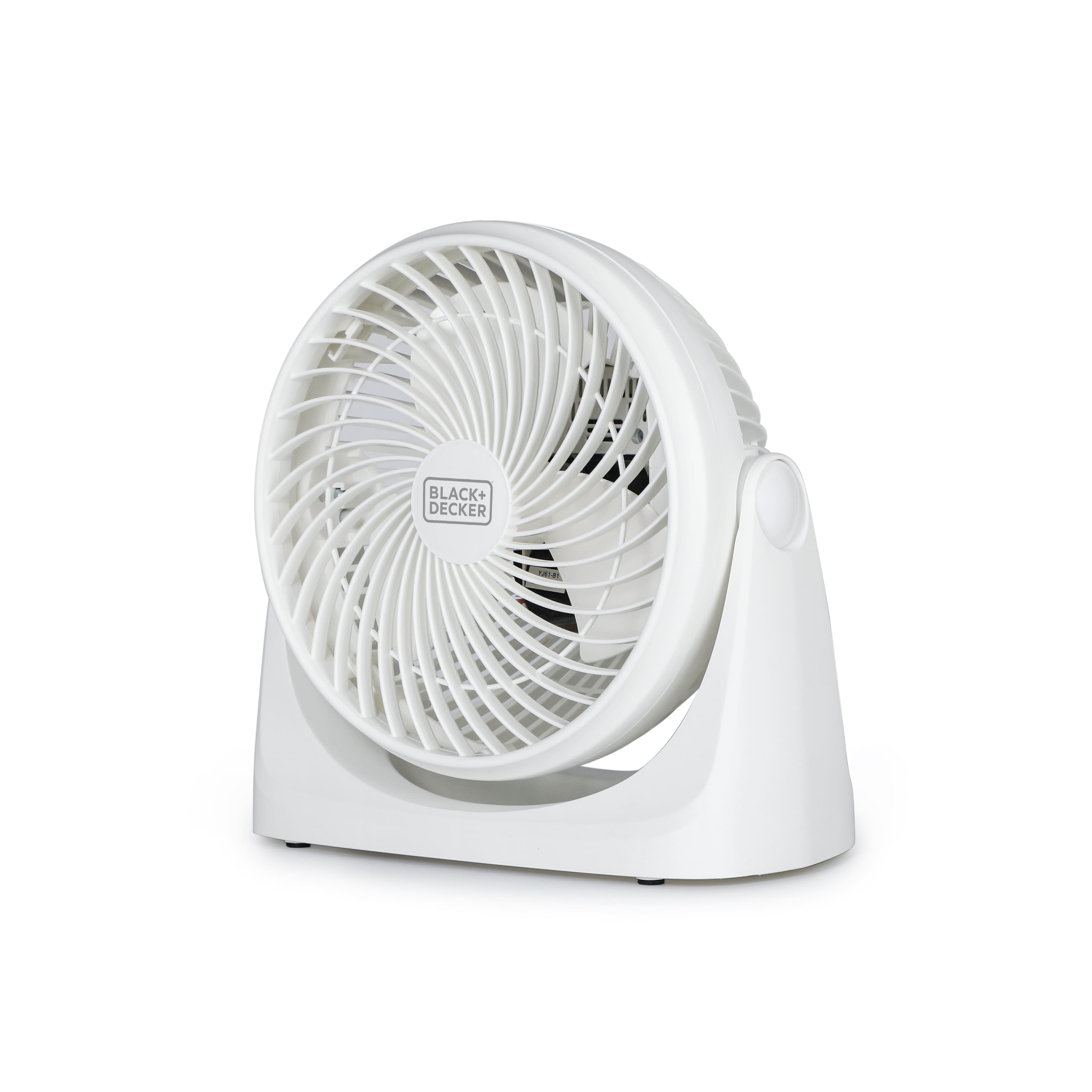
Black+Decker - 7" Portable Turbo Fan, 3-Speed Personal Desktop Fan with 90° Tilt Head for Bedroom or Office Cooling, BFTU107W - White
SKU: J3GW7QQSHQSee all Desk FansProduct Description
A white portable desktop fan with three speeds and a 90° tilt head for customizable cooling.$31.99 Your price for this item is $31.99 -
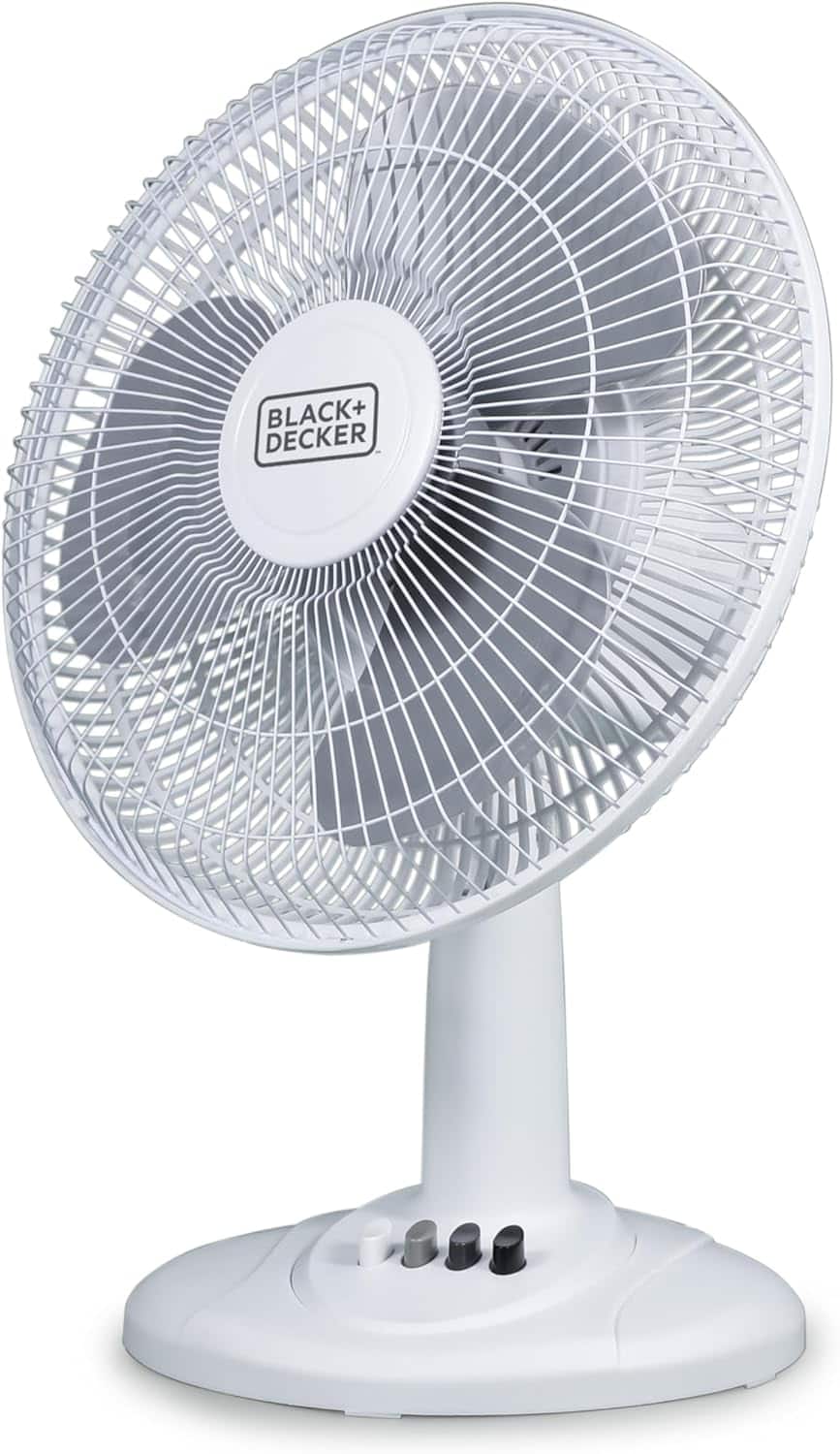
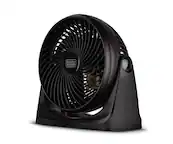
Black+Decker - Desk Fan for Home and Office, 12 inch Fan with 3 Speed Settings - White
SKU: J3GW7QQ9HRLove it! Hoping will last a long time :)...Great Little Fan...Very stylish and runs great!!
See all Desk FansProduct Description
A white ABS plastic desk fan with three speed settings, oscillating design, and adjustable vertical tilt.$41.99 Your price for this item is $41.99
- 1
- 2
- ...
- 19
Quiet desktop fans for a home office can make a noticeable difference when a room feels warm, still or uncomfortable, without adding another distraction to the workday. These compact fans are designed to sit on a desk, shelf, filing cabinet or nearby table and deliver a personal stream of air where you need it most. They can help ease the stuffiness that builds around a computer, keep air moving in a small office or provide a gentle breeze near a reading chair, craft area or study space. During the warmer part of the year, a quiet fan can be especially useful when you want more comfort without lowering the thermostat for the entire home. As the weather cools, it may still be helpful in rooms that hold heat from computers, monitors, lamps or afternoon sunlight. The best quiet desktop fan for your space depends on the size of the room, the distance between the fan and your seat, and how much control you want over the airflow. A compact model may be ideal for a small desk beside a laptop, while a larger desk fan or air circulator can move air across a home office, shared workspace or bedroom. Fans with multiple speed settings make it easier to shift from a barely noticeable breeze during a video call to stronger circulation when the room feels warm. Look for controls that are easy to reach but unlikely to be bumped accidentally, particularly if the fan will sit beside notebooks, a keyboard or other equipment.
Noise level is one of the most important considerations when choosing a fan for focused work. A fan’s sound can come from the motor, the blade design, the movement of air and the surface beneath it, so a published decibel rating is useful but does not tell the entire story. Lower decibel figures generally indicate a quieter operating sound, while a deeper, steady hum may be easier to ignore than a high-pitched whir that rises and falls. Quiet desktop fans with low-speed or sleep settings can provide background airflow without competing with spoken instructions, music, podcasts or online meetings. A stable base with rubber feet can help reduce vibration on a hard desk, and a well-balanced design is less likely to rattle as it runs. Adjustable tilt lets you aim air toward your face, shoulders or hands instead of cooling an empty part of the room. Oscillation is useful when more than one person shares the workspace or when you want to circulate air across a broader area, while a stationary fan is often preferable for direct, personal cooling. Consider the size and shape of the fan as well. A smaller unit leaves room for a mouse, planner and coffee mug, and some ultra-compact models can fit beside a laptop without taking over the workspace or scattering loose papers. Larger blades and stronger motors may offer greater reach, but they also need more clearance and can produce a stronger breeze than is comfortable at close range. USB-powered designs are convenient for desks with a computer, docking station or power bank nearby, while wall-powered models may provide more consistent airflow for longer periods. Check the cable length, plug type and available outlets before choosing a fan, especially if your desk is positioned away from the wall.
Quiet desktop fans can suit remote workers, students, gamers, crafters, readers and anyone who spends long stretches at a desk. They are also practical for a home office shared by people with different comfort preferences: one person can enjoy a personal breeze without making the entire room cold. A fan placed near a monitor can help keep the air around a workstation from feeling stagnant, though it should always be positioned securely and kept clear of vents, cords and drinks. For video calls, aim the airflow slightly to the side rather than directly into a microphone, loose documents or your face; this can keep the breeze comfortable while minimizing movement and background sound. A quiet desktop fan can make a thoughtful gift for a college student setting up a dorm or apartment workspace, a family member working from home, or someone building a more comfortable study nook. It is also a useful choice for a seasonal care package because it takes up little space and can be used at a desk, bedside table or craft station. If the fan will be used for rest as well as work, compare sound settings, timer functions and the range of available airflow. Shoppers looking for a similar low-noise experience beyond the office can also browse Quiet Bedroom Fans for Sleeping. Across the available recommendations, prioritize a quiet motor, dependable controls, a stable footprint and airflow that matches the size of your workspace. Easy cleaning is valuable too: removable front grilles or accessible blades make it simpler to clear away dust that can collect during everyday use. A fan that fits naturally beside your existing equipment, runs comfortably at the speed you prefer and does not interrupt concentration is more likely to become a lasting part of your home office routine.
Best Sellers
Related Pages
FAQ
When choosing a quiet desktop fan for your home office, consider features such as multiple speed settings, oscillation, adjustable tilt, compact design, and energy efficiency. Some models also offer timer functions and remote controls for added convenience.
Quiet desktop fans typically use specially designed blades, brushless motors, and advanced airflow technology to minimize operational noise while maintaining effective air circulation. These design elements help keep the fan running smoothly and quietly.
Yes, some quiet desktop fans come with added features such as built-in air purifiers or humidifiers. These multifunctional devices can help improve air quality and comfort in your home office while keeping noise levels low.
Many modern quiet desktop fans offer remote controls or are compatible with smart home systems. This allows you to adjust settings such as speed and oscillation from your smartphone or voice assistant for greater convenience.
To keep your quiet desktop fan running efficiently, regularly dust the exterior and clean the blades according to the manufacturer's instructions. Some models have removable grills or blades for easier cleaning. Always unplug the fan before performing any maintenance.