S Video Cable
-
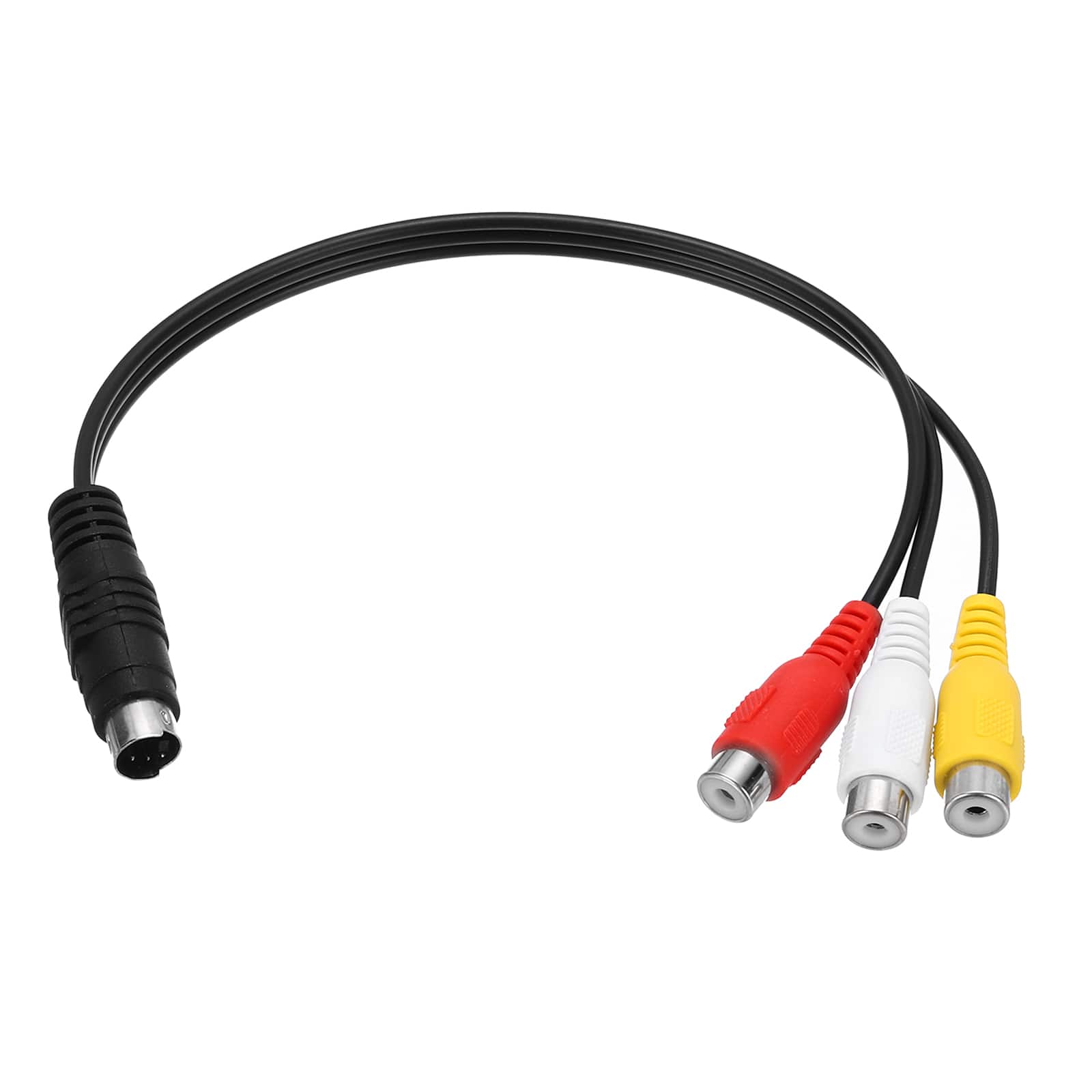
Unique Bargains - 0.8ft S Video Cable 4 Pin S-Video Male to 3 RCA Female Composite Adapter for TV Monitor - Black
SKU: JXYW8G6WVVSee all Monitor & Video CablesProduct Description
A black S-Video to 3 RCA female composite adapter cable for connecting TVs, monitors, and projectors.Your price for this item is $10.99 -
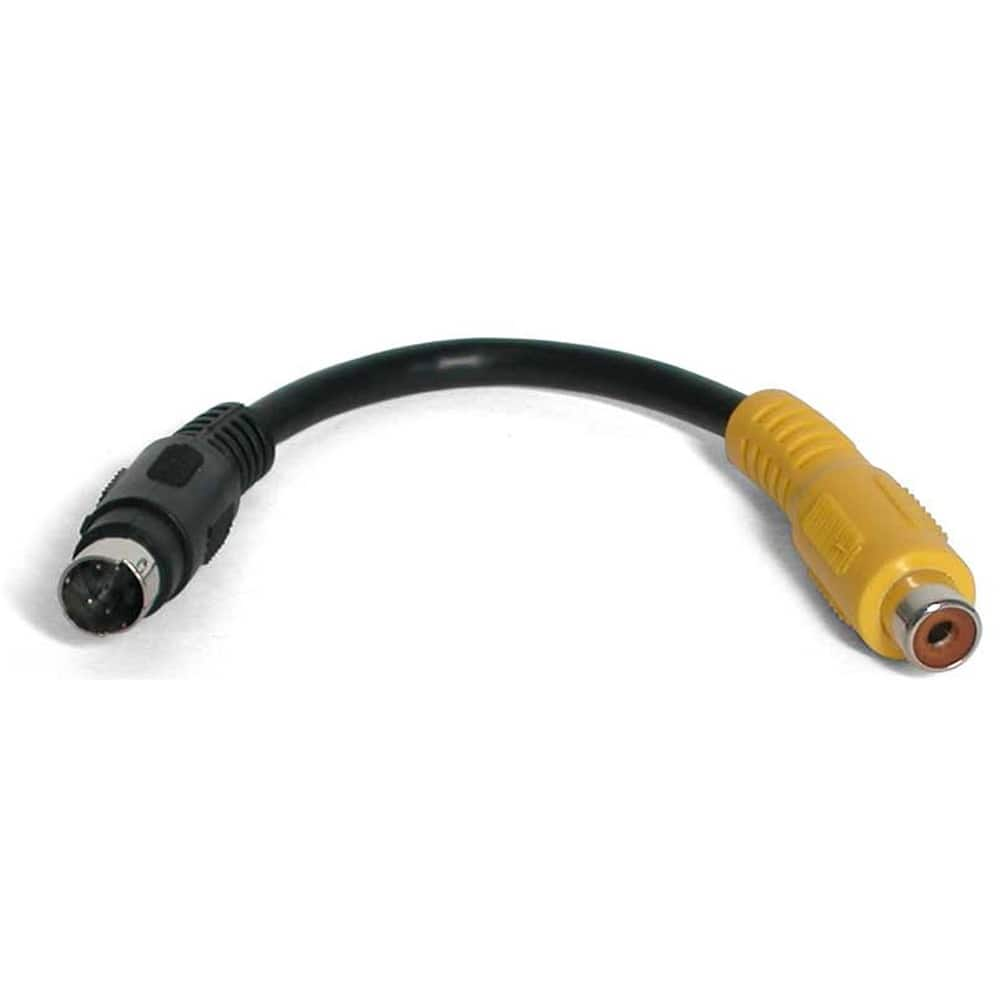
StarTech.com - S-Video to Composite Video Adapter Cable
SKU: J7PHY2ZV3TSee all Monitor & Video CablesProduct Description
An adapter cable with a 4-pin mini-DIN S-Video male and RCA female connector for video conversion.Your price for this item is $21.09 -
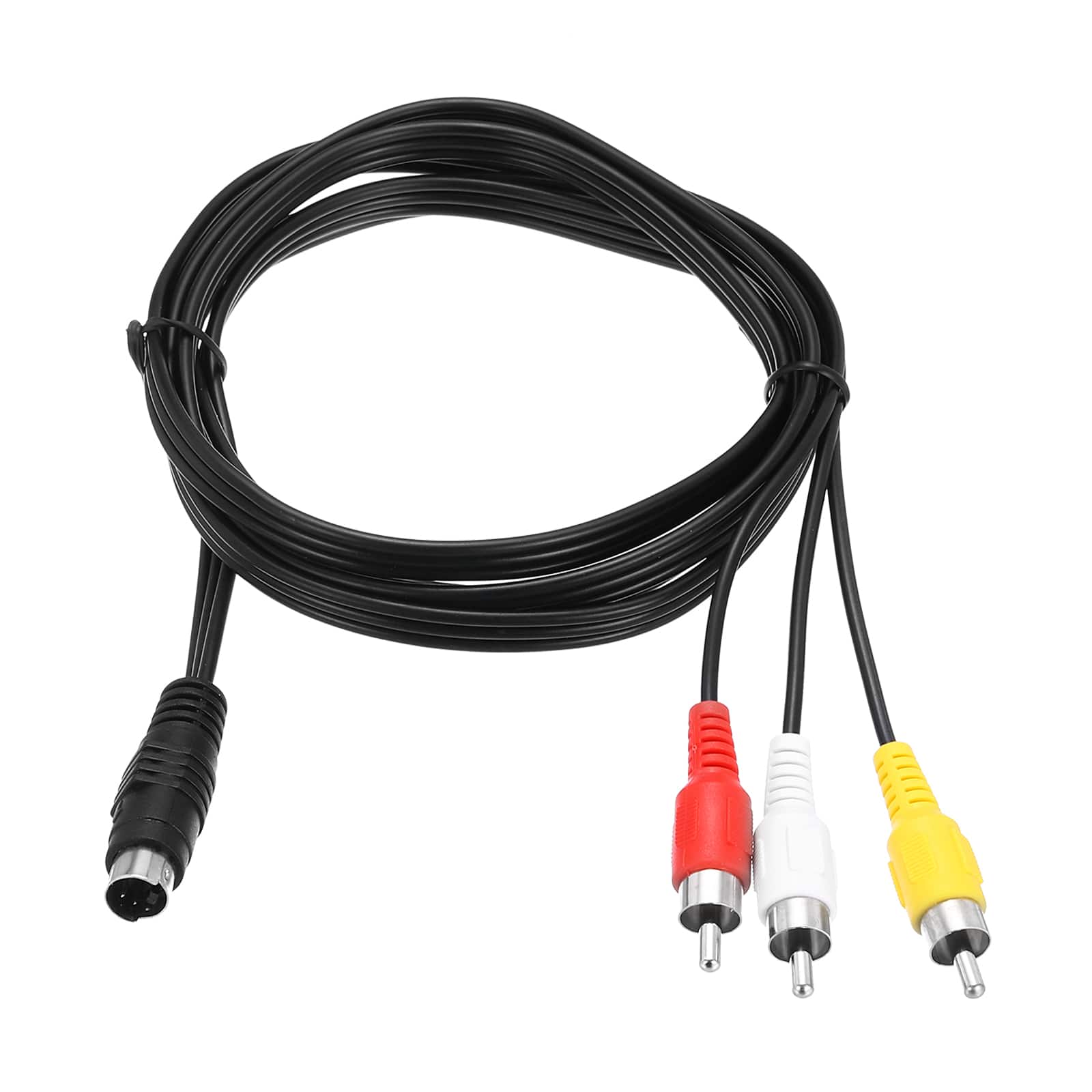
Unique Bargains - 5ft S Video Cable 4 Pin S-Video Male to 3 RCA Male Composite Adapter for TV Monitor - Black
SKU: JXYW8G6WVGSee all Monitor & Video CablesProduct Description
A black 5ft cable that connects 4-pin S-Video to 3 RCA male composite for video devices.Your price for this item is $10.99 -
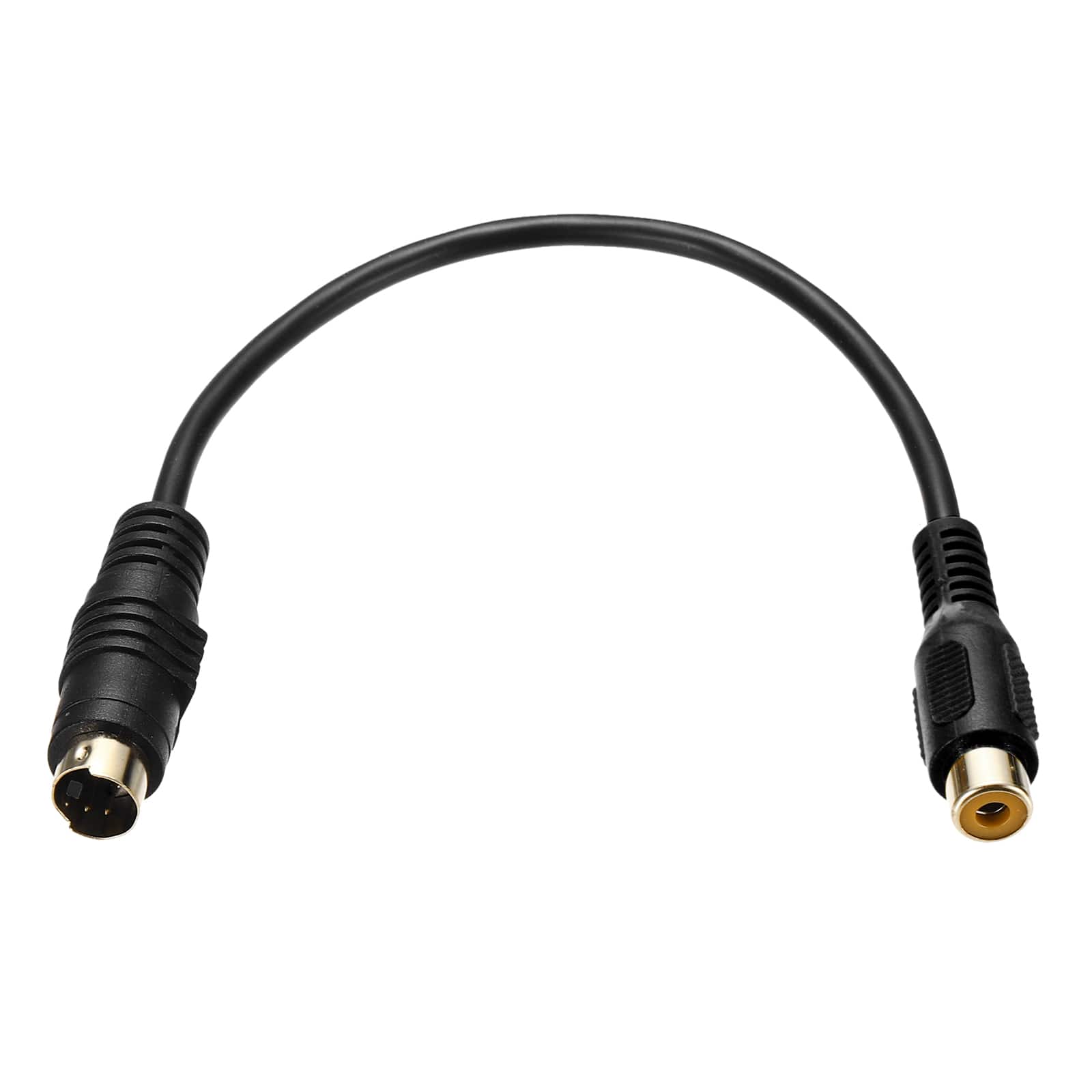
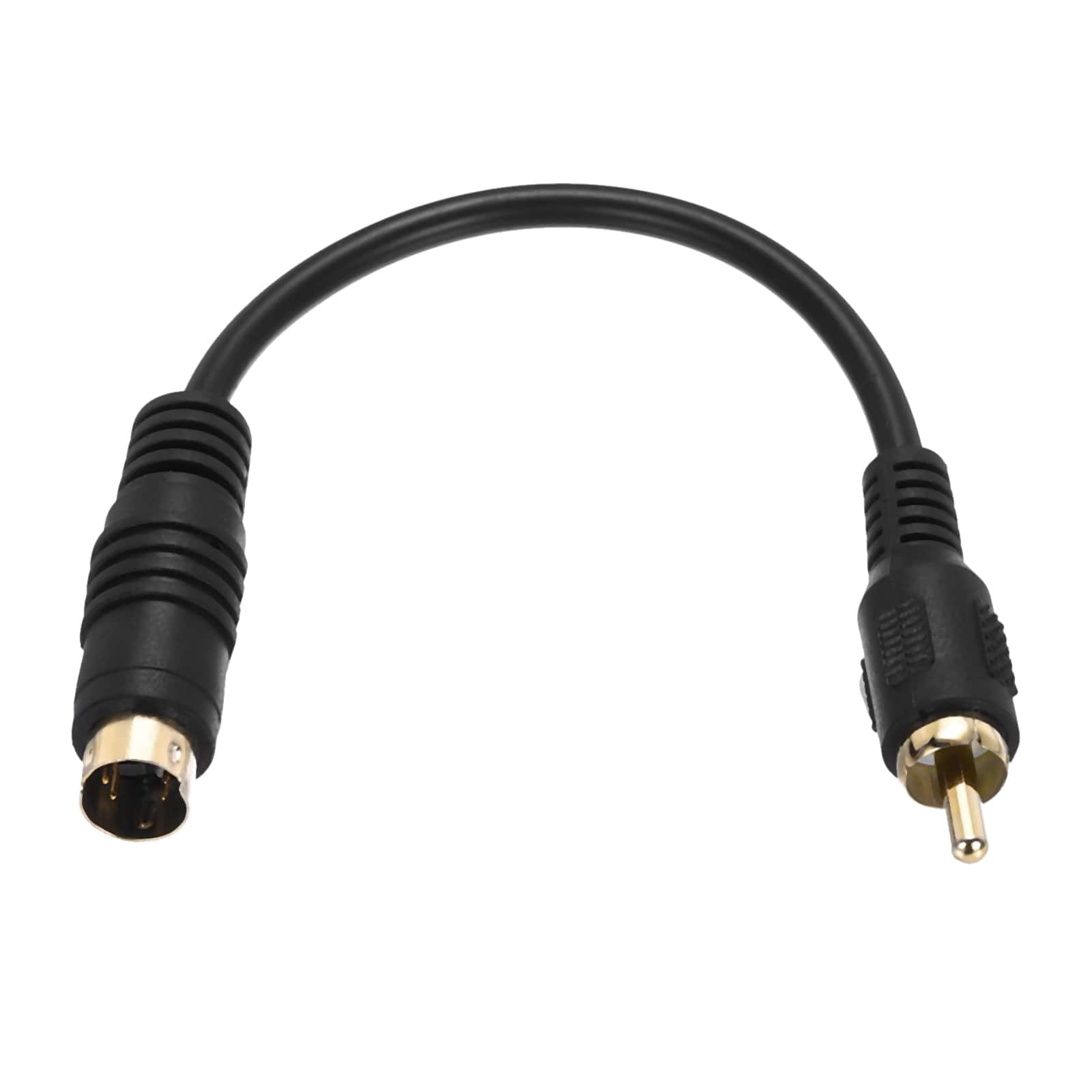
Unique Bargains - 0.5ft S Video Cable 4 Pin S-Video Male to RCA Female Composite Adapter for TV Monitor - Black
SKU: JXYW8G6KJXSee all Monitor & Video CablesProduct Description
A black S-Video male to RCA female adapter cable for seamless video transmission between various devices.Your price for this item is $11.49 -
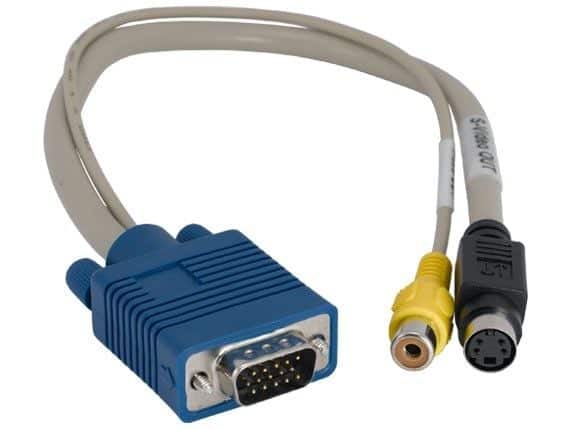
Sanoxy - 2 Pack of 1ft VGA Male to S-Video Female and RCA Female Cable - Multi
SKU: B8SKTQ6G59See all Monitor & Video CablesProduct Description
A multi-colored cable set that connects VGA-equipped PCs to TVs via S-Video or RCA female outputs.Your price for this item is $16.99 -
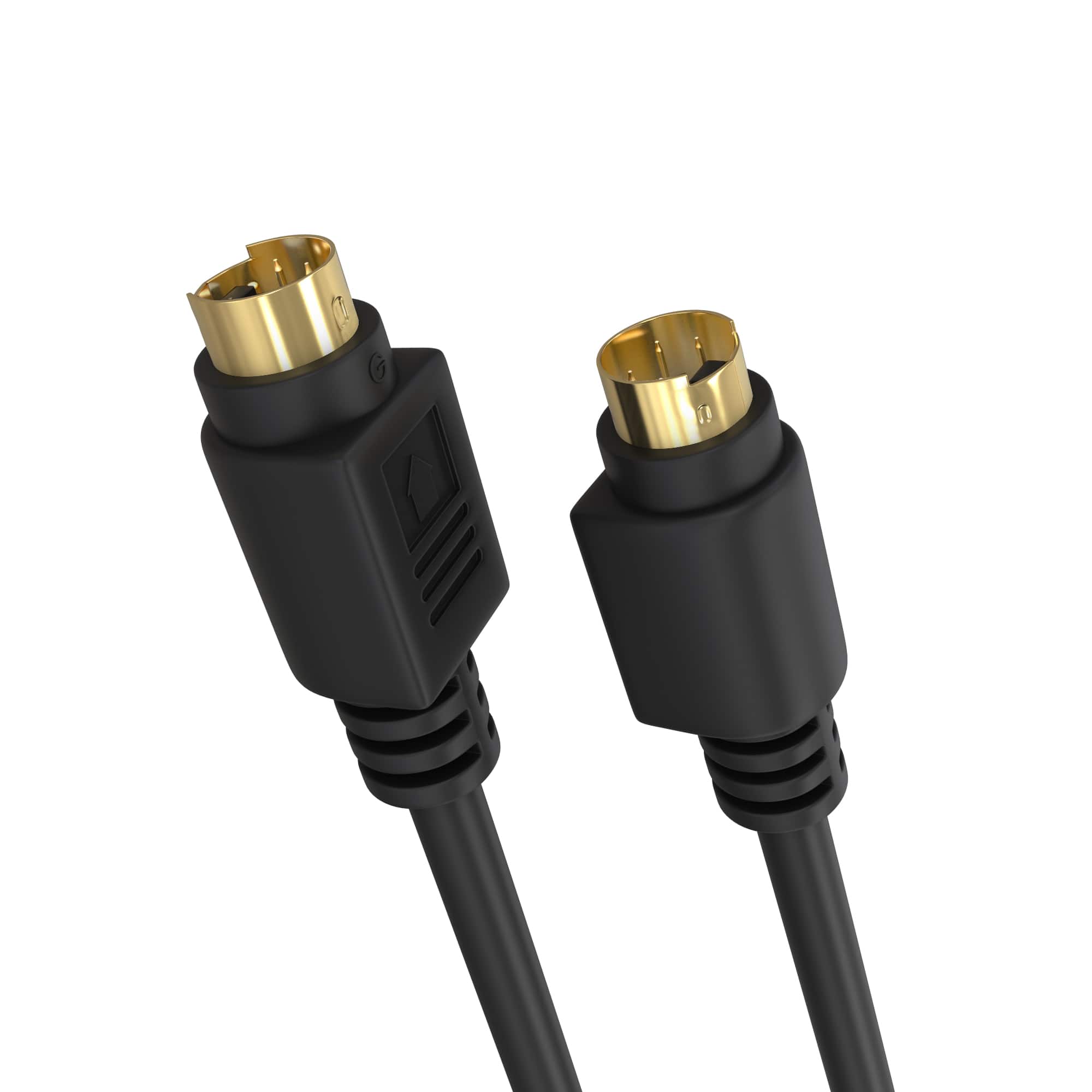
Cmple.com - Cmple - S Video Cable 6 ft SVHS 4-PIN Video Cable Mini Din S-Video Cord for Camcorder, DSS Receiver - Black
SKU: J3RLGT6XHKSee all Monitor & Video CablesProduct Description
A black dual-shielded S-Video cable with gold-plated connectors and flexible PVC jacket for legacy video connections.Your price for this item is $9.49 -
Cmple.com - Cmple - S Video Cable 3 ft SVHS 4-PIN Video Cable Mini Din S-Video Cord for Camcorder, DSS Receiver - Black
SKU: J3RLGT6XHCSee all Monitor & Video CablesProduct Description
A black, dual-shielded S-Video cable with gold-plated 4-pin Mini-DIN connectors and flexible PVC jacket delivers video.Your price for this item is $8.49 -
Cmple.com - Cmple - S Video Cable 12 ft SVHS 4-PIN Video Cable Mini Din S-Video Cord for Camcorder, DSS Receiver - Black
SKU: J3RLGT6XTJSee all Monitor & Video CablesProduct Description
A black PVC S-Video cable with 4-pin male connectors, gold-plated contacts, and dual shielding for clearer video signals.Your price for this item is $11.99 -
Unique Bargains - 2pcs 0.56ft S Video Cable 4 Pin S-Video Male to RCA Male Composite Adapter for TV Monitor - Black
SKU: JXYW8G6K79See all Monitor & Video CablesProduct Description
A set of two black cables connecting 4-pin S-Video male to RCA male for video transmission.Your price for this item is $8.32 -
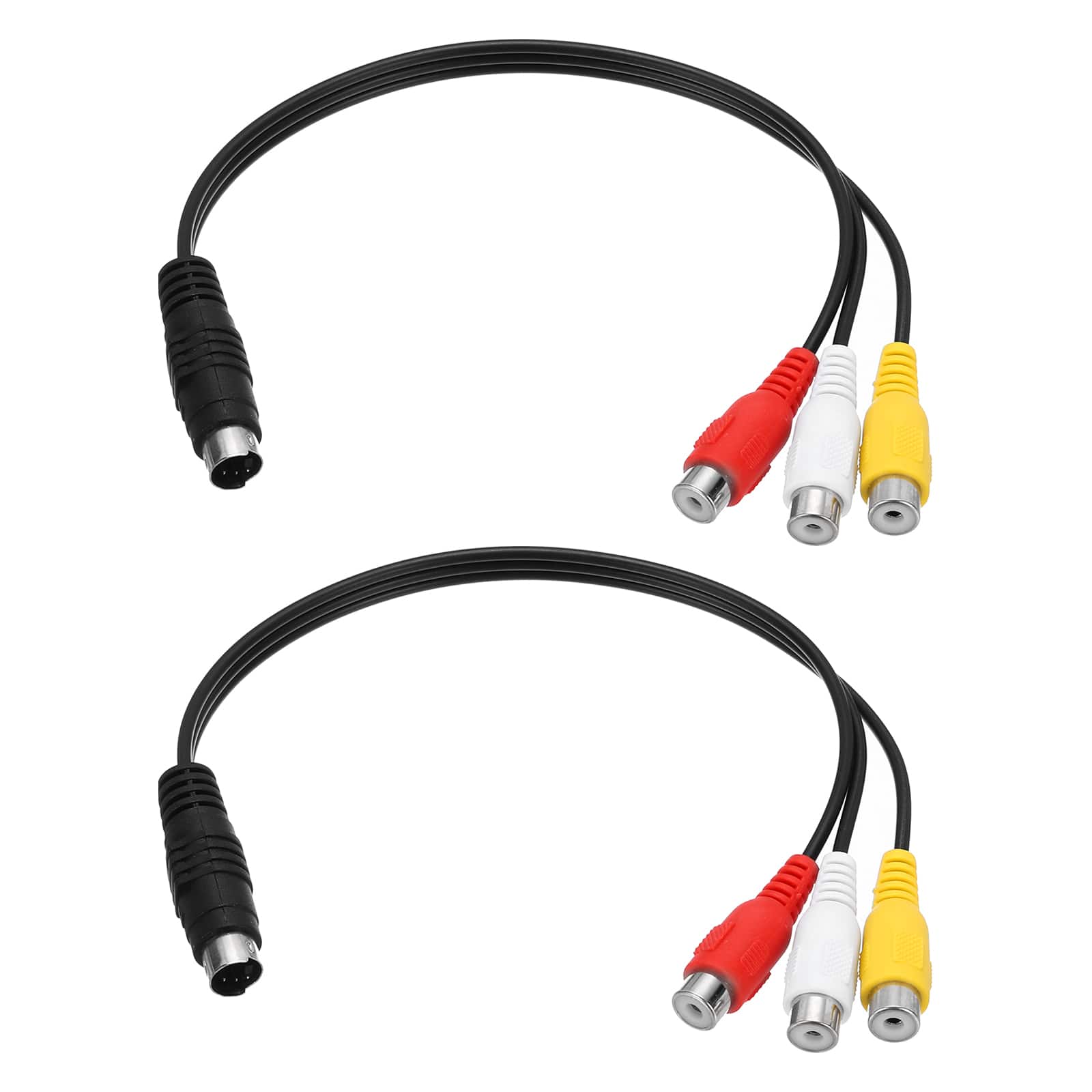
Unique Bargains - 2pcs 0.9ft S Video Cable 4 Pin S-Video Male to 3 RCA Female Composite Adapter for TV Monitor - Black
SKU: JXYW8G6K73See all Monitor & Video CablesProduct Description
A black S-Video to 3 RCA female adapter cable set for connecting TVs, monitors, and projectors.Your price for this item is $11.99
Best Sellers


Related Pages



FAQ
S-Video cables are commonly used to connect devices such as DVD players, VCRs, older gaming consoles, and some televisions or projectors that have S-Video input/output ports.
The main advantage of using an S-Video cable is its ability to transmit video signals with better quality than composite video cables by separating the brightness and color information, resulting in clearer and sharper images.
No, S-Video cables are designed to carry only video signals. To transmit audio, you will need a separate audio cable, such as RCA cables or a dedicated audio connection.
To connect an S-Video cable, simply plug one end into the S-Video output port of your source device and the other end into the S-Video input port of your display device. Ensure both devices are powered off before making the connection for best results.
Yes, 4-pin S-Video cables are the standard for most consumer electronics and carry only video signals, while 7-pin versions are sometimes used with certain computer graphics cards or specialized equipment. Always check your device's port type before choosing a cable.