TV With Sleep Timer
-
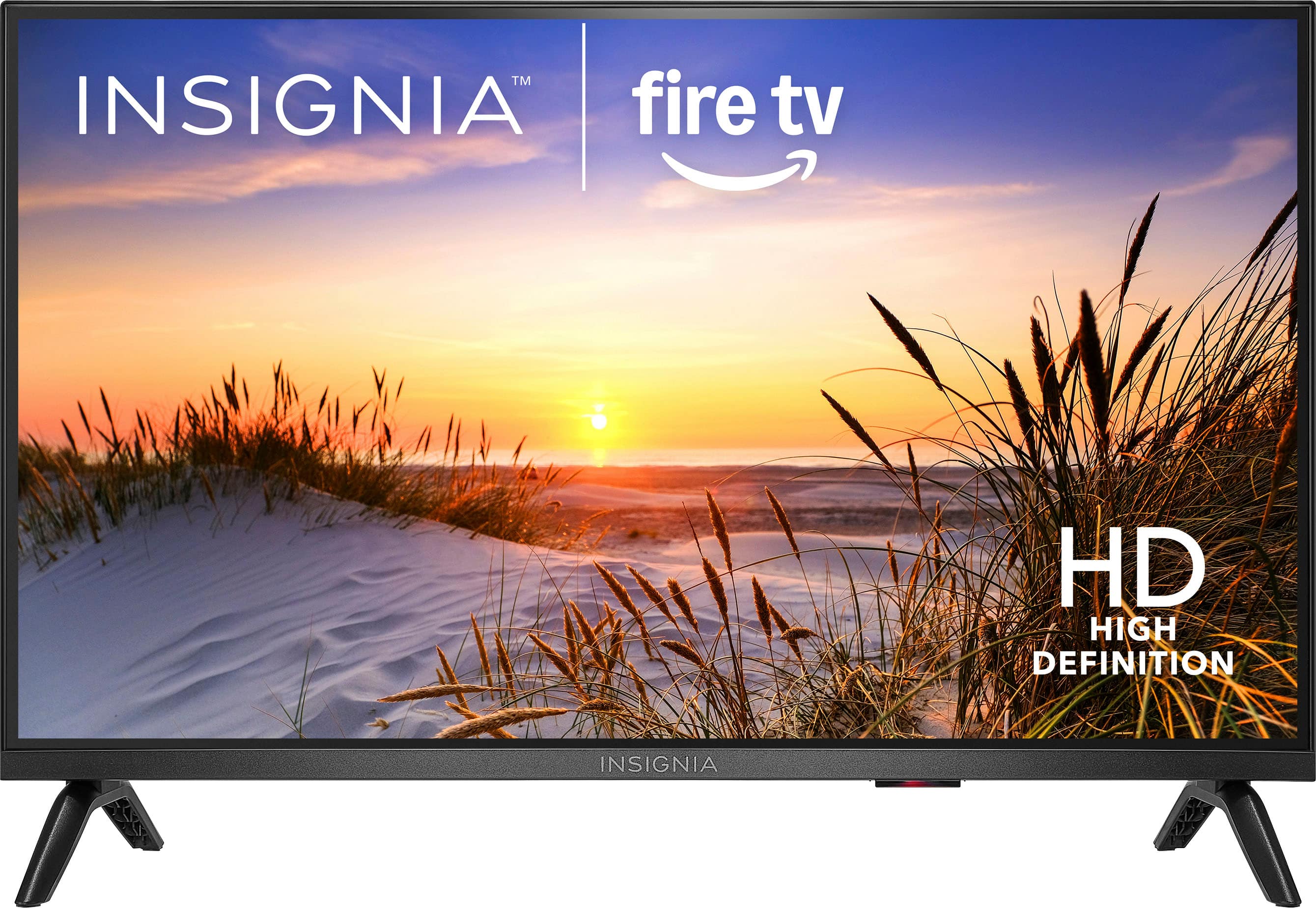
Insignia™ - 24" Class F20 Series LED HD (720p) Smart Fire TV
SKU: J2FPJKSF4RLove my purchase’, Best Buy is a great choice for me and my family!!...The best for my kids they love it it keeps them quiet...Very Pleasedcwith Best Buy and my purchase...Best tv
See all All Flat-Screen TVsProduct Description
A compact LED HD smart TV with Fire TV and Alexa voice control for easy streaming and live channels.Your price for this item is $89.99 -
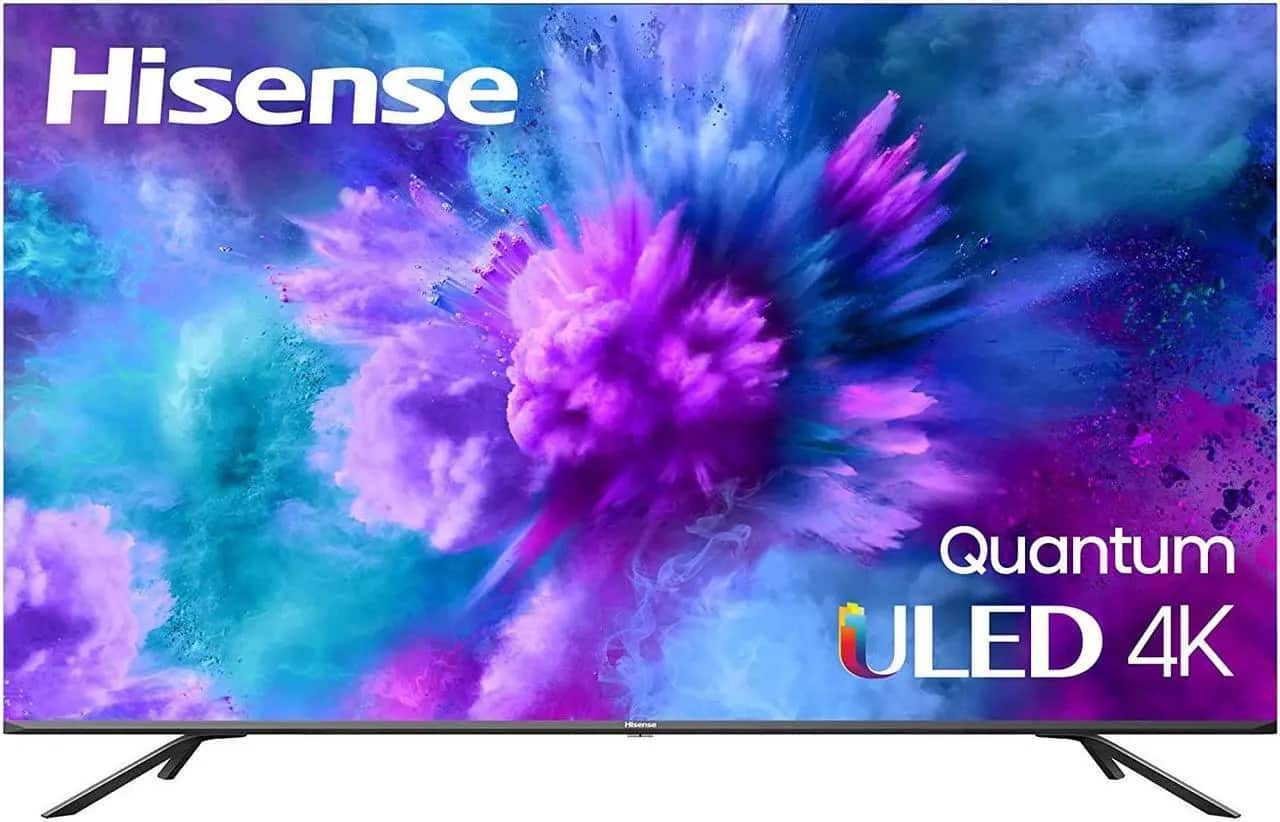
Hisense - 65H8G1 65" 4K UHD ULED H8 Quantum Dolby Vision Smart TV (2021)
SKU: J3Z9Z4CZ8VSee all All Flat-Screen TVsProduct Description
A black 4K ULED smart TV featuring Quantum Dot, Dolby Vision, Dolby Atmos, and built-in voice assistant.Your price for this item is $499.99 -
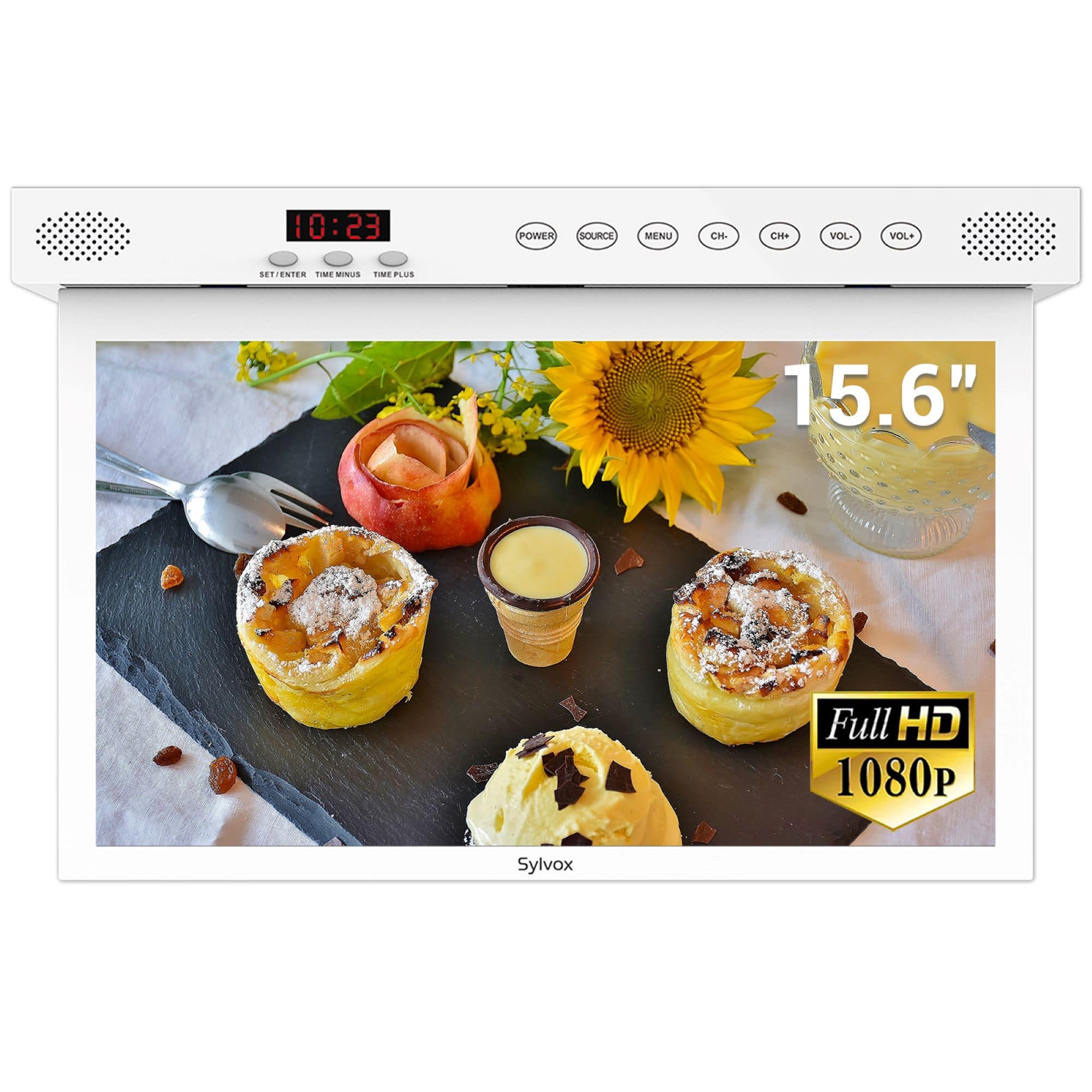
Sylvox - 15.6" Class Under Cabinet Smart Kitchen TV, 1080P HD Google TV, 360° Rotation & 90° Flip-Down Screen Space-Saving Design
SKU: J2FWXY4KFZGreat...Love it and works great in the kitchenSo compact and happy with purchase...Great Product and great quality. Highly recommend for anyone who enjoys a TV in the kitchen.
See all All Flat-Screen TVsProduct Description
A versatile under-cabinet smart TV with 1080P display, 360° rotation, WiFi, waterproof touch keys, and screencasting.Your price for this item is $339.99
Best Sellers






Related Pages





FAQ
A sleep timer is a feature on many TVs that allows you to set a specific amount of time for the TV to remain on before it automatically turns off. This is especially useful if you like to fall asleep while watching TV or want to conserve energy.
To set the sleep timer, navigate to your TV's settings menu, look for the 'Timer' or 'Sleep Timer' option, and select the desired time interval. The TV will automatically power off after the set period.
Yes, the sleep timer works regardless of what content you are watching, including streaming apps, cable, or over-the-air broadcasts. The timer controls the TV's power, not the specific app.
Most major TV brands offer a sleep timer feature, but the exact steps to set it may vary. Check your TV's user manual or on-screen menu for details specific to your model.
If your TV is set to turn off with the sleep timer, it may interrupt any ongoing or scheduled recordings. For uninterrupted recordings, make sure the sleep timer is not activated during those times.