TV Inputs
-
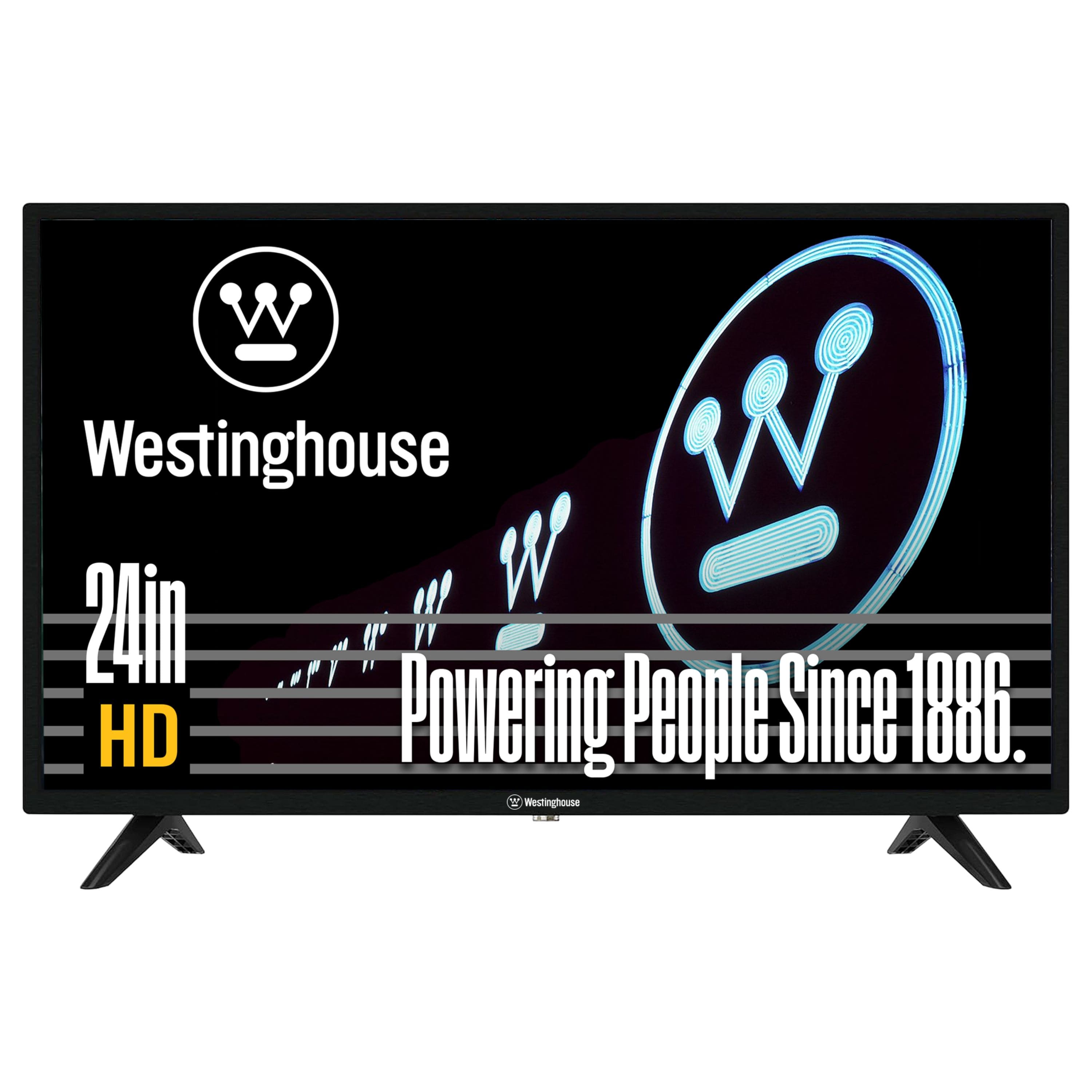
Westinghouse - 24-inch 720p HD LED Non-Smart TV, HDMI, VGA, Compatible with Fire Stick, Roku, Apple TV
SKU: J3LL89CS8KWorking great love how light and small great tv love it...It has the best picture for a 24 inch TV....Great picture! Love this TV....Great features
See all All Flat-Screen TVsProduct Description
A versatile 24-inch HD LED TV with HDMI, USB, VGA ports and V-Chip parental controls.Your price for this item is $115.99 -
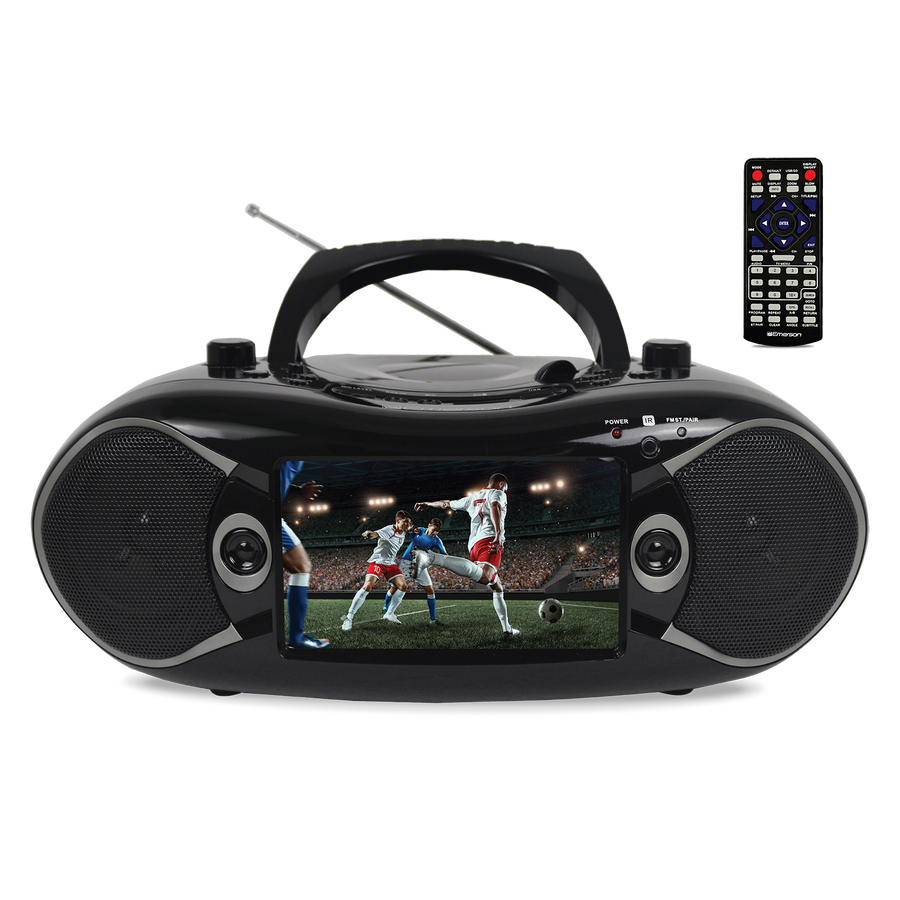
Emerson - 7” Bluetooth® TV & DVD Boombox with HD-INPUT & Stereo Speakers - Black
SKU: J39QH943RQSee all Radios & BoomboxesProduct Description
A portable black multimedia player with a 7" LCD, Bluetooth, HD input, DVD, and stereo speakers.Your price for this item is $159.99Save $24The previous price was $183.99 -
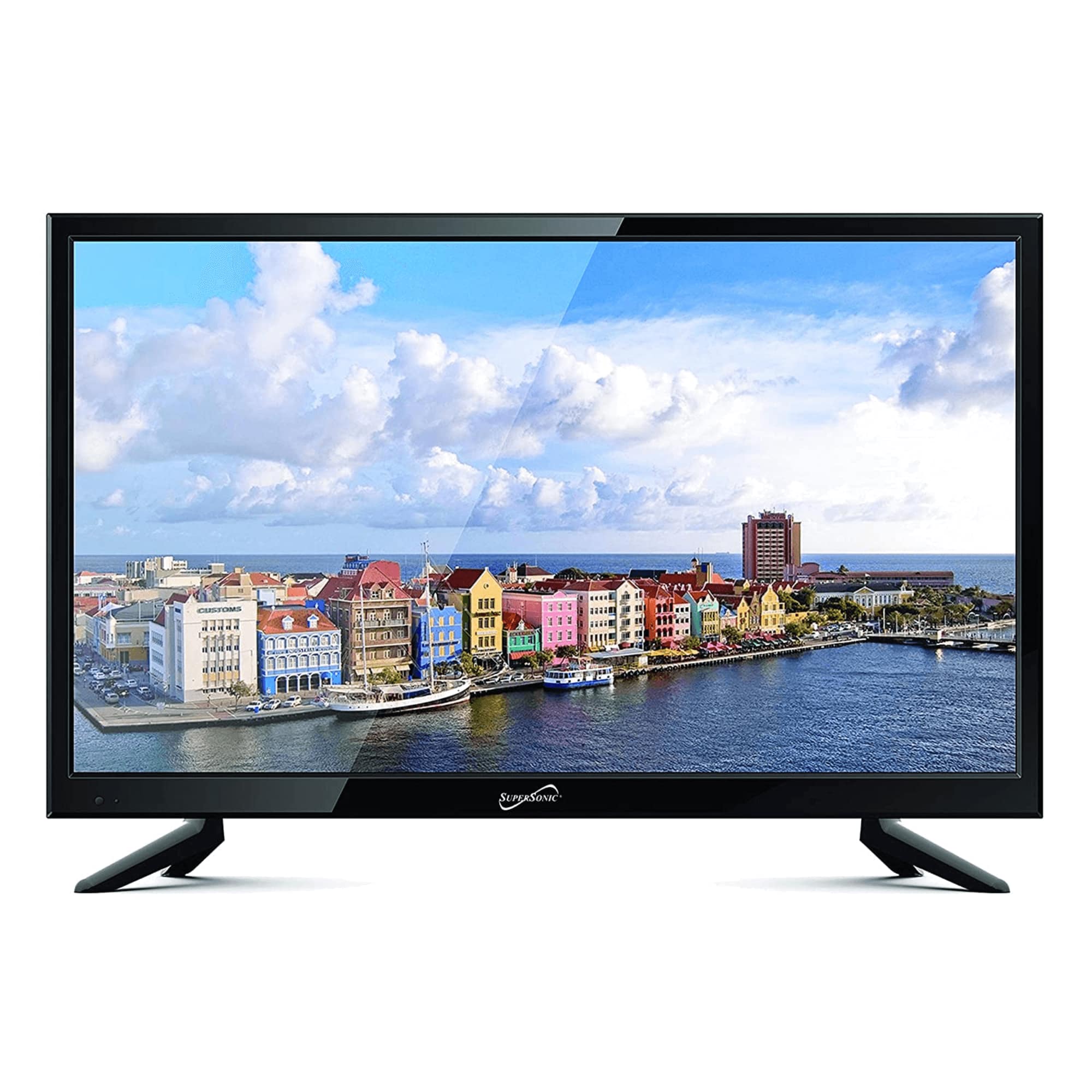
Supersonic - 19" 12 Volt ACDC Widescreen LED HDTV with USB and HDMI - Black
SKU: JXXT57P3RKSee all Portable TVsProduct Description
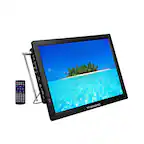
A black LED TV with 720p HD display, wide viewing angle, AC/DC compatibility, and multiple input options.Your price for this item is $144.99Save $25The previous price was $169.99
Best Sellers



Related Pages



FAQ
Modern TVs typically feature a variety of input options, including HDMI, USB, component, composite, VGA, and optical audio ports. These inputs allow you to connect devices such as streaming players, gaming consoles, soundbars, Blu-ray players, and older video equipment.
Check your device’s output port and match it with the corresponding input on your TV. For example, use an HDMI port for high-definition devices like streaming sticks or game consoles, and a USB port for media playback from flash drives.
Yes, most TVs come with multiple input ports, allowing you to connect several devices simultaneously. You can switch between connected devices using your TV’s input or source menu.
HDMI inputs transmit both high-definition video and audio through a single cable, providing superior quality and convenience. Component inputs use three separate cables for video and two for audio, and are typically used for older devices.
The type of cable you need depends on your TV and soundbar’s available ports. Common connections include HDMI ARC, optical audio, or a standard 3.5mm audio cable. Check both devices for compatible ports to choose the appropriate cable.