Typing Dictation Software
-
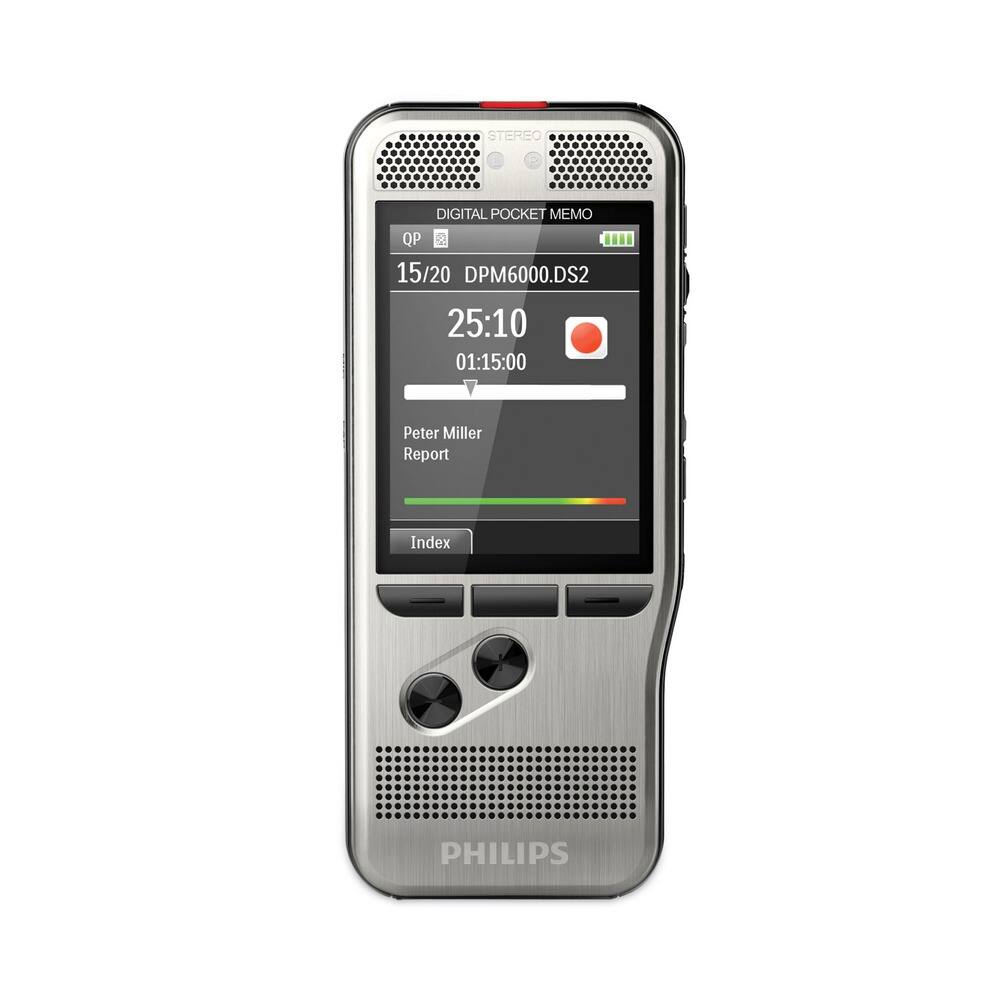
Philips - DPM6700/03 Pocket Memo Dictation/Transcription Kit with Foot Control - false
SKU: BYK3WKH3J3See all Voice RecordersProduct Description
A dictation and transcription kit featuring dual microphones, foot control, and user-friendly software for efficient workflow.Your price for this item is $594.31 -
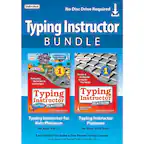
Individual Software - Typing Instructor Bundle - Windows [Digital]
SKU: J72753PC3VIt is a great program for beginners to learn how to type....Works great
See all Typing SoftwareProduct Description
An interactive digital typing program for Windows featuring games, lessons, and skill-building adventures for all ages.Your price for this item is $22.59Save $12The previous price was $34.99 -
Individual Software - Kid's Typing Bundle - Windows [Digital]
SKU: J72753PC3GThe absolute amazing so darn good the best, it’s so good yup....Great for kids to learn to type would recommend for others to use
See all Typing SoftwareProduct Description
An engaging digital typing program for Windows that teaches kids ages 5-12 through interactive lessons and games.Your price for this item is $22.59Save $12The previous price was $34.99
![Individual Software - Typing Instructor Bundle - Windows [Digital]](https://pisces.bbystatic.com/image2/BestBuy_US/images/products/6231/6231402_sd.jpg)
![Individual Software - Kid's Typing Bundle - Windows [Digital]](https://pisces.bbystatic.com/image2/BestBuy_US/images/products/6228/6228241_sd.jpg)
Best Sellers


Related Pages


FAQ
Typing dictation software is a tool that converts spoken words into written text using voice recognition technology. It allows users to dictate documents, emails, and other content hands-free, improving productivity and accessibility.
Most typing dictation software is compatible with popular operating systems such as Windows, macOS, and sometimes Linux. Some solutions also offer mobile apps for iOS and Android devices.
Many typing dictation software options support multiple languages and dialects. Users can typically select their preferred language within the software settings for accurate speech recognition.
Yes, most typing dictation software can be integrated with various applications, including word processors, email clients, web browsers, and note-taking apps, allowing seamless voice-to-text functionality across platforms.
Many typing dictation software programs offer accessibility features such as voice commands for navigation, customizable speech profiles, and support for users with disabilities, making it easier for everyone to use their devices efficiently.