Wireless Routers For Mac
-
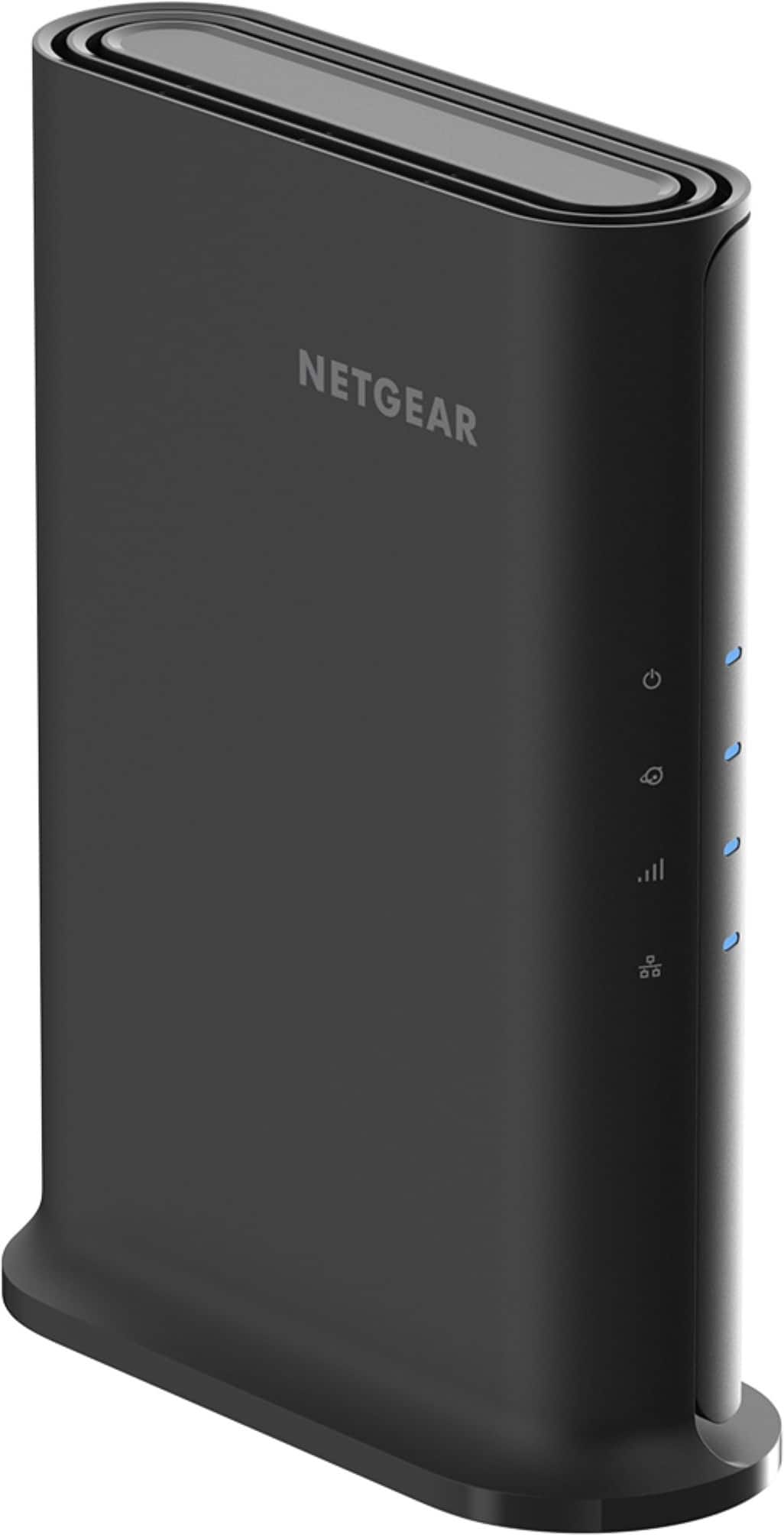
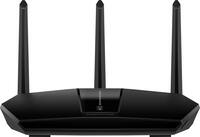
NETGEAR - Nighthawk AX1600 Dual-Band Wi-Fi 6 Router - Black
SKU: J2VY7Y4LH8See all Wi-Fi RoutersProduct Description
A dual-band black Wi-Fi 6 router offering fast speeds, strong security, and coverage for 20 devices.Your price for this item is $79.99 -
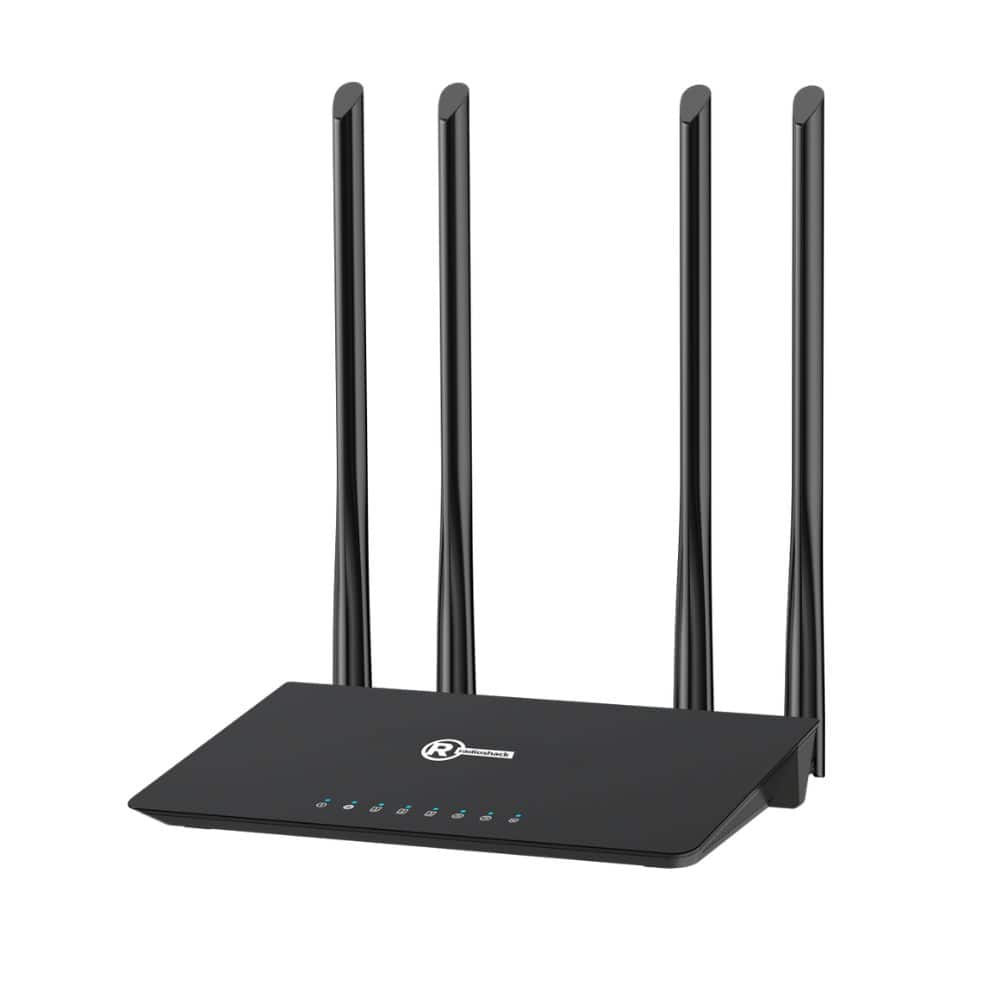
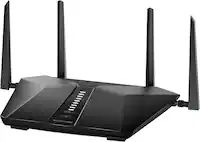
RadioShack - 1200 Mbps Wi-Fi Router - Black
SKU: CFRJQSY8KJSee all Wi-Fi RoutersProduct Description
A dual-band black Wi-Fi 5 router with four antennas for fast, reliable streaming and gaming connectivity.Your price for this item is $79.99 -
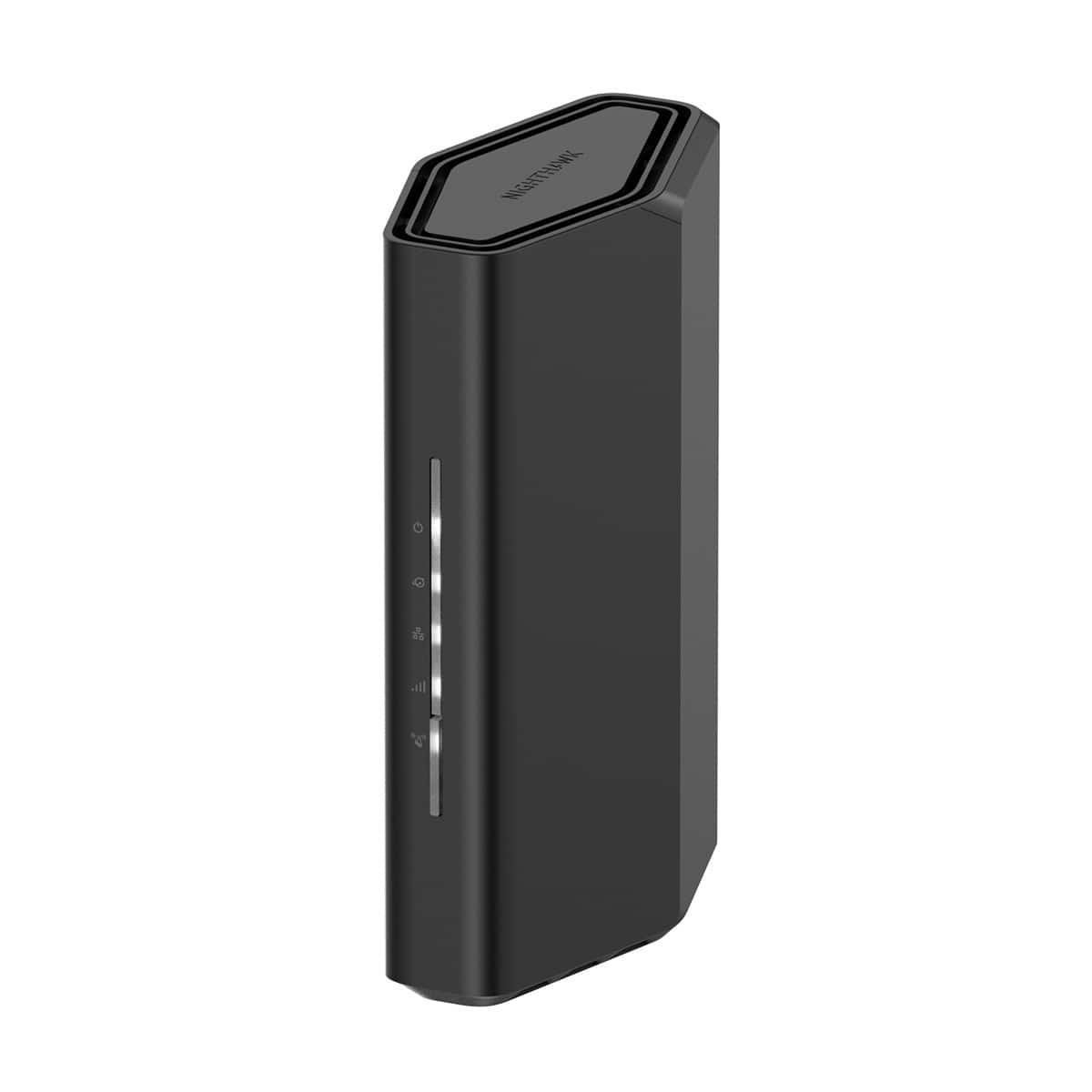
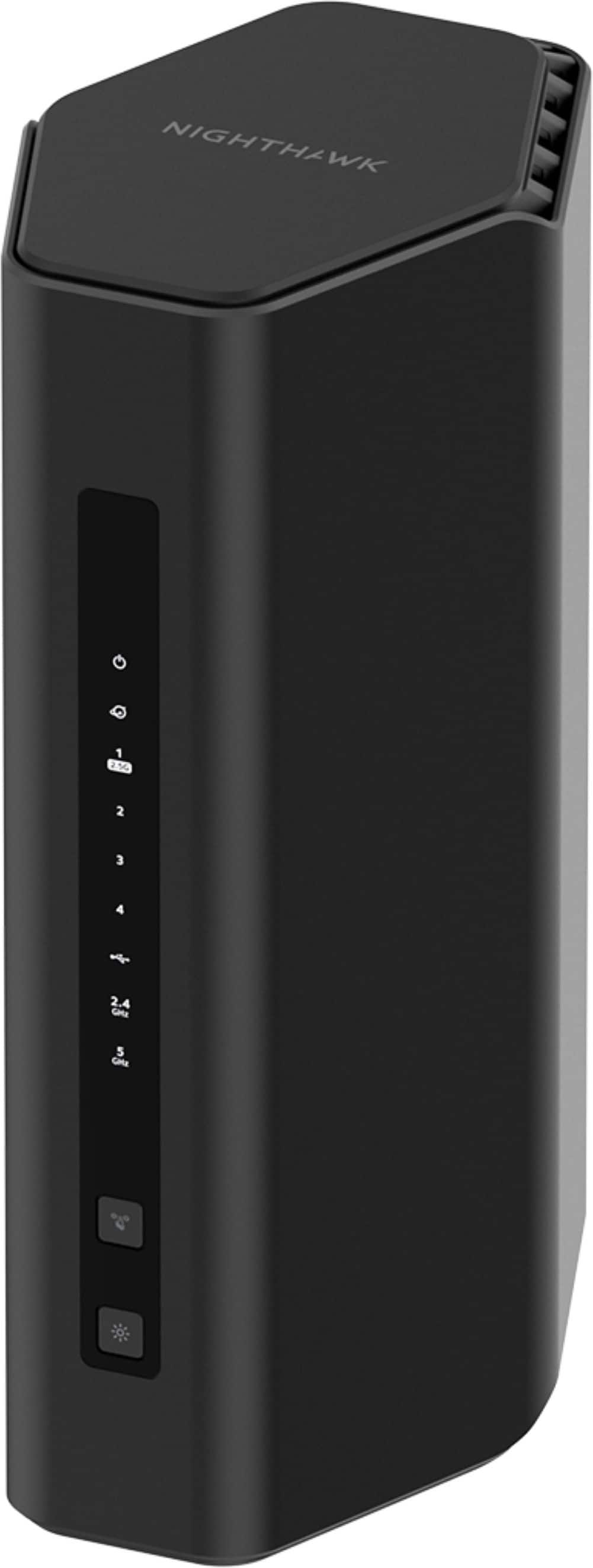
NETGEAR - Nighthawk WiFi 7 Router RS100, 3.6 Gbps, Up to 2,000 sq ft, 50 Devices - Black
SKU: J2VY7Y57ZSGreat router recommended by best buy staff. Works very well...Great quality. Best buy has fast and friendly services.
See all Wi-Fi RoutersProduct Description
A dual-band black router delivering Wi-Fi 7 speeds up to 3.6 Gbps with advanced security features.Your price for this item is $149.99 -
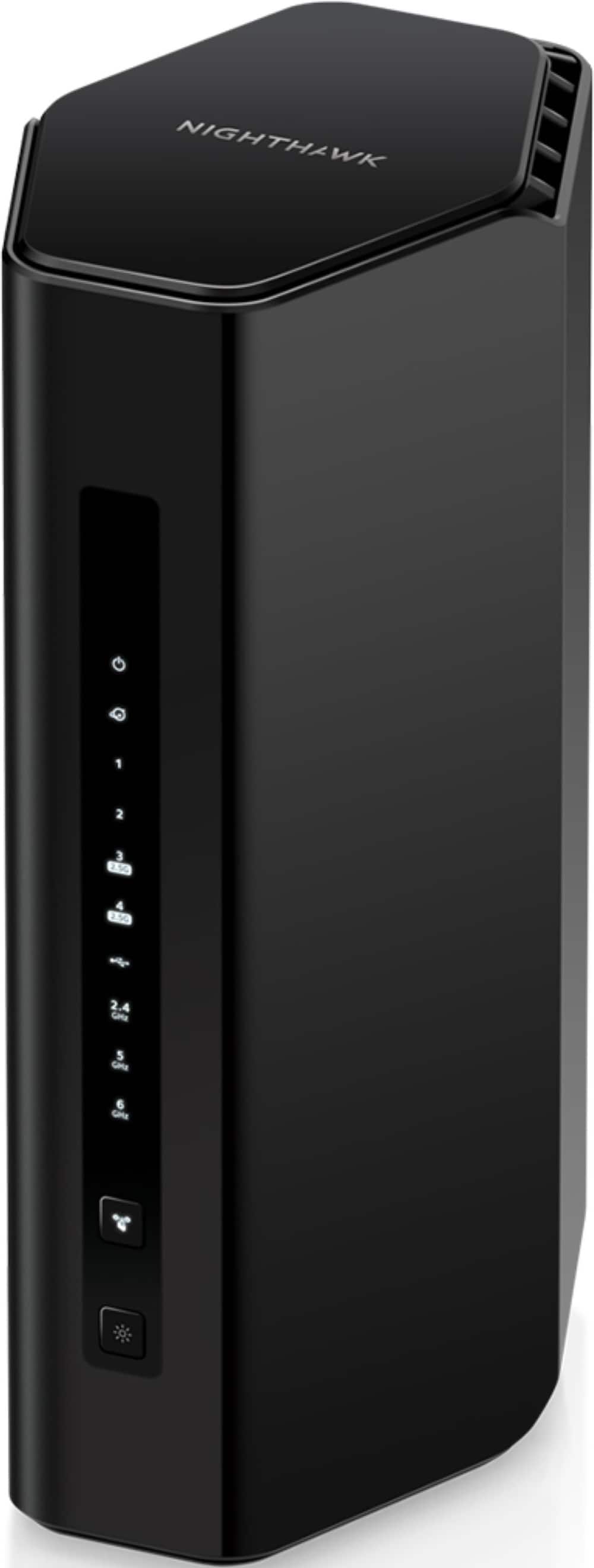
NETGEAR - Nighthawk WiFi 7 Router RS300, 9.3 Gbps, Up to 2,500 sq ft, 100 Devices - Black
SKU: J2VY7Y44LHGreat router way better than my last one night hawk the best...Works great with Glo Finer. Netgear seems to make the best routers.
See all Wi-Fi RoutersProduct Description
A high-speed black tri-band router delivering Wi-Fi 7 performance, advanced security, and coverage for up to 100 devices.Your price for this item is $299.99 -
NETGEAR - Nighthawk WiFi 7 Router RS200, 6.5 Gbps, Up to 2,500 sq ft, 80 Devices - Black
SKU: J2VY7Y45SLGreat Service...Great service . Always use Best Buy with my Total Tech Membership....Great produce my WiFi has improved tremendously. The man in Best Buy was a great help also
See all Wi-Fi RoutersProduct Description
A dual-band black router delivering Wi-Fi 7 speeds, wide coverage, and advanced security for multiple devices.Your price for this item is $229.99 -
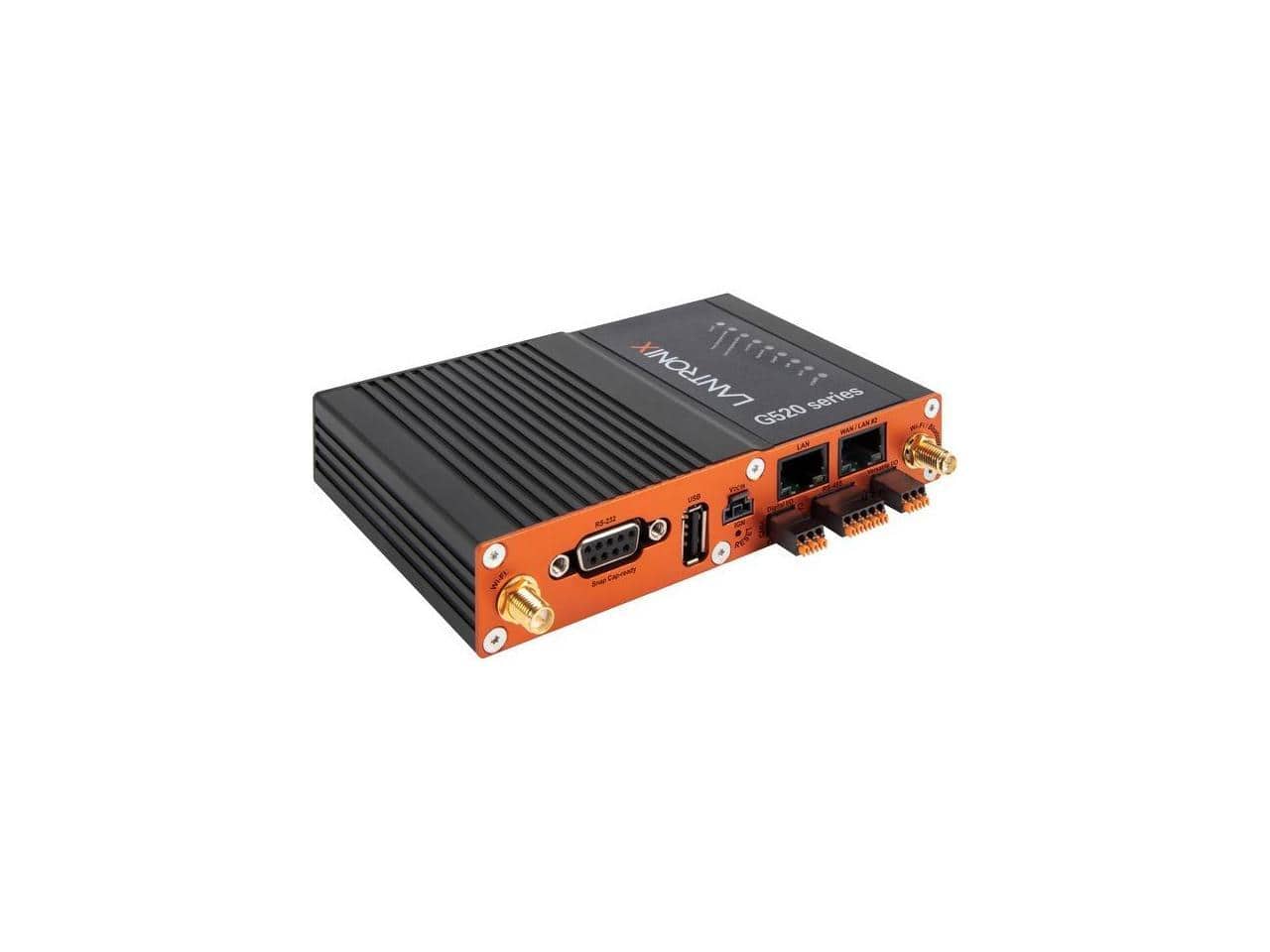
Lantronix - G520 LTE Router - 2 Antenna, 2 Port, Fast Ethernet, VPN - Unknown
SKU: J32LW6TGGLSee all Wi-Fi RoutersProduct Description
An integrated LTE router with dual external antennas, two network ports, Fast Ethernet, and VPN support.Your price for this item is $335.45 -
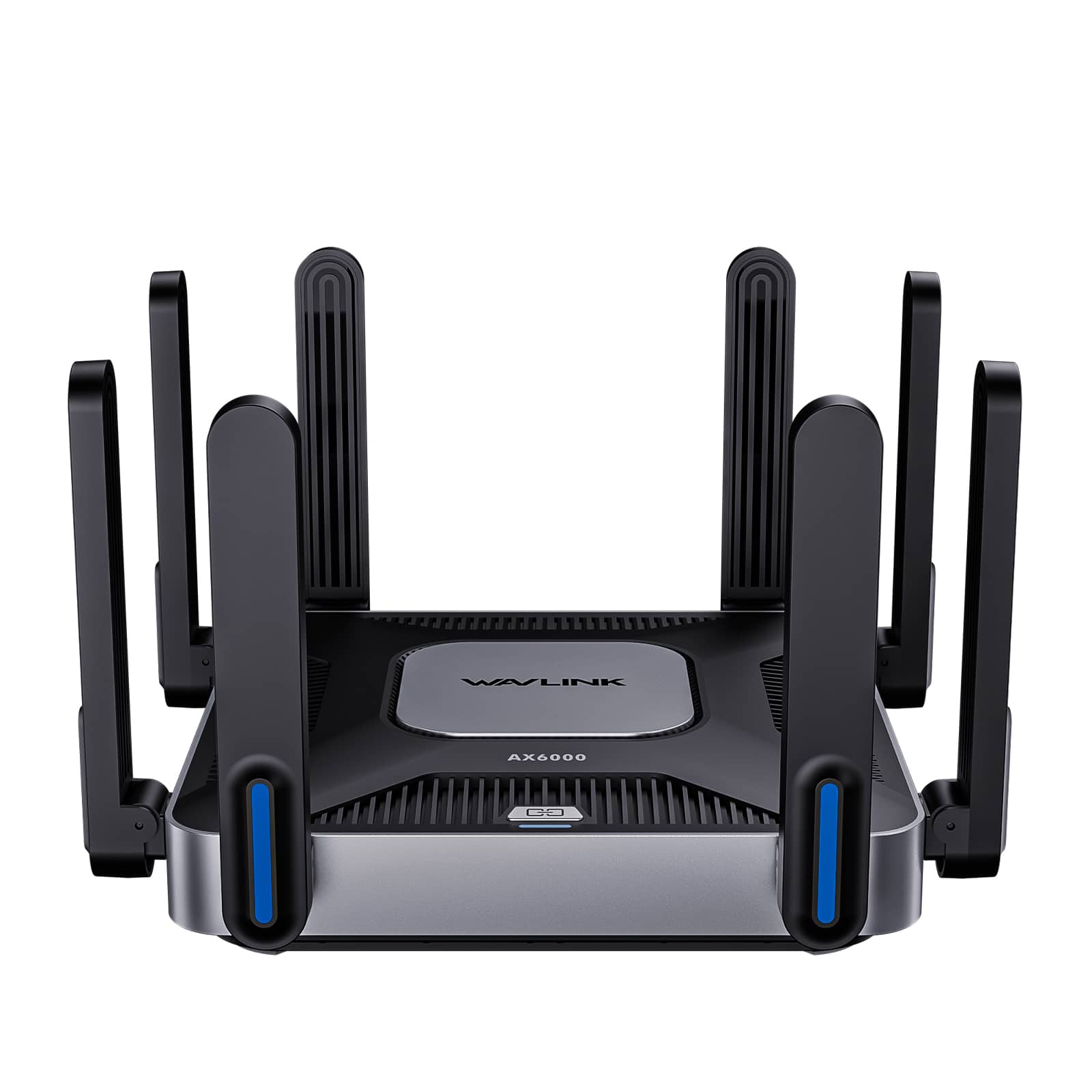
Bundle - WAVLINK - Dual-Band Wireless Router 6000Mbps, 5GHz 2.4GHz WiFi 6 Gigabit Router with 8x5dBi Antennas, MU-MIMO, Beamforming - Black
SKU: CZRRXJ5R2GSee all Wi-Fi RoutersProduct Description
A black Wi-Fi 6 dual-band router delivering AX6000-class speeds with MU-MIMO, beamforming, and Gigabit Ethernet.Your price for this item is $189.00Save $41The previous price was $230.00 -
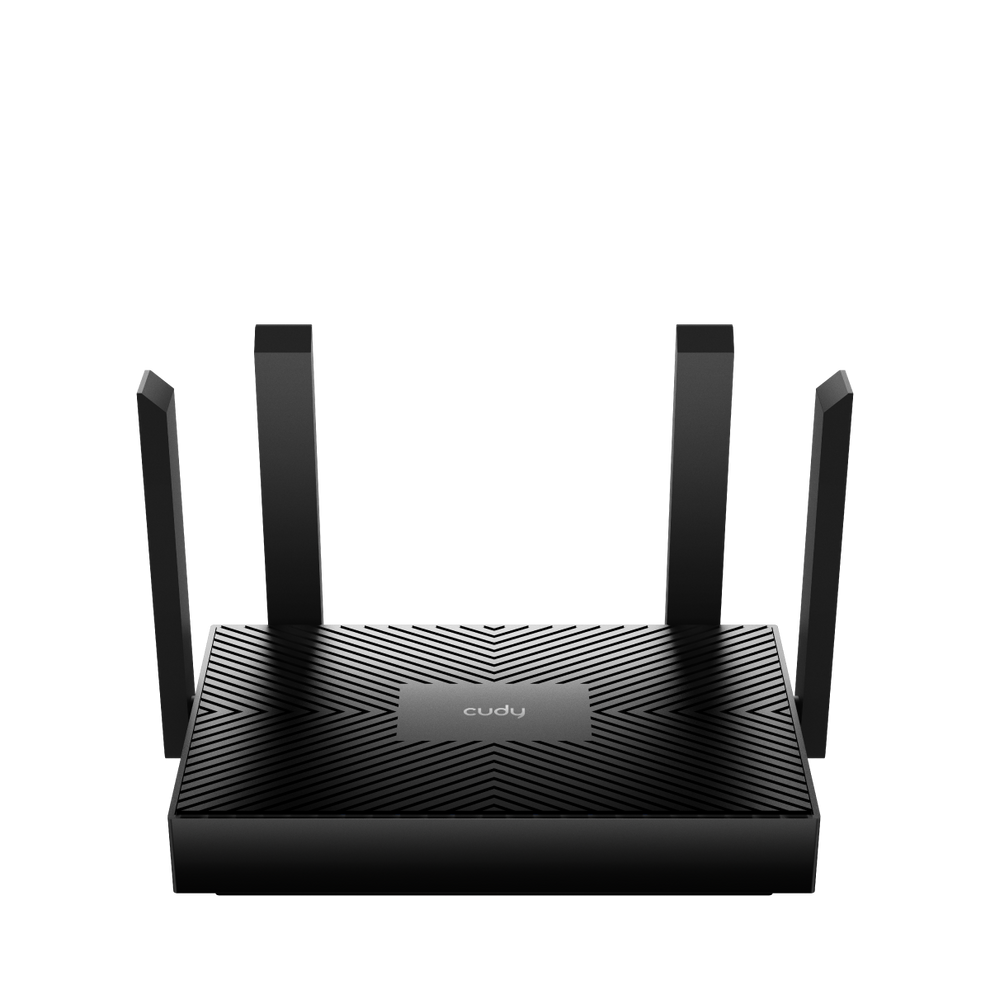
Cudy - AX1500 Mesh Wi-Fi 6 Router - Black
SKU: JJ8HCLSTJYSee all Mesh Wi-FiProduct Description
A black dual-band Wi-Fi 6 mesh router with four Gigabit ports, beamforming, and advanced parental controls.Your price for this item is $45.72 -
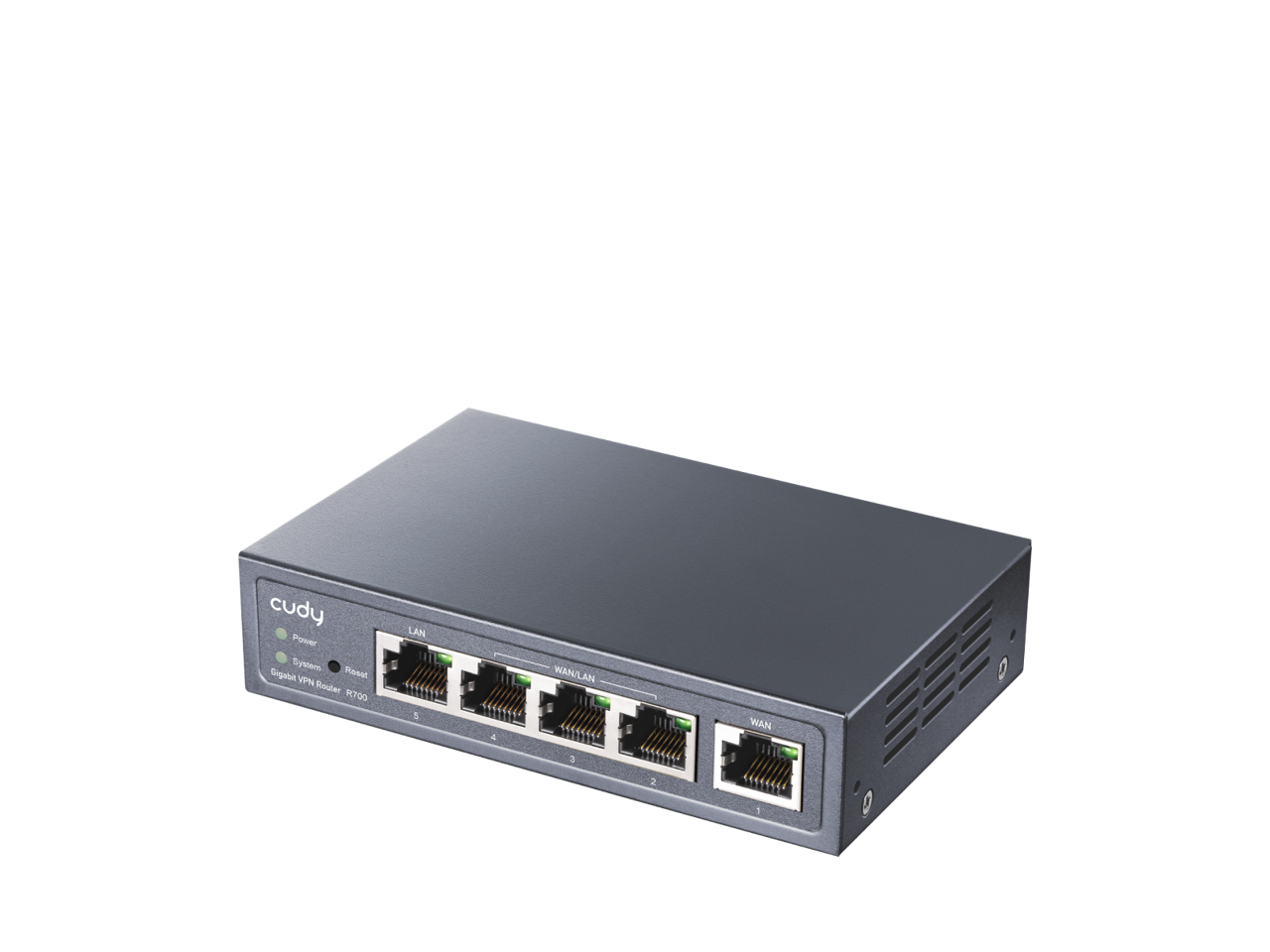
Cudy - R700 VPN Router - Black
SKU: JJ8HCLSHKPGreat VPN router for home use
See all Wi-Fi RoutersProduct Description
A black dual-band Wi-Fi 6 router with four Multi-WAN ports, advanced encryption, and parental controls.Your price for this item is $40.99Save $23The previous price was $63.99 -
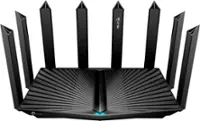
TP-Link - Archer BE9700 Tri-Band Wi-Fi 7 Router - Black
SKU: J39T6X26PSBest of the best.Super fast at the best price going....Great, even if it looks like a brick spike...Easily one of the best routers I've ever owned. This is an excellent router.
See all Wi-Fi RoutersProduct Description
A black tri-band Wi-Fi 7 router delivering ultra-fast speeds, expansive coverage, and advanced device connectivity.Your price for this item is $229.99Save $50The previous price was $279.99

Best Sellers

Related Pages

FAQ
Yes, most modern wireless routers are compatible with Mac computers as they use standard Wi-Fi protocols. Macs can connect to any router that supports common Wi-Fi standards like 802.11ac or 802.11ax (Wi-Fi 6).
To set up a wireless router with your Mac, connect the router to your modem, power it on, and use your Mac to join the default Wi-Fi network. Then, open a web browser and follow the router's setup instructions, usually found in its manual or quick start guide.
Yes, you can manage most wireless router settings from your Mac using a web browser. Simply enter the router's IP address in the browser's address bar to access the admin interface, where you can configure network names, passwords, and other settings.
Most wireless routers support AirPlay and other Apple features as long as your devices are connected to the same Wi-Fi network. For optimal performance, ensure your router supports the latest Wi-Fi standards and has good coverage.
When choosing a wireless router for your Mac, look for features such as dual-band or tri-band support, Wi-Fi 6 compatibility, strong security options, easy setup, and good coverage to ensure fast and reliable connections.