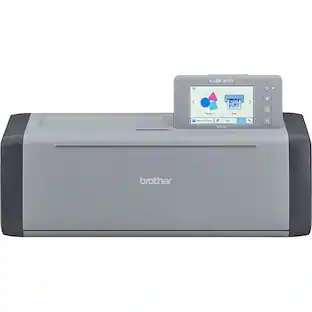
Brother - ScanNCut DX SDX125 Electronic Cutting Machine with Built-in Scanner - Grey/Aqua
Customers are saying
Customers have good things to say about the overall performance of this product. Users have described the device as a wonderful machine.
Features
SCAN DRAWINGS AND MATERIALS
Brother ScanNCut is the only cutting machine series with a built-in scanner. Scan your drawing to convert it to a cut file, directly cut printed stickers, and precisely place designs without counting blocks
STUNNING DIY PROJECTS
Craft with 682 built-in designs including 100 quilting patterns and 9 fonts
5" LCD TOUCH-SCREEN DISPLAY
Add custom designs and additional free patterns with the USB port and wireless capability, and customize and combine your projects with the easy-to-use 5 in touchscreen LCD display
NO MATERIAL SELECTION REQUIRED
The included ScanNCut DX auto blade and auto blade holder uses true automatic material sensor technology to detect the thickness of the material with no blade adjustment or material selection required. Always perform a trial/test cut to confirm a successful cut
CUTS UP TO 3 MM (0.1 in) THICKNESS
The Brother Home Electronic Cutting Machine effortlessly cuts materials up to 3mm thick such as paper, vinyl, fabric, balsa wood, chipboard, foam and felt
MAKES THE PERFECT PAIR WITH BROTHER SEWING MACHINES
Use ScanNCut DX in tandem with a Brother sewing machine to craft unique applique designs, fun home décor and family keepsakes
INCLUDED IN THE BOX
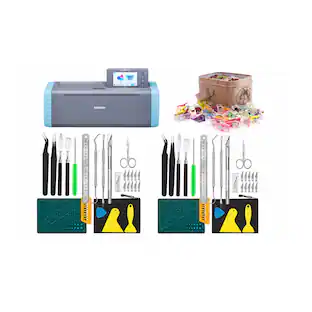
The ScanNCut DX comes with a 12" x 12" standard tack mat, black pen, pen holder, touch pen, spatula, accessory pouch, pattern collection with 76 additional patterns, auto blade, auto blade holder, Getting Started guide and 1pc sample cardstock
ARTSPIRA MOBILE APP
With an array of cutting designs and tools right in the palm of your hand, you can wirelessly transfer your creations right to your ScanNCut DX machine for even more creative flexibility. The Artspira Mobile App will have you creating on the go(1).
AT YOUR SIDE SUPPORT
Includes Brother at your side support offering free technical support via online, live chat or phone for the life of your machine
(1) Compatibility may vary by device and operating system. Requires connection to a wireless network.
Specifications
- App CompatibleNoBuilt-In ScannerYesNumber of Built in Designs682Storage Compartment IncludedYesNumber of USB Port(s)1
Reviews
Rating 4.6 out of 5 stars with 17 reviews
- Overall Performance (3)
Customer Images
The vast majority of our reviews come from verified purchases. Reviews from customers may include My Best Buy members, employees, and Tech Insider Network members (as tagged). Select reviewers may receive discounted products, promotional considerations or entries into drawings for honest, helpful reviews.

Compare similar products
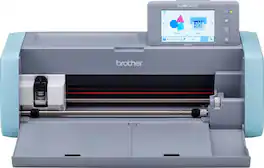
The Brother ScanNCut DX SDX125E was designed for the hobby enthusiast who is looking for an efficient and clean way to cut materials such as felt and foam (up to 3MM thick) using Brother’s Auto Blade sensor technology that automatically detects the thickness of your materials to cut precise custom and built-in patterns. The ScanNCut DX is the only series of home and hobby cutting machine with a built-in scanner & has essentially everything you need to create stunning projects right out of the box. The SDX125E comes with over 680 built-in designs, including 100 quilt patterns, and 9 letter fonts—to provide you with multiple ways to quickly create and edit designs on the 5” LCD touchscreen display. A key component for the ScanNCut DX machines is the new Artspira Mobile App(1). This innovative app has a variety of cutting designs that you can wirelessly transfer to your ScanNCut DX machine for even more creative flexibility. You can also design line-art-inspired drawings right in the palm of your hand with built-in embroidery drawing tools for your Brother embroidery machine. The Artspira Mobile App lets you share your creations on many social media platforms as well. Looking for inspiration? Browse the Artspira digital magazine, where new projects and tutorials are uploaded regularly. The Artspira magazine will help you get the most out of your Brother ScanNCut DX crafting machines and take your imagination to the next level.
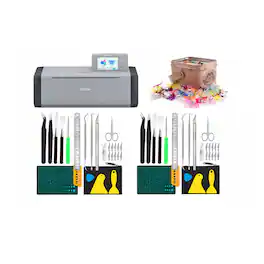
Features 682 built-in designs, cuts materials up to 3 mm thick, includes a 600 DPI built-in scanner with on-screen editing, and uses Blade Sensor technology.
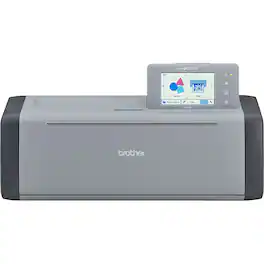
The ScanNCut DX is the only series of home and hobby cutting machine with a built-in scanner & has essentially everything you need to create stunning projects right out of the box. The Brother ScanNCut DX was designed for the hobby enthusiast who is looking for an efficient and clean way to cut materials such as felt and foam (up to 3MM thick!) without frays or damage. Brother's Auto Blade sensor technology automatically detects the thickness of your materials to cut precise custom and built-in patterns. The Brother SDX125E ScanNCut cutting machine comes with 682 built-in designs, including 100 quilt patterns, and 9 letter fonts-these provide you with multiple ways to quickly create and edit designs on the 5" LCD touchscreen display, plus 76 SVG files included, Birthday Collection, Greeting Cards Collection, Flowers & Valentines Collection (Available with CanvasWorkspace for web only). This electronic cutting machine is perfect for sewers and quilters. With the Brother SDX125E, struggling to piece together fabric when working on various sewing and quilting projects is a thing of the past. The Brother ScanNCut DX gives you the ability to add a seam allowance in 1/4" increments to assist you in assembling fabric pieces for your quilts, clothing, and more. With a simple internet connection, you'll be able to access and work with Brother CanvasWorkspace to create virtually anywhere and anytime. Work remotely with your tablet, mobile device, or PC. This Brother cutting machine is wireless network ready. While connected to the same internet network, wirelessly send your cut files directly to your Brother ScanNCut DX. The Brother SDX125 is also whisper quiet, allowing you to cut materials with ease and without disturbing others.

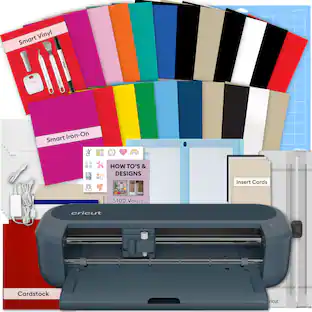
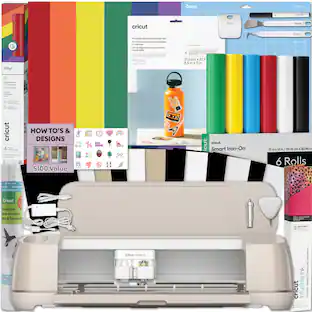
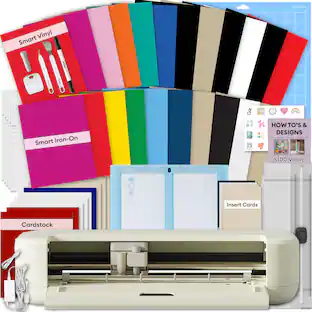
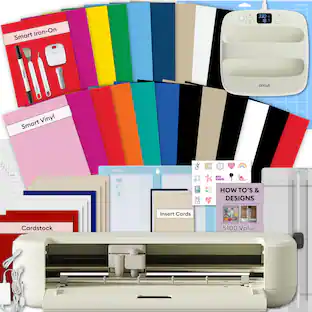
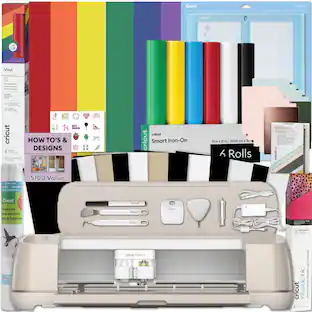
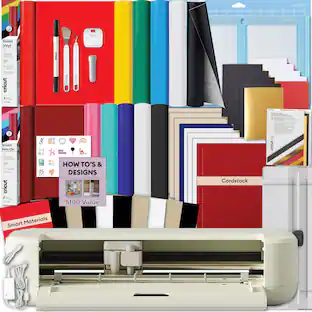
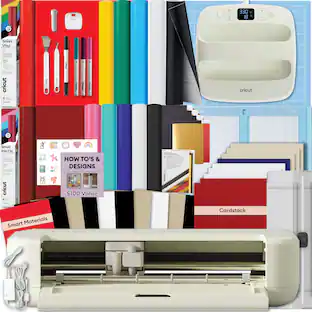
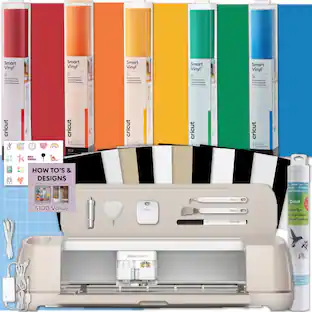
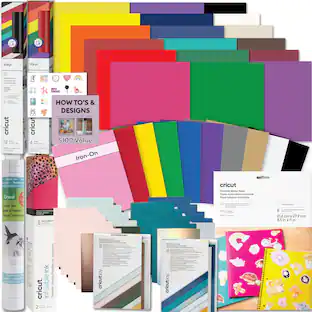
The latest innovation of Cricut smart cutting machines, Cricut Maker 4 delivers the power of personalization like never before. This machine cuts up to 2X faster than the previous model, enabling you to create more in less time. With lots more compatible materials and tools than our other cutting machines, you'll be amazed by what's possible. Make big banners, engrave metal, deboss leather, and so much more. Plus, create popular projects like custom cards, t-shirts, and full-color stickers. Save time with our easy-to-use Smart Materials, which load directly into the machine to create long, continuous cuts up to 12 ft (3.6 m). Making bold signs and detailed wall decals has never been faster. Enjoy endless inspiration, precise cut settings, and a simplified making experience with the Cricut Design Space app. Bundle Includes: Cricut Maker 4 Fine Point Blade Cutting Mat Sample Trial Materials Black Pen Mini Weeder 1 Cricut Rainbow Vinyl Sampler 1 Cricut Transfer Tape Roll 1 Cricut Joy Smart Iron-on Sampler 1 Cricut Infusible Ink Pack 1 Cricut Waterproof Printable Sticker Set 1 Cricut Tool Set Digital Instructional Guide to Getting Started with the Cricut Maker 4 and materials (printed copies not available)
| Pros for Brother - ScanNCut DX SDX125 Electronic Cutting Machine with Built-in Scanner - Grey/Aqua | |||
|---|---|---|---|
| Overall Performance | There were no pros for this product— | There were no pros for this product— | There were no pros for this product— |
Specs
Questions & Answers
Whats the difference between the 85 and the 125? Can both be used with software on your computer or do you have to use the little screen?
Answered by BrotherThe SDX125 model has many more built-in patterns and 4 additional fonts than the SDX85, including 100 quilt designs. The SDX 125 model also has a larger LCD. You can use the free Brother CanvasWorkspace software to create and edit patterns to use with the machine.

In the pictures provided it shows : machine, blade, mat and tools included. However, in description it only states blade and instruction booklet and pen included. Does this come with mat?
Answered by BrotherThe Brother SDX125E comes with a mat.
What is the difference between the 125 vs the 125e? Do they have the same products in the box?
Answered by BrotherThe Brother ScanNCut SDX125E includes 76 SVG files compiled on 3 separate pattern collection activation cards. Otherwise, the Brother ScanNCut SDX125 and SDX125E include the same base accessories and the look of the machines are the same.
Is this machine good for greeting card making? What accessories ate available for the machine ie engrossing, rhinestones, etc?
Answered by BrotherThe Brother SDX-125 is a great tool for greeting card making. There are several optional kits available to enhance the use of the machine, for paper crafting such as rhinestone, embossing, calligraphy, paper piercing, foiling, sticker and more!
Does brother scanncut sdx 85 come with mat
Answered by BrotherThe Brother SDX85 comes with a 12" x 12" standard mat.

Customers often buy these together
 $379.00The price was $599.99
 $1,229.00The price was $1,739.00

More to consider
 $229.90The price was $287.99

Explore, Play, Collect Sponsored
 $1,940.11The price was $2,749.99
 $1,799.90The price was $2,374.99
Discover related products
Keep exploring
- $229.90The price was $287.99