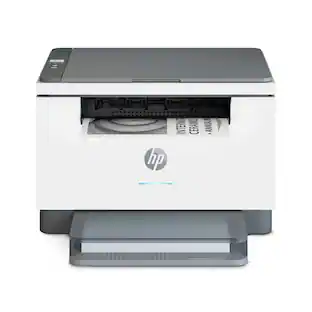
HP - LaserJet M209dw Wireless AI-Enabled Black-and-White Laser Printer - White & Slate
Customers are saying
Customers are enthusiastic about the excellent print quality and the straightforward setup process of this device. Users also frequently highlight the reliable connectivity and the convenient, compact size that makes the product easy to use. Overall, the printer is highly regarded for its consistent performance right out of the box.
Features
Perfectly formatted prints with AI²
Print web pages and emails with precision—no wasted pages or awkward layouts; HP AI easily removes unwanted content, so your prints are just the way you want
Super compact performance for small business and home office
Print professional-quality documents and reports. Save paper with auto 2-sided printing. Perfect for 1-5 people.
Stays connected
Dual-band Wi-Fi with self-reset automatically detects and resolves connectivity issues
Fastest two-sided printing in its class³
Up to 30 black-and-white pages per minute single-sided, up to 19 black-and-white images per minute two-sided
Strong security
Built-in security features help protect your printer from potential attacks
Easy to set up
Get started fast with easy setup that guides you, step by step. Simply download the HP app, connect to a network, and share your printer across all your devices
This printer is intended to work only with cartridges with original HP chips or circuitry and will block cartridges using non-HP chips or circuitry. Periodic firmware updates will maintain the effectiveness of these measures.
Specifications
- NetworkingWired, WirelessENERGY STAR CertifiedYesPrinter TypePrinterDuty CycleUp to 20,000ISO Mono Print Speed30 pages per minuteMonochromatic/ColorMonochromatic
Reviews
Rating 4.4 out of 5 stars with 28 reviews
- Print Quality (13)
- Setup (7)
- Connectivity (4)
- Ease of use (4)
- Overall Performance (3)
Customer Images
The vast majority of our reviews come from verified purchases. Reviews from customers may include My Best Buy members, employees, and Tech Insider Network members (as tagged). Select reviewers may receive discounted products, promotional considerations or entries into drawings for honest, helpful reviews.

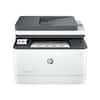
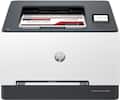
- HP - LaserJet Pro MFP 3301sdw Wireless AI-Enabled Color All-in-One Laser Printer - White$439.00The price was $539.00
- HP - LaserJet M140w Wireless AI-Enabled Black and White Laser Printer - White$169.00The price was $209.00
- HP - LaserJet Pro MFP 3101sdw Wireless AI-Enabled Black-and-White All-in-One Laser Printer - White$319.99The price was $349.99


Compare similar products

From America's most trusted printer brand¹, the compact LaserJet M209dw printer boosts productivity with smart mobility solutions and wireless two-sided printing.

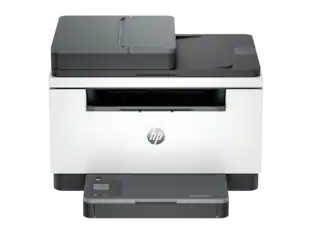
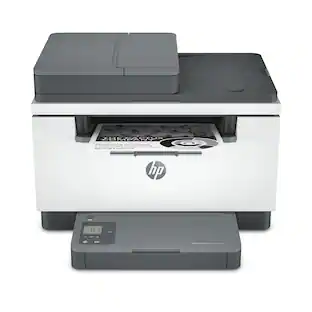
From America's most trusted printer brand¹, the compact, multifunction LaserJet MFP M234dw boosts productivity with smart mobility solutions and wireless two-sided printing.

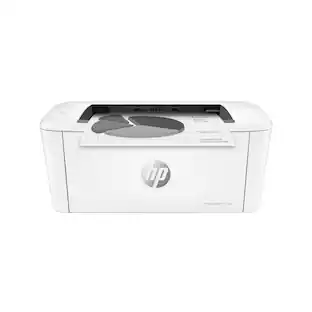
From America's most trusted printer brand¹, the compact LaserJet M110w printer boosts productivity with smart mobility solutions and wireless printing.
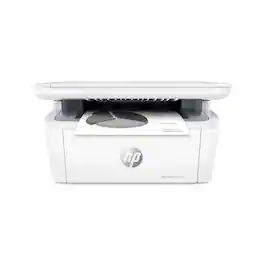
From America's most trusted printer brand¹, the compact, multifunction LaserJet MFP M140w boosts productivity with smart mobility solutions and wireless printing.
| Pros for HP - LaserJet M209dw Wireless AI-Enabled Black-and-White Laser Printer - White & Slate | |||
|---|---|---|---|
| Print Quality, Setup, Ease of use, Overall Performance, Connectivity | Print Quality, Ease of use, Overall Performance, Setup, Size | Print Quality, Size, Ease of use, Overall Performance, Noise Level | Print Quality, Ease of use, Overall Performance, Size, Setup |
| Cons for HP - LaserJet M209dw Wireless AI-Enabled Black-and-White Laser Printer - White & Slate | |||
| There were no cons for this product— | Paper Tray | Connectivity | Paper Tray |
Specs
Questions & Answers
is this compatible with windows 11
Answered by HP TeamHello. Thanks for your question. This HP LaserJet M209dw printer is compatible with Windows 11.

Do I have to use a mobile app or aw wifi to operate printer by usb cable from my laptop?
Answered by HP TeamThank you for your question. There is no need to connect to Wi-Fi if you are using a USB printer cord from your laptop to the LaserJet M209dw printer. The HP Smart app will not be needed either.
Do I need to connect to my wifi if using a usb cable from laptop to printer?
Answered by HP TeamThank you for your question. There is no need to connect to Wi-Fi if you are using a USB printer cord from your computer to the LaserJet M209dw printer.
Can you print from your phone with this printer?
Answered by HP TeamHello. Thanks for your question. Yes, you can print from iOS 16.0 or later for the iPhones and Android (10.0) or later. We recommend using the HP Smart app.
Good afternoon! I currently live in the US (110V power) but will likely move to New Zealand (220V power). HP specs (https://support.hp.com/us-en/document/c07065745) suggest the printer will take either voltage (see image). Can you confirm?
Answered by HP TeamThank you for the question. You are correct. However, you will also need to reset the region when you move. As those instructions vary by model, we'd recommend contacting HP Support after you move.

Customers often buy these together
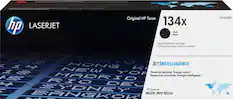
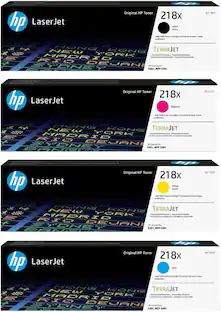
Toner Cartridges
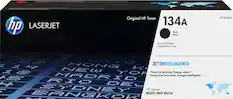
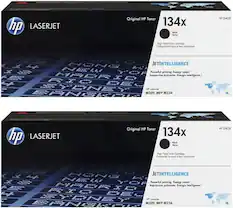
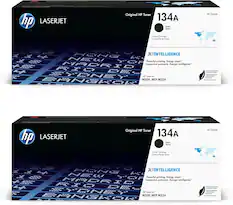









More to consider
 $209.00The price was $279.00
 $139.99The price was $262.99
 $179.00The price was $239.00

Explore tech essentials Sponsored
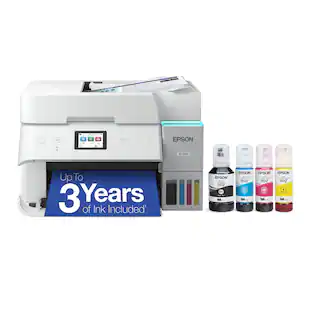 Top Deal$369.99The price was $499.99
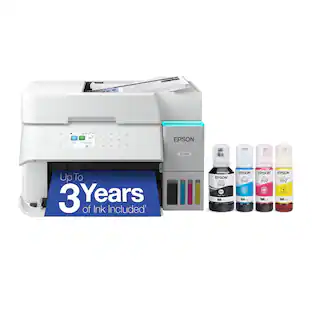 Top Deal$329.99The price was $399.99

Discover related products
 $249.00The price was $275.00
 $12.99The price was $13.99
 $149.99The price was $169.99










Keep exploring
 $259.99The price was $290.82
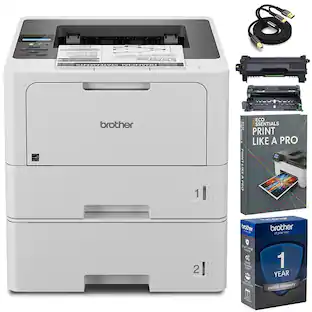 $539.99The price was $569.99
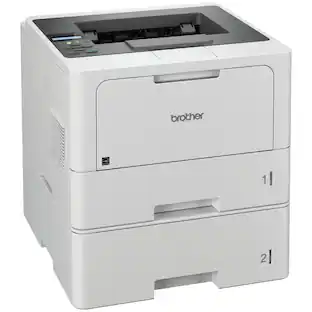 $569.99The price was $616.34
- $179.00The price was $239.00
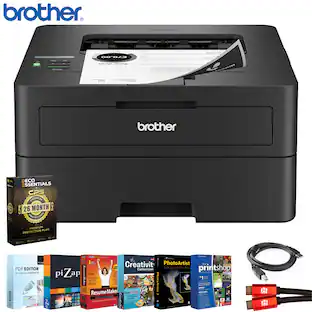 $259.99The price was $336.92
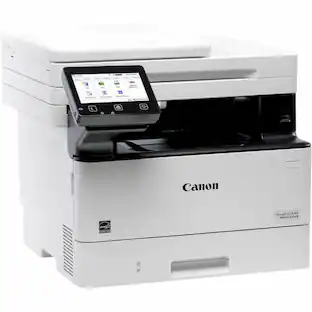 $311.36The price was $432.52