Insignia™ - Heatsink Enclosure for M.2 NVMe SSDs and PS5 - Black
Customers are saying
Customers are pleased with the ease of use and cooling capabilities of the Heatsink Enclosure, as well as its perfect fit for the PS5. Many customers have had no performance issues and found the installation process to be straightforward. The enclosure is considered to be a good value, with broad compatibility and the added benefit of increased storage for SSD drives. Some customers mentioned that the instructions could be improved.
Features
Wide compatibility
Designed for PlayStation 5 and most desktop computers.
M.2 B&M key or M key
Supports both 2280 and 22110 SSDs.
Double sided construction
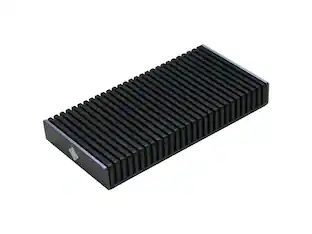
Helps prevent overheating and throttling, improving the performance of your device.
Vented aluminum and silicone thermal pads
Grants durability, protection and improved heat dissipation.
Hardware included
Includes everything you need for a simple setup process.
Easily set up your heatsink
Remove the protective film from both thermal pads. Place one pad inside the heatsink and the other on top of your M.2 SSD. Place the M.2 SSD with thermal pad in the center of your heatsink. Screw top cover into place before installing the SSD into your device.
Specifications
- Drive Form FactorM.2
Reviews
Rating 4.8 out of 5 stars with 391 reviews
- Ease of use (97)
- Cooling (95)
- Performance (44)
- Fit (41)
- Installation (29)
- Instructions (3)
Customer Images
The vast majority of our reviews come from verified purchases. Reviews from customers may include My Best Buy members, employees, and Tech Insider Network members (as tagged). Select reviewers may receive discounted products, promotional considerations or entries into drawings for honest, helpful reviews.
Compare similar products
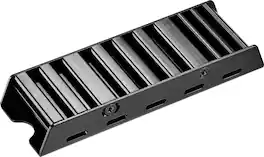
Work and play hard with a heatsink that won’t let your devices overheat. With the Insignia NS-PM2HS Heatsink Enclosure for M.2 NVMe SSDs and PS5, improve the performance of your PlayStation 5 or desktop computer. Its M.2 B&M key or M key supports both 2280 and 22110, giving it wide compatibility with eligible devices. It has a double-sided construction and is made of vented aluminum and silicone thermal pads, preventing overheating and throttling by improving heat dissipation while in use. Black in color, it matches your other electronics for a clean, camouflaged look. Work and play for as long as you need with a heatsink that will take care of the rest.

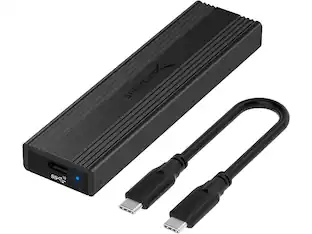
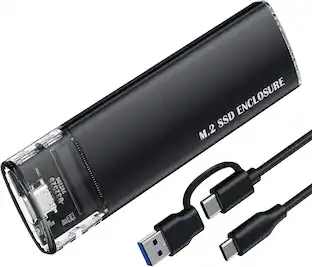
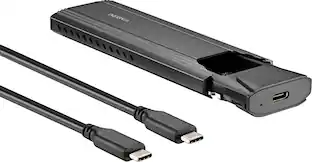
There’s nothing worse than low computer storage when you’re in the middle of working on a big project. Add portable data storage to your laptop or computer with the Insignia NS-PCNVMEHDE M.2 NVMe to USB-C SSD Enclosure. It turns your M.2 NVMe into a USB-C connection with transfer speeds up to 10 Gbps, giving you a high-speed access to your data. The enclosure includes a USB-C cable and a USB-to-USB-C adapter for wide-ranging use. It also has a plug-and-play design, making it easy to use with most computers and laptops. Featuring UASP support, it further reduces processor requirements while improving your data speeds. Improve your computer storage with a high-quality solution that will let you get things done.
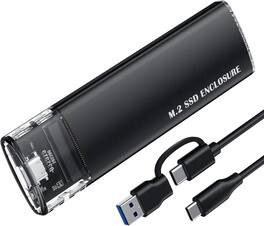
Turn your internal NVMe drive into fast portable storage with this M 2 NVMe SSD enclosure Designed for M Key and B plus M Key NVMe SSDs in sizes 2230 2242 2260 and 2280 it provides a simple way to expand storage transfer files or back up data using a USB C connection With USB 3 1 Gen 2 support the enclosure delivers data transfer speeds up to 10Gbps making it ideal for large file transfers system backups and high performance workflows The plug and play design allows quick setup with most Windows macOS and Linux systems without additional drivers Built for durability and efficient performance the enclosure features a compact portable design that helps dissipate heat and protect your SSD during operation Its a convenient solution for turning an NVMe drive into an external storage device for work travel or everyday use
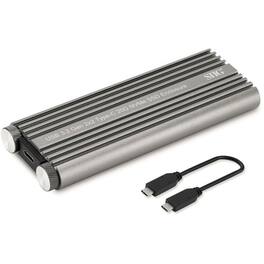
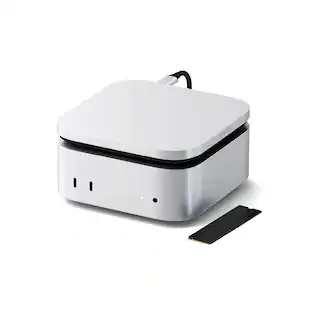
Adds extra storage to USB 3.2 Gen 2x2 enabled computers
| Pros for Insignia™ - Heatsink Enclosure for M.2 NVMe SSDs and PS5 - Black | |||
|---|---|---|---|
| Ease of use, Cooling, Performance, Fit, Installation | Ease of use, Overall Performance, Speed, USB-C, Price | There were no pros for this product— | There were no pros for this product— |
| Cons for Insignia™ - Heatsink Enclosure for M.2 NVMe SSDs and PS5 - Black | |||
| Instructions | Heat, Compatibility, Locking Mechanism | There were no cons for this product— | There were no cons for this product— |
Specs
Customers often buy these together
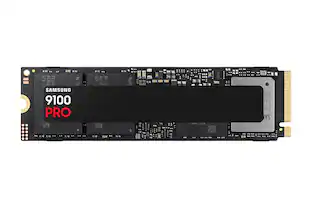 $419.99The price was $679.99
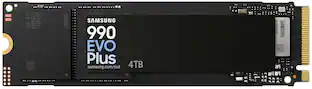 $599.00The price was $1,049.99
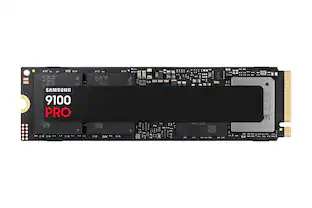 $269.99The price was $339.99
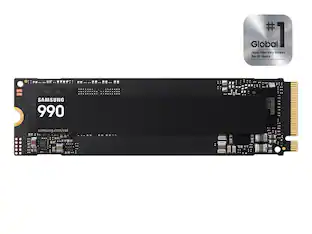 $189.99The price was $229.99
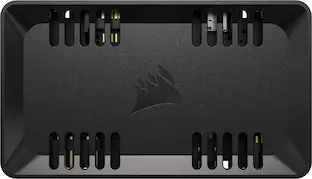 $29.99The price was $39.99

Customers ultimately bought
Explore tech essentials Sponsored
- $189.99The price was $229.99
Discover related products
 $24.99The price was $39.99
 $12.99The price was $13.99
 $31.99The price was $32.99