JBL - Charge 4 Portable Bluetooth Speaker - Dusty Pink
About this product
Stream music from your smartphone or tablet with this JBL Charge 4 portable Bluetooth speaker. The 20-hour battery life keeps your parties going late into the night, while the waterproof construction is ideal for use poolside. Dual passive radiators deliver rich sound quality to bring out the best in your favorite tracks. With JBL Connect+ technology, this JBL Charge 4 portable Bluetooth speaker lets you connect multiple speakers to create a complete sound system.
Color
Dusty PinkFeatures
Wireless Bluetooth streaming
Wirelessly connect up to two smartphones or tablets to the speaker, and take turns enjoying powerful sound.
Rechargeable battery
The built-in rechargeable lithium-ion polymer battery supports up to 20 hours of playtime and charges your device via the USB port.
IPX7 water-resistant
Take Charge 4 to the beach or pool without worrying about spills or even submersion in water.
JBL Bass Radiator
Dual passive radiators deliver powerful, ear-catching JBL sound that resonates loud and clear.
JBL Connect+
Amplify your listening experience to epic levels, and perfectly rock the party by wirelessly connecting more than 100 JBL Connect+ enabled speakers.
Durable fabric material and rugged rubber housing
Allow your speaker to outlast all your adventures.
Specifications
- SpeakerphoneYesWirelessYesRechargeableYesUSB Device ChargingYes
Reviews
Rating 4.8 out of 5 stars with 3268 reviews
Customer Images
The vast majority of our reviews come from verified purchases. Reviews from customers may include My Best Buy members, employees, and Tech Insider Network members (as tagged). Select reviewers may receive discounted products, promotional considerations or entries into drawings for honest, helpful reviews.


Compare similar products
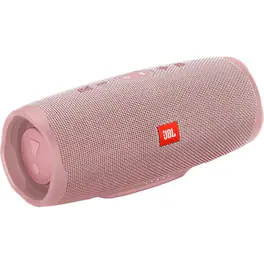
Stream music from your smartphone or tablet with this JBL Charge 4 portable Bluetooth speaker. The 20-hour battery life keeps your parties going late into the night, while the waterproof construction is ideal for use poolside. Dual passive radiators deliver rich sound quality to bring out the best in your favorite tracks. With JBL Connect+ technology, this JBL Charge 4 portable Bluetooth speaker lets you connect multiple speakers to create a complete sound system.
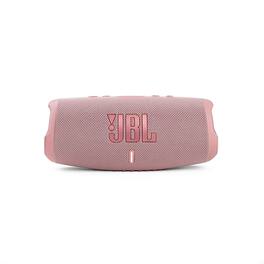
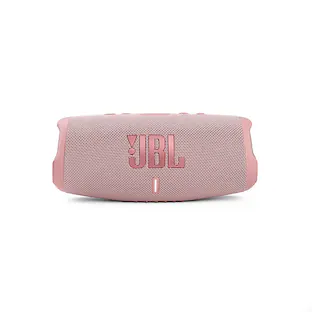
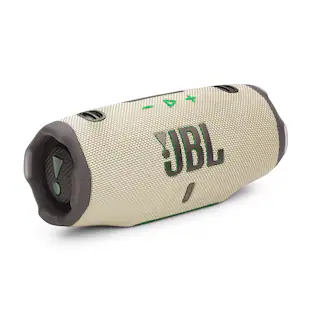
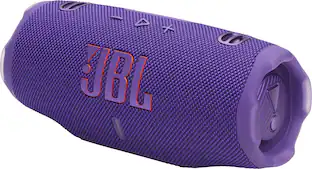
Play and charge endlessly. Take the party with you no matter what the weather. The JBL Charge 5 speaker delivers bold JBL Original Pro Sound, with its optimized long excursion driver, separate tweeter and dual pumping JBL bass radiators. Up to 20 hours of playtime and a handy powerbank to keep your devices charged to keep the party going all night. Rain? Spilled drinks? Beach sand? The IP67 waterproof and dustproof Charge 5 survives whatever comes its way. Thanks to PartyBoost, you can connect multiple JBL PartyBoost-enabled speakers for a sound big enough for any crowd. With all-new colors inspired by the latest street fashion trends, it looks as great as it sounds.
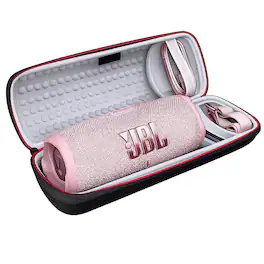
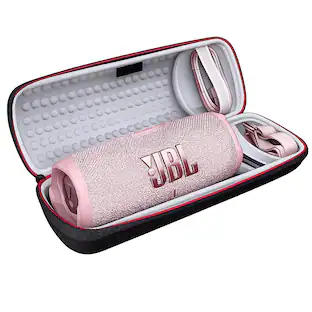
Take the party with you no matter what the weather. The JBL Charge 5 speaker delivers bold JBL Original Pro Sound, with its optimized long excursion driver, separate tweeter and dual pumping JBL bass radiators. Up to 20 hours of playtime and a handy powerbank to keep your devices charged to keep the party going all night. Rain? Spilled drinks? Beach sand? The IP67 waterproof and dustproof Charge 5 survives whatever comes its way. Thanks to PartyBoost, you can connect multiple JBL PartyBoost-enabled speakers for a sound big enough for any crowd. With all-new colors inspired by the latest street fashion trends, it looks as great as it sounds. Meet the Winguard Protective Hardshell Travel Case — because your speaker deserves first-class treatment. Whether you're heading to the beach, the mountains, a backyard BBQ, or just tossing it in your backpack for the day, this case is built to keep your speaker safe, secure, and adventure-ready. Built Tough, Built Smart Crafted with a rugged EVA hardshell exterior, the Winguard case shields your speaker from bumps, drops, dust, and travel chaos. The semi-rigid construction absorbs impact while maintaining a sleek, compact profile — tough on the outside, gentle on the inside. Custom-Fit Protection Inside, precision-molded padding cradles your speaker perfectly, keeping it snug and scratch-free. Dedicated compartments hold your charging cable and strap neatly in place — no more tangled mess or loose accessories rattling around. Travel-Ready Design Comfortable reinforced carry handle Detachable shoulder strap for hands-free convenience Smooth-glide zipper with durable red accent trim Lightweight, compact form factor Grab it. Zip it. Go. Adventure Without Limits From road trips to pool parties, the Winguard Protective Hardshell Travel Case keeps your sound safe so you can focus on turning up the volume. Protect your speaker. Elevate your travels. Sound without compromise.

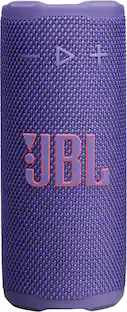
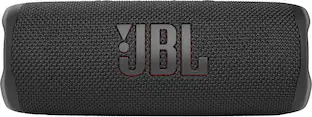
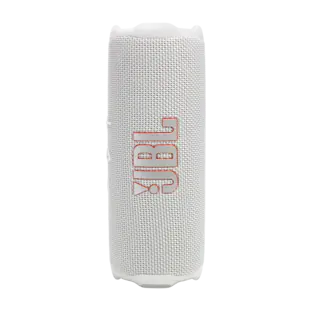
Bold sound for every adventure. Your adventure. Your soundtrack. The bold new JBL Flip 6 delivers powerful JBL Original Pro Sound with exceptional clarity thanks to its 2-way speaker system consisting of an optimized racetrack-shaped driver, separate tweeter, and dual pumping bass radiators. This big-sounding, yet easy to carry speaker is waterproof and dustproof, so you can take it anywhere in any weather. And with 12 hours of battery life, you can party ‘til the sun goes down—or comes up—wherever the music moves you. Use PartyBoost to link multiple compatible speakers. The Flip 6 comes in a variety of cool colors.
| Pros for JBL - Charge 4 Portable Bluetooth Speaker - Dusty Pink | |||
|---|---|---|---|
| There were no pros for this product— | Sound Quality, Battery Life, Portability, Bass, Volume | There were no pros for this product— | Sound Quality, Portability, Battery Life, Bass, Size |
| Cons for JBL - Charge 4 Portable Bluetooth Speaker - Dusty Pink | |||
| There were no cons for this product— | Price, Weight, Pairing, Charging | There were no cons for this product— | Price |
Specs
Questions & Answers
How to connect JBL charger 4 to my TV which does not have bluetooth
Answered by JBL SupportYou can connect the Charge 4 to your TV only through the 3.5mm jack if no bluetooth connection is available for your Tv.

Can the speaker be played while charging? The SONY XB32 has short battery life and doesn't even last a day at work.. It claims "up to" 24HR battery life, while also not playing music loudly while charging.. The SONY went five hours.. Will this outlast it?
Answered by JBL SupportHi there, our JBL Charge 4 can be played while charging and when unplugged, has a playtime of up to 20 hours. For more information, please submit a case request so we can assist you: https://support.jbl.com/us/en/customer-service/contact.html
I own a jbl flip 5 with party boost , can I pair it with a jbl charge 4?
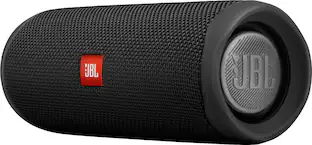
Answered by JBL SupportUnfortunately, you cannot pair your JBL Charge 4 to the Flip 5. Because of technology limitations, our Connect+ enabled speakers are not compatible with our PartyBoost speakers. As Bluetooth technology improves, so do our portable products. The new PartyBoost feature allows you to connect hundreds of other PartyBoost enabled speakers and contains a more powerful Bluetooth transmitter, which allows you to play multiple speakers further apart from each other. For more information on our new PatryBoost products, please reach out to us here: https://www.jbl.com/support-contact.html.
Can you pair two charge 4 speakers with Bluetooth?
Answered by JBL SupportHi! Yes you can pair the Charge 4 with multiple speakers with the same Connect+ feature.
Can you use this speaker for computer speakers? If so, what cables do you need? Thanks!
Answered by JBL SupportYes, you will just need a 3.5mm aux cable to connect your JBL Charge 4 to your PC.
Customers often buy these together
 $139.95The price was $179.95
 Top Deal$119.95The price was $149.95
Customers ultimately bought
 $35.99The price was $45.99
 Top Deal$119.95The price was $149.95
- $139.95The price was $179.95
 $375.00The price was $399.00
 Top Deal$39.95The price was $54.95
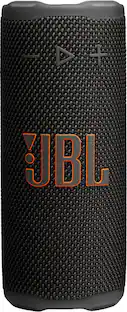
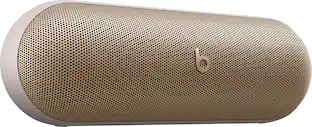
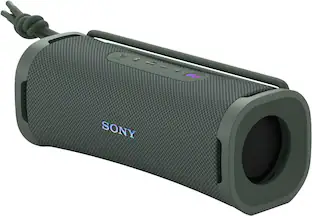
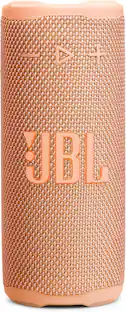
Your sound, your style Sponsored
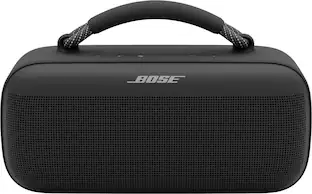 Top Deal$279.00The price was $349.00
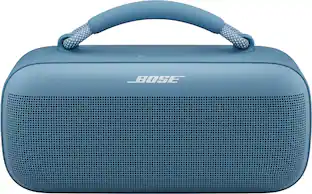 Top Deal$279.00The price was $349.00
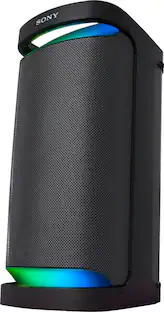 Clearance$467.99The price was $549.99
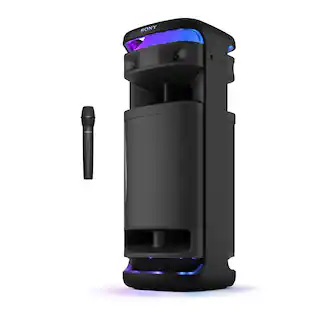

Discover related products
 $89.99The price was $109.99
 $52.99The price was $64.99
 $23.65The price was $26.36

Keep exploring
 $329.95The price was $419.95
 $29.99The price was $49.99
 $1,499.00The price was $2,069.90
- $139.95The price was $179.95