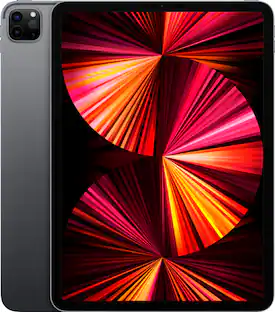
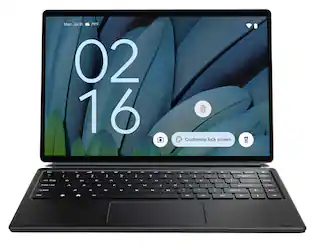
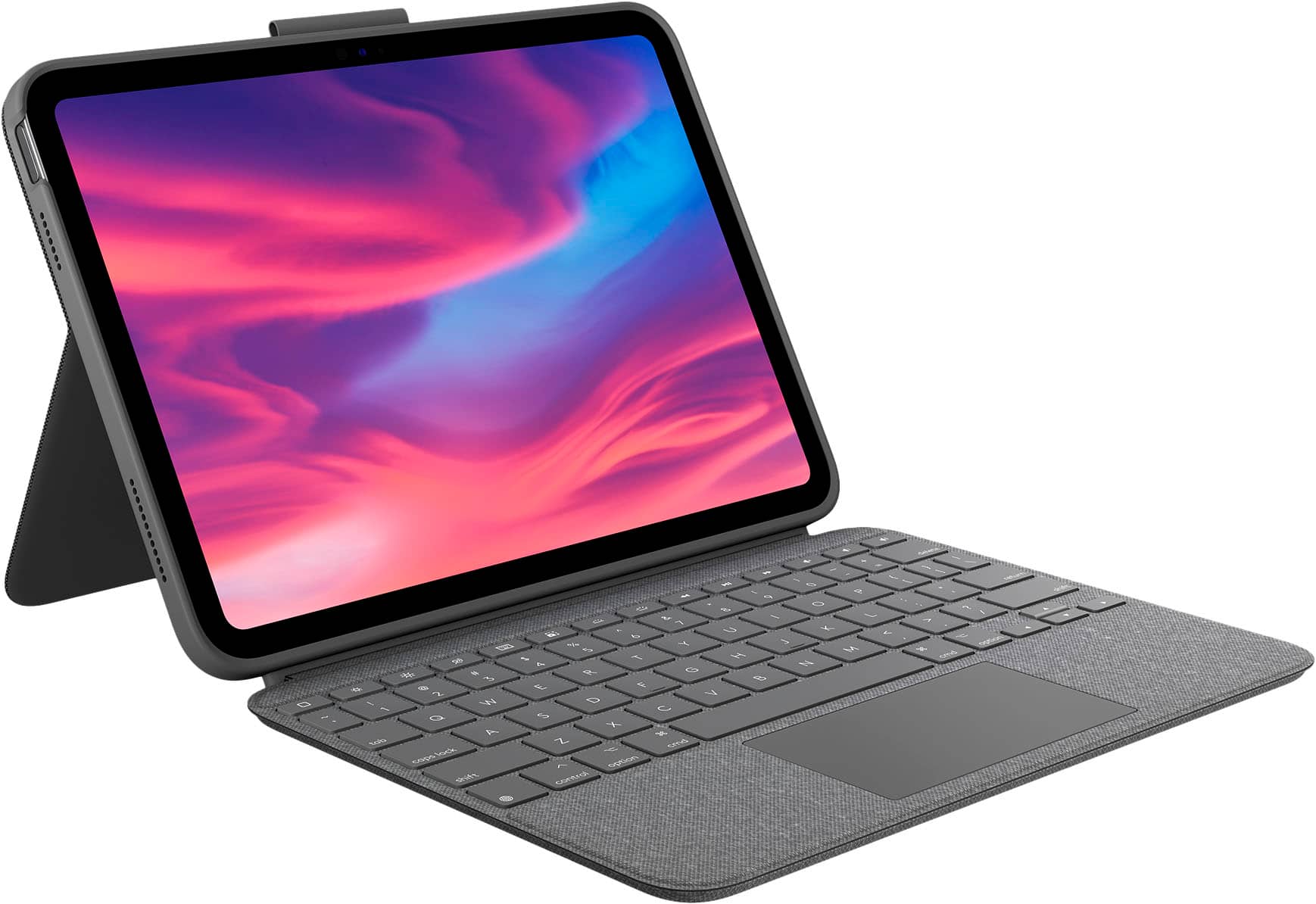
Logitech - Combo Touch Keyboard and Trackpad Case for Apple iPad - Latest Model A16 chip and iPad 10th Gen with Detachable Keyboard - Oxford Gray
Customers are saying
Customers consistently note that the keyboard quality is a standout feature, often described as superior to competing options. Users also frequently praise the product's intuitive design, ease of use, and the reliable protection it provides for their devices. While the overall fit and lightweight nature are highly appreciated, some users have expressed minor reservations regarding the premium price point and the rigidity of the stand.
Color
Oxford GrayFeatures
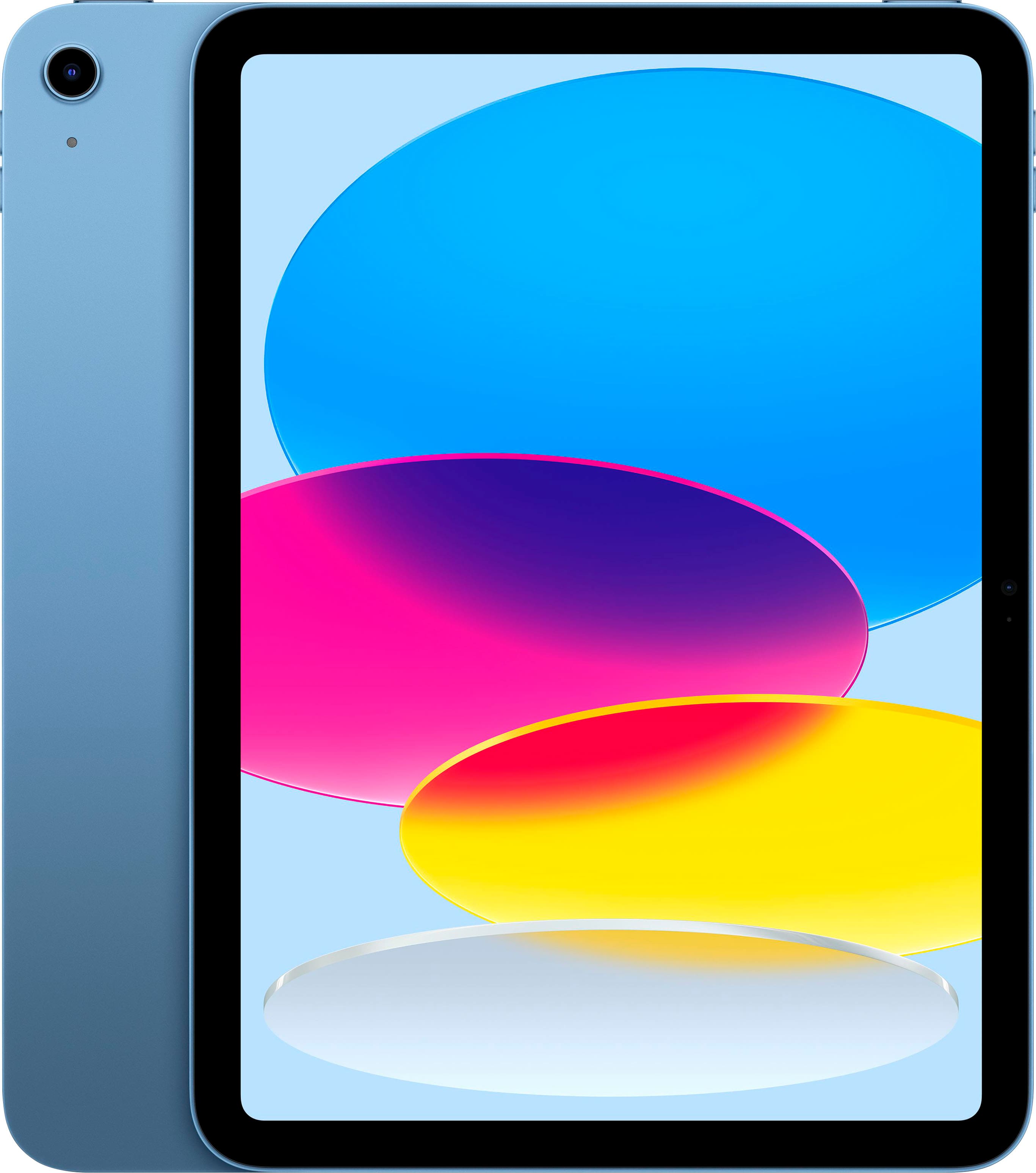
Compatibility: iPad (10th gen & A16)
Models: A2696, A2757, A2777, A3162
Trackpad precision and control
Edit documents, navigate apps, and build presentations with unparalleled precision using a familiar multi-gesture trackpad.
Full row of iPadOS shortcut keys
Type comfortably and accurately anywhere. A well-spaced backlit keyboard with a full row of iPadOS shortcut keys including new screenshot and dictation keys helps you optimize productivity, day or night.
Power and pair in one click
Batteries aren’t included, because you’ll never need them—your keyboard instantly pairs and powers on using the Smart Connector. Power is sourced directly from iPad so you never have to charge.
Four use modes: Type, Sketch, View, and Read
Get more done no matter where you are, with four distinct use modes including Type, Read, Sketch, and View Modes.
Any angle kickstand
Flexible kickstand offers 50° of tilt so you can always have the right angle for the task at hand. When typing isn’t needed, detach the keyboard and enjoy your iPad screen with nothing in the way.
Secure, form-fit protection
Designed to look and feel like a natural extension of your iPad. The lightweight case keeps your device safe from scuffs, scratches, and spills, with premium materials that are soft to the touch.
Specifications
- Model CompatibilityApple iPad (10th Generation) 10.9" 2022, Apple iPad (A16) 11" 2025Operating System CompatibilityApple iPadOSInterface(s)Smart ConnectorIlluminatedYes
Reviews
Rating 4.7 out of 5 stars with 957 reviews
- Keyboard Quality (346)
- Ease of use (167)
- Protection (80)
- Fit (41)
- Design (30)
- Price (7)
- Stand (4)
- Case Material (3)
Customer Images
The vast majority of our reviews come from verified purchases. Reviews from customers may include My Best Buy members, employees, and Tech Insider Network members (as tagged). Select reviewers may receive discounted products, promotional considerations or entries into drawings for honest, helpful reviews.

- Logitech - Slim Folio Keyboard Folio for Apple iPad (7th, 8th & 9th Generation) - Graphite$65.99The price was $99.99
Compare similar products

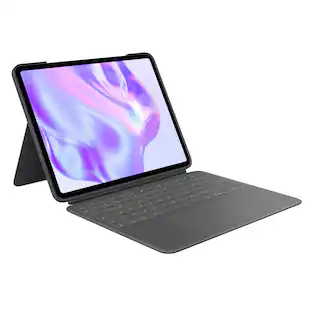
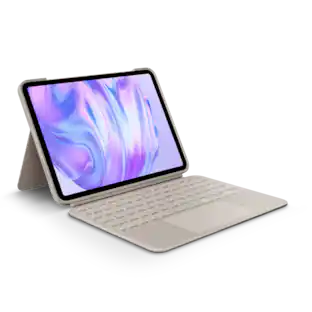
Discover what’s possible. Introducing the game-changing Combo Touch keyboard case for iPad—combining a full-size backlit keyboard with a precision Multi-Touch trackpad. Navigate iPad with familiar gestures and easily edit spreadsheets, documents and more. Plus, a flexible design with detachable Smart Connector keyboard supports four use modes for extra versatility.

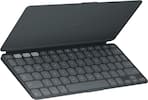
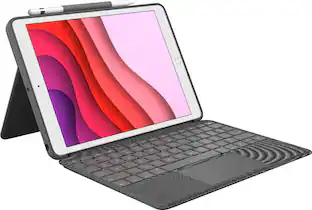
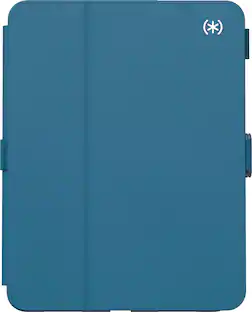
Slim Style with a full-size keyboard. Slim Folio for iPad offers well-spaced keys and iPadOS shortcuts to make typing fast and comfortable. Slim Folio locks your iPad at an optimal angle for typing and holds firm on any surface from a desk to your lap. The form-fit slim design protects iPad from bumps and scratches without weighing you down.

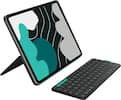
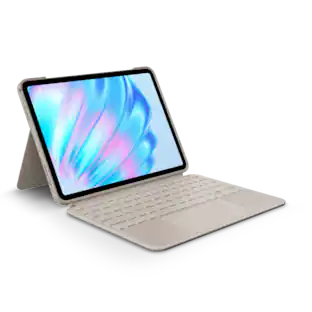
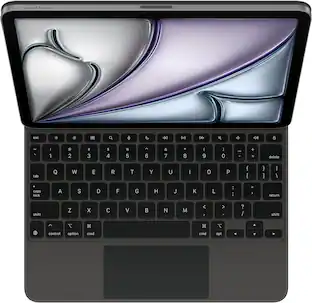
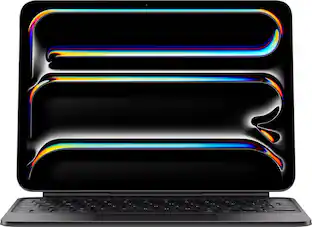
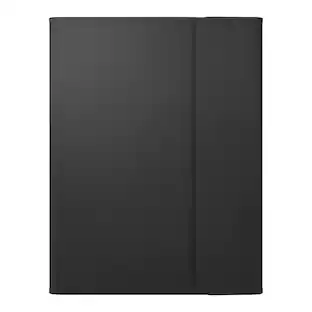
Type comfortably and work on a large trackpad with Magic Keyboard Folio. Quickly adjust the volume or search for a file using the function key row. The versatile two-piece design has a detachable keyboard and a protective back panel with an adjustable stand for flexible viewing.

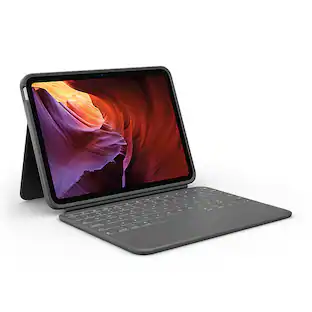
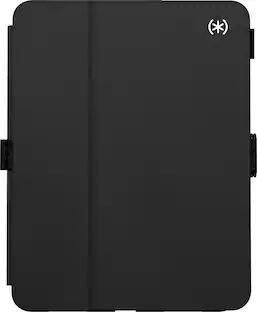
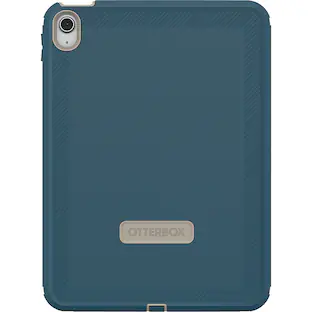
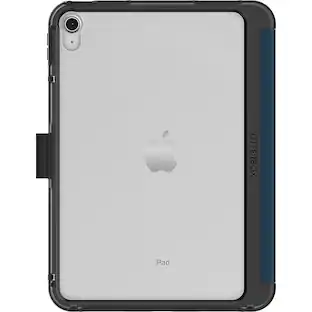
Heavy-duty protection. Slim design. Think you need a chunky case to protect your iPad (10th gen) from drops, spills, and scratches? Think again. Rugged Folio is a surprisingly slim keyboard case with drop protection for iPad. This light all-in-one case features four use modes, spill-proof keyboard, iPadOS shortcut keys, and more.
| Pros for Logitech - Combo Touch Keyboard and Trackpad Case for Apple iPad - Latest Model A16 chip and iPad 10th Gen with Detachable Keyboard - Oxford Gray | |||
|---|---|---|---|
| Keyboard Quality, Ease of use, Protection, Fit, Design | Keyboard Quality, Ease of use, Protection, Fit, Battery Life | Ease of use, Keyboard Quality, Design, Protection, Connectivity | Keyboard Quality, Protection, Ease of use, Fit, Weight |
| Cons for Logitech - Combo Touch Keyboard and Trackpad Case for Apple iPad - Latest Model A16 chip and iPad 10th Gen with Detachable Keyboard - Oxford Gray | |||
| Price, Stand, Case Material | Price, Weight | Price, Compatibility, Color, Magnetic Attachment | Bulk |
Specs
Customers often buy these together
 $29.00The price was $69.99







Customers ultimately bought
 $146.99The price was $159.99





Explore tech essentials Sponsored


Discover related products
 $319.99The price was $399.00
 $399.99The price was $479.99