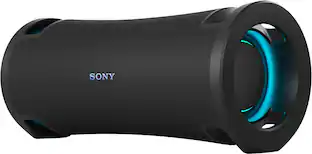
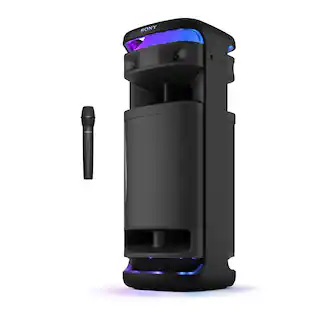
Sony - ULT FIELD 7 Wireless Portable Speaker with Cardioid Microphone Bundle - Black
Reviews coming soon
About this product
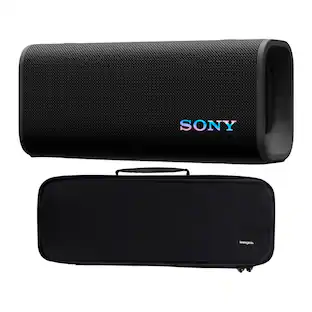
Sony ULT FIELD 7 IP67 Rated Bluetooth Wireless Portable Speaker with Expressive Lighting (Black) Knox Gear HDM-100 Uni-Directional Dynamic Cardioid Microphone (Desktop Mic Clip Included) You don't get many second chances when it comes to live vocal performances, live streaming from a laptop, podcasting on the fly, and taking daily zoom meetings.
Features
Sony ULT FIELD 7 Speaker
Portable wireless speaker.
Cardioid Microphone
Ideal for voice and karaoke.
Bundle Pack
Includes mic + accessories.
Wireless Connectivity
Bluetooth and portable setup for events.
Specifications
- WirelessNo
Reviews
This product doesn't have any reviews yet.





Compare similar products

Sony ULT FIELD 7 IP67 Rated Bluetooth Wireless Portable Speaker with Expressive Lighting (Black) Knox Gear HDM-100 Uni-Directional Dynamic Cardioid Microphone (Desktop Mic Clip Included) You don't get many second chances when it comes to live vocal performances, live streaming from a laptop, podcasting on the fly, and taking daily zoom meetings.

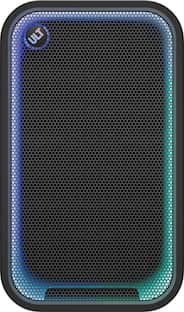
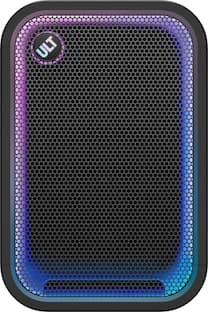
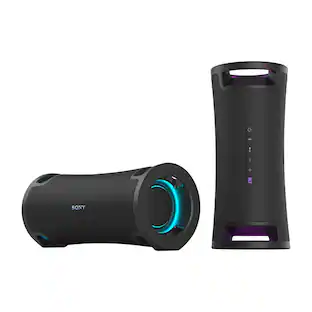
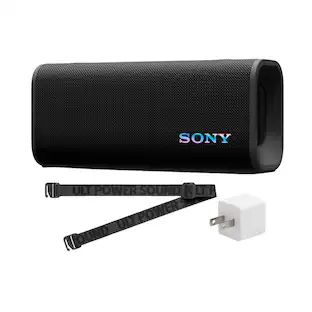
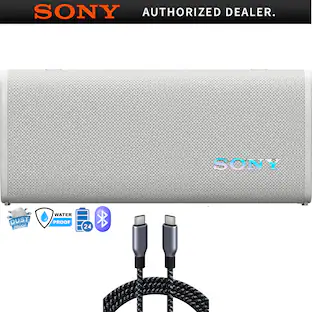
The perfect party companion for breathtaking, portable sound. Bring the party anywhere with powerful bass, dynamic lighting, and a mic port for karaoke. With up to 30 hours of battery life, quick-charging capabilities and dust-and-rust proof construction, the party can go on uninterrupted.
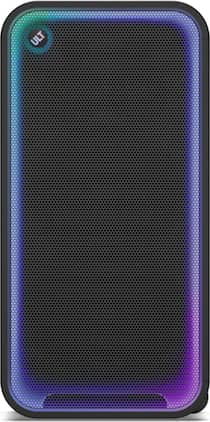
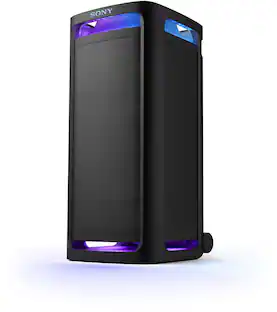
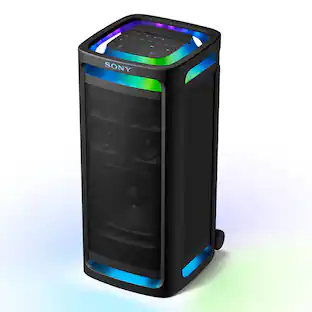
Co-created with professional hip-hop creators, the ULT TOWER MAX delivers massive, floor-shaking sound built for the biggest parties. Choose the sound that suits the moment and bring unforgettable energy to every event. With integrated handles and wheels, you can bring full-scale party sound wherever it's needed. From large-scale parties to DJ performances and karaoke sessions, 360° Party Sound and party lighting transform any space into a full-scale party venue.

Experience superior sound with powerful boosted audio, deep bass, and vibrant 360° Party Lights. Designed for portability, this speaker is easy to carry, so your music and party vibes can go wherever you do. Perfect for any setting, it delivers immersive sound and lighting to elevate every moment.
| Pros for Sony - ULT FIELD 7 Wireless Portable Speaker with Cardioid Microphone Bundle - Black | |||
|---|---|---|---|
| There were no pros for this product— | Sound Quality, Battery Life, Portability, Volume, Bass | Build Quality, Connectivity, Audio Performance | Sound Quality, Portability, Battery Life, Volume, Design |
| Cons for Sony - ULT FIELD 7 Wireless Portable Speaker with Cardioid Microphone Bundle - Black | |||
| There were no cons for this product— | Price | Portability | Weight |
Specs
Questions & Answers
How do I connect the microphone to the speaker.
Answered by SonyListensHi there! We appreciate your question. We're happy to clarify that information for you! To connect a microphone to the ULT FIELD 7 speaker, just plug your microphone into the MIC/GUITAR input jack on the back of the speaker. Once it’s connected, turn on the speaker and adjust the microphone volume using the dedicated MIC VOL knob until it sounds right for you. If you’d like to learn more about this, feel free to check out the following link, we put together extra details there that might be helpful: https://helpguide.sony.net/speaker/7858/v1/en/contents/TP1001285999.html?search=mic Thank you for making Sony part of your purchasing consideration! Warm regards, Estefany

Customers often buy these together
 $499.99The price was $999.99
 $274.95The price was $379.95
 Techtober Deal$448.00The price was $549.99
 Techtober Deal$349.99The price was $499.99
 Techtober Deal$1,198.00The price was $1,499.99

More to consider
 Our 365-day lowest price$799.00The price was $1,199.99
- Techtober Deal$1,198.00The price was $1,499.99
 $148.00The price was $208.00
- Techtober Deal$448.00The price was $549.99

Your sound, your style Sponsored
- Our 365-day lowest price$799.00The price was $1,199.99
 Techtober Deal$249.99The price was $399.99
 Techtober Deal$189.99The price was $299.99
- Techtober Deal$249.99The price was $399.99
- Techtober Deal$448.00The price was $549.99
 Techtober Deal$249.99The price was $399.99
Discover related products
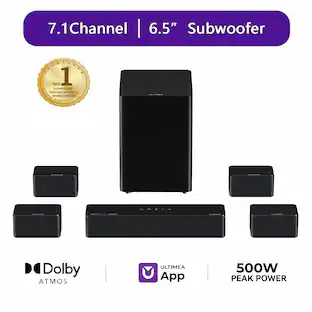 $279.99The price was $499.99
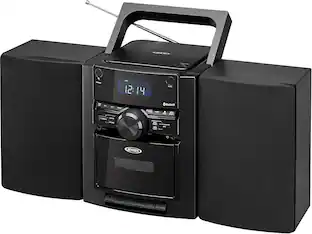 $89.99The price was $94.95
 $52.99The price was $64.99
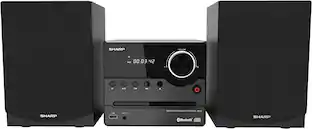 $124.95The price was $129.99
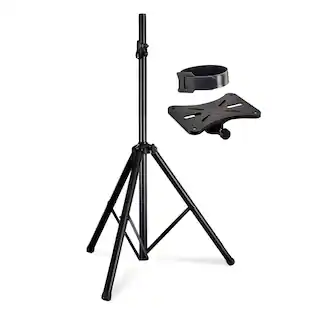 $26.99The price was $48.00
 $24.95The price was $26.36
Keep exploring
 $759.90The price was $799.90
 $1,629.90The price was $2,069.90
 $1,609.90The price was $2,009.90
 $24.99The price was $49.99
 $157.45The price was $209.95