Tripp Lite - 2-Port USB/VGA Cable KVM Switch with Cables and USB Peripheral Sharing - Black
Reviews coming soon
About this product
The 2-Port USB/VGA Cable KVM Switch allows you to control two computers using a single set of peripherals. It features built-in VGA and USB cables, supports video resolutions up to 2048 x 1536, and offers USB peripheral sharing capabilities. Installation is simple with no need for additional software or power supplies.
Control Two Computers with One Set of Peripherals
Manage two computers using a single VGA monitor, USB keyboard, and USB mouse.
Built-in VGA and USB Cables
Includes 3 ft. VGA and USB cables for easy setup without additional wiring.
Supports High Video Resolutions
Handles video resolutions up to 2048 x 1536 for clear and sharp visuals.
USB Peripheral Sharing Capability
Connect a powered USB 1.1 hub to share peripherals like printers and scanners between computers.
Plug-and-Play Installation
No software, drivers, or external power supply required for quick and straightforward setup.
- BrandTripp LiteModel NumberB032-VU2Product Name2-Port USB/VGA Cable KVM Switch with Cables and USB Peripheral SharingColorBlackSelector Switch Box TypeKVM SwitchInput(s)2 x USB-A, 2 x VGA
Reviews
This product doesn't have any reviews yet.
Compare similar products
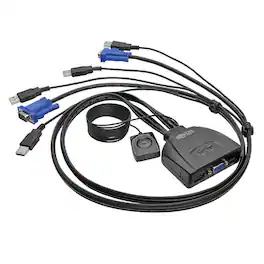
The 2-Port USB/VGA Cable KVM Switch allows you to control two computers using a single set of peripherals. It features built-in VGA and USB cables, supports video resolutions up to 2048 x 1536, and offers USB peripheral sharing capabilities. Installation is simple with no need for additional software or power supplies.

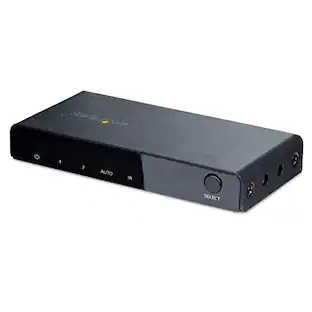
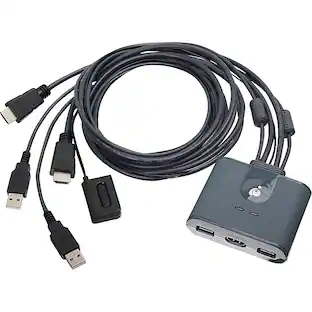
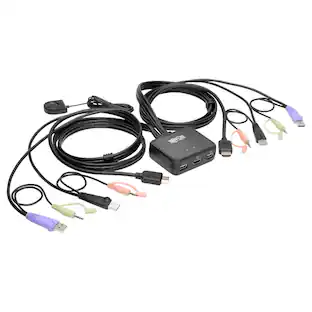
The 2-Port Full HD KVM Switch is plug-and-play. And all the cables you need are included. The KVM shows which computer you are using with a light on the unit (either PC1 or PC2). Toggling between two HDMI computers is as easy as clicking the remote port selector button allowing the user to multitask with two computers. Place the 6 ft remote port cable behind your computer set-up so the selector button can be placed on your desk for easy reach.
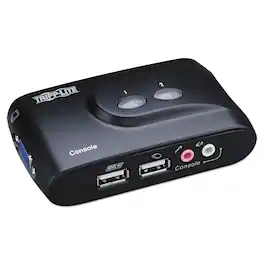
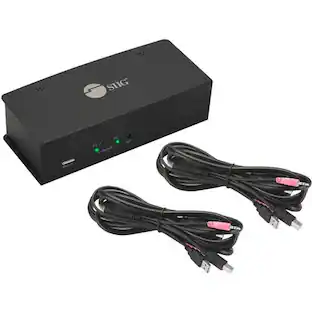
Control two computers through one keyboard, monitor and mouse. This self-powered switch requires no AC adapter. Speaker and microphone connections allow you to share audio components between computers, while independent switching provides an uninterrupted flow between machines. Operate the switch via hot keys, software or buttons on switch. Compact design saves desk space and compatible with all major operating systems.
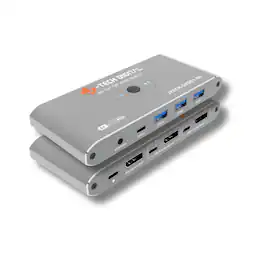
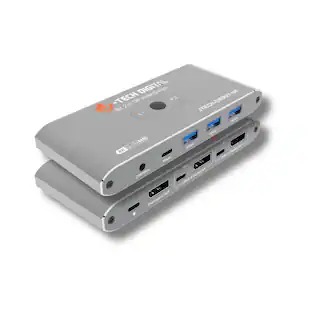
The J-Tech Digital JTECH-DKM21-8K DisplayPort 1.4 KVM Switch allows you to control two computers using one monitor, keyboard and mouse for a clean and efficient workspace. Designed for high performance setups, this 8K KVM switch supports resolutions up to 8K@60Hz and 4K@240Hz with ultra-high 32.4Gbps bandwidth, delivering sharp visuals, smooth performance and lag free transmission for gaming, creative work and professional multitasking. Equipped with four USB 3.0 ports including USB-A and USB-C, it enables fast sharing of peripherals such as keyboards, mice, printers and external storage devices between two systems. With simple button or wired remote switching, the J-Tech Digital JTECH-DKM21-8K provides a reliable DisplayPort KVM solution ideal for dual PC gaming stations, home offices and advanced workstation environments.
Specs
Be the first to ask a question.
We’ll try to get your question answered within 24 hours by a Best Buy customer or brand representative.
Customers often buy these together

More to consider

Elevate your entertainment Sponsored
 $80.99The price was $96.99