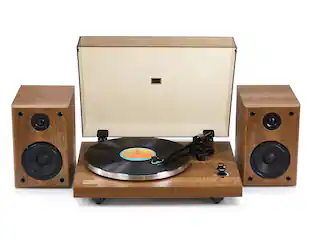
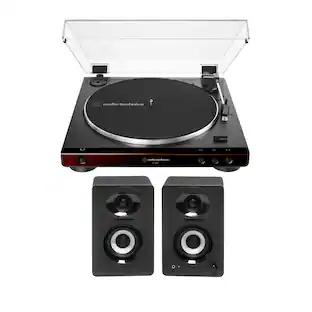
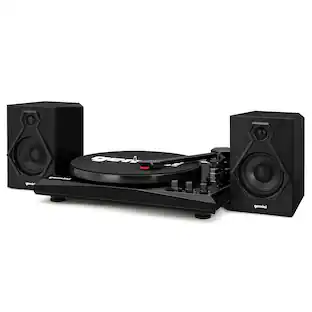
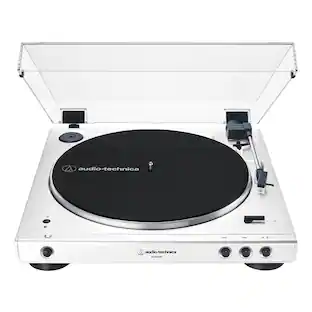
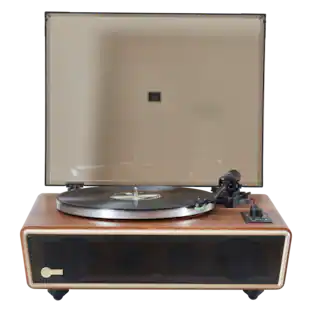
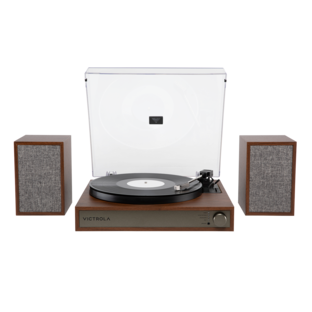
Victrola - Bluetooth Stereo Turntable - Farmhouse Oatmeal
Customers are saying
Customers frequently mention that this record player delivers impressive sound quality and is remarkably easy to use. Users also appreciate the convenient Bluetooth connectivity, compact size, and attractive design options available at a reasonable price point. While the device is highly regarded, some individuals have noted that the bass response and maximum volume levels are somewhat limited.
Color
Farmhouse OatmealBelt-driven system
Enjoy superior sound thanks to the belt drive, which reduces vibration.
Stereo sound
Enjoy sound as it was meant to be heard in full stereo.
Plays 78, 33-1/3 and 45 rpm
Keep your music going with the speeds this turntable offers.
Bluetooth connectivity
Enjoy seamless wireless connectivity with Bluetooth.
Built-in speakers
Offer dynamic sound for all your favorite records.
RCA output
For easy connectivity. A headphone jack enables private listening.
- Drive TypeBelt driveOperation TypeSemi-automaticCartridge Type IncludedNot includedAudio Only Outputs1 x PhonoNetwork Connector(s)1 x 3.5mm mono inWireless ConnectivityBluetooth
Reviews
Rating 4.4 out of 5 stars with 610 reviews
- Sound Quality (237)
- Ease of use (117)
- Bluetooth (59)
- Size (35)
- Price (20)
- Bass (4)
- Volume (3)
Customer Images
The vast majority of our reviews come from verified purchases. Reviews from customers may include My Best Buy members, employees, and Tech Insider Network members (as tagged). Select reviewers may receive discounted products, promotional considerations or entries into drawings for honest, helpful reviews.
Compare similar products
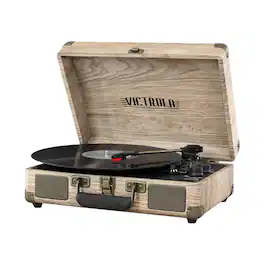
Listen to music on various formats with this Victrola Bluetooth suitcase record player. A three-speed turntable plays vinyl records, while Bluetooth connectivity and a 3.5mm aux-in jack provide compatibility with wired and wireless sources. This Victrola Bluetooth suitcase record player has built-in stereo speakers that produce detailed audio and an RCA aux-in port for connecting to external speakers.

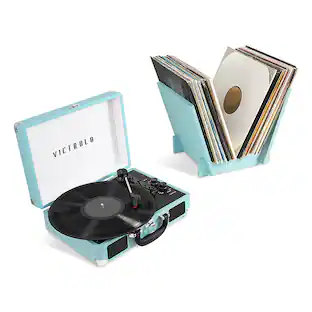
Victrola's Journey portable suitcase record player is a classic, loaded with features like an easy carry handle, so you to listen to your favorite tunes wherever you are! Built-in stereo speakers provide crisp, clear sound, or you can plug in your favorite headphones and get lost in the music. The suitcase record player features a 3-speed, belt-driven turntable to reduce vibration, as well as wireless Bluetooth connectivity, so you can listen from up to 33 feet away. In your home or on the go, your music will never be far!

Victrola's Journey portable suitcase record player is a classic, loaded with features like an easy carry handle, so you to listen to your favorite tunes wherever you are! Built-in stereo speakers provide crisp, clear sound, or you can plug in your favorite headphones and get lost in the music. The suitcase record player features a 3-speed, belt-driven turntable to reduce vibration, as well as wireless Bluetooth connectivity, so you can listen from up to 33 feet away. In your home or on the go, your music will never be far!

Listen to your vinyl collection from any room in your home with this Bluetooth suitcase turntable. The bright red color brings a fun, retro look to your space, and the compact design allows for easy carrying. Boasting built-in stereo speakers, this Bluetooth suitcase turntable amplifies your music for bold sound.
| Pros for Victrola - Bluetooth Stereo Turntable - Farmhouse Oatmeal | |||
|---|---|---|---|
| Sound Quality, Ease of use, Bluetooth, Size, Price | Sound Quality, Ease of use, Bluetooth, Size, Price | Sound Quality, Ease of use, Bluetooth, Size, Price | Sound Quality, Ease of use, Bluetooth, Size, Price |
| Cons for Victrola - Bluetooth Stereo Turntable - Farmhouse Oatmeal | |||
| Bass, Volume | Bass, Volume | Bass, Volume | Bass, Volume, Turntable |
Specs
Find more like this
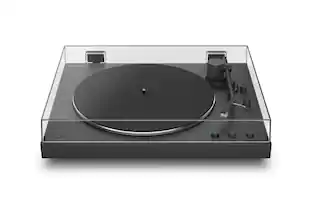 $348.99The price was $399.99
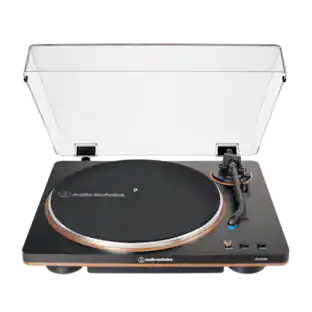
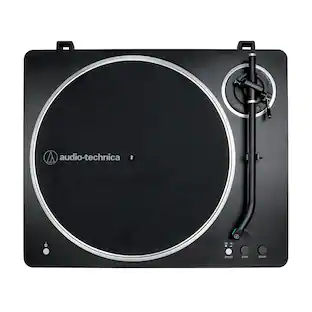
Customers ultimately bought
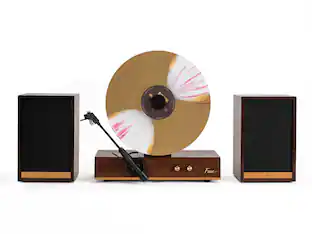 $299.99The price was $329.99
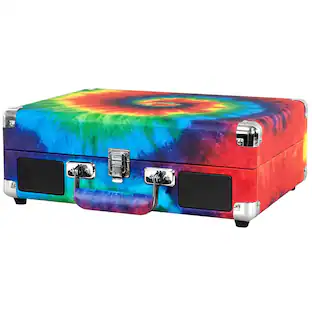
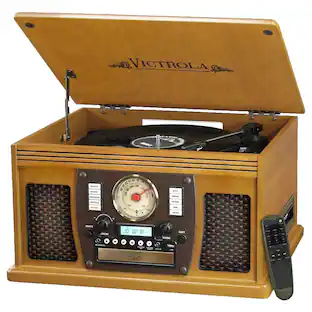
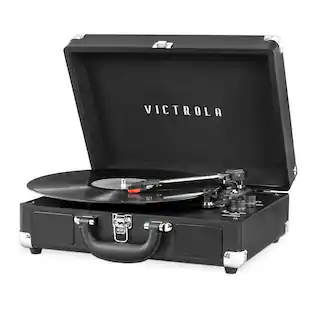
Your sound, your style Sponsored
Discover related products
 $82.99The price was $92.68
 $54.99The price was $64.99
 $26.99The price was $48.00


Keep exploring
- $299.99The price was $329.99
 $484.99The price was $499.99