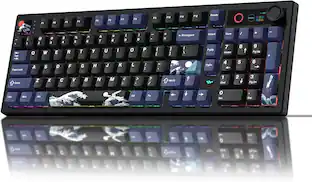
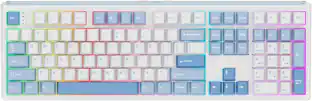
Womier - M68 HE Ultra Rapid Trigger Mechanical Keyboard, 65% Magnetic Switches Hall Effect Gaming Keyboard - White
About this product
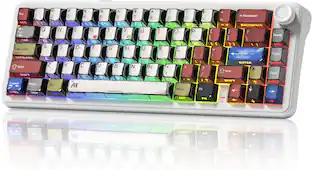
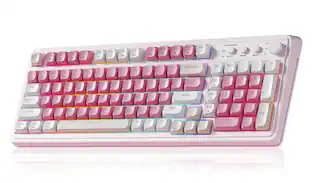
67 Keys Hall Effect Topographic Gaming Keyboard, Wired RGB Custom Mechanical Key Board with Magnetic Switch, PBT Keycaps for Mac/Win
Hall Effect Magnetic Switch Keyboard
Built with advanced hall effect magnetic switches, this womi
Fully Customizable via Web-Based Drive
Customize your keyboard exactly how you like it—right from your browser. The intuitive web-based driver lets you remap keys, set per-key actuation points, create complex macros, and personalize RGB lighting with no software installation. Unlock pro-grade functions like Rapid Trigger (RT), SOCD (Snap Tap), and advanced features including DKS, MT, and TGL. Full compatibility with Windows and macOS ensures a seamless experience for every
Topographic Design & Compact 65% Layout
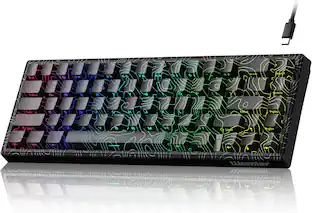
This 65% compact keyboard features a stunning topographic-themed shell and keycaps for a distinctive aesthetic. The side-printed PBT keycaps combine double-shot craftsmanship for long-lasting durability. Cherry-profile keycaps offer ergonomic comfort and familiar key feel, while the compact layout saves desk space without sacrificing function
Dynamic Per-Key RGB Lighting with Custom Effects
Featuring 16 million-color per-key RGB backlighting, this keyboard delivers vibrant, customizable lighting effects that enhance your gaming atmosphere. Choose from 15+ built-in modes or create your own using the web-based software.
- Lighting TypeRGBForm Factor65%Key Switch BehaviorLinearConnection TypeWired
Reviews
Rating 4.5 out of 5 stars with 6 reviews
Customer Images
The vast majority of our reviews come from verified purchases. Reviews from customers may include My Best Buy members, employees, and Tech Insider Network members (as tagged). Select reviewers may receive discounted products, promotional considerations or entries into drawings for honest, helpful reviews.

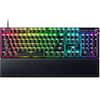
- Razer - Huntsman V3 Pro 8KHz Full Size Wired Analog Optical Linear Switch Gaming Keyboard with Snap Tap - Black$219.99The price was $249.99
Compare similar products

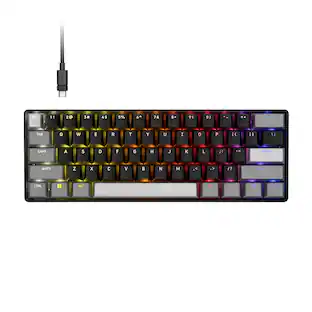
67 Keys Hall Effect Topographic Gaming Keyboard, Wired RGB Custom Mechanical Key Board with Magnetic Switch, PBT Keycaps for Mac/Win
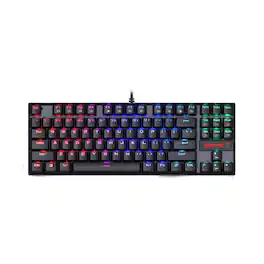
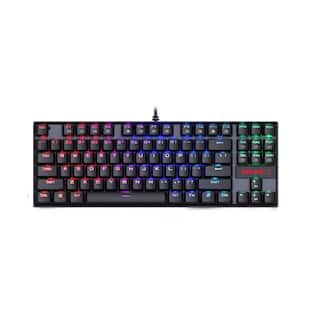
The Redragon Kumara RGB mechanical gaming keyboard features solid aircraft-grade aluminium and ABS construction, plate mounted keys, double-shot injection moulded keycaps, high-end blue mechanical switches with ultra-last springs, as well as crisp and bright adjustable 18 mode RGB LED backlighting. High-Speed USB cable with gold-plated USB connector for a reliable connection and n-key rollover for fast hardcore gaming. Works well with all major computer brands and gaming PCs. Tenkeyless (TKL) design provides a minimalist design with compact footprint.

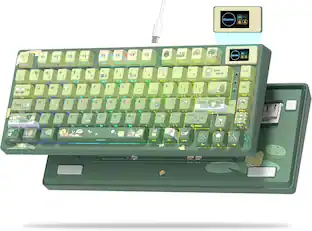
67 Keys Hall Effect Topographic Gaming Keyboard, Wired RGB Custom Mechanical Key Board with Magnetic Switch, PBT Keycaps for Mac/Win
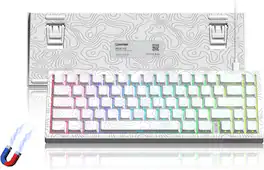
67 Keys Hall Effect Topographic Gaming Keyboard, Wired RGB Custom Mechanical Key Board with Magnetic Switch, PBT Keycaps for Mac/Win
| Pros for Womier - M68 HE Ultra Rapid Trigger Mechanical Keyboard, 65% Magnetic Switches Hall Effect Gaming Keyboard - White | |||
|---|---|---|---|
| There were no pros for this product— | Keyboard Quality, RGB Lighting, Price, Size, Comfort | There were no pros for this product— | There were no pros for this product— |
Specs
Customers often buy these together
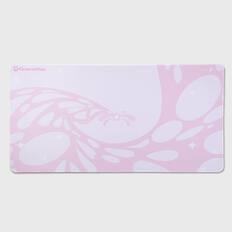
GravaStar - Extended Gaming Mouse Pad with Stitched Edges and Non-Slip Base - Sakura Pink
$12.95The price was $19.95
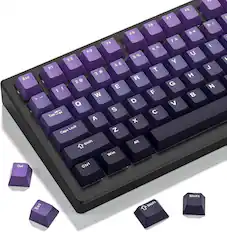
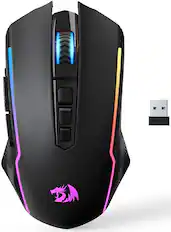
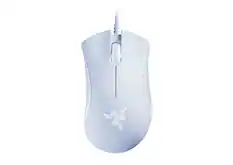
More to consider
 $22.99The price was $32.99
 $53.99The price was $61.99


Explore tech essentials Sponsored
 Labor Day Deal$299.99The price was $349.99
 Labor Day Deal$79.99The price was $149.99
 $159.99The price was $219.99
 $159.99The price was $219.99
 $138.99The price was $199.99
Keep exploring
 $59.99The price was $74.99
 $129.95The price was $159.95
 $39.99The price was $45.99