A:AnswerIt’s a Chromebook, so if you can do your work on the Google platform (Docs, Drive, etc. ) you should be fine. My daughter does all her high school homework on it.
A:AnswerI am on G+ , LinkedIn , Deviant Art, BaseNotes and FaceBook . Actually , maybe I am way to much .Regardless though, I don't have a problem . Google is an Open Source Debbie. I like this Acer 15 Chromebook. I owned a Toshiba Chromebook before, and I like the Acer 15 much better. For the price , you really can't do better.
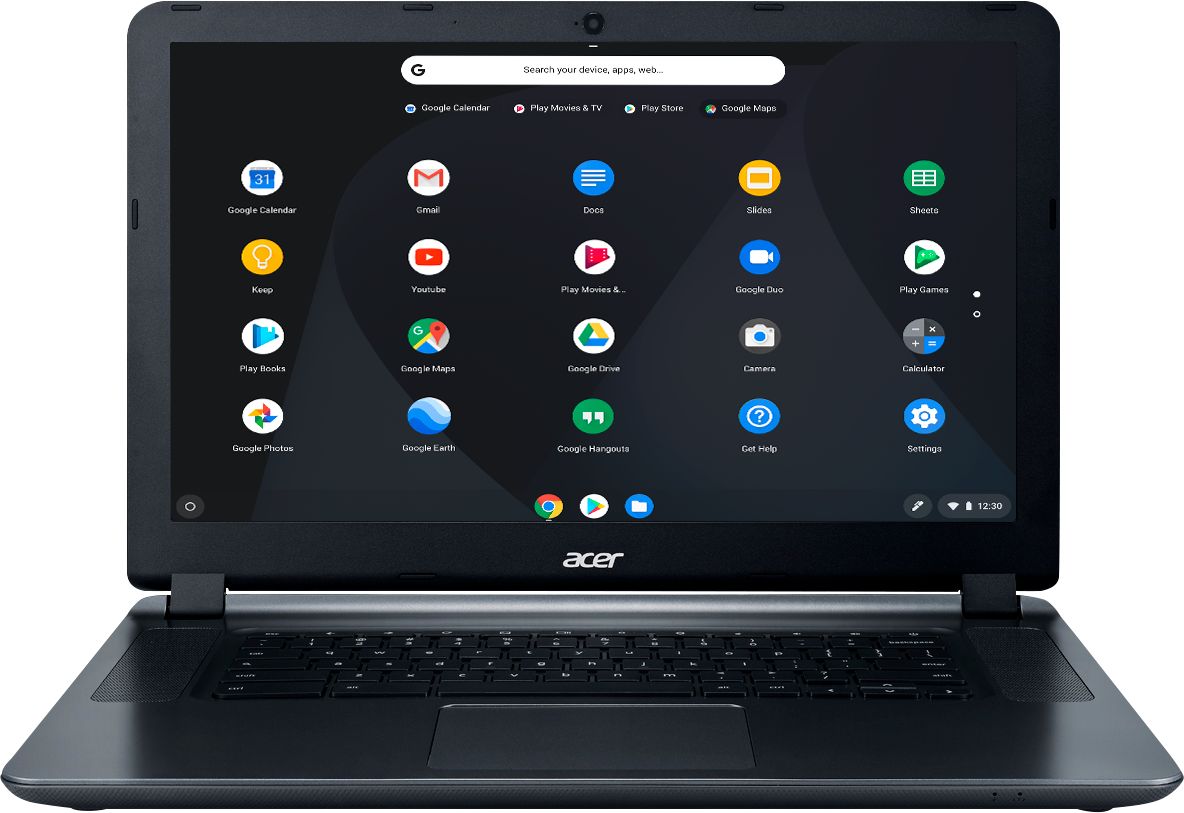
A:AnswerThis is a Chromebook that ships with the Chrome operating system. Microsoft Office is not included but this model does support Android apps and Google Playstore. Please reference this link and note the footnote next to the CB3-532 for more information: https://www.chromium.org/chromium-os/chrome-os-systems-supporting-android-apps. Here is a link that has information on using Microsoft Office on a Chromebook that you might find helpful: https://support.office.com/en-us/article/how-to-install-and-run-microsoft-office-on-a-chromebook-32f14a23-2c1a-4579-b973-d4b1d78561ad
A:AnswerIf I recall the Chromebook 15 is more expensive and I looked at it. I believe it has a Quad core processor, while this unit has a Duel core. I don't know how much better it could be, this does what I want, plus I gave it to a kid and Chrome is practically indestructible. And you won't have to put up with Window OS........the horror........
A:AnswerIf you are like an expert in computer repair and soldering, then you could maybe change it. It's not like a PC laptop at all where it is simple to open underneath it and just pop in the RAM card. The chromebook works fine with the 4 GB RAM and is plenty fast, even with multiple tabs open. Chromebooks are not like the PC laptops where you need more RAM to do stuff (especially Windows 10 laptops where 4 GB RAM makes it too slow and you have to upgrade the RAM for it to work ok.)