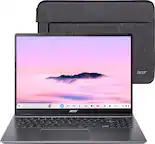
A:AnswerBy default, your files are saved to your Downloads folder, a temporary folder on your Chromebook's hard drive. How many it can store will depend on how large the game file is; this Chromebook has a 256GB SSD for storage so you can keep this in mind when installing apps. You can also use cloud storage as well.
A:AnswerChromebooks run off apps like an Android phone or tablet. If the games you want to play are available on Google Play Store or Chrome Web store, they should run fine.
A:AnswerFrom what we searched, you should be able to run STEAM on a Chromebook but this is not something Acer would support. We would suggest you check out the Acer Community forum at https://community.acer.com/ and post your question there. This forum has many experienced users and very good peer to peer support for Acer products, who may be able to answer your questions on gaming on Chromebook.
A:AnswerYou can use STEAM on a Chromebook but from what we can see, it is not easy to do so. Chromebooks are designed to be run off apps like an Android phone or tablet, so you can't install games using an .exe file. We suggest you post your question on the Acer community forum at community.acer.com. This is a very good peer-to-peer forum for gaming questions and answers on Acer products.
A:AnswerTo inquire about this please contact Acer support at 866-695-2237; they are available 24/7 for in-warranty products. You can also contact us through Facebook, Instagram or Twitter.
A:AnswerIf the game is available as an app from Google Play Store or Chrome Web store, it should run fine. From what we can find though, it appears Sims 4 is not available for Chromebooks.
A:AnswerIf the games are available as an app from Google Play Store or Chrome Web store, they should work fine. We always recommend you compare the system requirements of any app to the specifications of the Chromebook, as well.
A:AnswerYes, a kid could play Roblox. All that is needed is to download/install the Roblox app from the Google Play Store. No further action is needed.
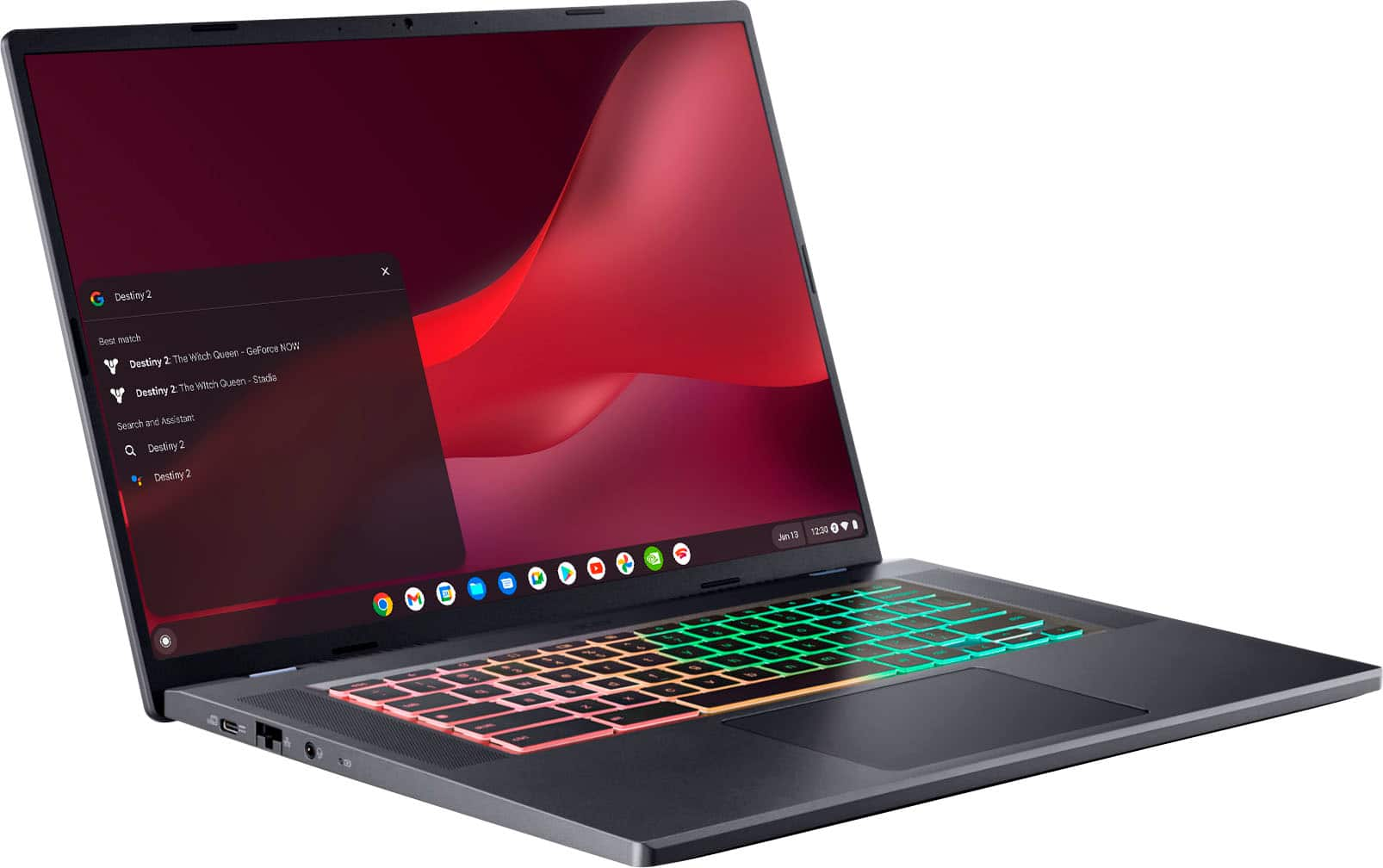
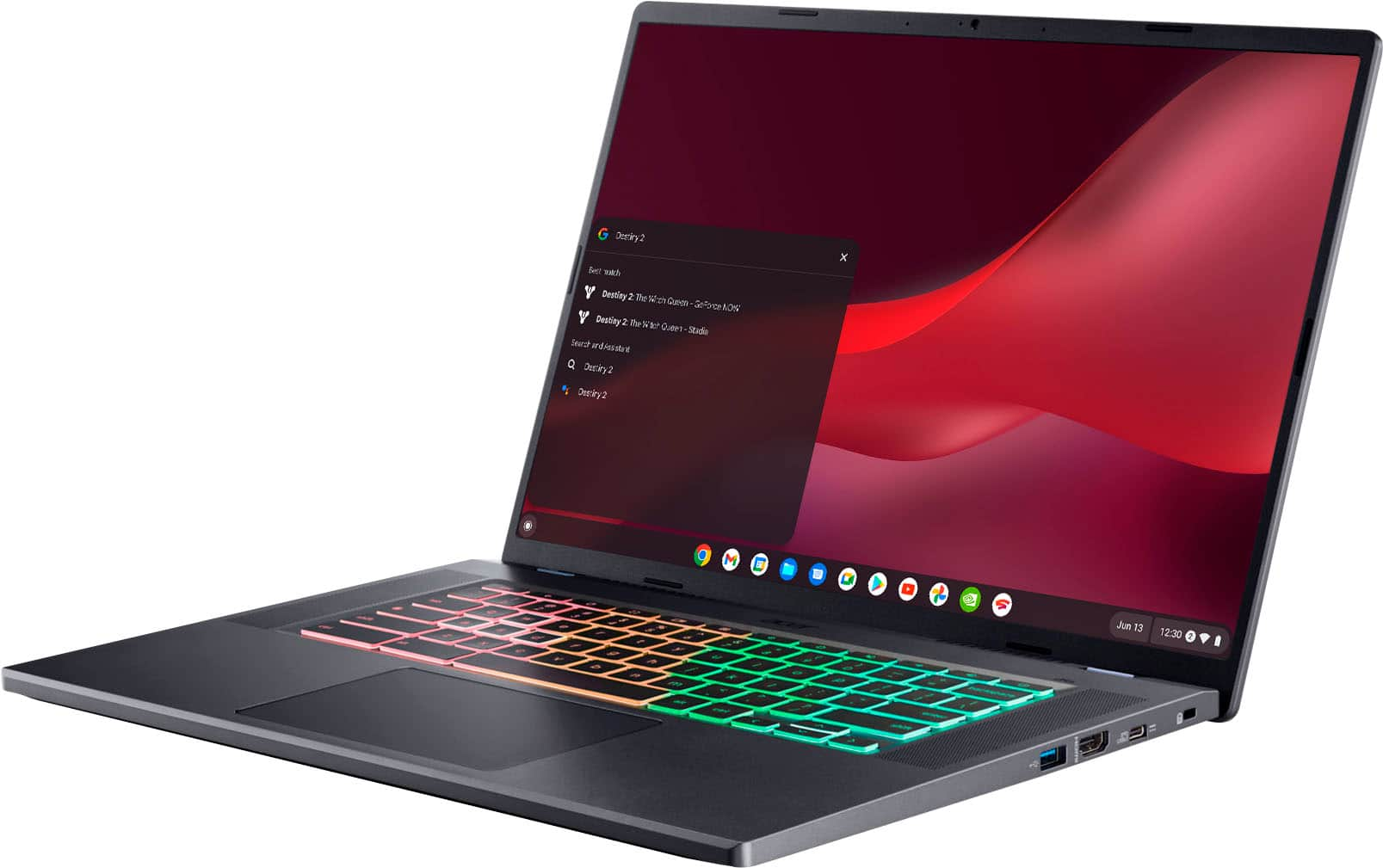
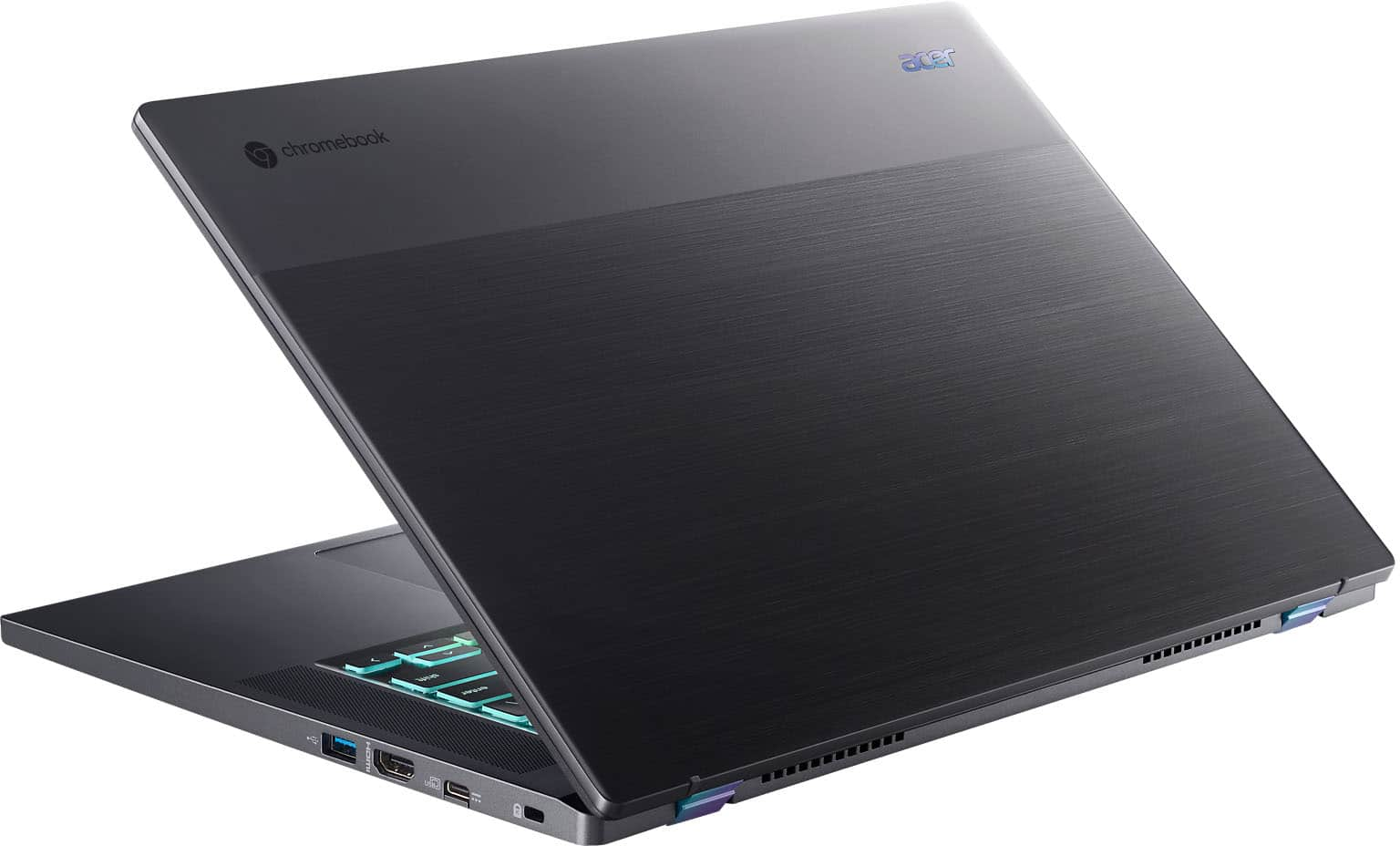
A:AnswerYes, this Chromebook has both wifi and Ethernet capability, so you should not have to use an adapter to connect an Ethernet cable to the Chromebook. If you are unable to use the Ethernet port directly, please feel free to contact our support team at 866-695-2237; they are available to assist 24/7 for in-warranty products.
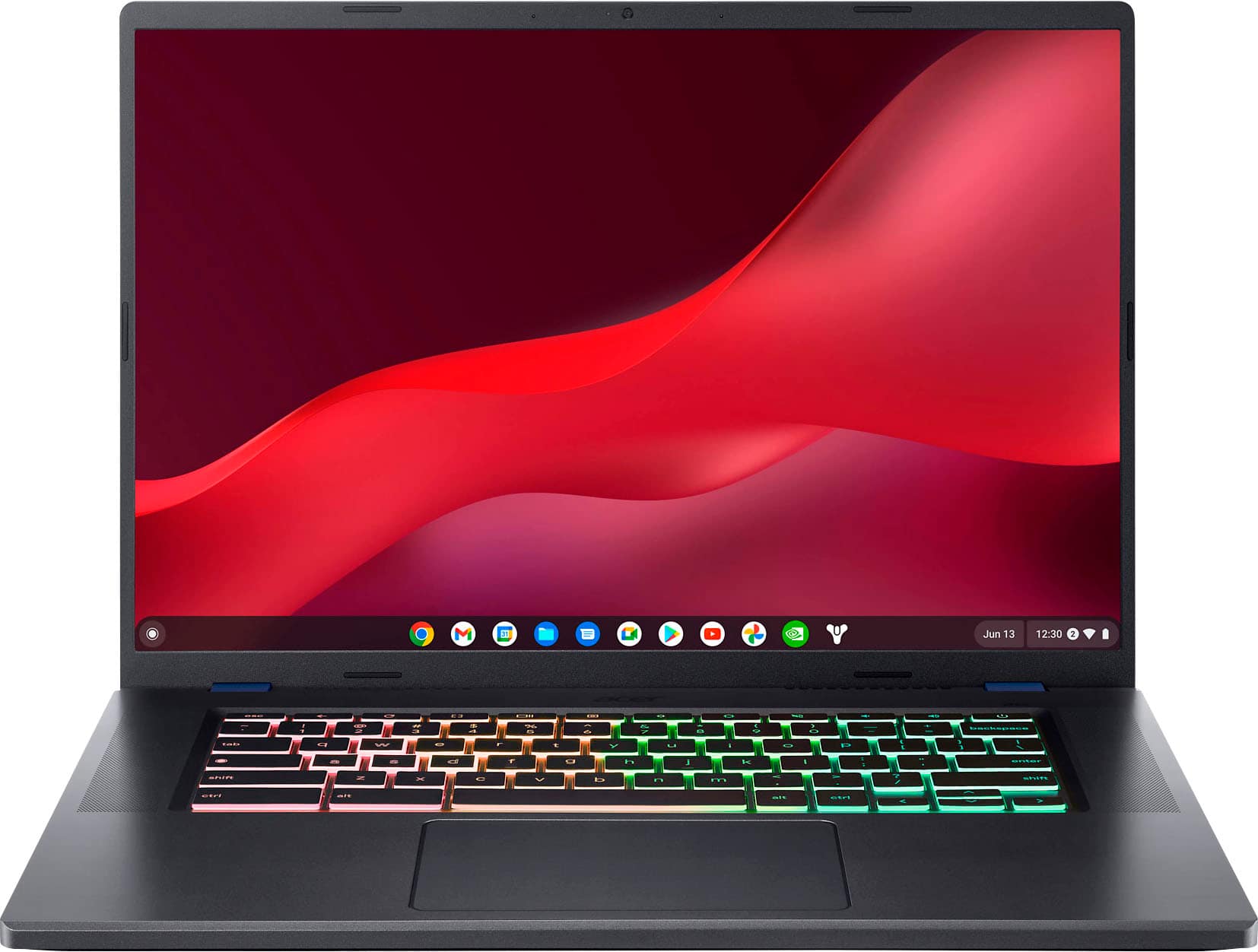
A:AnswerThis Chromebook has both Ethernet and wifi connectivity options. Chromebooks can be used offline if needed; just search how to use a Chromebook offline for information on how to do this.
A:AnswerMemory and storage are not upgradeable on the Chromebook devices, as these are designed to be used primarily in the cloud. Please contact Best Buy directly to inquire on what products they will be offering.
A:AnswerFrom a Google search it appears there is a way to use Steam on a Chromebook as there is a Beta version of Steam on Google Play Store. For further questions on games we suggest you post your question on the Acer Community where there are many users/gamers that offer great advice.