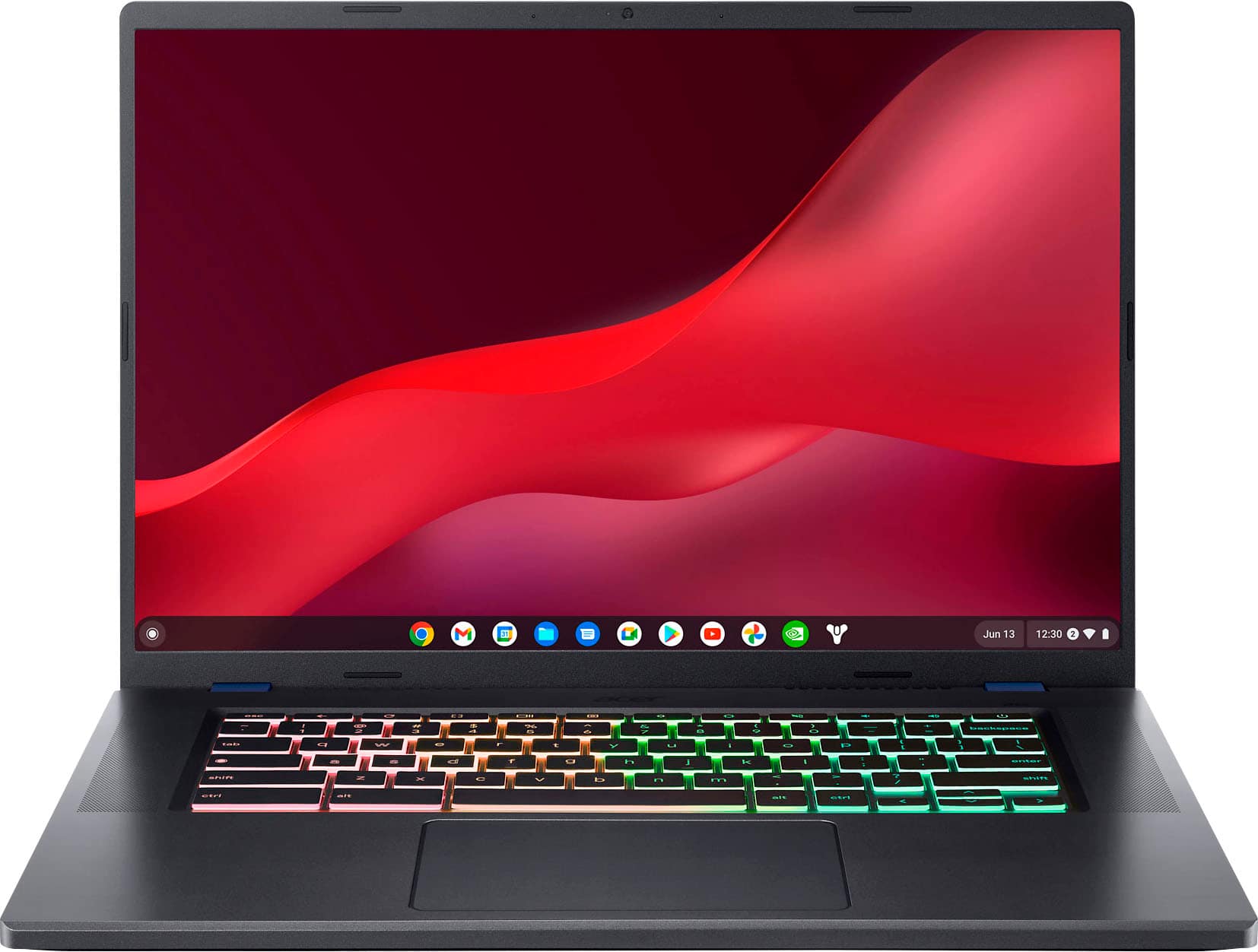
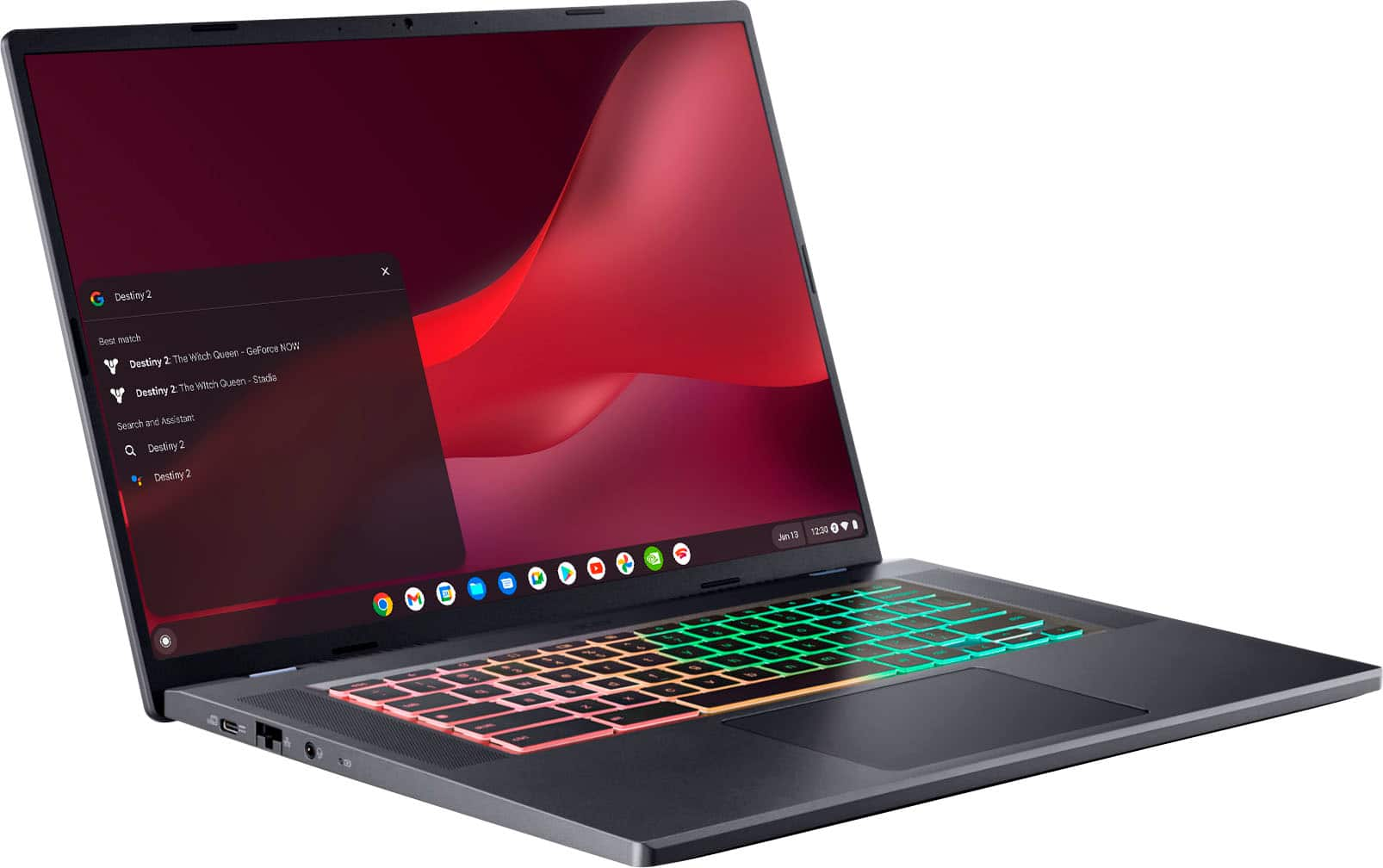
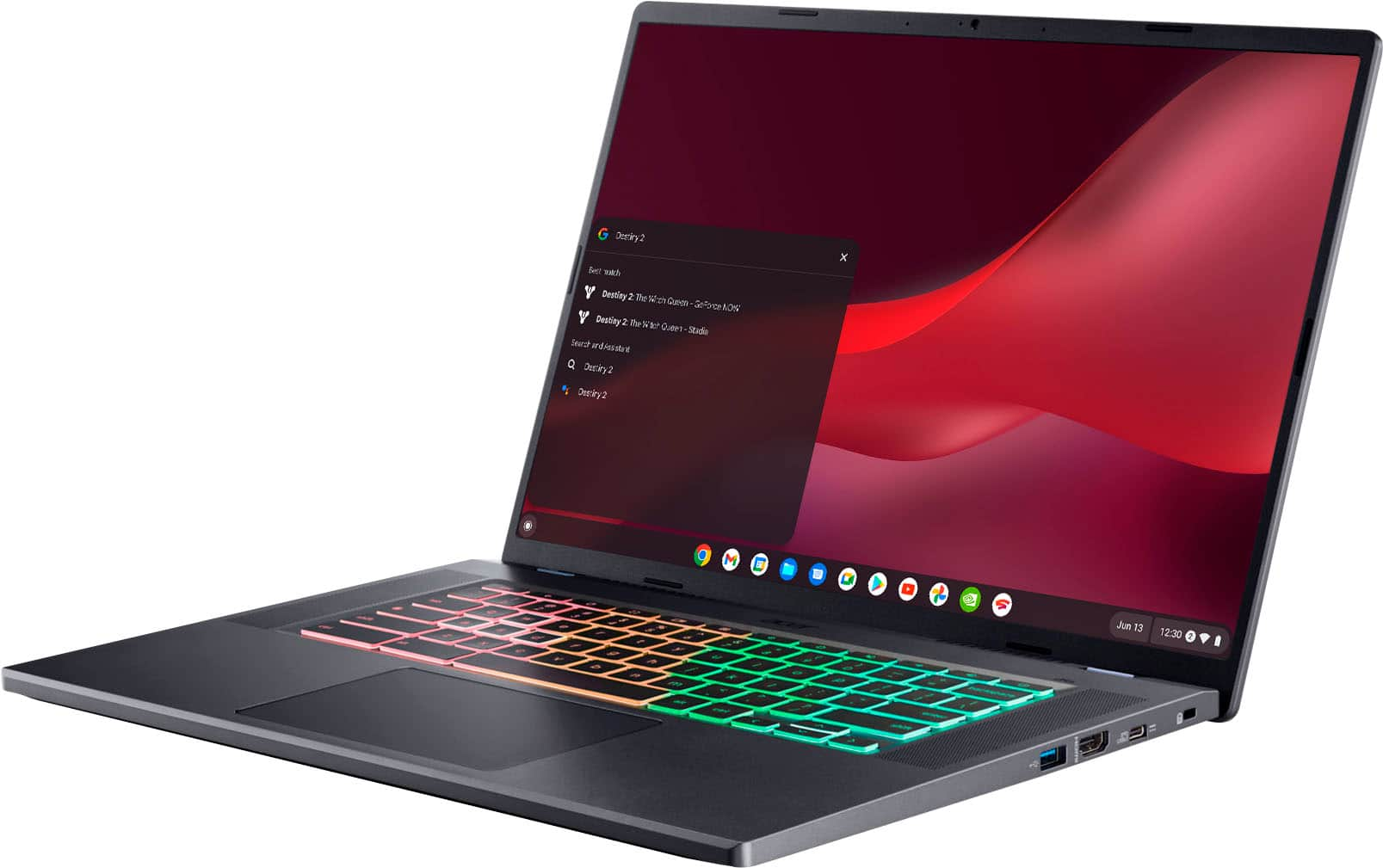
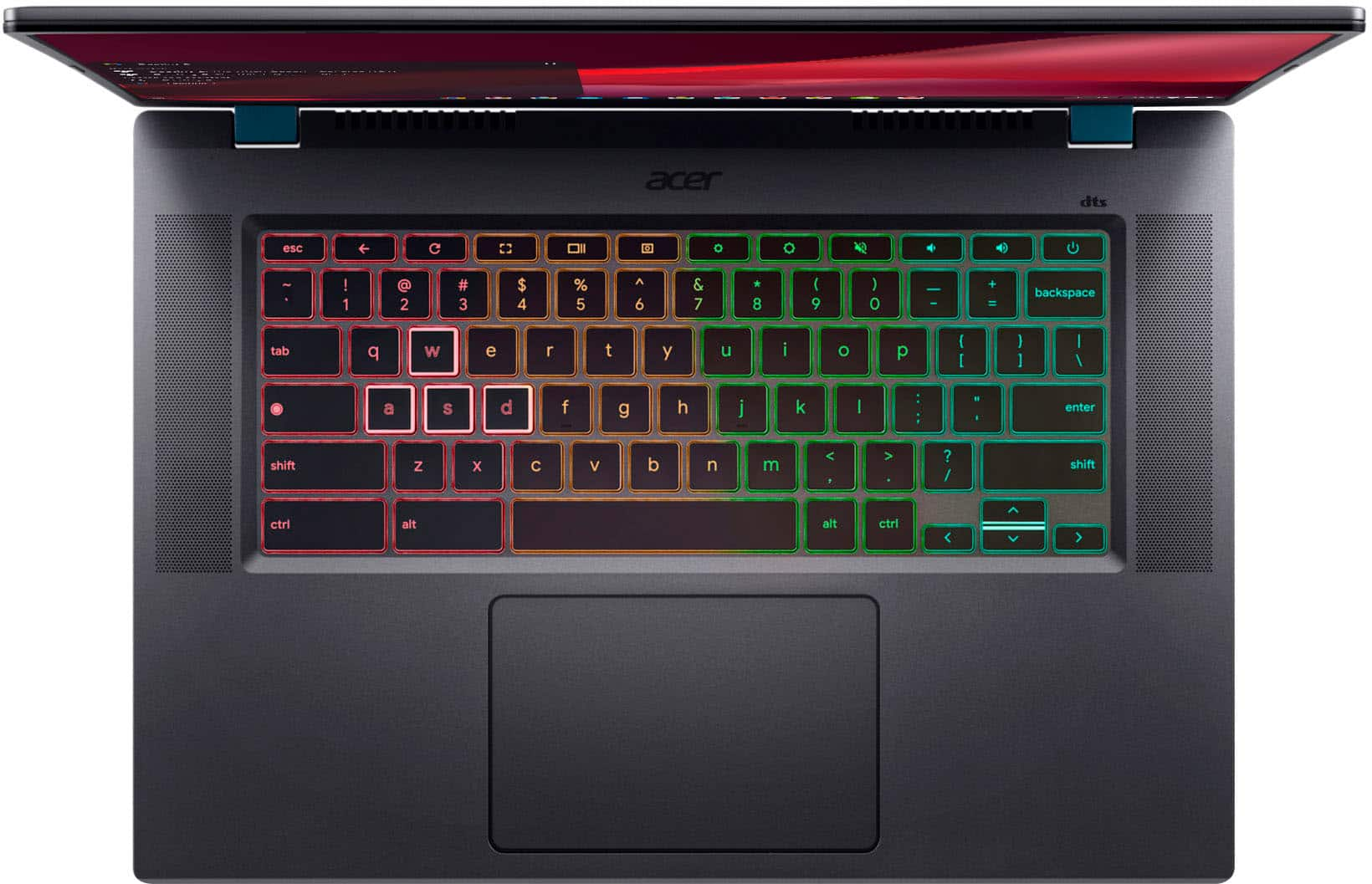
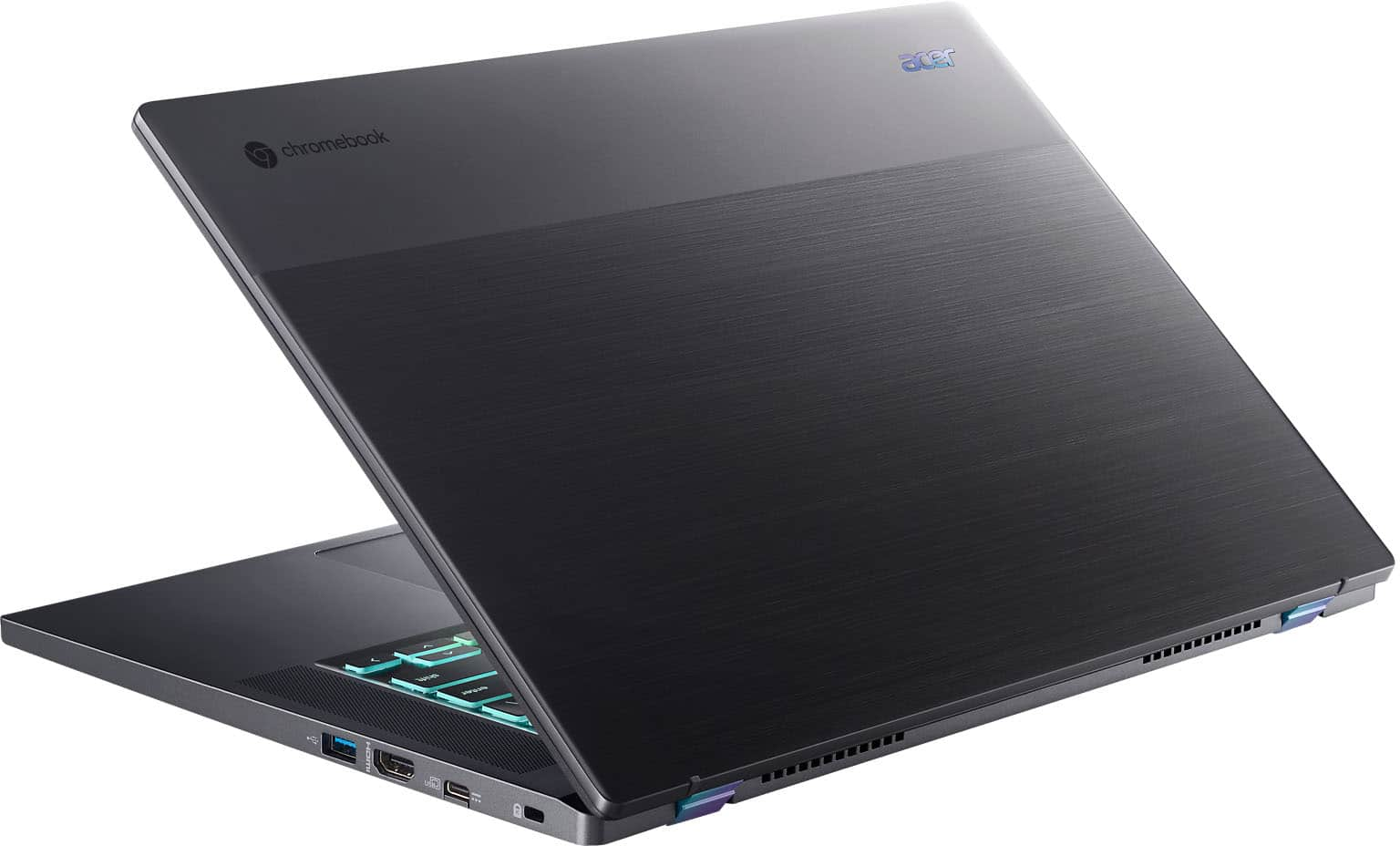
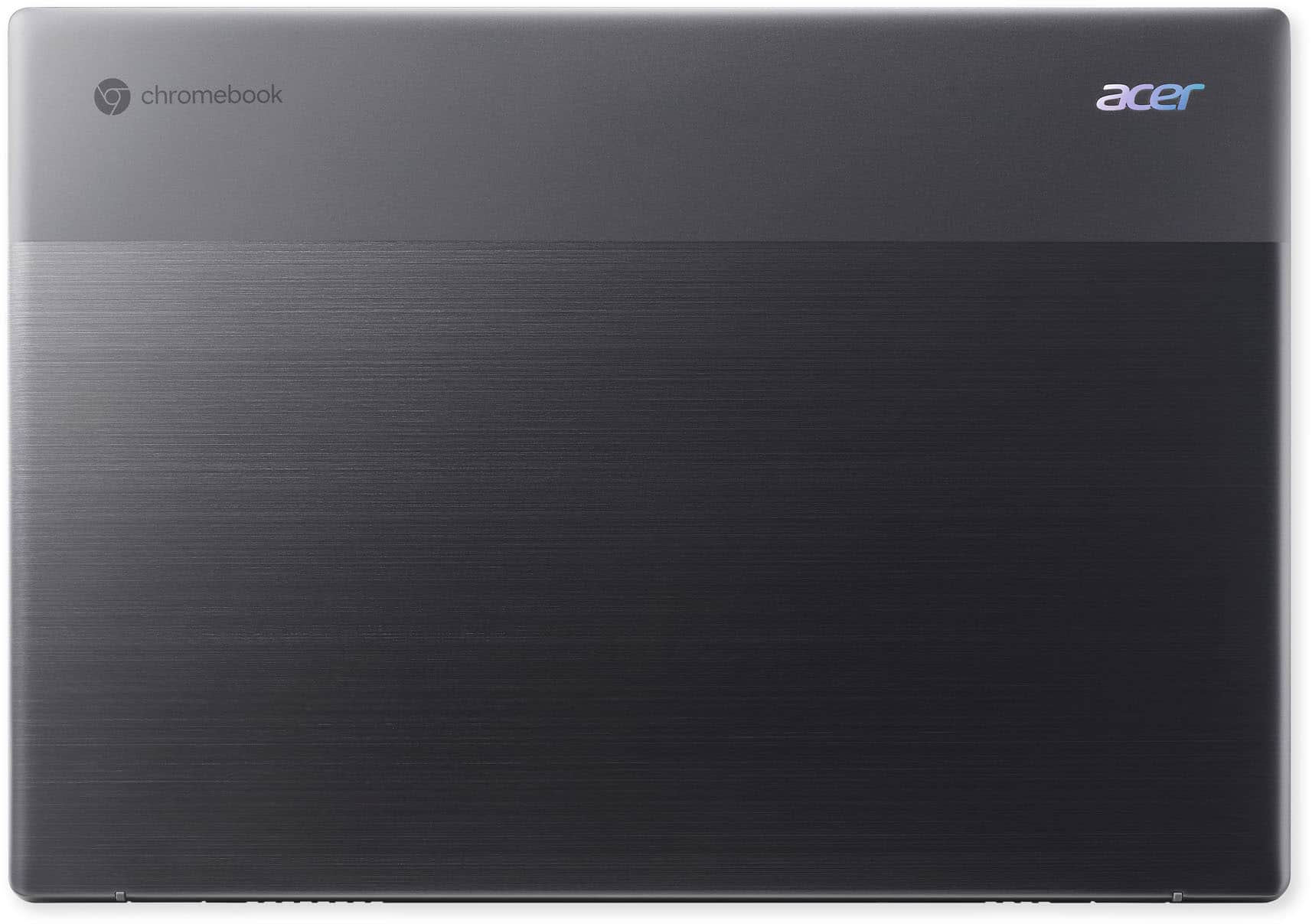
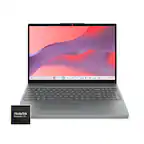
A:Answer To run steam directly, update the Chromebook to the latest version (at the time of writing its chromeOS 119). Then go to https://store.steampowered.com/about and click the installation link which should then bring up a steam beta on chromeOS window to enable steam on chromeOS. Note that game support is limited to what would work on a Linux system (any game that would work on proton/steam deck) but may not run really great as this system has a Intel iGPU. For a good gaming experience on this, use cloud services like Geforce Now, Boosteroid, Xbox Cloud Gaming or Amazon Luna.. this is what this laptop was designed for and actually does a pretty great job at this.