Questions & Answers
- Model:
- CP714-1H-54UB
- |
- SKU:
- 6576960
Highly rated by customers for: Build Quality, Processor Speed, Touch Screen
$799.00Your price for this item is $799.00
Page Showing 21-39 of 39 questions
Q: QuestionDoes this support WiFi 6E?
Asked by Anonymous.
- A:Answer Yes, I have set it to 6 ghz as my default network, no problems.
Answered by Flipman
Q: QuestionCan you send item's to printer via wireless?
Asked by Anonymous.
- A:Answer Yes, My Chromebook works well with my HP inkjet.
Answered by Returned
Q: QuestionCan you install Libre Office on this model? Using the Linux interface.
Asked by Kuriuz.
- A:Answer Yes. Linux apps run in Crostini (the Linux container) pop up windows that "just work" on the desktop. The only real limitation I have found so far is that Crostini does not support angle and pressure on a drawing tablet, so if you want to use Linux drawing applications, that's a non-starter. Everything else works flawlessly.
Answered by Anonymous
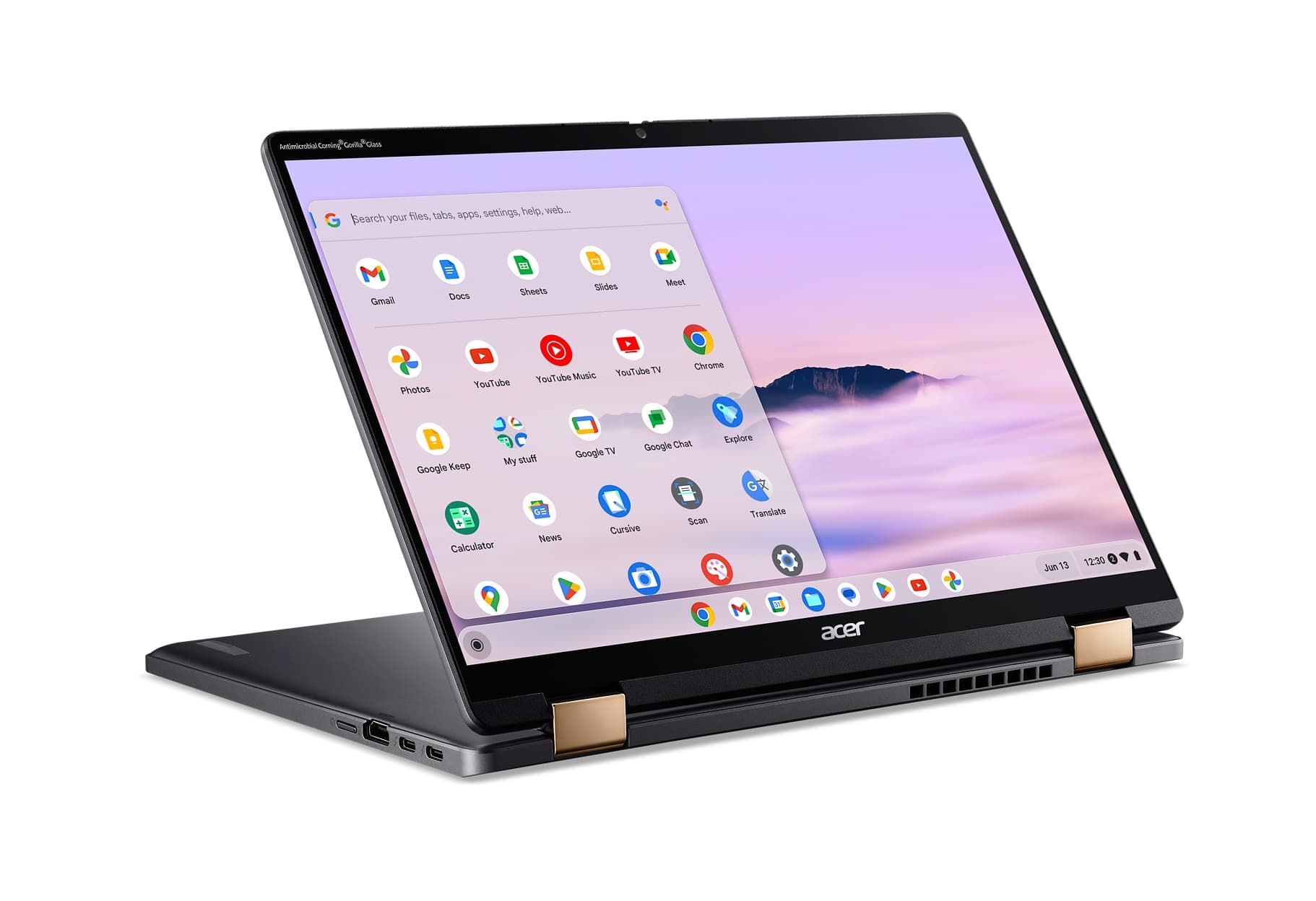
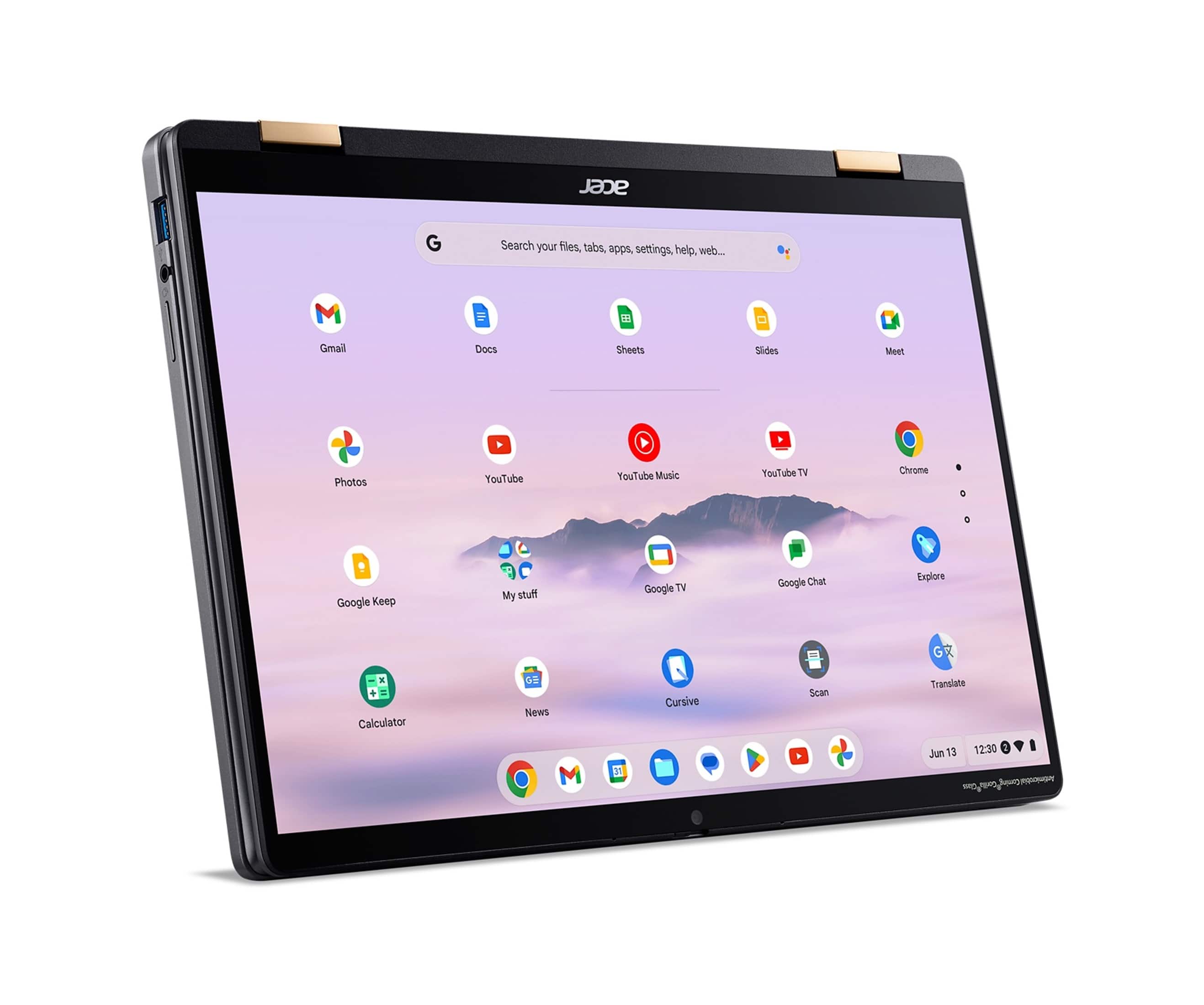
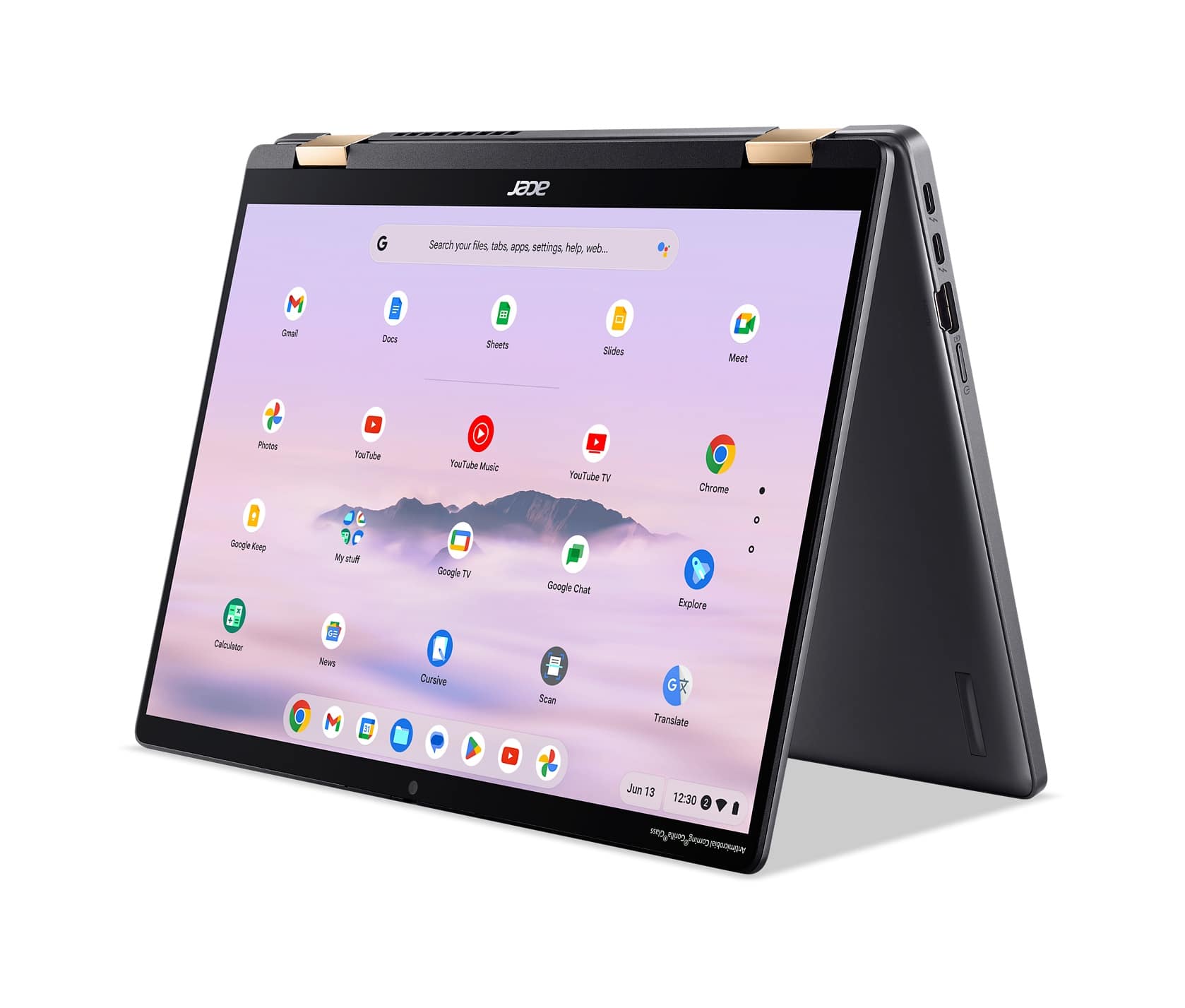
Q: QuestionWhen you are using the Chromebook as a tablet (keyboard folded behind the screen) does it switch back and forth between portrait and landscape modes?
Asked by BradL.
- A:Answer When using your Chromebook as a tablet (with the keyboard folded behind the screen), it will automatically switch between portrait and landscape modes. If you want to disable this auto-rotation feature, you can follow these steps: 1.Put your Chromebook in tablet mode. 2.Tap the clock in the lower right corner. 3.Tap Auto-rotate to turn the setting off.
Answered by TeamAcer

Q: QuestionDoes this have fingerprint sensor?
Asked by Dan.
- A:Answer This model does not have a fingerprint sensor.
Answered by TeamAcer

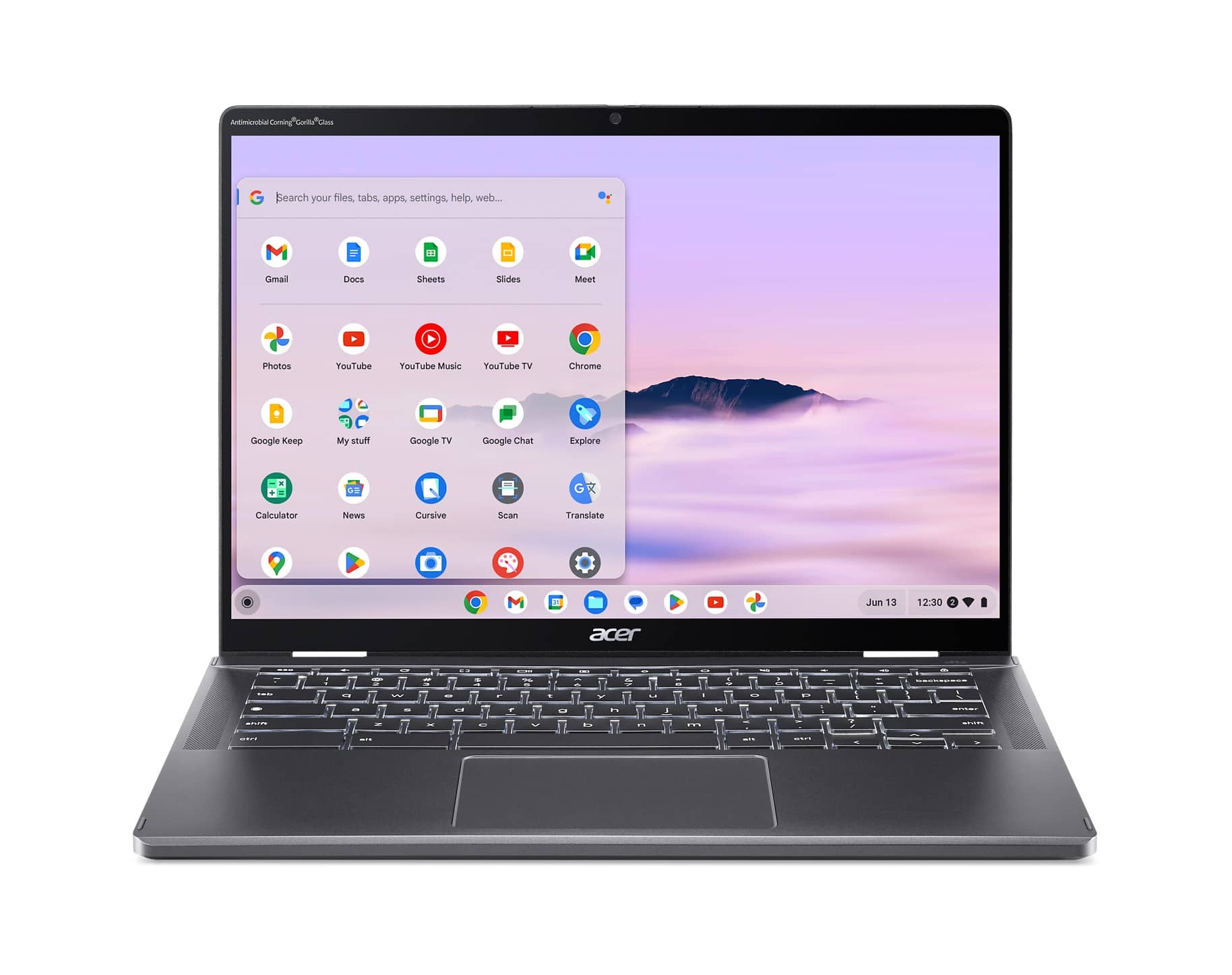
Q: Questiondoes this Chromebook have a backlit keyboard?
Asked by inspector.
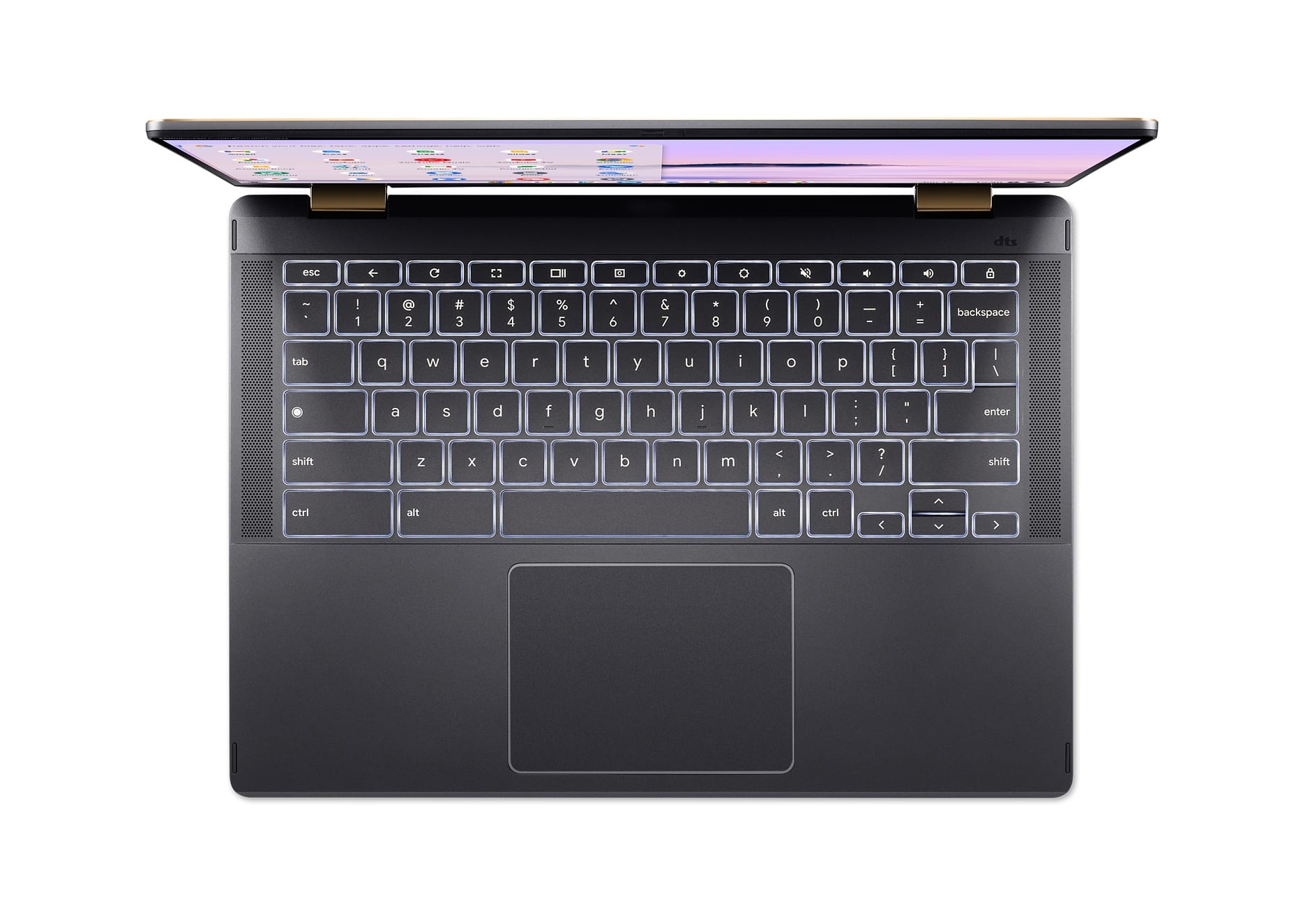
- A:Answer Yes, this Chromebook has a white back lit keyboard.
Answered by TeamAcer

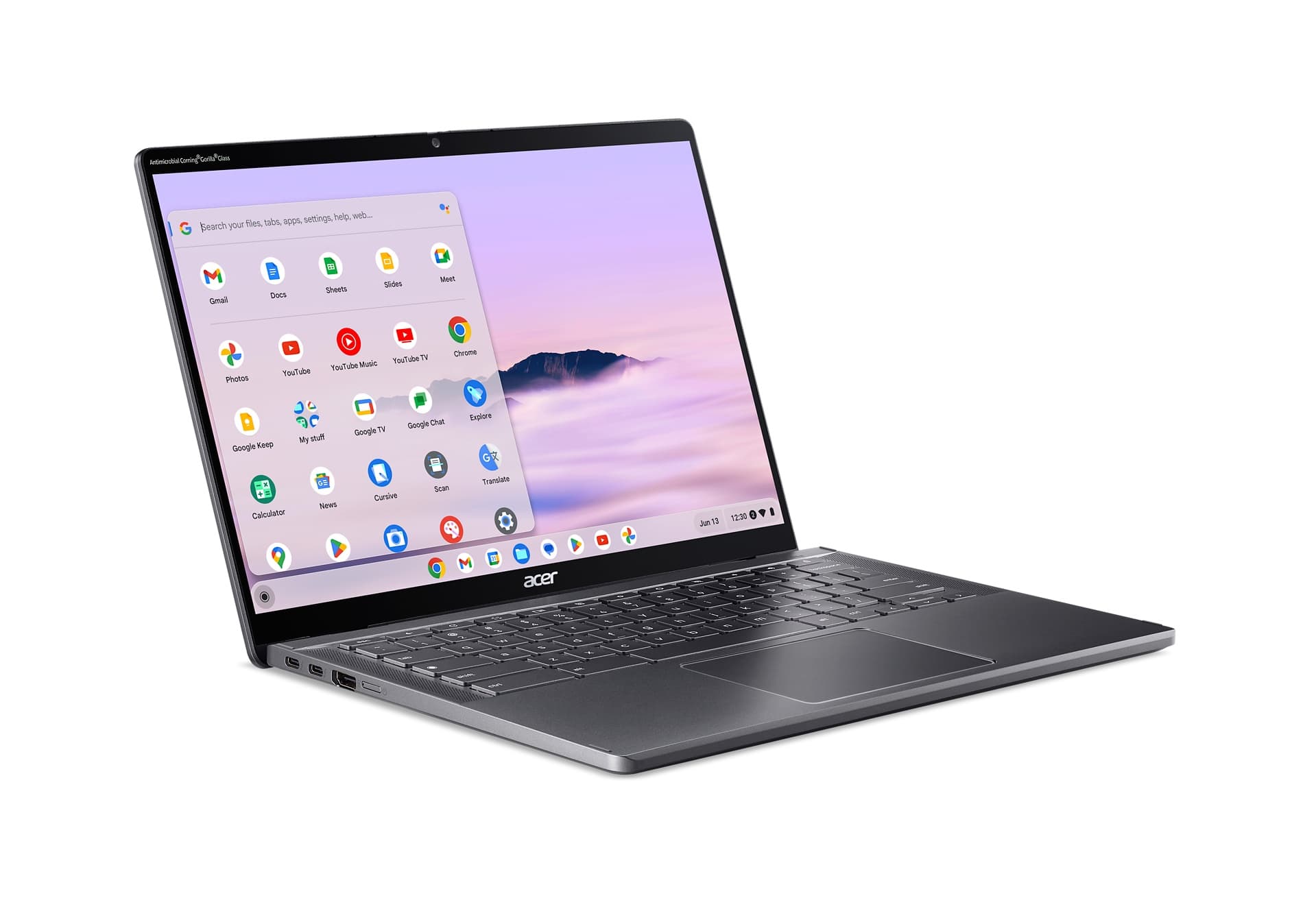
Q: QuestionCan you add duel monitor screens to the chrome book plus?
Asked by Victor.
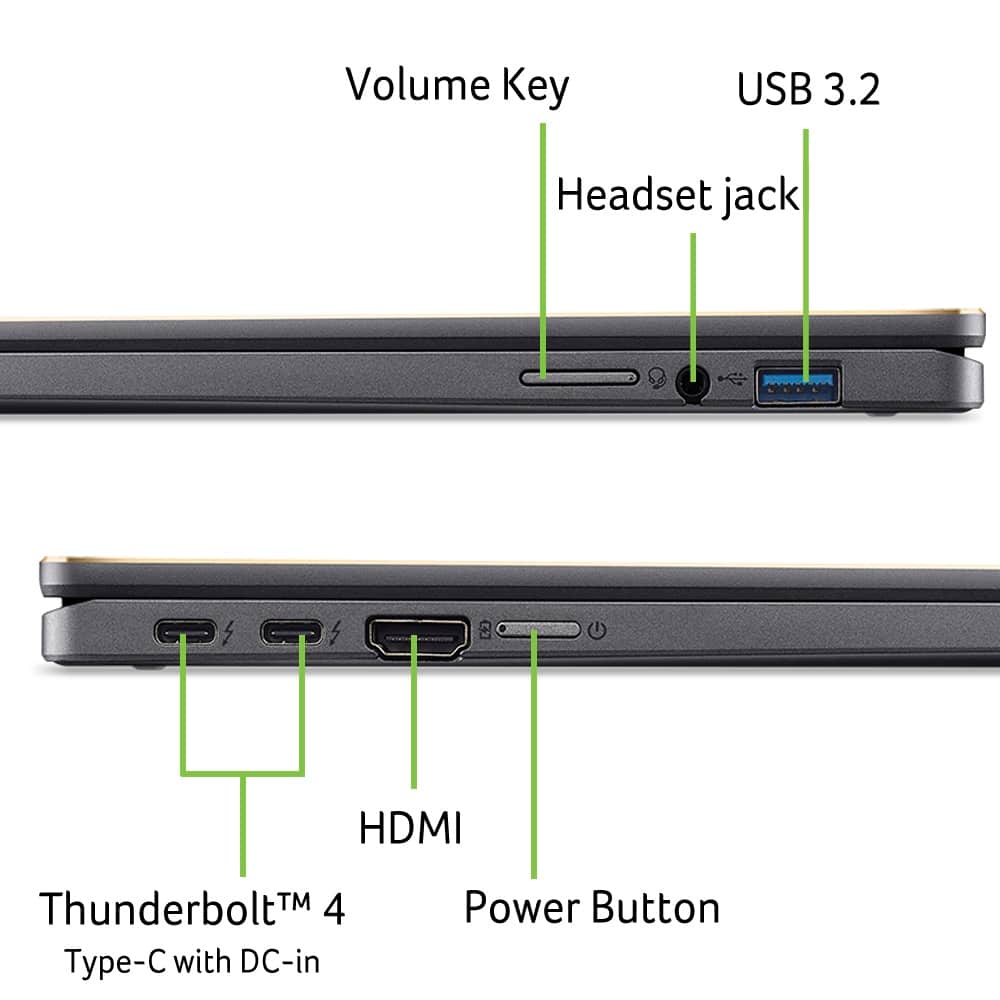
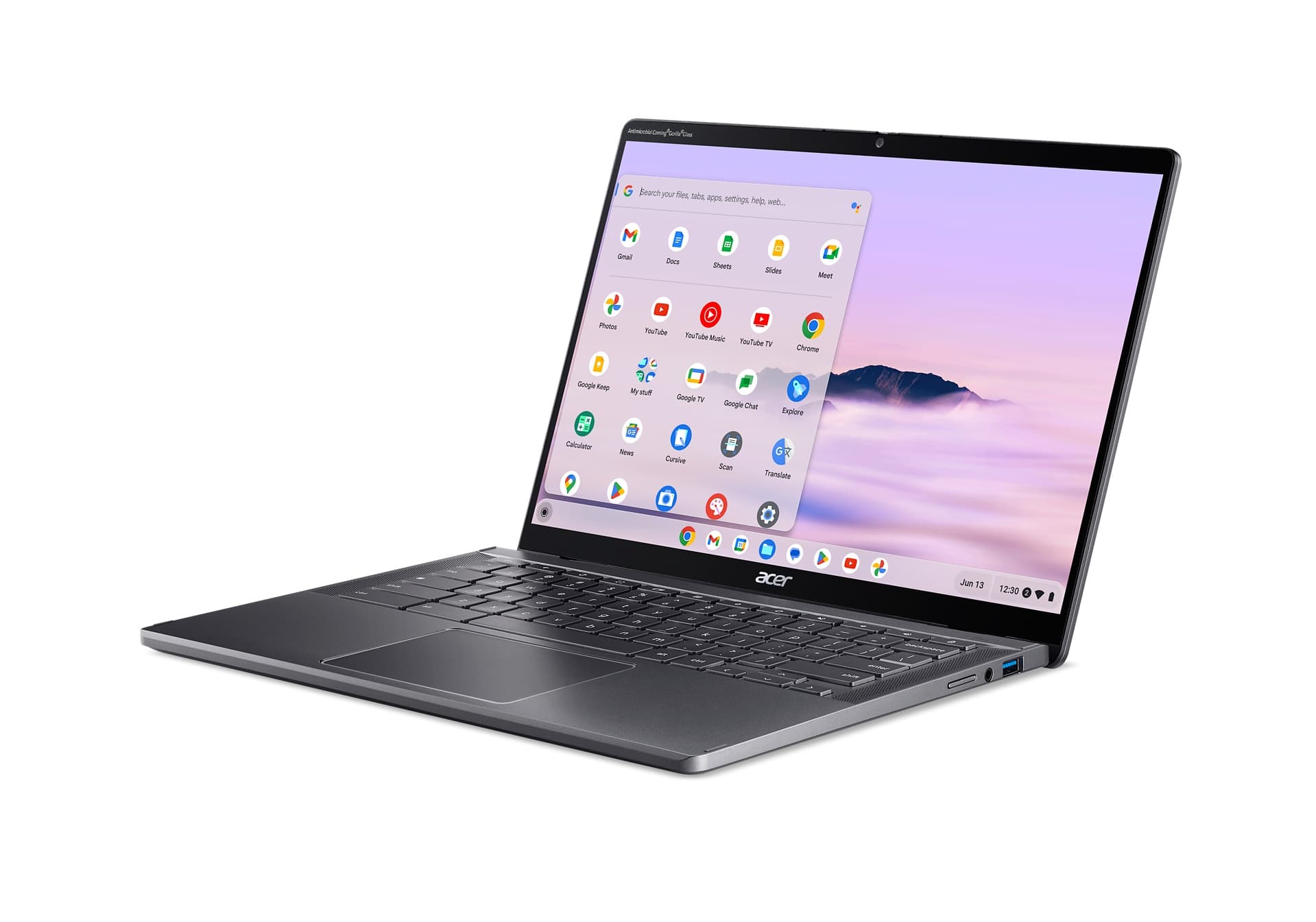
- A:Answer You should, yes. This Chromebook has one HDMI and one USB Type-C™ ports that supports DisplayPort 1.4 over USB-C.
Answered by TeamAcer

Q: QuestionCan the Microsoft Office apps Word, Excel, PowerPoint, and Outlook be installed on this for offline use? Microsoft Online is useless when the internet isn't available. You have to be able to use it for work and school at locations without signal too.
Asked by ketho.
- A:Answer No, Microsoft Office apps such as Word, Excel, PowerPoint, and Outlook cannot be installed on a Chromebook for offline use. Microsoft has ended support for Office apps on Chrome OS, and they are no longer available for download from the Google Play Store. However, you can use Google Docs, Sheets, and Slides to create and edit Microsoft Office files on your Chromebook.
Answered by TeamAcer

Q: QuestionDoes this model have a fingerprint sensor?
Asked by Anonymous.
- A:Answer no
Answered by CandiceR
Q: Questionwhat is the battery life under normal usage
Asked by torgrot.
- A:Answer Battery life is up to 10 hours on this Chromebook. This is based on the Chromebook in an idle state. Actual battery life will depend on how it is used, ie: light internet browsing vs audio or video streaming.
Answered by TeamAcer

Q: QuestionWhat stylus would you recommend for use with this Chromebook?
Asked by Stylus.
- A:Answer This Chromebook supports the Universal Stylus Initiative (USI) standard. This means you can use any USI stylus on your device.
Answered by TeamAcer

Q: QuestionAre there USB ports for older mice and flash drives?
Asked by Rocky.
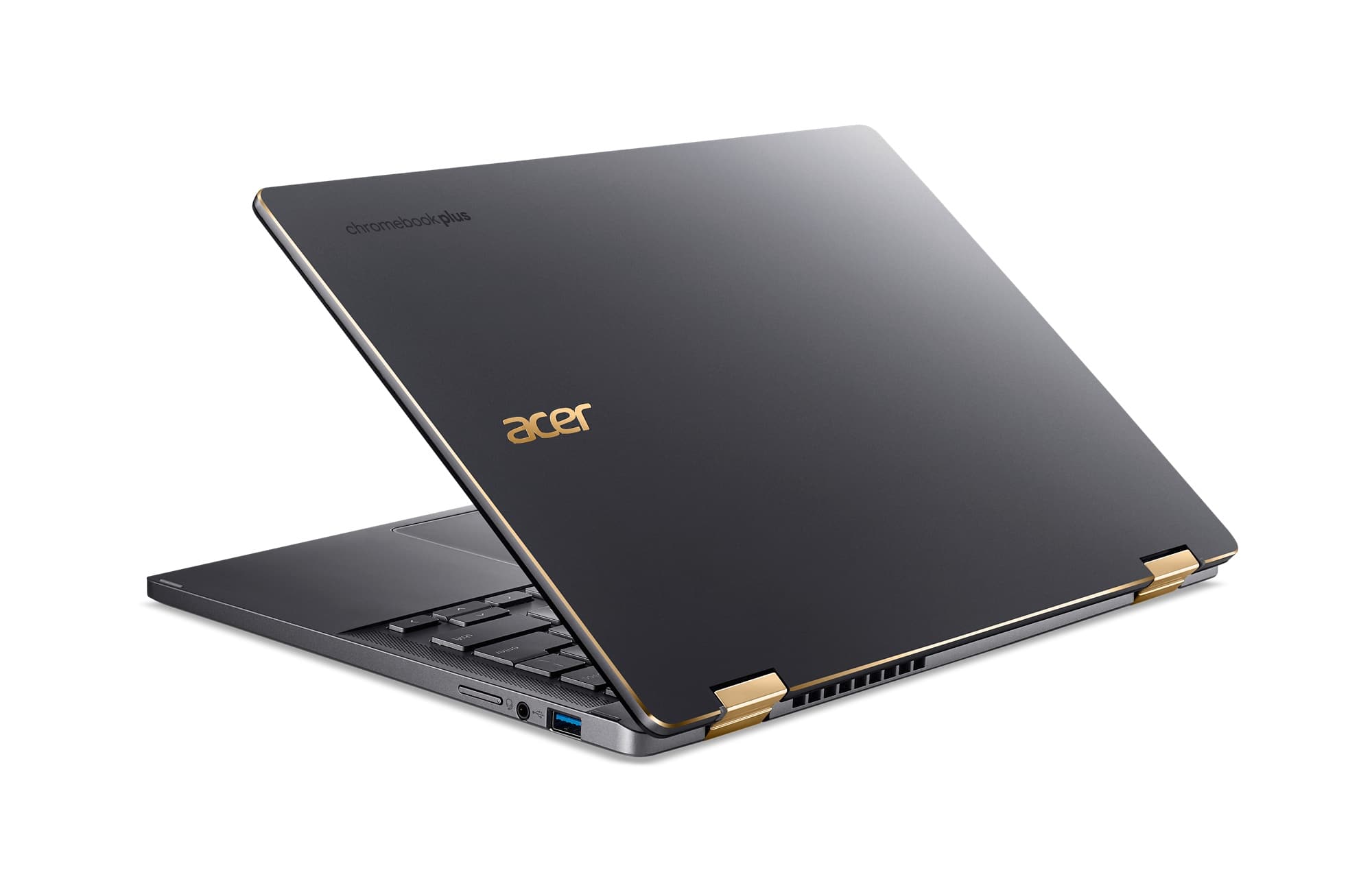
- A:Answer Yes, you get 1 USB-A on the right hand side
Answered by Joker
Q: QuestionCan this be ordered with 16GB RAM?
Asked by Anonymous.
- A:Answer Memory is not upgradeable on the Chromebook products. There are two models with 16GB memory, model name is CBG516-1H-53TD and CBG516-1H-58CL. If you Google these models you should see where they are available to buy.
Answered by TeamAcer

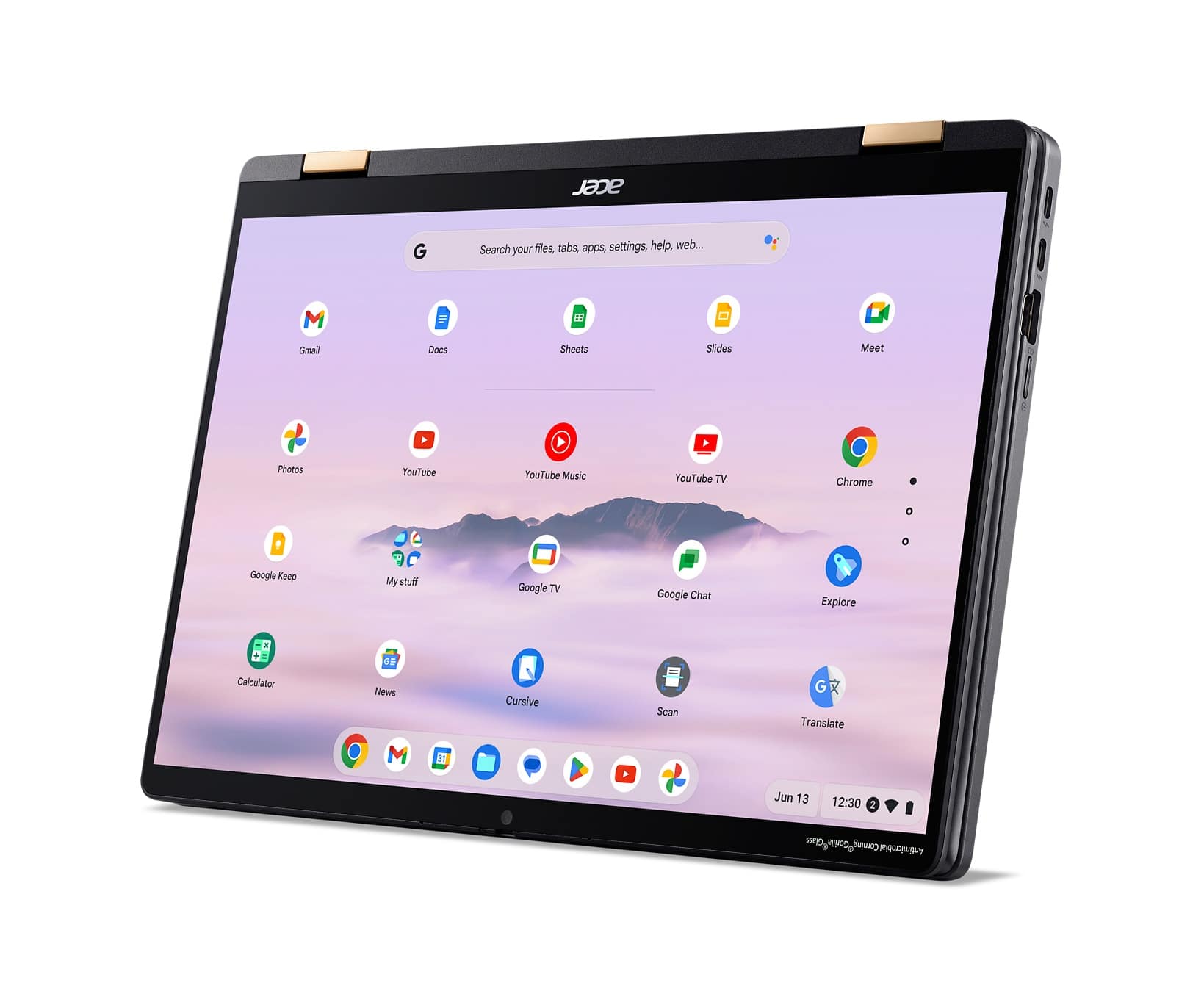
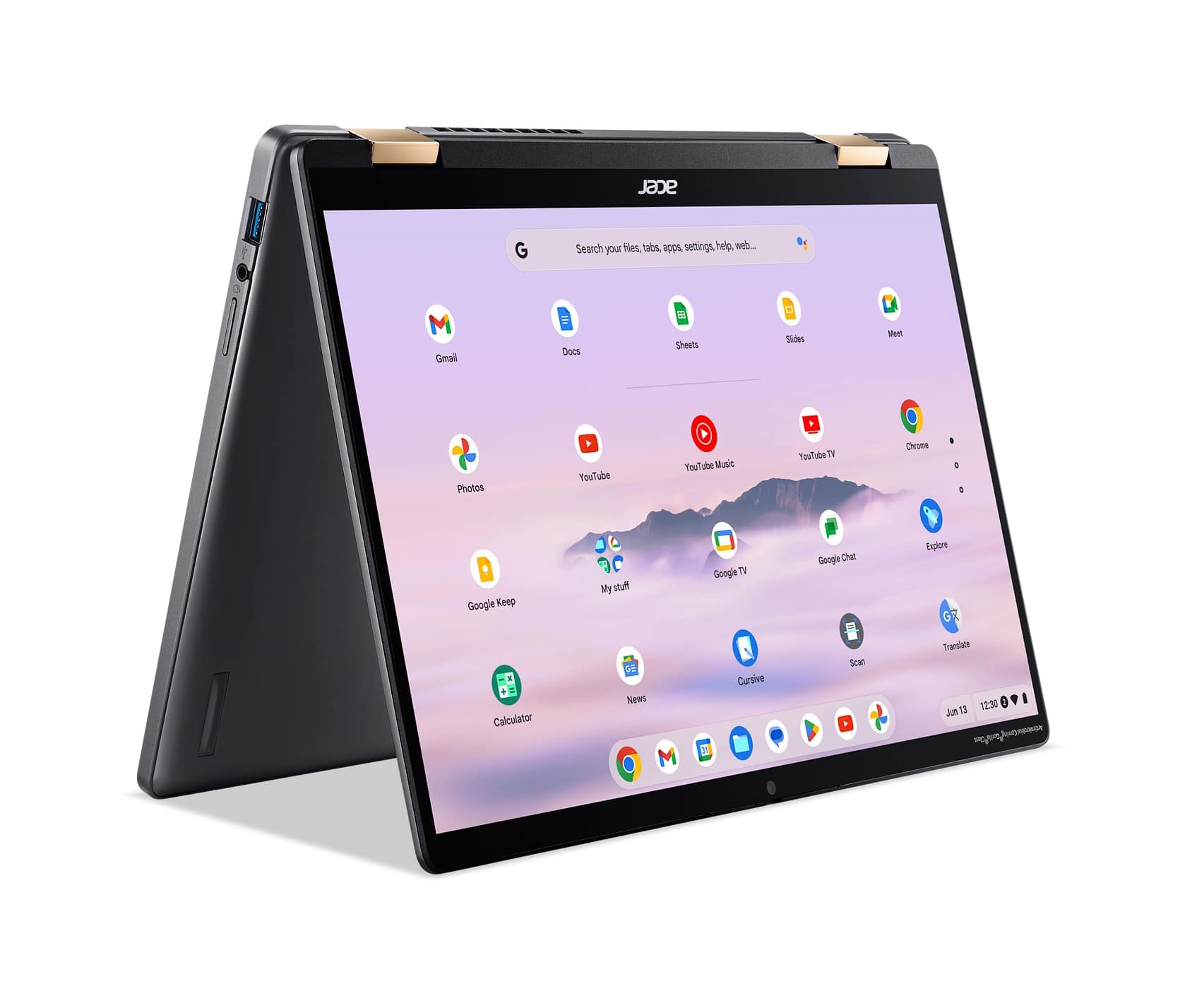
Q: QuestionWhat color are the hinges for the display?
Asked by BBReviewer.
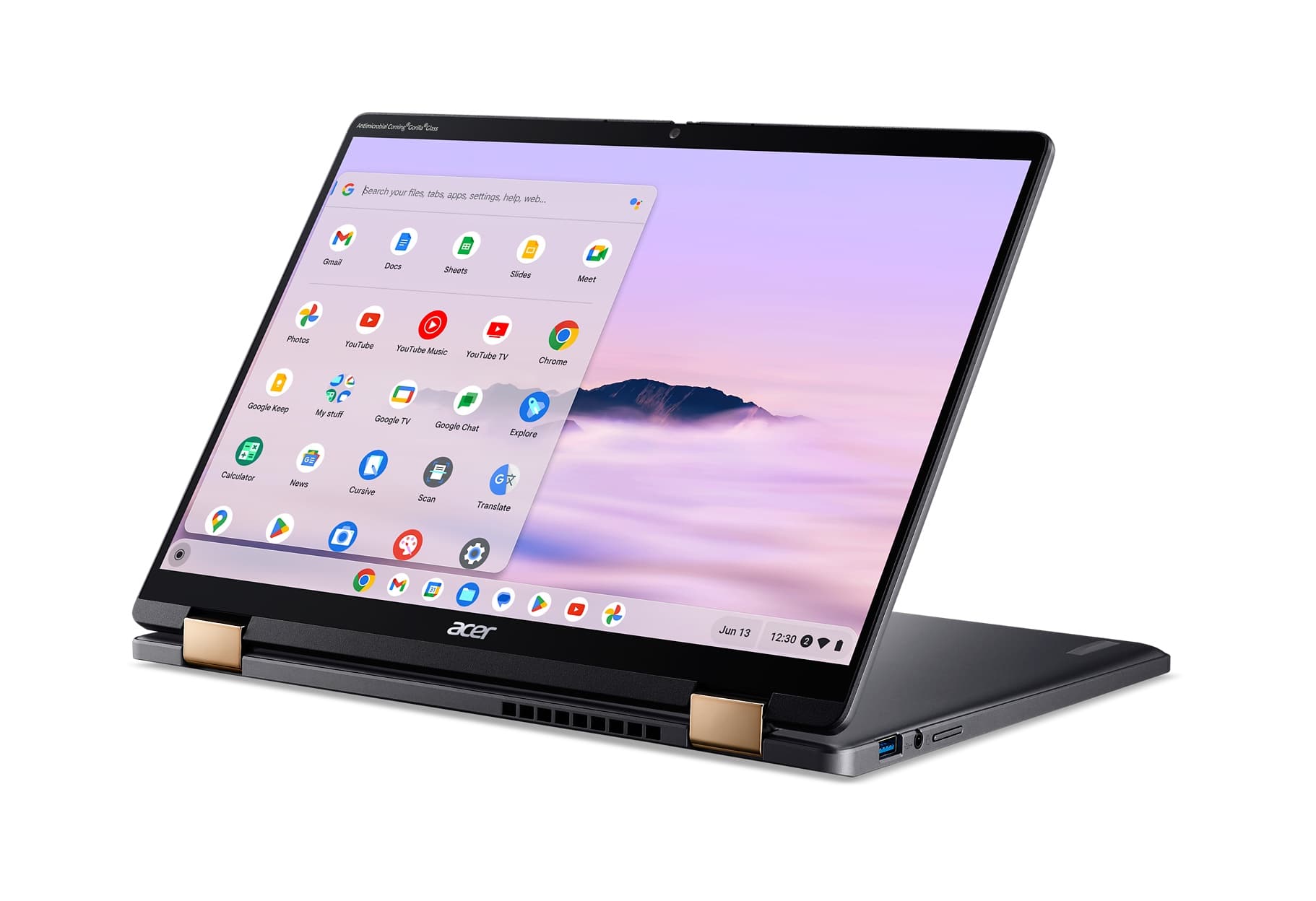
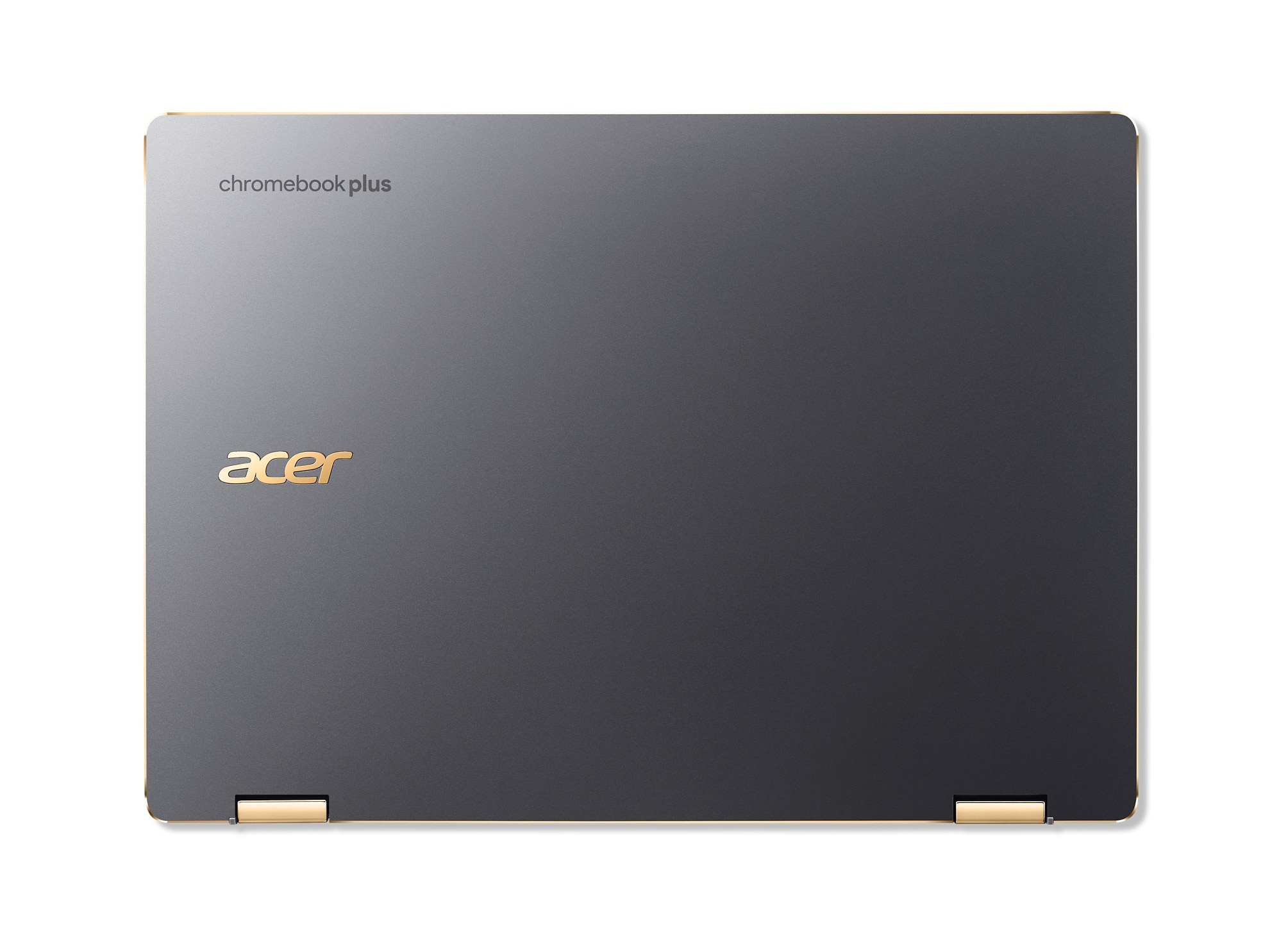
- A:Answer The hinges are a honey gold color.
Answered by TeamAcer

Q: QuestionHas it an integrated stylus pen?
Asked by Fede.
- A:Answer No, hasn't for the last two model years
Answered by Anonymous
Q: QuestionWhat is the brightness of the screen? What is the resolution of the webcam?
Asked by Brandon.
- A:Answer The brightness of the LCD is 340NIT and the webcam has 2560 x 1440 resolution.
Answered by TeamAcer

Q: QuestionDoes this device have a fingerprint reader?
Asked by Mikeyt1818.
- A:Answer No.
Answered by TeamAcer

Q: QuestionRecently purchased Acer Chromebook and am having difficulty with the touch SCREEN (not touch pad) sensitivity. Cannot find a mechanism to do so. Dealbreaker if cannot. Suggestions?
Asked by MomE.
- A:Answer Yes you can make adjustments to the touchpad sensitivity. Here are steps on how to do this: Accessing Touchpad Settings Click the time on the bottom right corner of the screen. Click Settings (gear icon). In the "Device" section, click on Touchpad (or "Touchpad and mouse"). 2. Adjusting sensitivity (touchpad speed) You'll find a slider labeled "Touchpad speed". Moving the slider to the right will increase the sensitivity (the pointer moves faster for less physical movement on the touchpad). Moving the slider to the left will decrease the sensitivity (the pointer moves slower for more physical movement on the touchpad). 3. Disabling touchpad acceleration (optional) You might also see an option called "Enable touchpad acceleration". This feature usually affects the speed of the cursor based on how quickly you move your finger. Experiment with enabling or disabling this setting in conjunction with the touchpad speed slider to find the most comfortable combination for you. If you need further help with your Chromebook you can contact Acer support at 866-695-2237; they are available 24/7 for in-warranty products.
Answered by TeamAcer
Page 2, Showing 21-39 of 39 questions
Best-selling Chromebooks
- Black Friday Deal$119.00Your price for this item is $119.00
- $187.62Your price for this item is $187.62$249.00The comparable value for this item is $249.00
- $183.00Your price for this item is $183.00$319.00The comparable value for this item is $319.00
- $299.00Your price for this item is $299.00$449.00The comparable value for this item is $449.00
Samsung - Galaxy Chromebook Go - 14" LED Laptop - Intel Celeron- 4GB Memory - 128GB Storage - Silver$149.99Your price for this item is $149.99$329.99The comparable value for this item is $329.99- $549.00Your price for this item is $549.00$599.00The comparable value for this item is $599.00
- $234.00Your price for this item is $234.00$429.00The comparable value for this item is $429.00
- Black Friday Deal$249.00Your price for this item is $249.00
- $369.99Your price for this item is $369.99$429.00The comparable value for this item is $429.00
- $269.00Your price for this item is $269.00$479.00The comparable value for this item is $479.00
- $159.00Your price for this item is $159.00$399.00The comparable value for this item is $399.00
- $249.00Your price for this item is $249.00$399.00The comparable value for this item is $399.00
- $299.00Your price for this item is $299.00$479.00The comparable value for this item is $479.00
- $168.98Your price for this item is $168.98$329.00The comparable value for this item is $329.00
- $549.00Your price for this item is $549.00
- $449.00Your price for this item is $449.00$629.00The comparable value for this item is $629.00
- $129.00Your price for this item is $129.00$279.00The comparable value for this item is $279.00
- $160.98Your price for this item is $160.98$229.00The comparable value for this item is $229.00
- $599.99Your price for this item is $599.99$749.99The comparable value for this item is $749.99