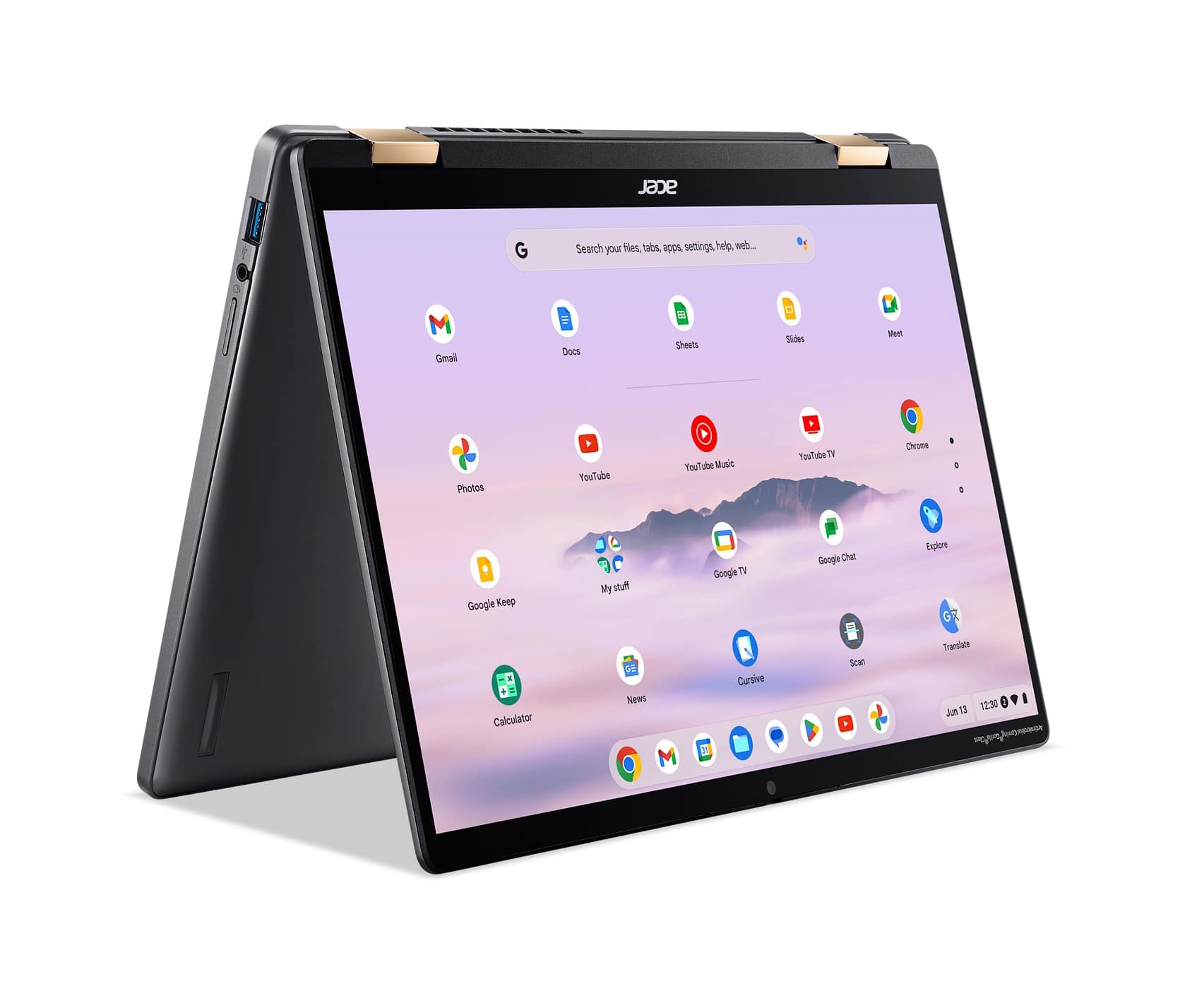
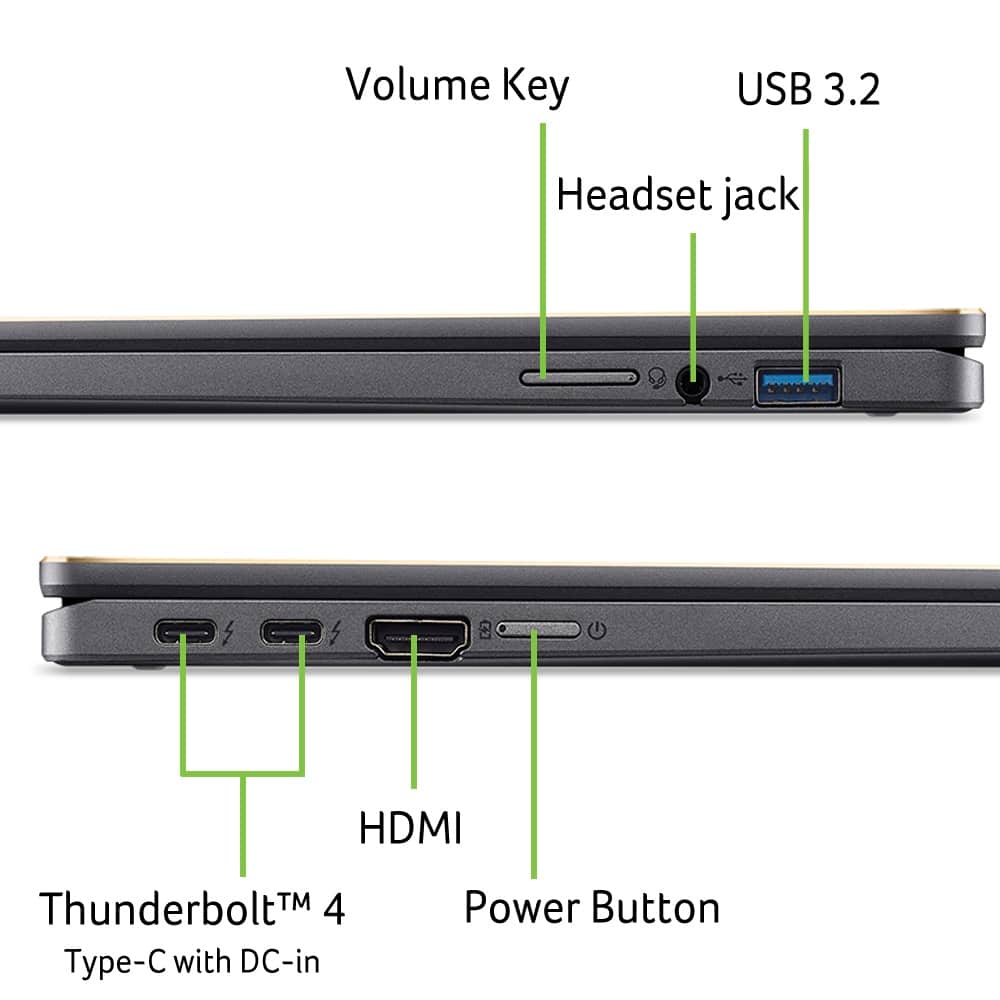
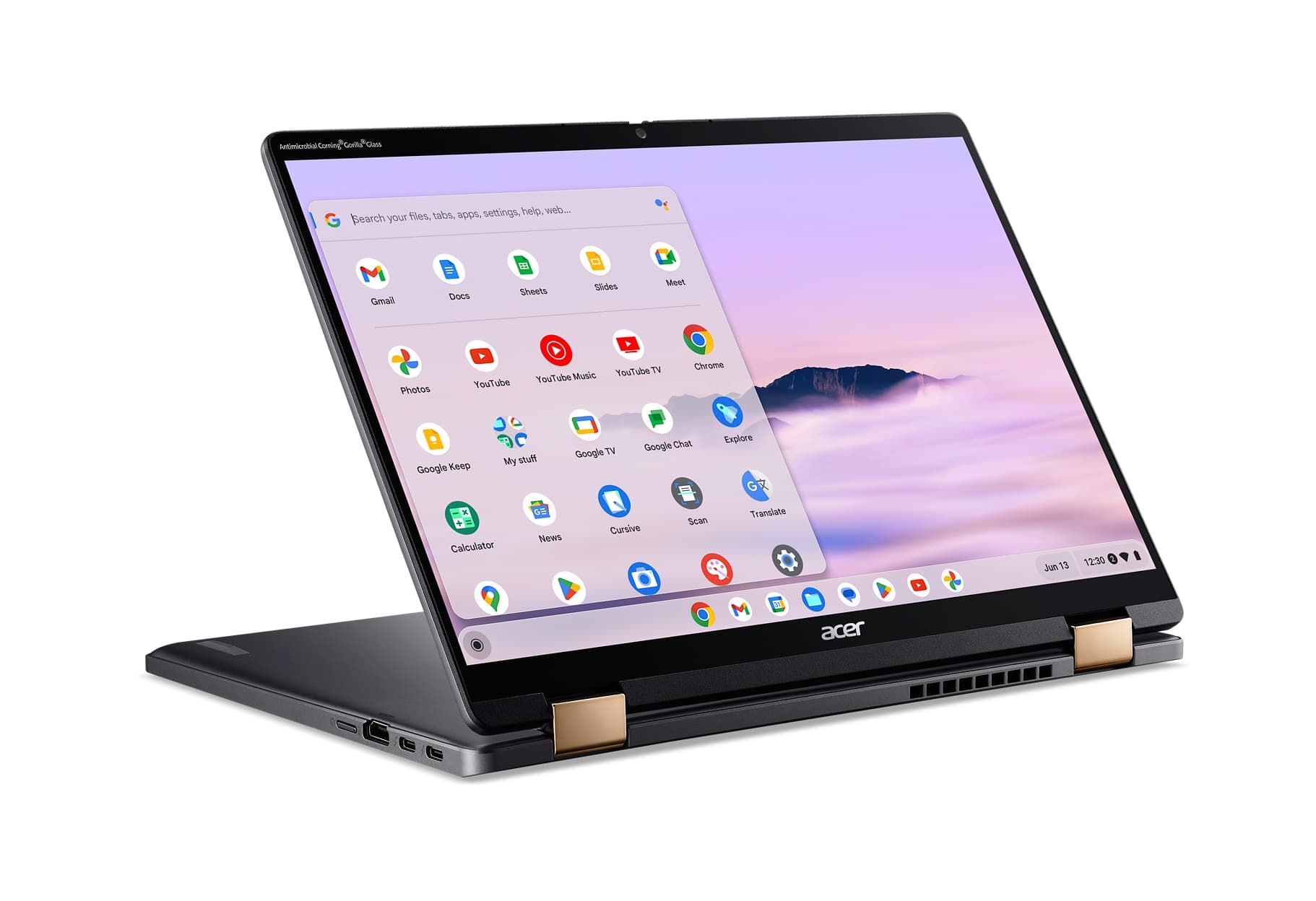
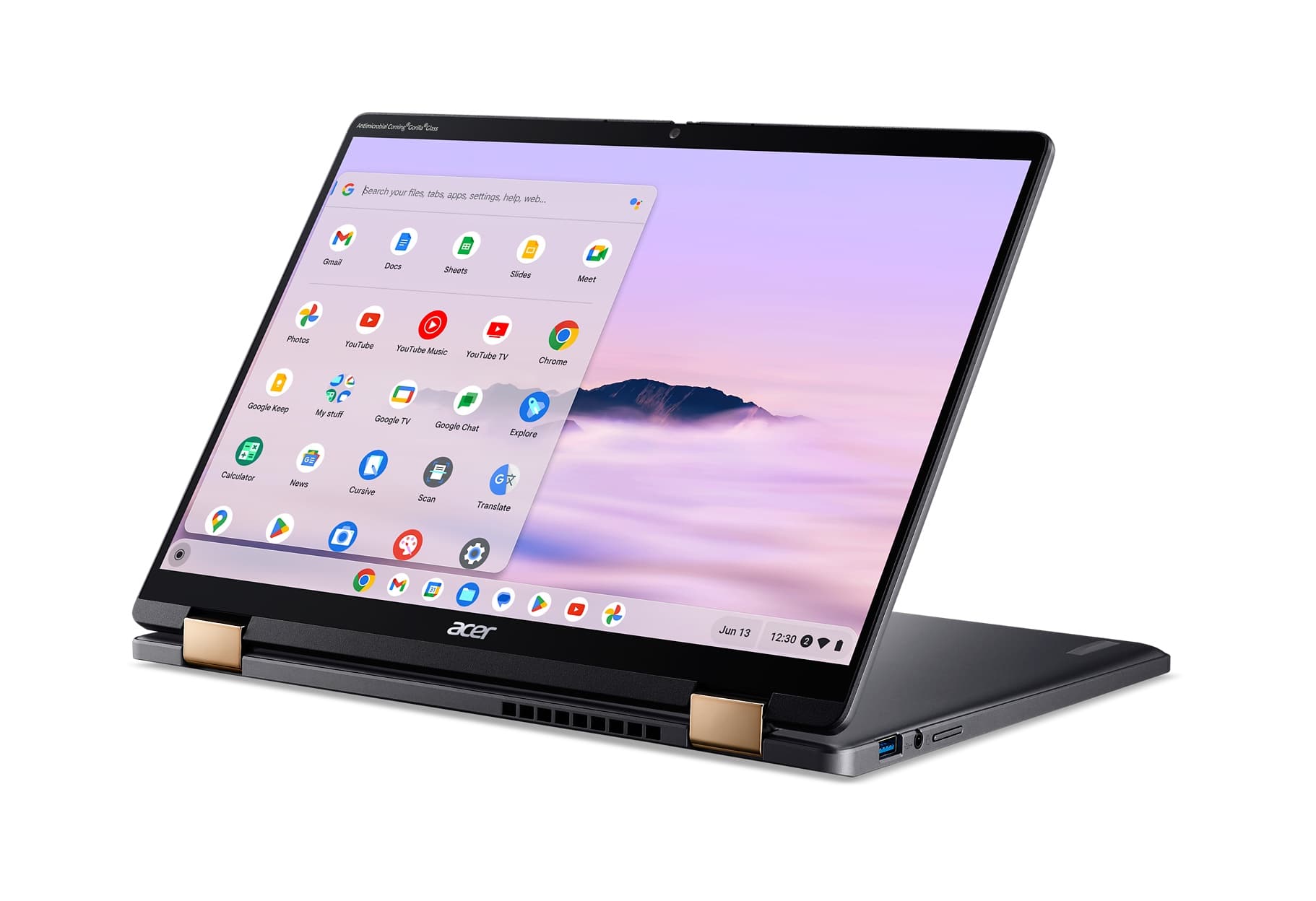
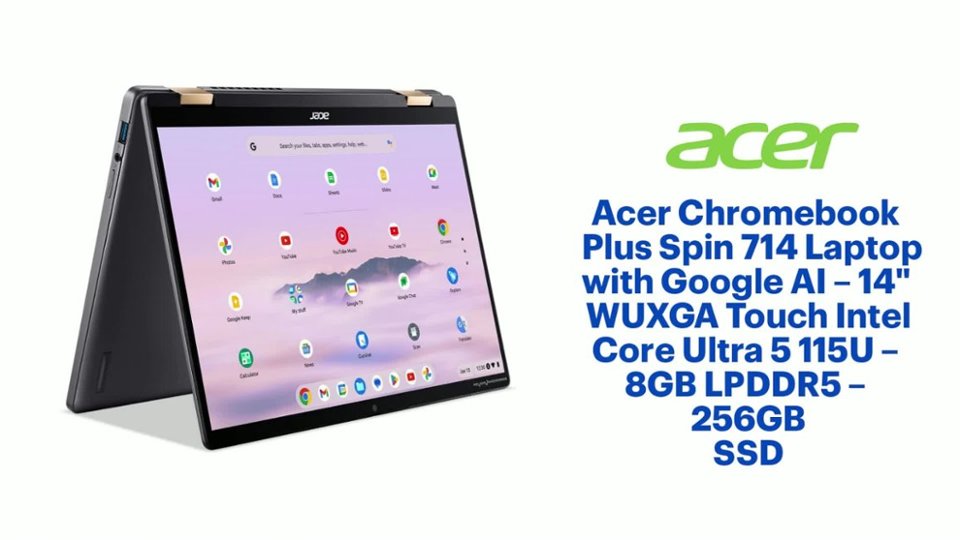
A:AnswerWhile the Acer Chromebook Plus Spin 714 (CP714-1H-54UB) hardware supports streaming Ultra HD content, ChromeOS does not natively support system-wide HDR output for video playback. When trying to watch HDR on Netflix or Prime, you will be limited to Standard Dynamic Range and resolutions supported by the browser on ChromeOS. You can connect a 2K monitor via its built-in HDMI or Thunderbolt 4 (DisplayPort over USB-C) ports, but it will similarly output in SDR rather than true HDR.
A:AnswerSince this is a Chromebook you will need to purchase a separate Microsoft 365 license if that’s what you want - at that point depends on the package you buy. With it being a Chromebook altho on this unit I just use Google Docs ( compatible with excel, PowerPoint and word) and use Gmail for mail
A:AnswerThe specifications are: 65W USB-C AC adapter. It has an input voltage range of 100-240V, 1.5A, 50-60Hz, and an output of 20V, 3.25A. For price and availability you can call Acer at 866-658-2237, between 8am-5pm Central, Mon-Fri.
A:AnswerYes, but only through the web based Microsoft 360 subscription only as this is a Chromebook. All subscription web based apps work perfectly on this laptop.
A:AnswerYes. Linux apps run in Crostini (the Linux container) pop up windows that "just work" on the desktop. The only real limitation I have found so far is that Crostini does not support angle and pressure on a drawing tablet, so if you want to use Linux drawing applications, that's a non-starter. Everything else works flawlessly.