A:AnswerThis laptop supports both DDR4 2666 and DDR4 3200, so you need to check what is in the system before ordering more memory. It depends on availability at the time of manufacture as to which it will have. It doesn't have to be the same brand, just the same type. Brands tested but not limited to Hynix, Micron and Kingston.
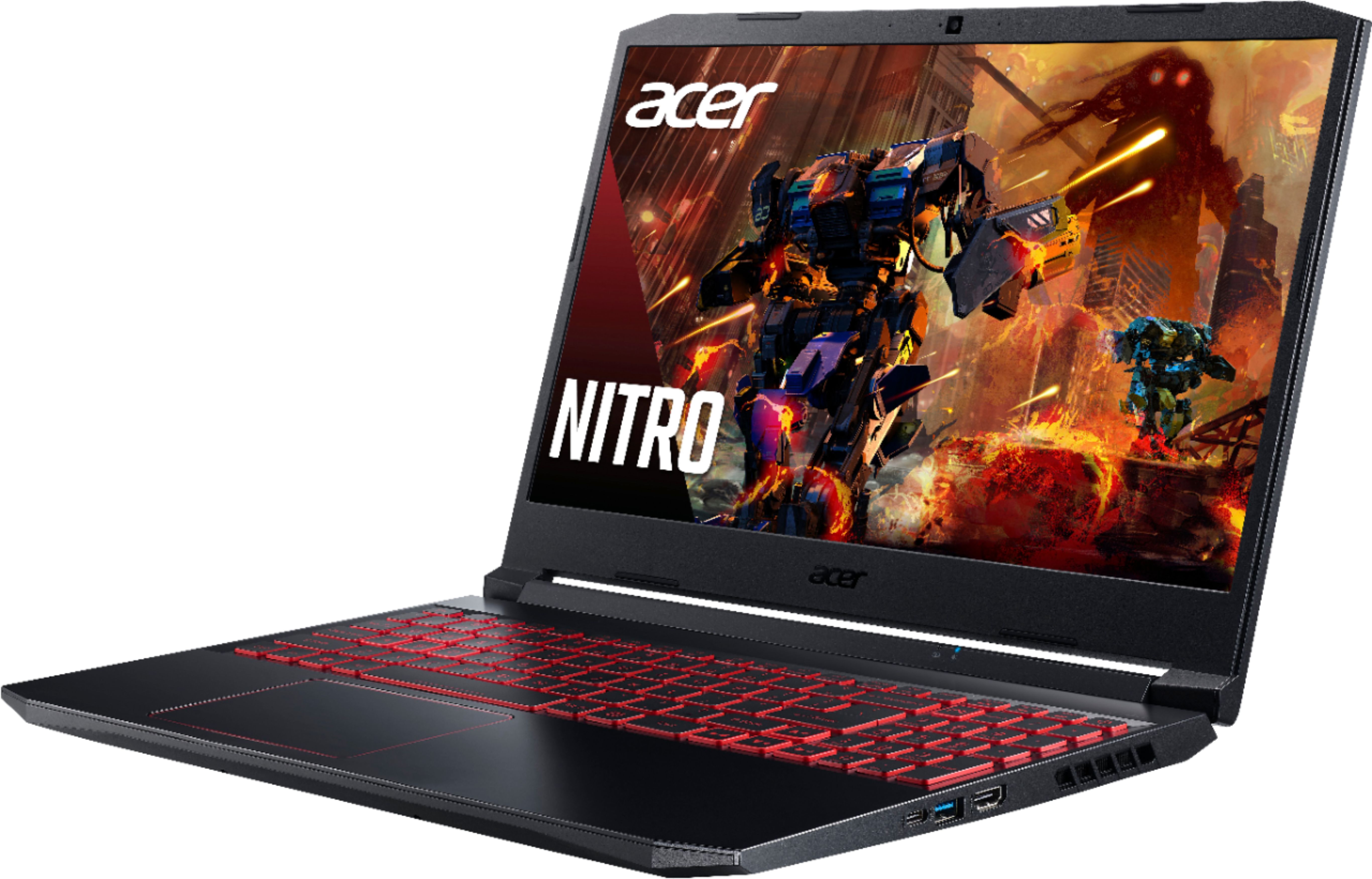
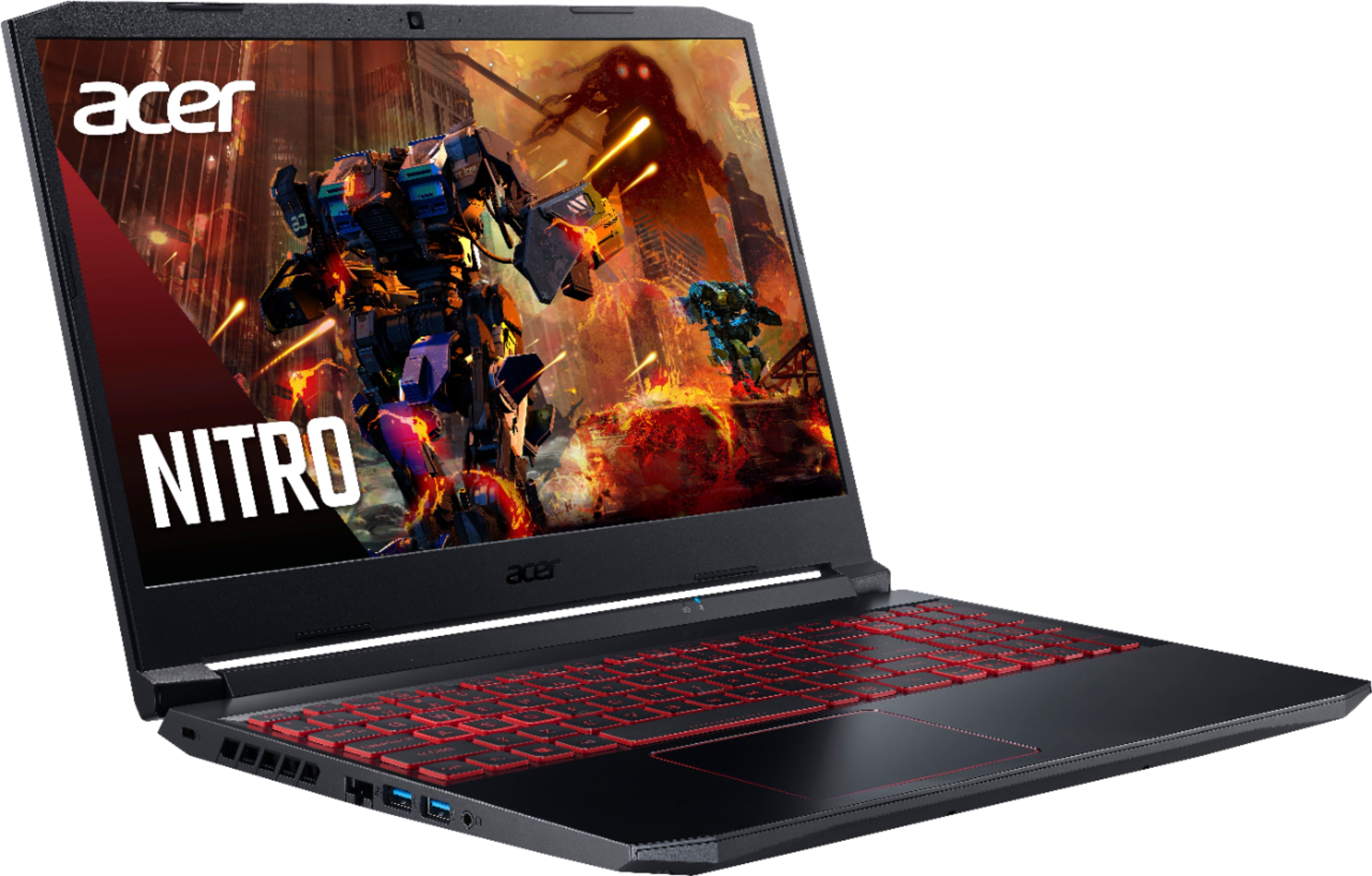
A:AnswerThe M.2 SSD is fine but you can install a 2.5" HDD or SSHD if you need more space. This laptop does support both 3200 and 2666 speed memory, in dual channel, up to 32GB using two memory slots.
A:AnswerI have 2 m.2 2280 PCIE NVME SSD drives and a 2.5" 7mm sata SSD installed, total of 3 drives. The 2nd m.2 can also use an m.2 2280 sata. The 1st one has to be PCIE NVME.
A:AnswerI did a bunch of research to find a gaming machine at a reasonable price for using Adobe creative cloud. Factory stock, the 515-55-53ag meets the minimum requirements of Photoshop, Premiere Pro, Audition and Dimension. First tweaks: baseline your laptop immediately after set up with cpubenchmark and cpuid (provide speed numbers etc) You will be disappointed. Keep tweaking - go to Nvidea website and get the latest 'studio' driver for the 1650 card. Studio drivers provides greater stability on long renderings in Adobe products. If your projects contain many layers and high bit depth, also grab at least another 8 or 16gb memory sticks or a pair of 16gb (32gb) kit from crucial. 16 is fine for one program but if you are using premier pro or after effects you'll appreciate the 32gb. Change your page file in window (Google it). Get a second 500 GB SSD NVME m.2 storage card. For the money $100 this is the fast read write card with excellent adobe performance. If you can change your primary card over to the same card. You should also have a SATA 2.5" form factor bay that can be used as a finished file disk (largest capacity Acer says is 500gb for each. You can also add external drives as long term archive back ups - 2 or 3 TB for about a $100. If you do a lot of adobe work you may want to dedicate the second m.2 to Adobe scratch, media, project disk space. Adobe generate tons files that are way easier to clean up if they are isolated on one drive. Last thing, get a bigger monitor, the laptop monitors does not have full color spectrum capability. Use your laptop screen as a command screen and a nice 27 incher as your editing screen. Hope that helps. One important point - your CPU actually does more work in the creative and render processes. The i5 - 10300h is an incredibly good bargain for speed vs. dollar.
A:AnswerI run it at 1080p I get 50-75 fps high settings. I have upgraded ram 32 GB, good laptop for this, you'll ge tmore fps at 720p, 100+ fps at 720p, plus u can bump up the settings.