A:AnswerWhile Acer does not test many gaming applications we would recommend you check that the computer meets the system requirements of the application/game to determine if it will work. You might also post your question on the Acer Community where there are many users that post questions and offer help and advice on Acer products. The link is: https://community.acer.com/
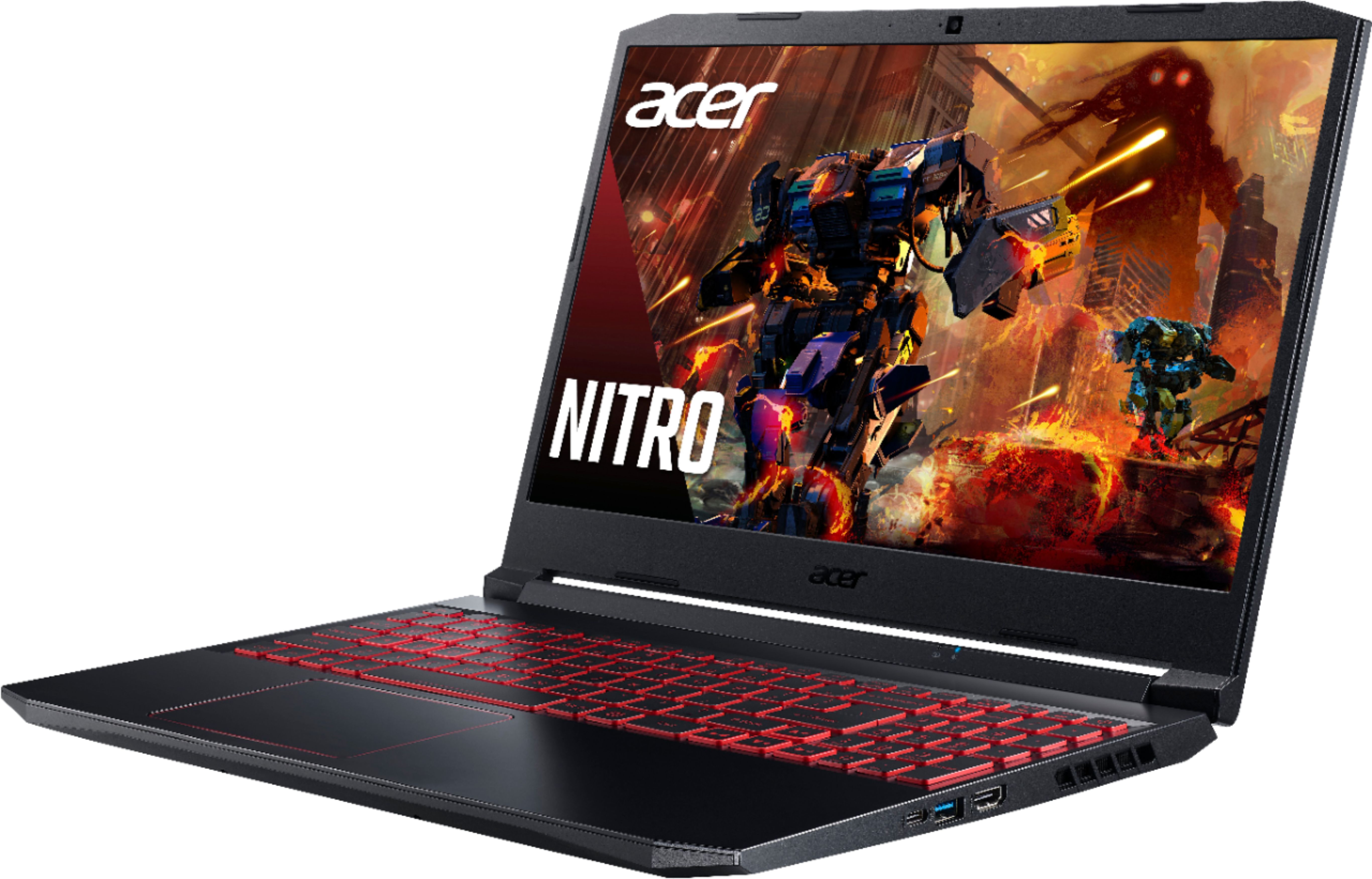


A:AnswerYes it does have a USB C port and it does work I have tried several connections on it and it works fine. I prefer to use it with my external hard drives.
A:AnswerThe hard drive cable and bracket are installed in the laptop already. If these are missing please contact Acer support at 866-695-2237 to inquire about getting these parts to you.
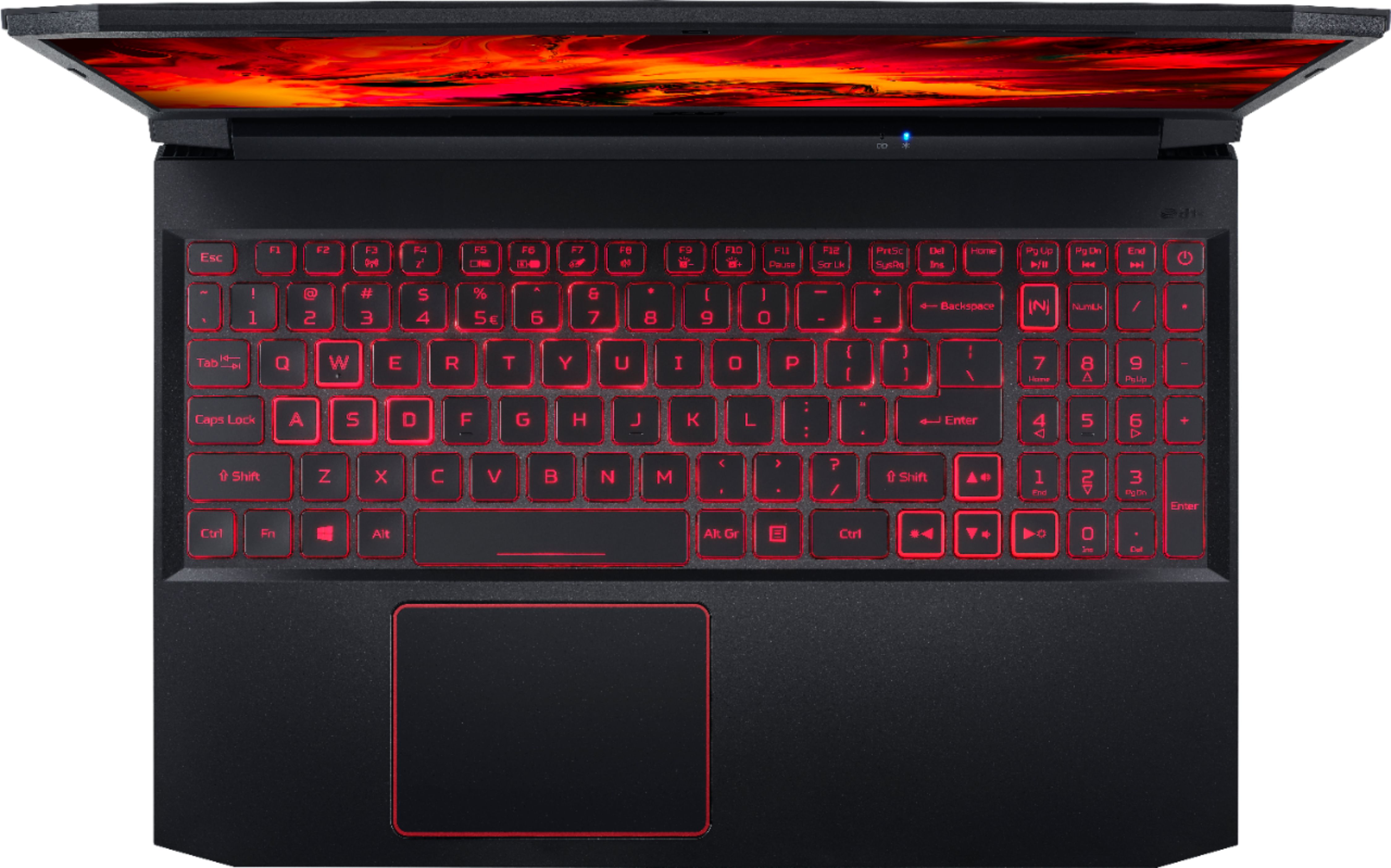
A:AnswerNo. And the backlit keys only stay on for 30 seconds if not used. Kind of a pain in a dark room. It was hard to find a solution to keep them on but there is one.
A:AnswerWhile Acer does not test many gaming applications we would recommend you check that the computer meets the system requirements of the application/game to determine if it will work. You might also post your question on the Acer Community where there are many users that post questions and offer help and advice on Acer products. The link is: https://community.acer.com/
A:AnswerThis is a good budget option to max out this laptops memory
amazon.com/Crucial-DDR4-Laptop-Memory-CT8G4SFRA32A-dp-B07Q7T9NSC/dp/B08C4Z69LN/ref=dp_ob_title_ce?th=1
Have A Great Day ☺
A:AnswerYes, this laptop ships with Windows 10. While Acer does not test many gaming applications we would recommend you check that the computer meets the system requirements of the application/game to determine if it will work. You might also post your question on the Acer Community where there are many users that post questions and offer help and advice on Acer products. The link is: https://community.acer.com/