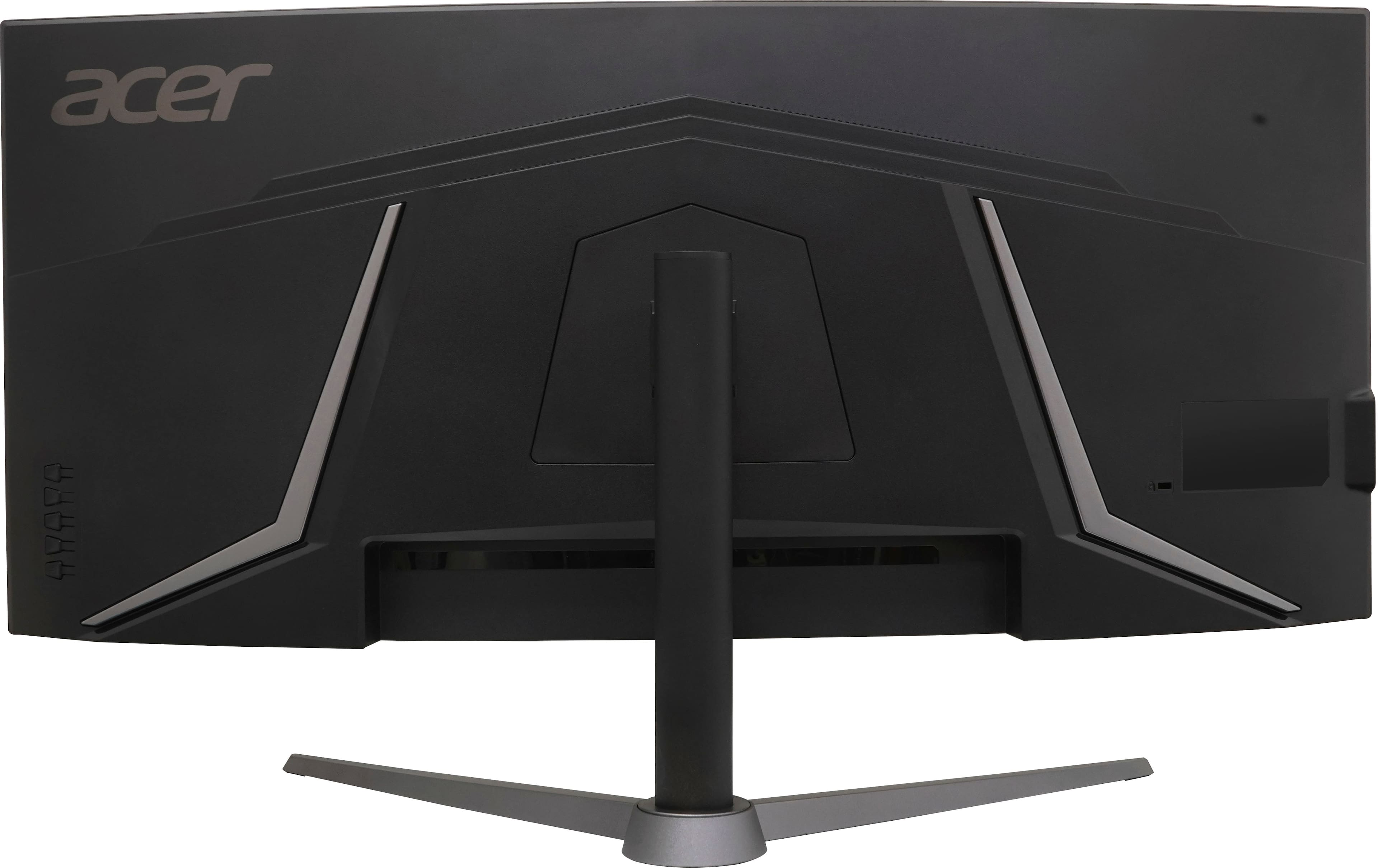
A:AnswerAcer has not tested or qualified an Apple product on the monitors, but if your iPad requires a Lightning connection, you would have to try using an adapter to connect to the monitor.
A:AnswerGood q. I too am looking for an answer as my screen looks a little washed out. I did make it better by adjusting the brightness and contrast. And, I believe my monitor is 240Hz refresh on the DP.
A:AnswerThis monitor should work fine with the GPU stated. You can also visit the Acer Community forum where there are many posters that offer gaming advice on Acer products as well. That link is https://community.acer.com/en.
A:AnswerPlease contact Acer support for assistance with your monitor. They can be reached at 866-695-2237 and are available 24/7 for in-warranty products.