Questions & Answers
- Model:
- NX.G54AA.012
- |
- SKU:
- 5676808
Highly rated by customers for: Touchscreen, Battery Life, Price
Page Showing 21-29 of 29 questions
Q: Questiondoes this laptoo have a USB port to extend the memory? 16GB seems very less and not sure how much Chrome OS will take itself.
Asked by USBport.
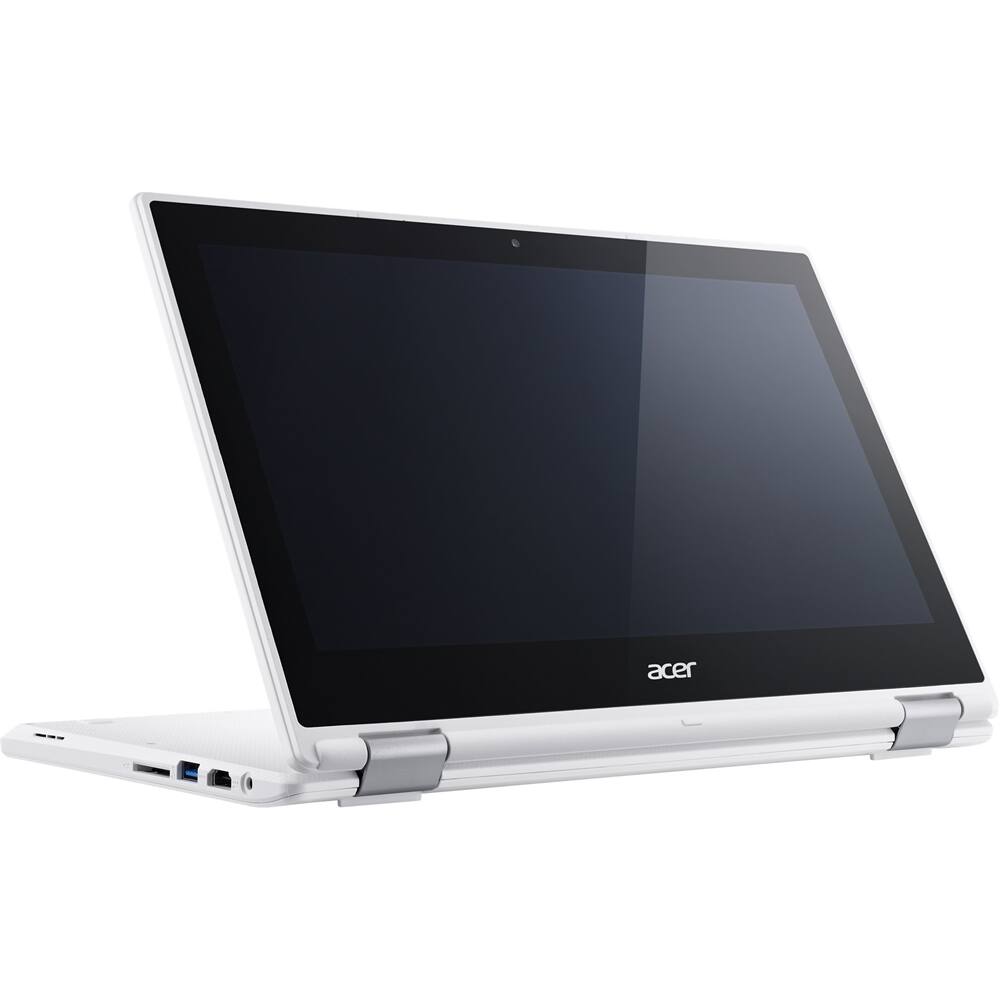
- A:Answer Can use USB drive or sd card to expand storage
Answered by Jayt
Q: QuestionAre excel spreadsheets compatible with chrome?
Asked by Marjorie.
- A:Answer Yes, MS Excel has a version compatible with Chrome.
Answered by CommunityAnswer
Q: QuestionCan the R11 run ANY play store android app as if it's an android tablet (Periscope app for example)?
Asked by sdnative.
- A:Answer There are some restrictions when it comes to apps like office suite is not supported but those restrictions are few and far between
Answered by Jayt
Q: QuestionDo your offer geek squad with refurbished Chromebooks?
Asked by Anonymous.
- A:Answer Ya they do. You will have to buy the geeksquad protection plan though.
Answered by SunilB
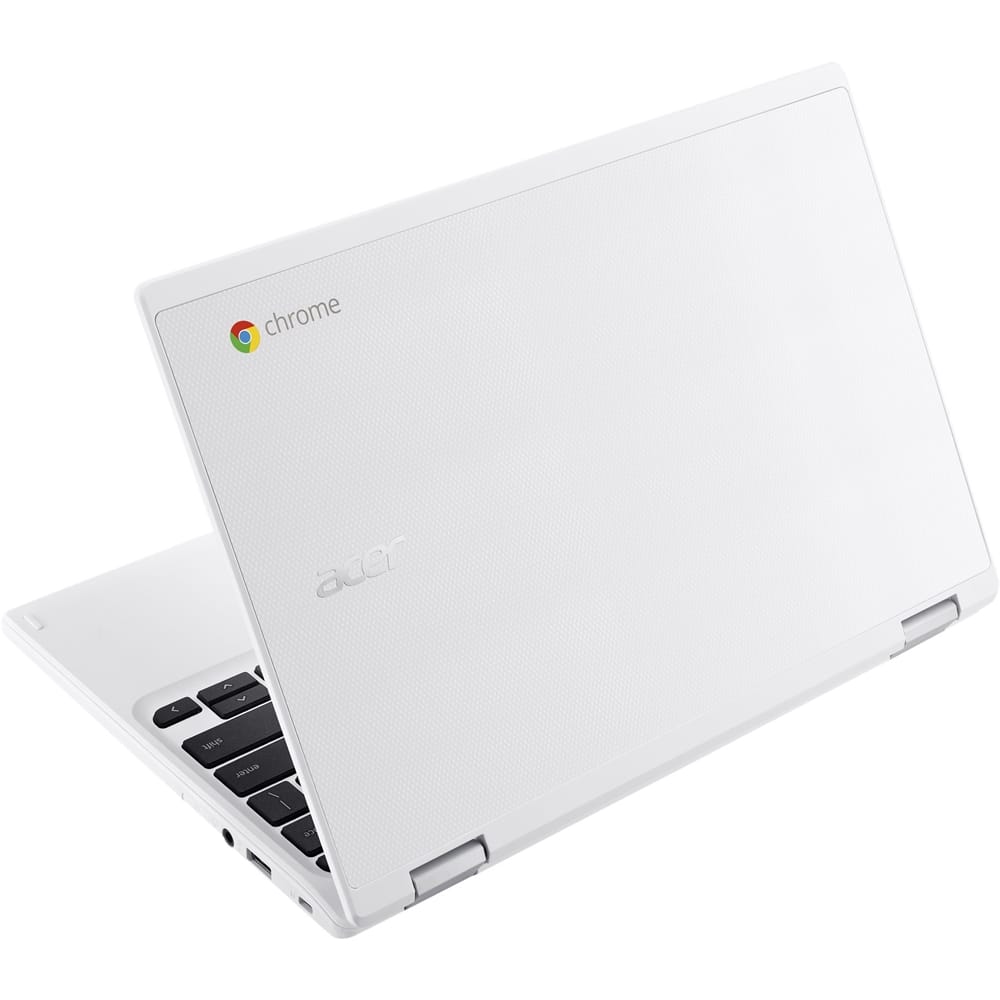
Q: QuestionWhat is the difference between this laptop and the acer chromebook r11 that costs $279? http://www.bestbuy.com/site/acer-r-11-2-in-1-11-6-touch-screen-chromebook-intel-celeron-4gb-memory-16gb-emmc-flash-memory-white/5202900.p?skuId=5202900&ref=212&loc=1&k
Asked by Anonymous.
- A:Answer This is a factory refurbished version of the same device. If you are ok with a shorter warranty and return period, this is otherwise the same device, just not a brand new version of it.
Answered by Wrightone
Q: QuestionWill this run Minecraft for a young child ok? Stem games?
Asked by Anonymous.
- A:Answer Actually, yes. This model has access to the Google Play store which has Minecraft Pocket Edition and Minecraft Story Mode. From the Google page how to do so: 1. Update your Chromebook software To get Android apps on your Chromebook, first update your Chromebook software. Your Chromebook must run Chrome OS version 53 and up. 2. Sign in to the Google Play Store Click the status area, where your account picture appears. Click Settings Settings. In the "Google Play Store" section, check the box for "Enable Google Play Store on your Chromebook." In the window that appears, click Get Started. You’ll be prompted to agree to the Terms of Service. Once you’ve read and agreed, click Agree. To confirm your current Google account, click Sign In. You’ll see the Google Play Store app open. In the box that appears, click Accept. Step 2: Get Android apps Now, you can find and download Android apps on your Chromebook. *Your Chromebook won’t automatically download the same Android apps as your phone or tablet, so you’ll need to download them again. Also, some apps don’t work with Chromebooks, so you won’t be able to download them.*
Answered by Anonymous
Q: QuestionIs it iTunes compatable
Asked by Anonymous.
- A:Answer No, it is not. iTunes is not installable on ChromeOS and Apple doesn't even have a web player. Google recommends uploading your iTunes library to Google Play so you can listen from anywhere on any device. https://support.google.com/chromebook/answer/3217385?hl=en
Answered by Wrightone
Q: QuestionDoes windows 10 come on the computer?
Asked by Kiarradailey.
- A:Answer No it doesn't
Answered by Ginryca
Page 2, Showing 21-29 of 29 questions
Top Rated
- Tech Fest Deal$99.99