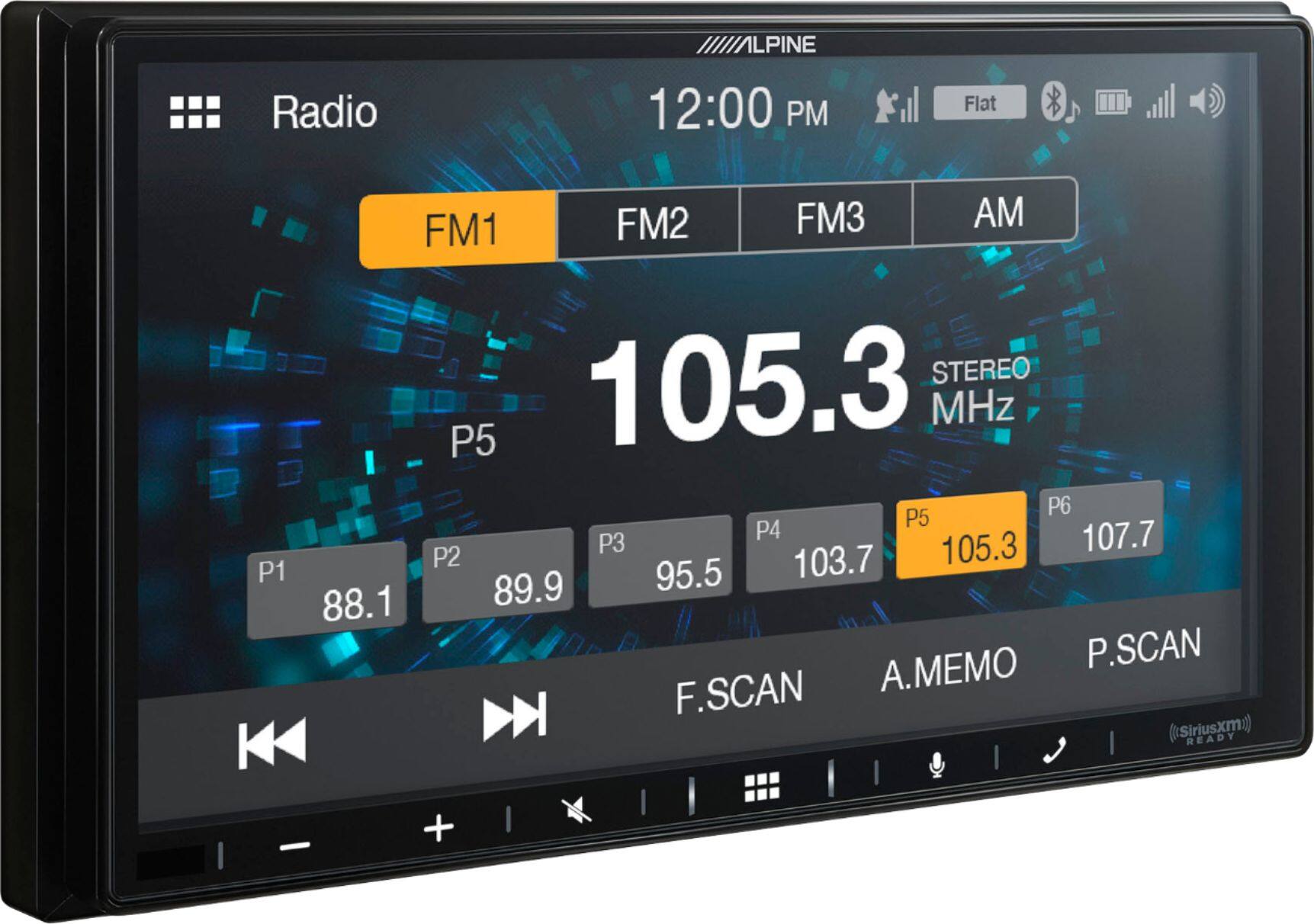
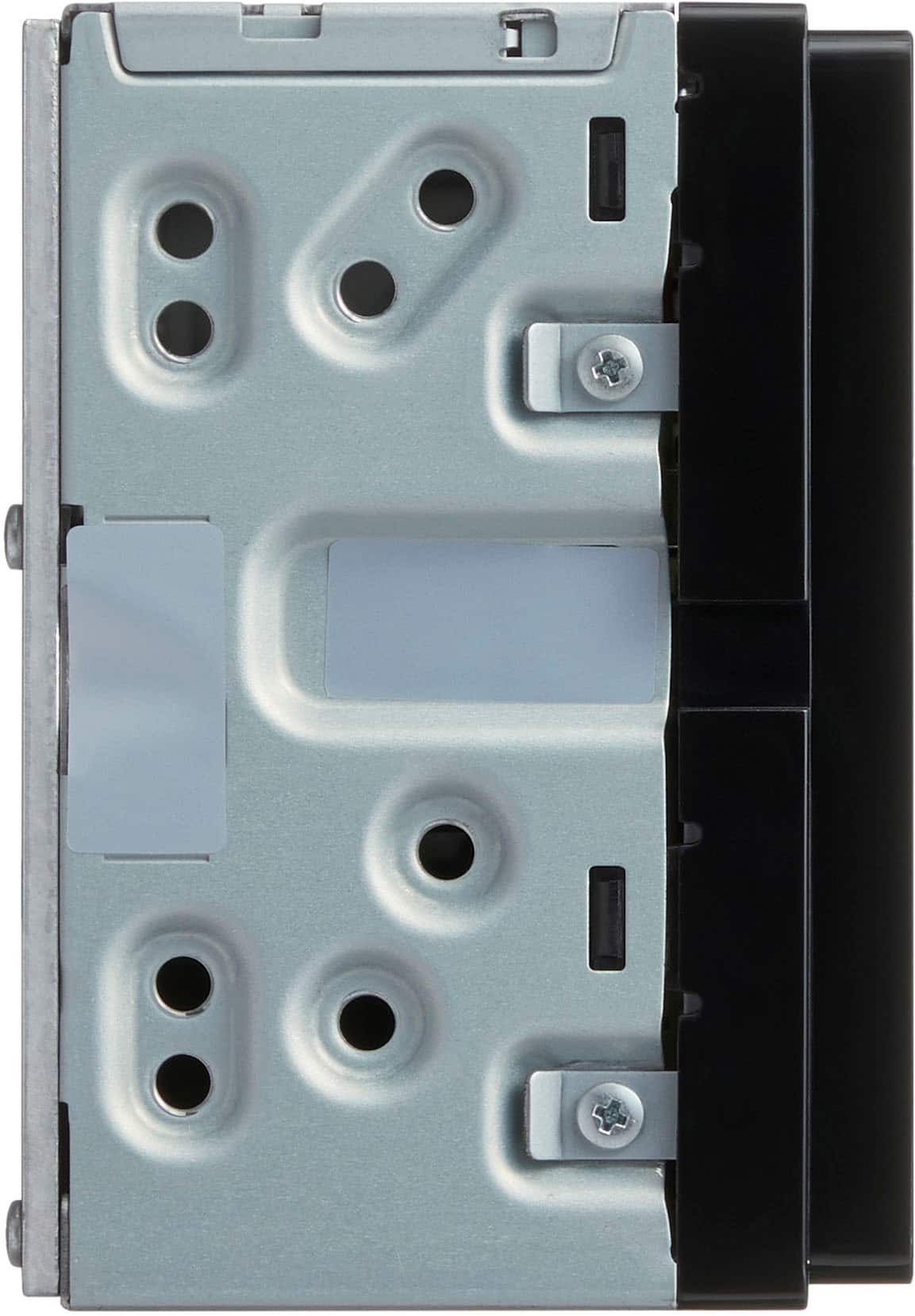
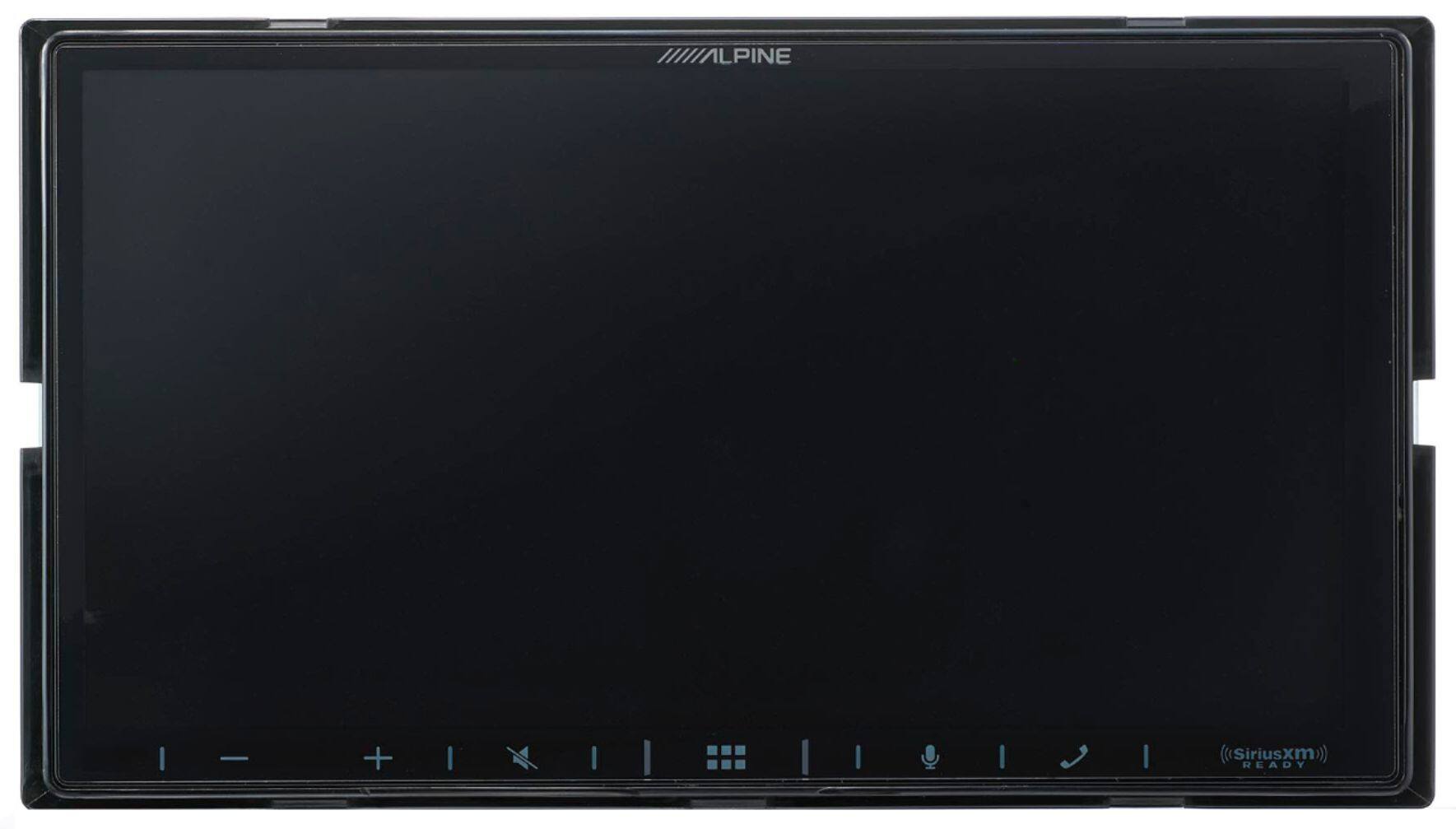
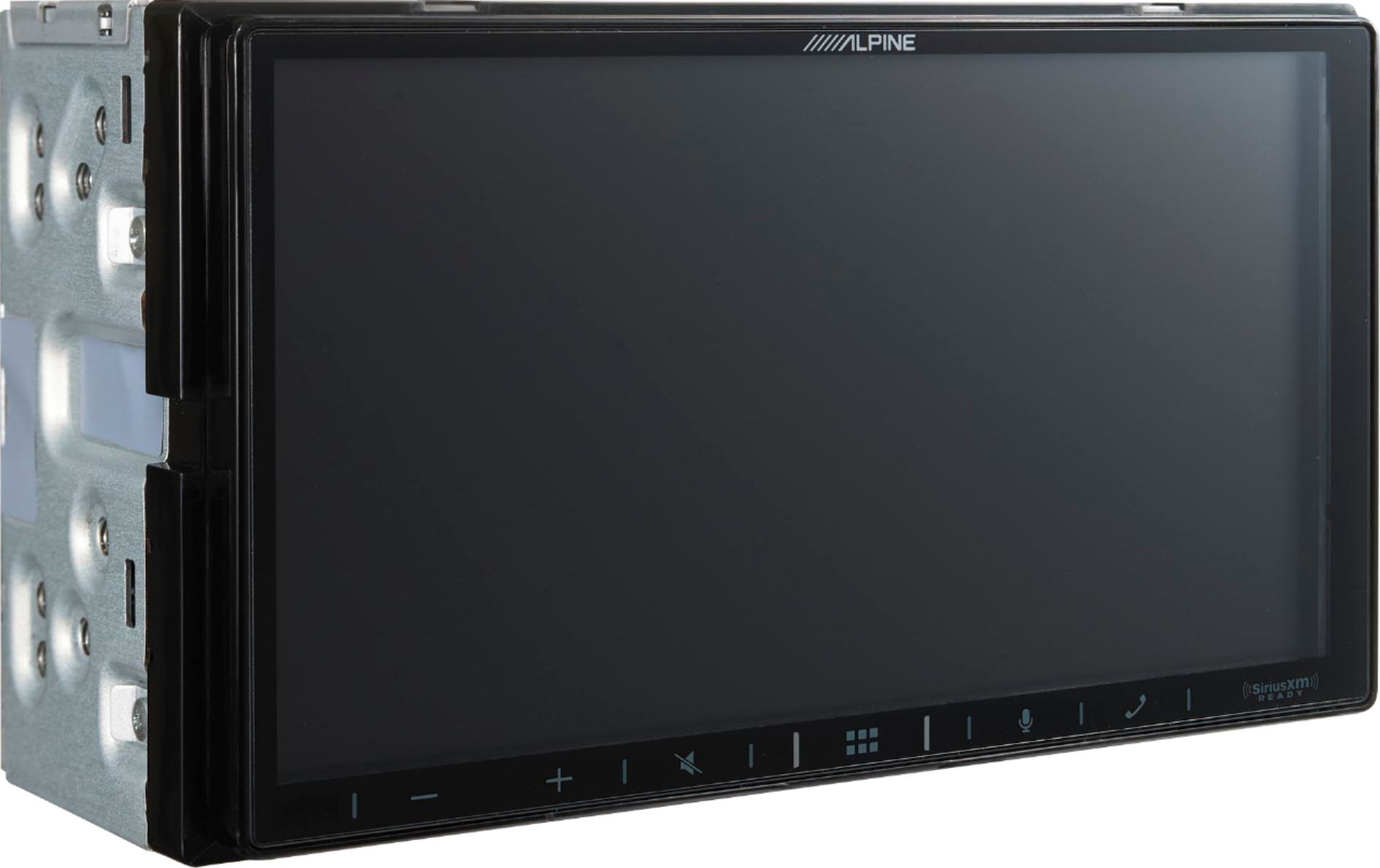
A:AnswerI had BestBuy install the radio for free (as advertised). The USB cable is routed from the rear to the front with a cable. Amazon sells the faceplate.
A:AnswerYou may have to check your park cable ground. I think it is a yellow with blue stripe. It has to be activated 2 times. Then the settings will be unlocked. I purchased a alpine radio bypass for mine.
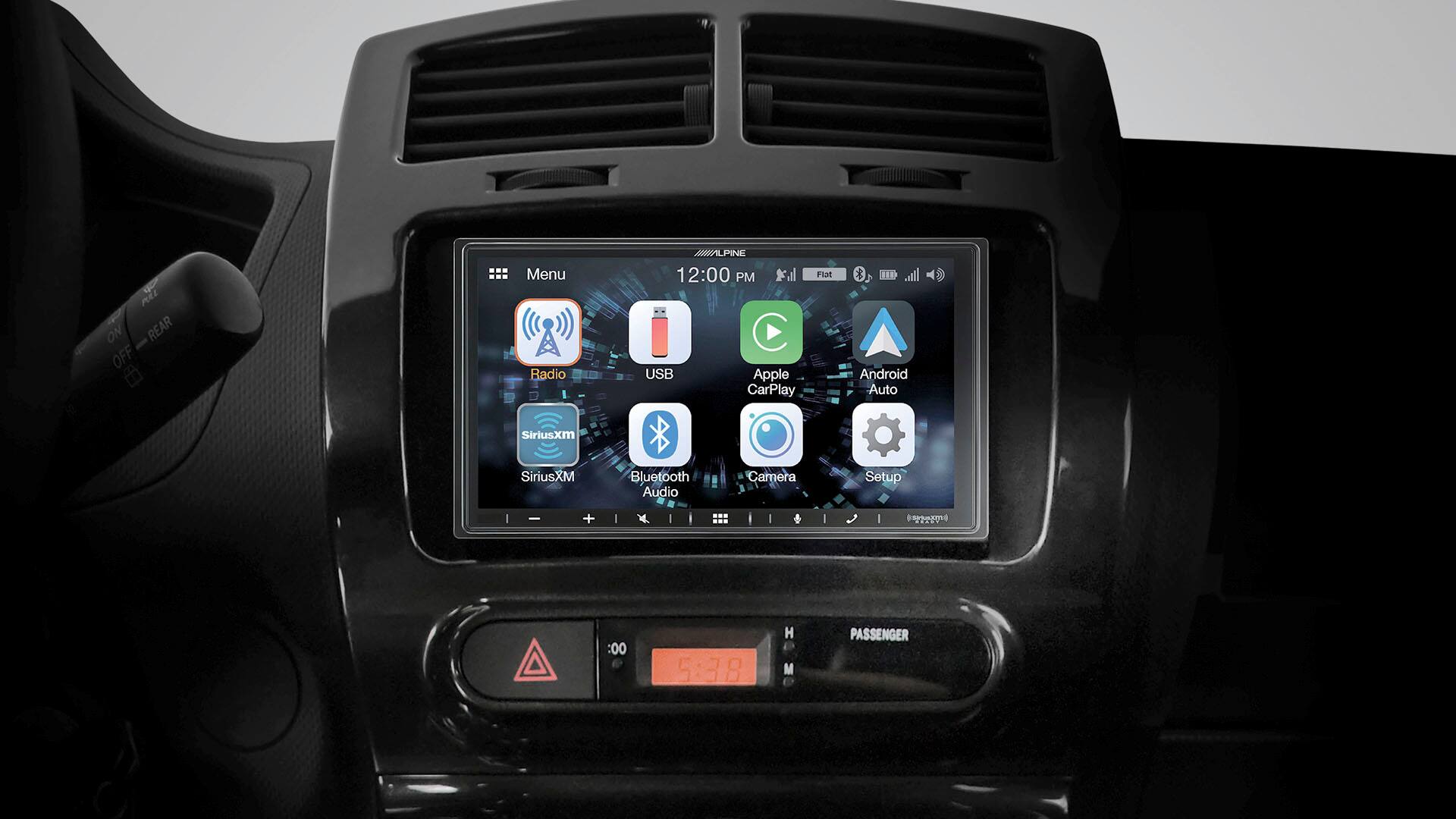
A:AnswerYou can put your car type in on the best buy web site and when your looking at a new stereo it will tell you if it is compatible with your car.
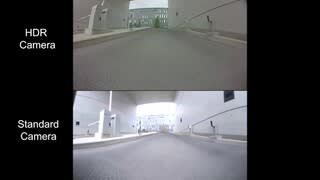
A:AnswerYes, there are quite a few you can choose, just search "license plate back mount camera". I went with the Item Code 1570003, Metra BBBCP License Plate Back-Up Camera, it was suggested by the Geek Squad Installer and it works well with my Alpine receiver.
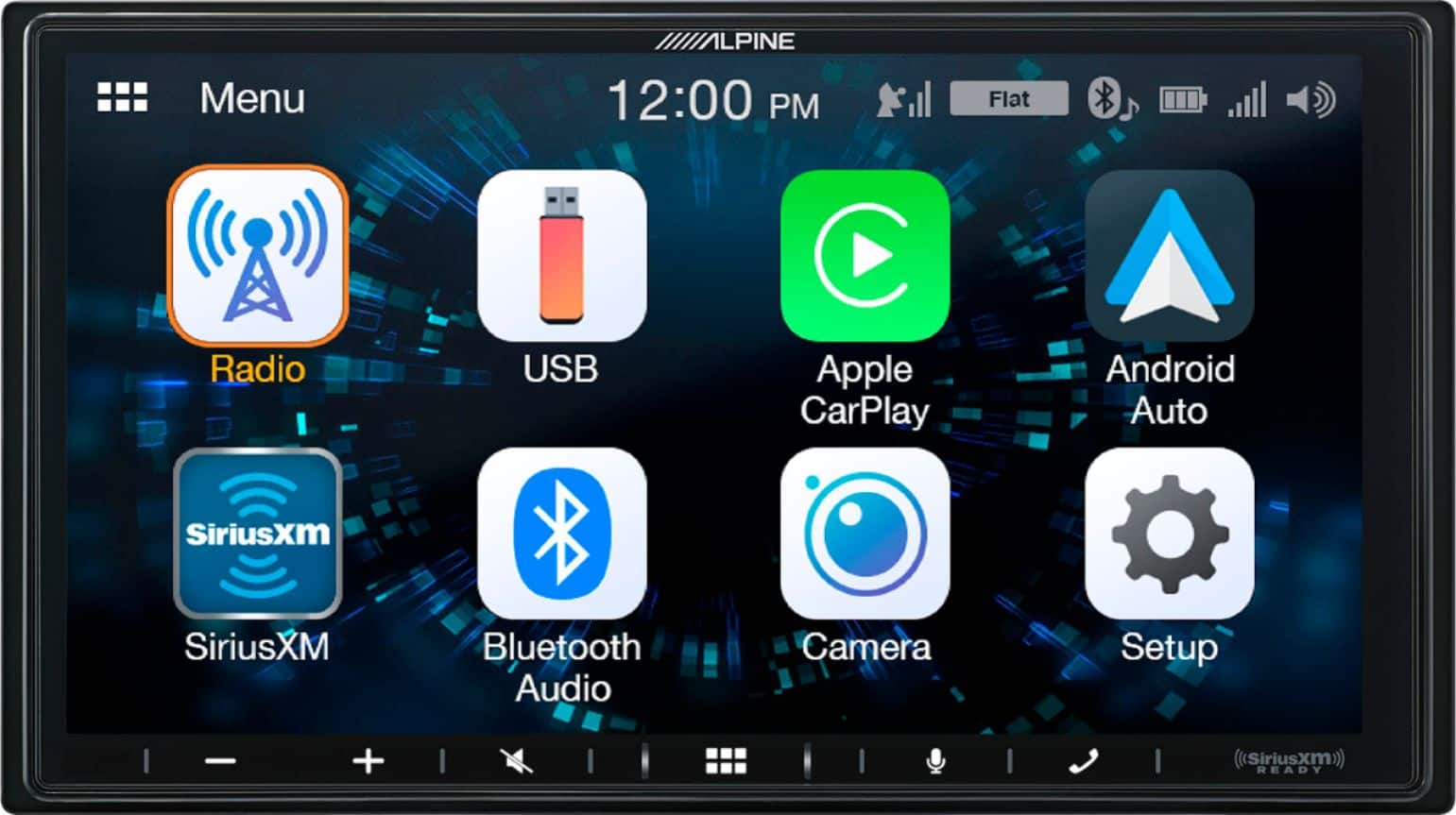
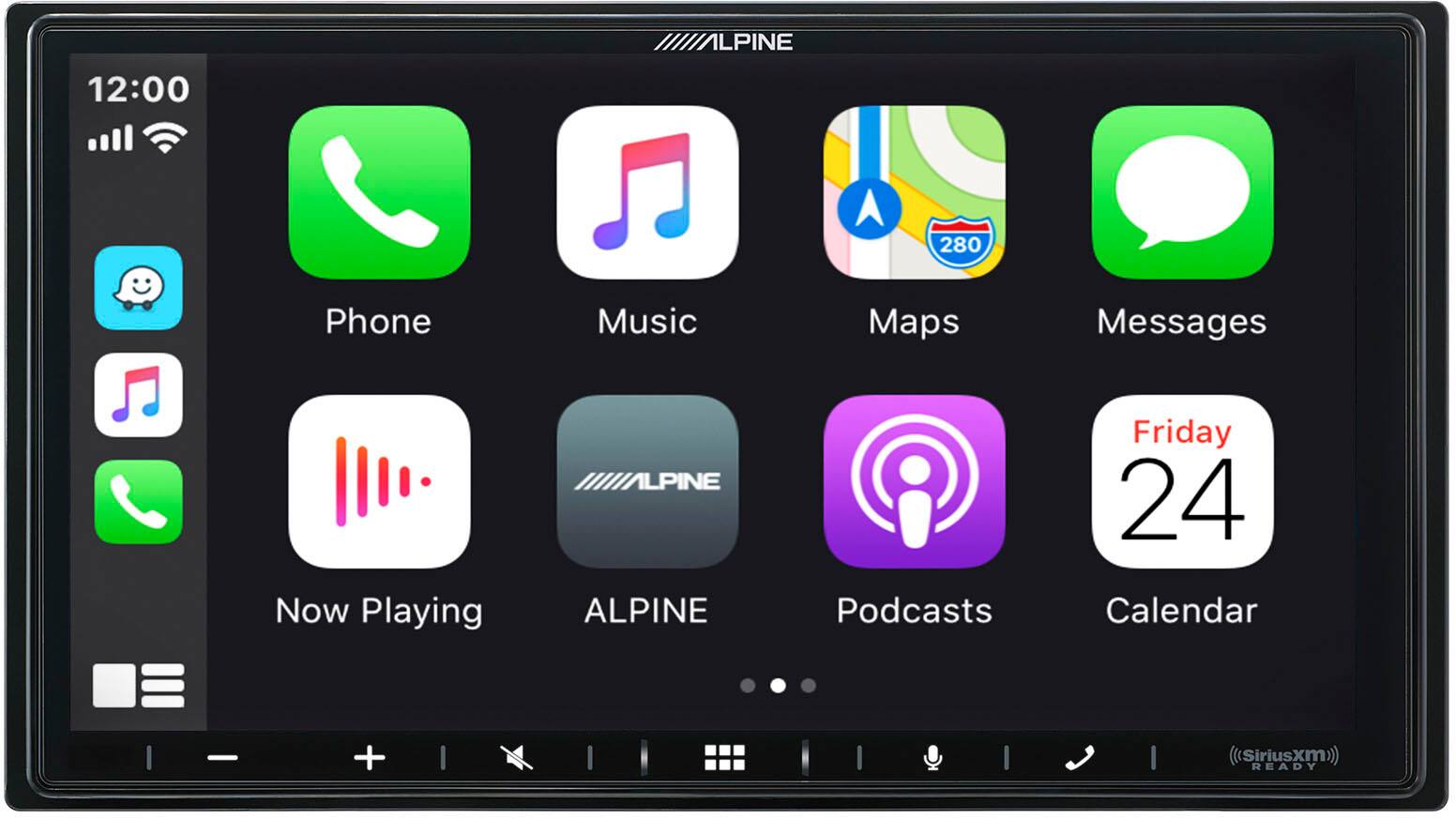
A:AnswerIf the installation kit comes with the module for the steering wheel controls, then it will work with your car. This information is available when you choose Best Buy to install the radio, which is usually free of labor cost. You just have to purchase the necessary modules and faceplate. With this alpine unit, it has the RCA connector to connect your factory backup camera. The steering wheel button for your voice activation for phone will auto sync with SIRI when on Apple CarPlay.