A:AnswerAs long as your Beats headphones are BT ready then the ABT05F transmitter will work. Write us at [email protected] if you need help with setup or other tips.
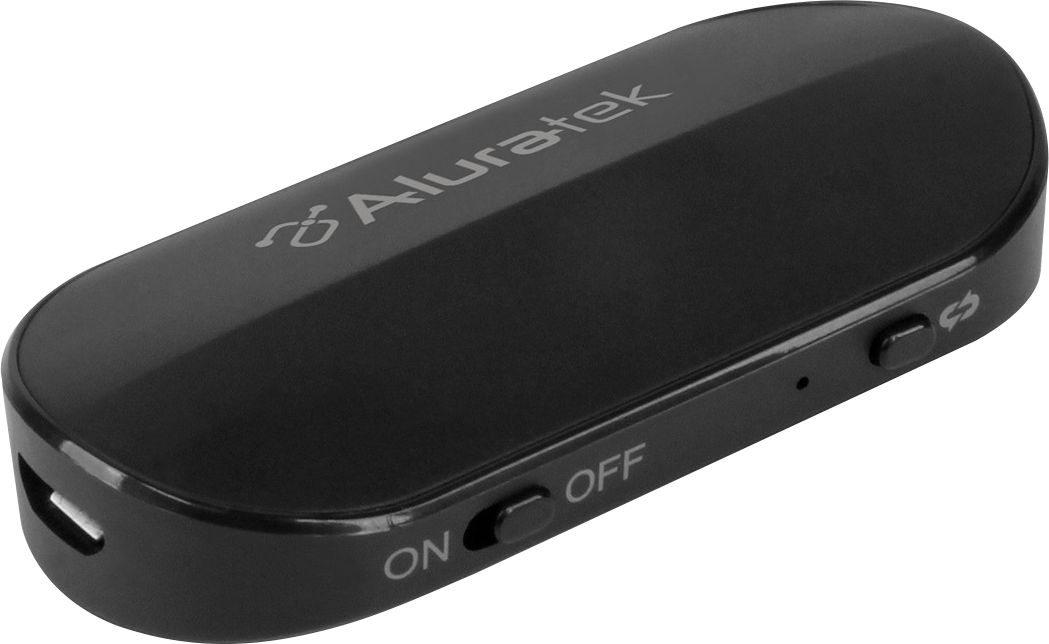
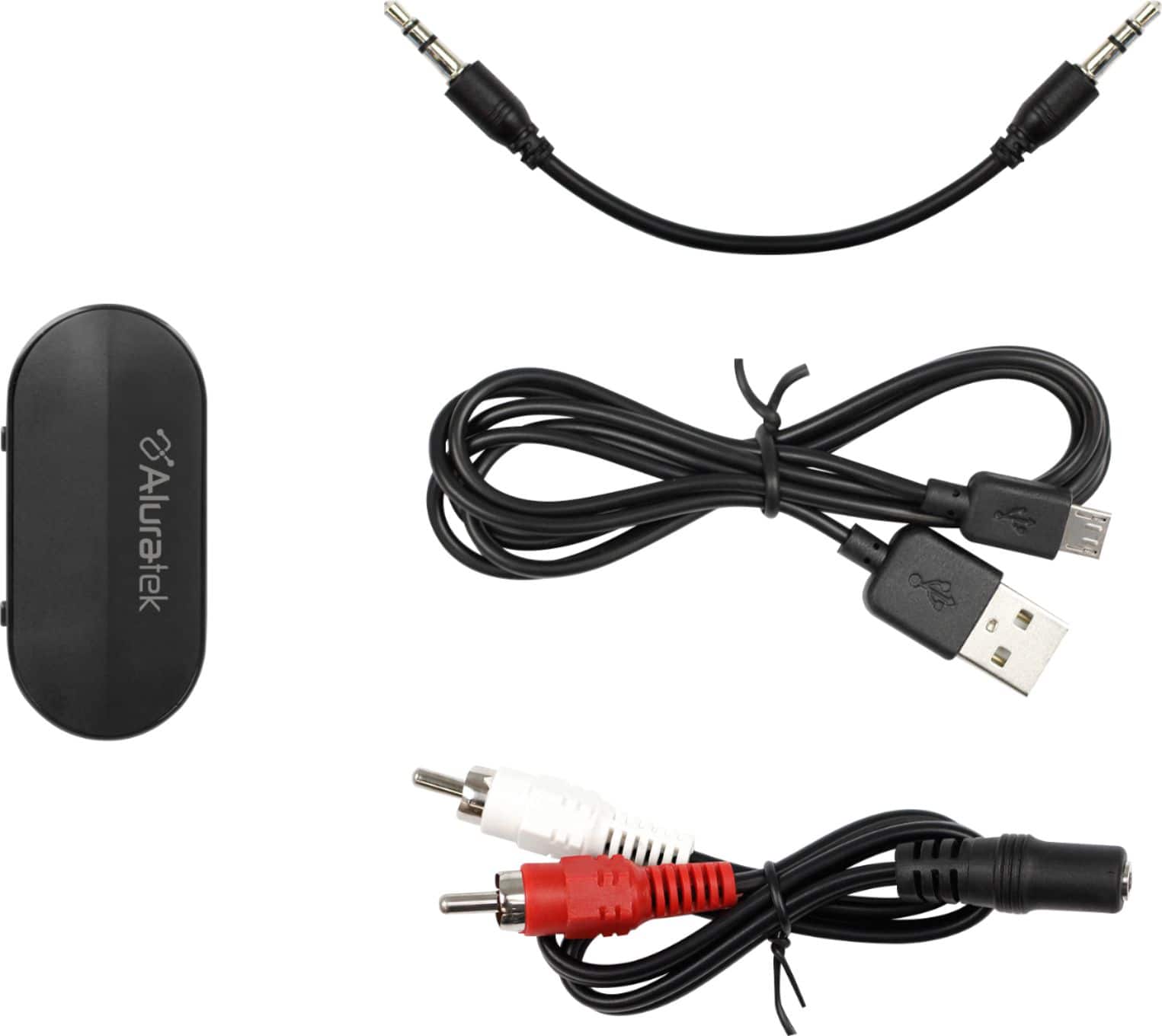
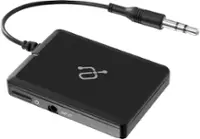
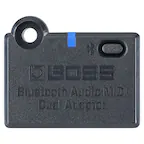
A:AnswerYes. This is the ABT05F. It is a transmitter only but will transmit Bluetooth audio to headphones or BT speakers. Contact [email protected] for additional support or tips on use.
A:AnswerIt depends on whether your TV uses Optical output to send audio out of the TV, or if your TV still uses an AUX output (red and white RCA jacks), or if it has a headphone jack. If your TV can send audio out of the unit using RCA jacks or headphone jack then the ABC01F will work and then pair to your headphones. If your TV has OPTICAL out then you will need an Optical transmitter and/or receiver. Our ABC02F, ABC53F, and ABCD54F have optical.
A:AnswerThe issue may be that surround sound channels do not work with the ABT05F. That unit requires a basic stereo / split mono left and right channel connection. You may need something more complex for 5.1 surround sound. Contact us at [email protected] if you have other questions.
A:AnswerThis unit is a transmitter only. You will likely need a Bluetooth receiver in order to pair your phone or other device. Our ABCT01F is a tape cassette receiver that might work. Our ABC01F operates in dual mode (TX for transmitting, RX for receiving from Phone or tablet), and our AIS01F (iStream) is a receiver also that can pair to phone.
A:AnswerOnce headphones are paired then you just want to turn on the headphones first and then the Bluetooth transmitter. They should pair automatically. If you reset the transmitter then you will have to pair again.
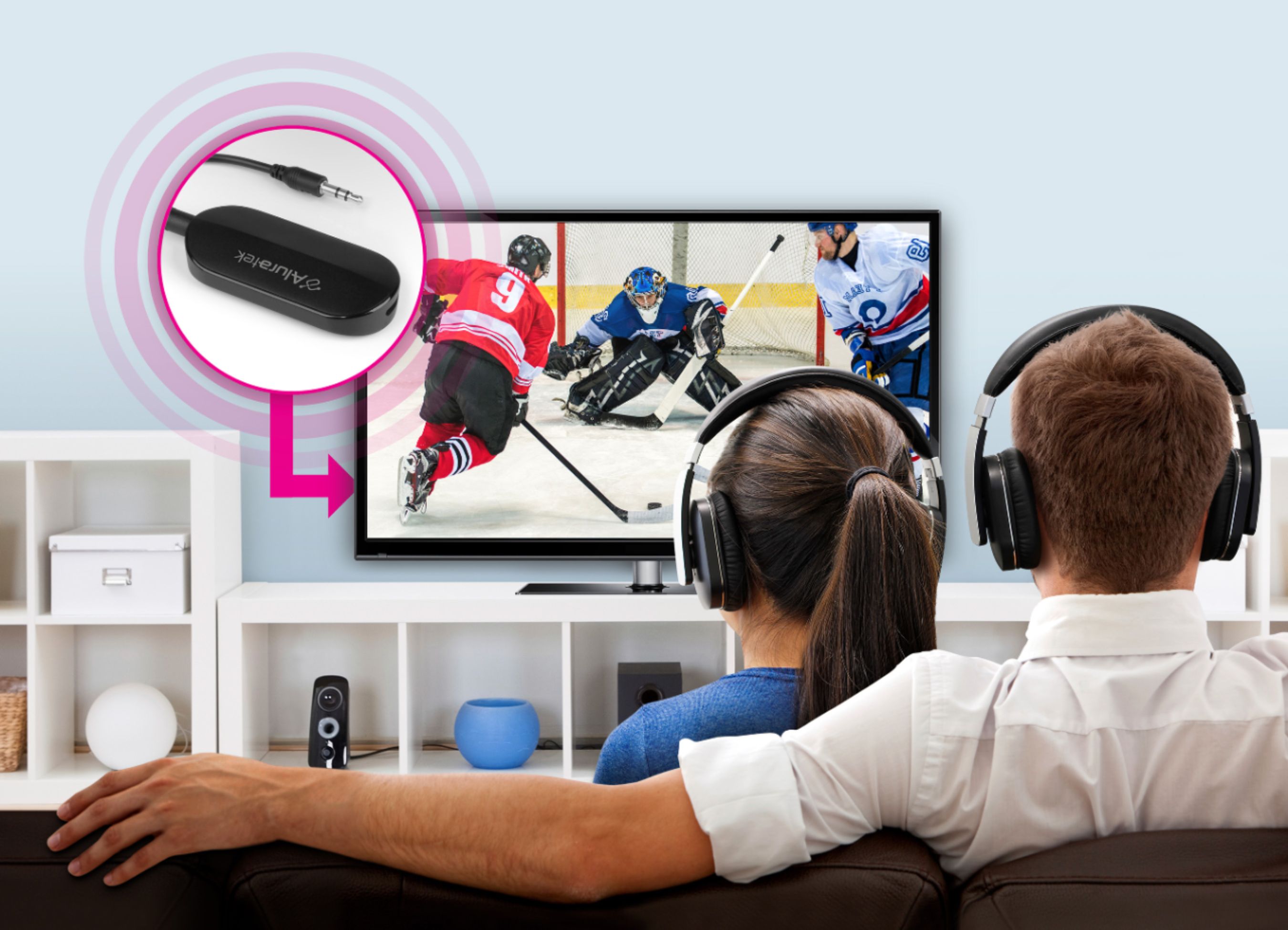
A:AnswerIf your TV has Bluetooth then you should be able to connect your TV directly to BT headphones or BT speakers. If you prefer to shut off the BT on the TV, then you can use a BT transmitter to send audio from the AUX Audio Output, or from the Optical Output. I have a feeling your TV will have only Optical Out for audio. We do have Optical Bluetooth transmitters and receivers. Contact us at [email protected] and we can figure out what is best for you.
A:AnswerNo. This is a Bluetooth transmitter. You need a Bluetooth receiver. We do offer some receivers, like our AIS01F. Or you can get a device like our ABC01F which offer both transmit mode (TX) and receive mode (RX). Phones will only connect with receivers since it is the phone that is sending the audio.
A:AnswerYes. That device is a Bluetooth transmitter. You will directly connect that device to your CD player then transmit BT to your headphones or speakers. If you need to reset the unit simply turn it off then hold the BT button down for 10 seconds. Now turn on again and the LED should blink red and blue. This is pairing mode.
A:AnswerThat type of transmitter is not the best to be used for musical instruments. There will be latency. I recommend you get an audio interface for your Fender and use a wired connection coming from the audio interface for best results. Or look into a Bluetooth audio mixing board. Professional audio amplifiers, like the Fender, deliver uncompressed sound that is not formatted or meant to be sent via Bluetooth. For best results however you want to feed the audio output of the Fender (mono or stereo) into an audio mixing board that can handle the uncompressed sound and apply the right compression, limiter, as well as EQ, and from the mixer you then send audio to your headphones via audio cable. Bu there are Bluetooth mixing boards but the pros in audio production tend to steer clear of such boards for now.
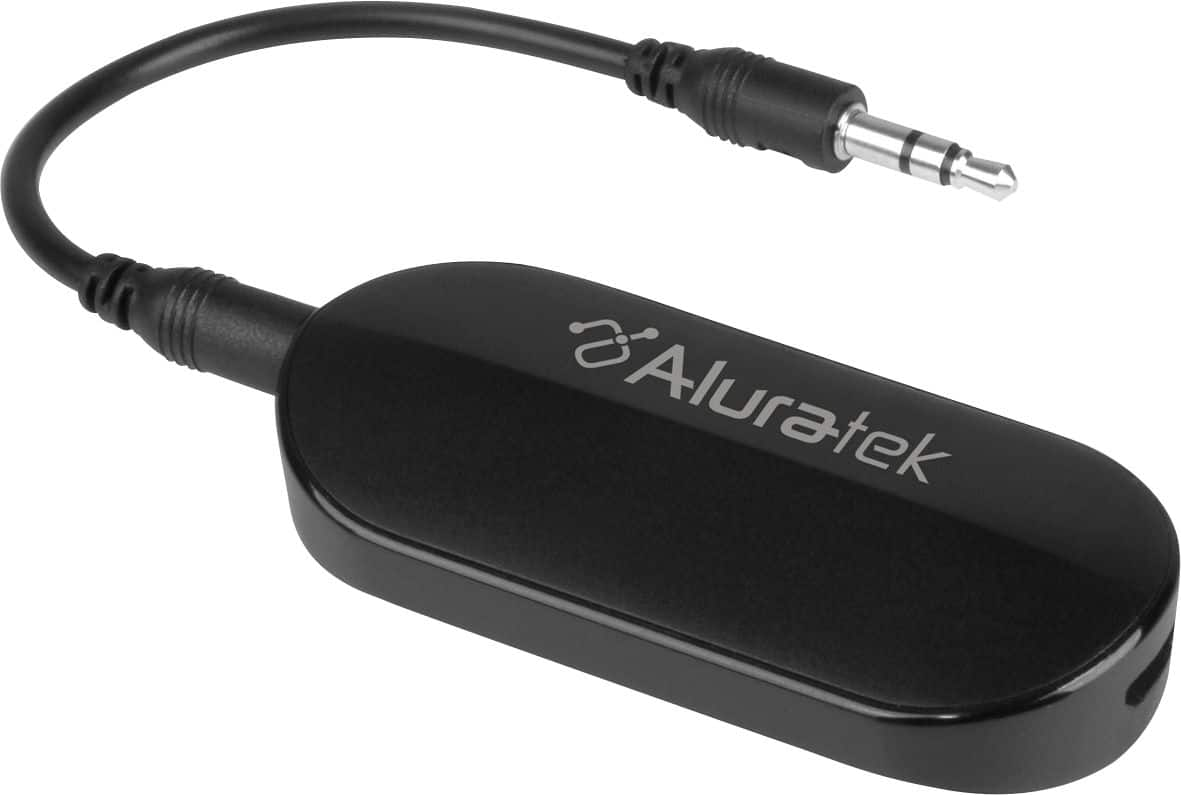
A:AnswerThis is the ABT05F. It is a Bluetooth transmitter only. So if you are sending the audio from the Xbox directly into the ABT05F and then using Bluetooth to send the audio to headphones then it should work.
A:AnswerThe transmitter can connect to Alexa speaker for the sound but for sound to work with both, it will depend on the TV model as some will disable sound when it is connected to a output.