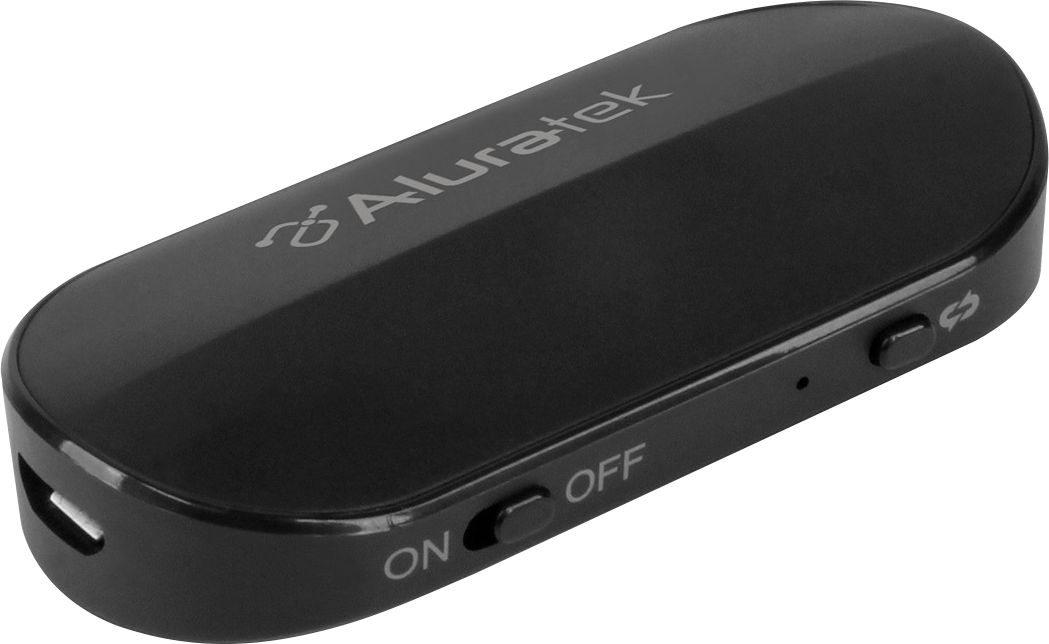
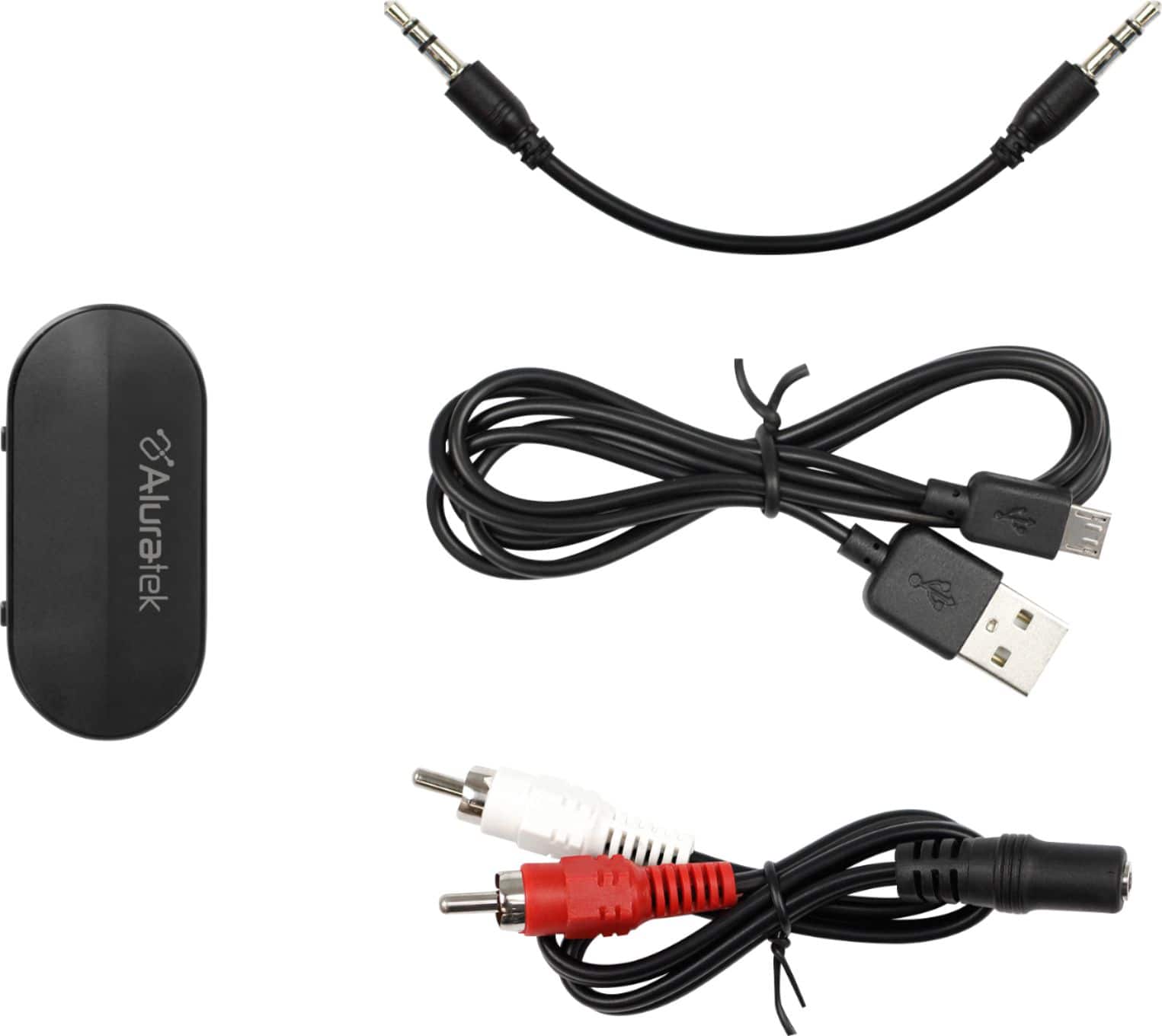
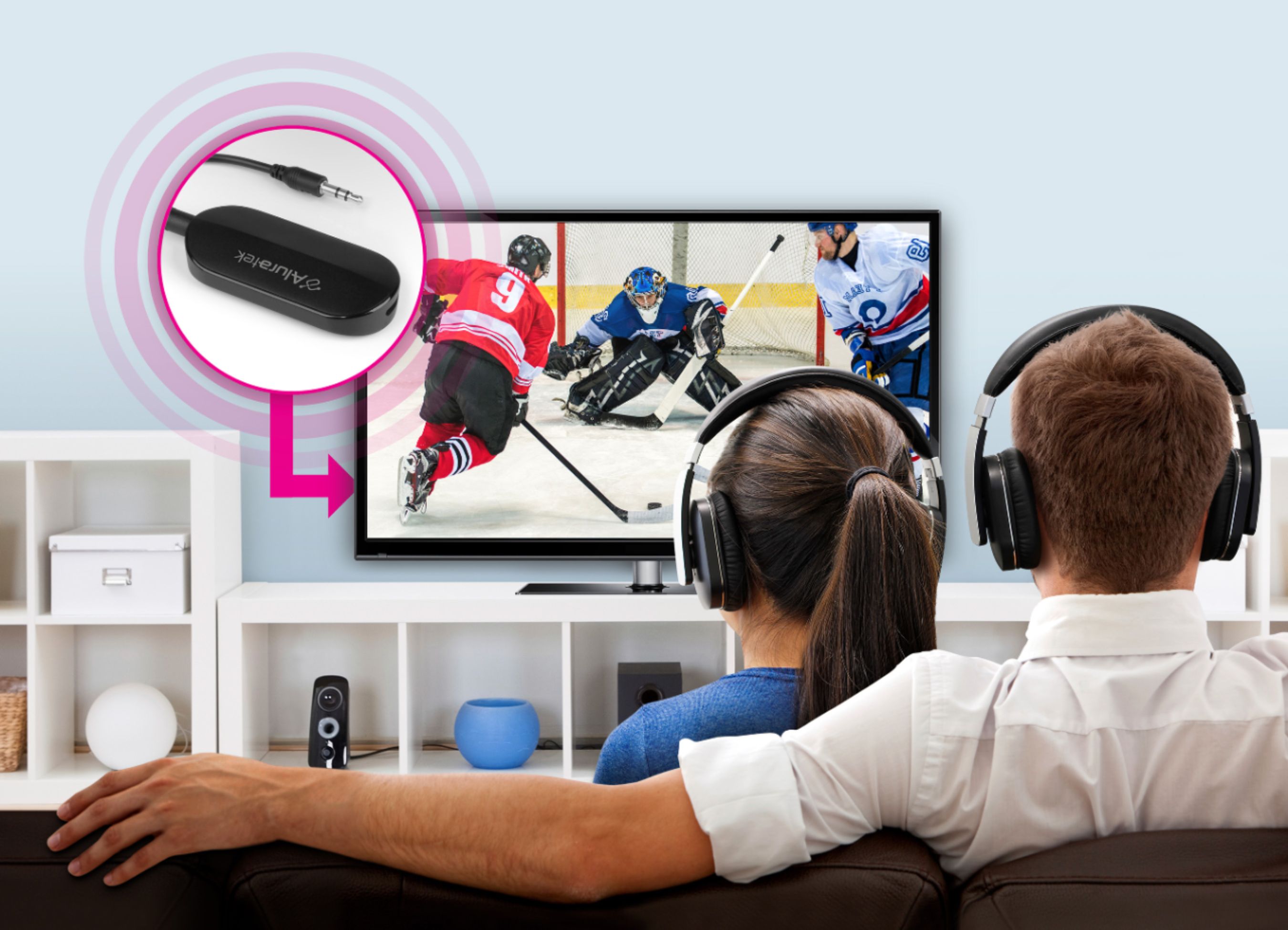
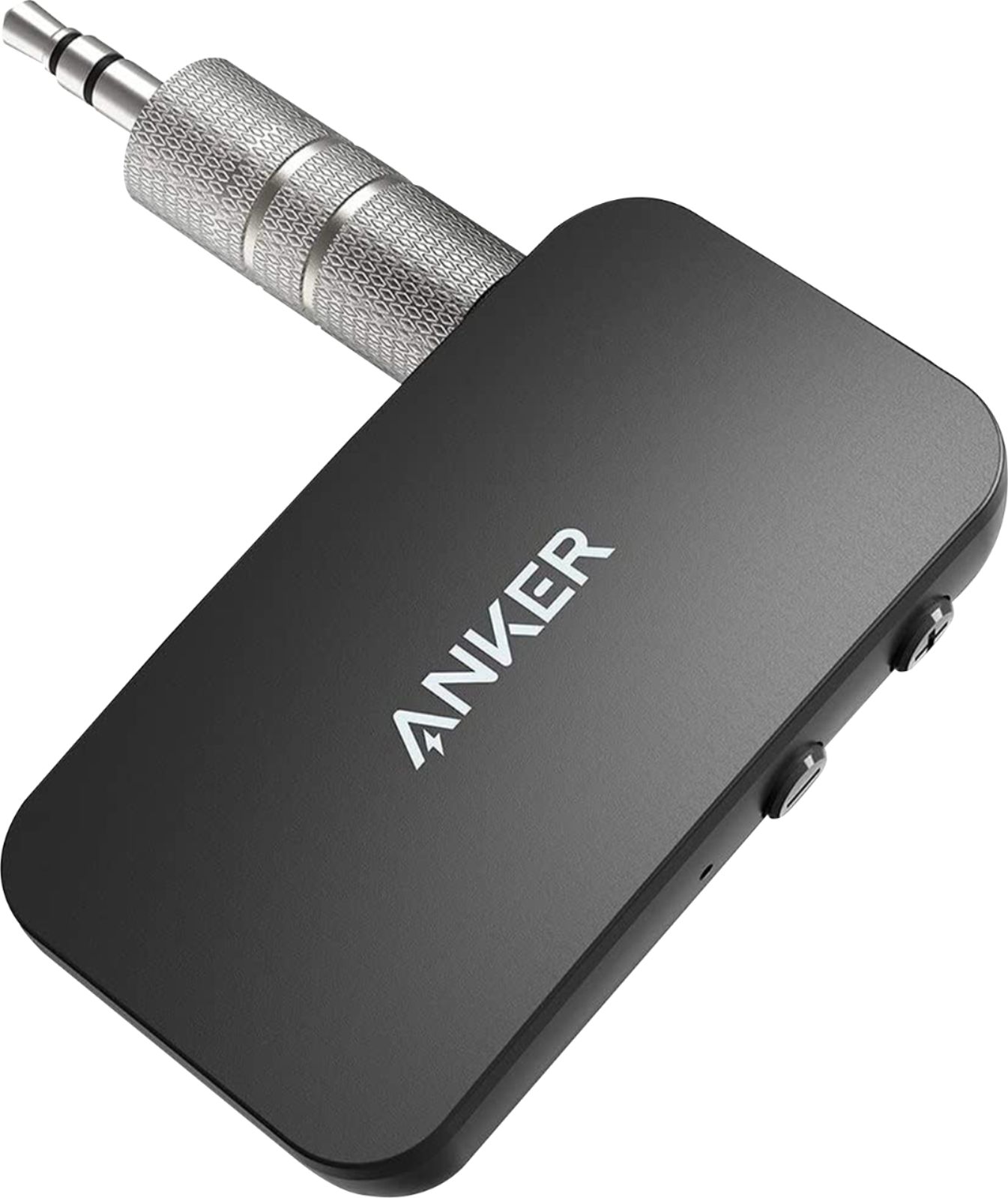
A:AnswerSo long as your projector has a 3.5mm (1/8”) audio output you should be able to use this. Keep in mind that this device has a rechargeable battery. You may wish to keep it plugged into a charger while in use so you don’t lose the audio in the middle of a show.
A:AnswerI searched "signa hearing aids bluetooth" and it seems that at least some of their products do!
see: www(dot)signia(dot)net/en-us/connectivity/
A:AnswerAccording to Reviews of the "Bose QuietComfort 35 II Wireless Bluetooth Headphones", they are not good for TV/Video watching due to high latency (lag).
You could try turning Off the Noise Cancelling and see how much that improves the latency.
A:AnswerI'm presuming your microphone is going to a box that has either 1/8" or RCA audio outputs? then yes... otherwise the question gets more complicated and you may want to look into microphones that have BT built-in.
A:AnswerSeeing as one person got mad because it didn't turn off -- you may be in the right place :-]
I don't know if it was originally designed to power down if the 1/8" audio feed was unplugged, but that probably wouldn't affect you.
A:AnswerI Wish the Switch had built-in BT too; but, I've seen pictures of folks plugging these Transmitters into the headphone jack while the Switch is sitting in the stand to feed the TV...so it stands to reason it will work stand-alone as well.
There are also other BT Tx devices that may be smaller if that is of interest.
A:AnswerYou will probably have to ask the hearing aide company. Some will work with standard Bluetooth, but many require a specific (or specialized) transmitter (even if it is on the same 2.4GHz band). Those transmitters usually cost quite a bit more.
I haven't looked into hearing aides yet myself, but I hope the growing popularity of BT5.1 will get them to come around.
A:AnswerIf the gaming chair has built-in BT, then yes.
If not, you could pair a transmitter with a receiver. Plug the Tx into the game machine, and the Rx into the chairs aux input port.
A:AnswerCould be the quality of the Samsung. We’re using Sennheiser headphones and there’s a minimum of latency. It’s only noticeable if we have the headphones on with the TV volume up so we can hear both. If the TV is turned down, you don’t notice the latency. (I’ve used Sennheisers for 40+ years. Try a pair and you’ll never use anything else. My first pair lasted 23 years…and I _still_ could have gotten parts to fix it! I thought it might be time to update so I bought my 2nd pair.)
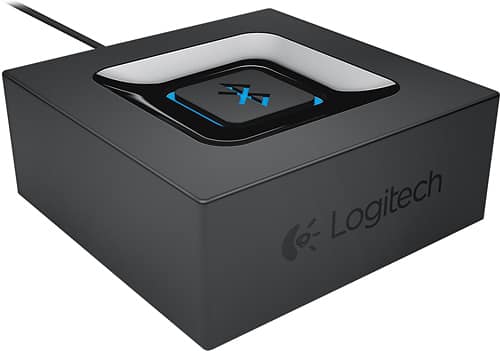
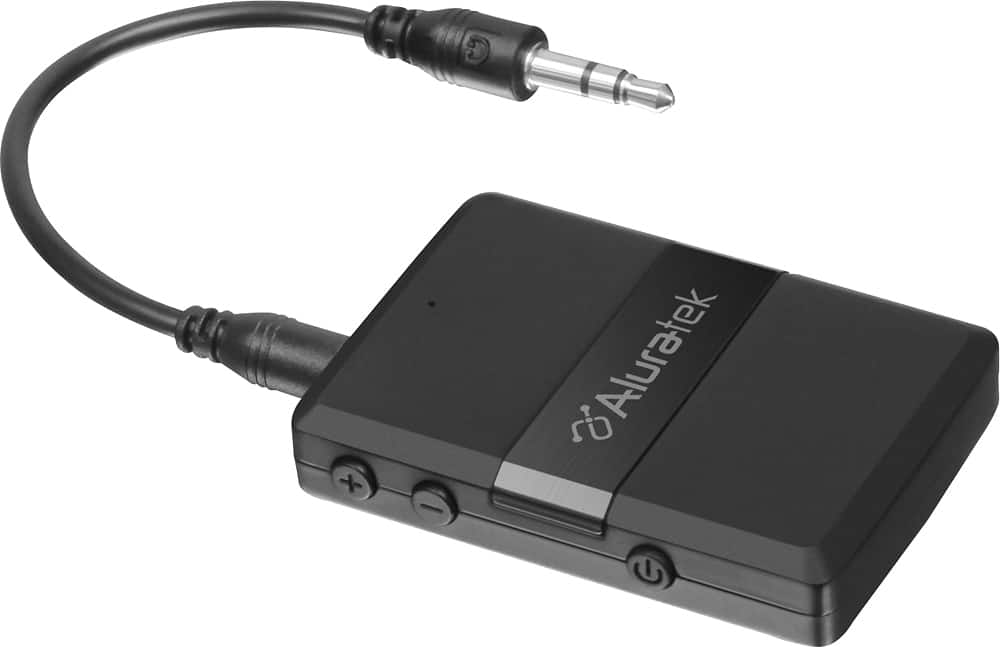
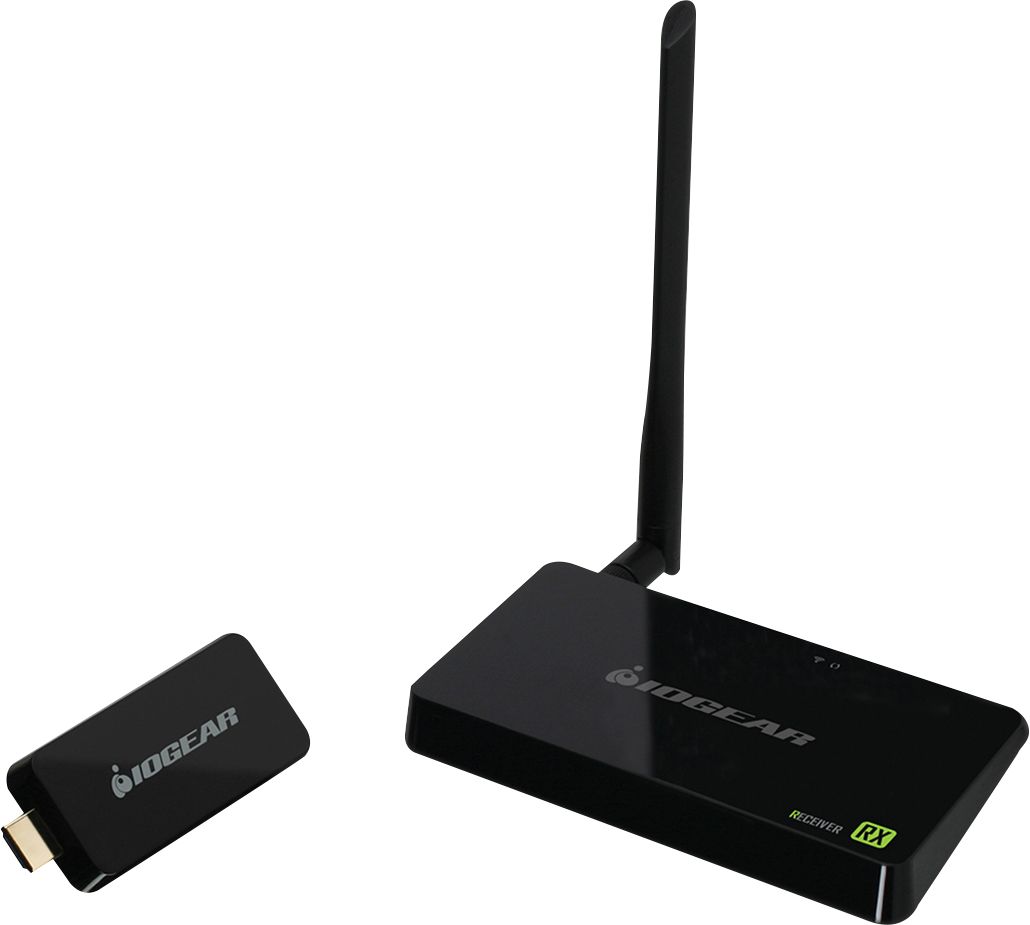
A:AnswerIf the AV out is 3 or more RCA jacks, and 2 of them are Red/White, then you can pick up the Audio there and Transmit it over BT. The video won't work with these simple boxes; if you want wireless Video and you have HDMI then just look up Wireless HDMI and you're in business. (Just remember some of those video transmitters get Hot while working; need ventilation.)
I've marked 2 Random examples below (Not "recommended", just Examples)
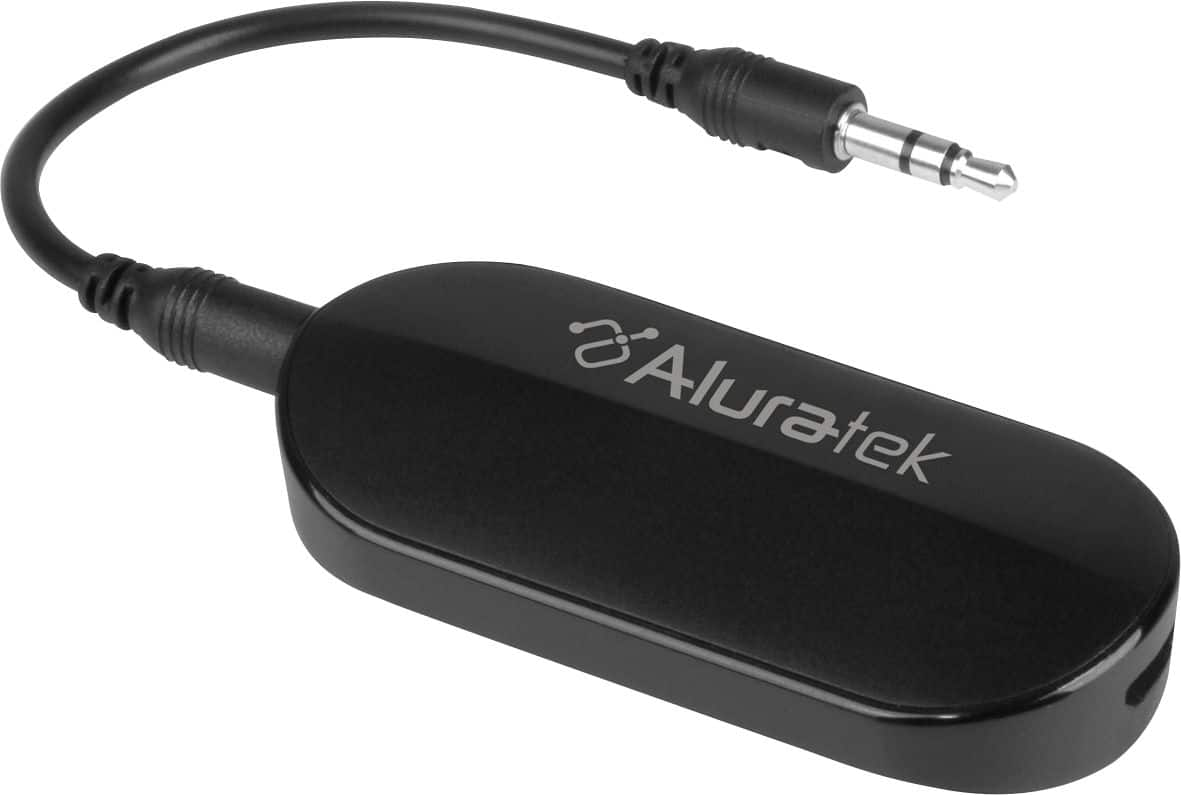
A:AnswerI leave the out audio jack plugged in at all times so it is ready to use for headphones at any time. I do not have a separate sound system and only use the tv speakers. The tv speakers work the entire time the out audio jack is plugged in.